Product Information:
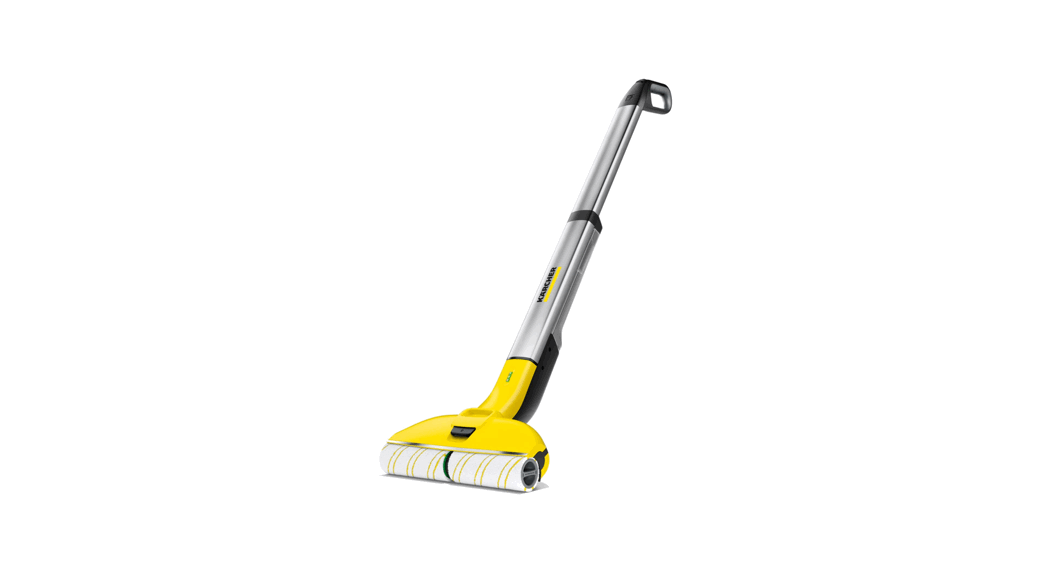
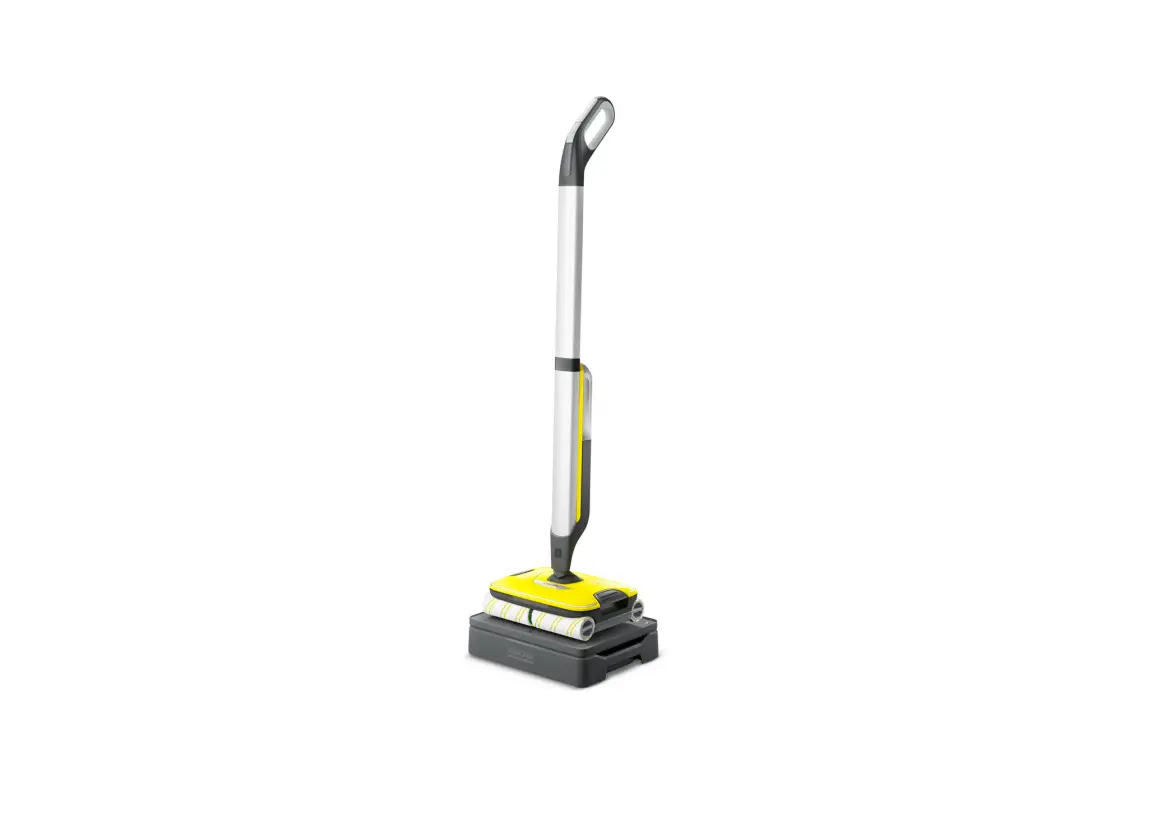
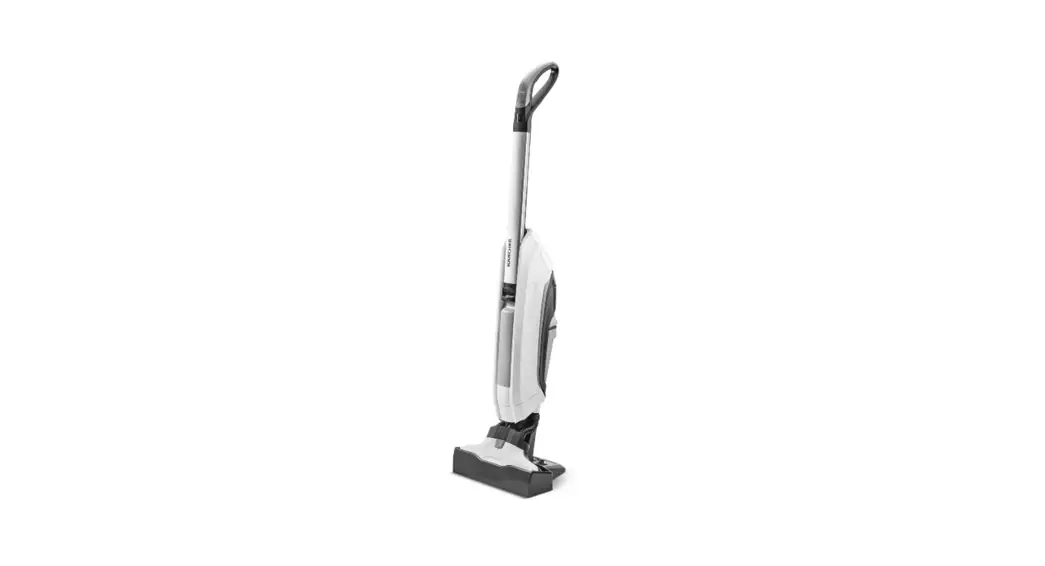
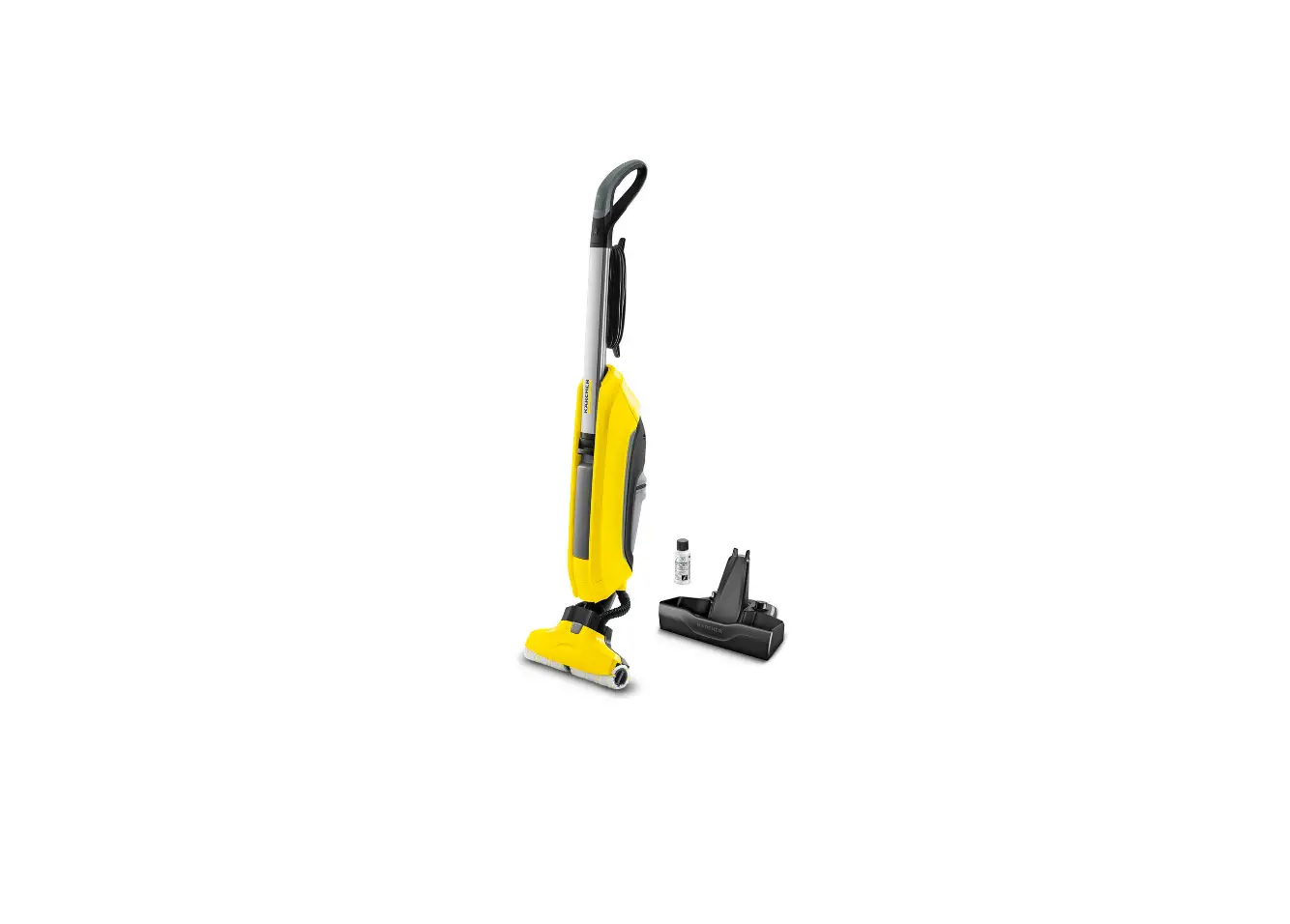
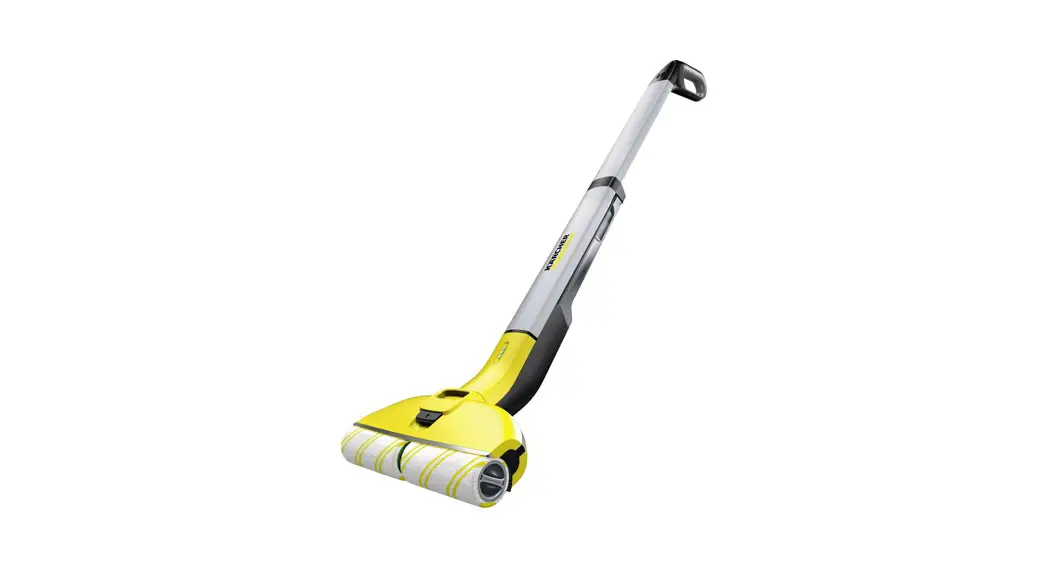
- Product Name: FC 4-4
- Model Number: 5.969-835.0
- Quickstart Guide: www.kaercher.com/fc4-4
Product Usage Instructions:
- Before using the product for the first time, follow these
steps:- Insert the fresh water tank by clicking it into place.
- Insert both charged batteries by clicking them into place.
- Check the battery charge indicator on the display to ensure the
batteries are fully charged. - Check the color code system and follow the instructions
accordingly. - Insert the roller fixation by clicking it into place.
- Press the switch button to turn on/off the product.
- To switch cleaning modes, follow these steps:
- Press the switch button for 3 seconds.
- Wait for about 2 minutes before proceeding.
- To empty the dirty water tank, follow these steps:
- Ensure the product is in Level 1 cleaning mode.
- Click the button to release the dirty water tank and empty
it.
- To clean and store the product, follow these steps:
- Ensure the product is in Level 2 cleaning mode.
- Use Level 2 until the rollers are sufficiently moistened.
- Fill the fresh water tank with 400 ml of water.
- Add 1/2 cap of cleaning solution to the fresh water tank.
- Click the button to release the dirty water tank and empty
it. - Fill the fresh water tank with 100 ml of water for
rinsing. - Add cleaning solution as desired (optional).
- Click the button to release the dirty water tank and empty it
again. - Press the switch button for 3 seconds to turn off the
product.
FIRST STEPS BEFORE USE ERSTE SCHRITTE VOR DEM EINSATZ
1.
2.
MAX
DISPLAY
Battery charge indicator Akkuladestand
Fill fresh water tank / Frischwassertank füllen
Fill in Kärcher detergent (1/2 cap) / Kärcher-Reinigungsmittel einfüllen (1/2 Deckel)
3.
4.
Level 1
“CLICK”
Insert fresh water tank / Frischwassertank einsetzen
“CLICK”
Insert both charged batteries / Geladene Akkus einsetzen
5.
6.
“CLICK” “CLICK”
“CLICK”
“CLICK”
Level 2
Place device upon dirty water tank & push down/Gerät mit Schmutzwassertank verrasten
Check color code system / Farbcodesystem beachten
7.
8.
Roller fixation / Walzen einsetzen
“PUSH”
Press On/Off button and start cleaning / Zum Starten Ein-/Aus-Schalter drücken
Tank level indication: empty dirty water tank and refill fresh water tank Tankanzeige: Schmutzwassertank leeren und Frischwassertank füllen
Switch button EinstellungsTaste
On/Off switch Ein-/AusSchalter
FC 4-4 QUICKSTART GUIDE
First assembly Erstmontage
Prior to first operation, place the battery pack(s) on the charger and charge completely
Scan code for videos Code scannen für Videos
“CLICK”
5.969-835.0 (01/23)
www.kaercher.com/fc4-4
SWITCH CLEANING MODE REINIGUNGSMODUS WECHSELN
Level 1
EMPTY DIRTY WATER TANK SCHMUTZWASSERTANK LEEREN
1.
2.
CLEANING AND STORING REINIGUNG UND AUFBEWAHRUNG
Step 1: Clean the device Schritt 1: Gerät reinigen
1.
2.
Step 2: Store the device Schritt 2: Gerät verstauen
1.
2.
Level 2
USE LEVEL 2 UNTIL ROLLERS ARE SUFFICIENTLY MOISTENED LEVEL 2 VERWENDEN BIS WALZEN AUSREICHEND BEFEUCHTET SIND
3.
4.
“CLICK” “CLICK”
“CLICK”
“CLICK”
REFILL FRESH WATER TANK FRISCHWASSERTANK AUFFÜLLEN
1.
2.
400 ml
3.
4.
1/2 CAP
“CLICK”
3.
4.
“CLICK” “CLICK”
3.
60 °C
“C”LCICLKIC”K”
“CLICK”
5.
6.
7.
4.
5.
100 ml
“CLICK”
“PUSH”
8.
9.
Press 3 sec.
3 Sek. gedrückt halten
6.
7.
“CLICK”
10.
8.
9.
Please wait about 2 min. Bitte ca. 2 Min. warten