Contents hide

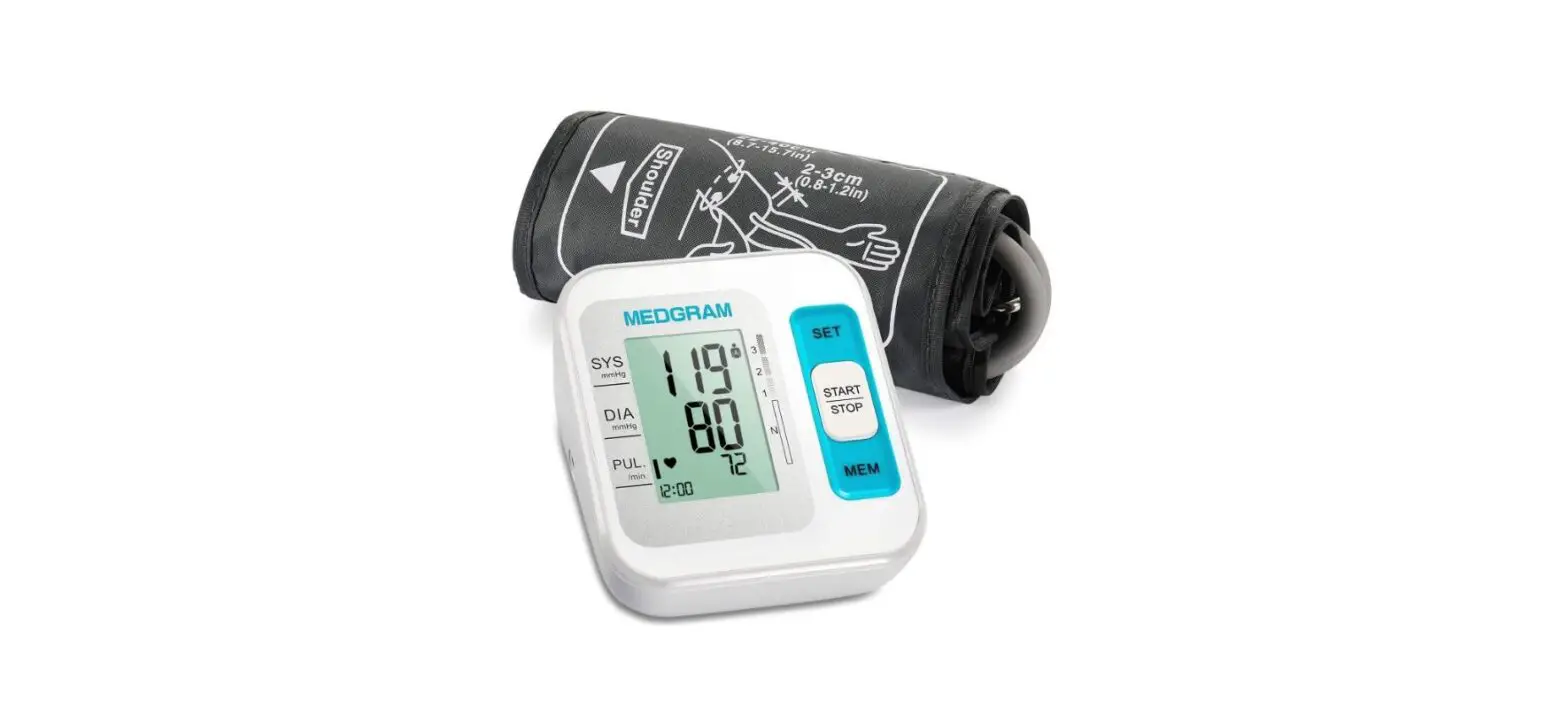
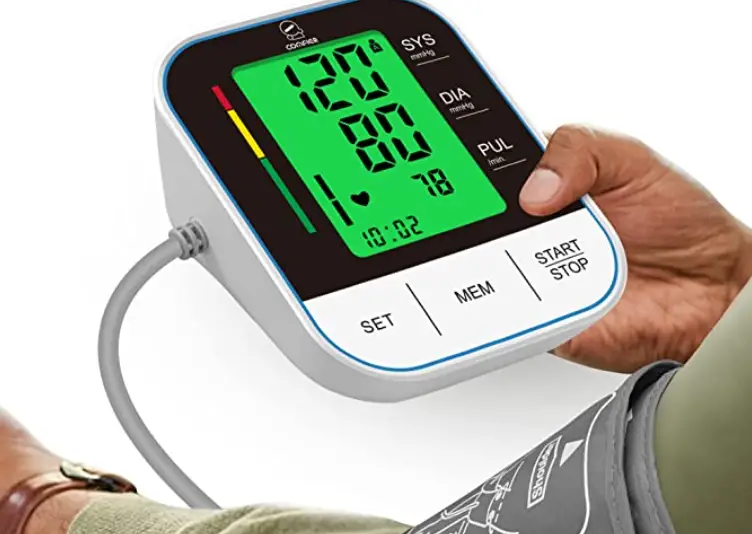
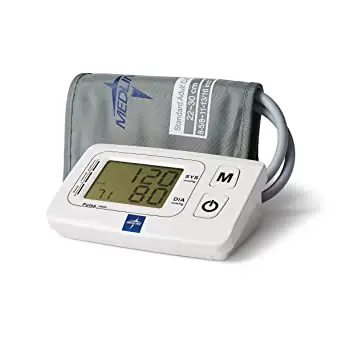
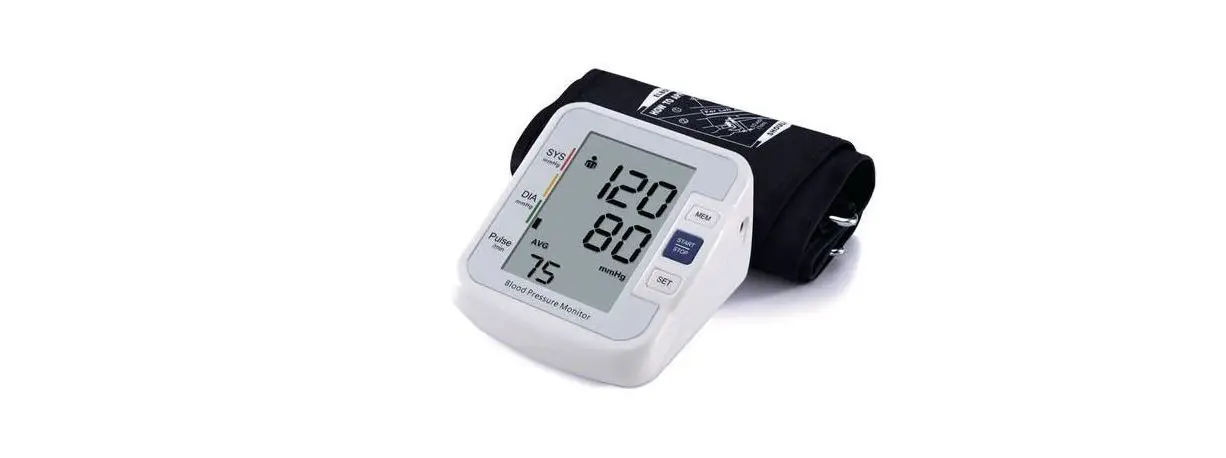
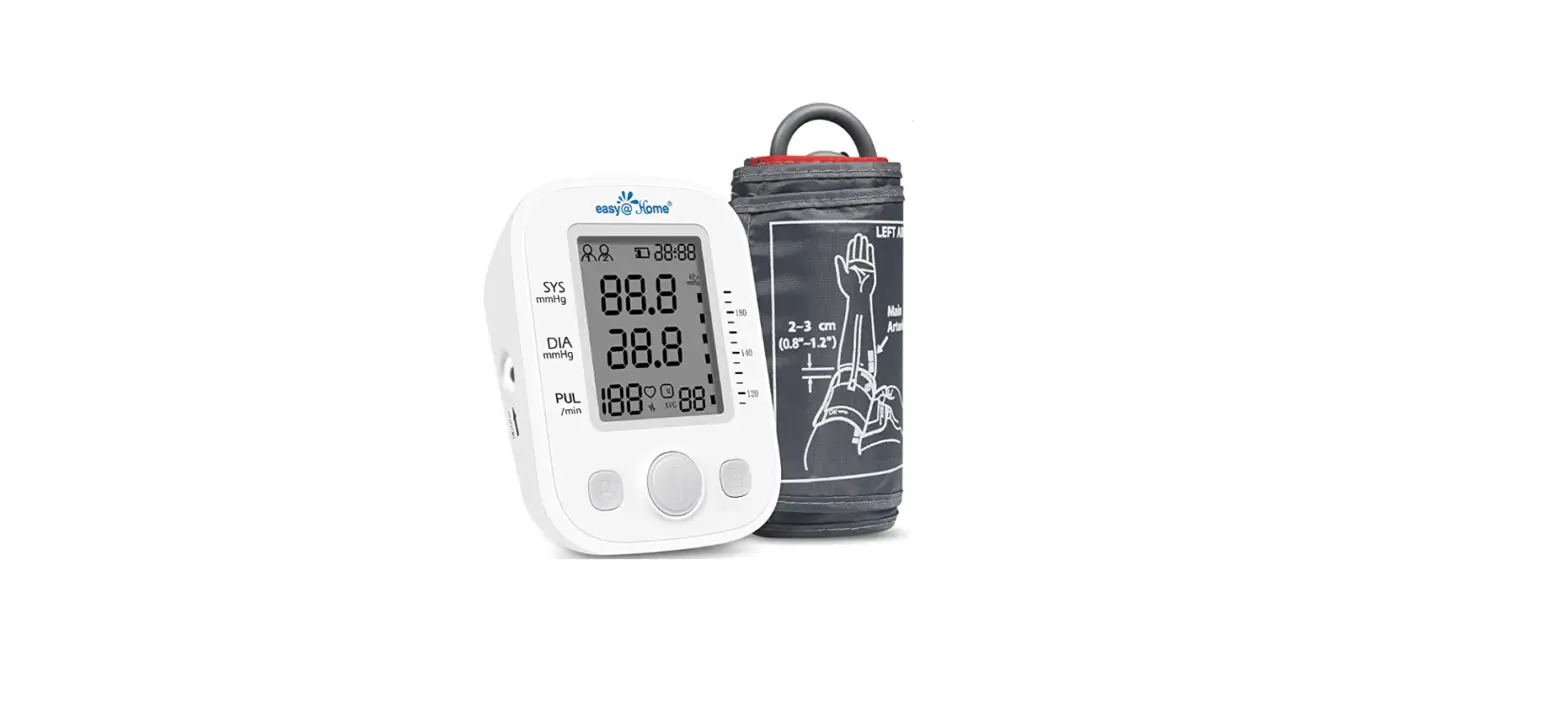
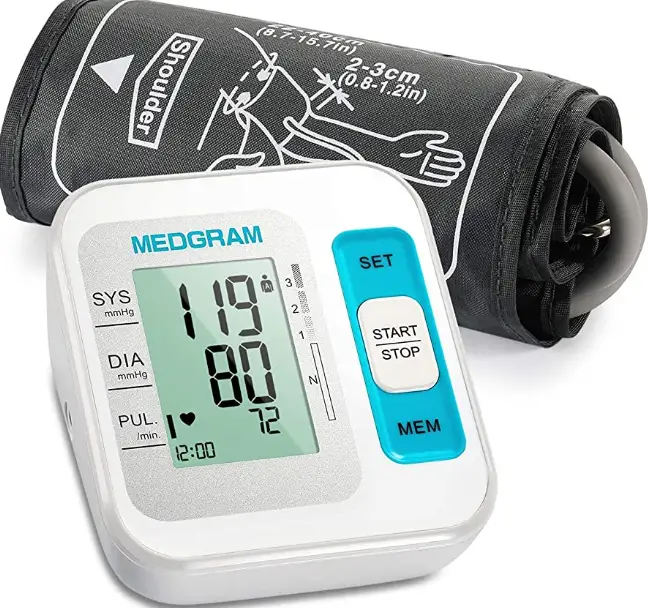
MEDGRAM B26 Multicolor Automatic Digital Display Blood Pressure Monitor
Product Information
The product is a blood pressure monitor that measures blood pressure and pulse rate. It is important to follow the instructions carefully to get accurate readings. The monitor requires 4 AAA size batteries or can be powered by plugging in a micro USB cable. The cuff should be fitted properly and the same arm should be used for measurements every time.
Product Usage Instructions
- Before measurement, avoid eating, smoking or exercise within 30 minutes.
- Empty your bladder and ensure at least 5 minutes of quiet rest before measurements.
- Measure the same arm every time (generally the left arm).
- Measure at the same time every day, such as morning and evening.
- Turn on the power or use 1.5V AAA alkaline batteries (install 4 AAA size batteries).
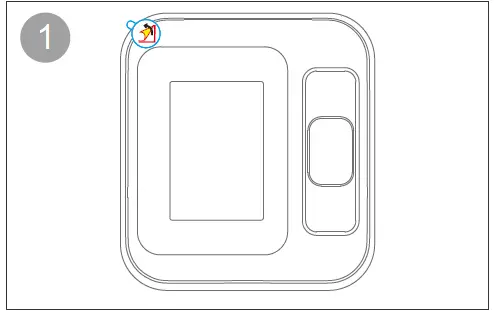
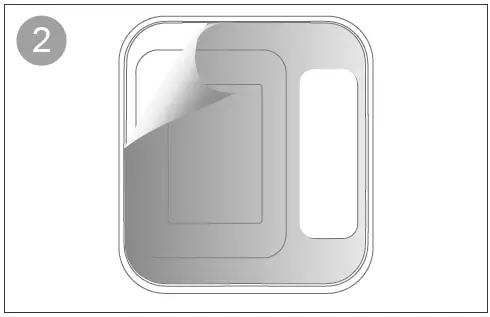
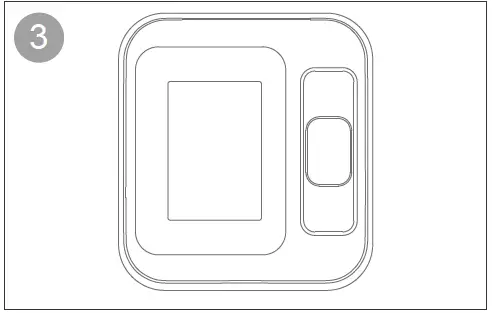
- Remove the screen protector.
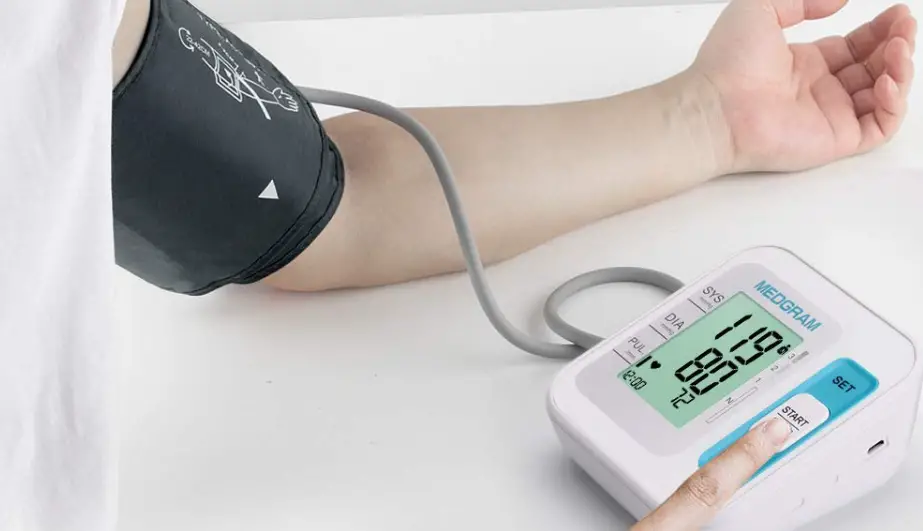
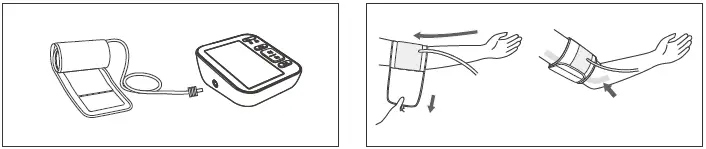
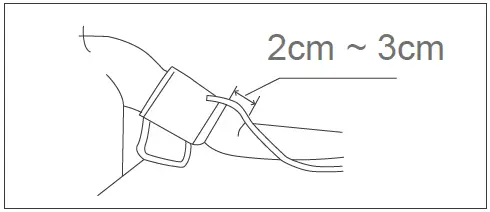
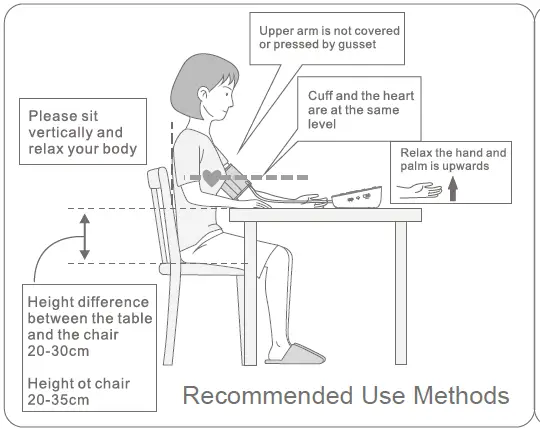
- Fitting the cuff, making sure it is 2cm-3cm away from the elbow joint.
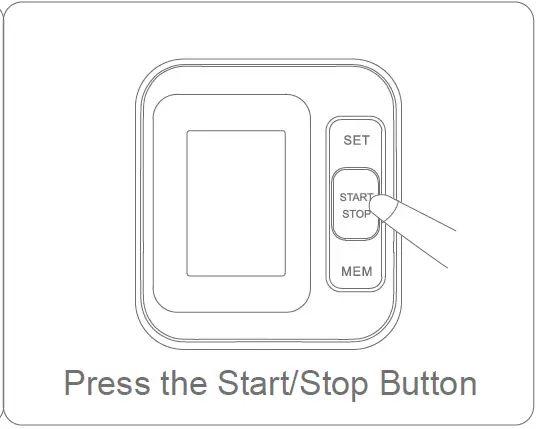
- Press the start/stop button to start the measurement.
If an error occurs during measurement, refer to the error code table in the manual to troubleshoot the issue. If the issue cannot be resolved, contact customer service or send the device back to the local distributor.
- Before measurement, avoid eating, smoking or exercise within 30 minutes.
- Empty your bladder and ensure at least 5 minutes of quiet rest before measurements.
- Measure the same arm every time(generally the left arm)
- Measure at the same time every day, such as morning and evening.
Turn on the Power
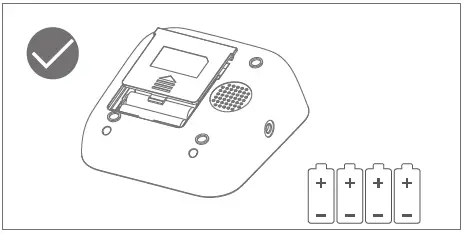 Use 1.5V “AAA” alkaline batteries (Install 4 “AAA” size batteries)
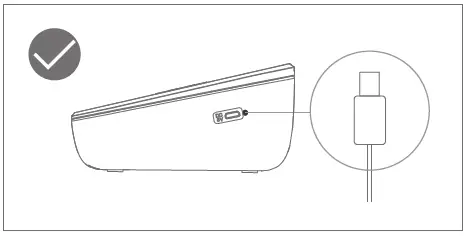 Connect micro USB cable
Remove the Screen Protector
Fitting the Cuff
Measurement Preparation
Start Measurment
Error Indicates
| SYMBOL | CAUSE | CORRECTION |
| No display appears | Weak battery or improper placement | Replace both batteries with new ones. Check the battery installation for proper placement of the battery polarities. |
| Er 2 | Monitor could not detect pulse wave or cannot calculate the blood pressure data | Check if the air releasing is too slow or not. If it is too slow, please check if there is any dust in the tube plug of the cuff and the cuff port in the device. If yes, please clean and start the measurement again. If no, please send the device back to the local distributor. |
| Er 4 | Too loose cuff or air leakage (Cannot inflate to 30mmHg within 15s) | Tie the cuff correctly and make sure the air plug is properly inserted in the unit |
| Er 5 | The air tube is crimped | Correct it and make the measurement again |
| Er 6 | The sensor is sensing great fluctuation in the pressure | Please keep quiet and don’t move |
| Er 7 | The pressure that the sensor sensing is over the limit | Please send back to the local distributor |
| Er 8 | The demarcation is incorrect or the device has not been demarcated | Please send back to the local distributor |