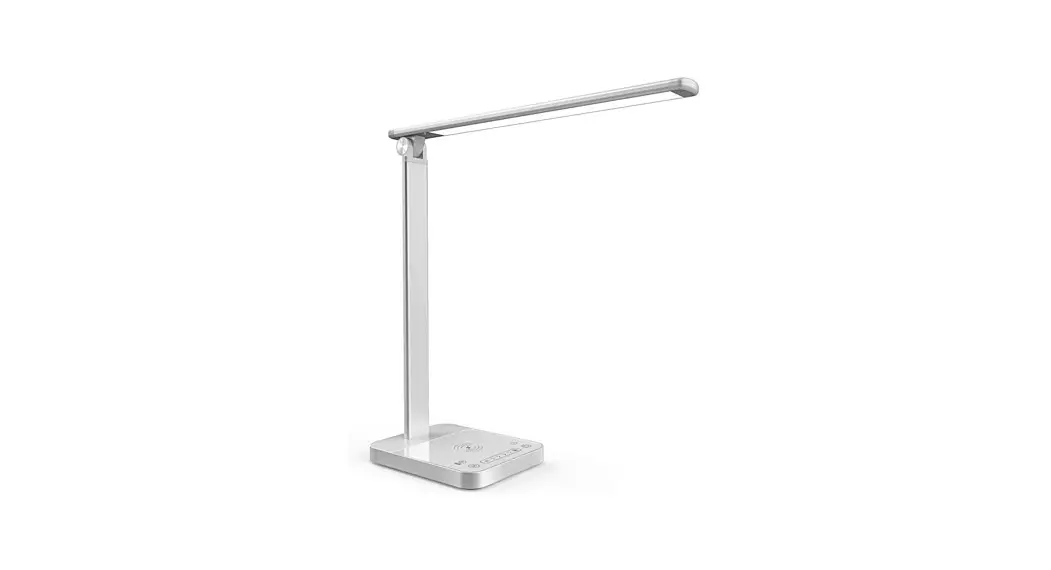
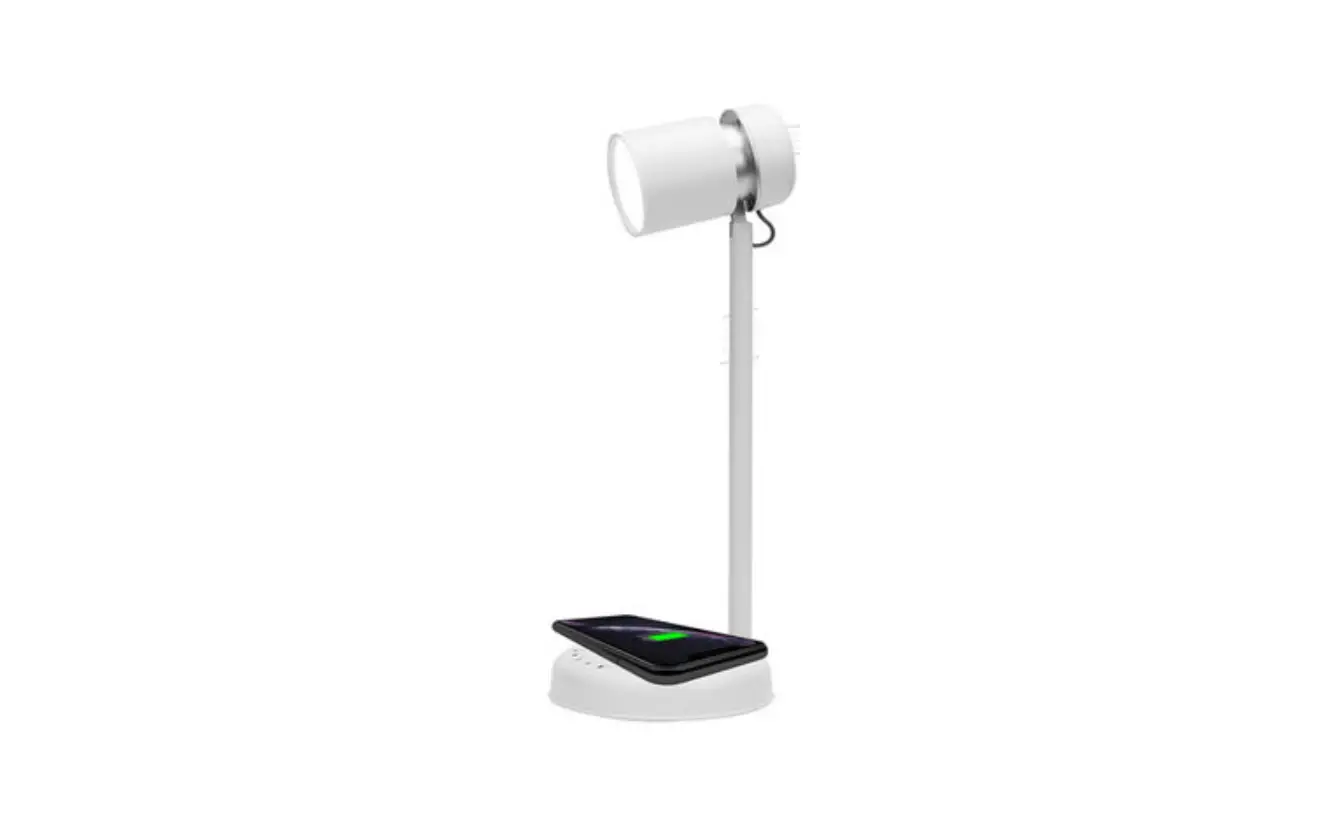
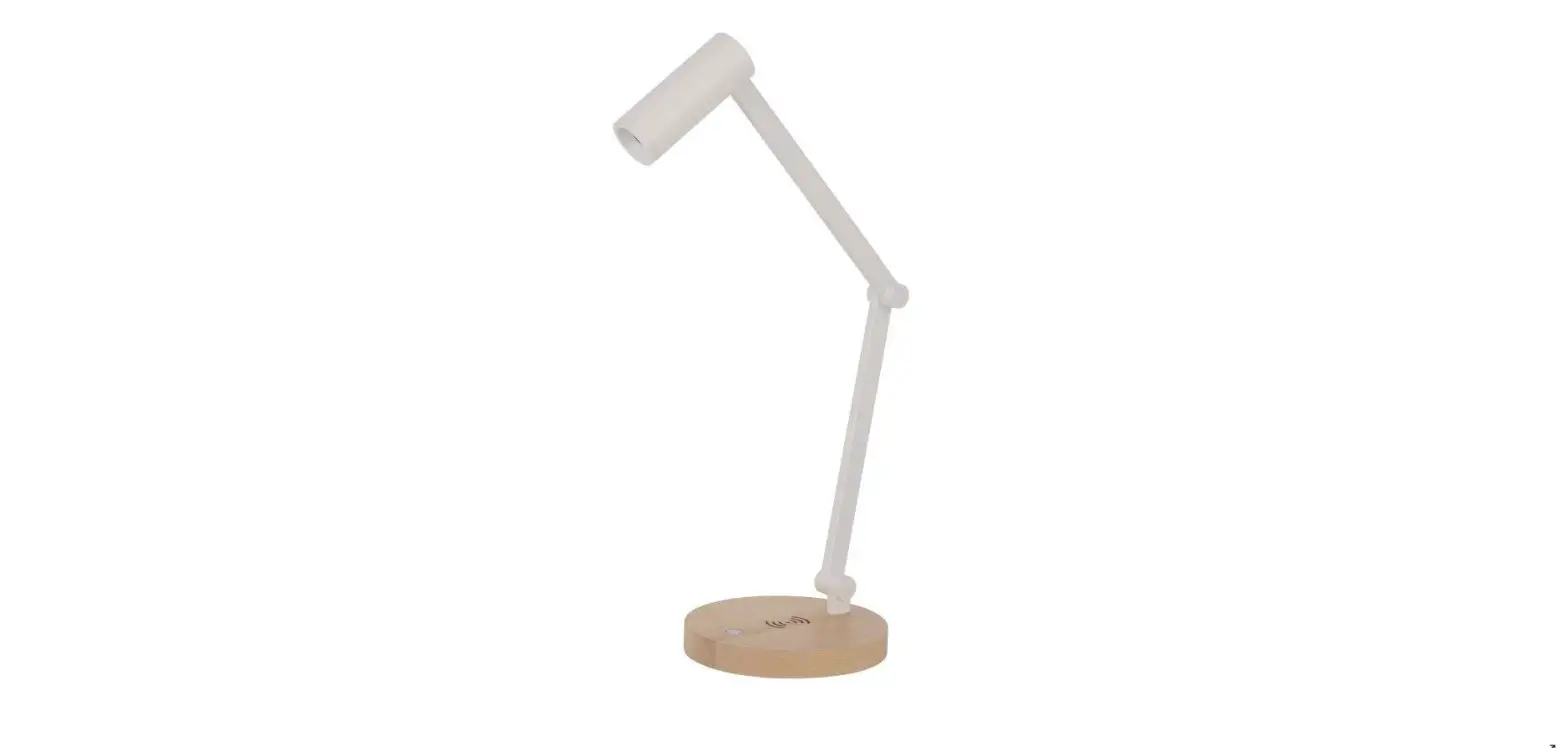
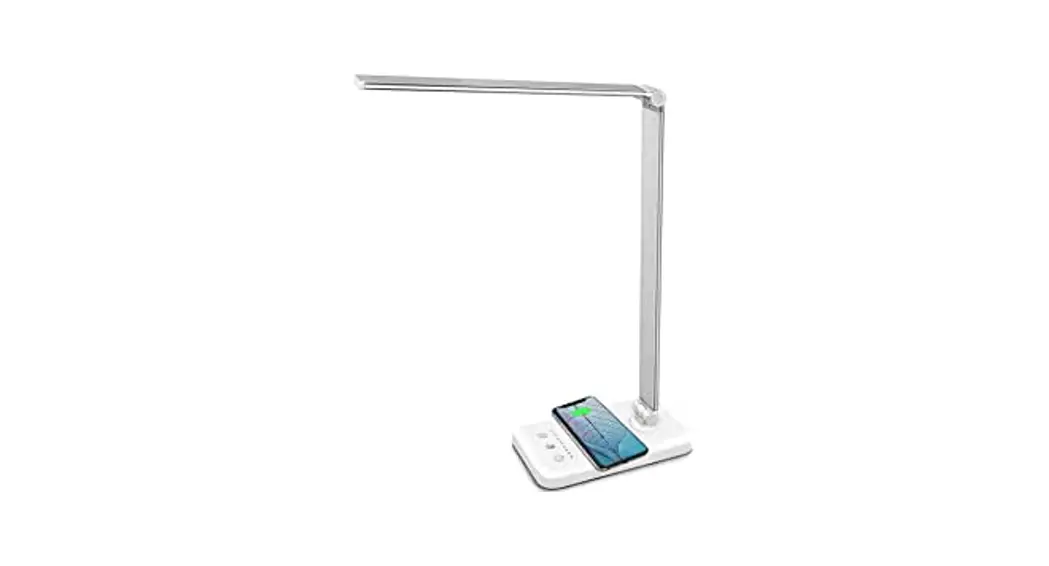
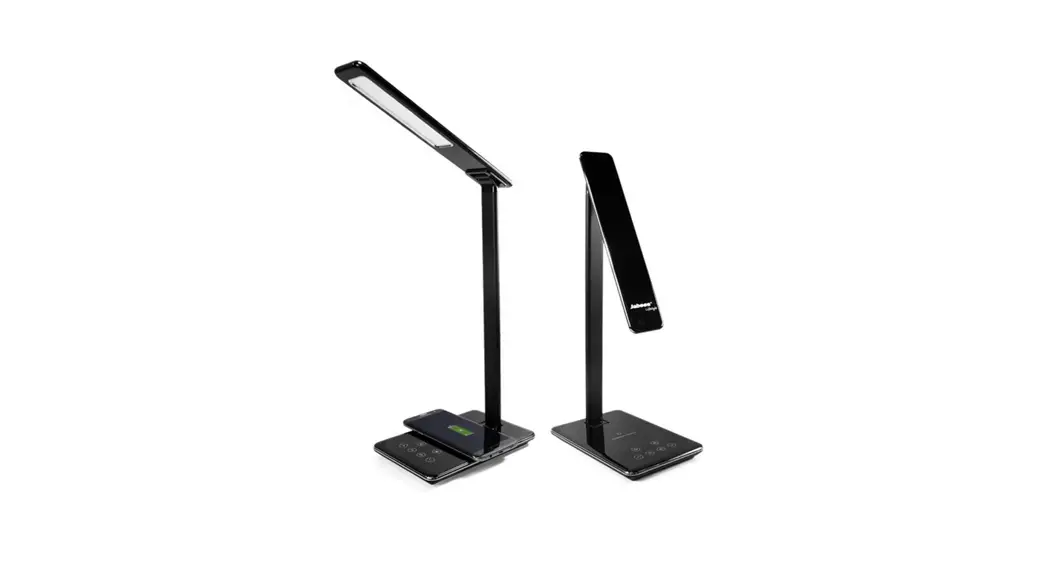
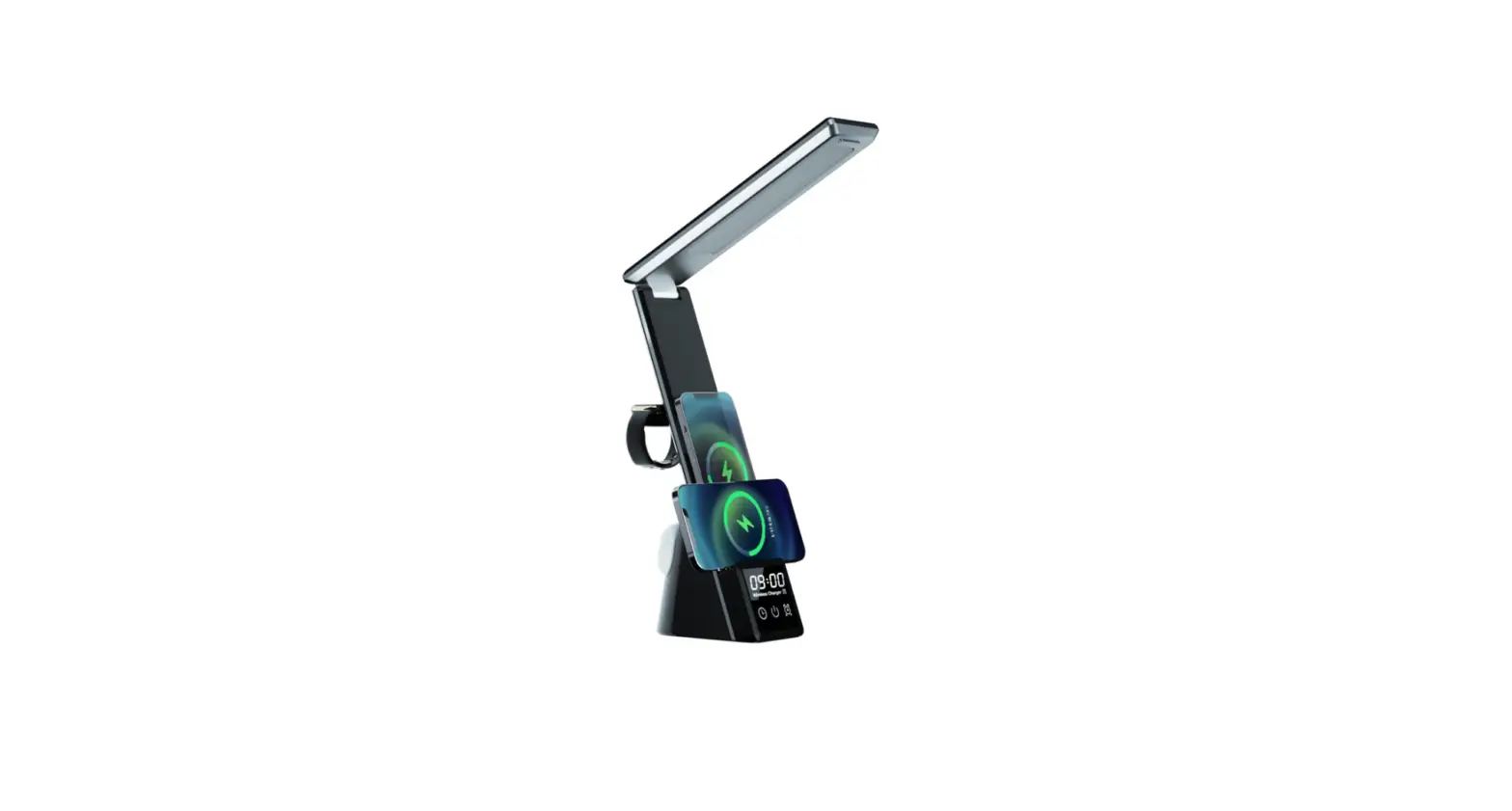
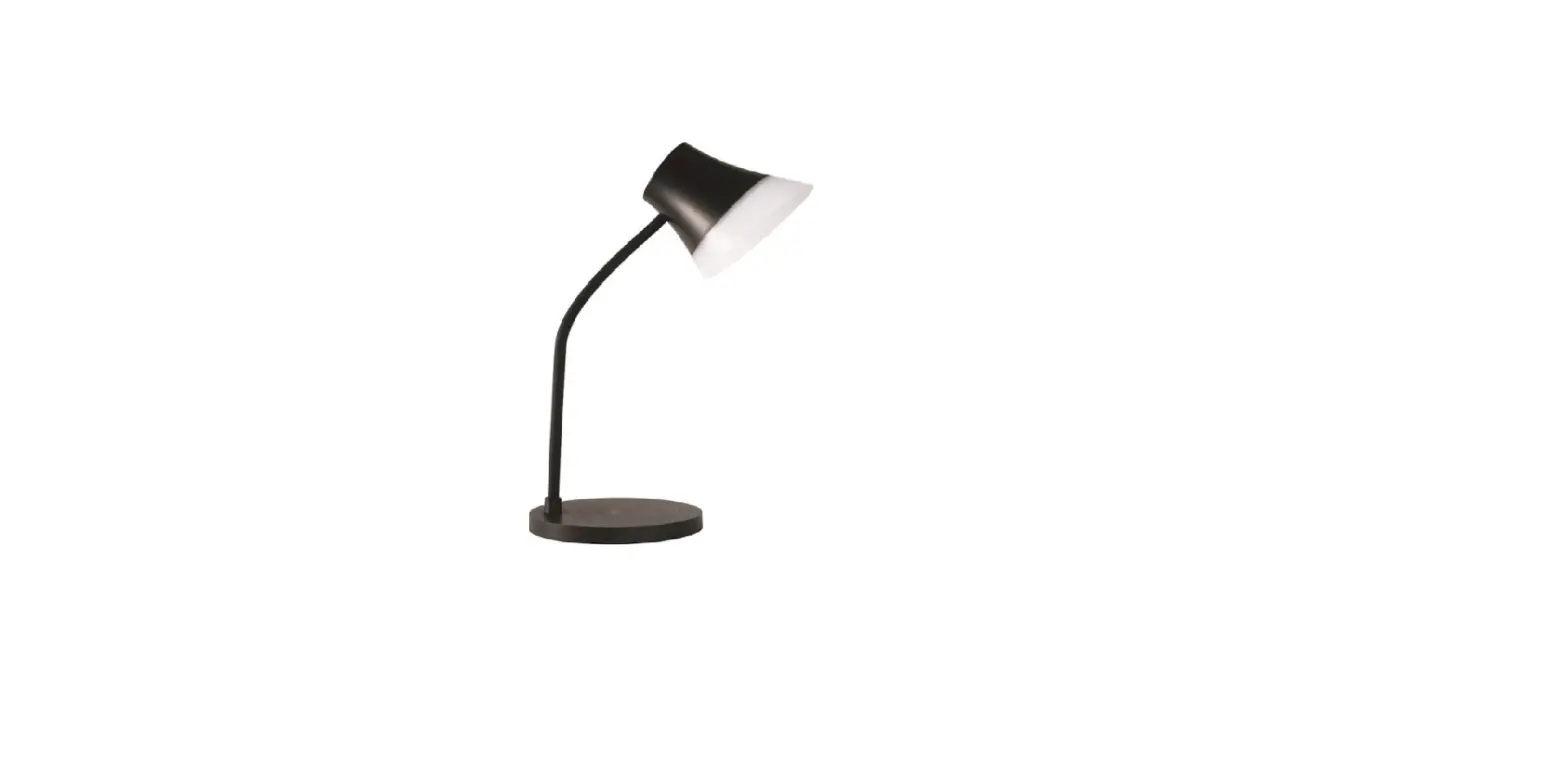
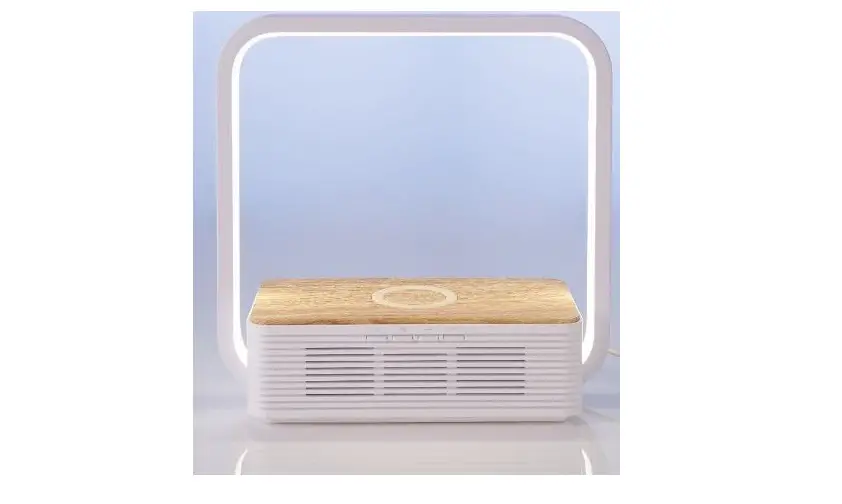
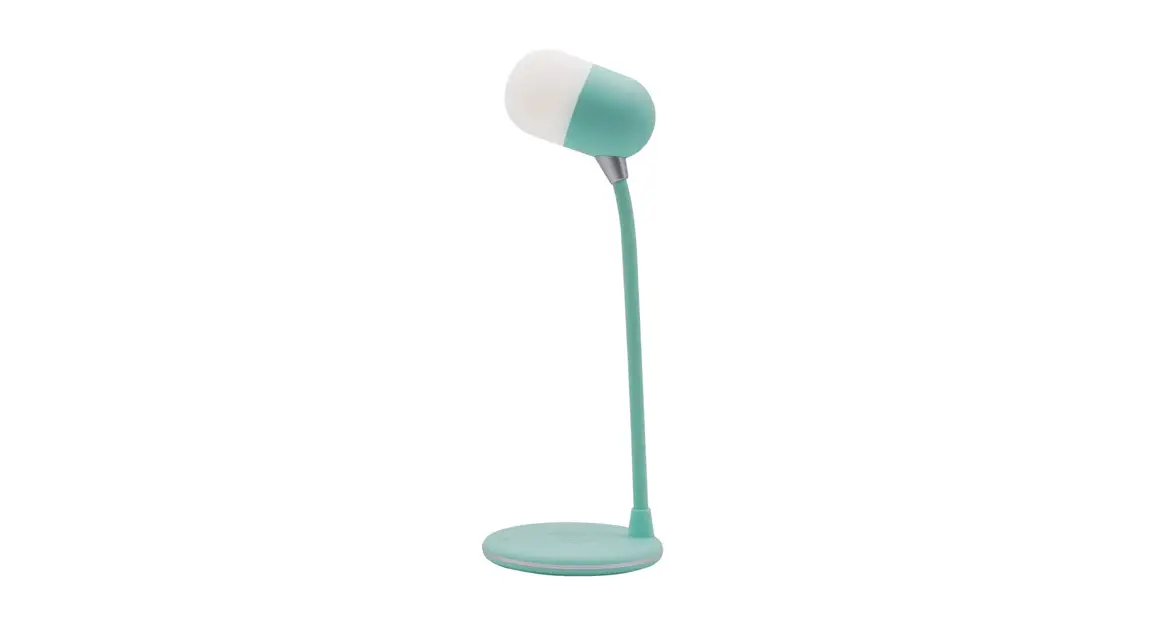
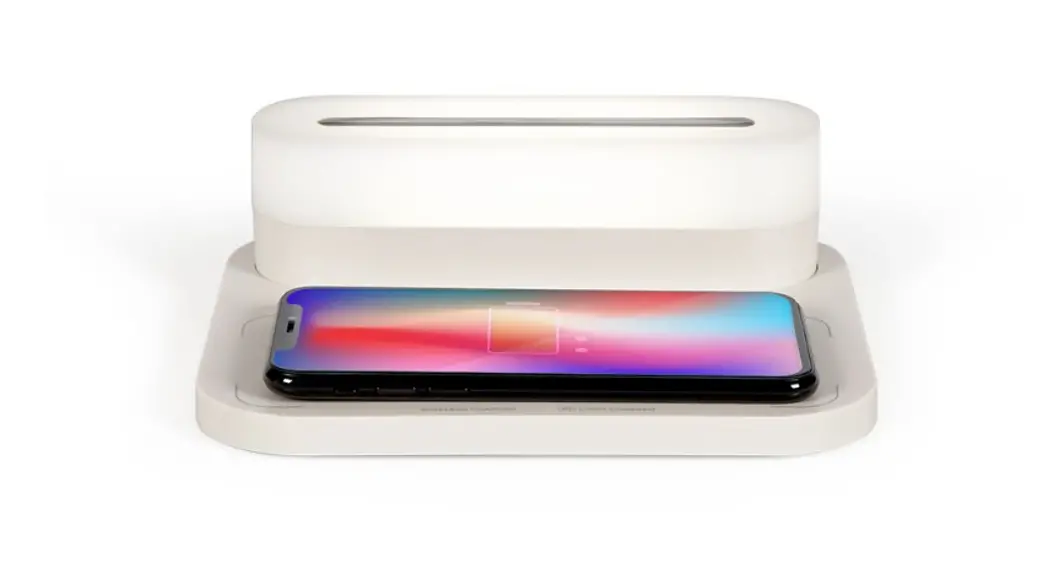
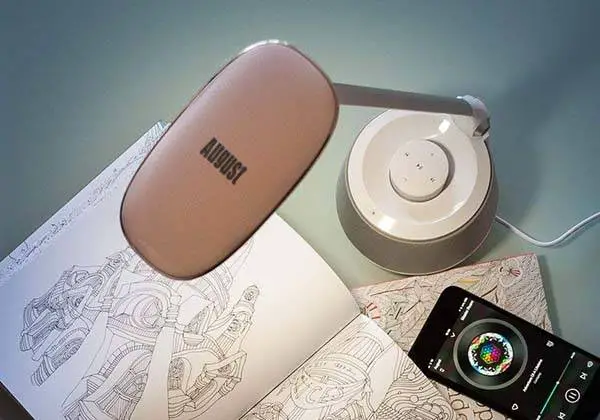
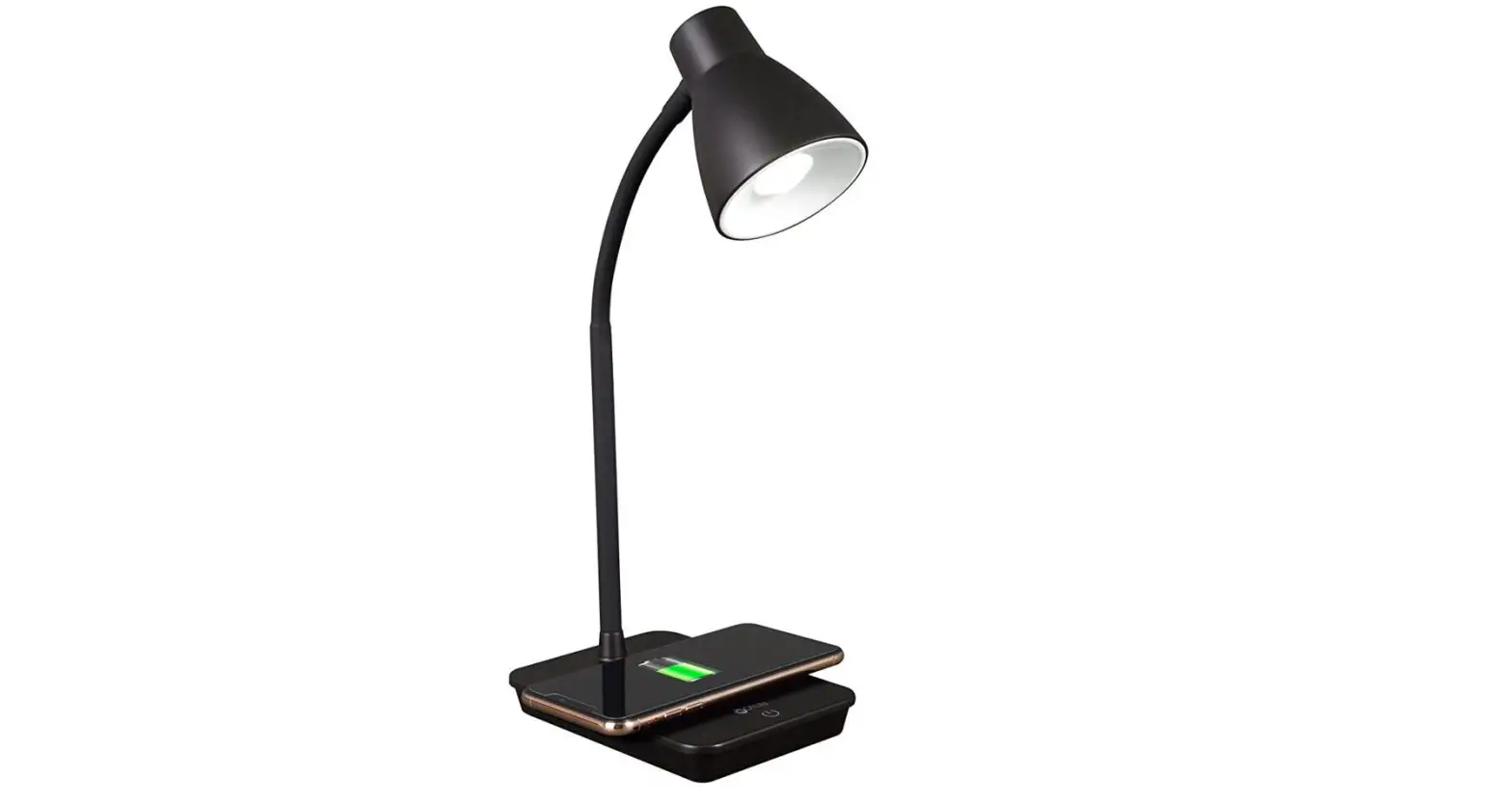
H1 3 In 1 Table Lamp with Bluetooth Speaker and Wireless Charging Pad
Product Information
The H13&1 Table Lamp is a multi-functional LED lamp that
also serves as a Bluetooth speaker, wireless charging pad, and
touch switch pilot lamp. The lamp is made of ABS and silica gel
material and is available in white color. It has a Bluetooth
version of V 5.3, a rated power of 10W, and a horn specification of
40mm 4 5W. The lamp has a Bluetooth distance of 10 meters and
features 7 white lights and 7 warm lights with a color temperature
of 4000-6000(K). It has an input power of 5V 2A or 9V 3A and an
output power of 5W/7.5W/10W. The package includes an instruction
manual and a USB power supply line.
Product Usage Instructions
To use the H13&1 Table Lamp, please follow the instructions
below:
- LED Lamp: Short press the touch button to
switch between three light modes. Press once to turn on the cool
light mode, twice to switch to the warm light mode, and three times
to switch to the cold and warm color mixing mode. Long press the
touch button to infinitely dim the light. - Bluetooth Speaker: The lamp can be connected
to your device via Bluetooth. Turn on the lamp’s Bluetooth function
and search for available devices on your phone. Connect to the
H13&1 Table Lamp to start playing music through the lamp’s
speaker. - Wireless Charging Pad: Before charging, make
sure that your mobile phone has wireless charging function, such as
IPHONE8 or other higher-version brand phones. Place your phone on
the wireless charging panel and aim it at the wireless charging
area. The indicator light will turn on, and your phone will start
automatic wireless charging. When the wireless charging starts to
work, the indicator will flash slowly. - Touch Switch Pilot Lamp: The lamp has a touch
switch pilot lamp that can be turned on or off by touching the
button on the lamp.
Please note that the H13&1 Table Lamp complies with FCC
radiation exposure limits and should be installed and operated with
a minimum distance of 20cm between the radiator and your body.
H13&1
LED
80x125x400mm ABS+ V 5.3 10W 40mm 4 5W 10 LED7+7 4000-6000(K) 5V 2A9V 3A 5W/7.5W/10W X1USBX1 1.LED A. B.
2. USB “H1 Mini Lamp”,
3. IPHONE8
H13&1Table lamp
Instructions
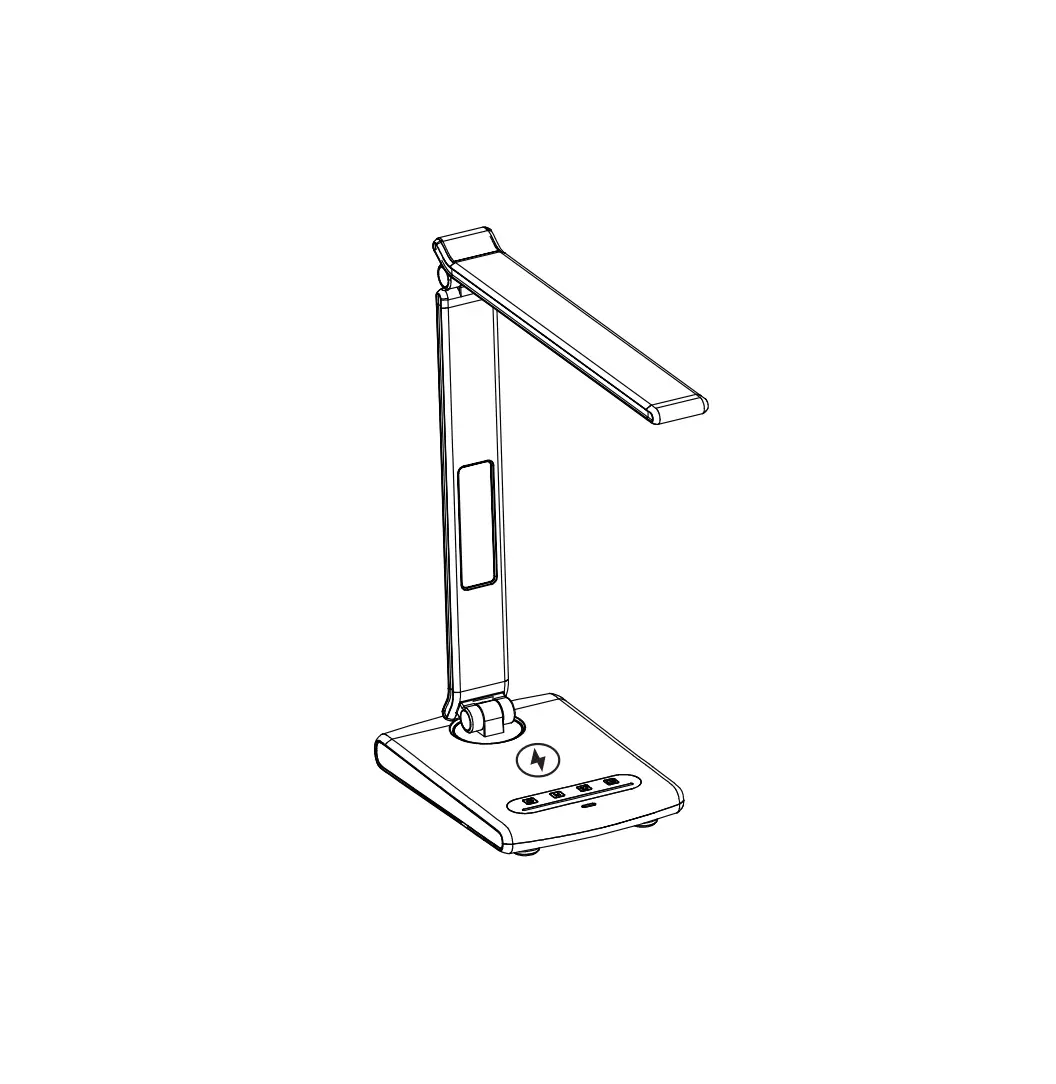
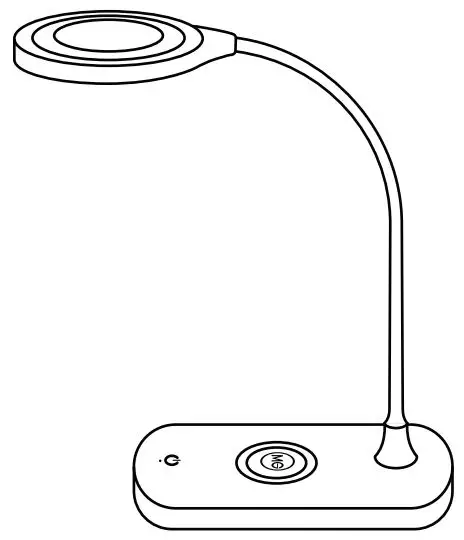
Functional diagram
Bluetooth speaker LED lam p
flexible pipe
Wireless charging pad
To u ch sw itch pilot lam p
parameter
Product size80x125x400cmm materialABS+silica gel colourwhite Bluetooth versionV 5.3 Rated power10W Horn specification40mm 4 5W Bluetooth distance10 meters Number of LED7 white lights+7 warm lights colour temperature4000-6000(K) Input power5V 2A or 9V 3A output power 5W/7.5W/10W Accessories:Instructions X 1,USB Power supply line X 1
Function
1. LED lamp A. Short press the touch button(three light modes) Short press once to turn on the cool light mode Short press twice to switch the warm light mode Briefly press three times to switch the cold and warm color mixing mode B. The above three lights can be infinitely dimmed in the long press mode
2. Bluetooth function After plugging in the USB cable for power supply, the Bluetooth speaker function will start automatically, turn on the Bluetooth device such as mobile phone or tablet computer, and let it be in the state of searching for Bluetooth. After a few seconds, the Bluetooth device will find the Bluetooth speaker with the search name of “H1 Mini Lamp”. Click to select this Bluetooth speaker, and then the device will prompt that the Bluetooth pairing is successful. Then you can start playing the music in the device through the speaker.
3. Before charging, please ensure that your mobile phone has wireless charging function, such as IPHONE8, or other brand phones with higher version. Place the mobile phone on the wireless charging panel, aim the mobile phone at the wireless charging area, and the indicator light will be on, then the mobile phone will start automatic wireless charging; When the wireless charging starts to work, the indicator will start to flash slowly.
FCC statement: This device complies with Part 15 of the FCC rules. Operation is subject to the following two conditions: 1) this device may not cause harmful interference, and 2) this device must accept any interference received, including interference that may cause undesired operation. Note: This equipment has been tested and found to comply with the limits for a Class B digital device, pursuant to part 15 of the FCC Rules. These limits are designed to provide reasonable protection against harmful interference in a residential installation. This equipment generates uses and can radiate radio frequency energy and, if not installed and used in accordance with the instructions, may cause harmful interference to radio communications. However, there is no guarantee that interference will not occur in particular installation. If this equipment does cause harmful interference to radio or television reception, which can be determined by turning the equipment off and on, the user is encouraged to try to correct the interference by one or more of the following measures: –Reorient or relocate the receiving antenna. –Increase the separation between the equipment and receiver. –Connect the equipment into an outlet on a circuit different from that to which the receiver is connected. –Consult the dealer or an experienced radio/TV technician for help. Changes or modifications not expressly approved by the party responsible for compliance could void the user’s authority to operate the equipment. Radiation Exposure Statement This device complies with FCC RF radiation exposure limits set forth for an uncontrolled environment. This transmitter must not be co-located or operating in conjunction with any other antenna or transmitter. During the operation of device a distance of 15 cm surrounding the device and 20 cm above the top surface of thedevicemust be respected. FOR BLE
This equipment complies w it h FCC radiat ion exposure limit s set fort h for an
uncontrolled environment. This equipment should be installed and operated with minimum distance 20cm between the radiator and your body.