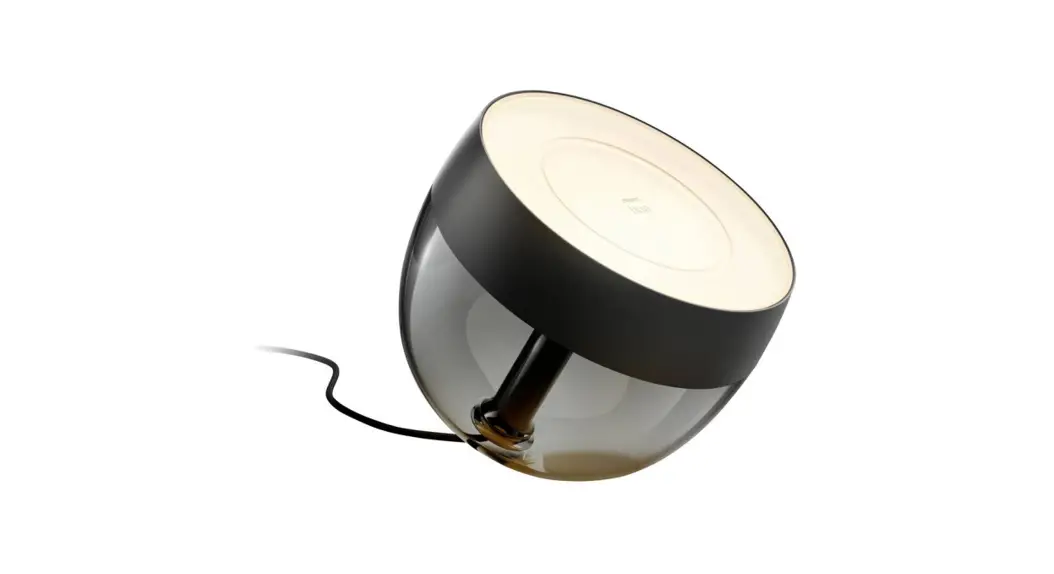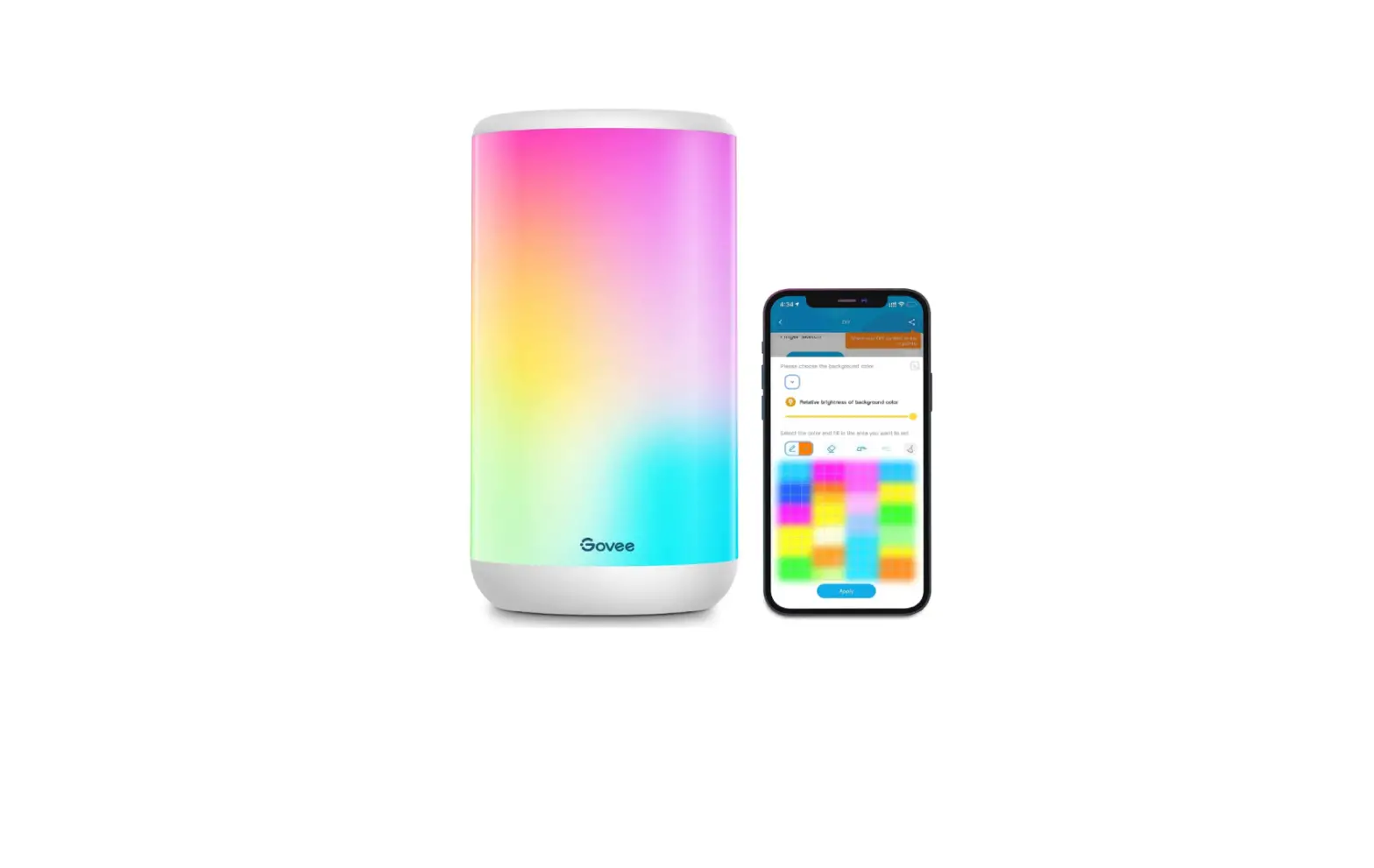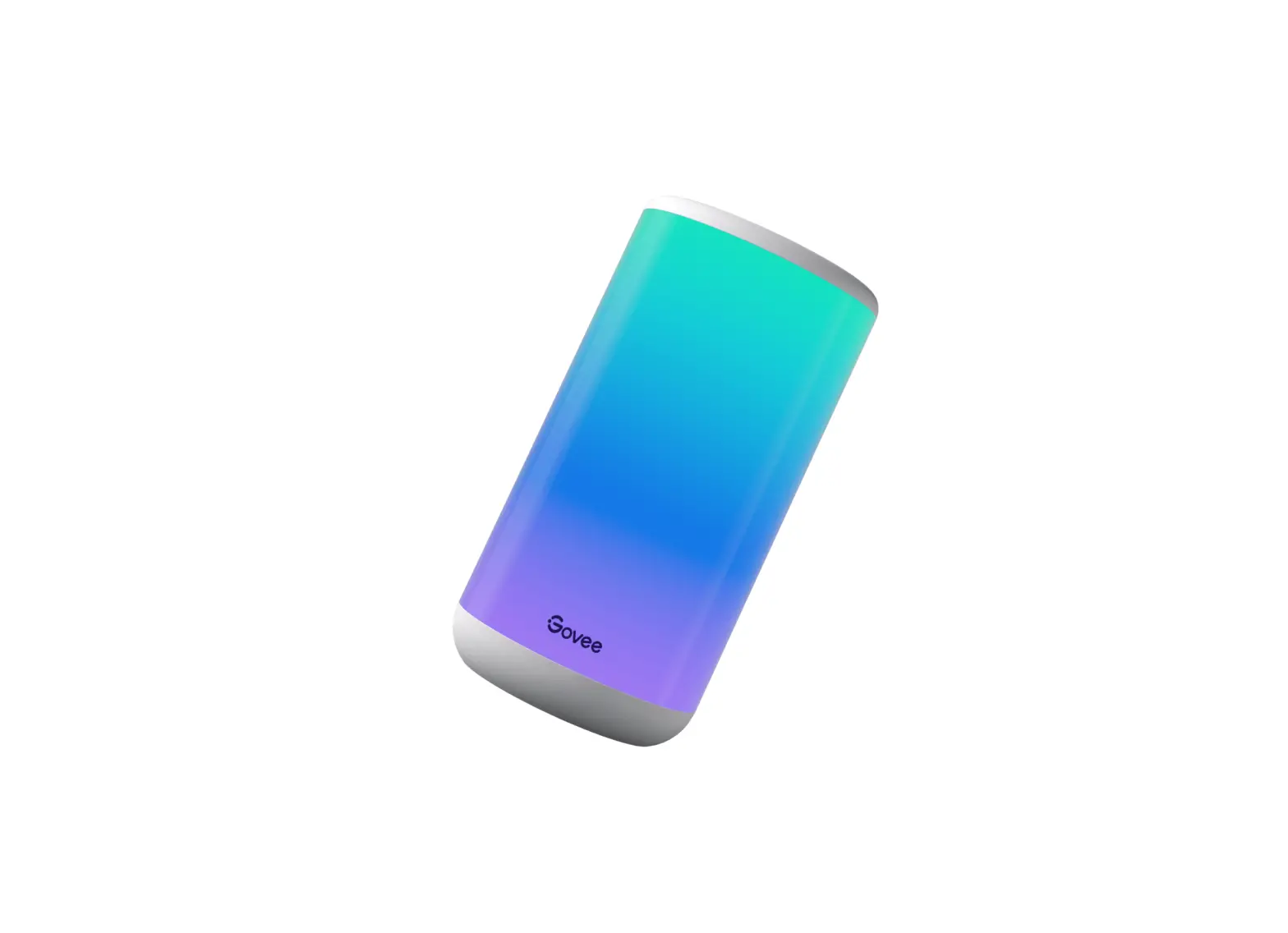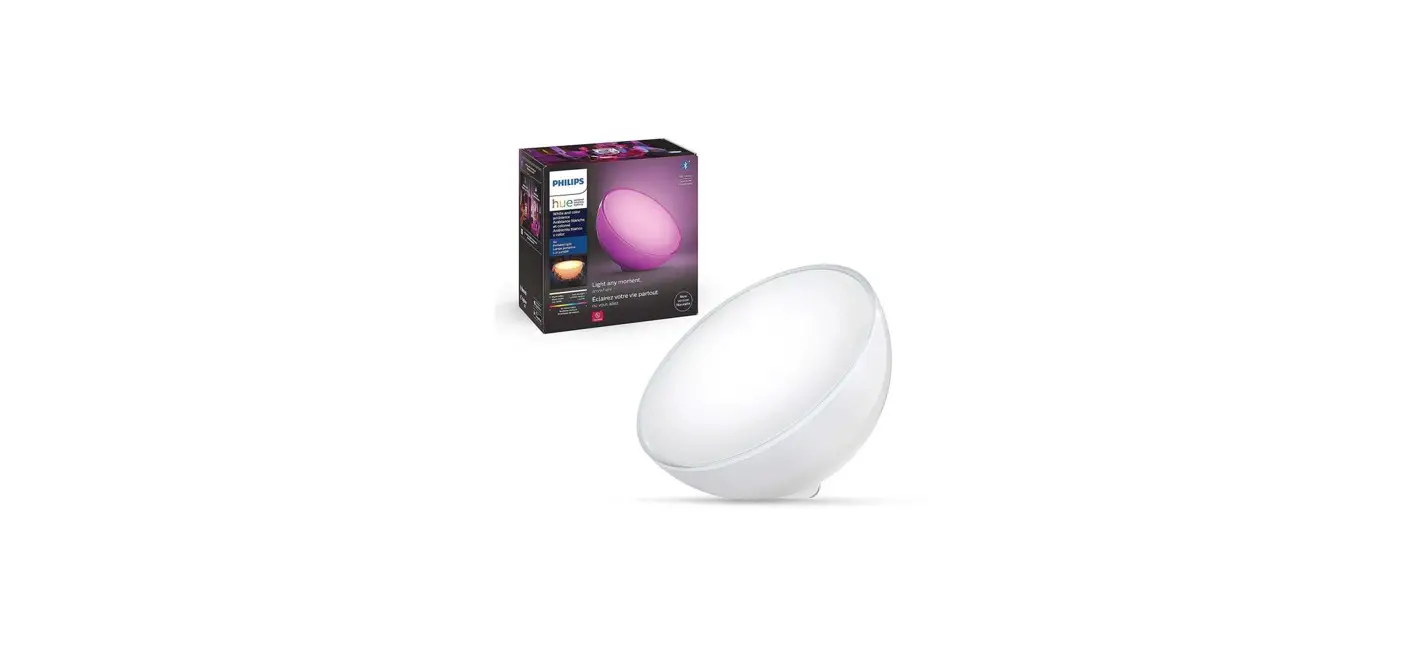
 H6051 Aura Lite RGBWW Wi-Fi Bluetooth Table Lamp
User Manual
Safety Instructions
Read and follow all the safety instructions:
- The lamp is not waterproof. Avoid exposing it to splashing or dripping water.
- The operating temperature should be within -10° to 45°C (14° to 113F).
- The lamp’s internal light source cannot be replaced. If it breaks, you must replace the entire lamp.
- Do not allow children to install the lamp alone.
- The lamp can only work with the provided Type-C cable and does not support other charging cables. Do not use other charging cables to charge the lamp.
- Do not Install the lamp with a dimming driver.
- Avoid Installing the lamp near heat sources.
- Avoid Installing the lamp near potentially dangerous sources (e.g. candles, liquid-filled objects).
Introduction
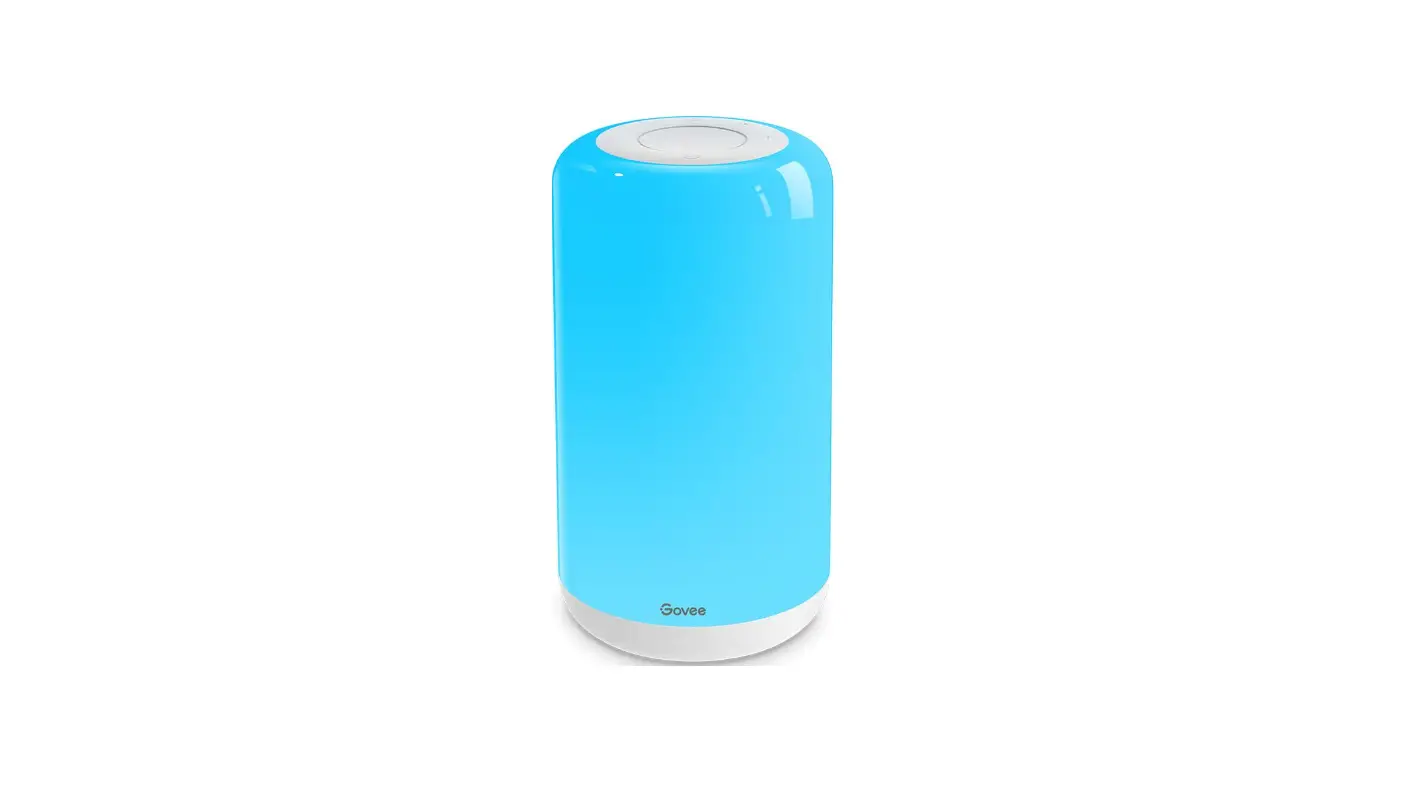
Thanks for choosing the Govee Aura Lite. This table lamp emits warm and gentle lighting by a simple touch. Over 16M colors are available to select from when connected to the Govee Home app. With smart voice control, you can light up your life hands-free.
What You Get
| Table Lamp | 1 |
| Adapter | 1 |
| User Manual | 1 |
| Service Card | 1 |
At a Glance
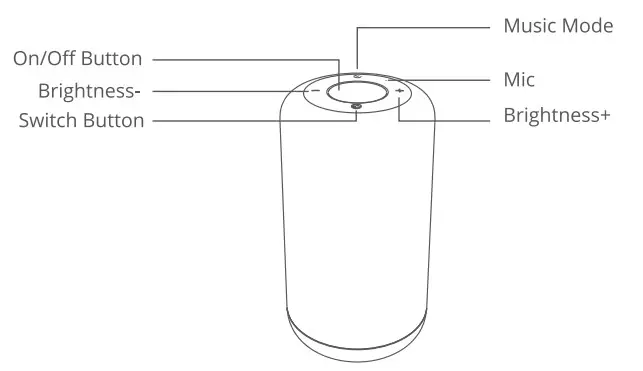
| On/Off Button | Touch to power the lamp On/Off. |
| Brightness+ | Touch to increase the brightness. |
| Brightness- | Touch to decrease the brightness. |
| Music Mode | Touch to cycle through from different music modes. |
| Switch Button | Touch to change light colors. Long press to change color modes. |
Installing Your Device
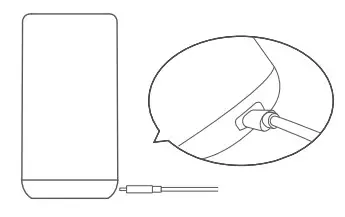
- Connect the adapter to the lamp with the Type-C charging port.
- Power on the adapter.
Pairing Your Device with the Govee Home App
What you need:
- A WI-Fi router supporting the 2.4GHz and 802.11 b/g/n bands. 5GHz is not supported.
- Download the Govee Home app from the App Store (IOS devices) or Google Play (Android devices).
- Open the app, tap the “+” icon in the top right corner, and search “H6051”.
- Tap the device icon and follow the on-screen instructions to complete the pairing.
Specifications
| Working Voltage | AC 100-240V |
| Input | 12/1A |
| Lumen | 350lm |
| Color | RGBWW |
| Color Temperature | 2200K-6500K |
| Working Temperature | -10° to 45°C(-14° to 113F) |
Troubleshooting
Cannot connect to the Govee Home app.
- Check if the device is powered on.
- Check if Bluetooth on the smartphone is enabled, or try connecting with another smartphone.
- When connecting for the first time, ensure the smartphone is near the device.
- If the connection error still exists, please delete the connected device from “My Devices· on the app. Reconnect to the Govee Home app by following the instructions provided previously.
Wi-Fi disconnect or failed to connect?
- Check if the device is powered on.
- Do not skip the Wi-Fi connection steps during the device pairing process.
- Ensure your Wi-Fi router is 2.4GHz (5GHz is not supported).
- Ensure you entered the correct Wi-Fi password during the Wi-Fi setup process.
- Try using another smartphone to pair with the device to ensure your network is working properly.
- Shorten the distance between the device and the Wi-Fi router to less than 50 inches, then reconnect.
Cannot connect to Alexa or Google Assistant.
- Ensure the Wi-Fi connection is stable and working properly.
- Go to “User Guide” on the app Settings page to pair the device again.
Can multiple users control one device?
- Each device can only be controlled by one account.
- If multiple users want to manage the same device, ensure they all use the same account.
Customer Service warranty: 12-Month Limited Warranty
 Support: Lifetime Technical Support
 Email: [email protected]
 Official Website: www.govee.com
 @Govee
  @govee_official
  @govee.official
 @Goveeofficial
  @Govee.smarthome
FCC and ISED Canada Statement
This device complies with Part 15 of the FCC Rules and Industry Canada licence-exempt RSS standard(s). Operation is subject to the following two conditions:
(1) This device may not cause harmful interference, and (2) This device must accept any interference received, including interference that may cause undesired operation. Warning: Changes or modifications not expressly approved by the party responsible for compliance could void the user’s authority to operate the equipment.
NOTE: This equipment has been tested and found to comply with the limits for a Class B digital device, pursuant to Part 15 of the FCC Rules.
These limits are designed to provide reasonable protection against harmful interference in a residential installation. This equipment generates uses and can radiate radio frequency energy and, if not installed and used in accordance with the instructions, may cause harmful interference to radio communications. However, there is no guarantee that interference will not occur in a particular installation. If this equipment does cause harmful interference to radio or television reception, which can be determined by turning the equipment off and on, the user is encouraged to try to correct the interference by one or more of the following measures:
- Reorient or relocate the receiving antenna.
- Increase the separation between the equipment and receiver.
- Connect the equipment into an outlet on a circuit different from that to which the receiver is connected.
- Consult the dealer or an experienced radio/TV technician for help.
FCC and IC Radiation Exposure Statement
This equipment complies with FCC and IC radiation exposure limits set forth for an uncontrolled environment. This equipment should be installed and operated with a minimum distance of 20cm between the radiator & your body.
Responsible party :
Name: GOVEE MOMENTS(US) TRADING LIMITED
Address: 13013 WESTERN AVE STE S BLUE ISLAND IL 60406-2448
Email: [email protected]
Contact information: https://www.govee.com/support
Non-replaceable light source.
Not intended for illumination. Only used for creating ambiance.
The Bluetooth word mark and logos are registered trademarks owned by Bluetooth SIG, Inc., and any use of such marks by Shenzhen lntellirocks Tech. Co., Ltd. is under license.
Govee is a trademark of Shenzhen lntellirocks Tech Co.Ltd.
Copyright 02021 Shenzhen Intellirocks Tech Co.Ltd. All Rights Reserved.
https://www.govee.com/apps/qrcode
For FAQs and more information,
please visit: www.govee.com