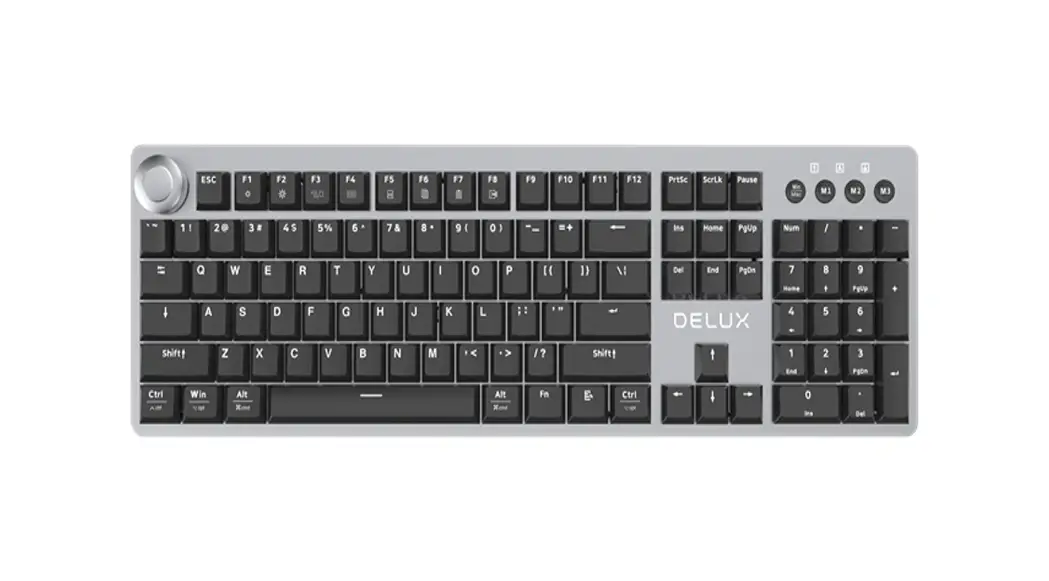
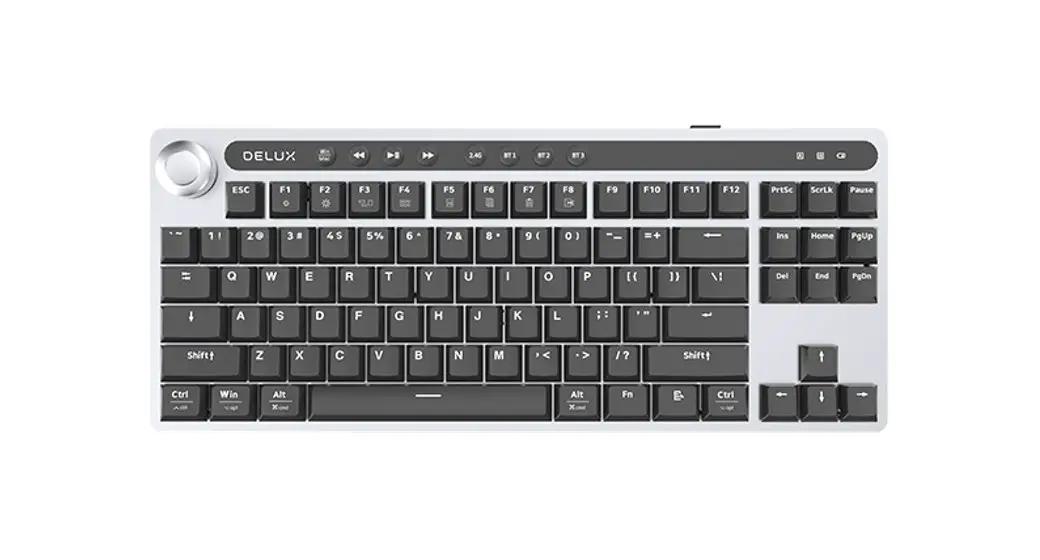
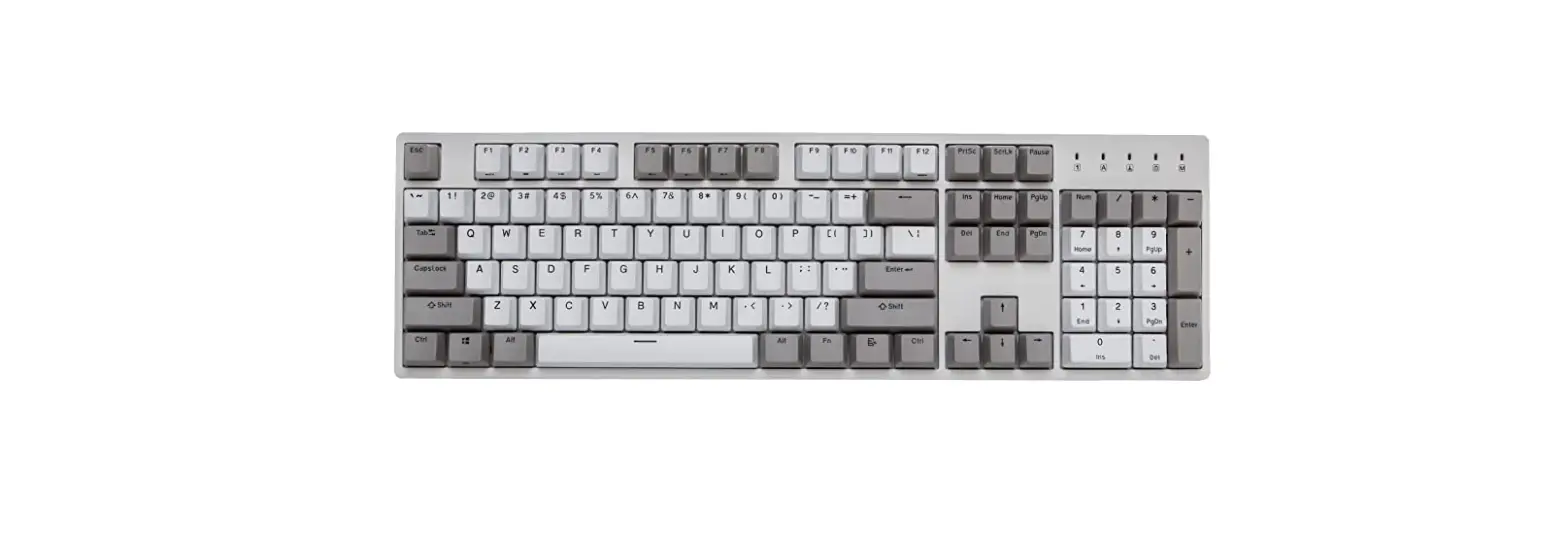
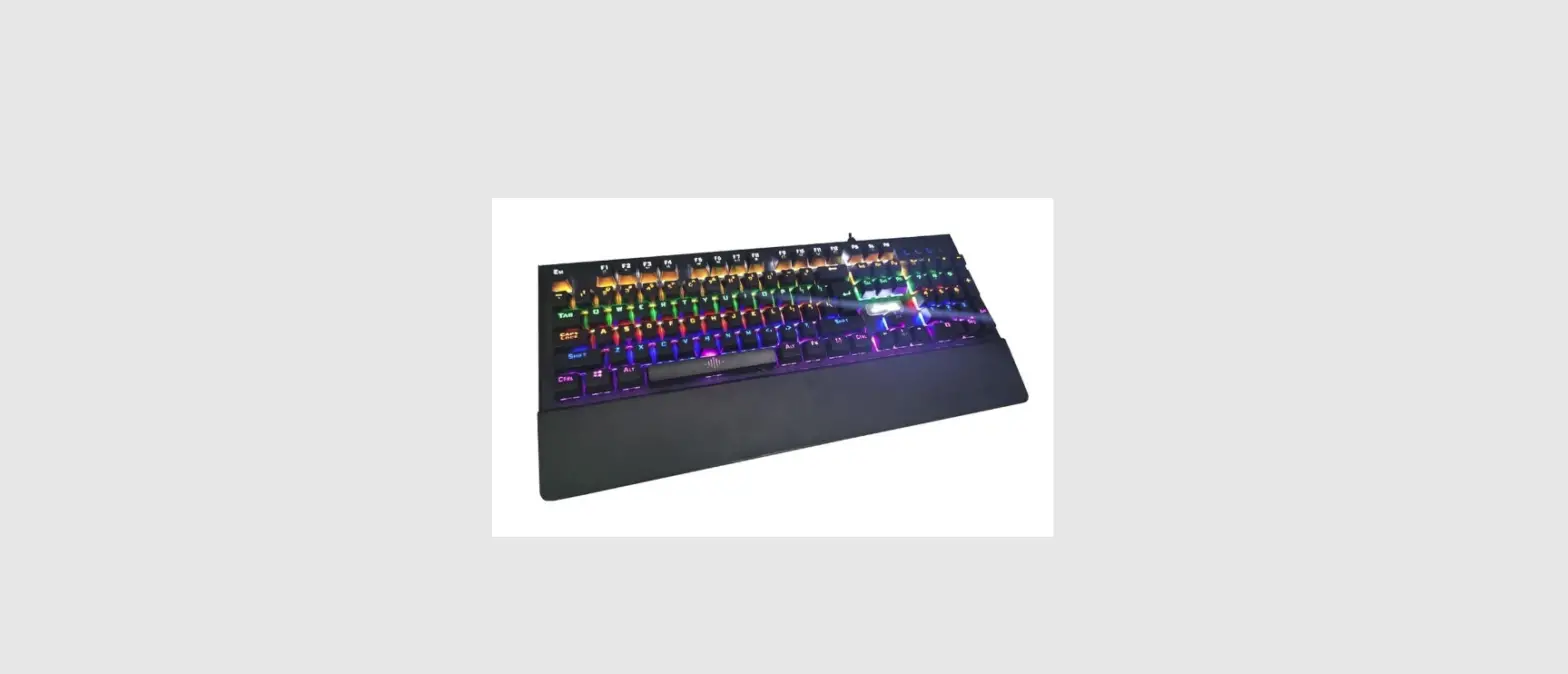
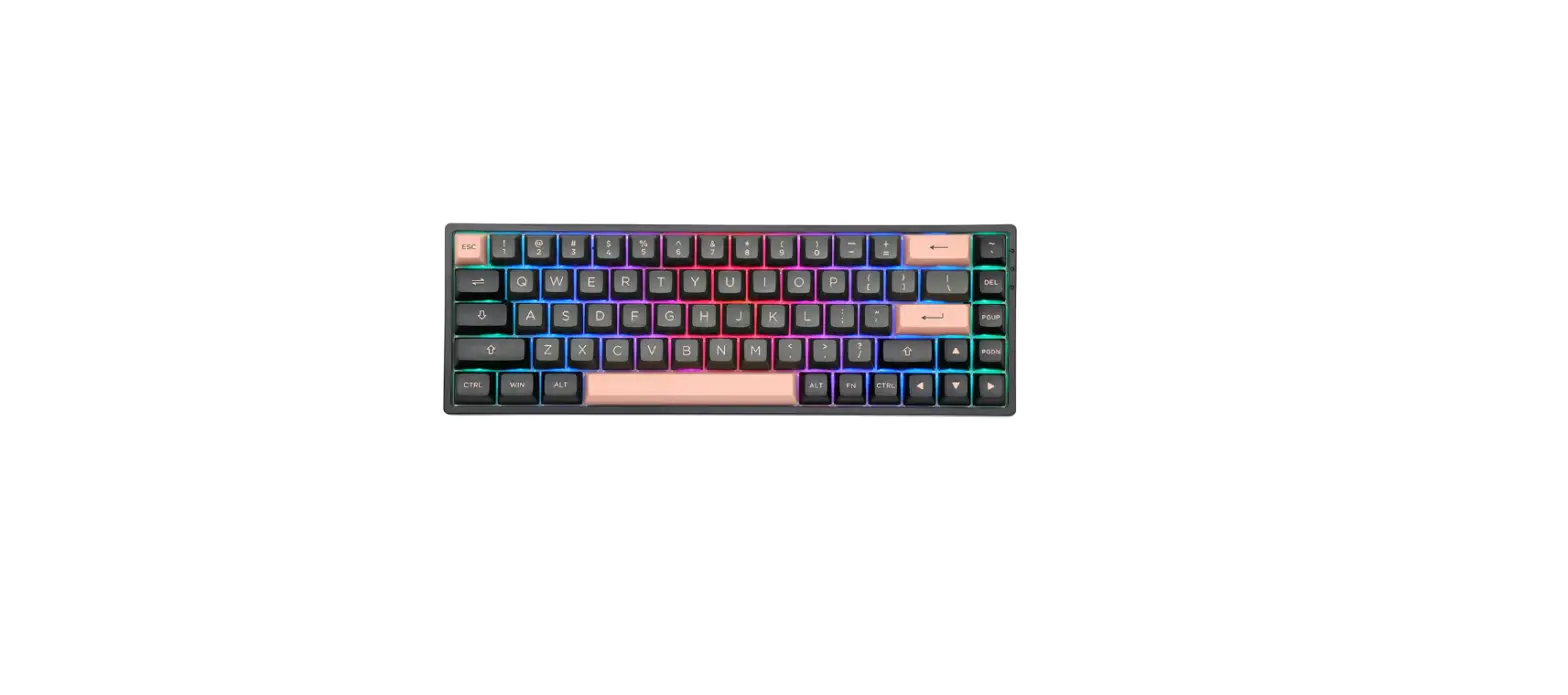
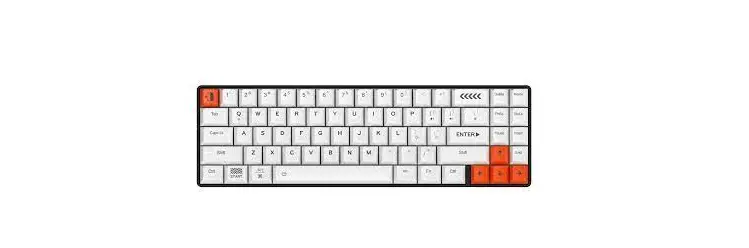
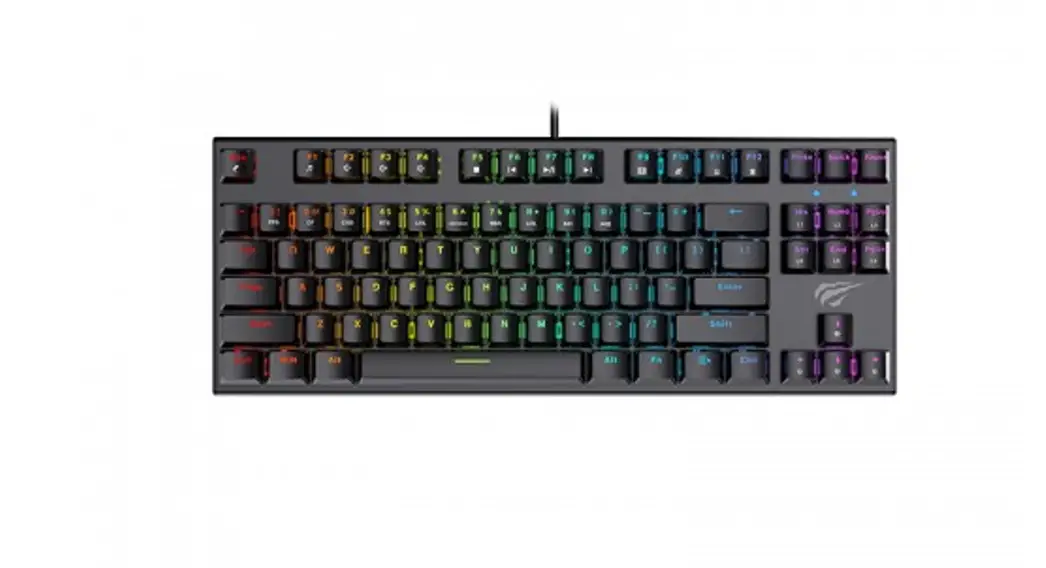
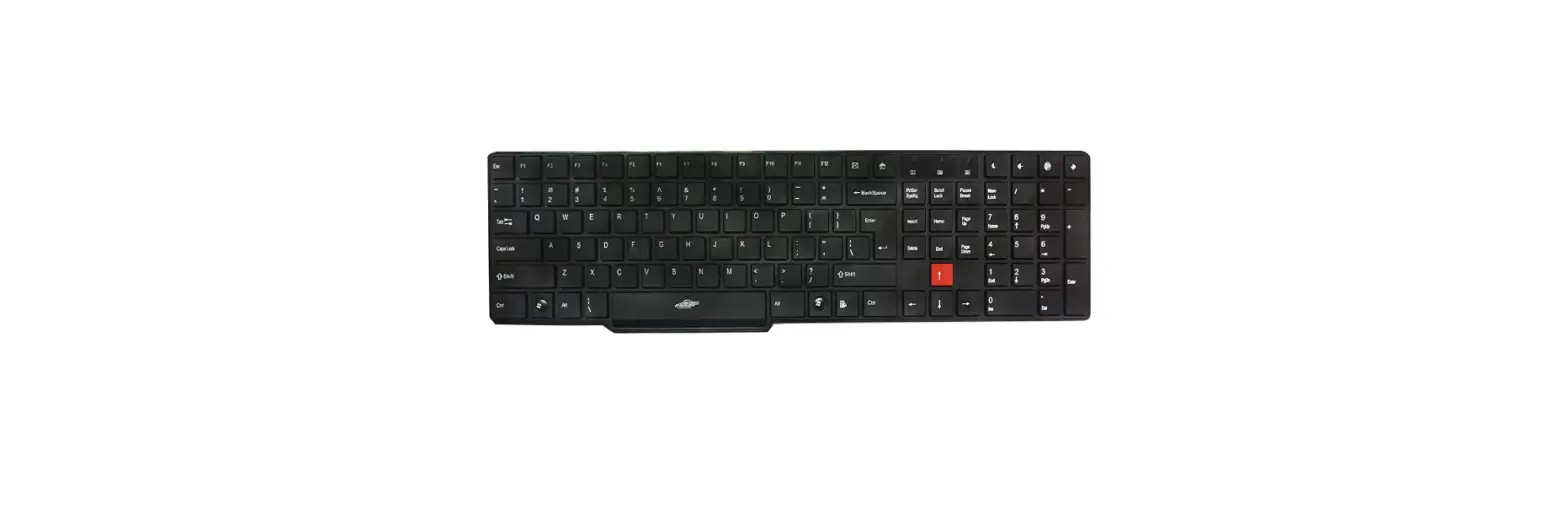
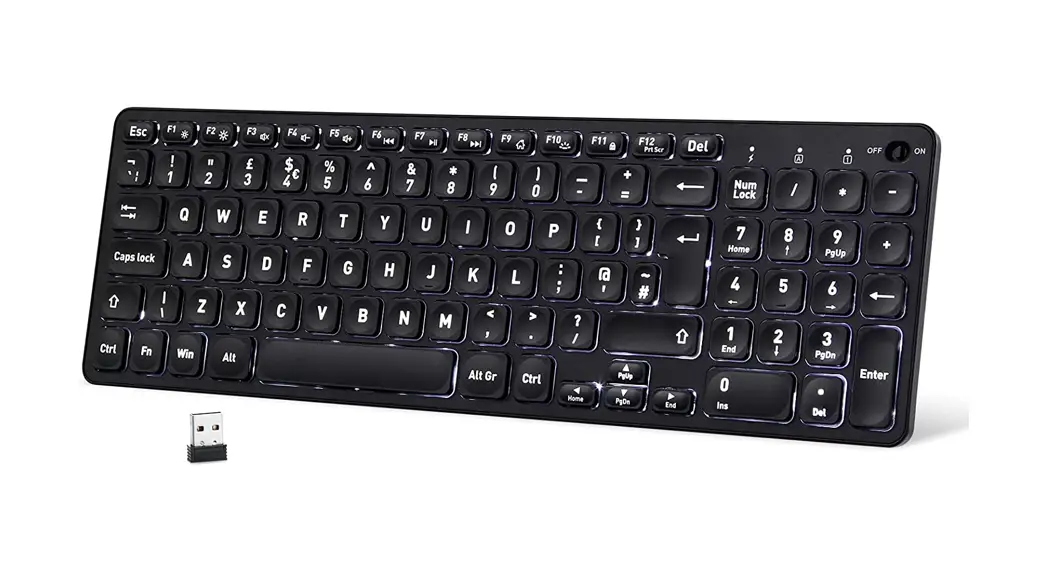
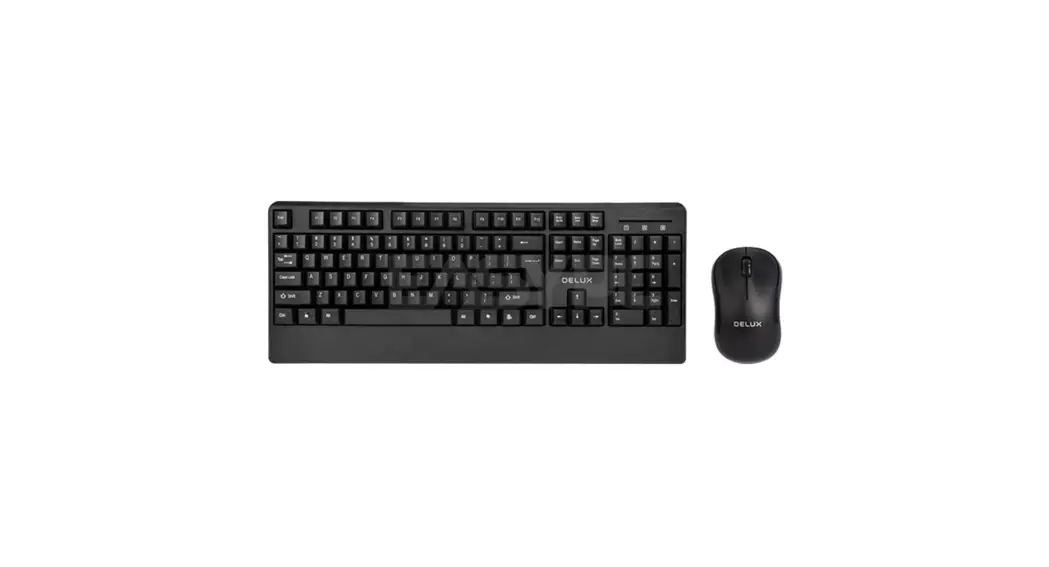
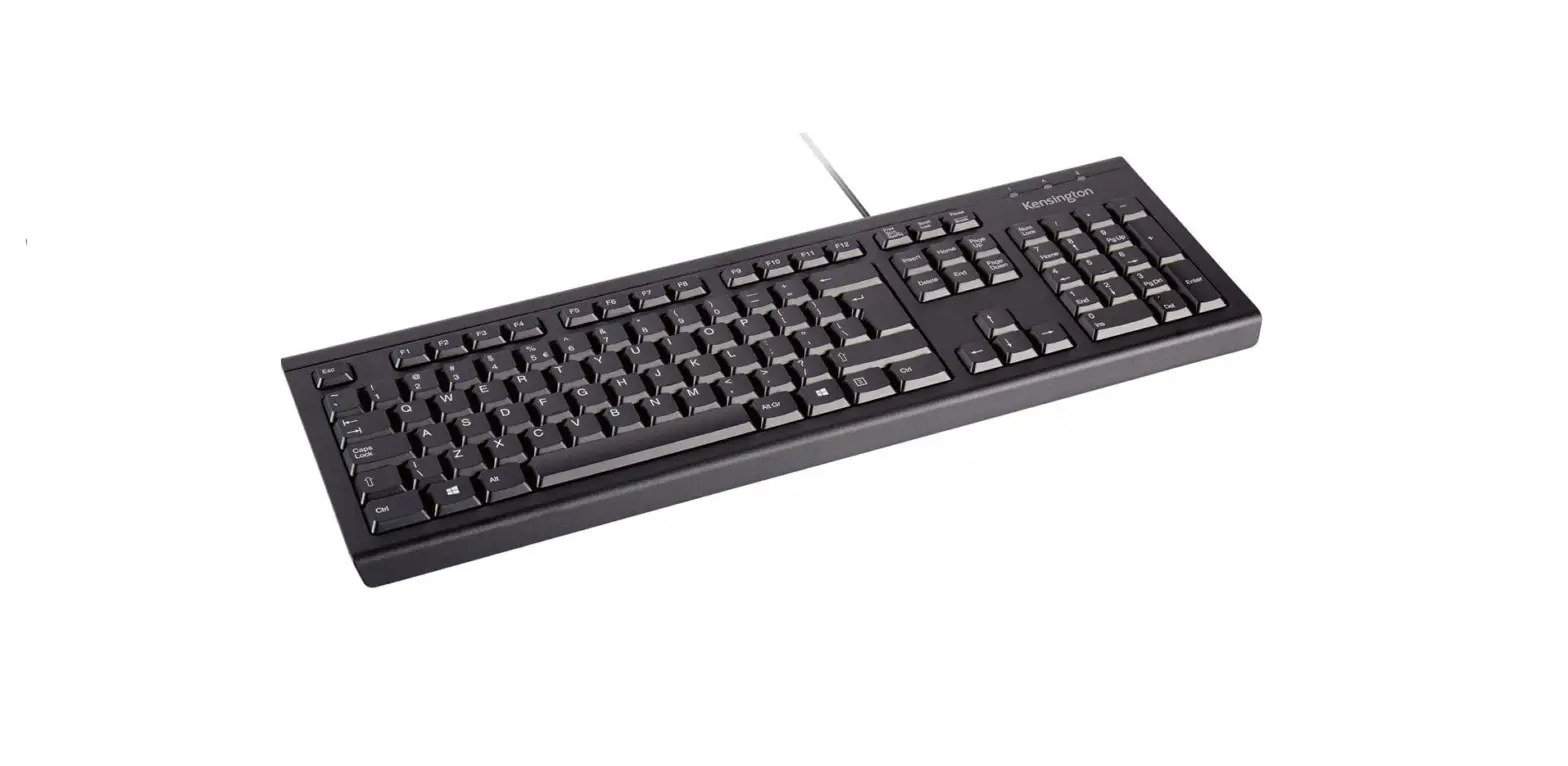
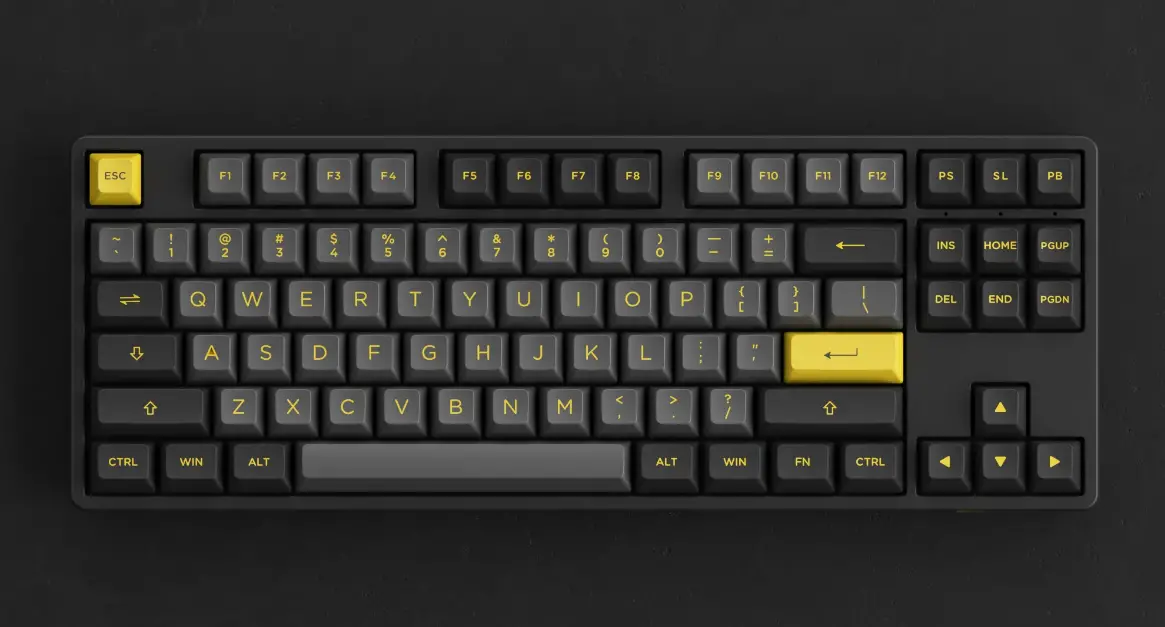
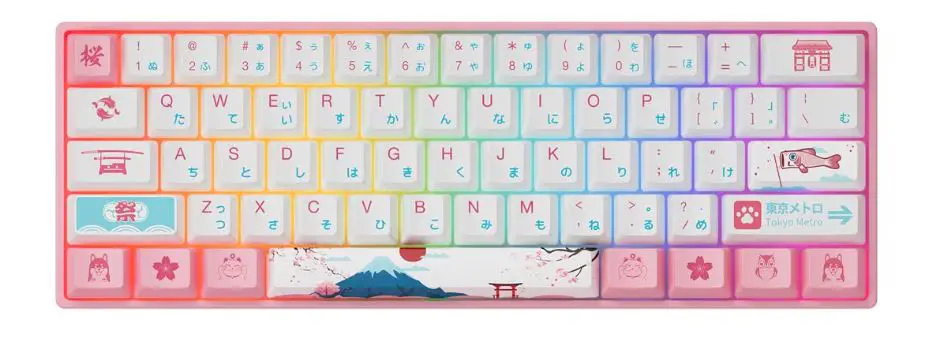
KM17DB Mechanical Keyboard
Product Information: KM17DB Mechanical Keyboard
The KM17DB is a mechanical keyboard that offers a range of
features including customizable button settings, lighting settings,
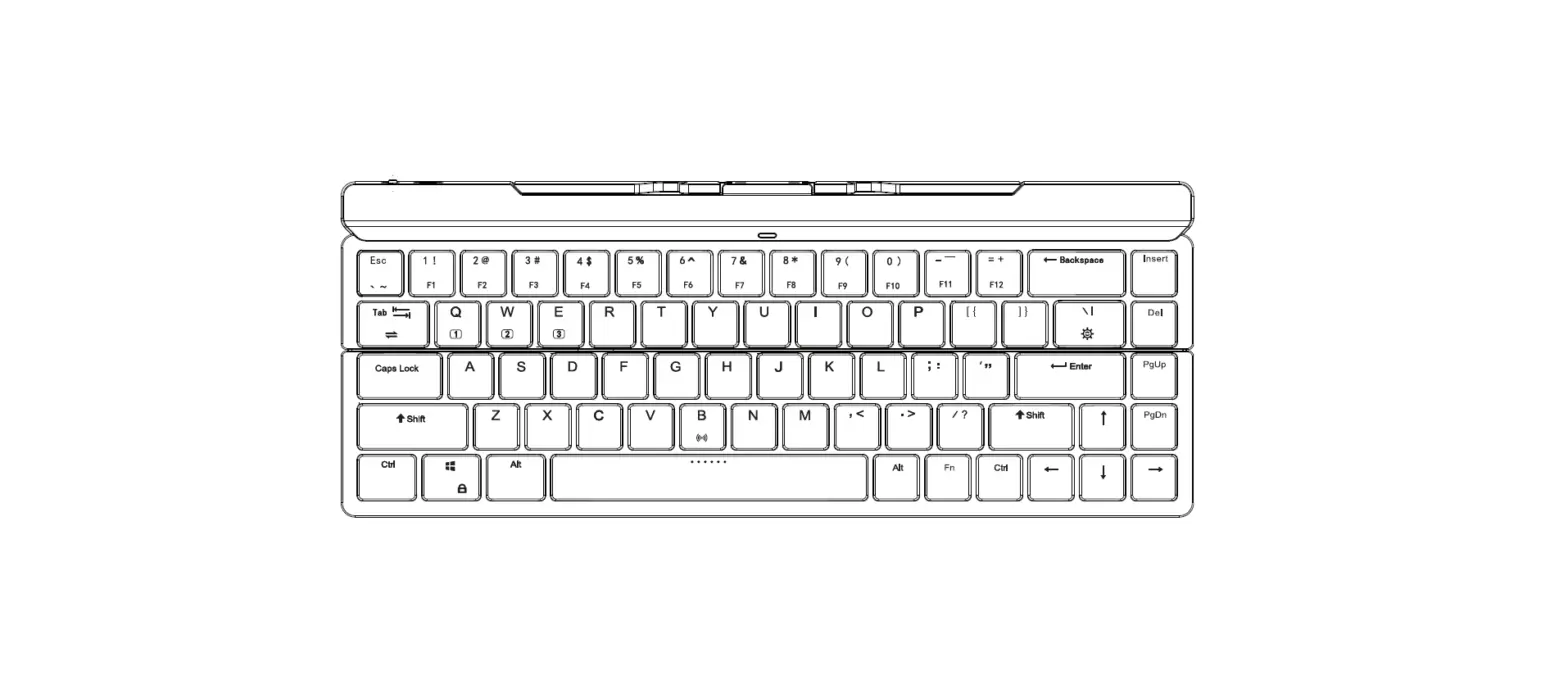
and recovery settings. The keyboard also includes function keys F1
to F8 for quick access to various commands.
Product Usage Instructions:
- Connect the keyboard to your computer using the USB cable
provided. - Turn on your computer and wait for it to detect the
keyboard. - To customize the button settings, press the A button and use
the numbered keys (1-5) to assign specific functions to each
key. - To customize the lighting settings, press the C button and use
the numbered keys (1-5) to select different lighting modes. - To access recovery settings, press the D button.
- Use the function keys (F1-F8) for quick access to various
commands such as volume control, media playback, and screen
brightness.
aa
KM17DB
Mechanical Keyboard
F1
F2
F3
F4
F5
F6
F7
F8
· Driver Installation · Driver Settings
A.Button Settings
· Keyboard Key Settings · Macro Key Settings · Multimedia Key Settings B. Macro Settings
C. Lighting Settings
D. Recovery Settings
1.
2.
3.
4.
5.