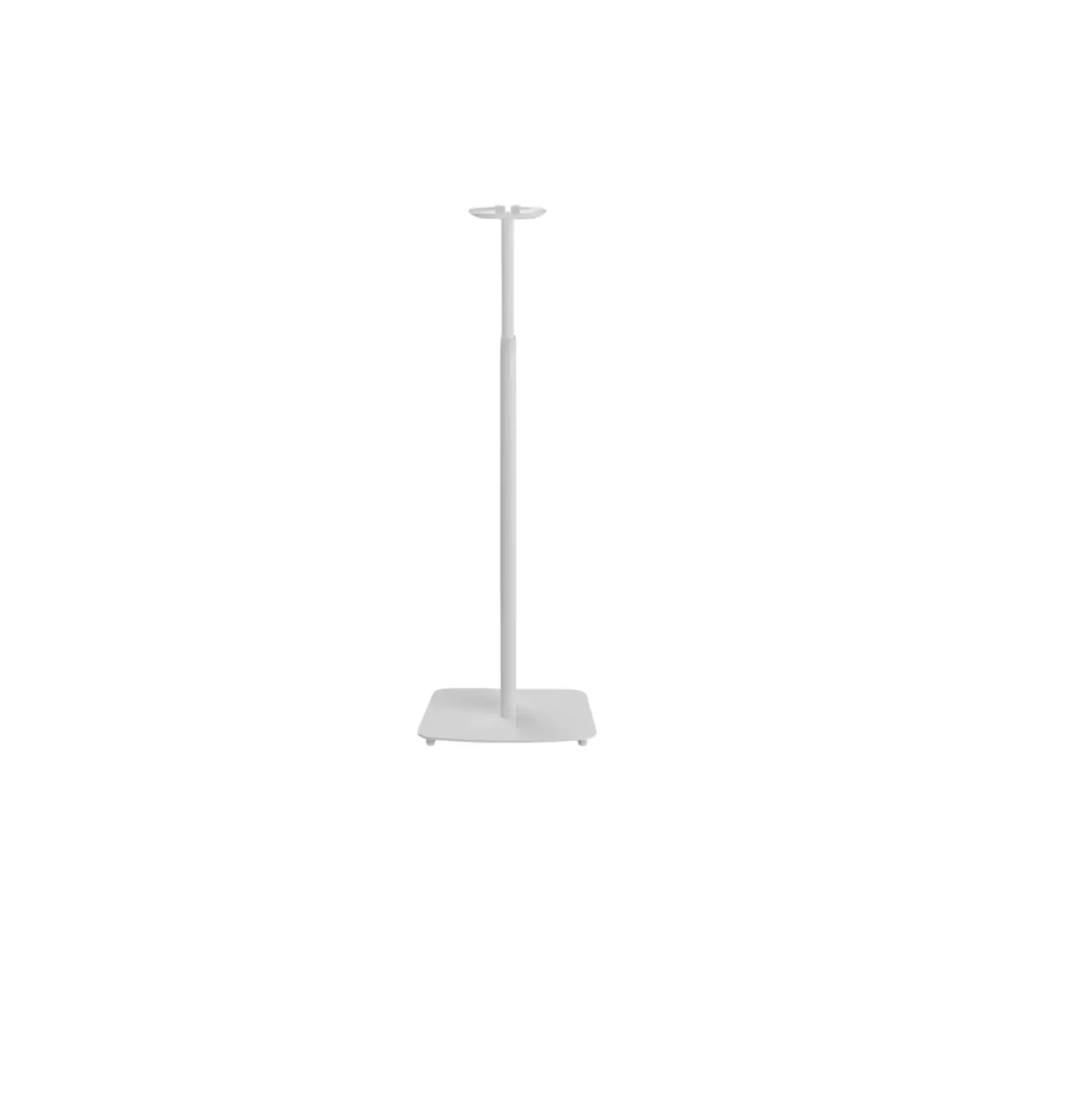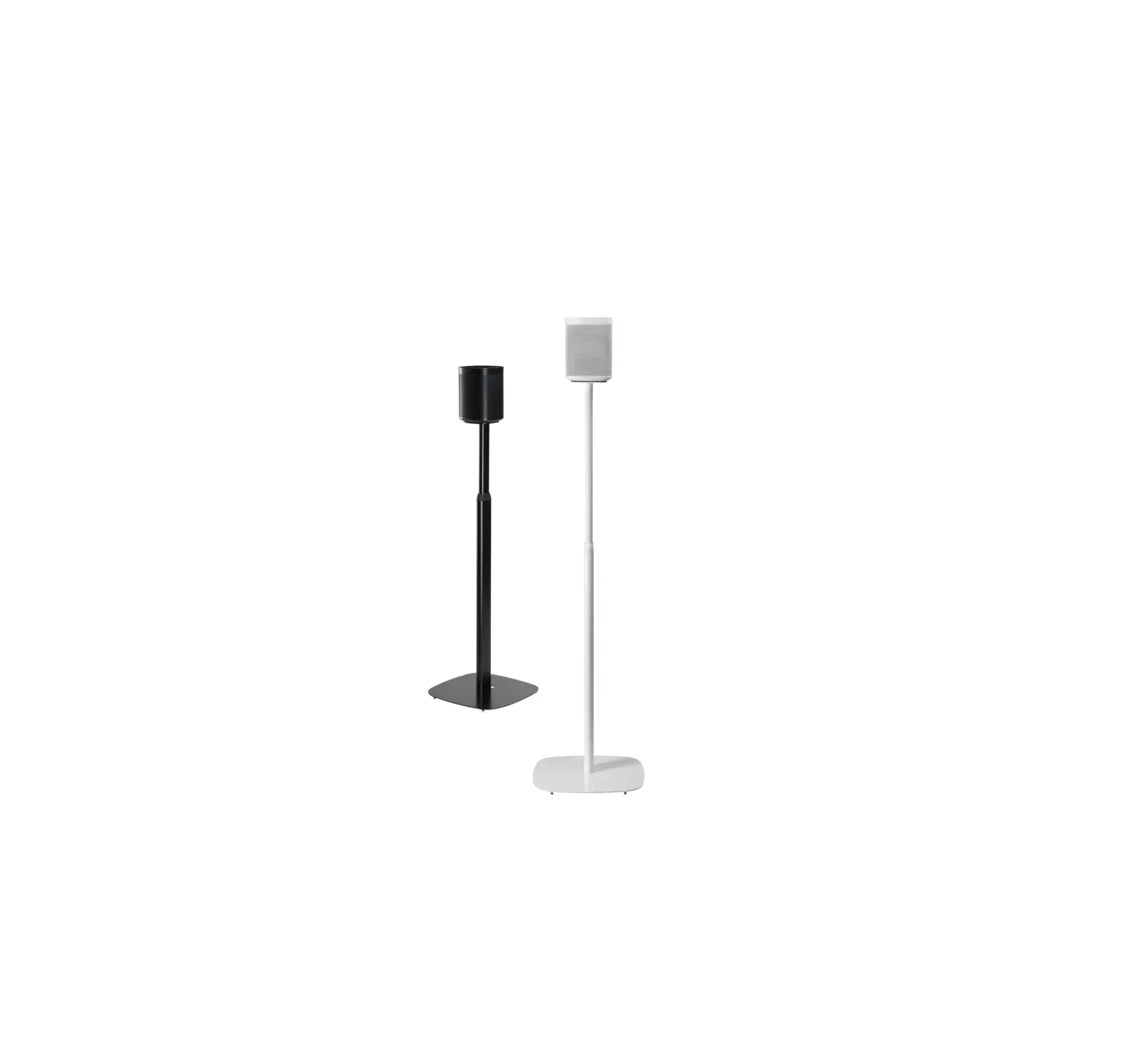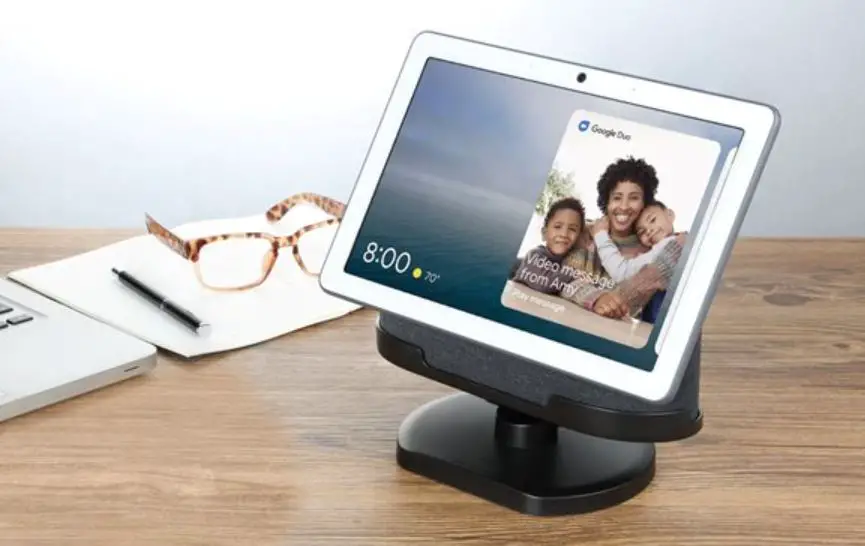

WASSERSTEIN Google Nest Hub Black (2nd Gen) Adjustable Stand
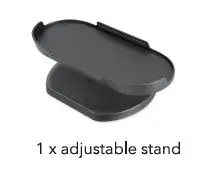
In the Box
Installation
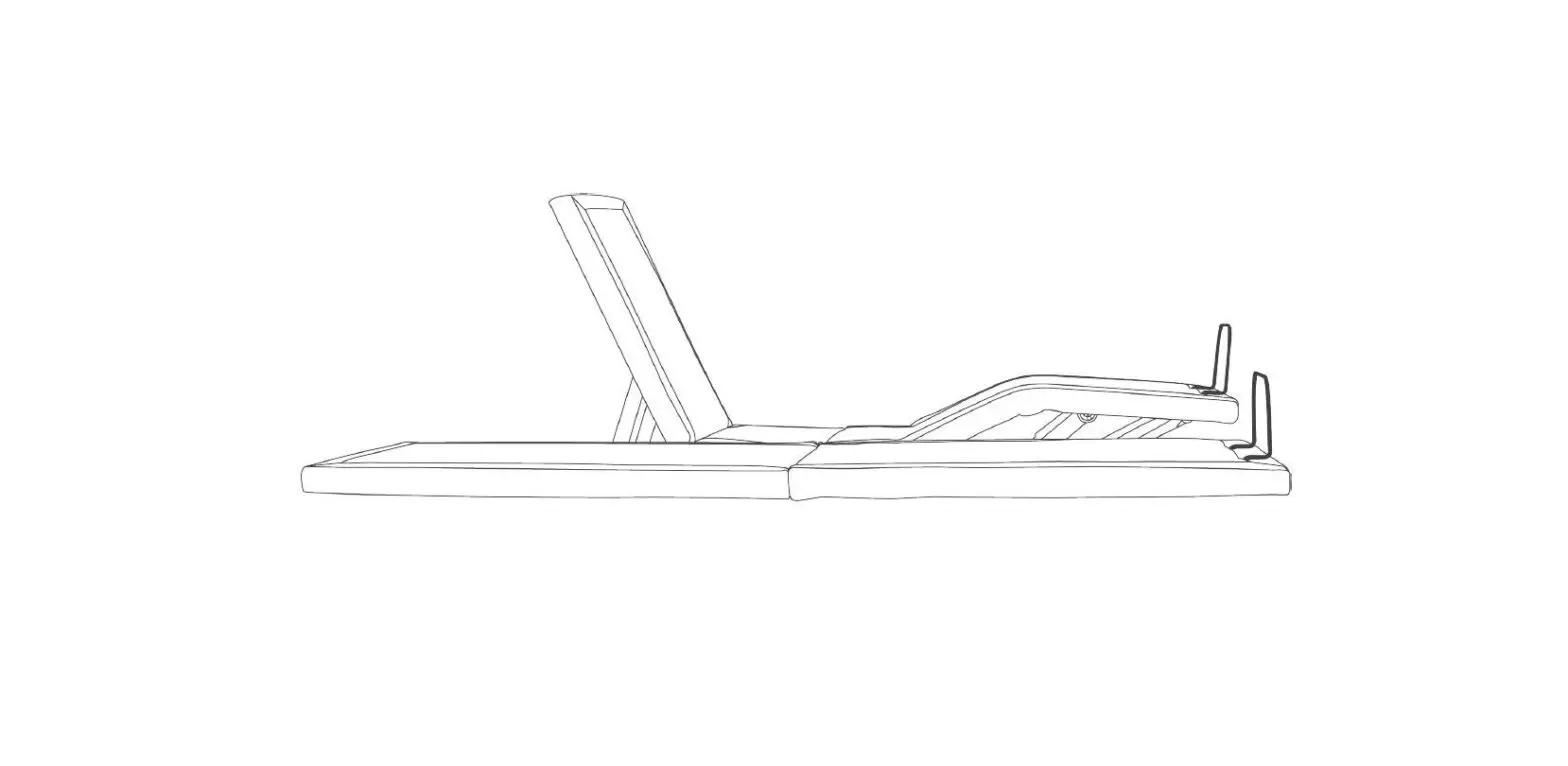
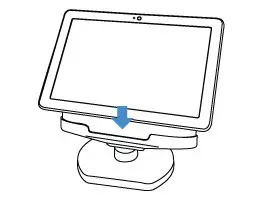
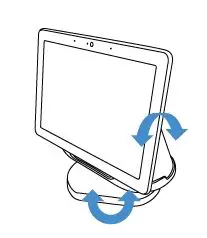
- Place the Google Nest Hub (2nd Gen) onto the stand with the screen facing outward.

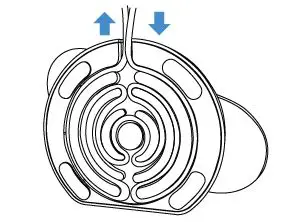
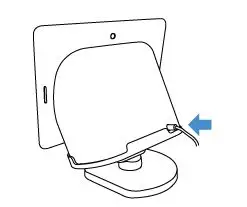
- Run the cable underneath the stand for cable management.

- Connect the power cable to your device.

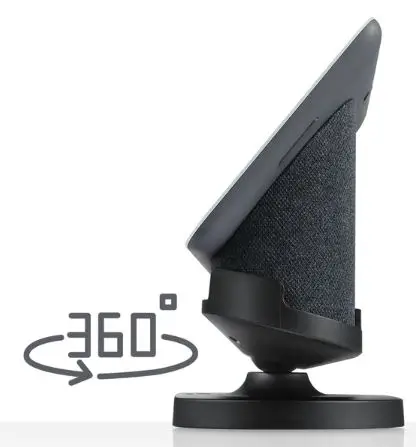
- Adjust to your preferred viewing angle.

Get More Support
Scan the QR code below or email us at: [email protected]

This product has been certified by Wasserstein to meet Google’s compatibility standards. Google is not responsible for the operation of this product or its compliance with any applicable safety or other requirements. Learn more at g.co/madeforgoogle. Google’s “made for” badge, Google Nest Hub (2nd Gen), and related marks are trademarks of Google LLC.
Google Nest Hub (2nd Gen) is not included. Wasserstein is not affiliated with Google LLC. Wasserstein is a trademark of Dropcases Ltd. Google Nest Hub (2nd Gen) is a trademark of Google LLC.
For more information, please visit: www.wasserstein-home.com Made in China