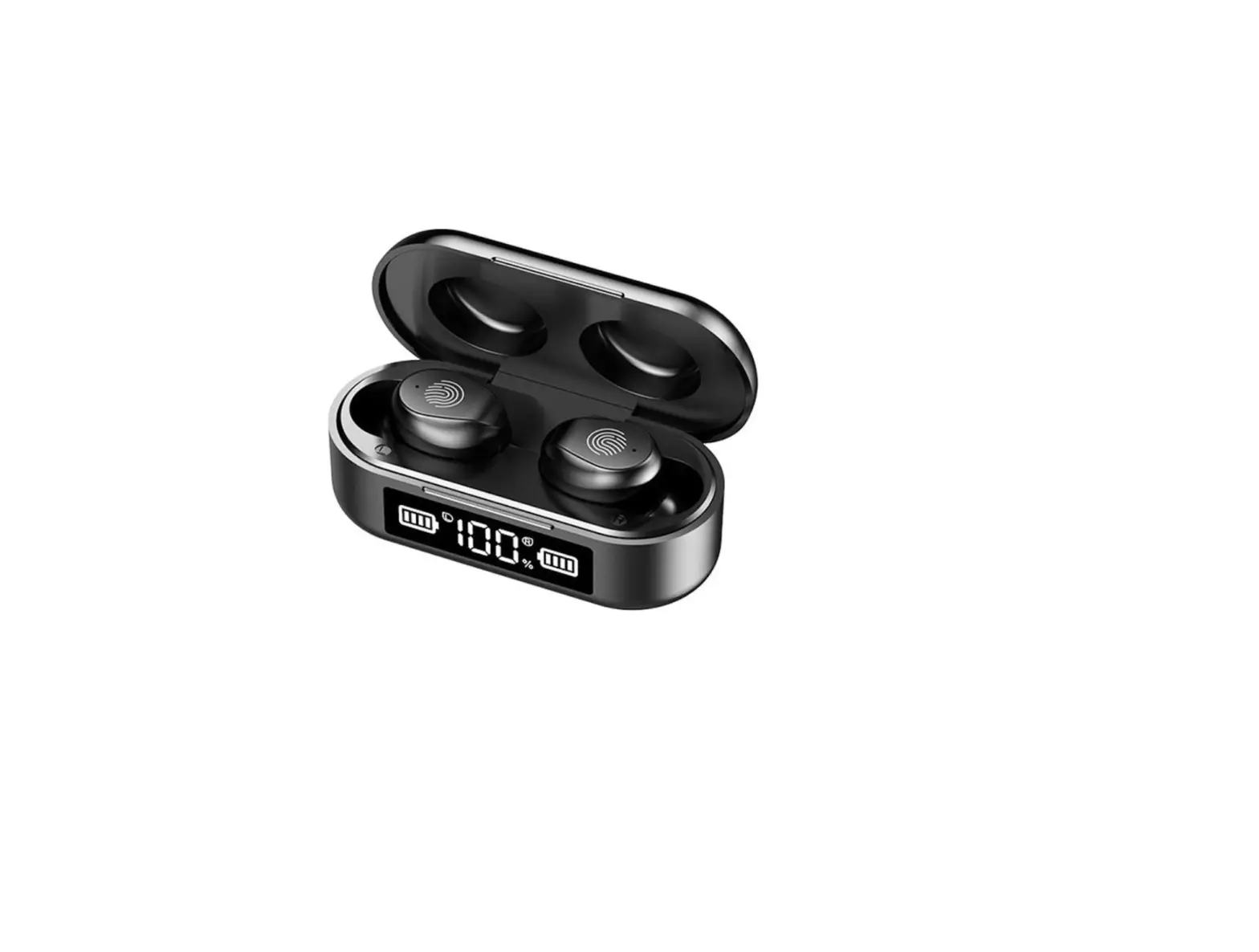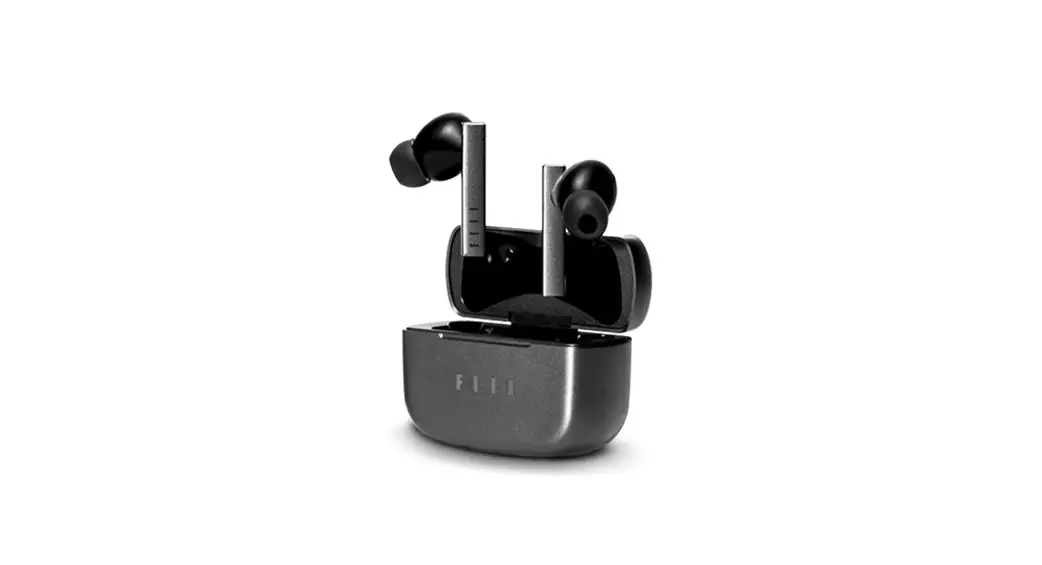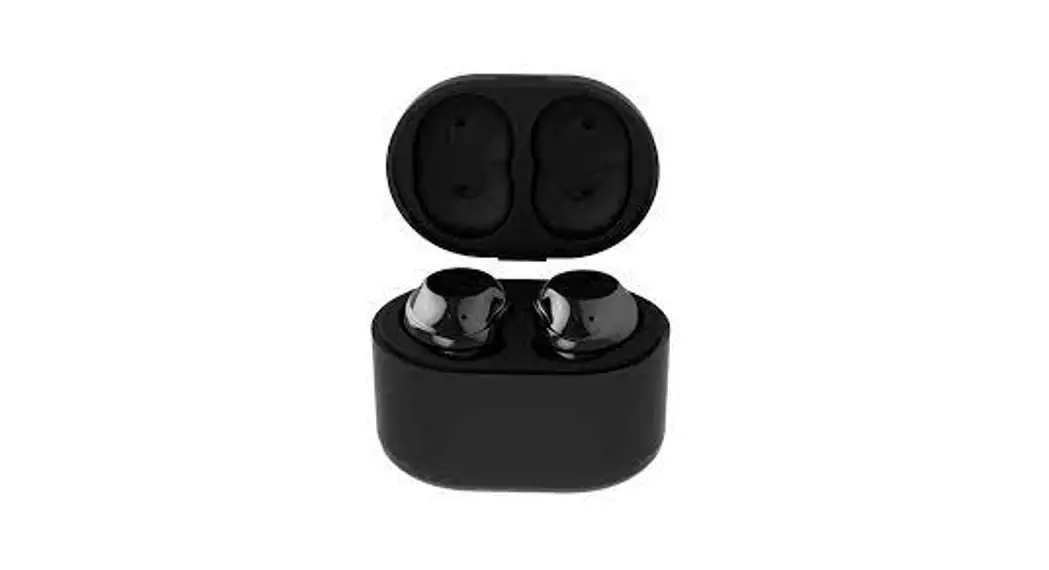

FFtopu Huizhou Jinghao Medical Technology Co JH-A610 True Wireless Earbuds

Model: JH-A610
Get help service:
facevook @HYSservice
+86 13129576396
mail [email protected]
QUICK OPERATION GUIDE
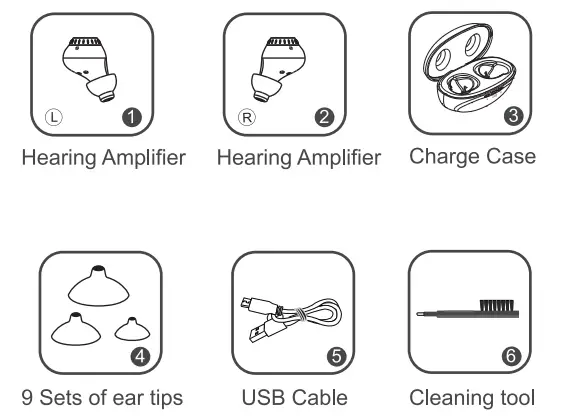
Turn ON/OFF
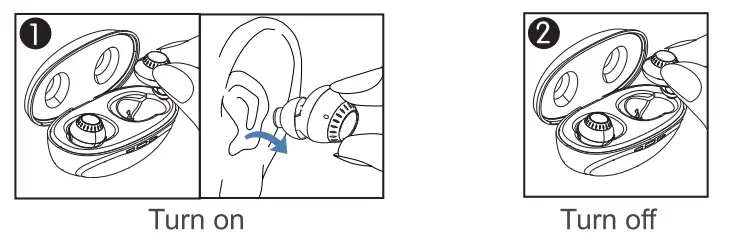
- Turn ON: Take the Hearing Amplifier out of the charging case, it will enter the standby status. The device will turn on automatically in 3 seconds when you wear the device correctly in the ears.
- Turn OFF: Place back to charger case to turn off.
LEFT & RIGHT HEARING AID MARKINGS
There is a Lor R marking on the device. This will tell you if it is a left or a right Hearing Amplifier. L marking for left Hearing AmplifierR marking for right Hearing Amplifier
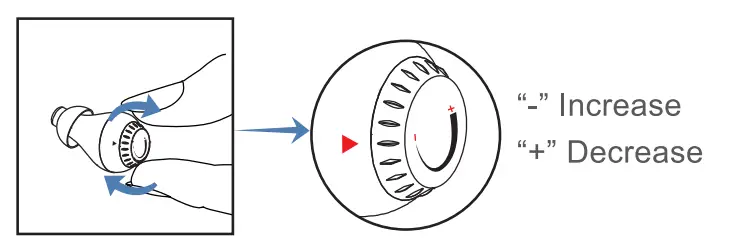
Volume Adjustment
- UP: To increase the volume, turn the volume control towards the “+” direction. (forwards)
- Down: To decrease the volume, turn the volume control towards the”-” direction. (backwards)

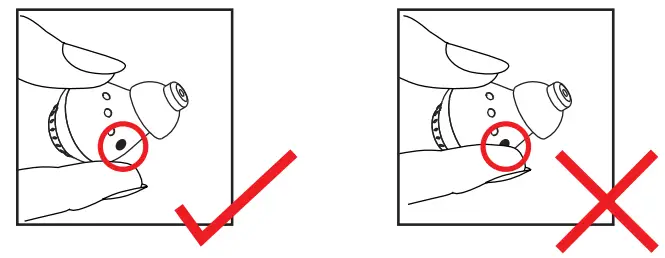
- *Notice: Don’t block the sensor by hands which will result in the unexpected scream!
 For more details , Rlease review the Manual in its entirety