THE ART OF AUDIO
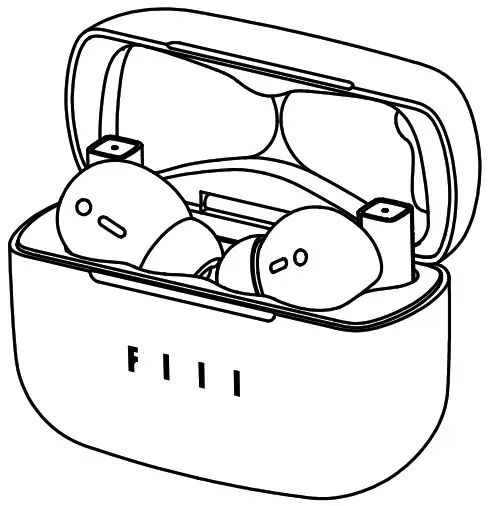
CC Pro
TRUE WIRELESS EARBUDS
USER MANUAL
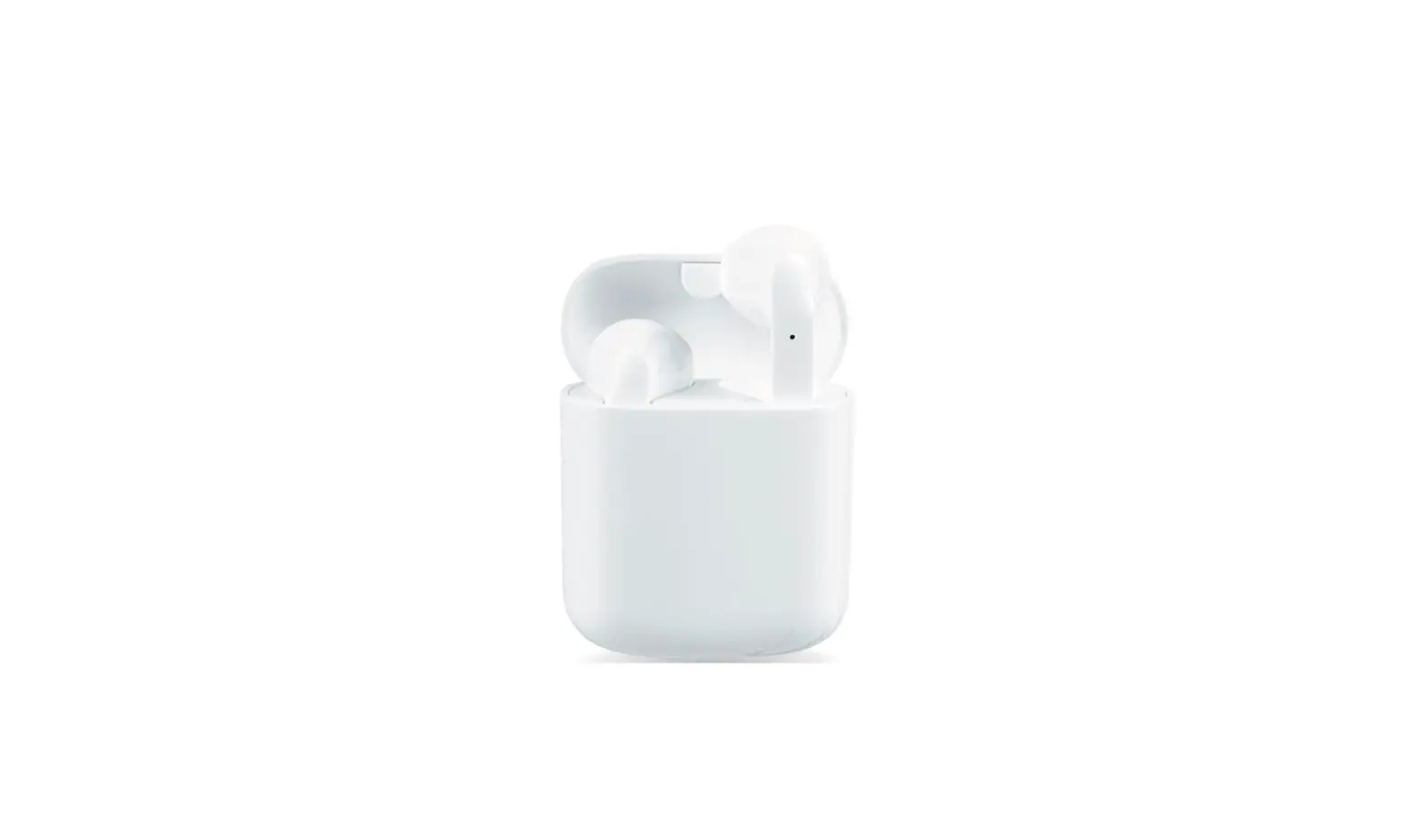
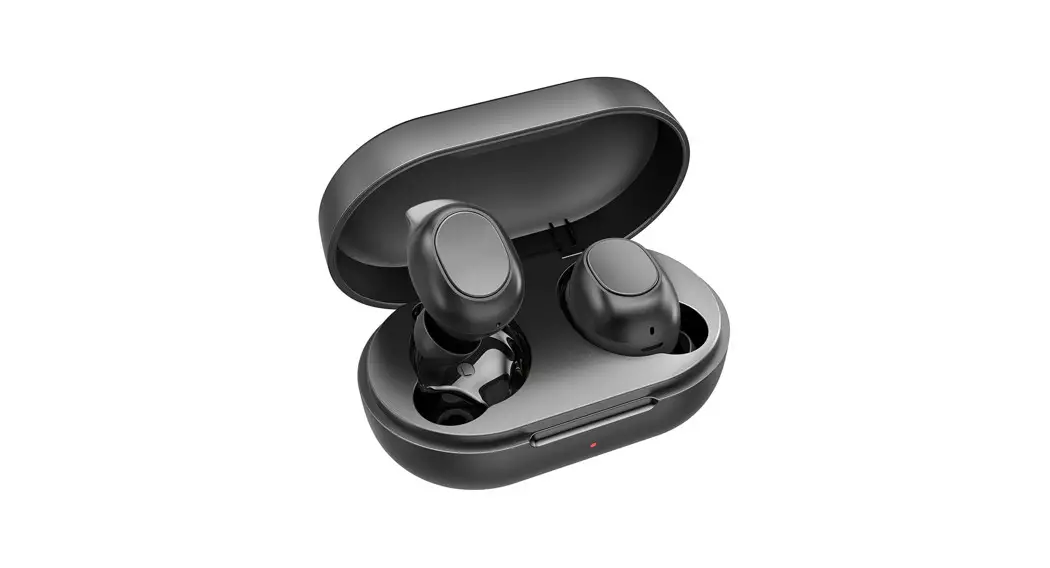
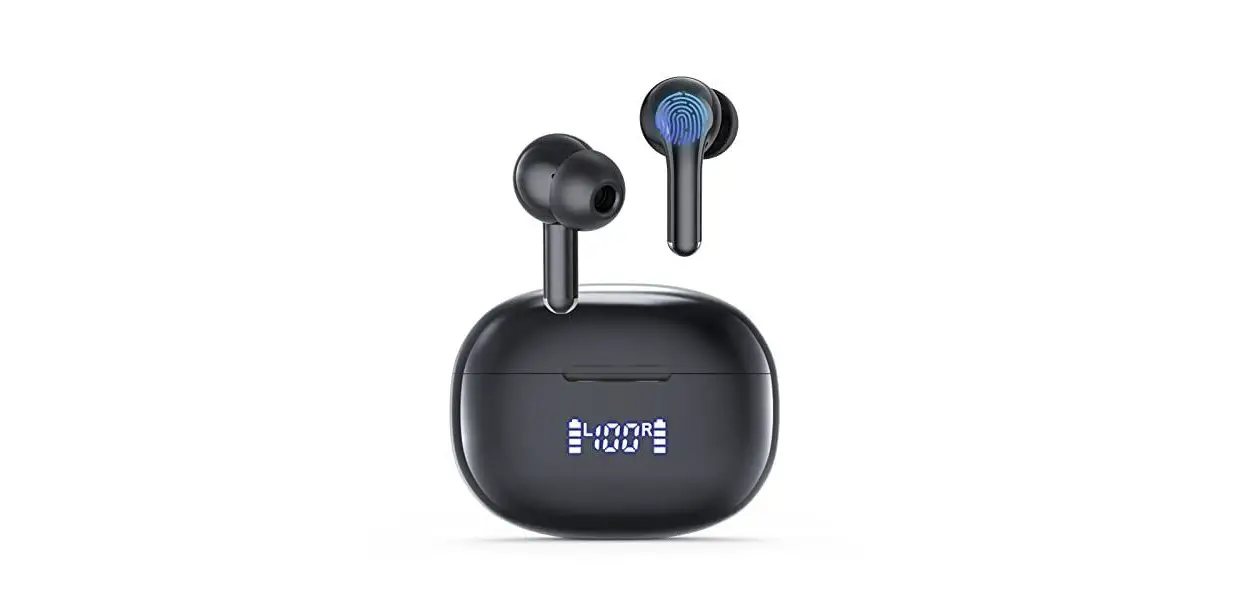
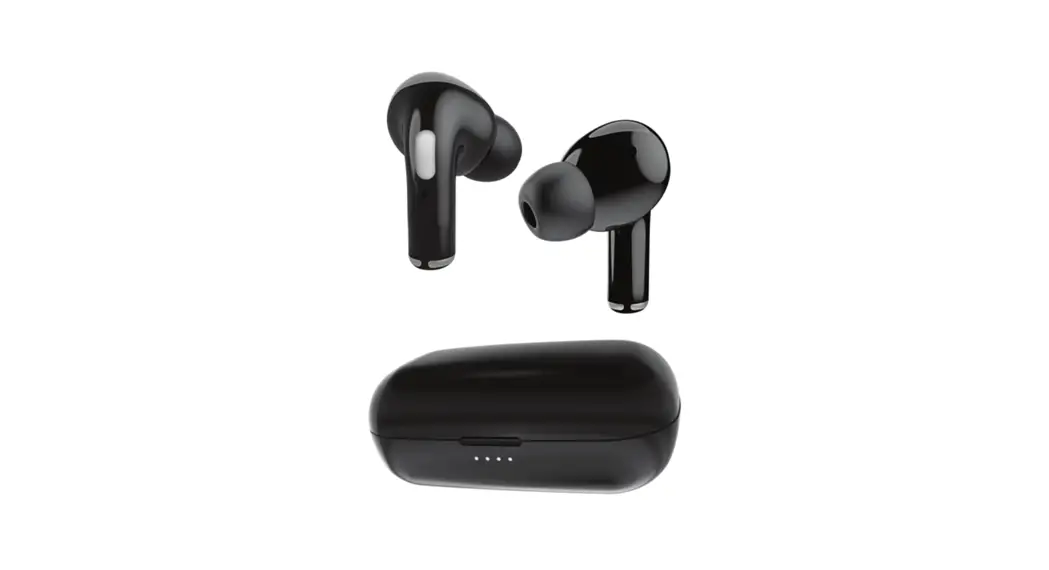
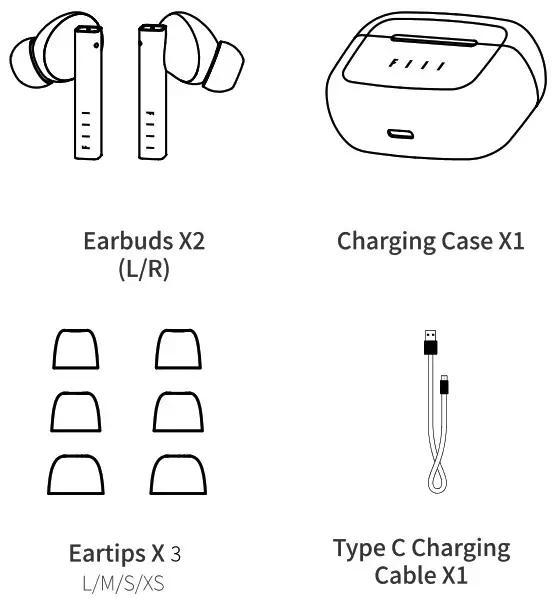
Packaging Content
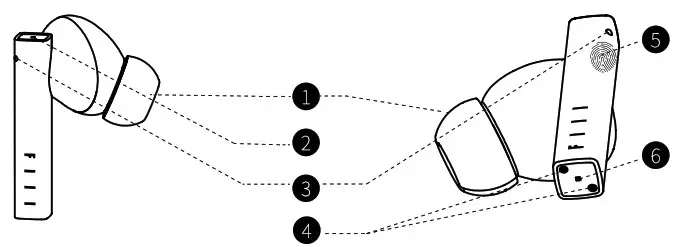
Main User Interfaces
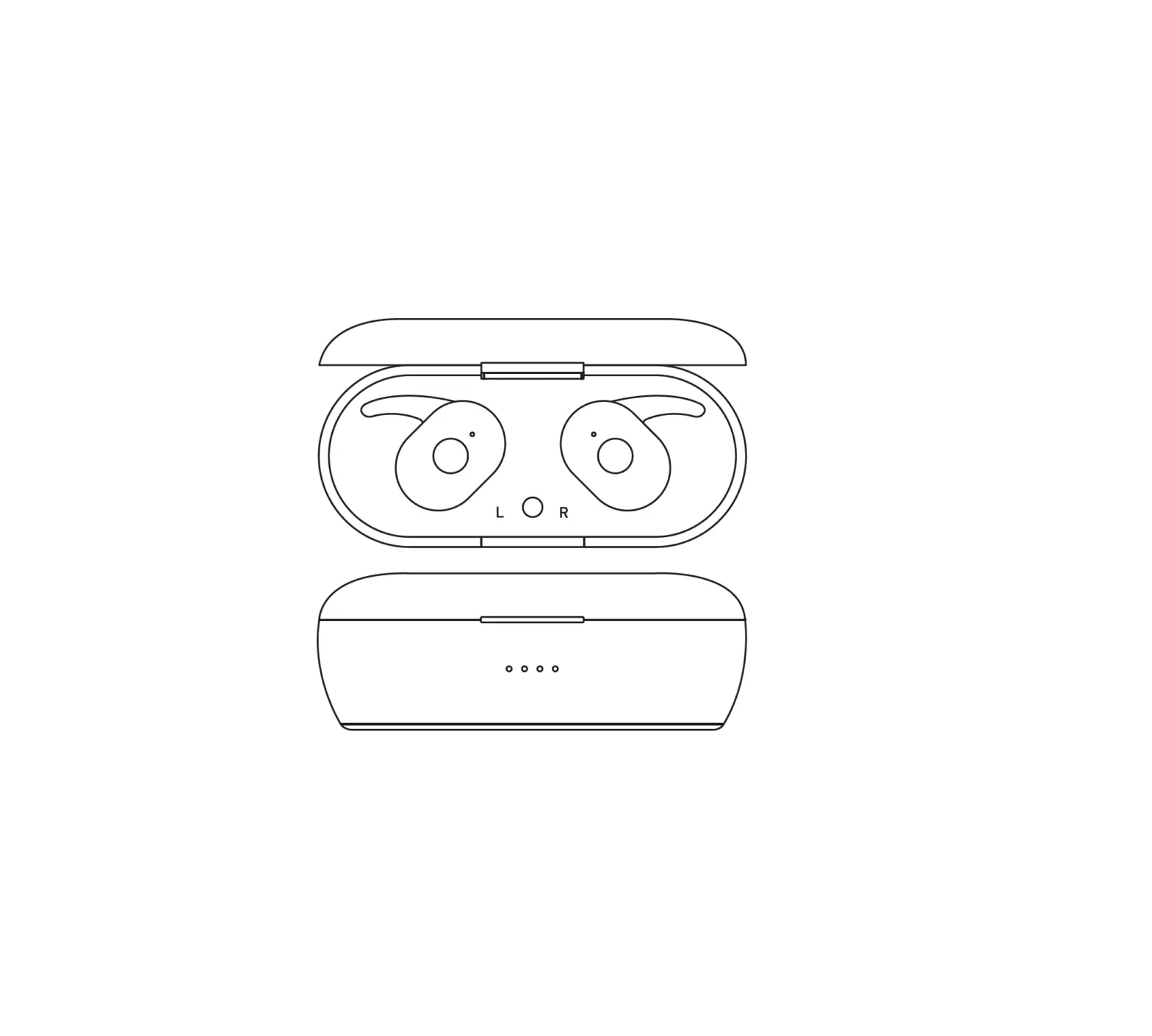
- Earbud

1. Eartip
2. LED indicator
3. ENC microphone4. Charge Pins
5. Touch control
6. Call microphone - Charging Case

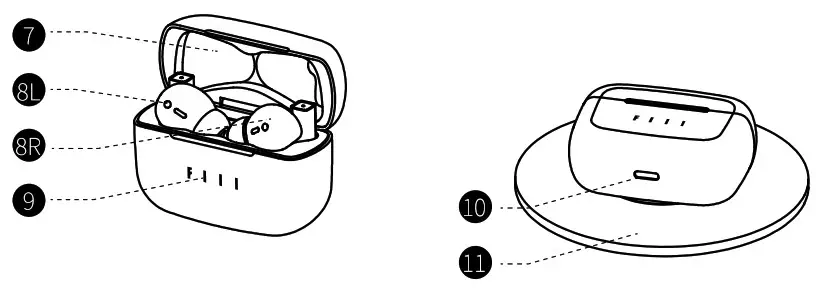
| 7. Charging Case 8R. Left earbud 8L. Right earbud | 9. Charge indicator 10. Type-C connector 11. Wireless Charge (not Included) |
Bluetooth Pairing
- Bluetooth Pairing
For first usage of brand new FIlLCCPraplease refer to page5 “Get Started’, the earbud status indicator will continue to blink blue once entered pairing mode.
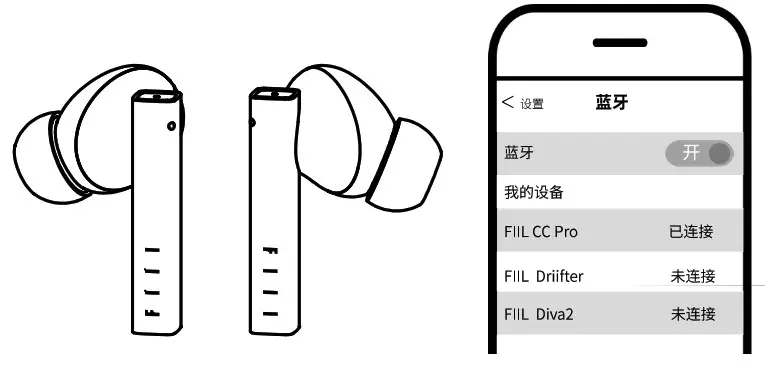
For a paired FIIL CCPraolease delete its pairing history in the device list or when the earbuds are turned of, press and hold any one of earbuds until the LED indicator blinks blue. - Search Connection
Enter setup menu of audio source devices, select “search device” in “Bluetooth” then select “FIIL CC the device list to connect.
Touch Control
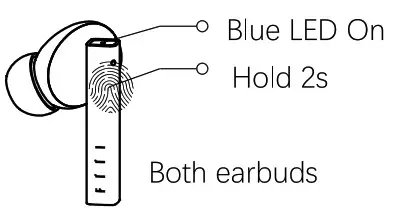
- Power On
Take earbuds out of charging case, they will automatically power on and reconnect cell phone, or you can press and hold earbuds for 2s to force power on, you will hear opning music and blee LED lights on.
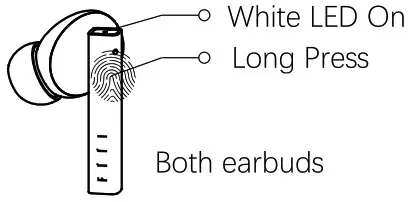
- Power Off
Put earbuds into charging case, they will automatically Dower off. Or you can press and hold earbuds untill white LED on.
- Answer/End
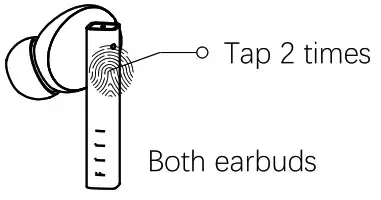
When incoming call, tao any earbuds to answer call. When call terminals, you can tap twice to end that call.
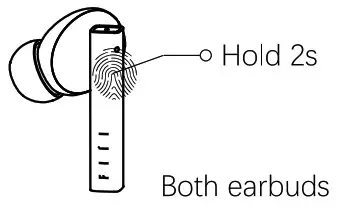
- Reject Call
When incoming call, please press and hold 2s to reject a call.
- Play/Pause
Tap 2 times to play or pause MUSIC.
- Voice Assistant
Tap 4 times to activate voice assistant, like Siri, etc. Note: please enable this function via fil+ APP.
- Volume Up/Volume Down
Tap L earbud to Vol+, tap 3 times to Vol- Note: enable full control mode in Til+ APP
 - Next/Prev. Track
Tap R earbud to play next, tap 3 times to play prev track. Note: enable full control mode in fiil+ APP
 - Wearing Detection
Take off earbuds to pause and wear to resume MUSIC.
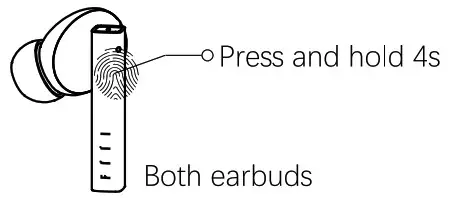
- Switch device
Press 4s untill heard beep sound then release, earbuds will disconnect current device and switch connection to previous device. Note:
Note:
1. headset should have been connected with 2 or more devices.
2. If switch failed, headset will resume connection. - Reset headset
Please contact after service to reset headset. - Charging Case Indicator
When headset or charging case Is charging, LED lights will on, after fully charged, LED light will off.Note: Charging with TypeC and Wireless charge at same time Is NOT allowed.
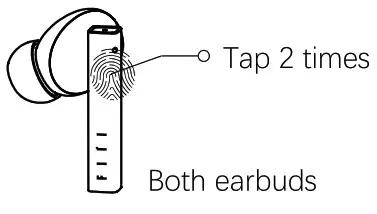
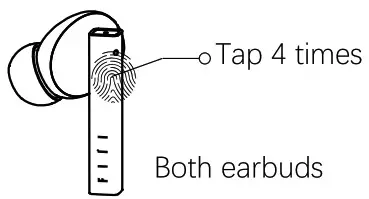
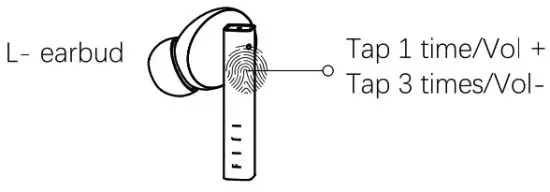 Note: enable full control mode in Til+ APP
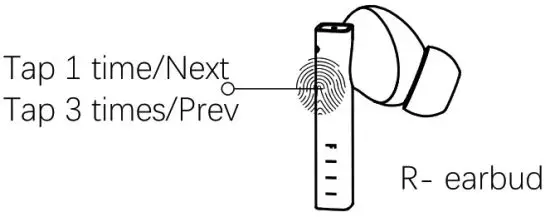 Note: enable full control mode in fiil+ APP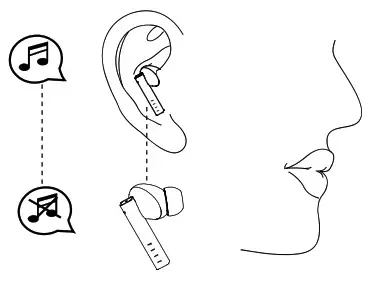
 Note:
Note: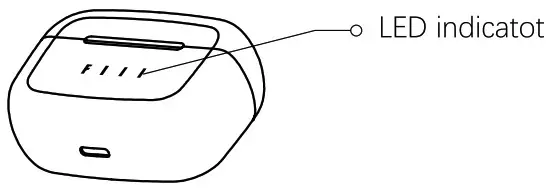 Note: Charging with TypeC and Wireless charge at same time Is NOT allowed.
Product Parameters
| Item | Specifications | |
| Earbud we -Mt Charging case weight | -d.5g/each -37g | |
| User Mode | Bluetooth True Wireless | |
| Bluetooth | V5.2 supported protocols: HSP, H FP, A2DP, AVRCP BT range: up to 30m. Pairing code: 0000. iOS and Android devices are supported. | |
| Audio specification | Supported Code: MC (for i0S) /SBC; Speaker specifications: (010 mm, Frequency ran:e: 15Hz-22kHz | |
| Power and battery | Rechargeable lithium-polymer battery; music time: up to 5Hrs (medium level) on a single charge; Bluetooth standby time: up to 6 days; charging time: – 70 minutes. Support total 32hrs battery time with char in case. | |
| operating environment | Operating temperature: 0°C-50°C; storage temperature: -30°C to 70°C; IEC60529-IPX4 Certified(earbuds) | |
| ‘Voice reminder | English | |
| Certification | BQB Bluetooth 5.2,SRRC,RoHS,REACH,FCC,IPX4 | |
 FCC and IC COMPLIANCE STATEMENT
This device complies with Part 15 of the FCC Rules and Industry Canada License-exempt RSS standard(s).
Operation is subject to the following two conditions:
- This device may not cause harmful interference, and
- This device must accept any interference received, including interference that may cause undesired operation.
This equipment has been tested and found to comply with the limits for a Class B digital device, pursuant to Part 15 of the FCC Rules / with Canadian ICES-003. These limits are designed to provide reasonable protection against harmful interference in a residential installation. This equipment generates, uses, and can radiate radio frequency energy and, if not installed and used in accordance with the instructions, may cause harmful interference to radio communications.
However, there is no guarantee that interference will not occur in a particular installation. If this equipment does cause harmful interference to radio or television reception which can be determined by turning the radio or television off and on, the user is encouraged to try to correct interference by one or more of the following measures:
- Reorient or relocate the receiving antenna.
- Increase the separation between the equipment and receiver.
- Connect the equipment into an outlet on another circuit.
- Consult the dealer or an experienced radio/TV technician for help.
CAUTION STATEMENT
Any changes or modifications not expressly approved by the party responsible for compliance could void the user’s authority to operate the equipment.
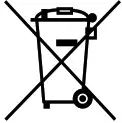 Correct disposal of This Product (Waste Electrical & Electronic Equipment)
(Applicable in the European Union and other European countries with separate collection systems)
This marking shown on the product or its literature indicates that it should not be disposed with other household wastes at the end of its working life.
To prevent possible harm to the environment or human health from uncontrolled waste disposal, please separate this from other types of wastes and recycle it responsibly to promote the sustainable reuse of material resources. Household users should contact either the retailer where they purchased this product or their local government office for details of where and how they can take this item for environmentally safe recycling.
Business users should contact their supplier and check the terms and conditions of the purchase contract.
This product should not be mixed with other commercial wastes for disposal.
 CAUTION
Risk of explosion if battery is replaced by an incorrect type.
Dispose of used batteries according to the instructions.
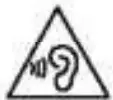 To prevent possible hearing damage, do not listen at high volume levels for long periods.
 CE Mark Warning
RF Exposure Information
The device meets the EU requirements (1999/519/EC) on the limitation of exposure of the general public to electromagnetic fields by way of health protection.
Note: The maximum average emitted power of the device is less than 20mwW.