
10” RING
LIGHT
KIT
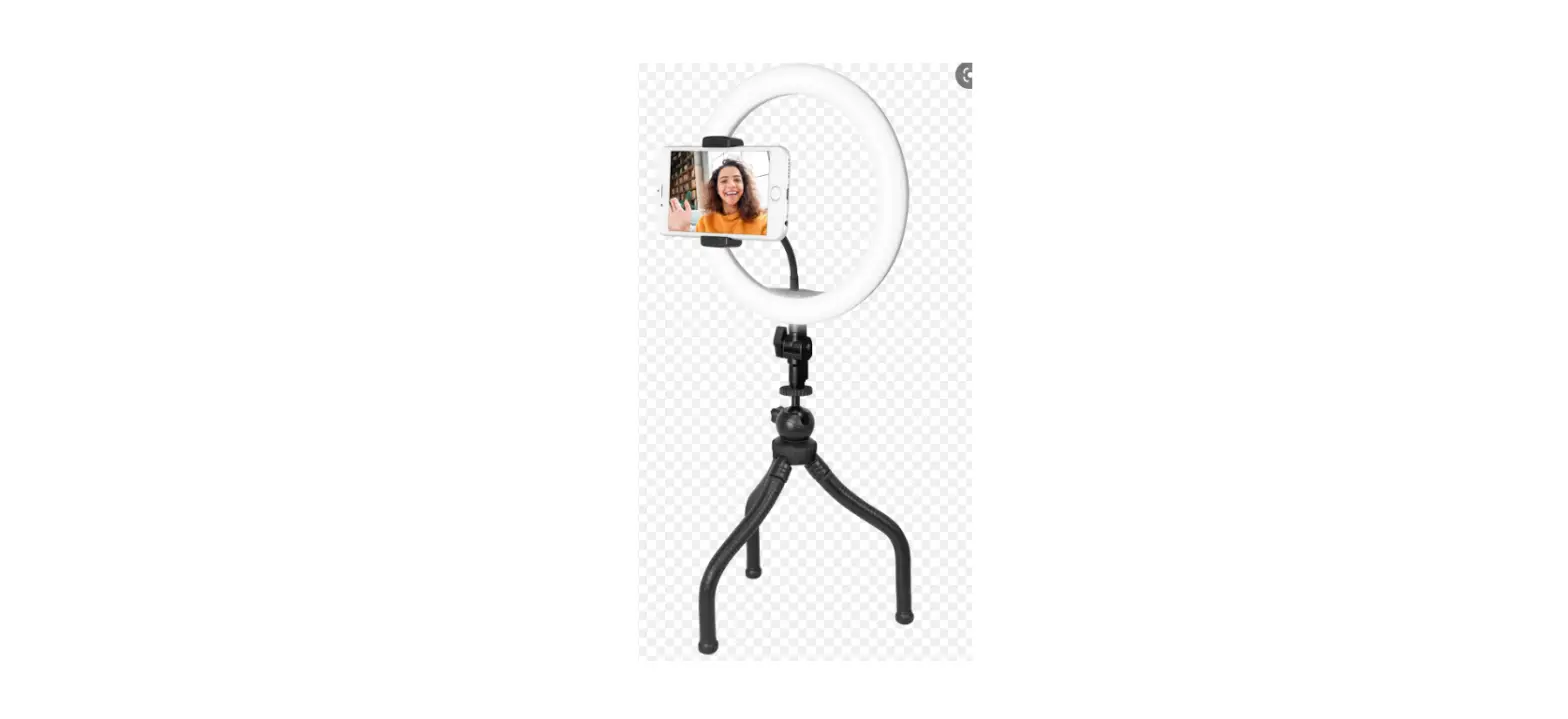
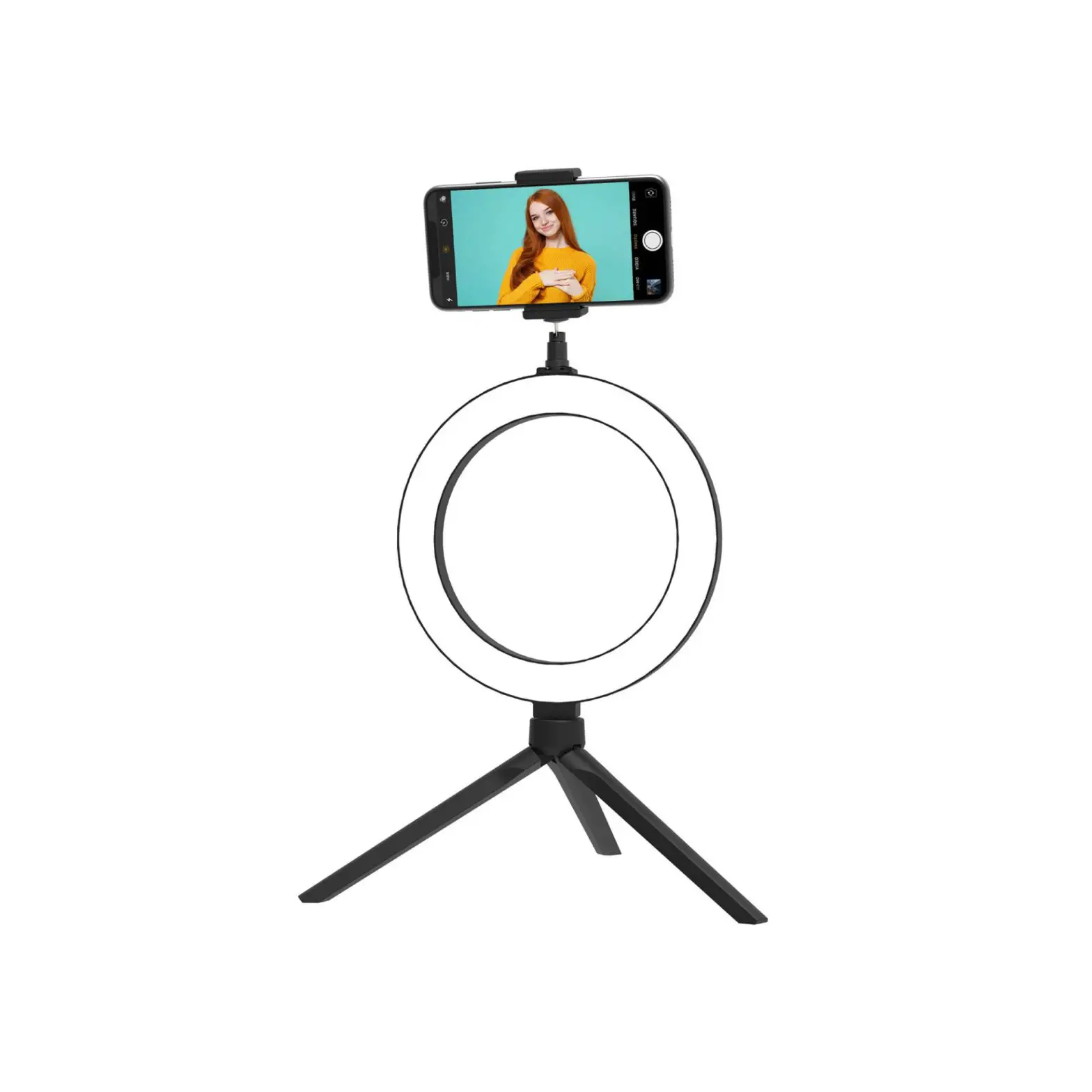
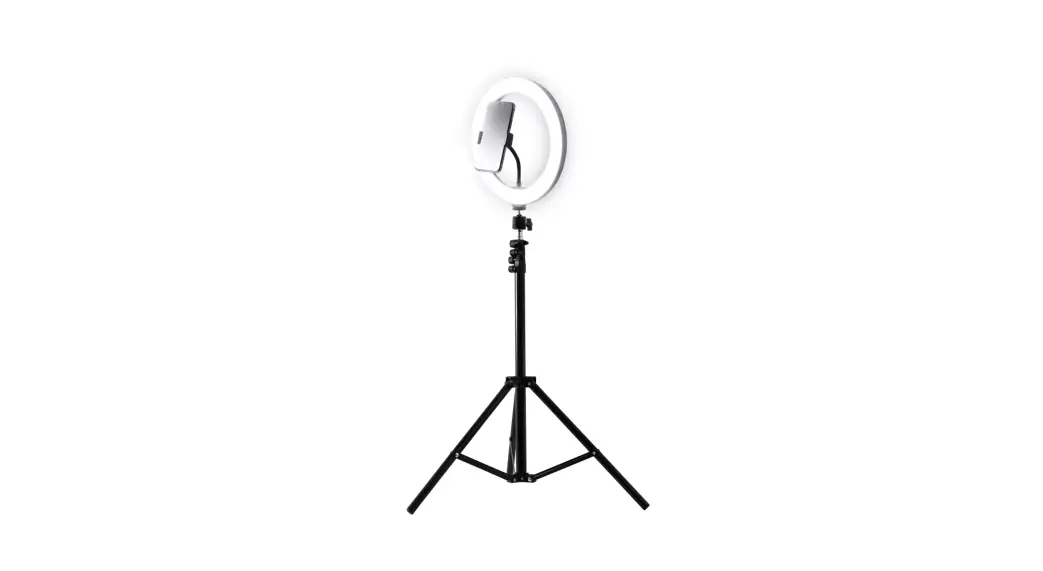
Welcome to the 10″ Crest ring light kit. Here are the instructions on how to set up your kit so you can get on with creating content.
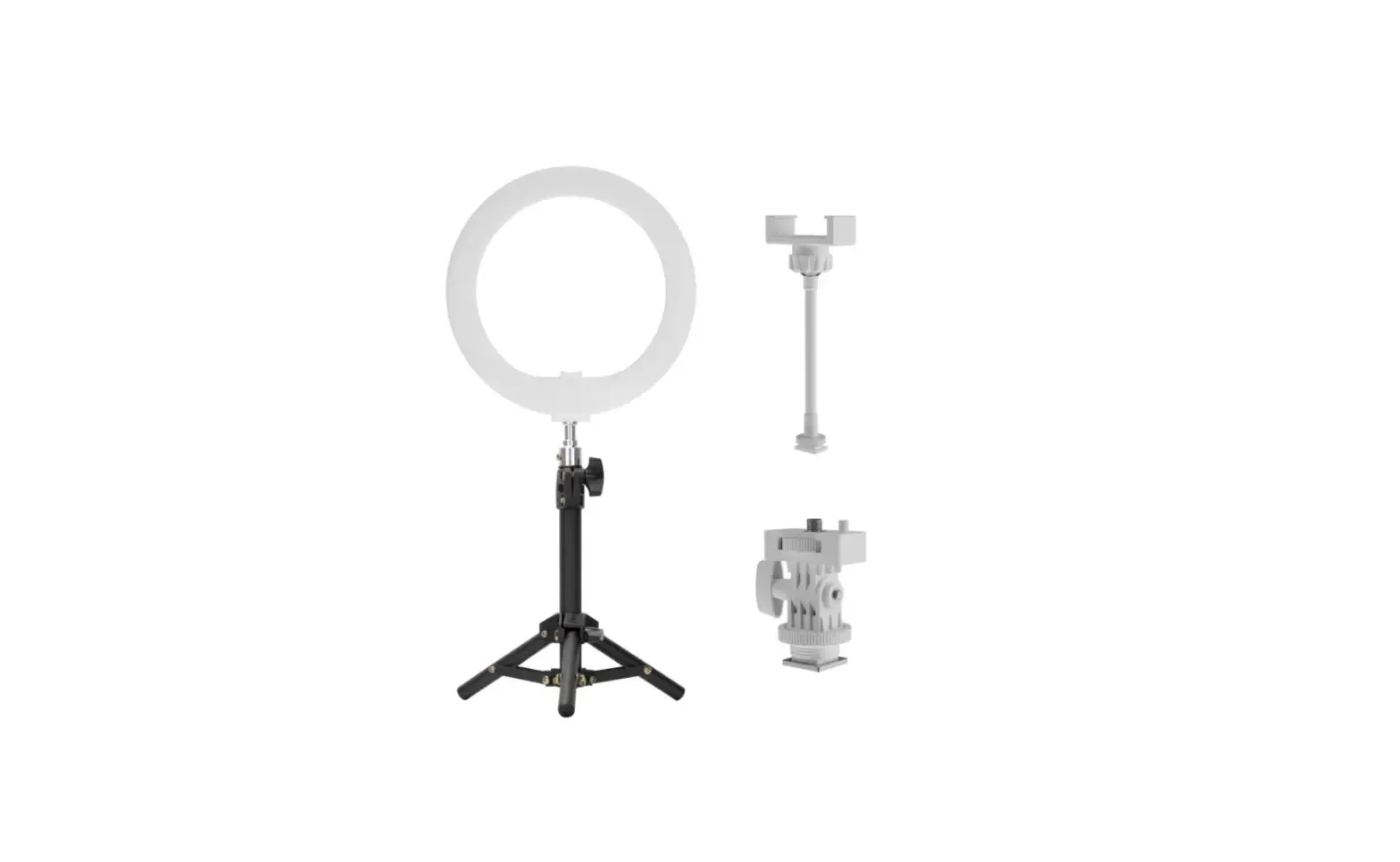
INCLUDED
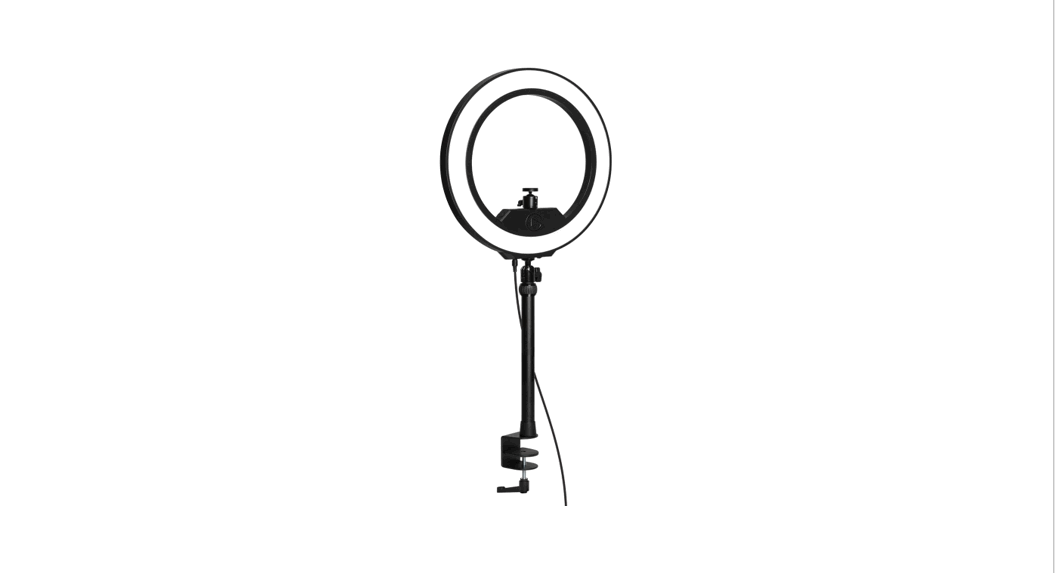
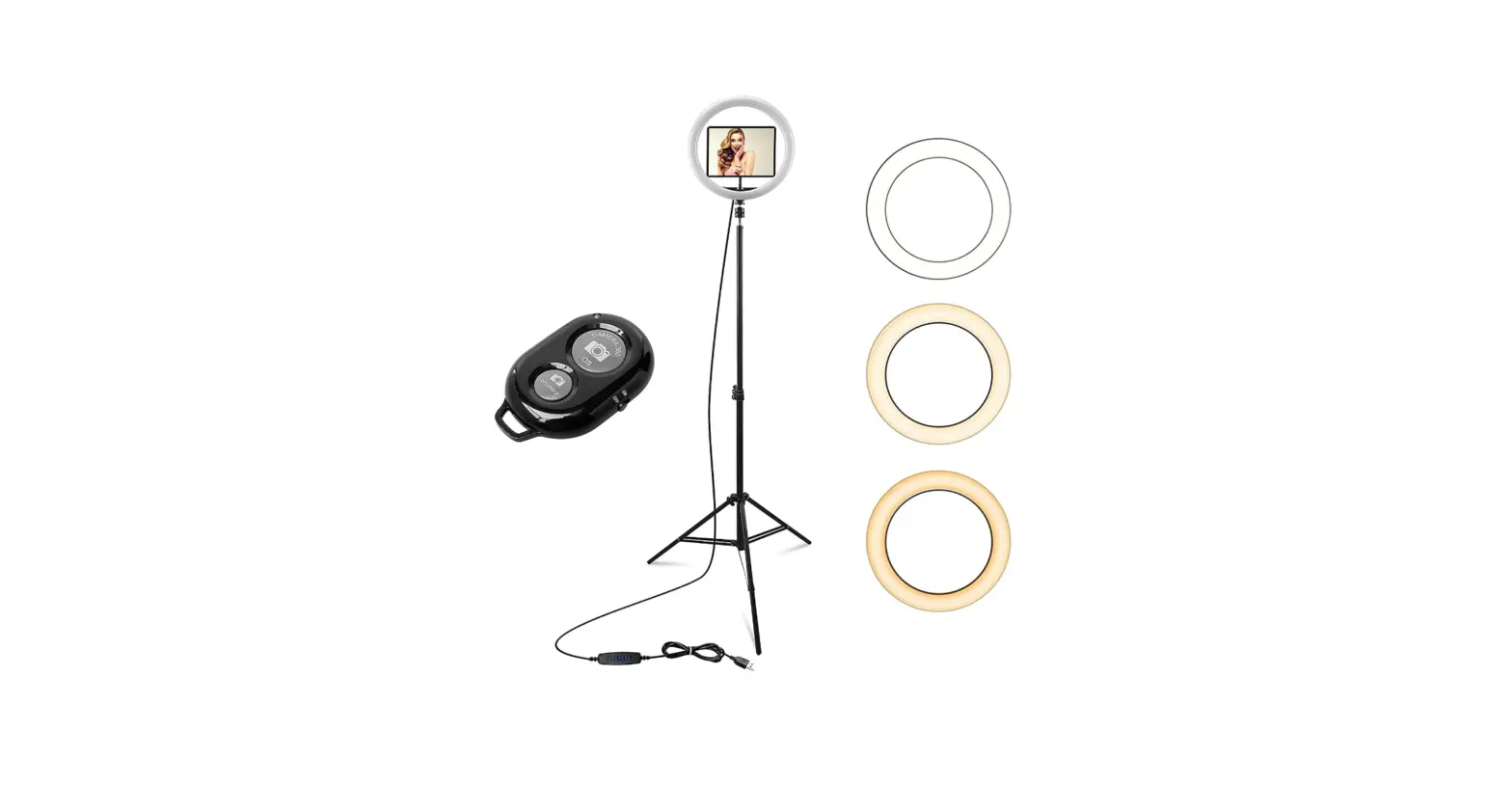
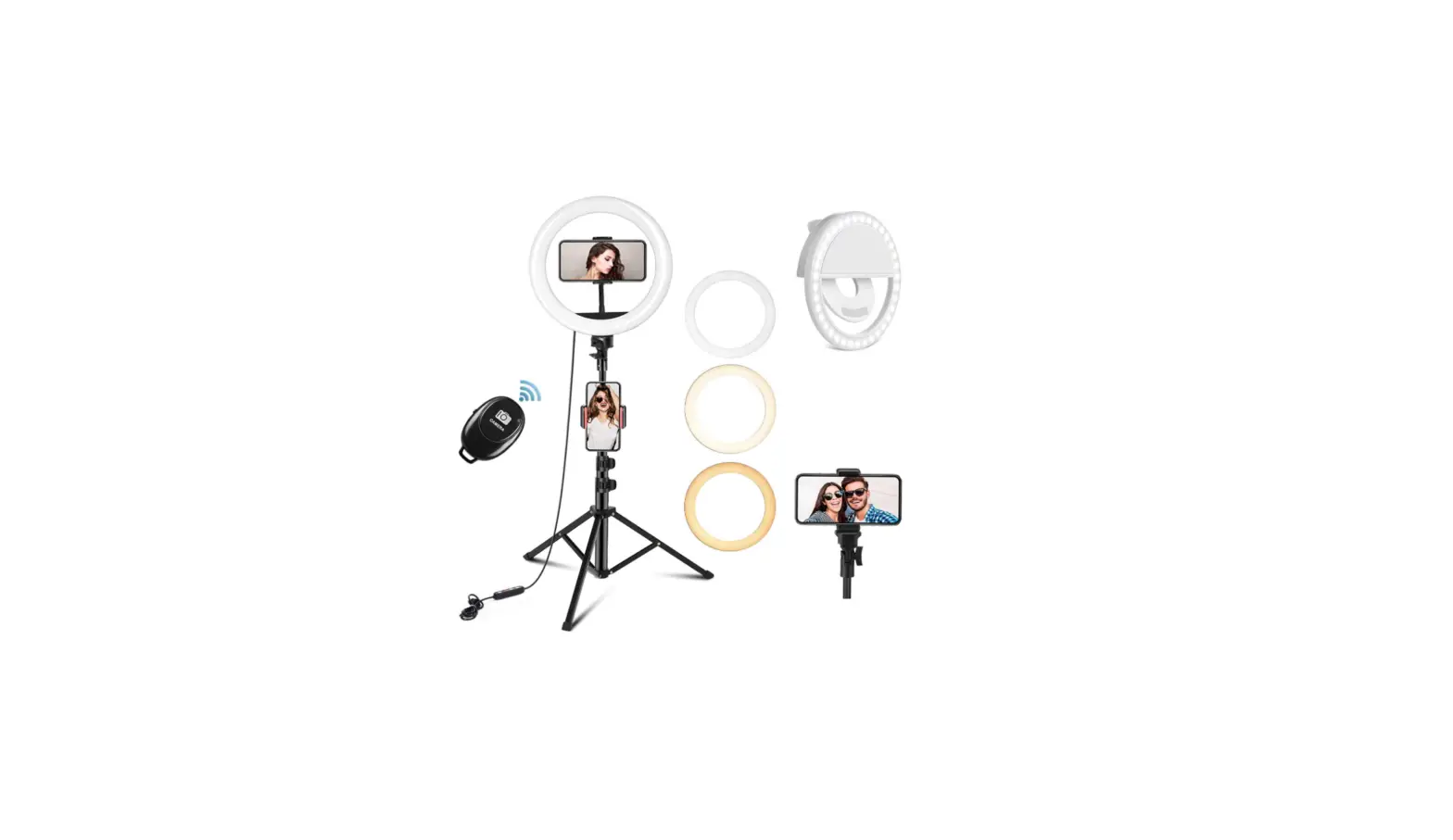
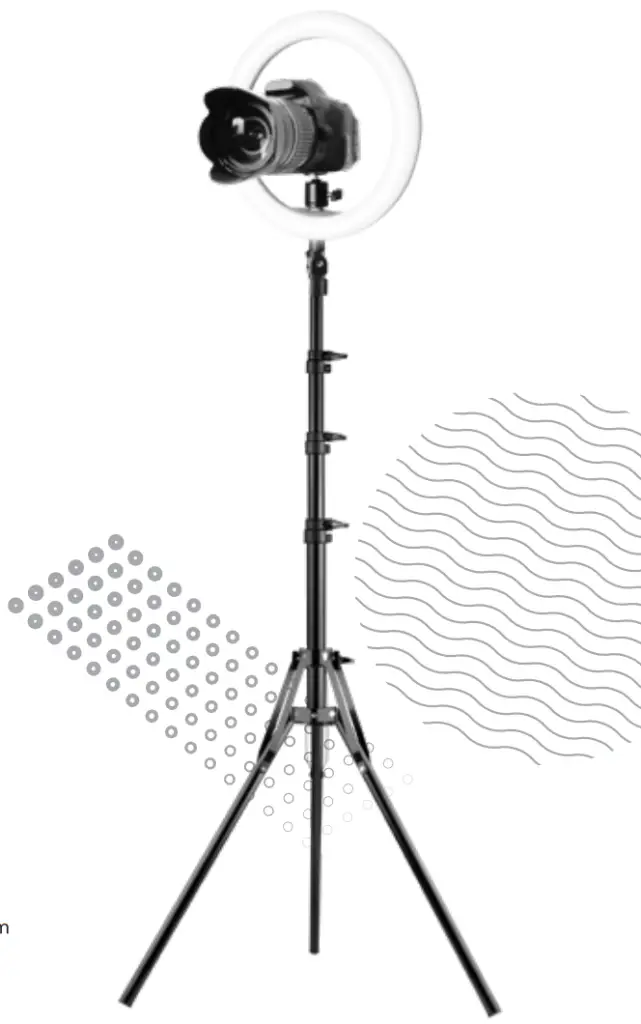
 Tripod 50cm-210cm
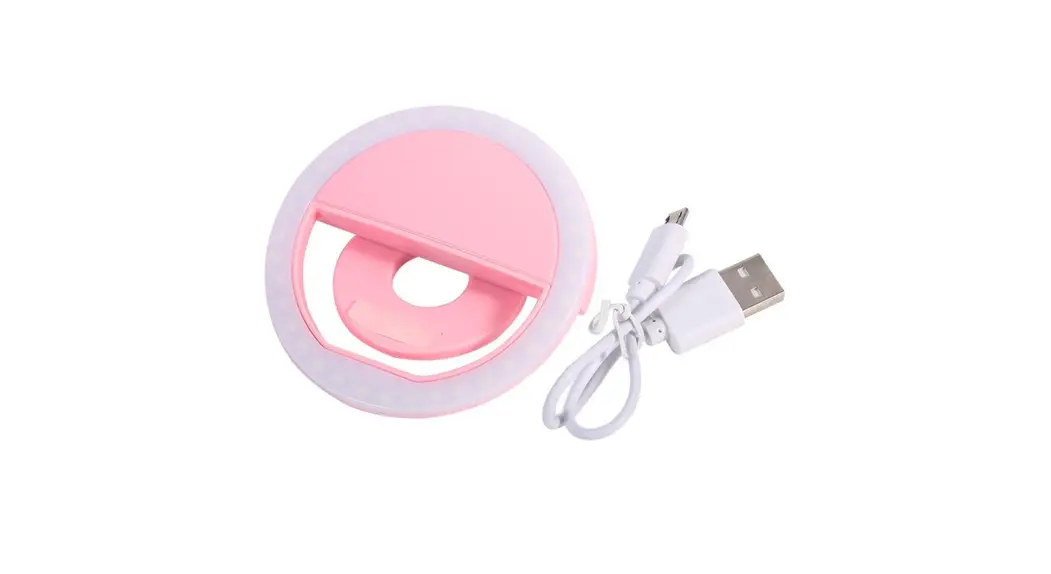
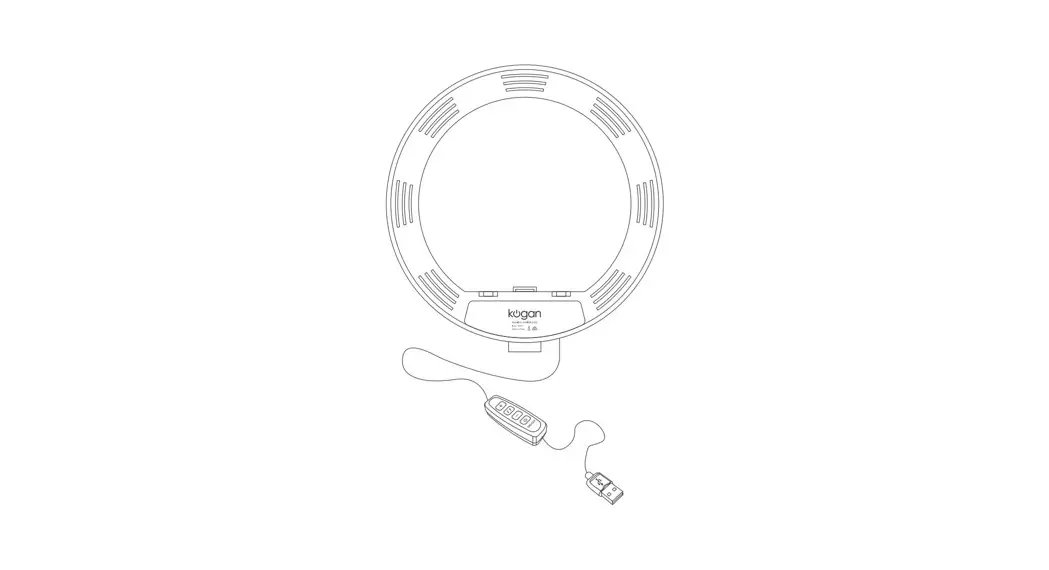
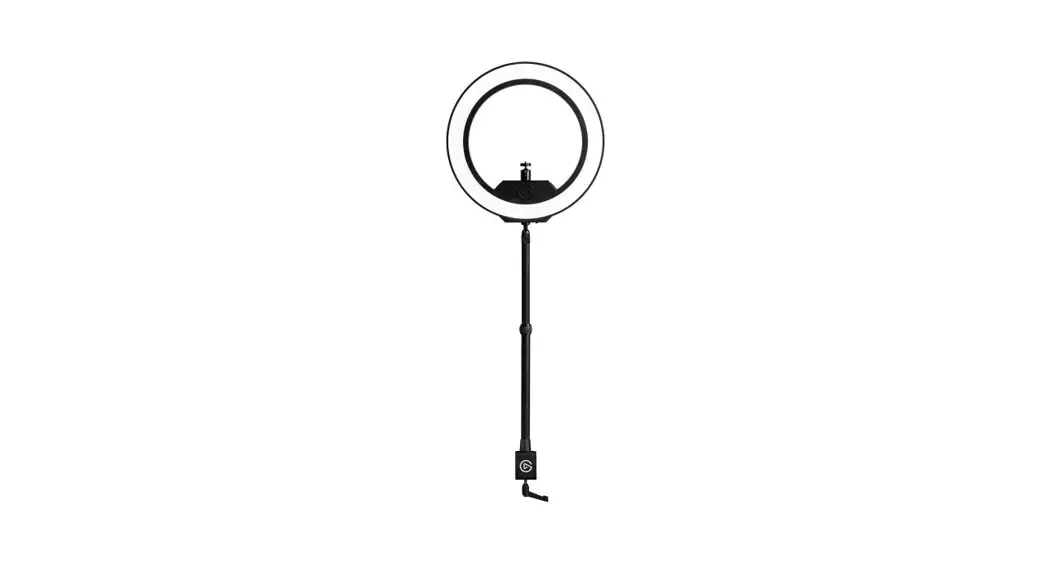
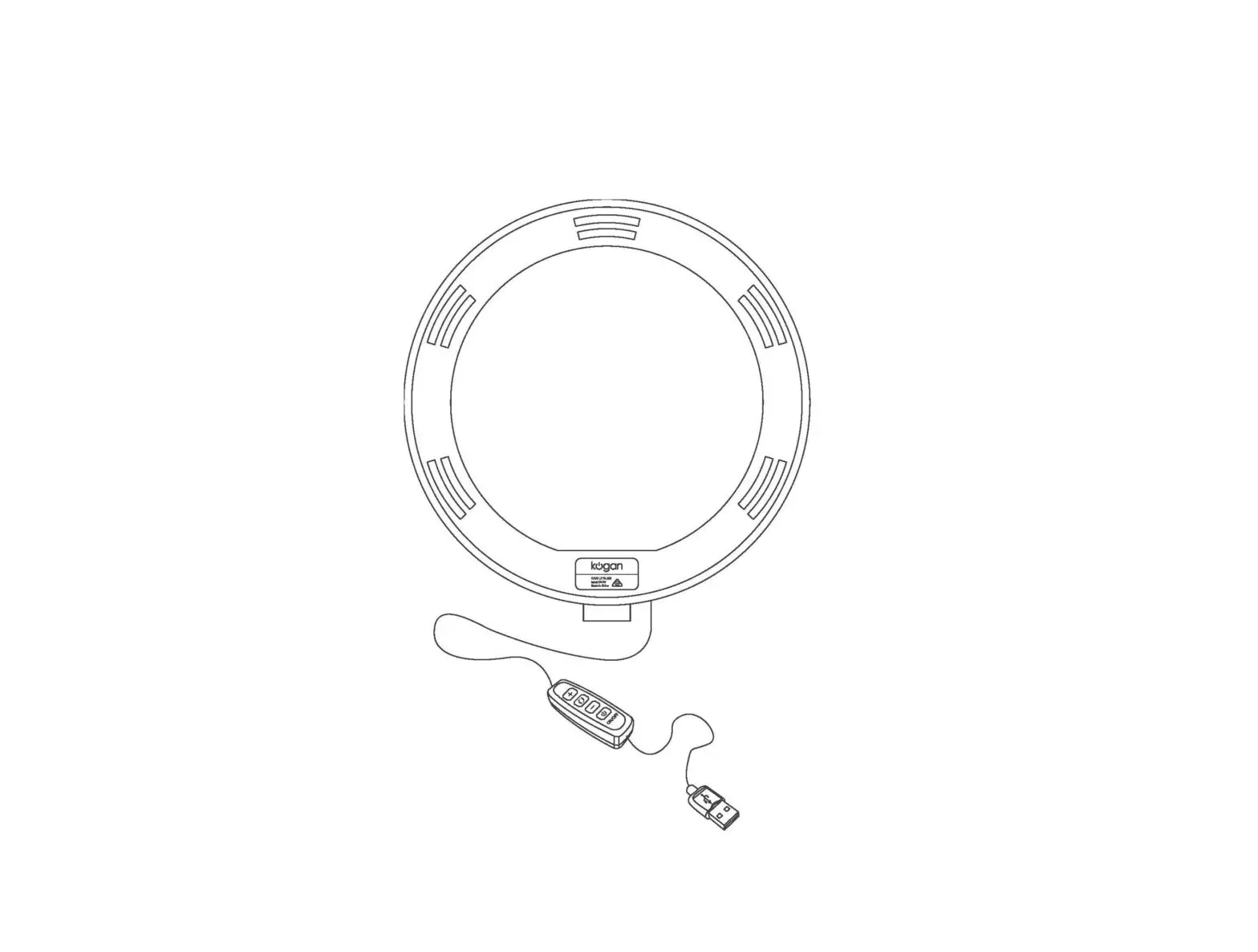
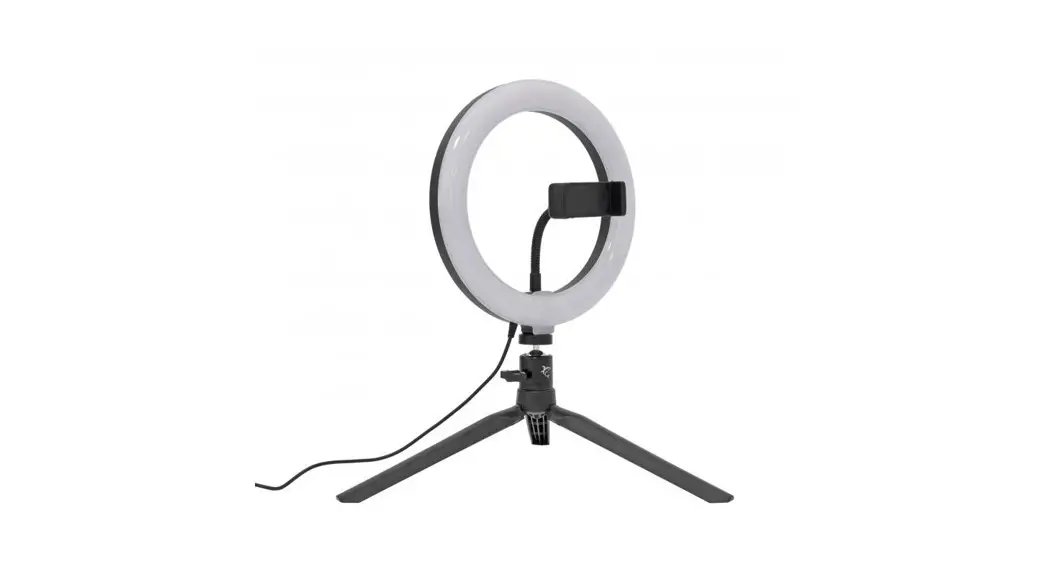
 LED ring light
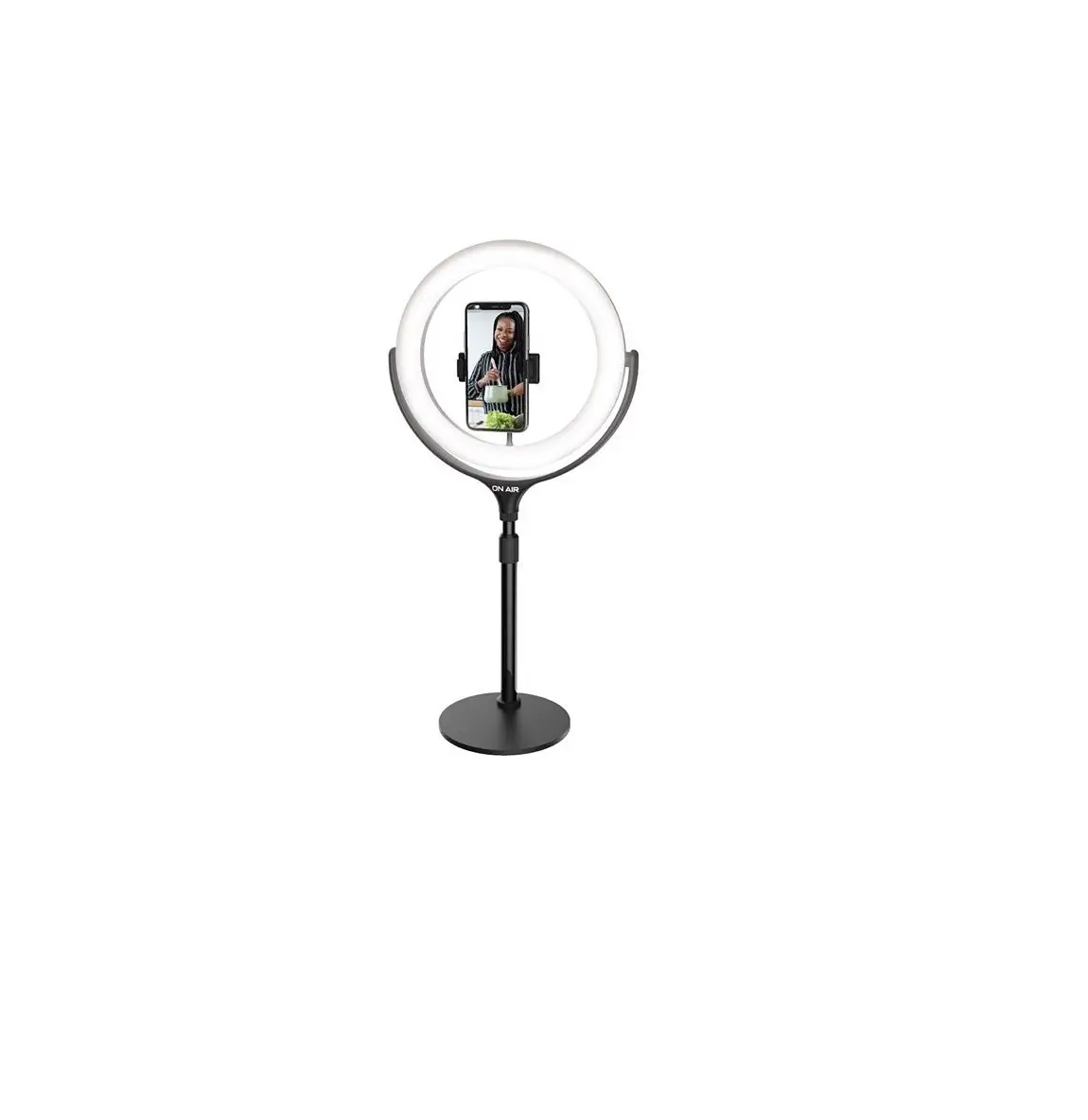
 Single phone mount
 DSLR camera mount
CVL10TK
SPECIFICATIONS
- Powered via USB.
- Connect to suitable USB source providing 5V D.C, 2A (10W). (USB Adaptor not included)
- Light temperature: 3000K – 5000K
*Ring light is 10” high as measured from mounting point to top of the ring.
Think, create, innovate!
ASSEMBLY
Assembly of the 10″ Ring Light Kit is broken down into 4 sections:
Tripod, ring light, phone mount, and camera mount.
SECTION 1: TRIPOD
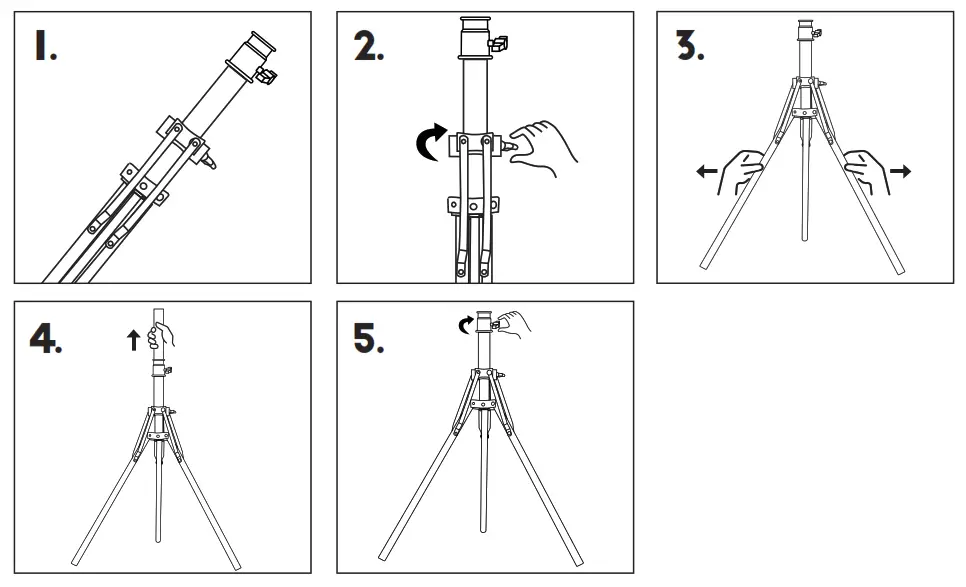
- Take the folded tripod out of the packaging (Fig. 1).
- Loosen the base adjustment screw (Fig. 2).
- Use your hands to gently pull the legs outwards from the center shaft (Fg. 3).
- Adjust the legs until they are spread wide and sit securely on the ground.
Then tighten the base adjustment screw. - Loosen the pole screws to extend to your desired height. Then tighten once height is confirmed (Fig. 4 & 5).
SECTION 2: RING LIGHT
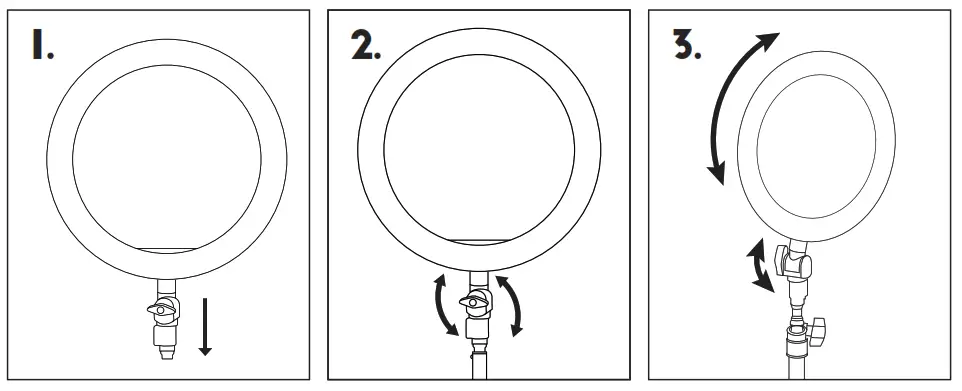
- Remove the assembled ring light from the packaging.
- Loosen the bottom adjustment screw on the ring light, then attach the mount to the top of the tripod. Tighten the adjustment screw until the ring mount is secure (Fig. 2).
- You can tilt the ring light by loosening the adjustment screw and then tightening it once the ring light is in the desired position (Fig. 3).
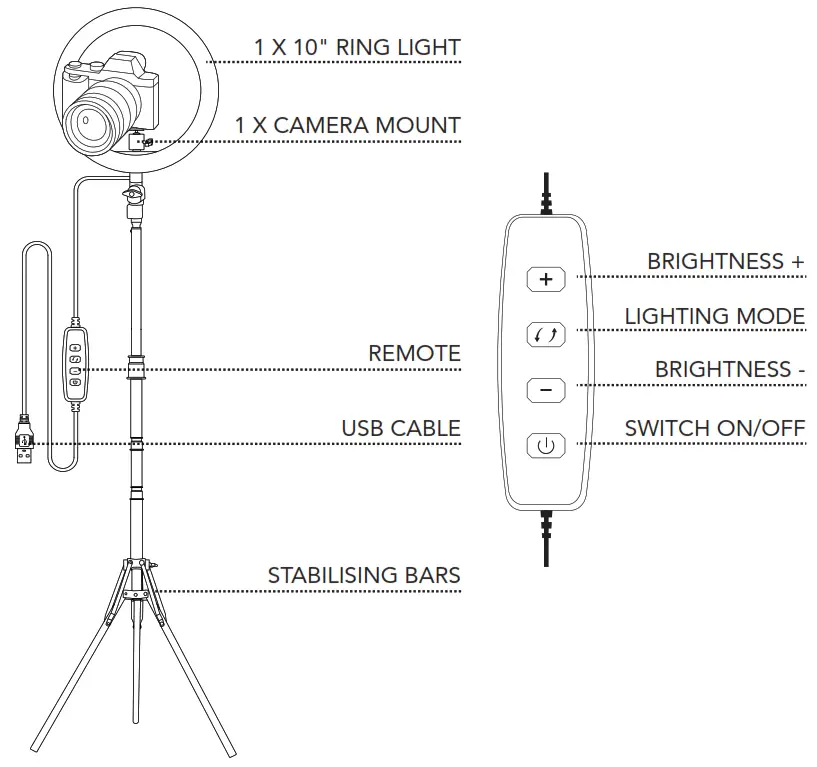
- The light modes and brightness levels can be controlled on the remote.
SECTION 3: PHONE MOUNT
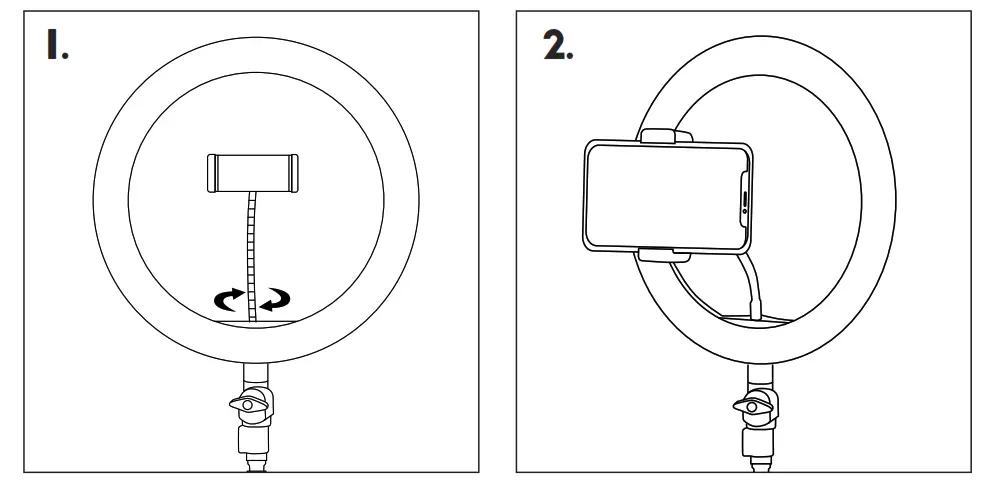
- Screw the phone mount into the hole on the base of the ring light so that it is secure.
- Attach the phone bracket onto the mount either in portrait or landscape position.
Pull the spring-loaded side of the phone mount and insert your smartphone (Fig. 2).
You may need to remove your phone case for secure insertion into the phone mount.
SECTION 4: CAMERA MOUNT
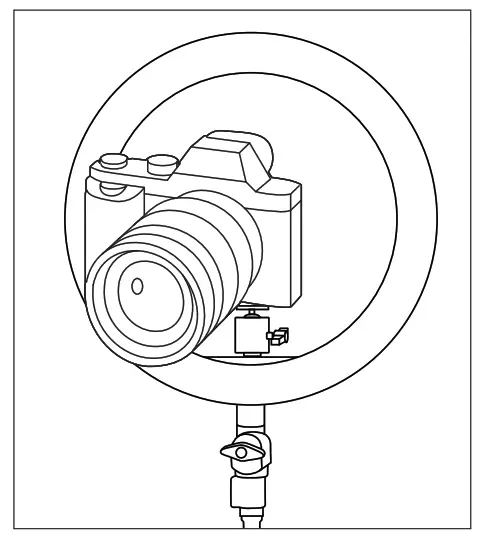
- Attach the metal camera mount to the camera base first.
- Attach the camera base to the ring light mount by screwing the double-headed bolt into both the camera mount and the ring light.
- Tighten the base adjustment ring.
 PO Box 5658
Brendale QLD
Australia 4500
Customer Support
1800 812 261
www.crest.com.au
AUSTRALIAN OWNED
 The Crest Company - Enhancing Digital Lifestyle