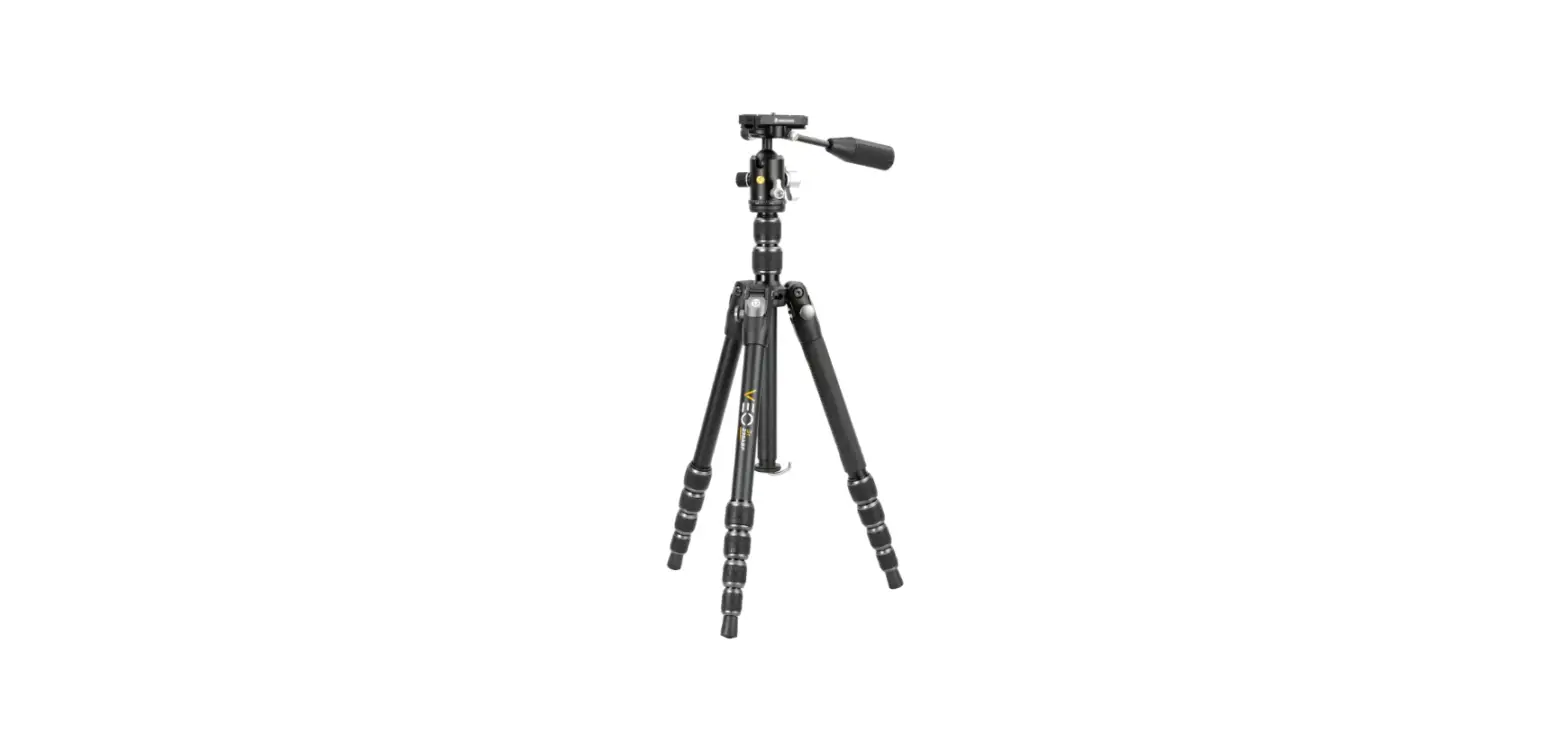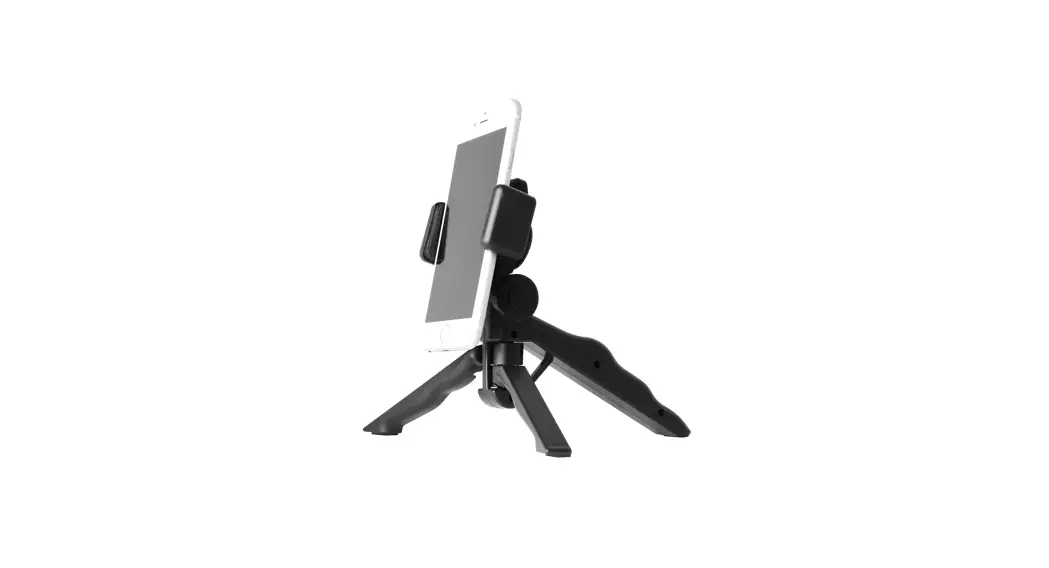
 PISTOL
GRIP
TRIPOD
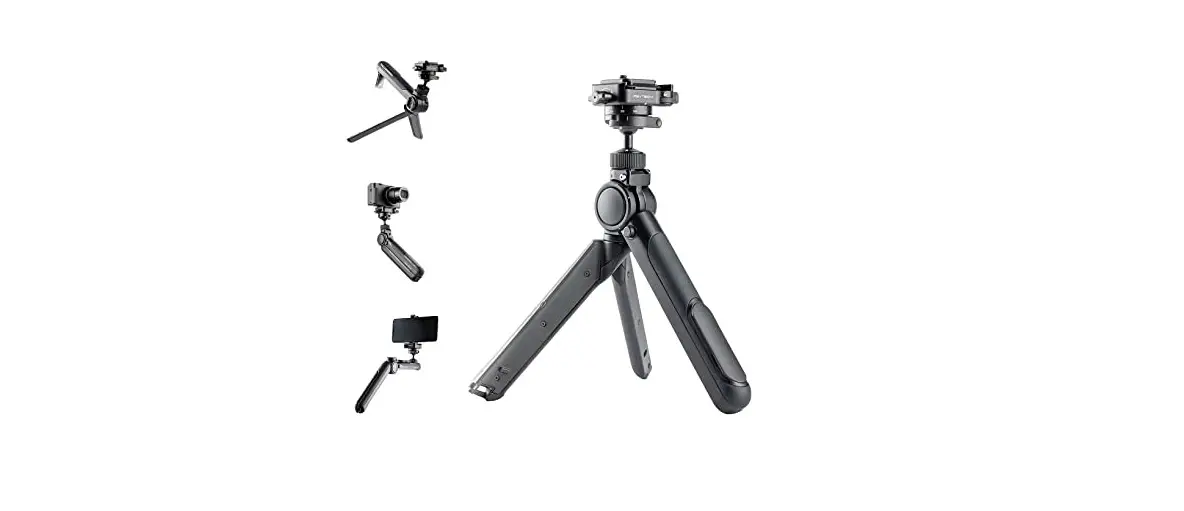
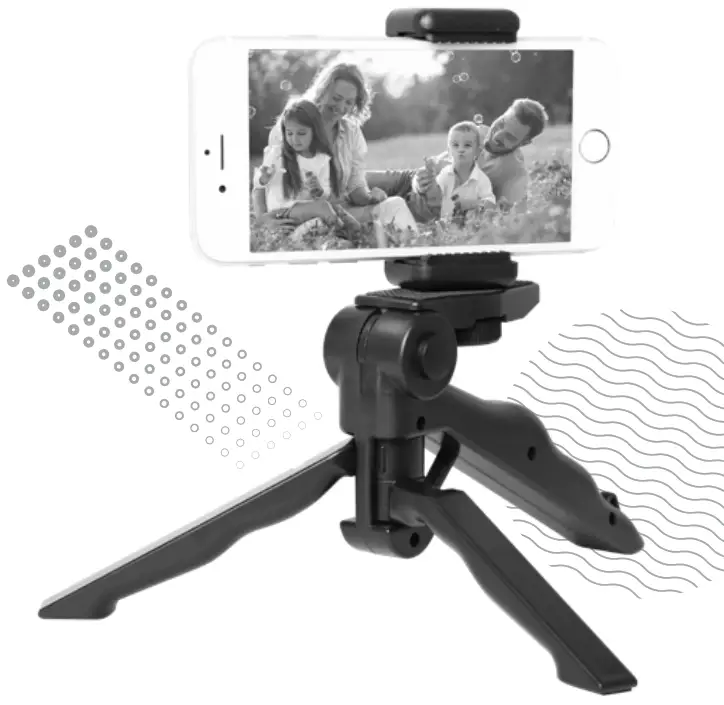
Welcome to the Crest Pistol Grip Tripod. Here are the instructions on how to set up your kit so you can get on with creating content.
INCLUDED
 Pistol grip tripod
 Phone holder
Think, create, innovate!
CVLPGT
TRIPOD / MONOPOD
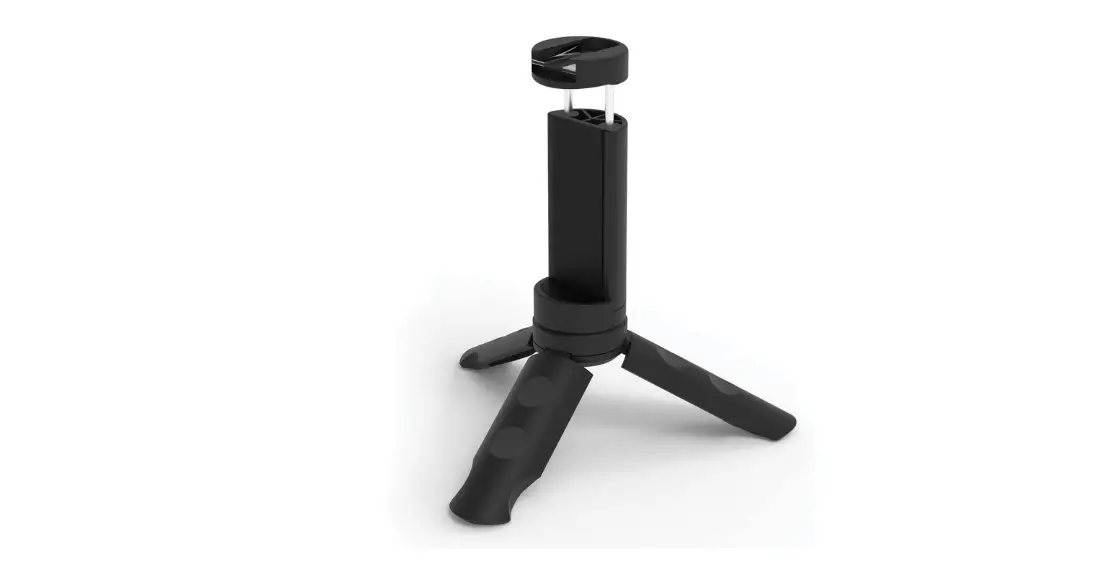
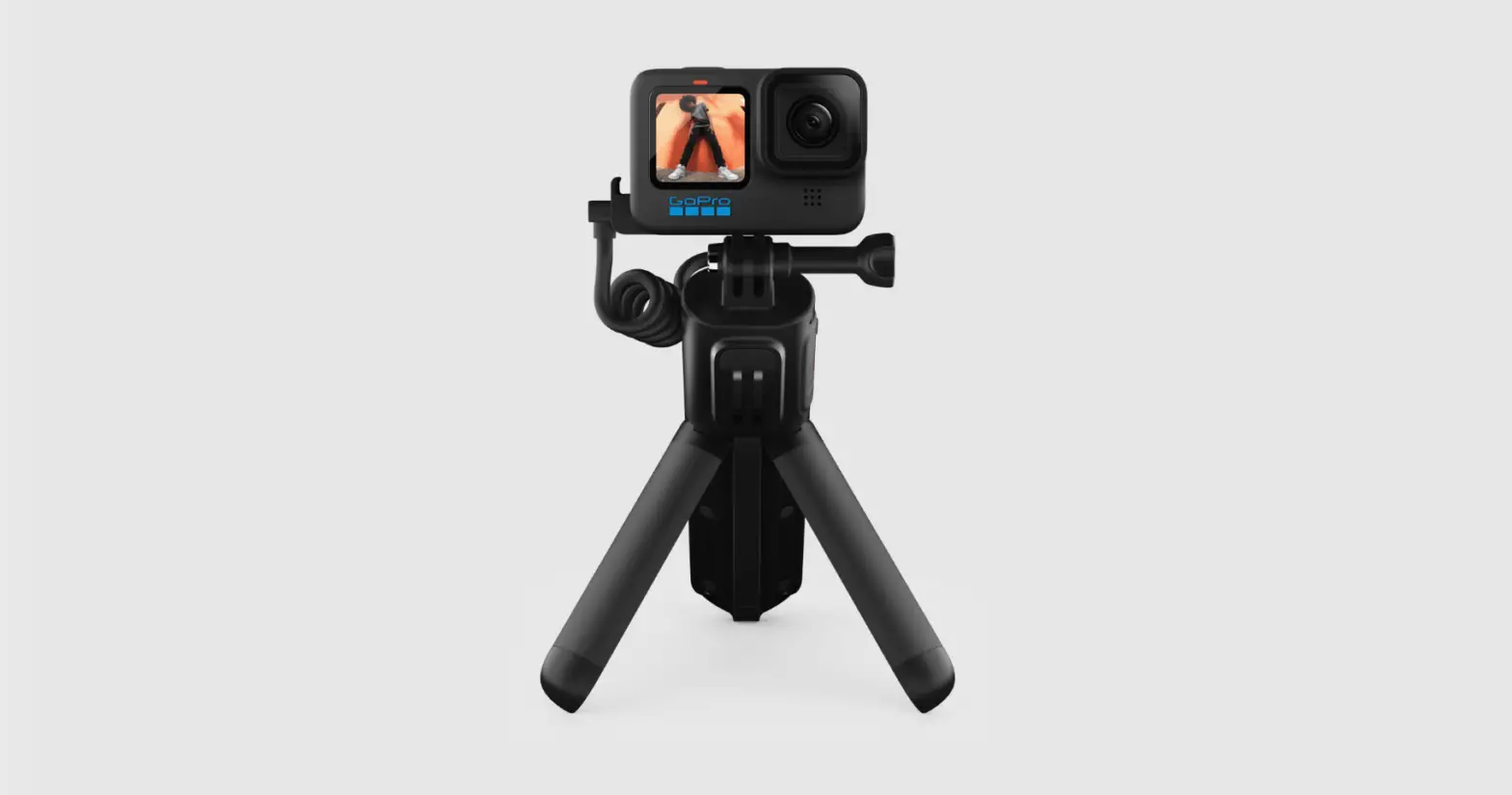
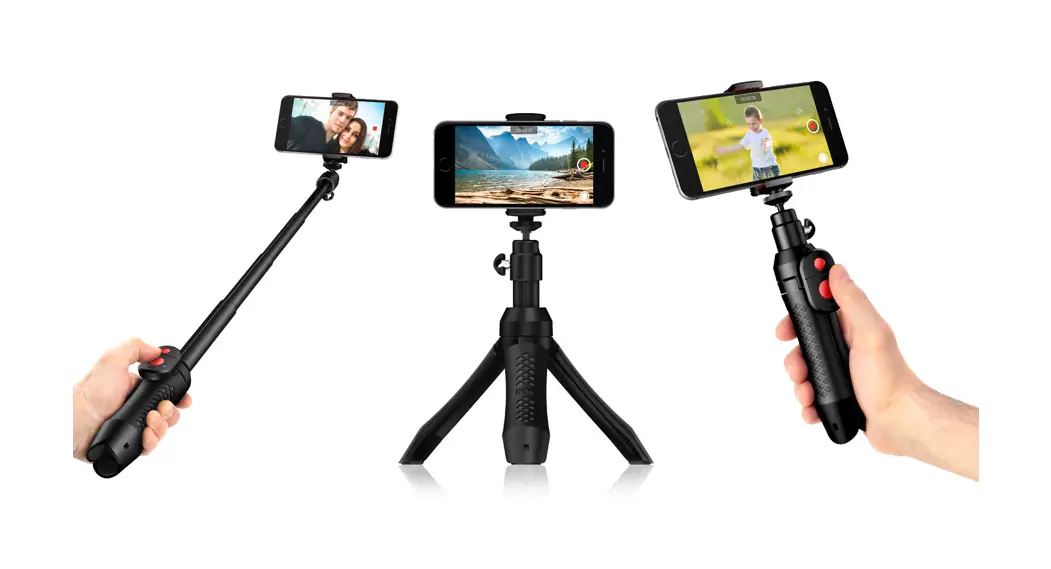
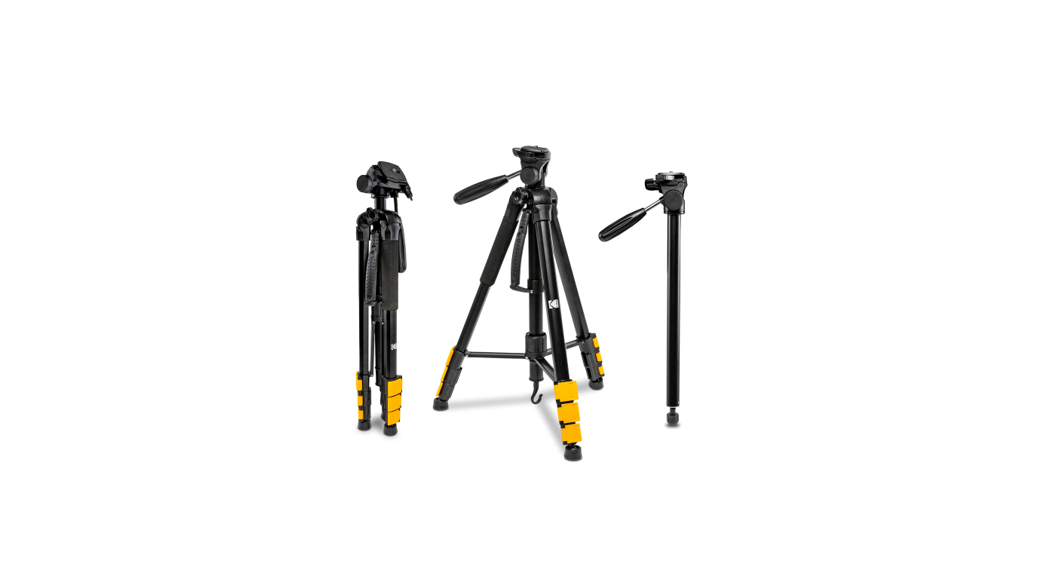
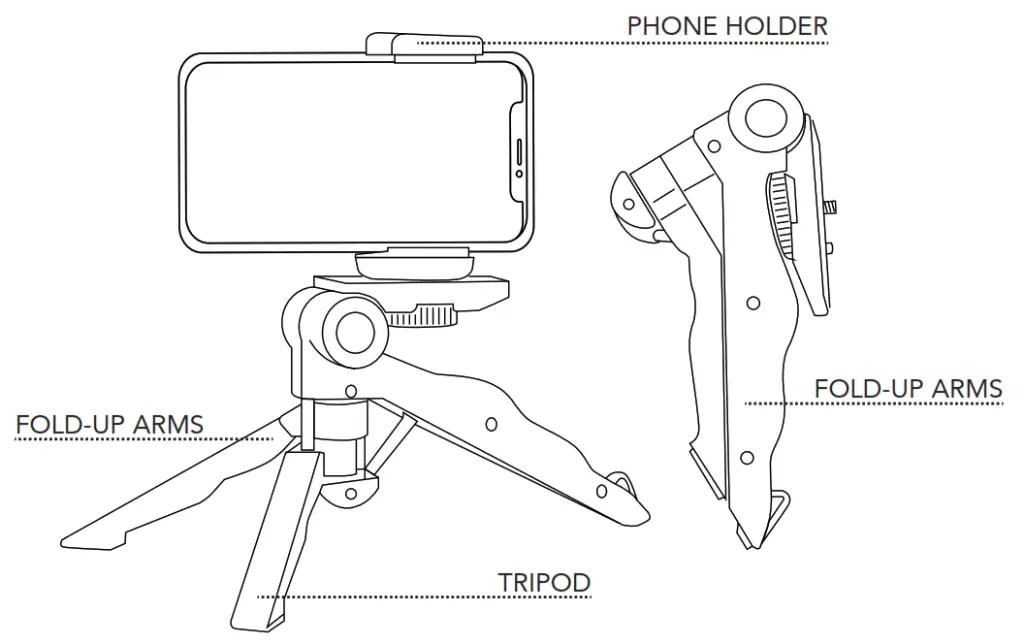
To set up the tripod for secure use, spread the base legs apart so that they are evenly spaced. To use as a monopod for on-the-go shots, collapse the legs back together.
PHONE MOUNT
- The phone mount can be attached either in the landscape or portrait direction by screwing clockwise onto the tripod.
- To insert a phone in the mount, simply pull the handle to loosen. Place the phone securely into the mount and release the handle.
- To tilt the phone mount, squeeze the locking button on both sides and release it when in position to lock it.

PO Box 5658
Brendale QLD
Australia 4500
Customer Support
1800 812 261
www.crest.com.au
AUSTRALIAN OWNED
 The Crest Company - Enhancing Digital Lifestyle