LUNAR BASE
ASSEMBLY GUIDE
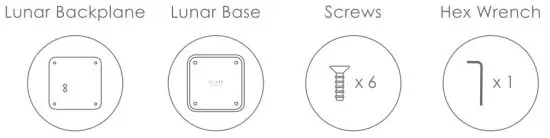
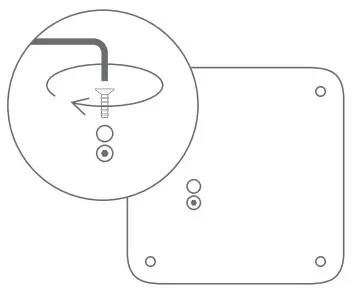
- REMOVE ORIGINAL BASE PLATE
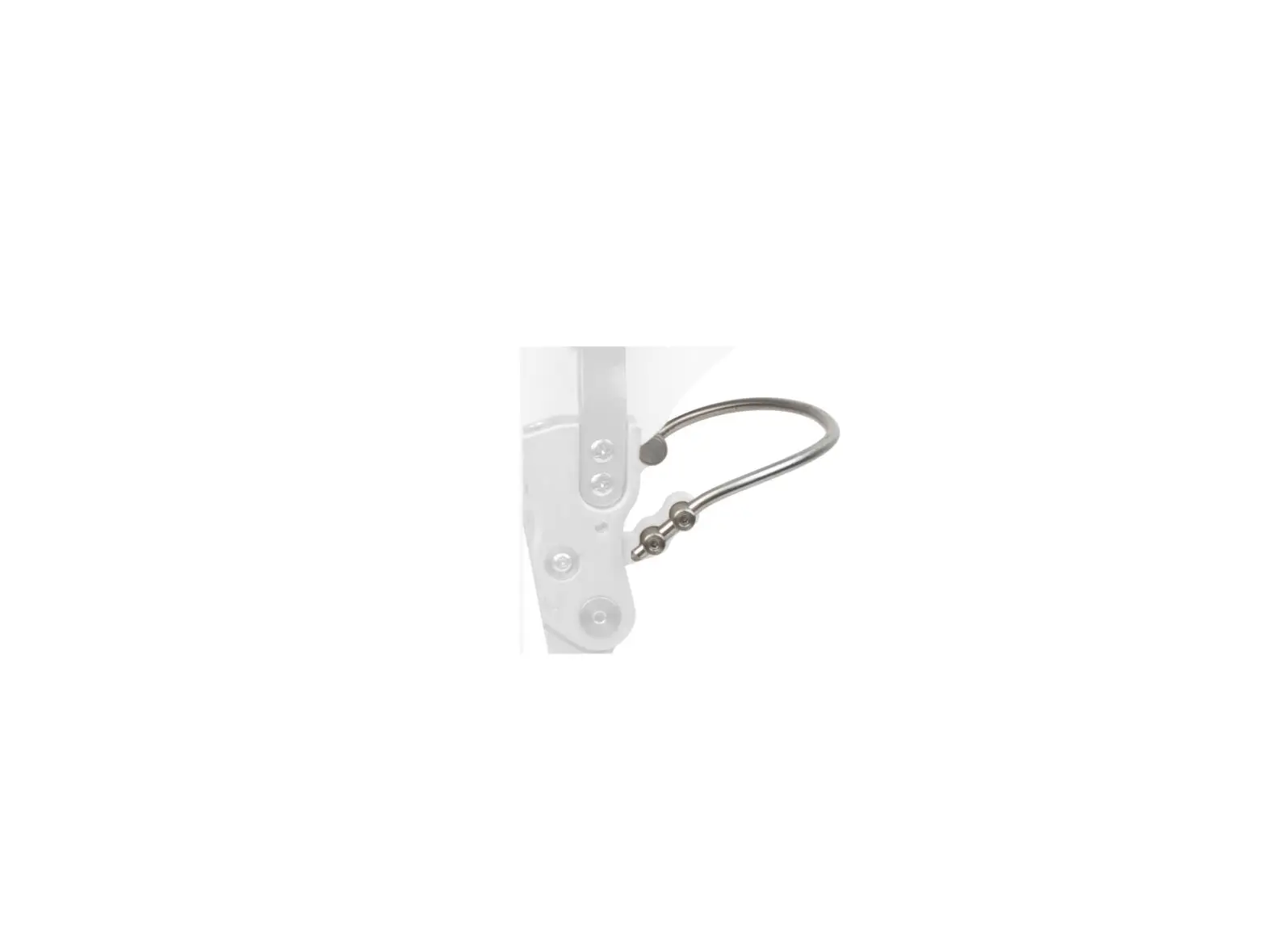
Unscrew the two screws with the hex wrench and remove the original base plate.
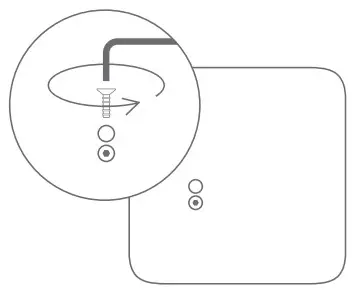
- INSTALL THE LUNAR BACKPLANE
Replace the original base plate with the Lunar backplane, tighten the two screws with the hex wrench and make sure that the Lunar backplane is evenly positioned in the center and the screws are secured.
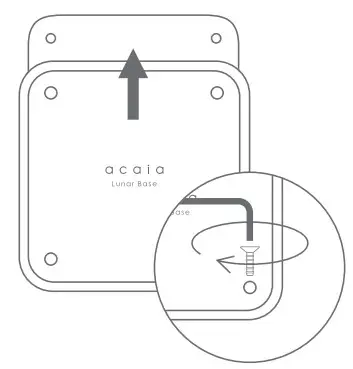
- APPLY LUNAR BASE
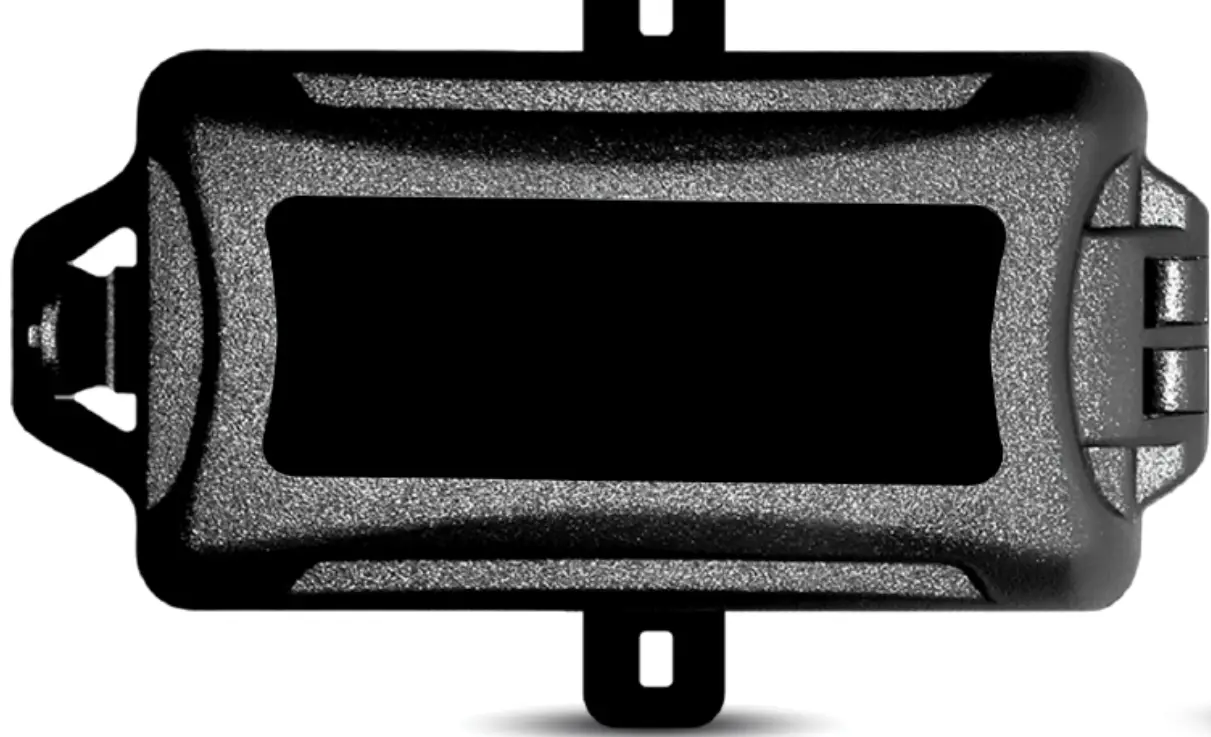
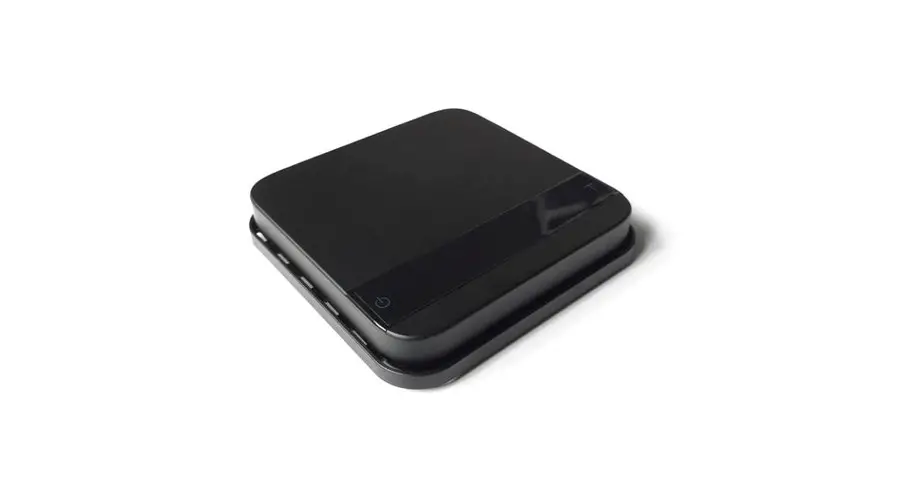
Place the Lunar Base on top of the Lunar backplane and assemble with the remaining screws.
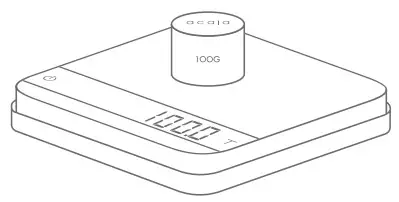
- CALIBRATING YOUR SCALE
Use the 100 g calibration weight that comes with the Lunar to calibrate.