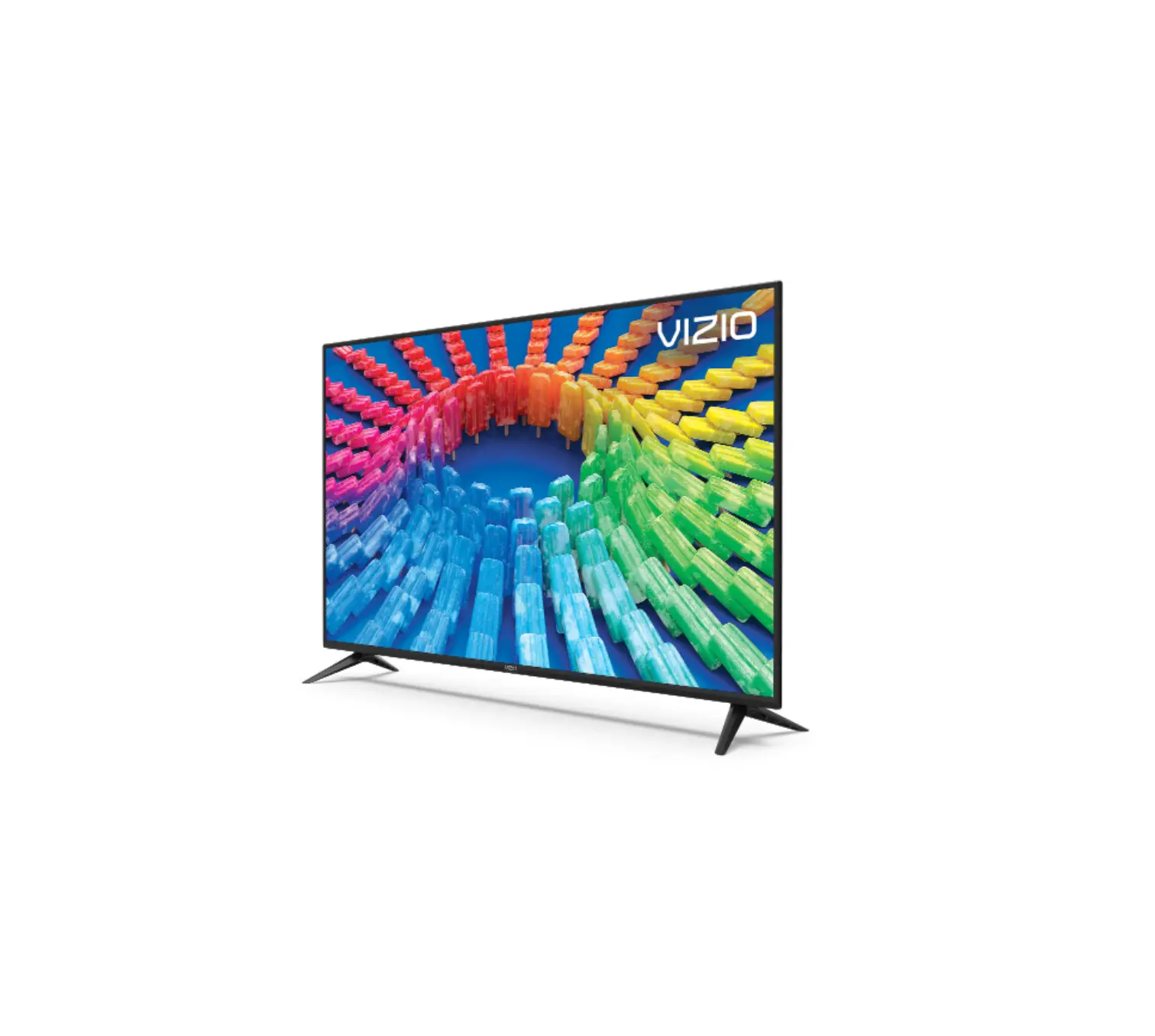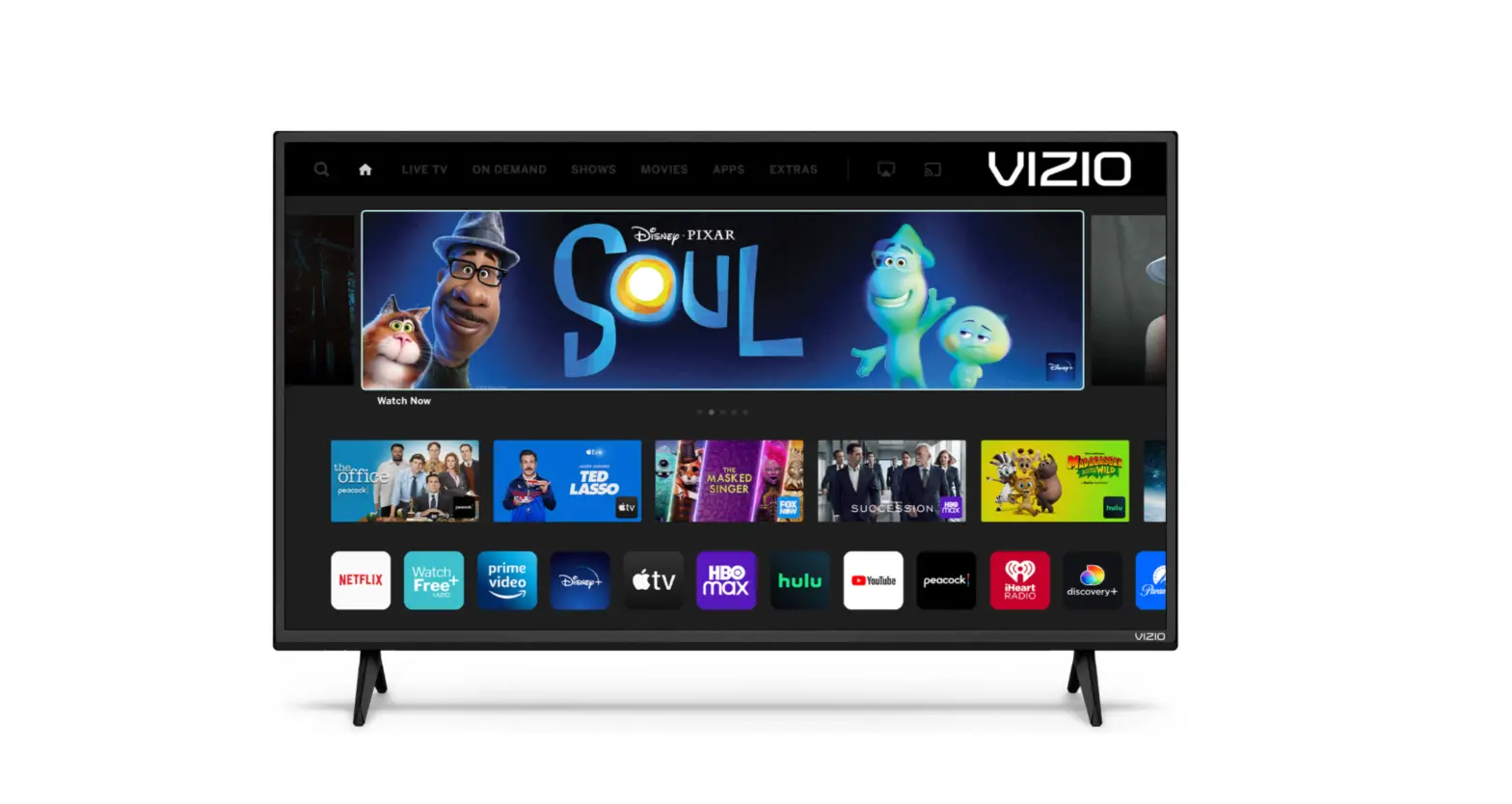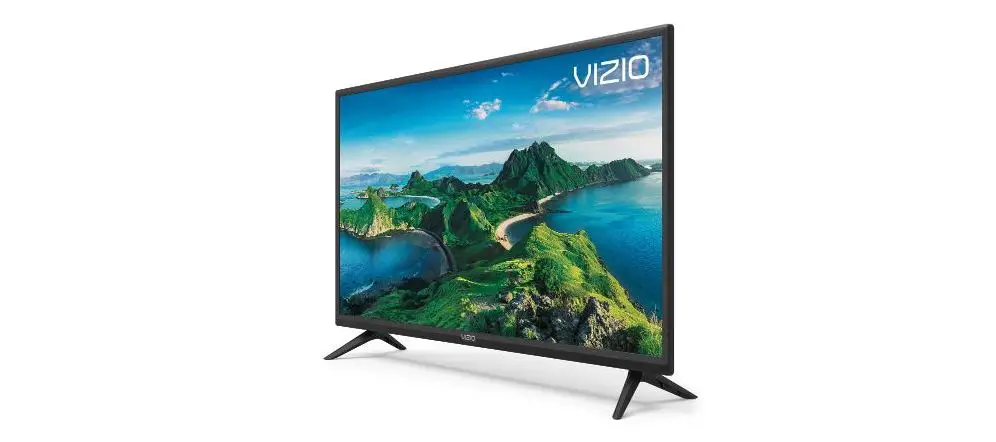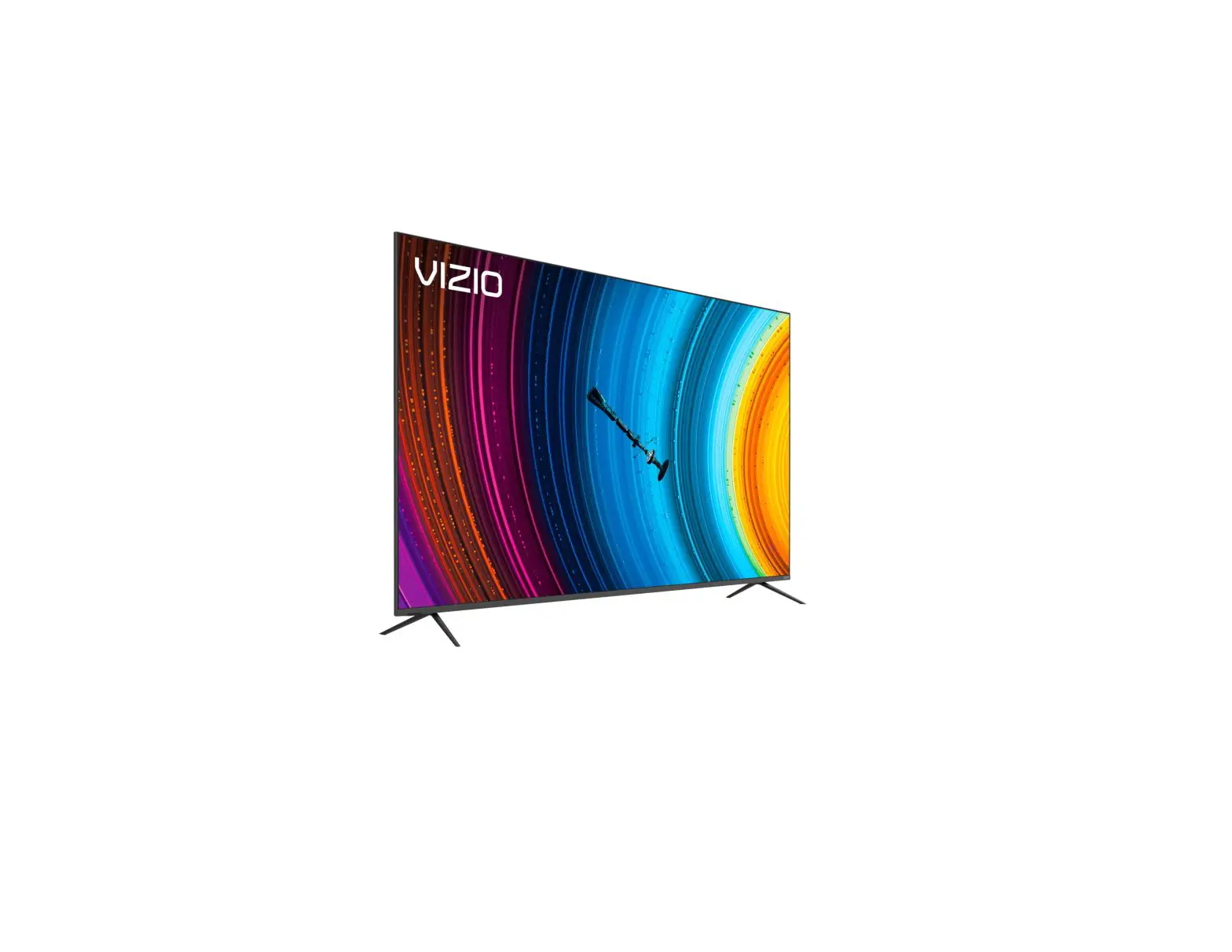
VIZIO P9-Series LED 4K UHD SmartCast TV
Quick Setup Guide
Scan for an Easy Setup.
http://vizio.com/qr/J/P9-series
Important!
Do not touch screen.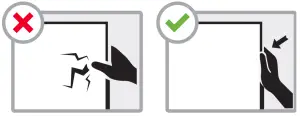
Please read the full User Manual at support.vizio.com/s/user-manuals before operating your VIZIO product and keep it for future reference. Purchase subject to full VIZIO Terms and Conditions, including Binding Arbitration Agreement, which may be viewed at vizio.com/en/terms/terms-of-service. By using this device, you accept those Terms and Conditions.
What’s Inside the Box
- Smart TV
- Power Cable
- Voice Remote with Batteries
- TV Feet with Screws (4)
- Cable Management Clips
Stand Setup
Place TV on a padded, flat surface that is larger than the TV, before installing feet or wallmount (not included).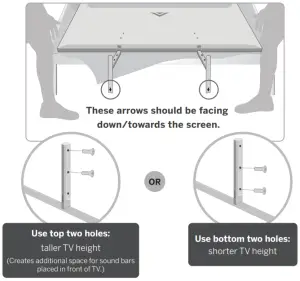
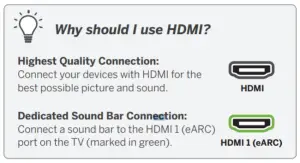
Connect
Remote Control
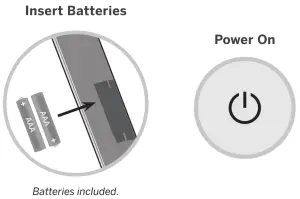
 | Accessibility FeaturesPress the CC button to enable/disable closed captions. Hold down for 5 seconds to access the Accessibility Menu with features like Talk Back and Zoom Mode. |
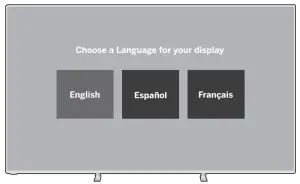
Complete On-screen Instructions
 | Want the best viewing experience? Select a Picture Mode setting that best fits your room & lighting. See User Manual for more details. |
This unit is equipped with Automated Content Recognition (“ACR”) Technology which (when enabled) is able to use video data to recognize what is playing on the TV and send information back to VIZIO about what is showing (“Viewing Data”). Declining Viewing Data collection will not change the functionality of your device. To learn more, please see VIZIO’s Privacy Policy at www.vizio.com/privacy
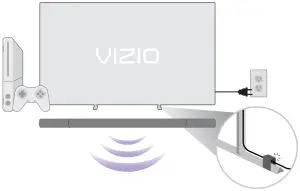
If wall mounting, TV feet can be used to mount a compatible VIZIO Sound Bar
Scan here to learn more.
More questions?
Get customer support help and view the User Manual here: support.vizio.com