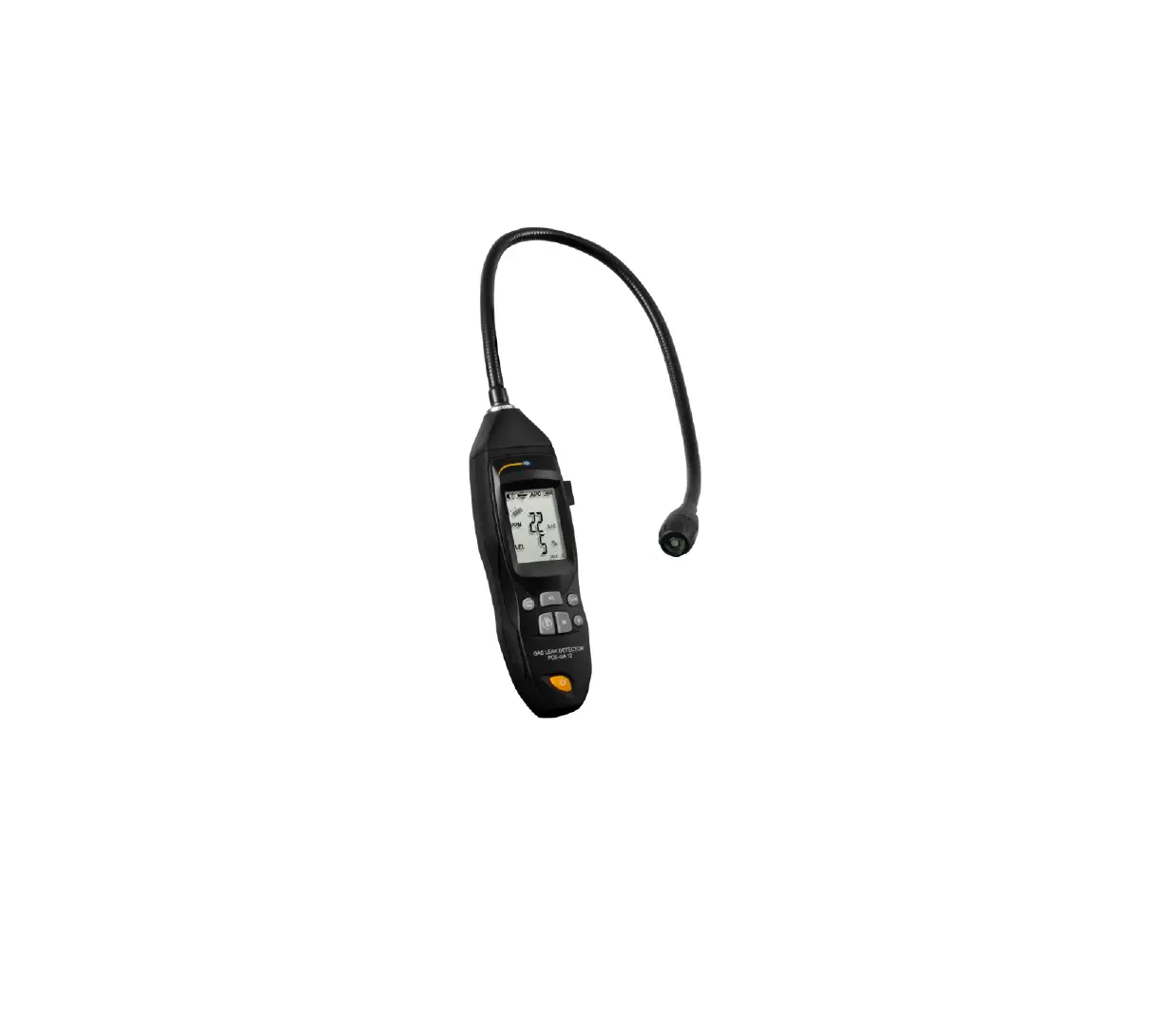
B0BJ1YFJKP Inframate-ppm Infrared Leak Detector
Product Information:
- Product Name: Inframate-ppm Infrared Leak
Detector - Components: Flexible Probe, UVLED, Filter
Components, Headphone Jack, USB Port (Type-C), Display Screen,
Buttons, Buzzer - Sensor Life: 10 years
- Sensitivity: 1 ppm
- Display Resolution (Quantitative Mode): 0 to
19999 ppm - Sensor Principle: Infrared (IR) absorption
spectroscopy - Mobile App Compatibility: Android 4.4 or
above; iOS 7.0 or above - Alarm Mode: Audible and visual alarm TFT
indication - Auto OFF: After 10 minutes of inactivity
- Battery: 2 x 18650 lithium battery (see
Battery Replacement Diagram) - Battery Working Hour: 8 hours continuous use
on a single charge - Storage Temperature: Humidity Maximum 90% RH
(non-condensing) - Operating Environment: Dimensions Detectable
Gases Certifications Charging Voltage/Current - Dimensions: 201 x 72 x 35mm (7.9 x 2.8 x 1.4
inches) - Weight: 450g (15.9oz)
- Detectable Gases: CFCs, HFCs, HCFC Blends, and
HFO-1234YF - Certifications: CE, EN14624:2012, RoHS,
SAE_J1627, SAEJ2791, SAEJ2913 - Charging Voltage/Current: DC 5V, 2A
Product Usage Instructions:
Operation Steps:
Introduction to Quantitative Mode Operation
- Press and hold ON/OFF to start the machine, and after
preheating for about 60 seconds, enter the quantitative detection
mode. - Move slowly in the suspicious area and observe the PPM reading.
After finding the suspected leakage area, keep the probe for a few
seconds and wait for the PPM value to stabilize, which is the
leakage concentration in the current area. - The larger the PPM value indicates, the greater the leakage
concentration, and the faster the buzzer will sound. - Through the leakage curve under the numerical value, the area
with the highest leakage concentration can be determined, and the
leakage point can be further found.
Introduction to Qualitative Mode Operation
- In the quantitative mode, short press the MODE button to enter
the qualitative detection mode. - Press button to adjust to your preferred sensitivity level
(default level is High). - Move the probe slowly (about 3ft/s or 75mm/s) at these
suspicious places, moving back and forth but no more than 0.25 /
6Em away from the leak areas. - Note: A closer probe position and slower sweeping movement
usually improve the possibility of finding a leak.
APP Operation Introduction
- Download the Elitech Tools APP in the mobile application
store. - Enter the APP homepage, turn on the Bluetooth of the mobile
phone, and search for nearby devices. - Search for the Inframate-ppm device, click Available to
connect. After the connection is successful, the Bluetooth logo
will appear on the device side, indicating that the connection is
successful.
Inframate-ppm Infrared Leak Detector User Manual
Please read and understand this manual thoroughly before operation and maintenance. Please do NOT disassemble the detector by yourself. If you have any technical questions, please feel free to contact us. 1.Please ONLY install a clean filter before detection or it may damage the sensor. 2.Please charge the detector promptly to ensure a sufficient battery level for the detection* 3.Do NOT use the probe to touch or detect any charged objects. 4.Do not let water enter the air inlet of the probe. 5.Please protect your eyes and skin while using the UV LED during detection. Never look directly to the UV ray. 6.Please avoid breathing the refrigerant vapors. Inhalation of high concentration refrigerant is harmful and may cause unconsciousness or death. 7.The battery is hazardous. Be extra careful when using it. Never dispose of used batteries in regular trash can (but in the battery recycle box) to avoid danger or harm to environment. * The detector has a built-in rechargeable lithium battery, please do not change to other battery types.
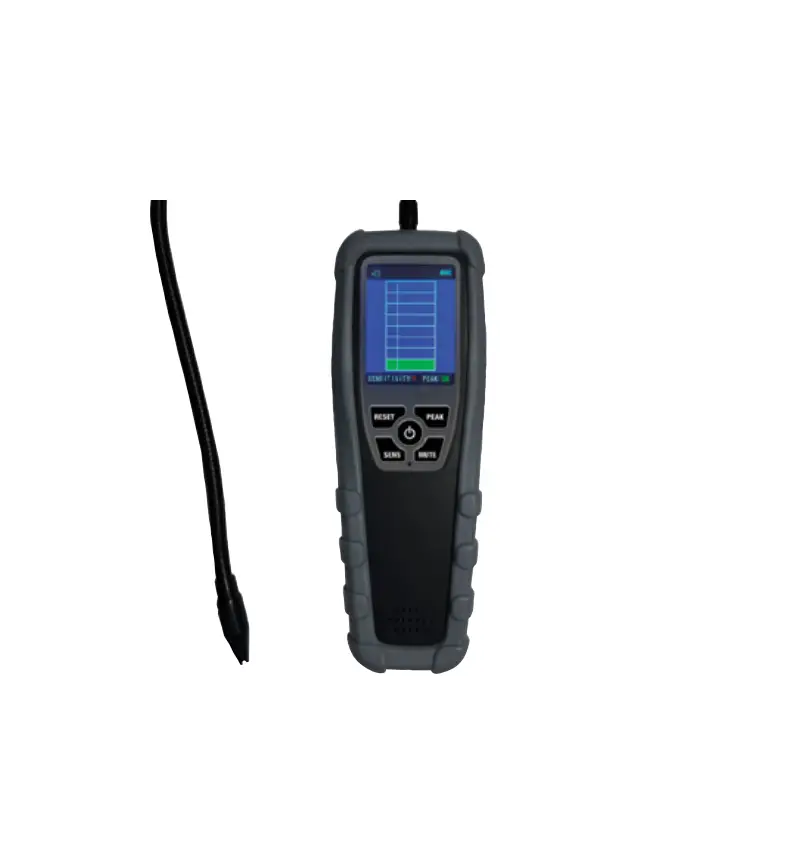
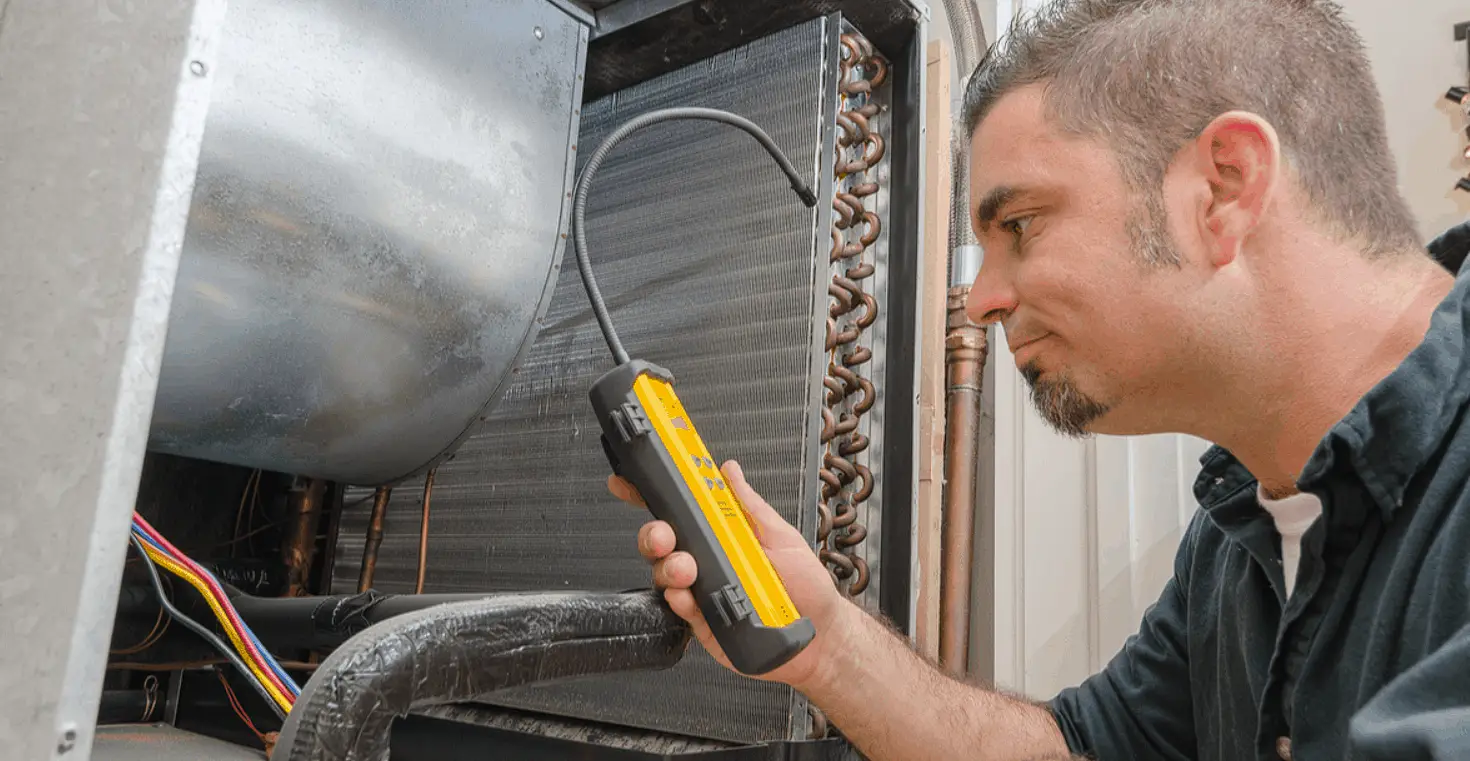
Inframate-ppm is a hand-held infrared refrigerant leak detector that Elitech® independently develops based on the infrared detection principle. It can not only detect whether the refrigerant leaks but also detect the concentration of refrigerant leakage. Compared with traditional corona or heated diode detectors, this series features a sensor with higher accuracy and much longer service life, detects more refrigerants, and avoids damage by a high concentration of refrigerants. Also, with an exclusive ergonomic design and innovative large TFT LCD screen, the detector optimizes the user experience and presents the detection results more intuitively and diversely.
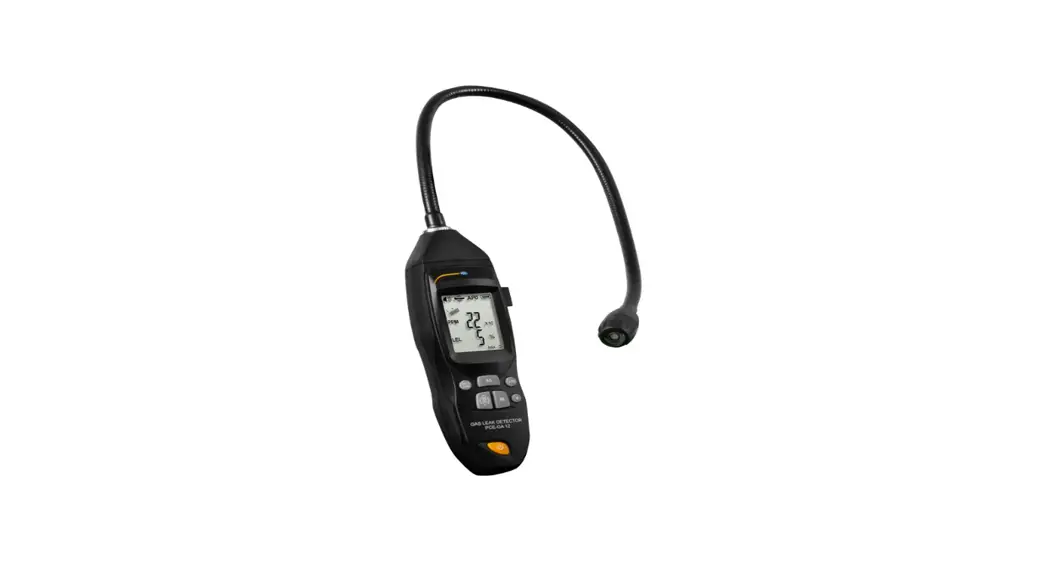
1. Flexible Probe 2. UVLED 3. Filter Components 4. Headphone Jack
5. USB Port (Type-C) 6. Display Screen 7. Buttons 8. Buzzer
Sensor life Sensitivity Display resolution (quantitative mode) Sensor Principle Mobile APP Alarm Mode Auto OFF Battery Working Hour Storage Temperature Operating Environment Dimensions Detectable Gases Certifications Charging Voltage/Current
10 years
Charging Time
Approx. 4h
Maximum 3g/a Weight
450g(15.9oz)
1 ppm
Display resolution
0 to 19999 ppm
(quantitative mode)
Infrared (IR) absorption spectroscopy
Android 4.4 or above; IOS7.0 or above
Audible and visual alarmTFT indication
After 10 minutes of inactivity
2 x18650 lithium battery (see Battery Replacement Diagram)
8h continuous use on a single charge
-20°C~60°C(-4°F~140°F)
Temperature-10°C~ 52°C;
HumidityMaximum 90%RH (non-condensing)
201 x72x 35mm (7.9gx 2.8gx 1.4g)
CE, EN14624:2012, RoHS, SAE_J1627, SAEJ2791, SAEJ2913
CFCs, HFCs, HCFC Blends and HFO-1234YF
DC 5V, 2A
Button & Display
Button Functions
Long press to turn on or off the instrument, and confirm the function in the parameter setting. Short press to switch between quantitative and qualitative modes; long press to enter parameter setting, move up and move left function in parameter setting. Press to select preferred sensitivity level among Low, Medium and High. Then, move down and move right function in parameter the setting. Press and release to mark or unmark the maximum leak. If unmarked, the peak value will be cleared. The function of increasing the value in parameter setting. Press to turn on/off the buzzer. Value down function in parameter setting.
Display
8
12
9
13
14
10
11
Buzzer: Red icon: disabledGreen icon: enabled. Bluetooth connection indication.Green icon: enabled. Automatic shutdown sign.Green icon: enabled. Battery charging status. Battery level: GreenFull batteryYellowLow batteryRedExtreme-low battery.
Detection value PPM display. Detection curve display. 8 Peak valueIndicates the maximum detected leak.
Note PEAK function must be ON.
9 Leak value: Indicates the current detected leak. Higher leak concentration, higher the bars.
10 Sensitivity level: Hhigh sensitivityM: medium sensitivity Llow sensitivity. 11 PEAK indication 12 Automatic shutdown time setting. 13 Time setting. 14 Language settings.
Operation
³Please ensure the system pressure is above 340Kpa (5Opsi) before detection as many refrigerant leaks can’t be detected at low pressure. ³Do not place the detector close to organic solvents, detergents or high voltage power supplies. Please wipe up the detectors with a clean towel. ³Before starting, please confirm the battery is sufficient for this detection (it usually takes about 30 minutes for one detection). ³Locate places where refrigerant leaks are most likely to occur, such as Joints in refrigerant lines Points that have changes in cross section Points that have changes in vertical section Visually trace the entire refrigerant system for all lines, hoses, fittings, couplings, service valves, etc. and signs of lubricant leak, damage and corrosion as the likely leak points.
Steps
Introduction to Quantitative Mode Operation 1. Press and hold ON/OFF to start the machine, and after preheating for about 60S, enter the quantitative detection mode; 2. Move slowly in the suspicious area and observe the PPM reading; after finding the suspected leakage area, keep the probe for a few seconds and wait for the PPM value to stabilize, which is the leakage concentration in the current area;
3. The larger the PPM value indicates, the greater the leakage concentration, and the faster the buzzer will sound; 4. Through the leakage curve under the numerical value, the area with the highest leakage concentration can be determined, and the leakage point can be further found;
Introduction to Qualitative Mode Operation 1. In the quantitative mode, short press the MODE button to enter the qualitative detection mode; 2. Press button to adjust to your preferred sensitivity level (default level is High). 3. Move the probe slowly (about 3ft/s or 75mm/s) at these suspicious places, moving back and forth but no more than 0.25 “/6Em away from the leak areas.
Note: A closer probe position and slower “sweeping” movement usually improve the possibility of finding a leak.
4. The buzzer and LCD display will indicate the detected leak at the same time BuzzerThe sound will increase in proportion to the leak intensity. The faster the buzzer beeps, the higher the leak has been detected. LCD displayThe bar graph will increase from bottom to top in proportion to leak intensity. The higher the bar graph rises, the higher the leak has been detected. 5. After the leak point is found, move the probe away for a few seconds and re-check the leak point to confirm the leak point; Note: In this mode, the relative concentration of the gas is detected. If the instrument remains stationary and the concentration does not change, the leakage will not be detected. You can move the probe to an area with a lower leakage concentration for a few seconds to reset the zero point automatically. See the illustration below for visualized detection method:
APP Operation Introduction 1. Download the “Elitech Tools” APP in the mobile application store; 2. Enter the APP homepage, turn on the Bluetooth of the mobile phone, and search for nearby devices;
3. Search for the Inframate-ppm device, click Available to connect, after the connection is successful, the Bluetooth logo will appear on the device side, indicating that the connection is successful;
4. When using the quantitative mode to detect leakage, operate the APP and click Start to display the real-time leakage value detected;
Battery & Filter
Battery Charging & Maintenance
Battery Replacement Diagram
³Avoid complete discharging and frequent charging or it may affect battery life. ³Do not dissemble the built-in rechargeable lithium battery. ³If the detector will not be used for a long time, please charge it beforehand to prevent battery life reduction due to self-discharging. Do not store it for more than 6 months. ³Use DC 5V/1A power adapter to charge the detector.
Filter Replacement The filter can block large particle contaminants and moisture to reduce false alarms caused by excessive humidity. Please replace the filter in time when it is seriously polluted (black and clogged). Follow the steps below 1. Unscrew the filter components counterclockwise. 2. Screw filter components clockwise.
What’s Included
Infrared Leak Detector
x1
UVLED
x1
User Manual
x1
Plastic Case
x1
Charging Cable
x1
Filter Components
x5
Warranty Periods
One year since the date of original purchase.