NS-LED4W18 LED Tape Light
Product Information
Product: LED Tape Light NS-LED4W18
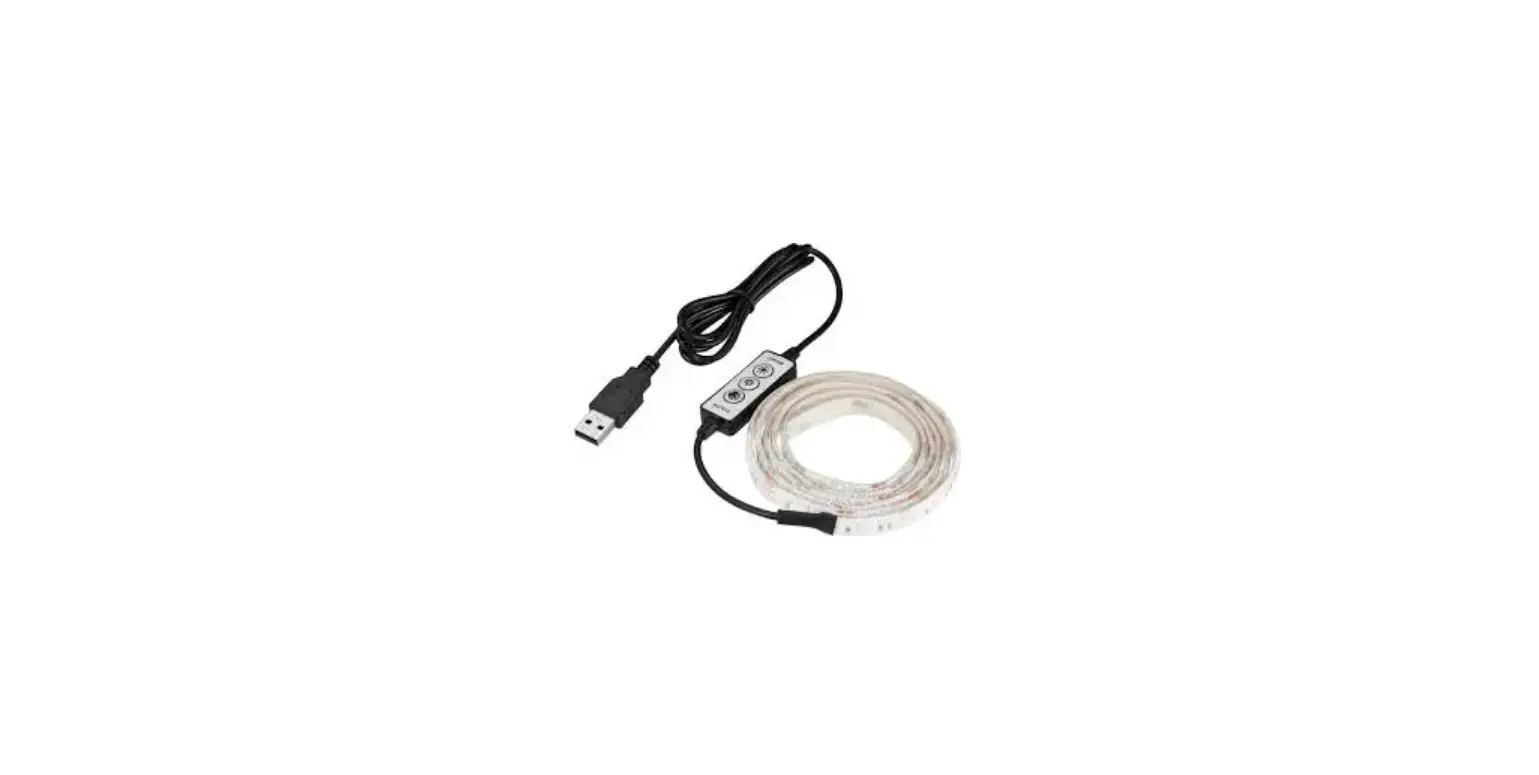
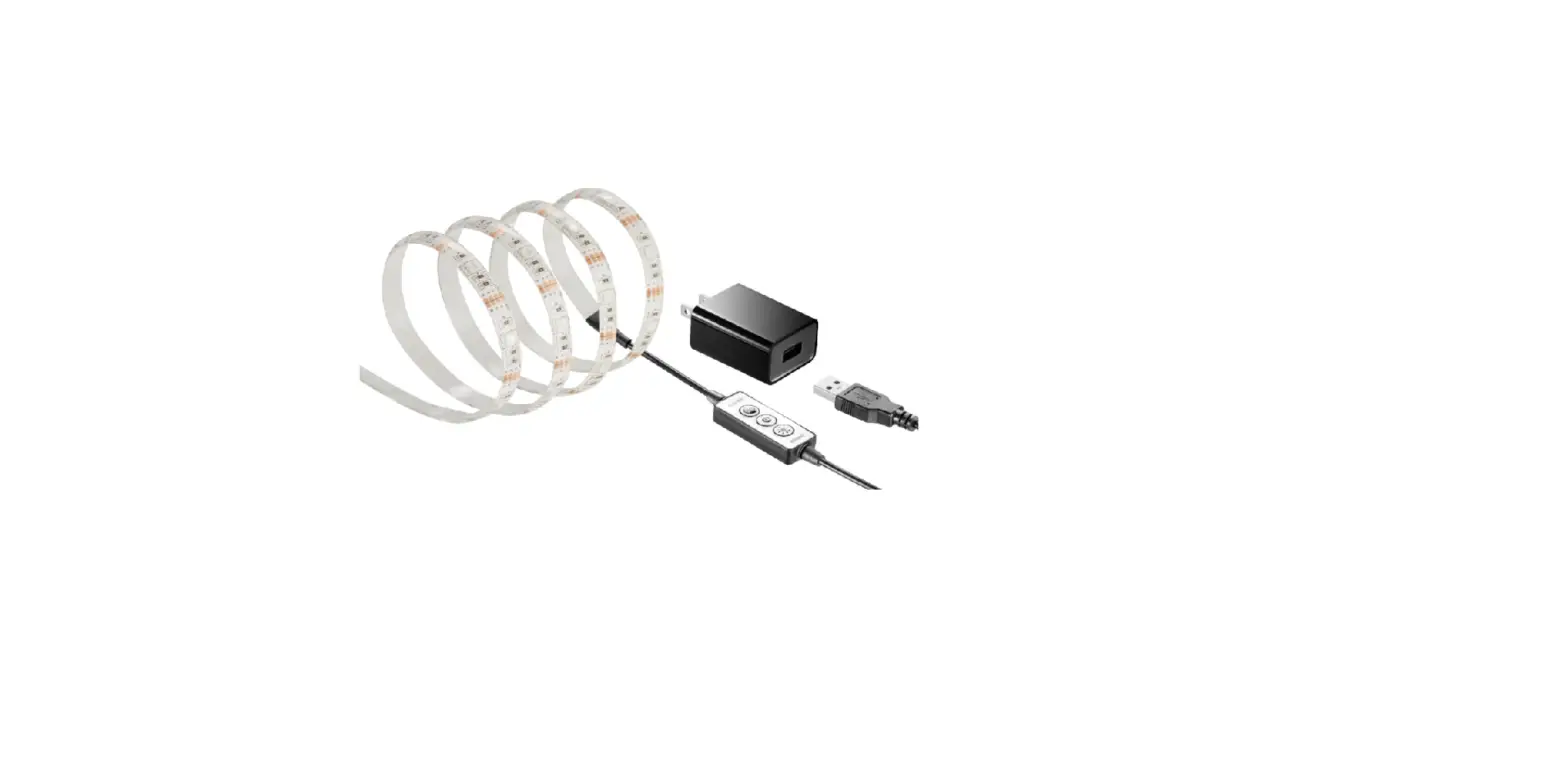
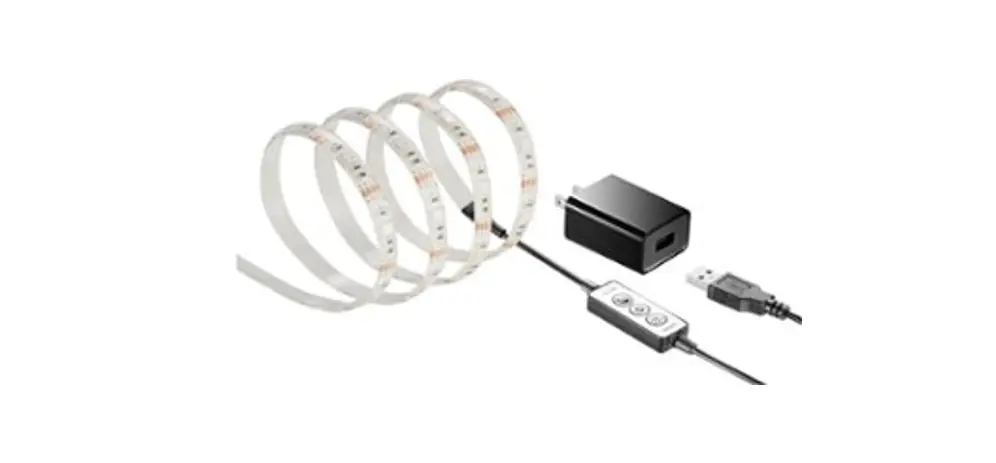
Package Contents: LED Tape Light, USB power
adapter (not included)
Features:
- LED Cut light strip line
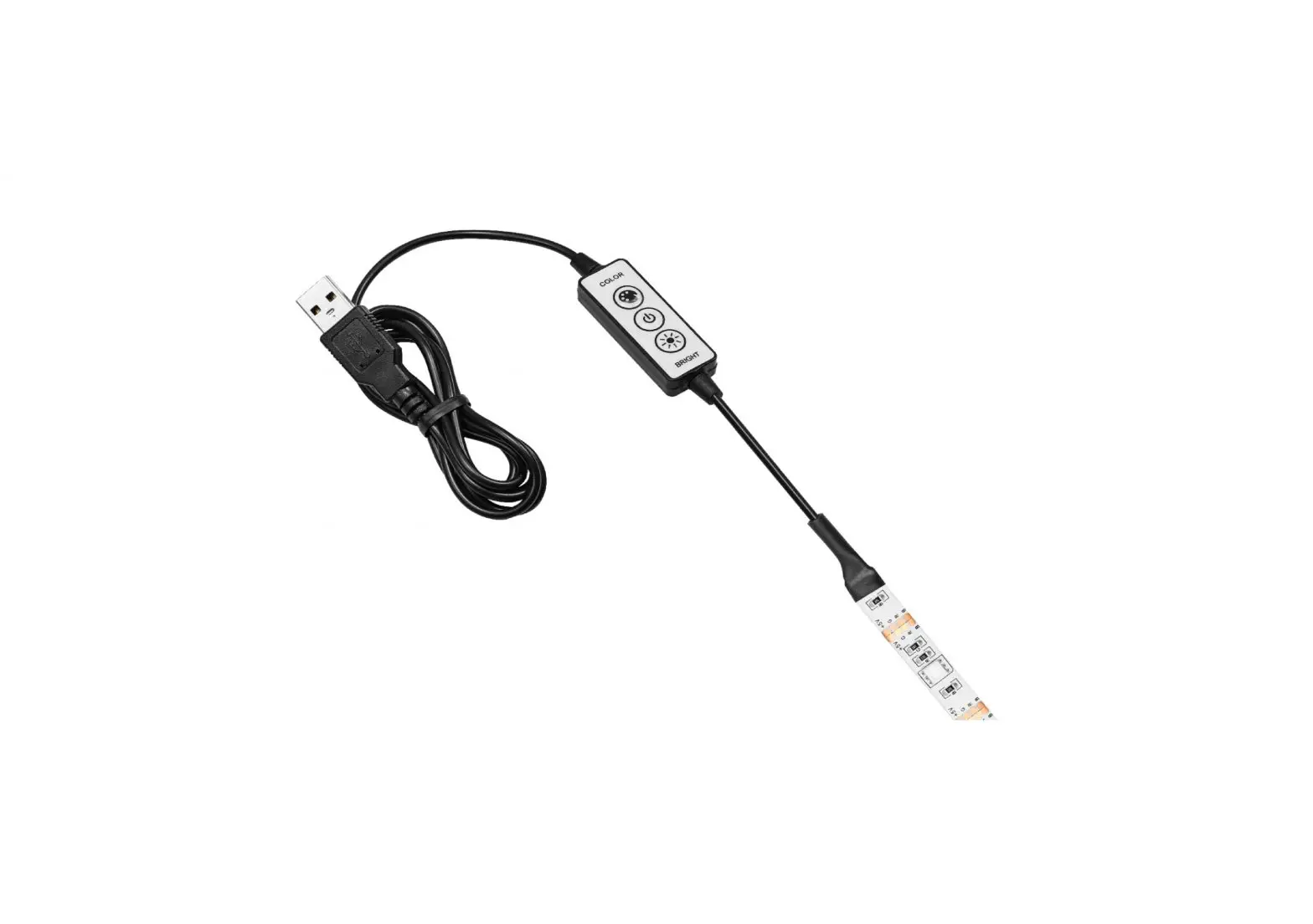
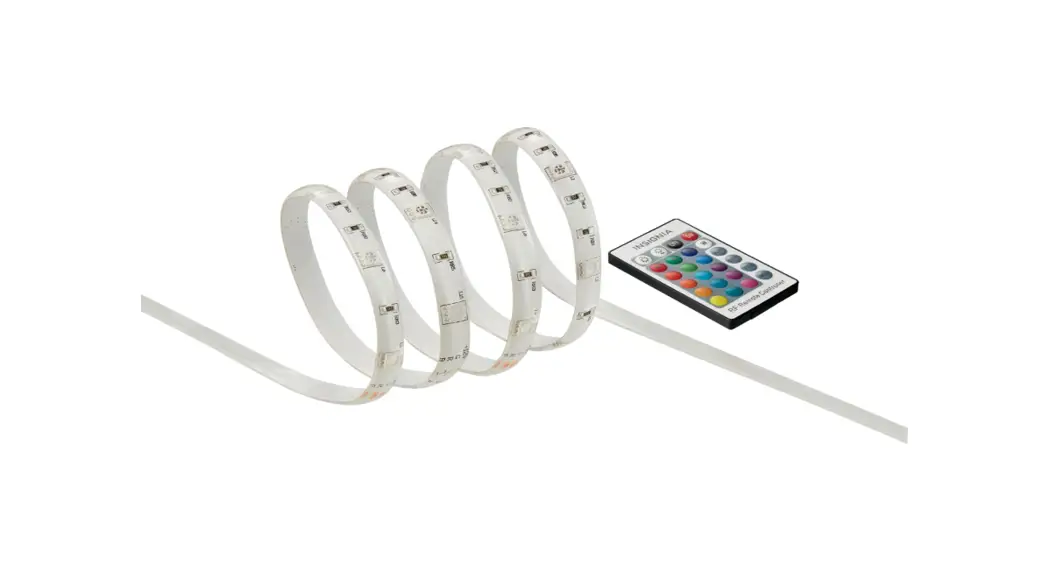
- Light controls
- USB Wire connector
- Brighten lights
- Turn on/off
- Dim lights
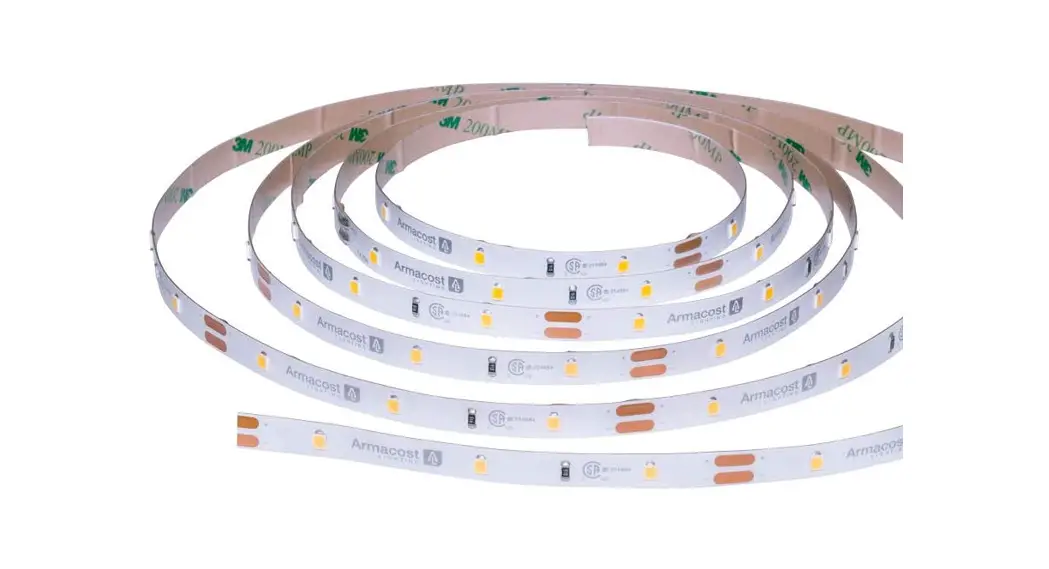
- About 1.3 in. (3.3 cm) apart cutting line
Product Usage Instructions
Before using your new product, please read these
instructions to prevent any damage.
- Peel the adhesive backing off the lights.
- Adhere the lights where you want them.
- Attach the double-sided tape to the back of the light.
- Connect the USB connector to your TV, computer, or other USB
power source. - Use the light controls to adjust the brightness. There are
eight light levels.
Warning: Do not cut the silver solder markings.
Only cut in the center of the copper-colored pads, as shown.
Specifications
Please visit www.insigniaproducts.com for
detailed specifications.
Troubleshooting
If you encounter any issues with the product, please refer to
the troubleshooting section on the website or contact Insignia
customer service.
Safety Information
Ensure to follow all safety guidelines mentioned in the user
manual for safe usage of the product.
One-Year Limited Warranty
The product comes with a one-year limited warranty. For more
information, visit www.insigniaproducts.com.
Contact Insignia
For customer service, call 1-877-467-4289 (U.S. and Canada) or
01-800-926-3000 (Mexico). You can also visit www.insigniaproducts.com for further
assistance.
QUICK SETUP GUIDE
LED Tape Light
NS-LED4W18
PACKAGE CONTENTS
· LED tape light · Double-sided tape · Quick Setup Guide
FEATURES
· Premium white LEDs produce bright, natural light · Multi-step dimmer adjusts to the brightness level you
want · Self-adhesive backing attaches to TVs, cabinets, or other
spaces for quick, custom lighting · Reduces eye strain from TVs and monitors while
enhancing image contrast · Lights powered through USB (on your TV or computer) or
with a USB power adapter (not included)
Before using your new product, please read these instructions to prevent any damage.
LED Cut light strip line
Light controls
USB
Wire
connector
Light controls
BRIGHT
Brighten lights
Turn on/off
Dim lights
DIM
USING YOUR TAPE LIGHT
Shortening your tape light · Use a pair of scissors to cut on a cut line. Cut lines are
about 1.3 in. (3.3 cm) apart. Warning: Do not cut the silver solder markings. Only cut in the center of the copper-colored pads, as shown.
Cut line
Attaching your lights 1 Peel the adhesive backing off the lights, then adhere the
lights where you want them. 2 Attach the double-sided tape to the back of the light
control, then adhere it where you want it. (optional) Connecting to power · Place the tape light where you want it, then connect the
USB connector to your TV, computer, or other USB power source.
Adjusting the lights Note: Tape light will retain the last brightness setting used when turned off, then back on. · Press (POWER) to turn the tape light on and off. · Press (BRIGHT) or (DIM) to increase or decrease
the brightness. There are eight light levels.
SPECIFICATIONS
· Input: 5V DC, 1A Minimum specifications for USB power supply (not included): 5V DC, 0.5A (1.0A or greater recommended)
· Length: 4 ft. (1.2 m)
TROUBLESHOOTING
LEDs will not turn on. · Press the power button to make sure your light is turned
on, then press (BRIGHT) to increase the brightness. · Make sure that your lights are connected to a working
USB port or power outlet. If connected to a computer, turn on your computer. LEDs flicker or turn on and off. · Make sure that your lights are plugged into a working power outlet or USB port. Try plugging into a different power source. · Make sure that the cable is not damaged.
SAFETY INFORMATION
· To avoid damage to the light strip, do not twist or bend the light strip 90° sharply.
· Do not cut the silver solder markings. Only cut in the center of the copper-colored pads.
· Do not plug in your lights when they are coiled. This can generate excess heat which can damage the product or connected device.
ONE-YEAR LIMITED WARRANTY
Visit www.insigniaproducts.com for details.
CONTACT INSIGNIA:
For customer service, call 1-877-467-4289 (U.S. and Canada) or 01-800-926-3000 (Mexico) www.insigniaproducts.com
INSIGNIA is a trademark of Best Buy and its affiliated companies Distributed by Best Buy Purchasing, LLC 7601 Penn Ave South, Richfield, MN 55423 U.S.A. ©2017 Best Buy. All rights reserved. Made in China
V2 ENGLISH 17-0453
 Insignia Consumer Electronic Products