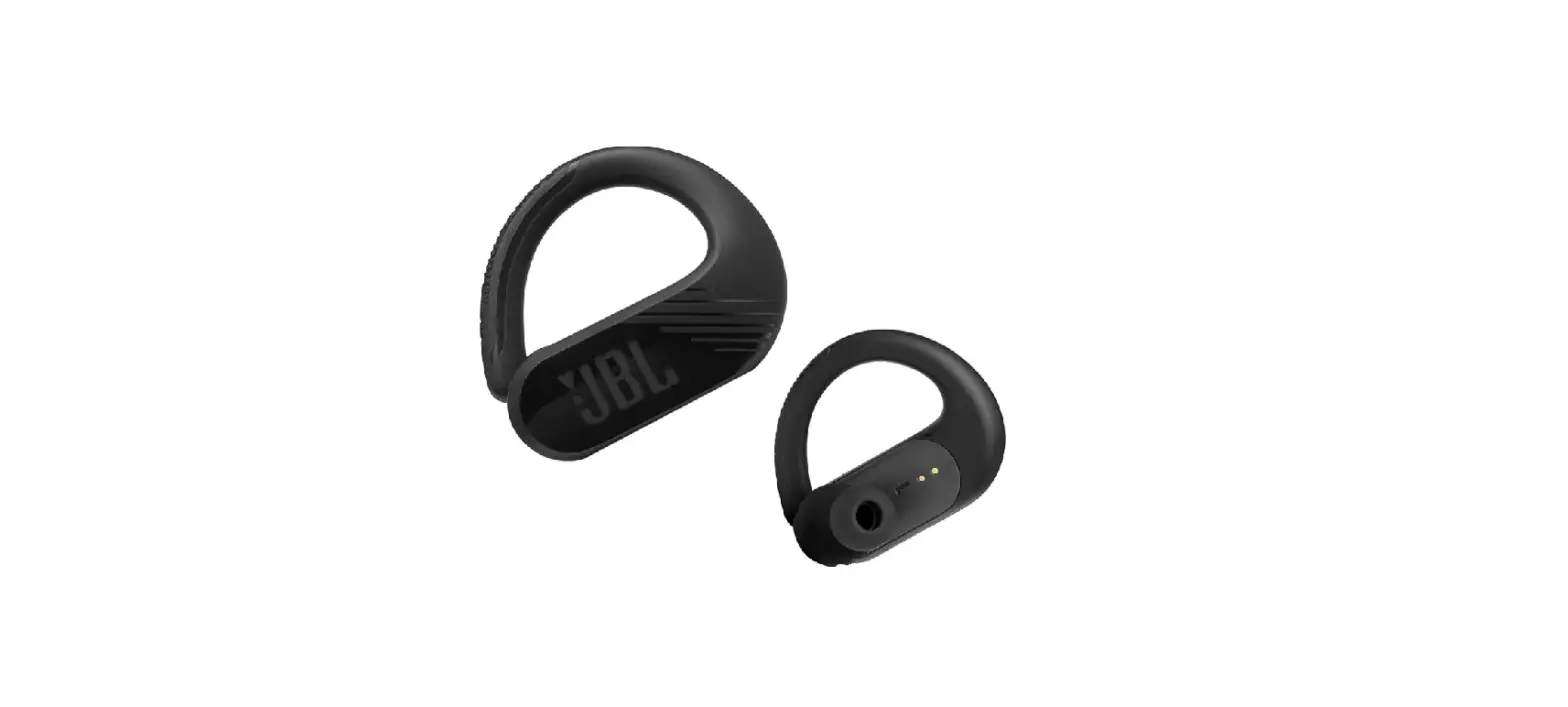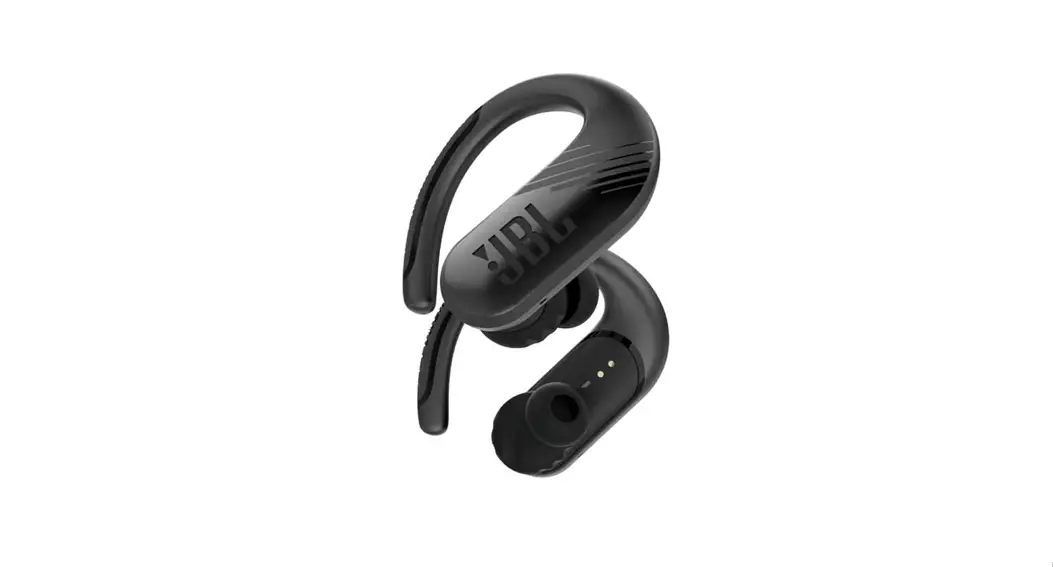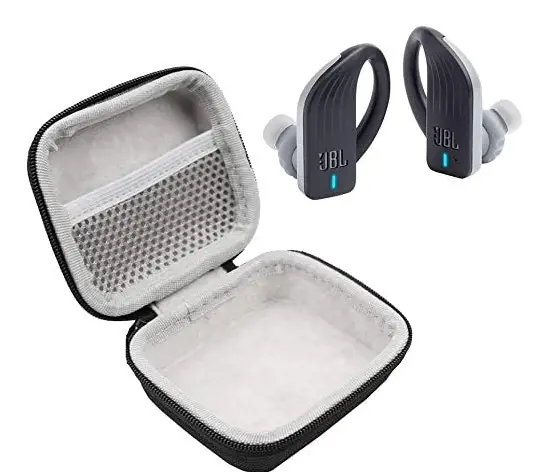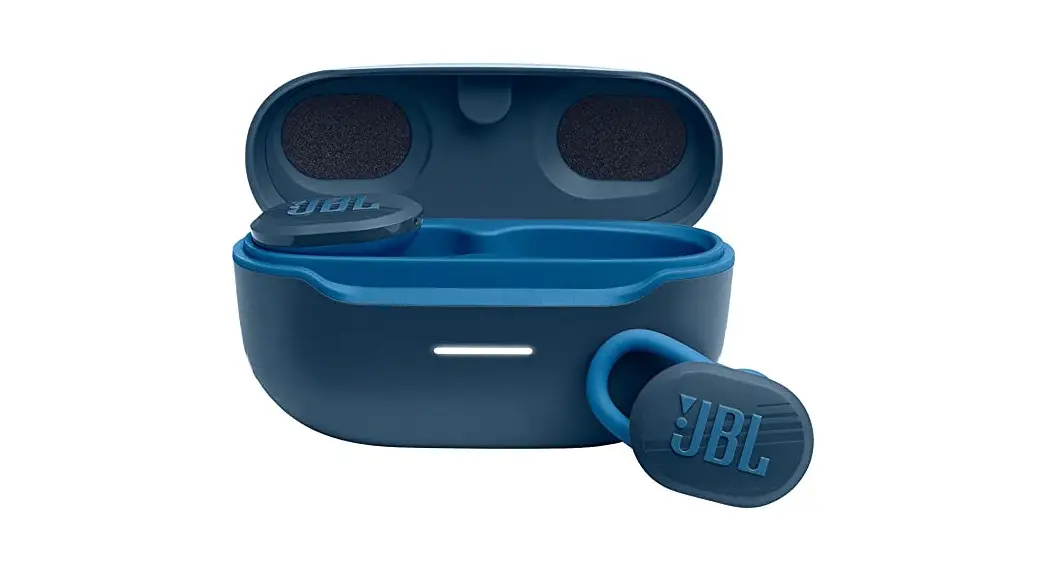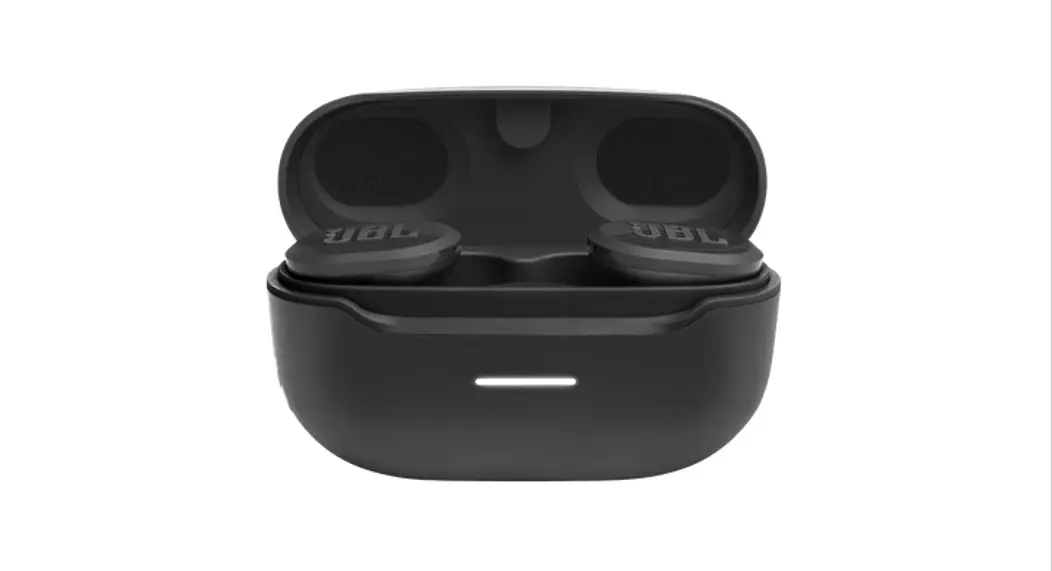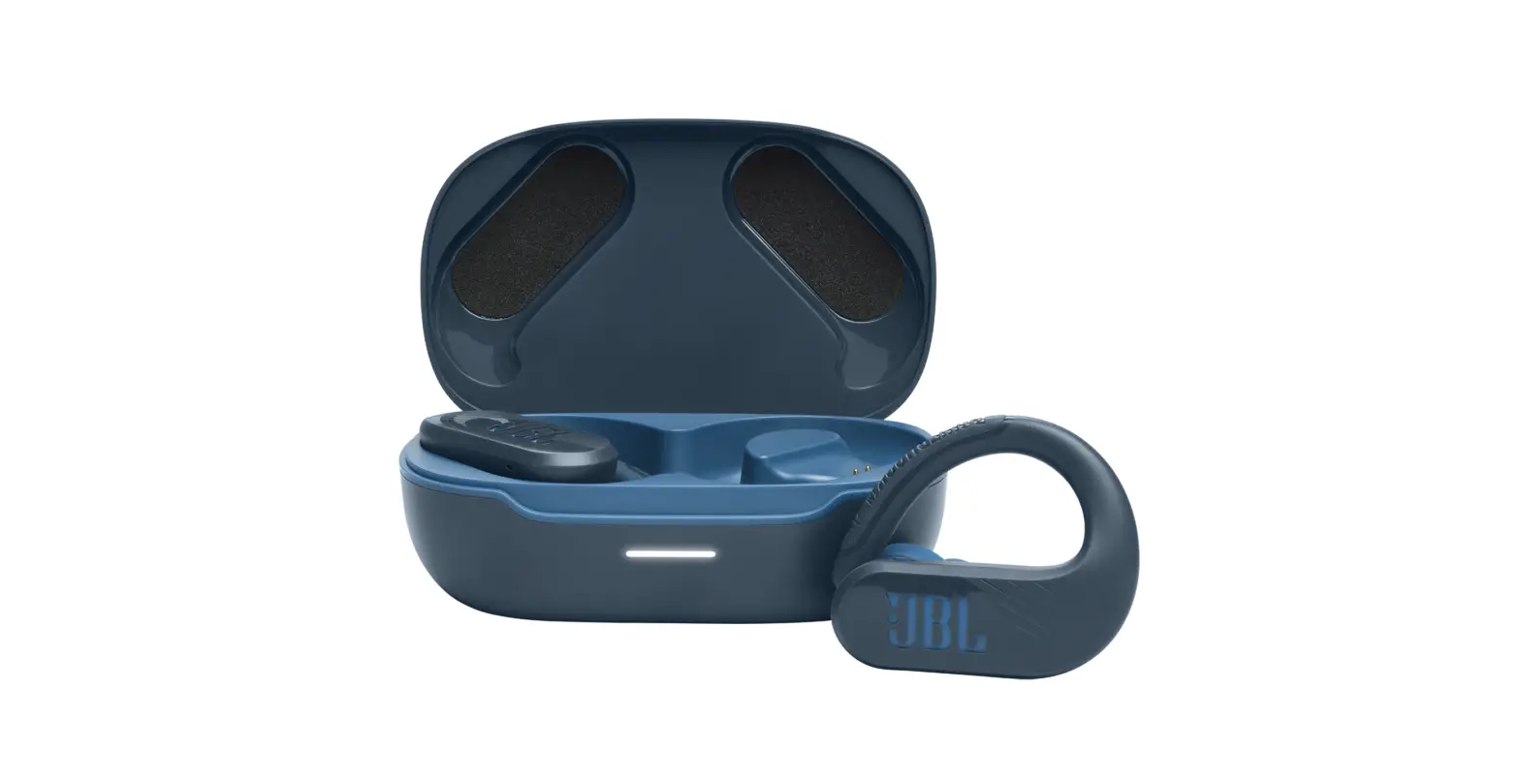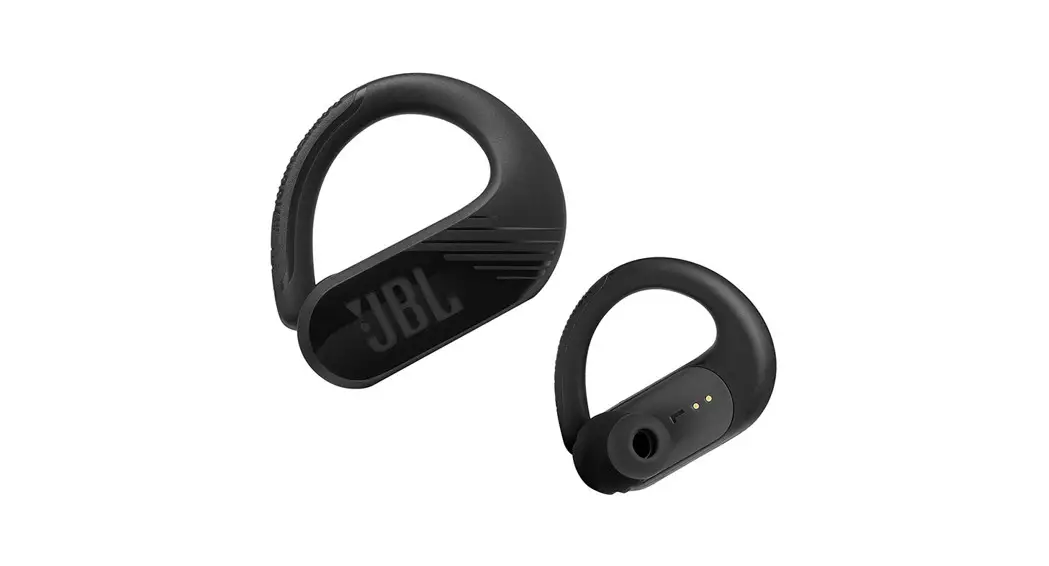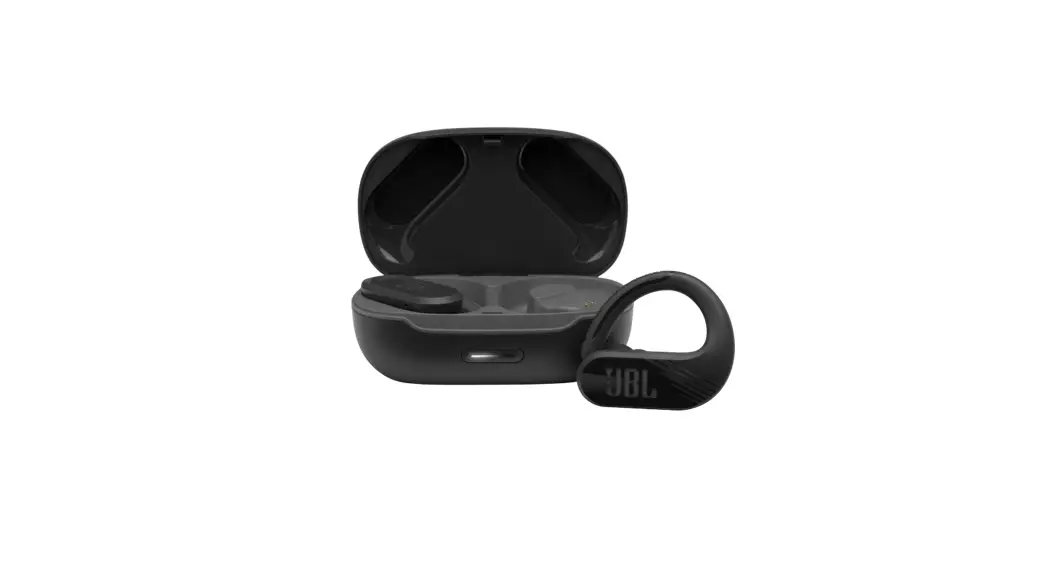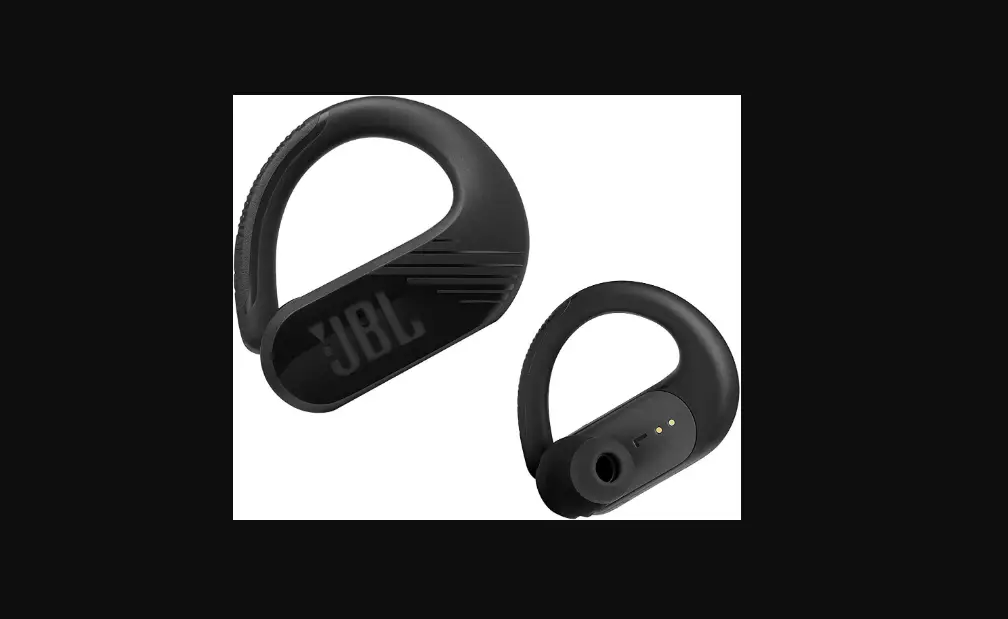
ENDURANCEPEAK II 

QUICK START GUIDE


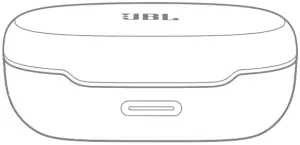
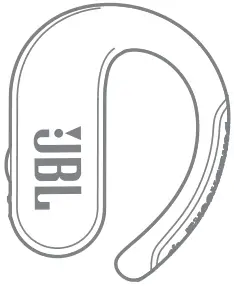
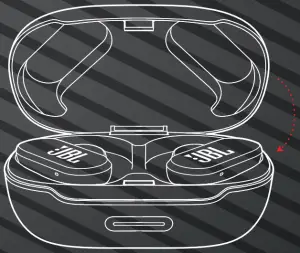
WHAT’S IN THE BOX
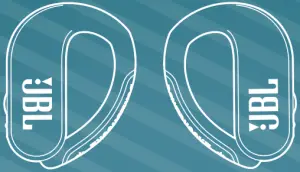
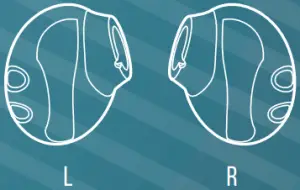
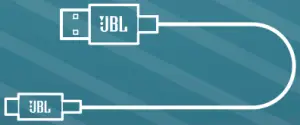

HOW TO WEAR
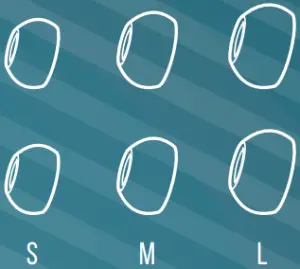
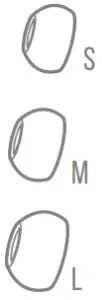
ATTACH EAR TIPS AND ENHANCERS
MIX AND MATCH FOR A PERFECT FIT AND AUDIO PERFORMANCE

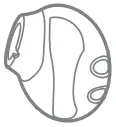
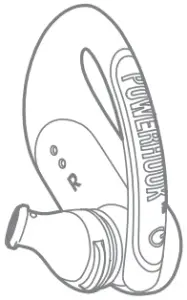

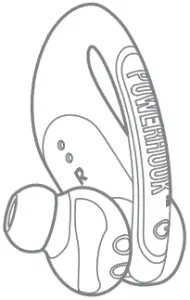

TWISTLOCK™ TECHNOLOGY
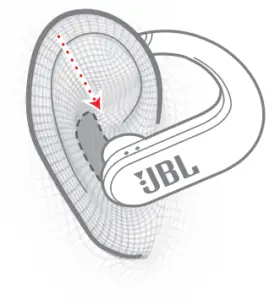
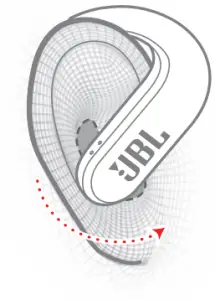
ADJUST EAR HOOK
WEAR AND PULL DOWN EAR HOOK FOR SECURE FIT
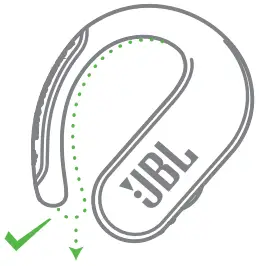
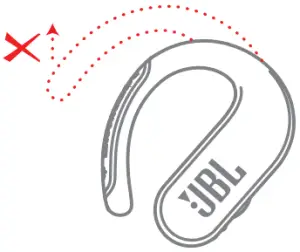

FIRST TIME USE
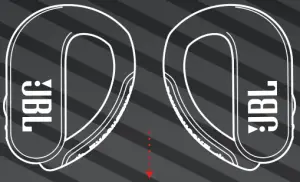
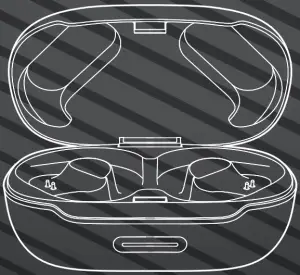
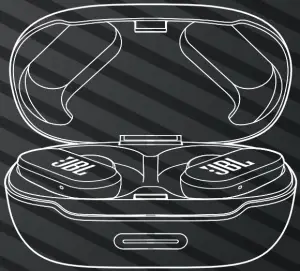

POWER ON & CONNECT
(1)
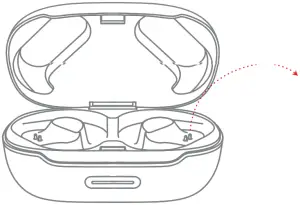
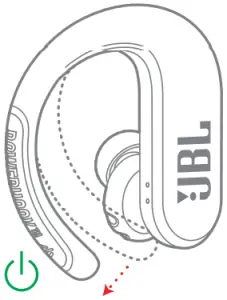
(2)
(3)
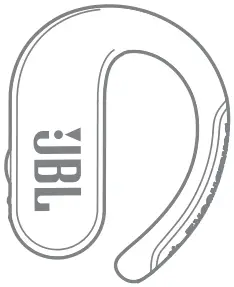
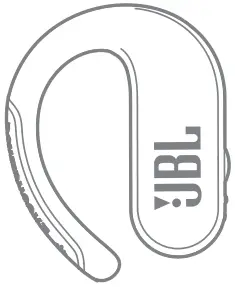
L R
AUTOMATIC PAIRING

PAIRING
(1) L/R (2)
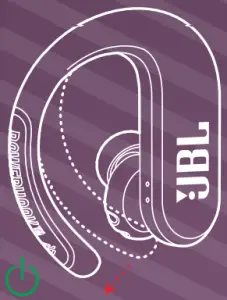

AUTOMATICALLY ENTERING PAIRING MODE
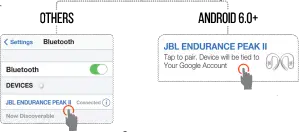
CHOOSE “JBL ENDURANCE PEAK II” TO CONNECT
 Fast Pair
(3) STEREO MODE
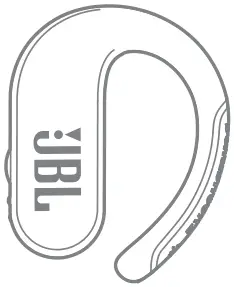
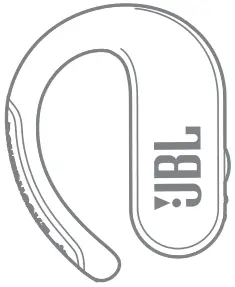
L R
MONO MODE
L/R
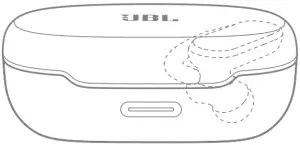
 POWER OFF
 POWER OFF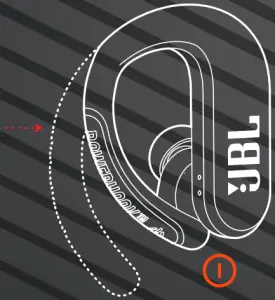
MANUAL CONTROLS
POWER ON & CONNECT TO DEVICE  +
+ 
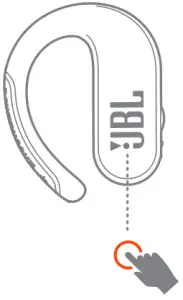
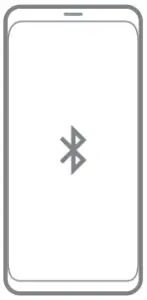
x1 +  5s
5s
* LEFT EARBUD OPERATION AVAILABLE IN MONO MODE ONLY
CONNECTING
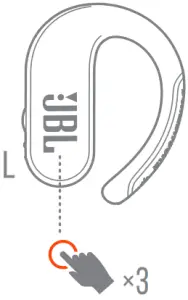
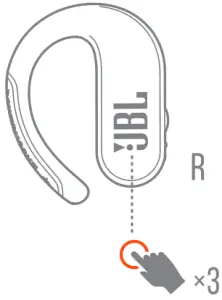

1. STEREO MODE
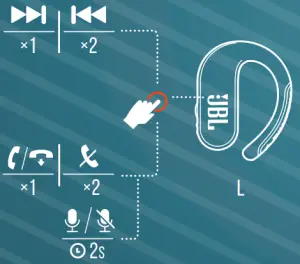
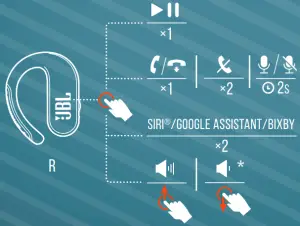

SEAMLESS AUTOMATIC SWITCH
2. MONO MODE
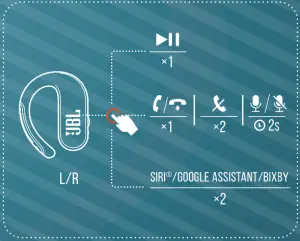
* SWIPE OPERATION AVAILABLE ON RIGHT EARBUD ONLY

CHARGING
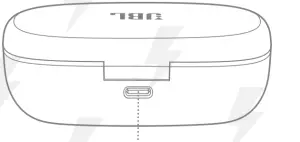


 CHARGE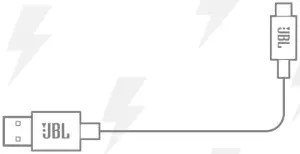
2HR
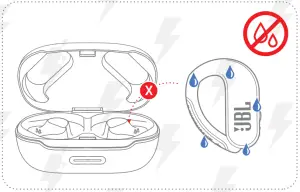

WATERPROOF IPX7
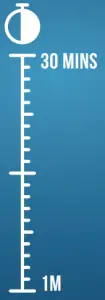
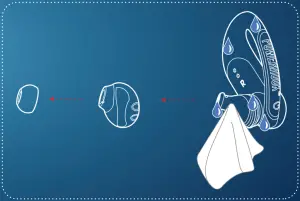

LED BEHAVIORS
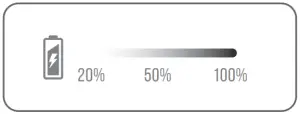
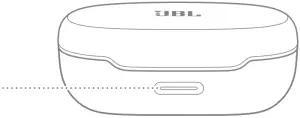
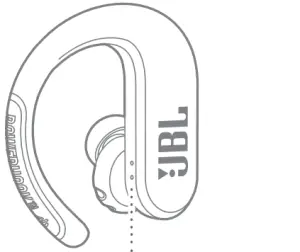
 |  | POWER ON |
 |  | BT CONNECTING |
 | | BT CONNECTED |
 |  | LOW BATTERY |
 |  | CHARGING |
 |  | FULLY CHARGED |

TECH SPEC
| Model: | Endurance Peak II |
| Driver Size: | 10 mm/0.4” Dynamic Driver |
| Power supply: | 5.0 V 1 A 1 A |
| Earpiece: | 13 g per pc (26 g combined)/0.03 lbs per pc (0.06 lbs combined) |
| Charging case: | 77 g/0.17 lbs |
| Headset battery type: | Lithium-ion Battery (60 mAh/3.7 V) |
| Charging case battery type: | Lithium-ion Battery (770 mAh/3.7 V) |
| Charging time: | < 2 hrs from empty |
| Music playtime with BT on: | 6 hrs |
| Frequency Response: | 20 Hz – 20 kHz |
| Impedance: | 16 ohm |
| Sensitivity: | 95 dB SPL@1 kHz |
| Maximum SPL: | 95 dB SPL |
| Microphone sensitivity: | -38 dBV/Pa@1 kHz |
| Bluetooth version: | 5.0 |
| Bluetooth profile version: | A2DP 1.3 AVRCP 1.5 HFP 1.7 |
| Bluetooth transmitter frequency range: | 2.4 GHz – 2.4835 GHz |
| Bluetooth transmitter power: | < 13 dBm |
| Bluetooth transmitter modulation: | GFSK, π/4 QPSK, 8DPSK |
IC RF Exposure Information and Statement
The SAR limit of Canada (C) is 1.6 W/kg averaged over one gram of tissue. Device types: (IC: 6132A-JBLENPEAK2) has also been tested against this SAR limit According to this standard, the highest SAR value reported during product certification for head use is 0.6712 W / kg. The device was tested for typical bodily operations where the product was kept 0 mm from the head. To maintain compliance with IC RF exposure requirements, use accessories that maintain a separation distance of 0mm between the user’s head and the back of the headset. The use of belt clips, holsters and similar accessories shall not contain metal parts in its assembly. Use of accessories that do not meet these requirements may not comply with IC RF exposure requirements and should be avoided.
Head operation
The device was subjected to a typical head manipulation test. In order to comply with RF exposure requirements, a minimum separation distance of 0 cm must be maintained between the user’s ear and the product (including the antenna). Head exposure that do not meet these requirements may not meet RF exposure requirements and should be avoided. Use only the supplied or approved antenna.
IC: 6132A-JBLENPEAK2
Maximum operation temperature: 45°C FCC ID: APIJBLENPEAK2
The Bluetooth® word mark and logos are registered trademarks owned by Bluetooth SIG, Inc. and any use of such marks by HARMAN International Industries, Incorporated is under license. Other trademarks and trade names are those of their respective owners.
HP_JBL_Endurance Peak II_QSG_SOP_V11