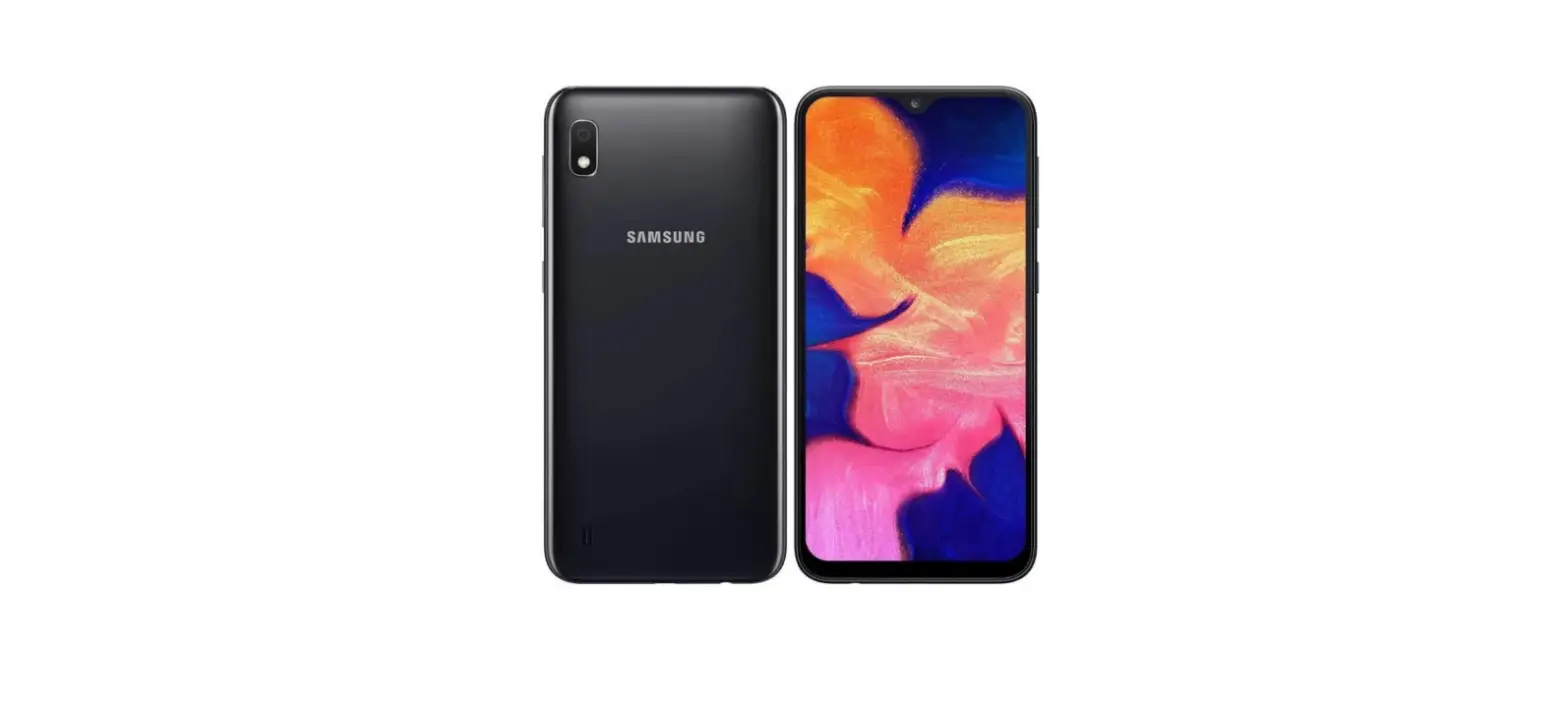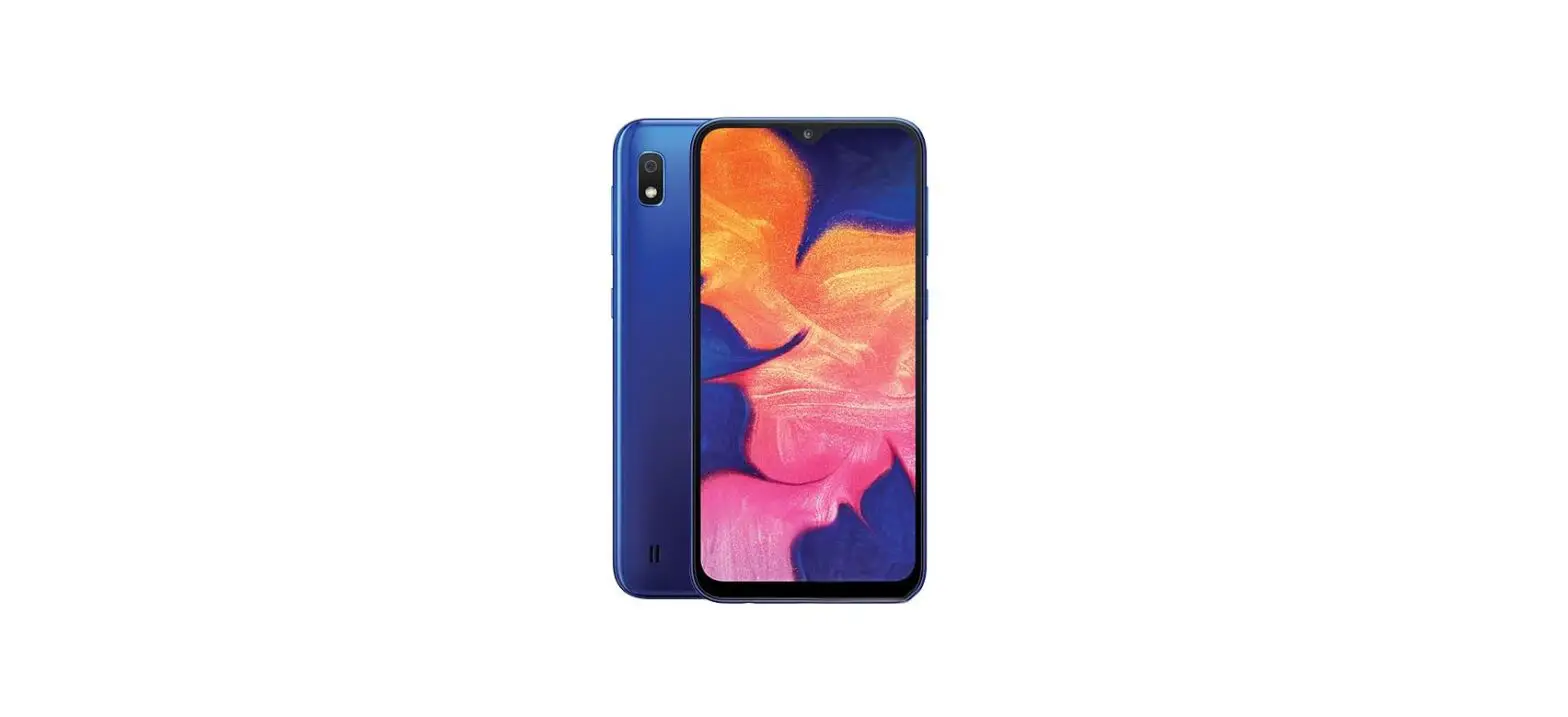

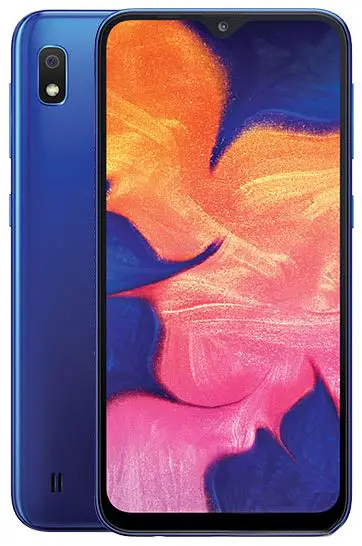
Samsung Galaxy A10 – Use Phone As Modem
- Before you start
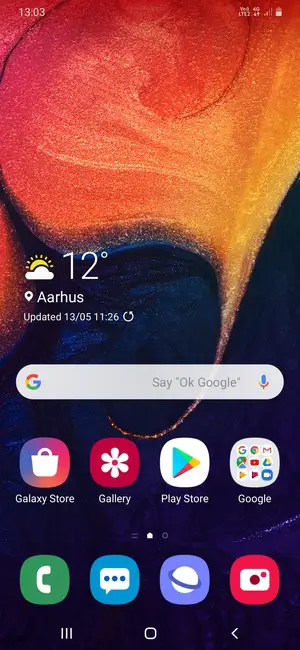
If you are not connected to a Wi-Fi or local network and want to use the Internet on your computer or any other Wi-Fi-compatible device, you can use your phone as a modem. This guide shows a few easy steps on how to establish an Internet connection between your phone and your preferred device. - Swipe up

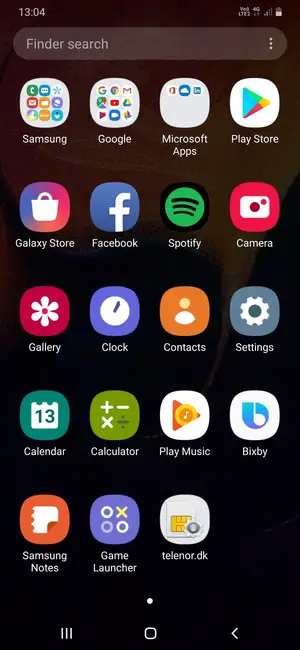
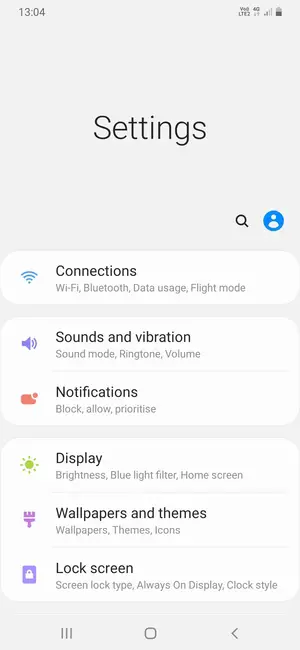
- Select Settings
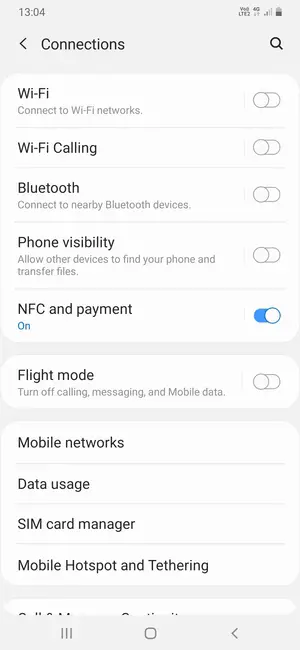
- Select Connections
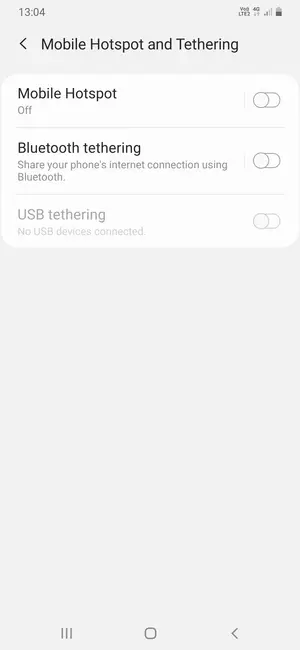
- Scroll to and select Mobile Hotspot and Tethering
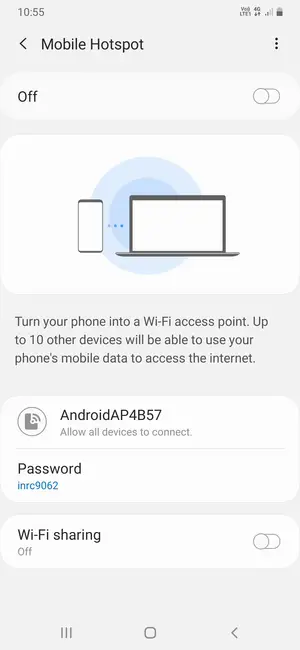
- Select Mobile Hotspot
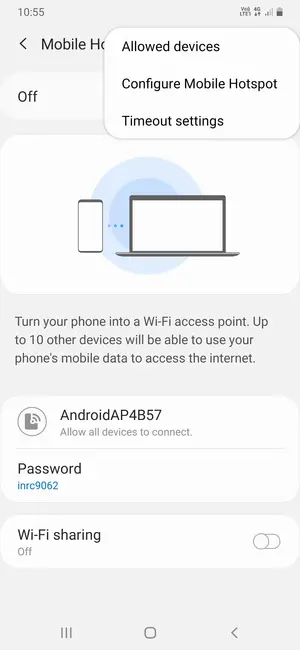
- Select the Menu button
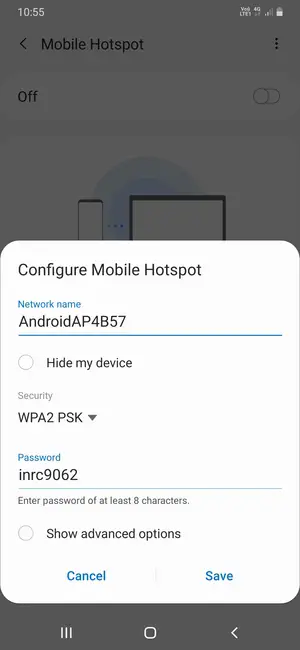
- Select Configure Mobile Hotspot
- Enter a password of at least 8 characters and select Save
- Turn on Mobile Hotspot
- Your phone is now set up for use as a modemSelect your phone from the list of Wi-Fi networks on your computer or any other Wi-Fi compatible device and enter your password. To turn off your Hotspot, simply set your Mobile Hotspot to Off.
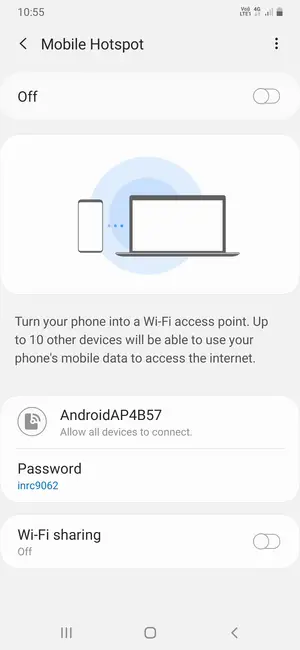
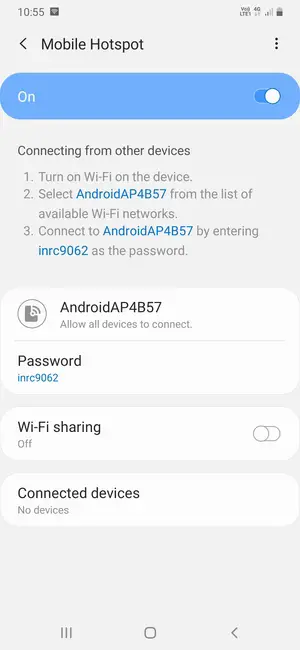 Select your phone from the list of Wi-Fi networks on your computer or any other Wi-Fi compatible device and enter your password. To turn off your Hotspot, simply set your Mobile Hotspot to Off.