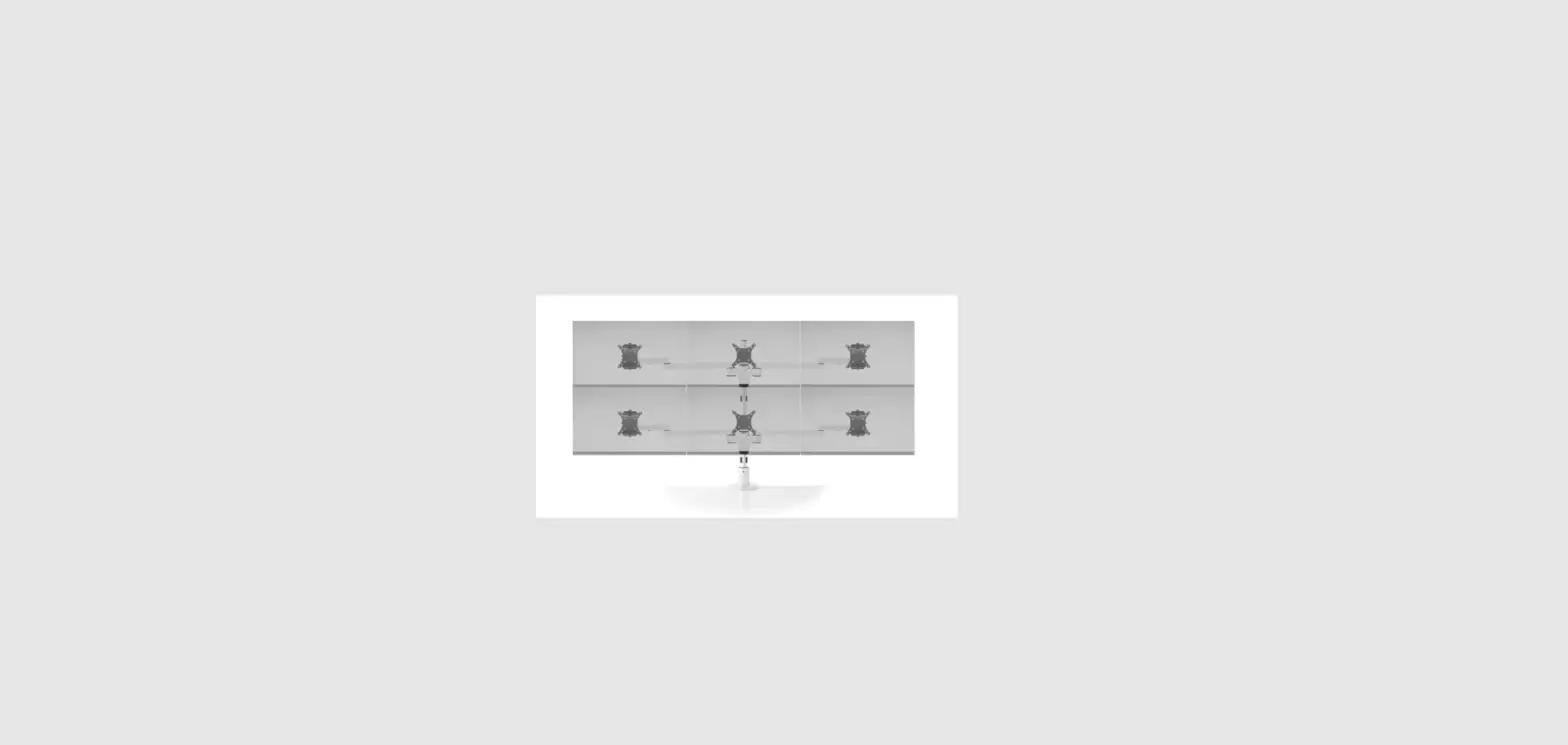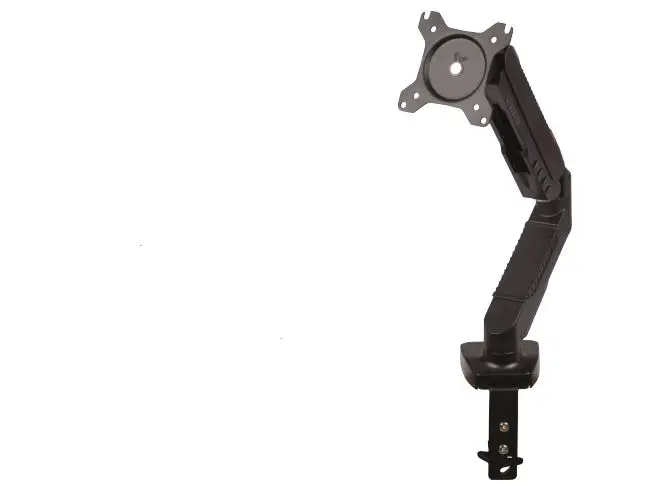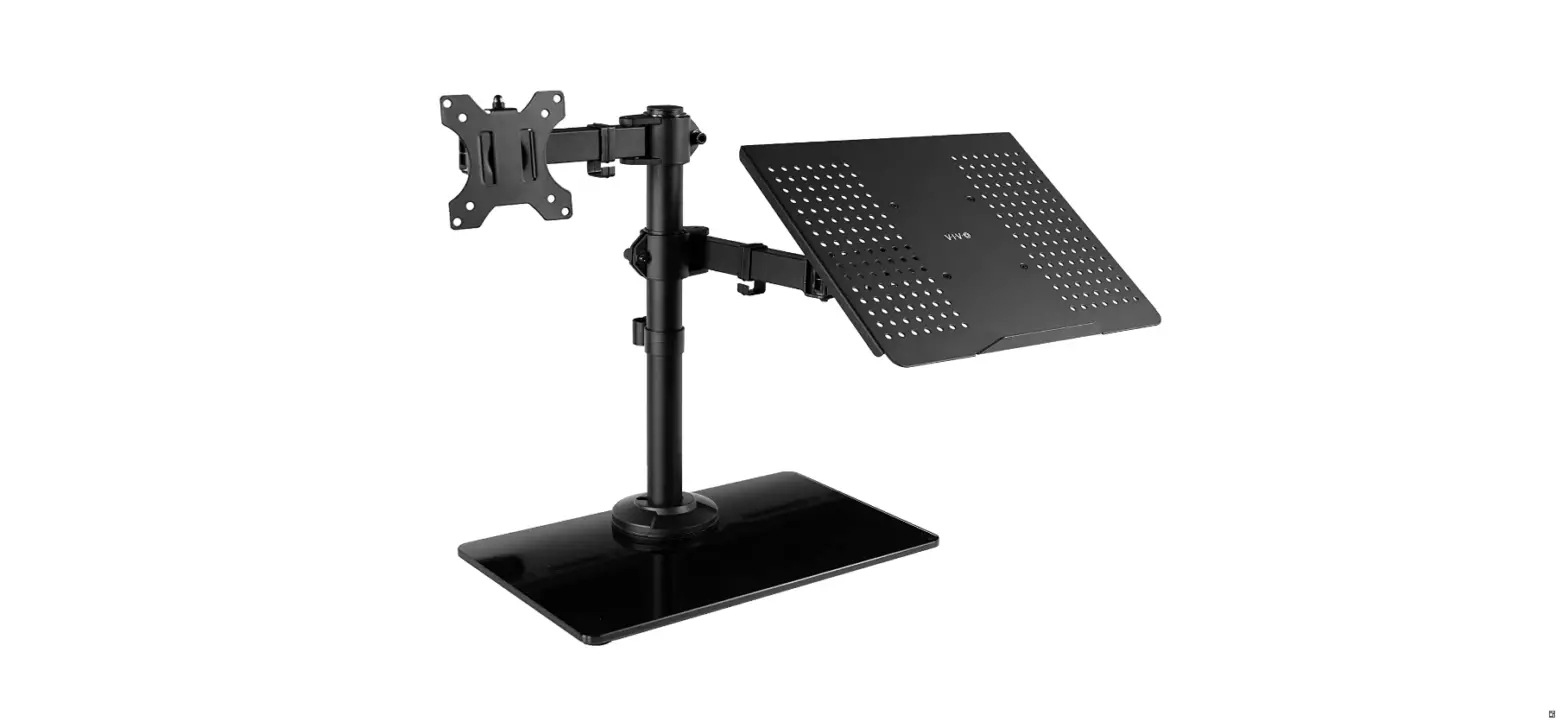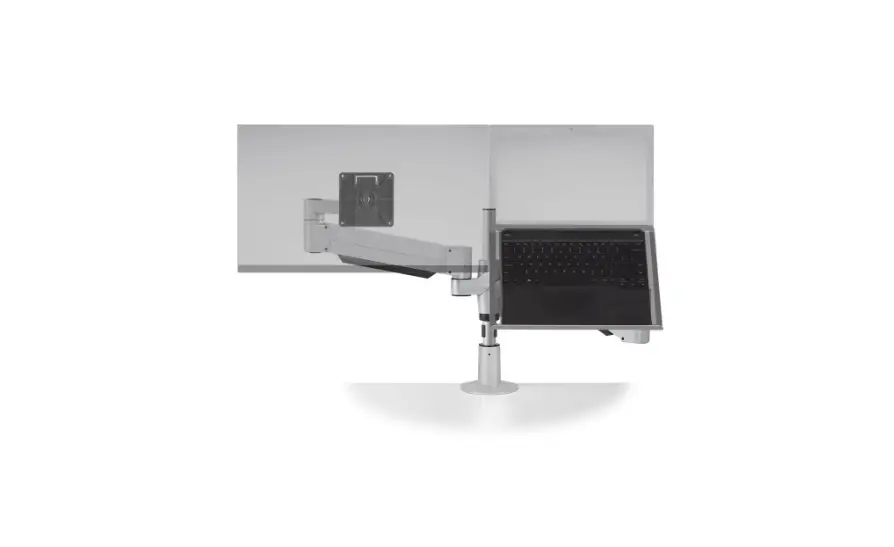

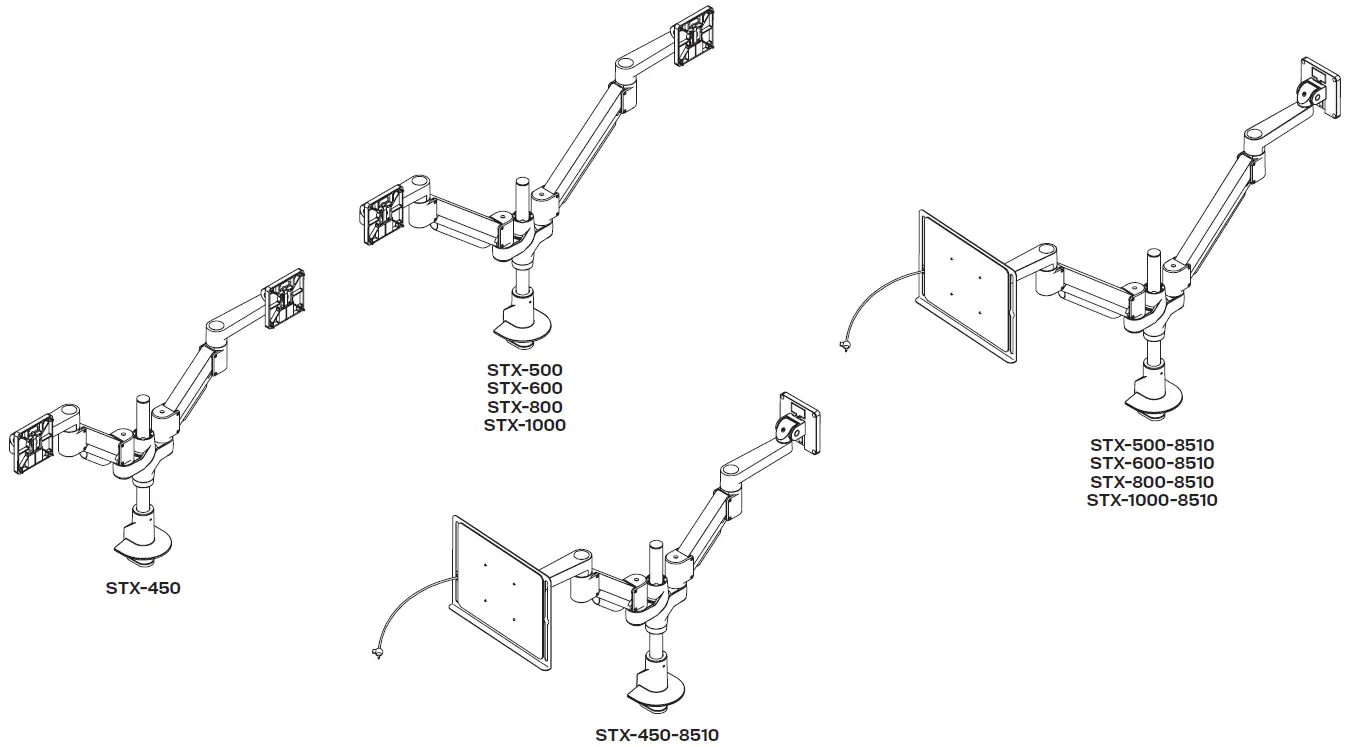
innovative STX-1000-8510 Staxx Articulating Monitor Plus Laptop Mount
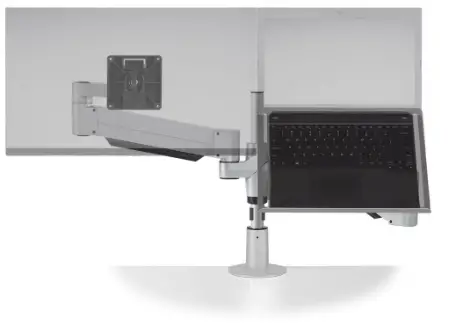
Installation Instructions
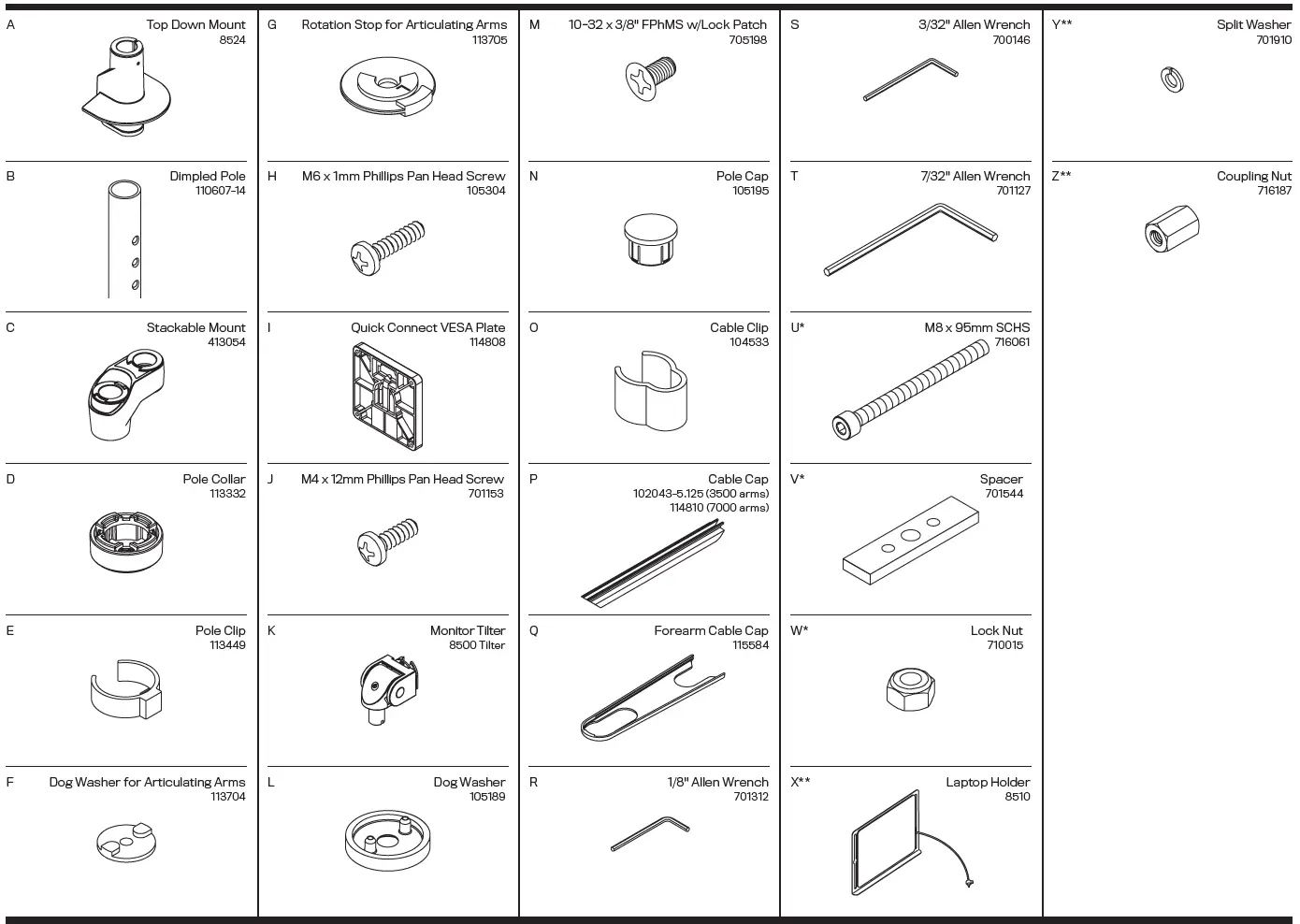
PARTS LIST
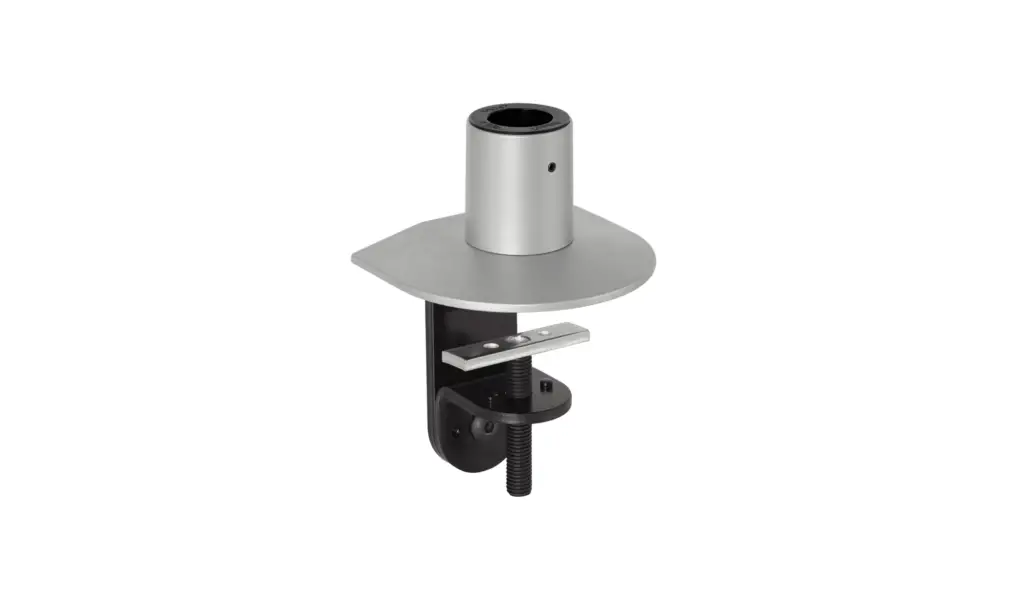
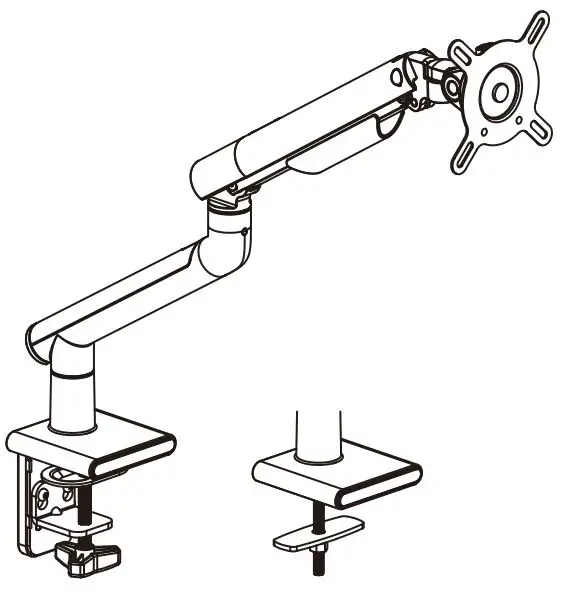
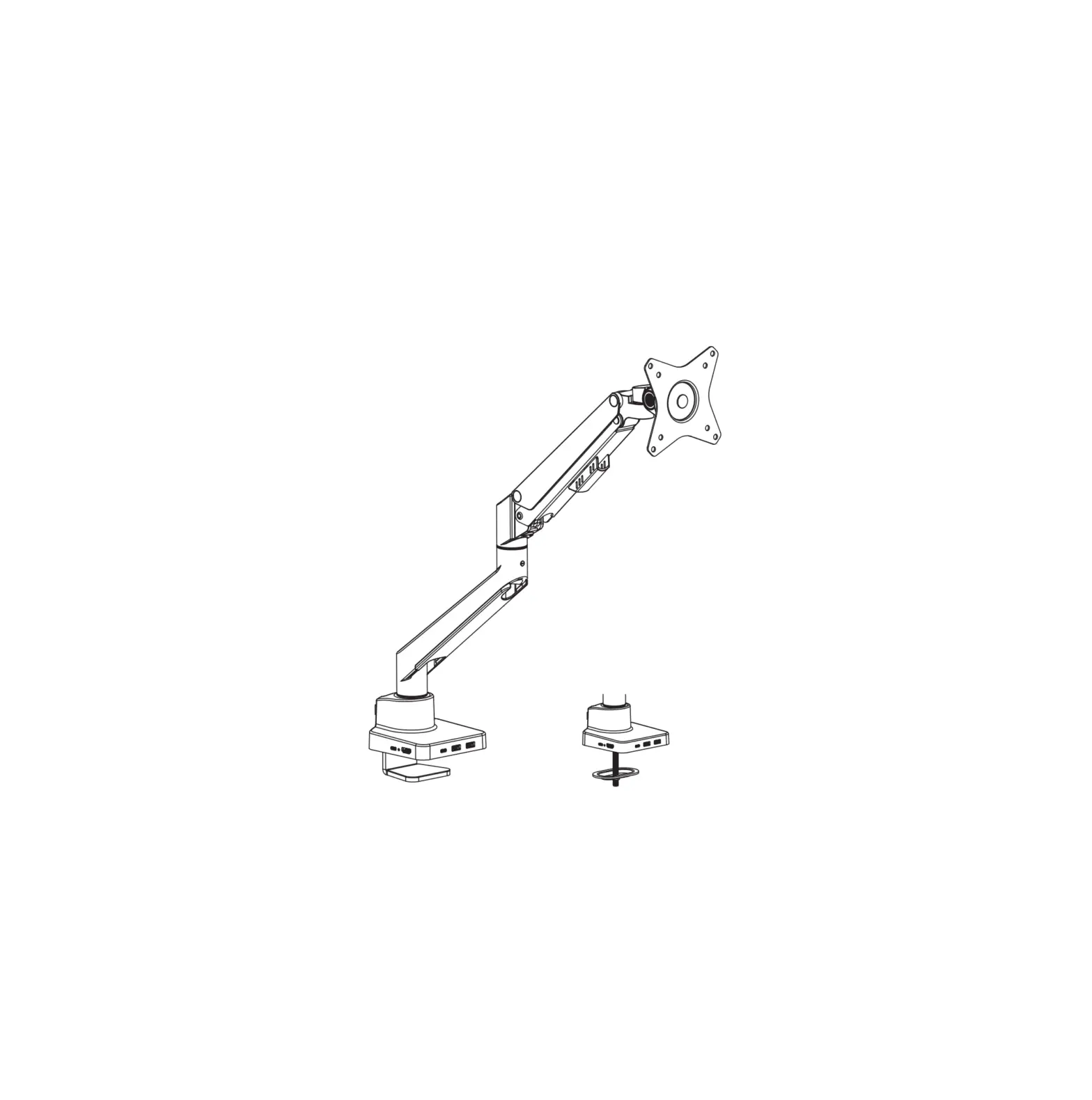
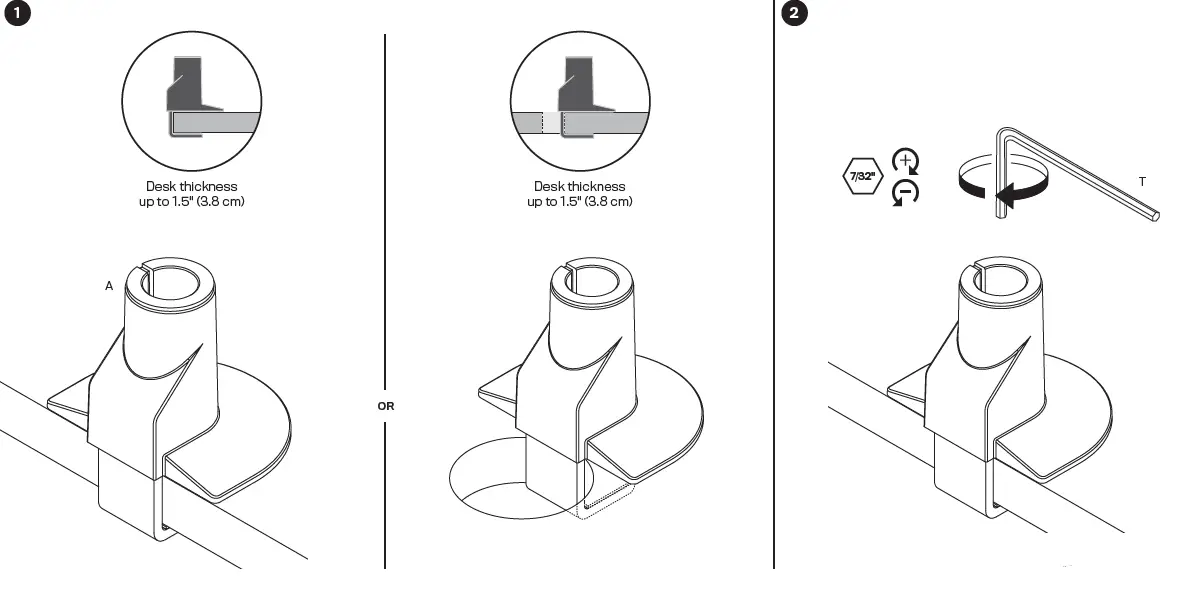
DESK CLAMP CONFIGURATION
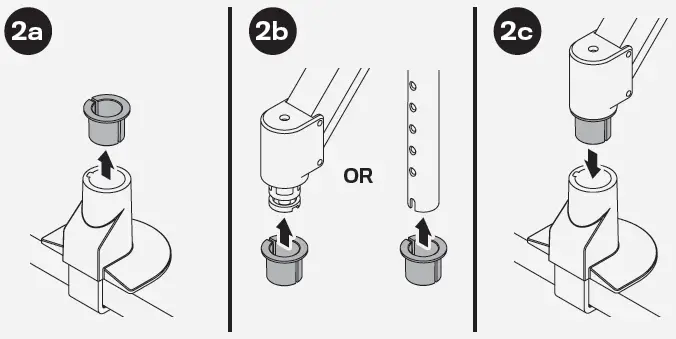
If the monitor arm or pole does not easily fit into the mount, remove the bushing from the mount and place it on the monitor arm or pole and press firmly back into the mount.
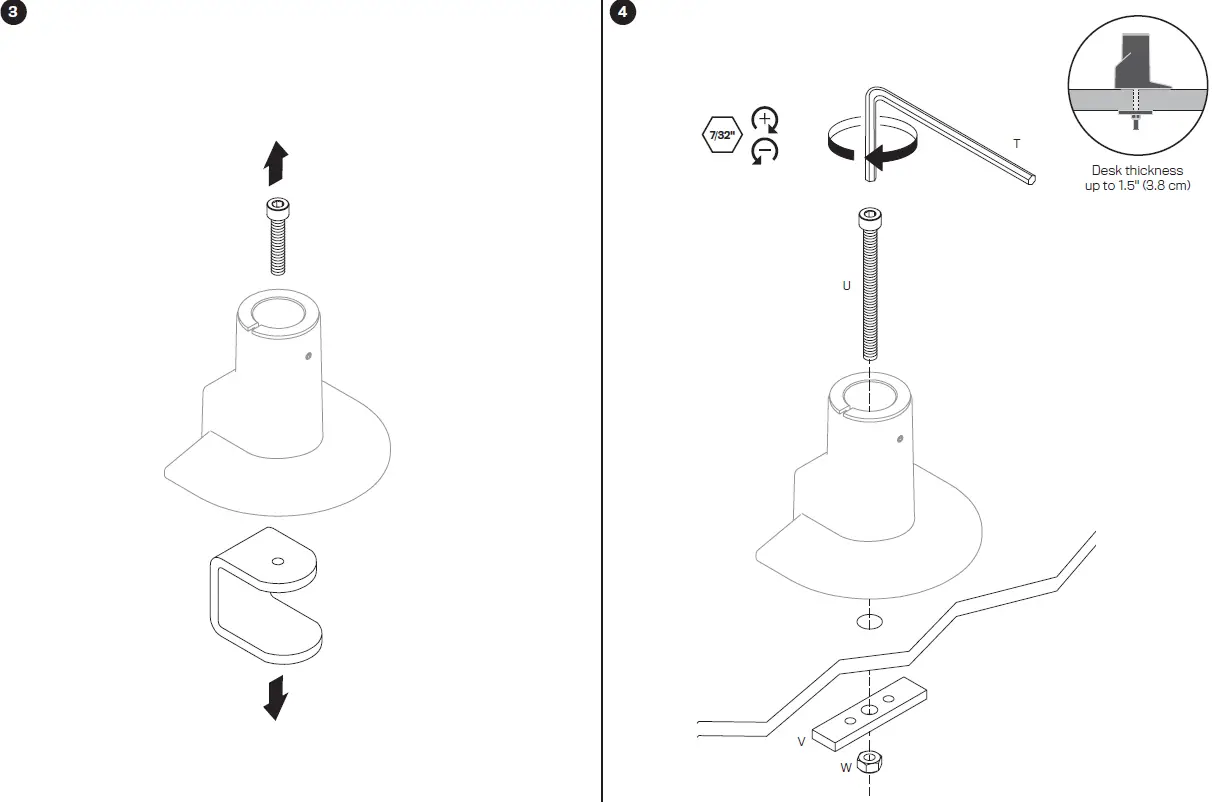
THRU-DESK CONFIGURATION
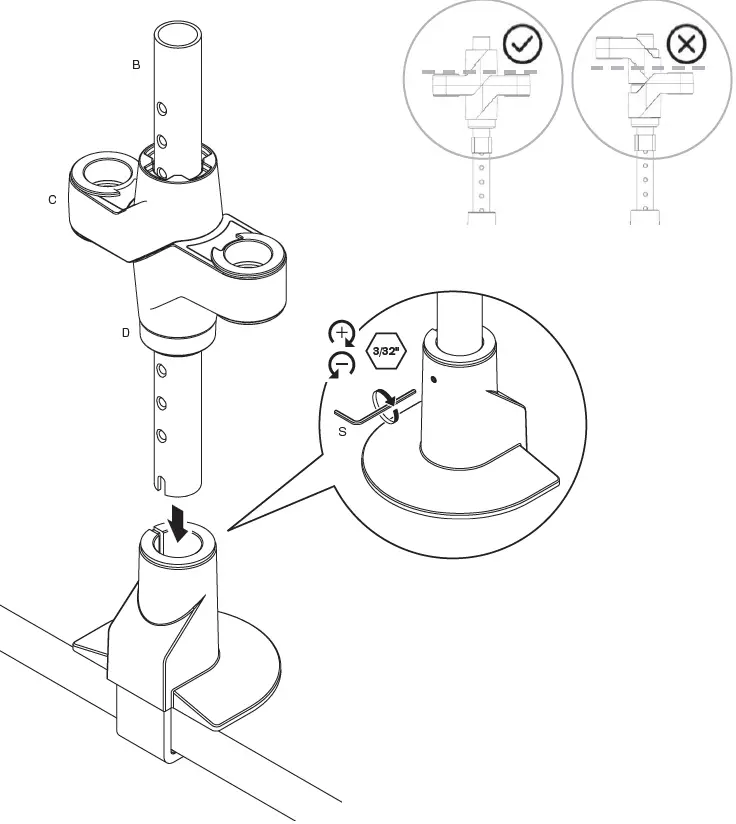
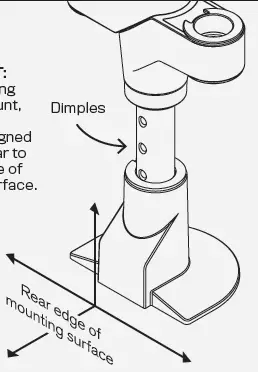
IMPORTANT:
When inserting pole into mount,the dimples should be aligned perpendicular to the rear edge of mounting surface.
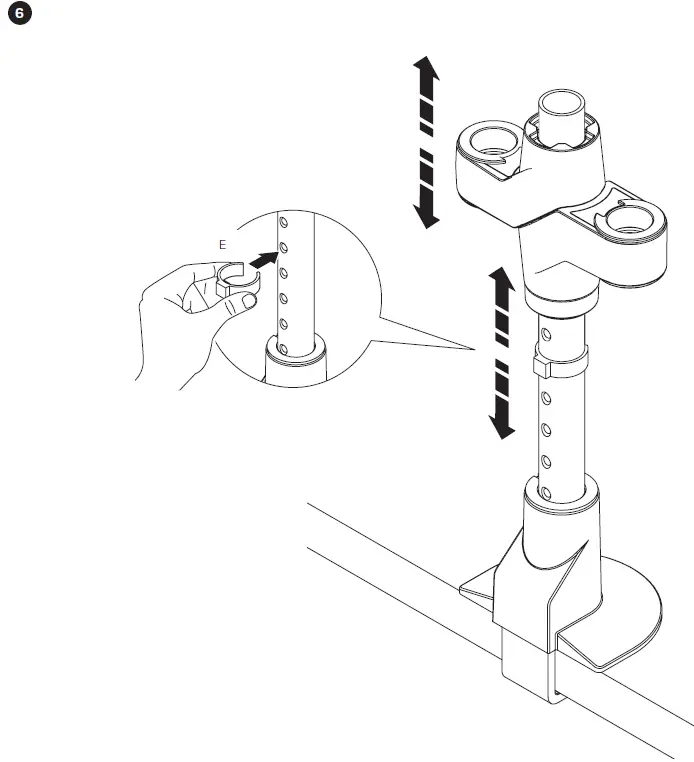
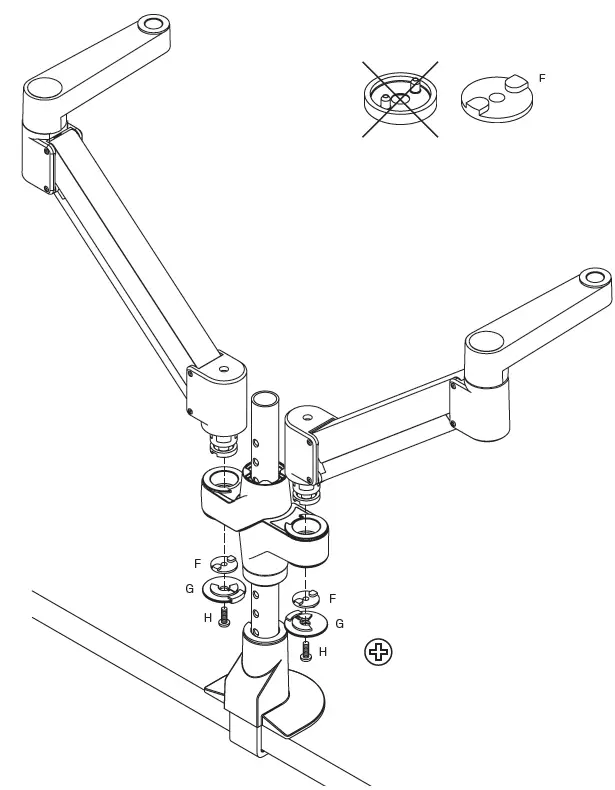
IMPORTANT:
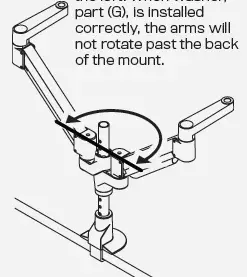
Install part (G) in the orientation as shown to the left. When washer, part (G), is installed correctly, the arms will not rotate past the back of the mount.
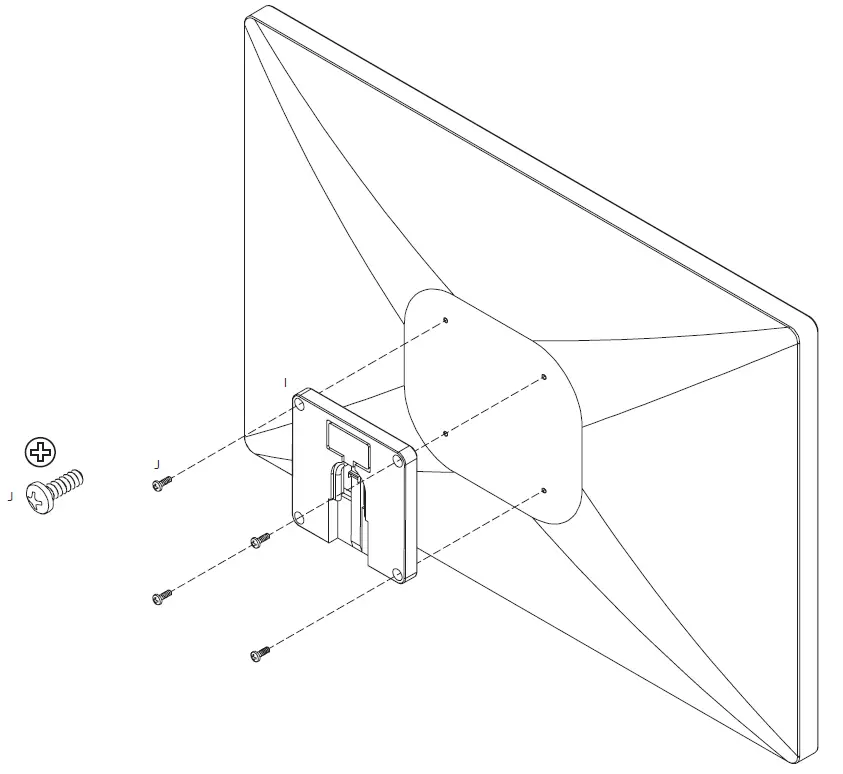
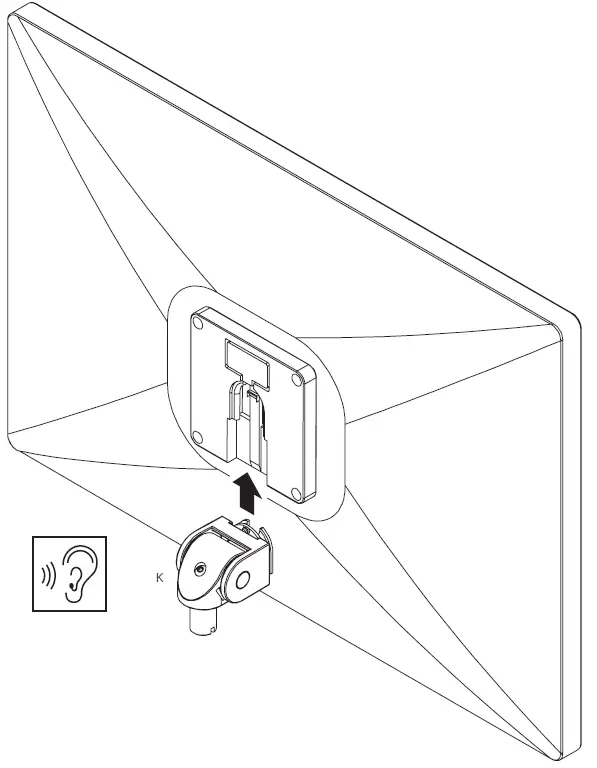
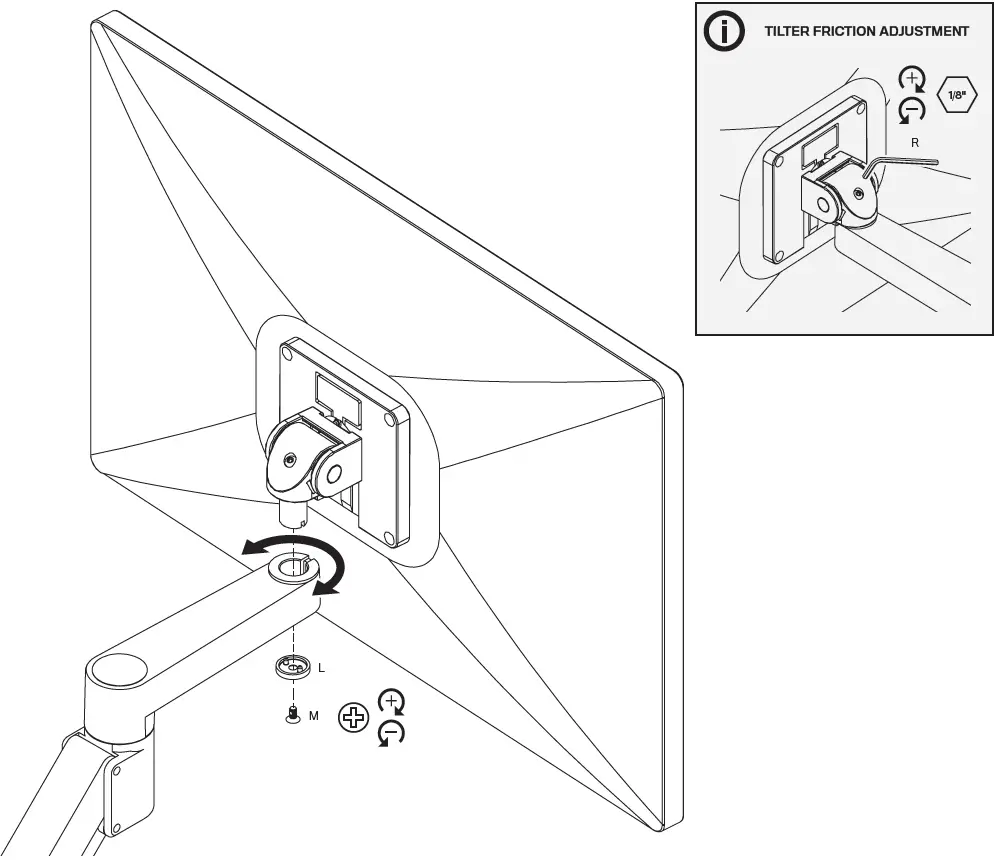
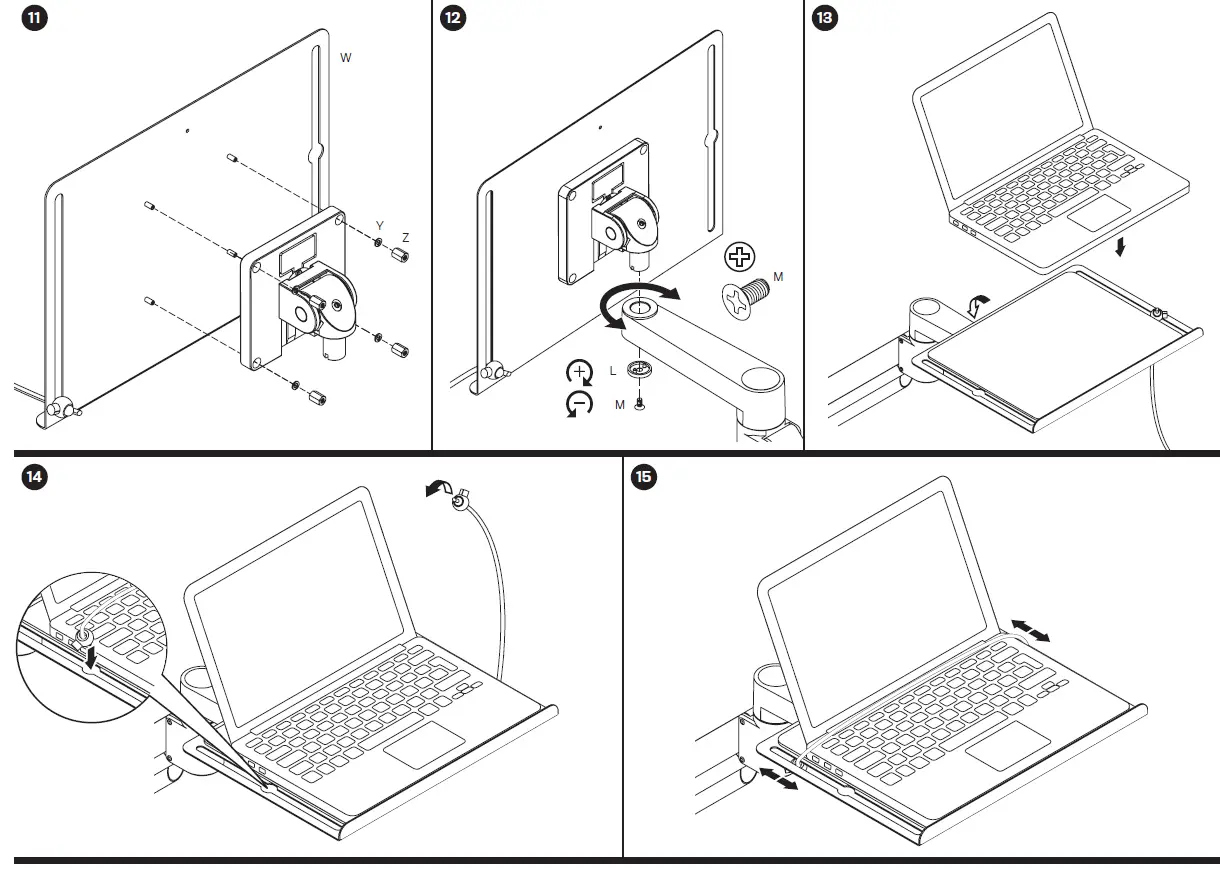
ARE YOU INSTALLING STX-XXX-8510?
IF NOT, PLEASE CONTINUE TO STEP 16.
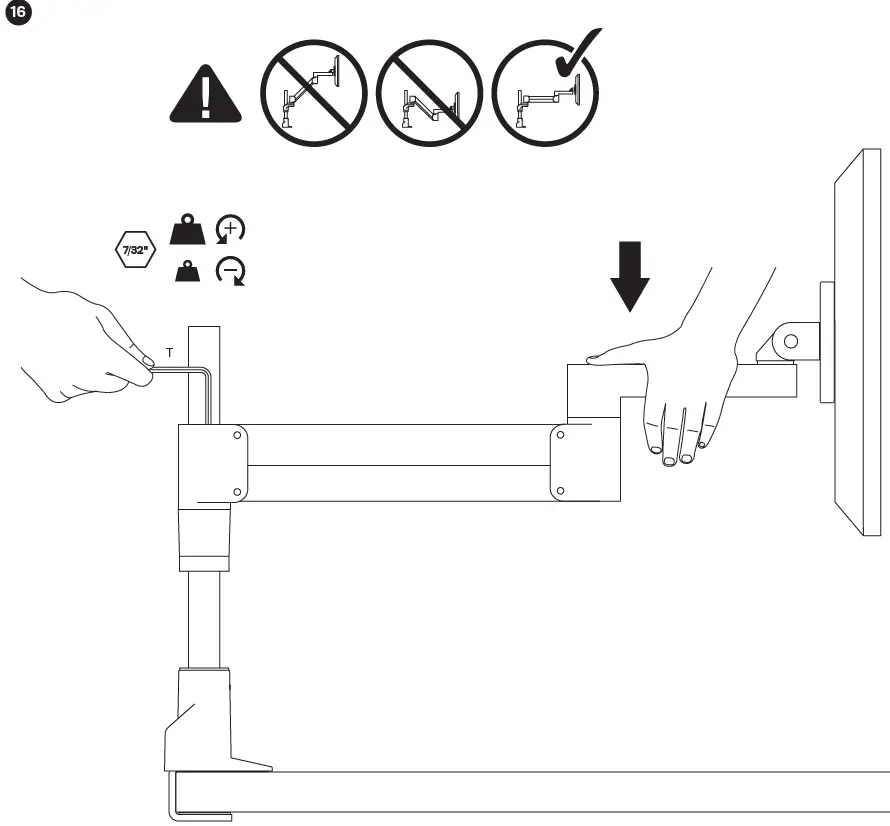
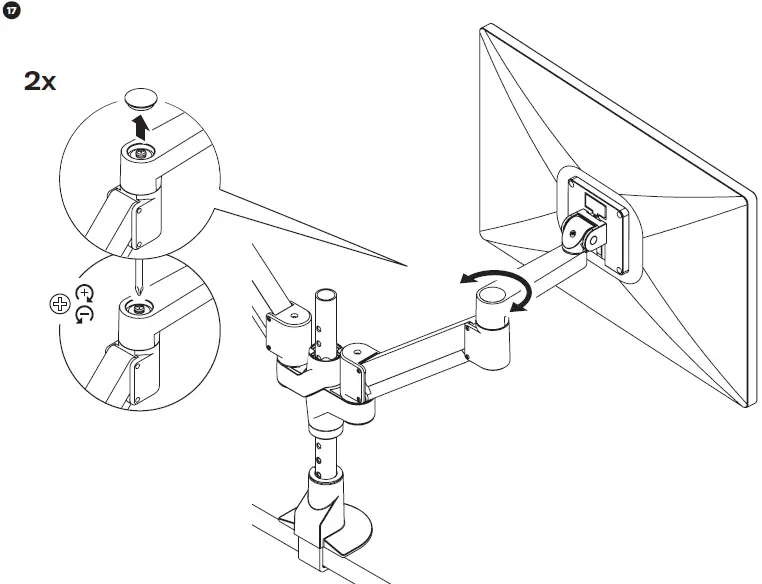
In some instances, an additional counterbalance adjustment may be needed to allow the arm’s instant height adjustment function to work properly.
If your arm is not staying in position after performing step 16, tighten the adjustment screw with a 1/8″ Allen wrench.
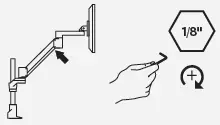
Tighten the adjustment screw.
 WORK YOUR WAY - HAT Collective
 IES Holdings
 Home - Human Active Technology