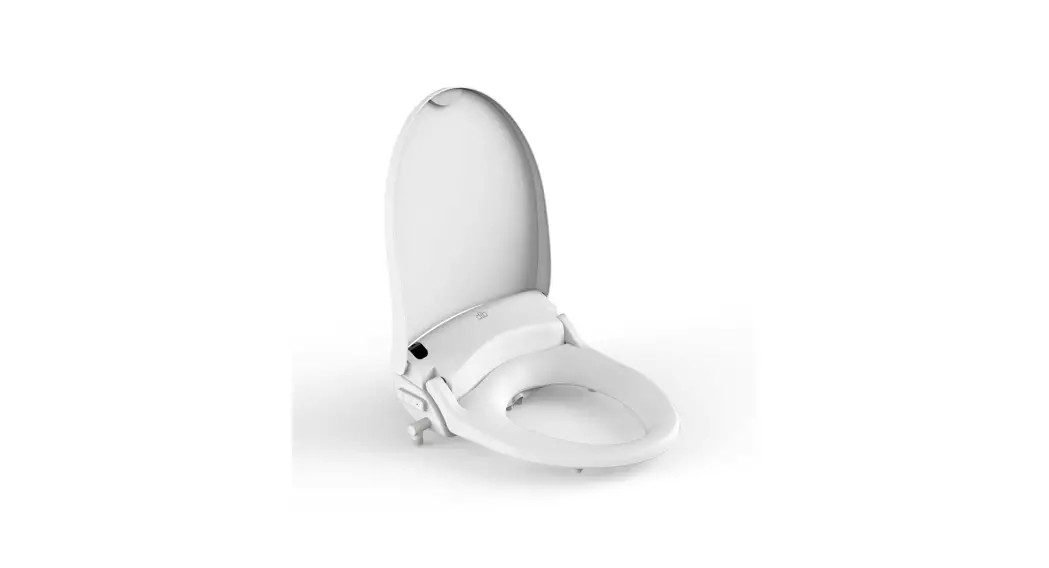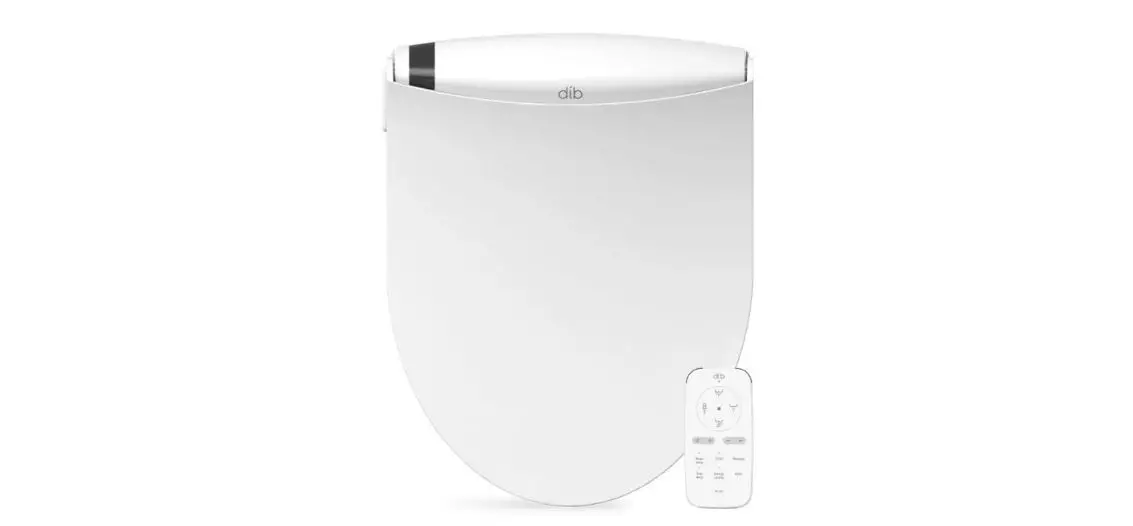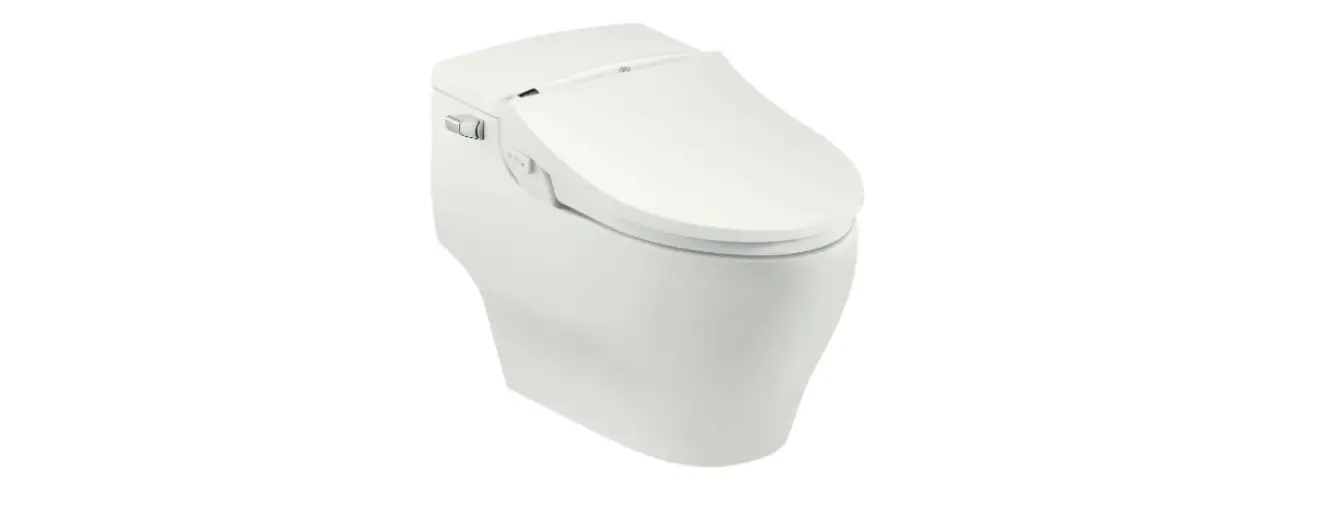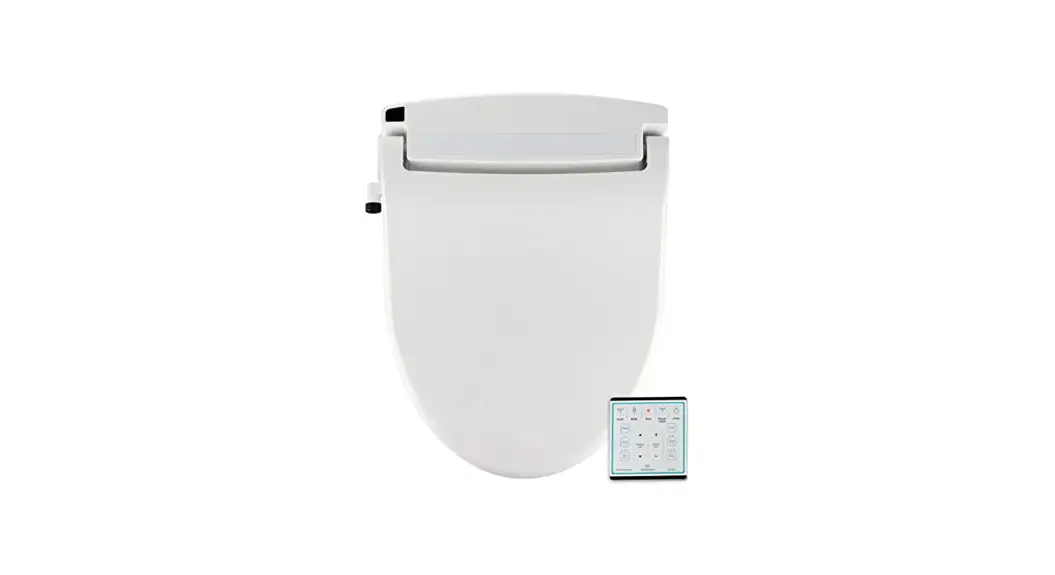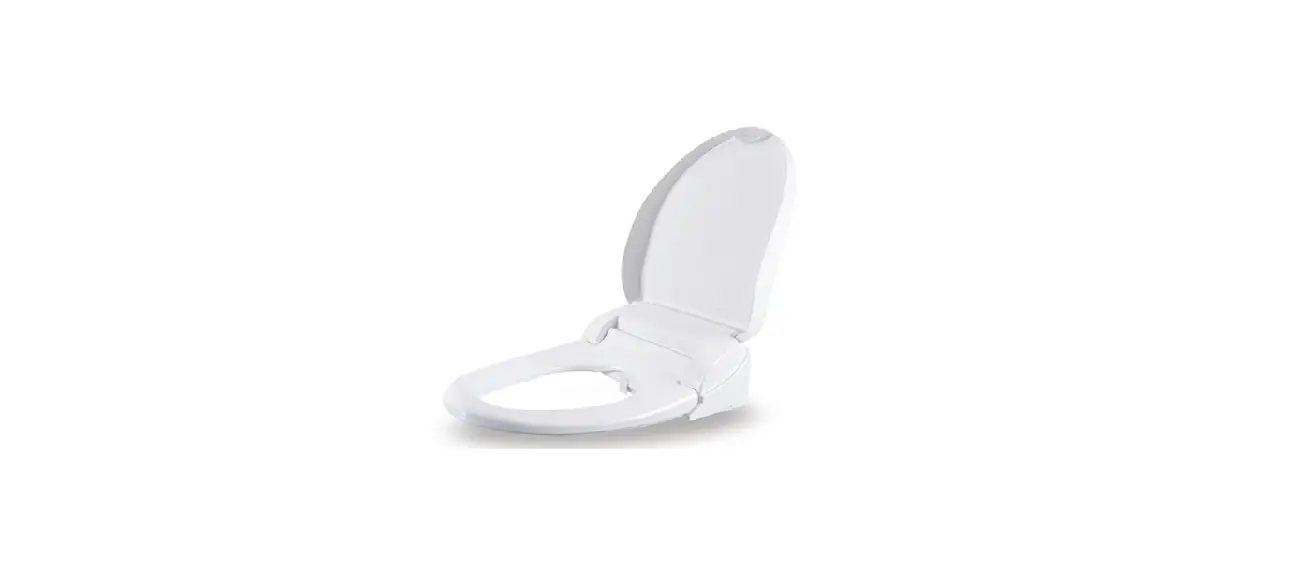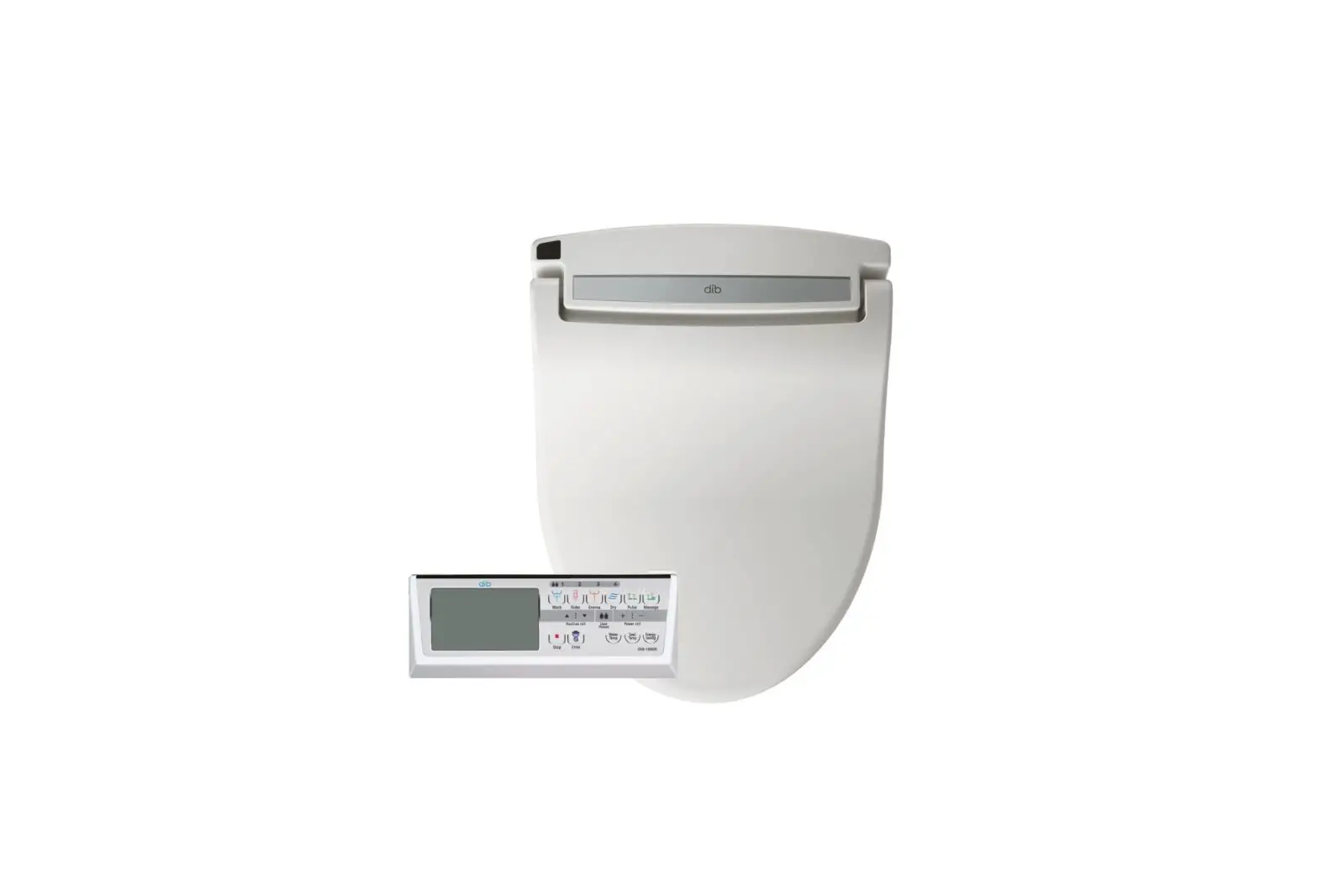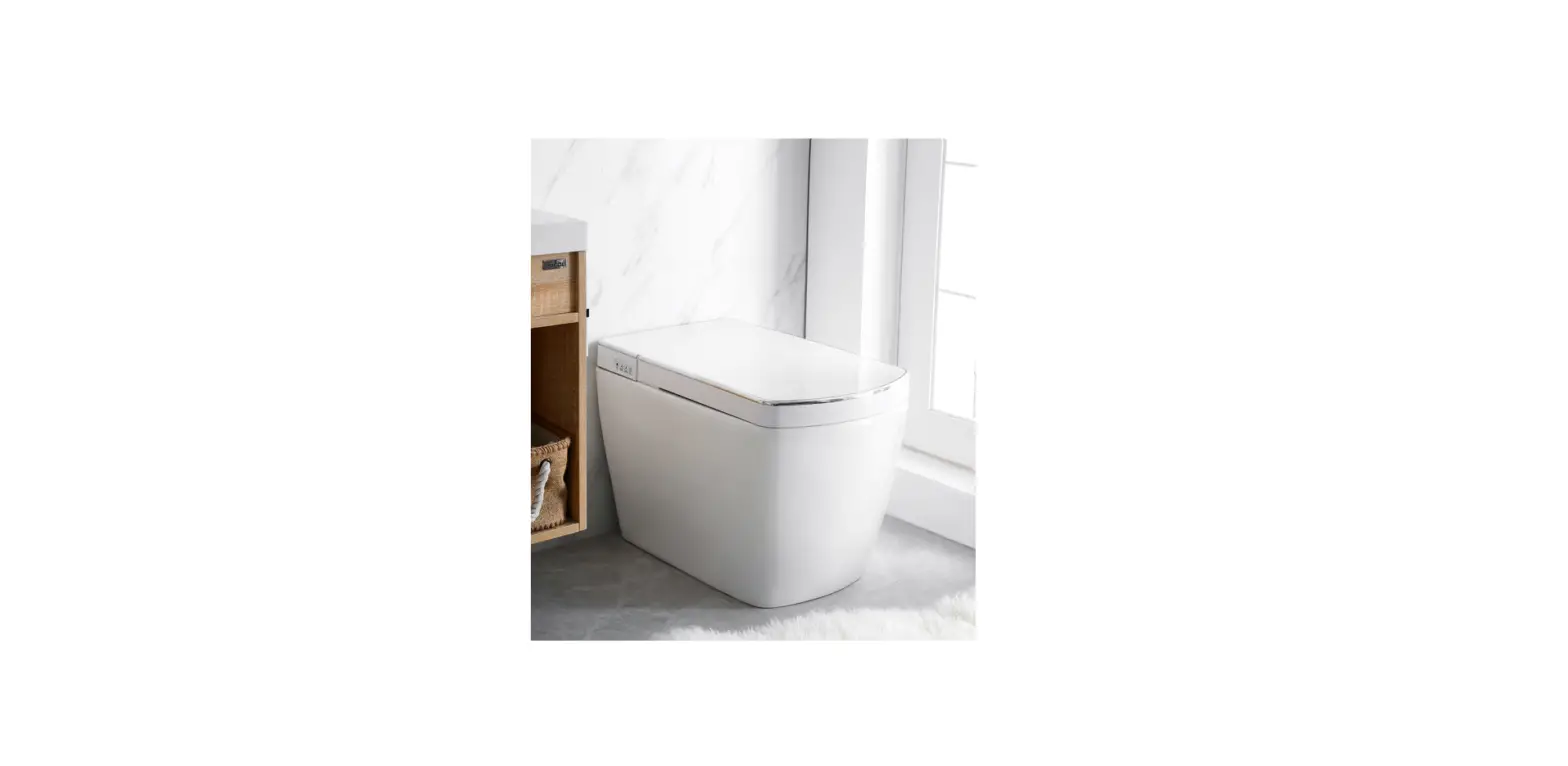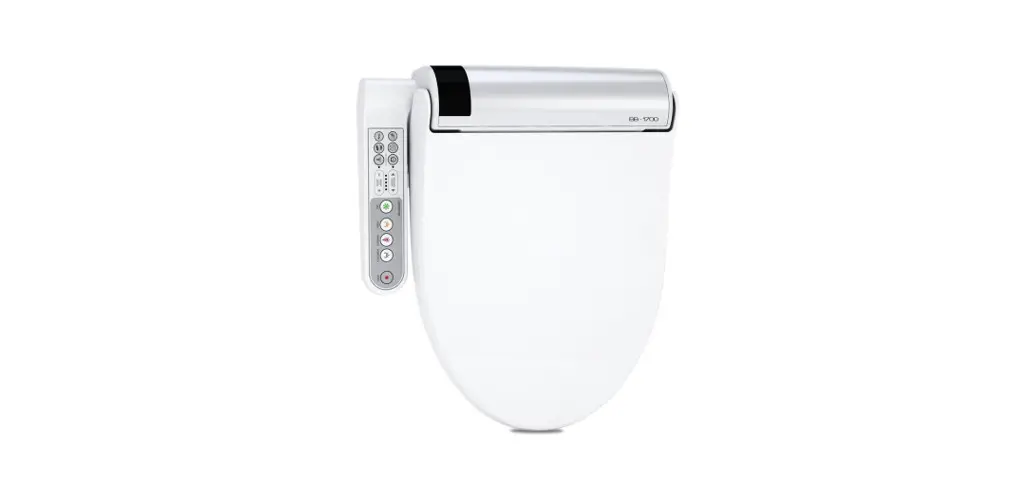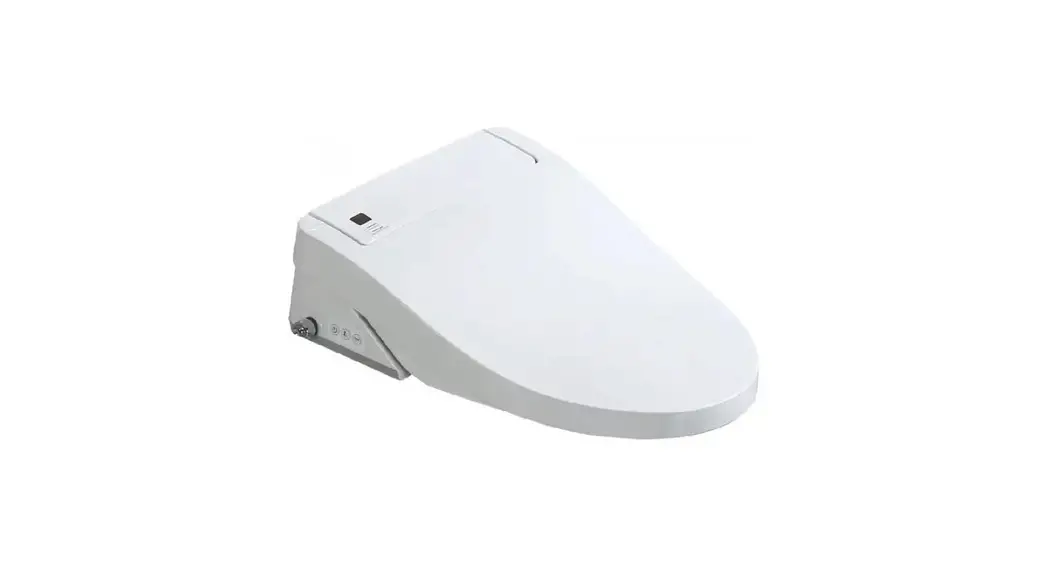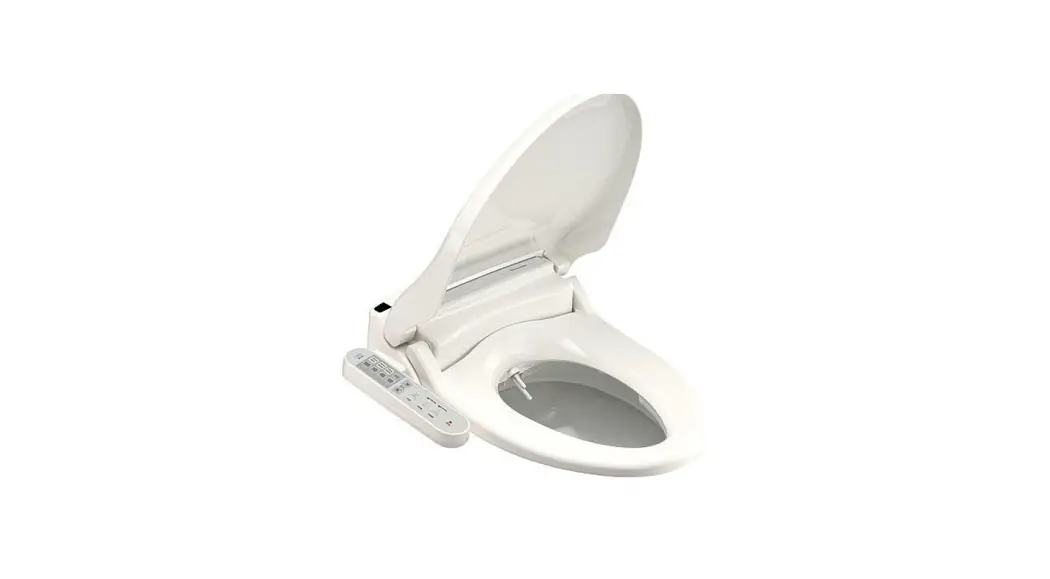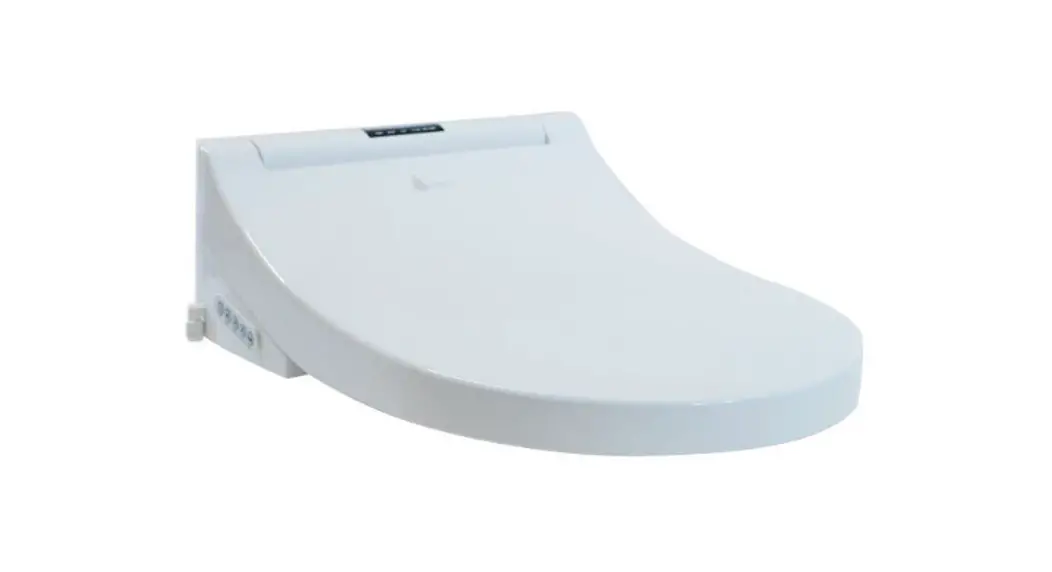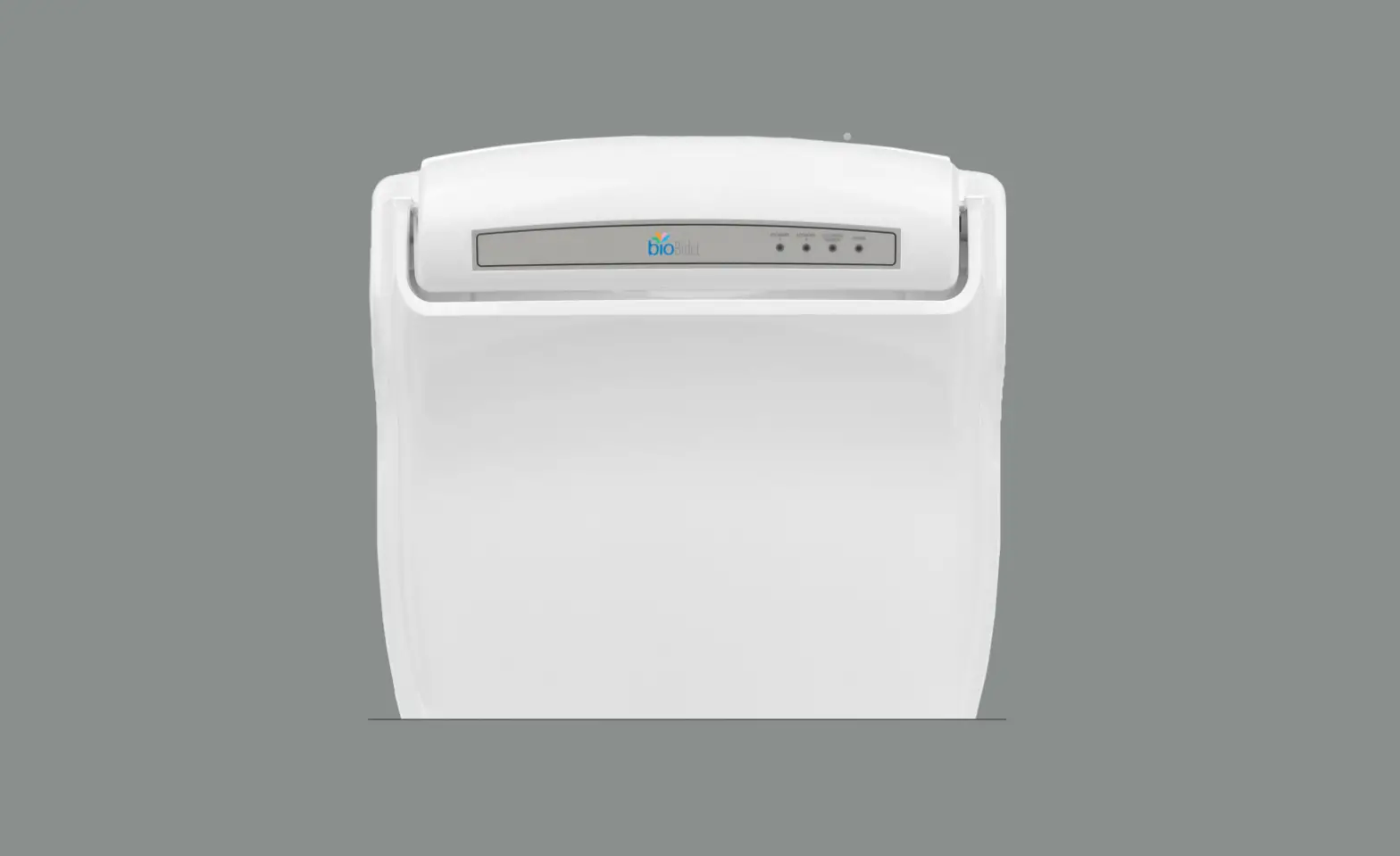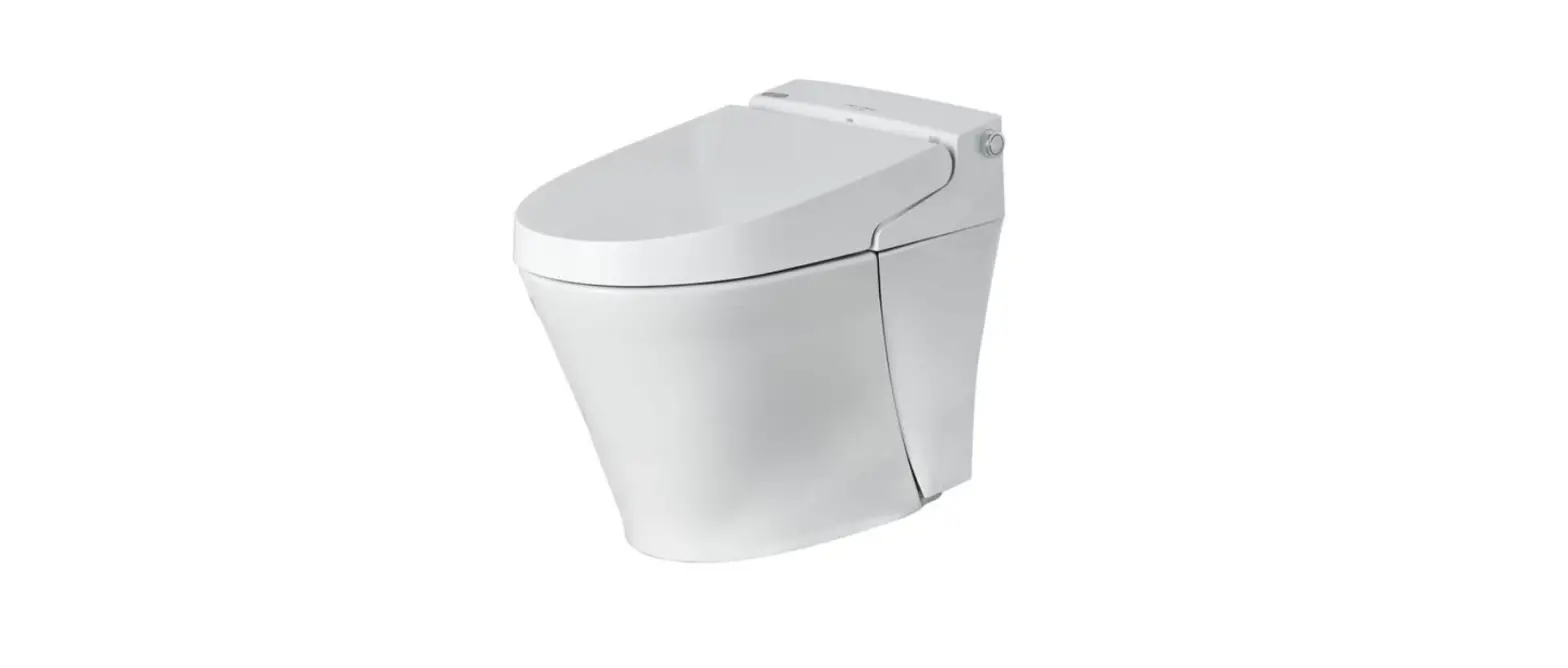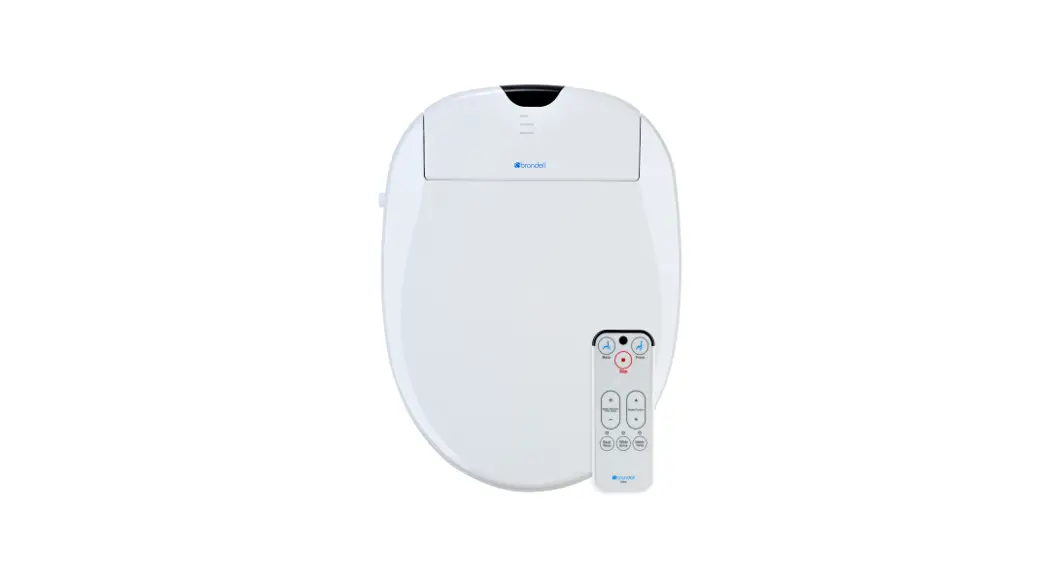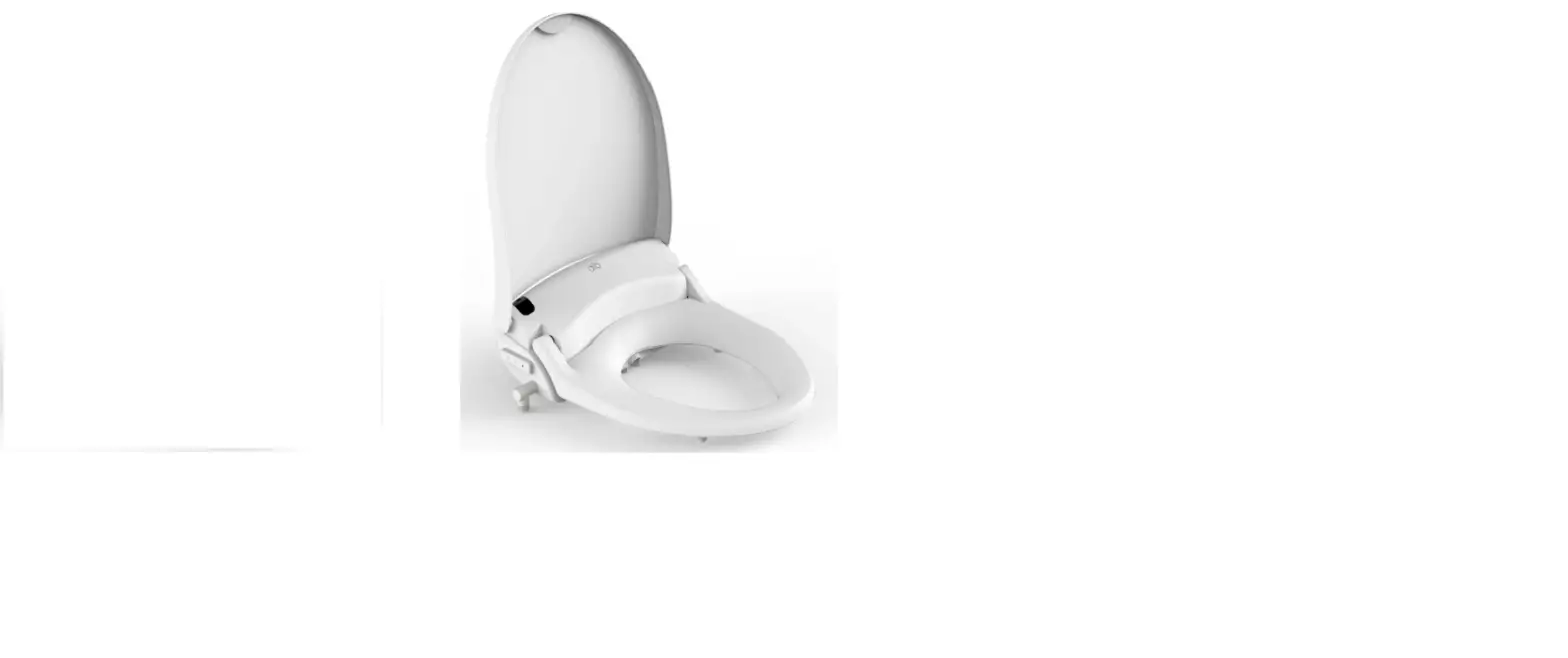

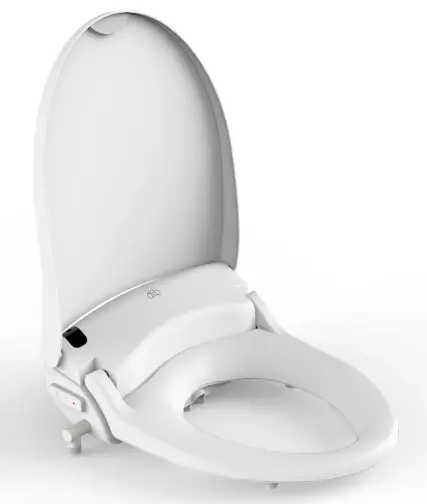
DIB 2293 Special Edition Advanced Bidet Toilet Seat
SAFETY PRECAUTIONS
PLEASE OBSERVE THE FOLLOWING PRECAUTIONS AND INSTRUCTIONS BEFORE INSTALLATION AND USE.
- This product must be connected to a grounded 120V GFCI (ground fault circuit interrupt) outlet. Do not connect the power cord if it is damaged or broken. Do not plug the product into a loose electrical outlet.
- It is recommended to use this product on a dedicated circuit. Sharing a dedicated circuit could cause the breaker to trip or lights to flicker.
- If it is necessary to use an extension cord, use only a three-pronged extension cord plugged into a proper GFCI outlet. The marked rating of the extension cord should be equal to or greater than the electrical rating of the unit (10 amp). Consult a qualified electrician or service person if you are not sure whether the unit is properly grounded.
- Do not open this product for repair without authorization from the manufacturer. Only qualified service personnel should service this product. Do not use accessories not recommended by the manufacturer.
- Connect this product to a potable cold water supply line.
- Close supervision is necessary when this product is used by children, eldely, or adults with sensitive skin. A low-temperature burn may occur when the skin has been in contact with an object at relatively low temperature for an extended period of time.
- If using any chemical toilet bowl cleaner, be sure to wipe up any spills that splash onto the bidet. Do not use benzene or any acid chemical detergent, as they can cause discoloration. Only neutral detergents are permitted.
- Do not plug in the power cord before connecting the water supply hose.
- Install in an area with adequate ventilation to avoid high levels of humidity, which can damage the electronic components.
- Do not touch the power cord with wet hands or reach for a product that has fallen into water. Unplug immediately.
- Unplug the bidet seat when cleaning or detaching from the toilet bowl.
- Do not plug in until plumbing work has been completed.
- Keep the power cord away from heated surfaces to prevent a fire hazard. Keep any flammable materials away from this product at all times.
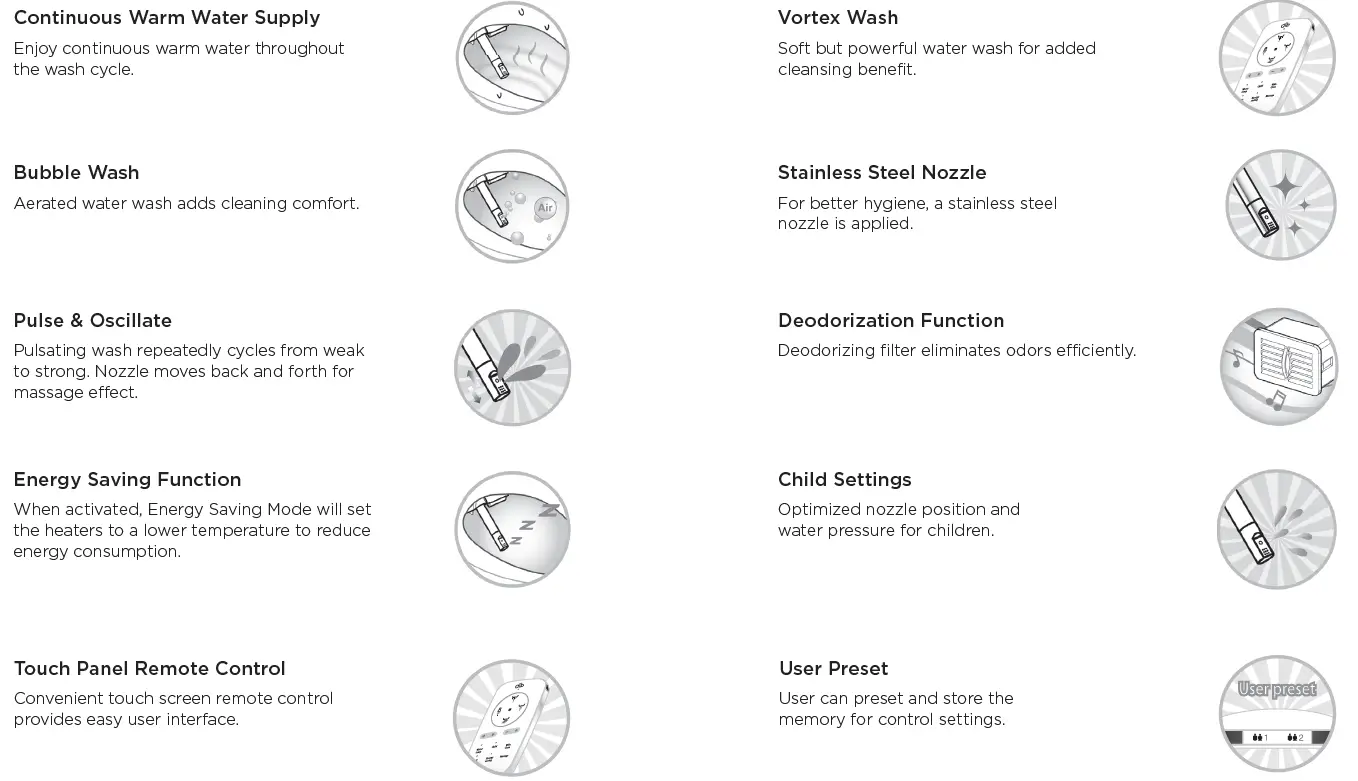
PRODUCT FEATURES
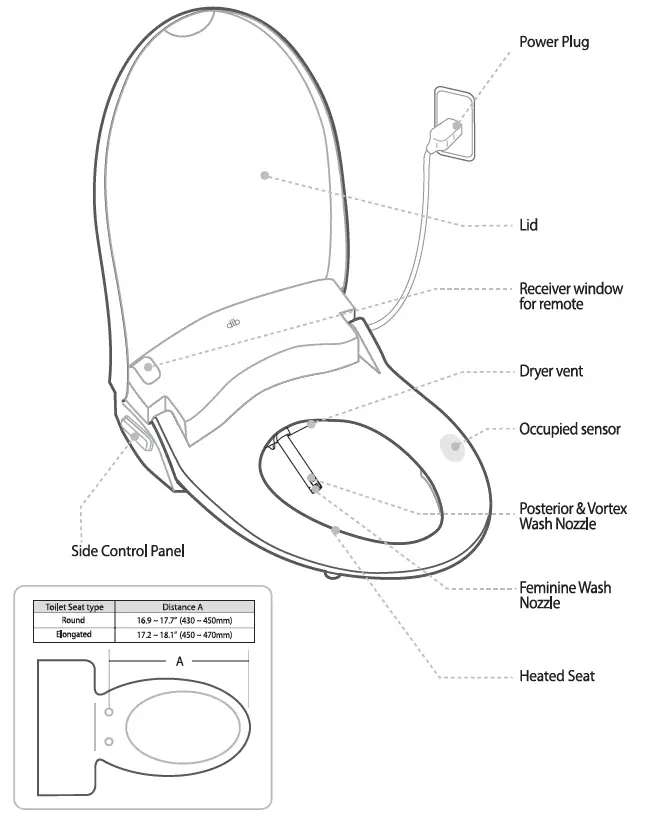
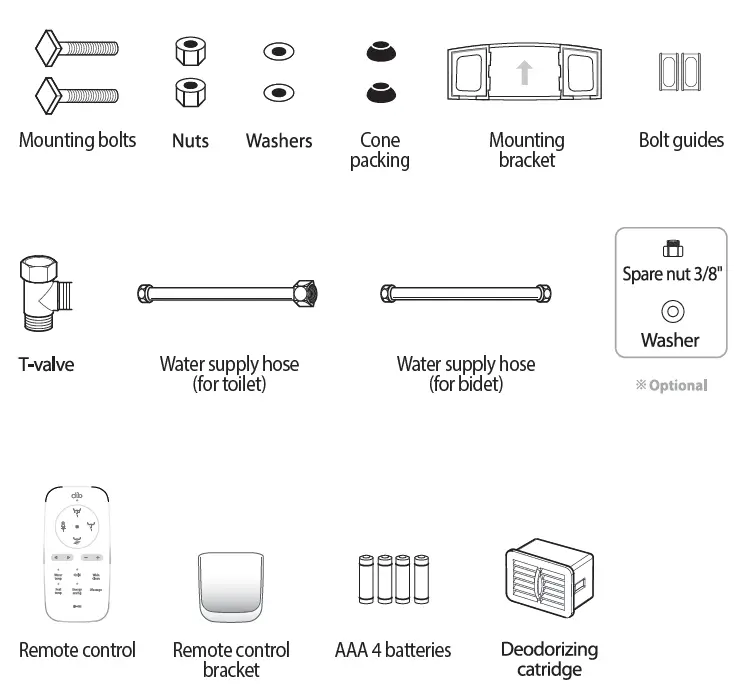
UNIT & PARTS
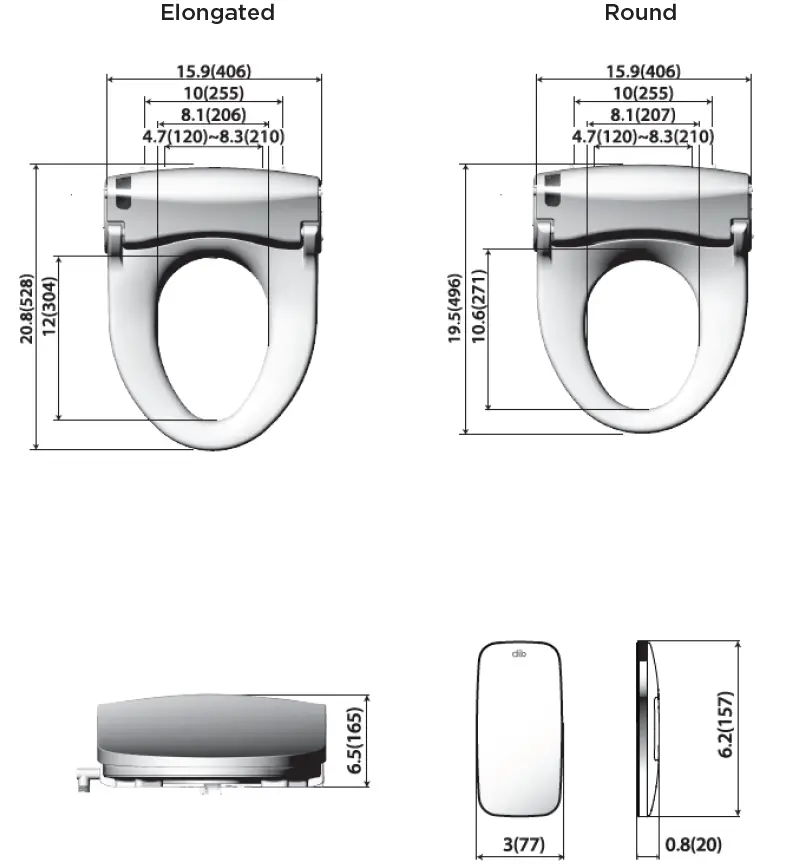
DIMENSIONS
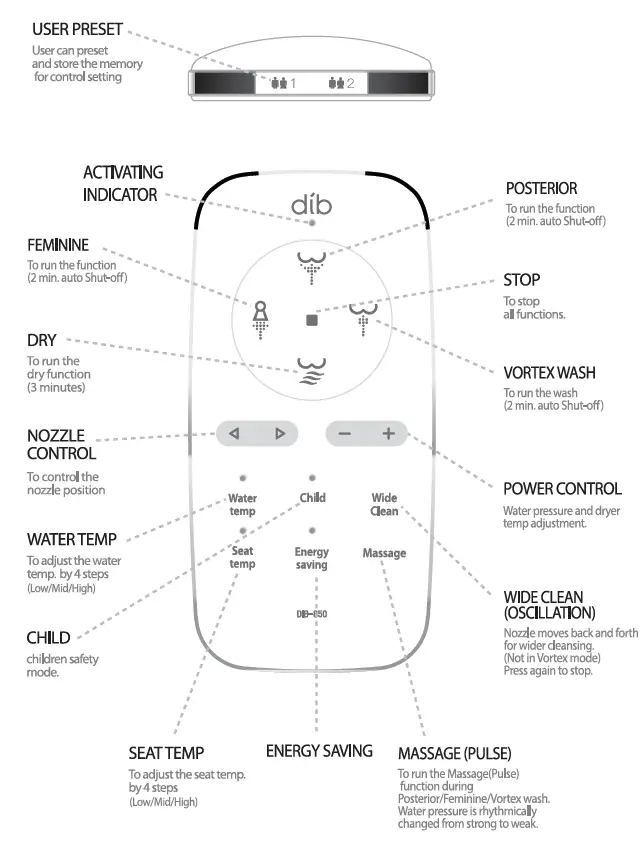
REMOTE CONTROL
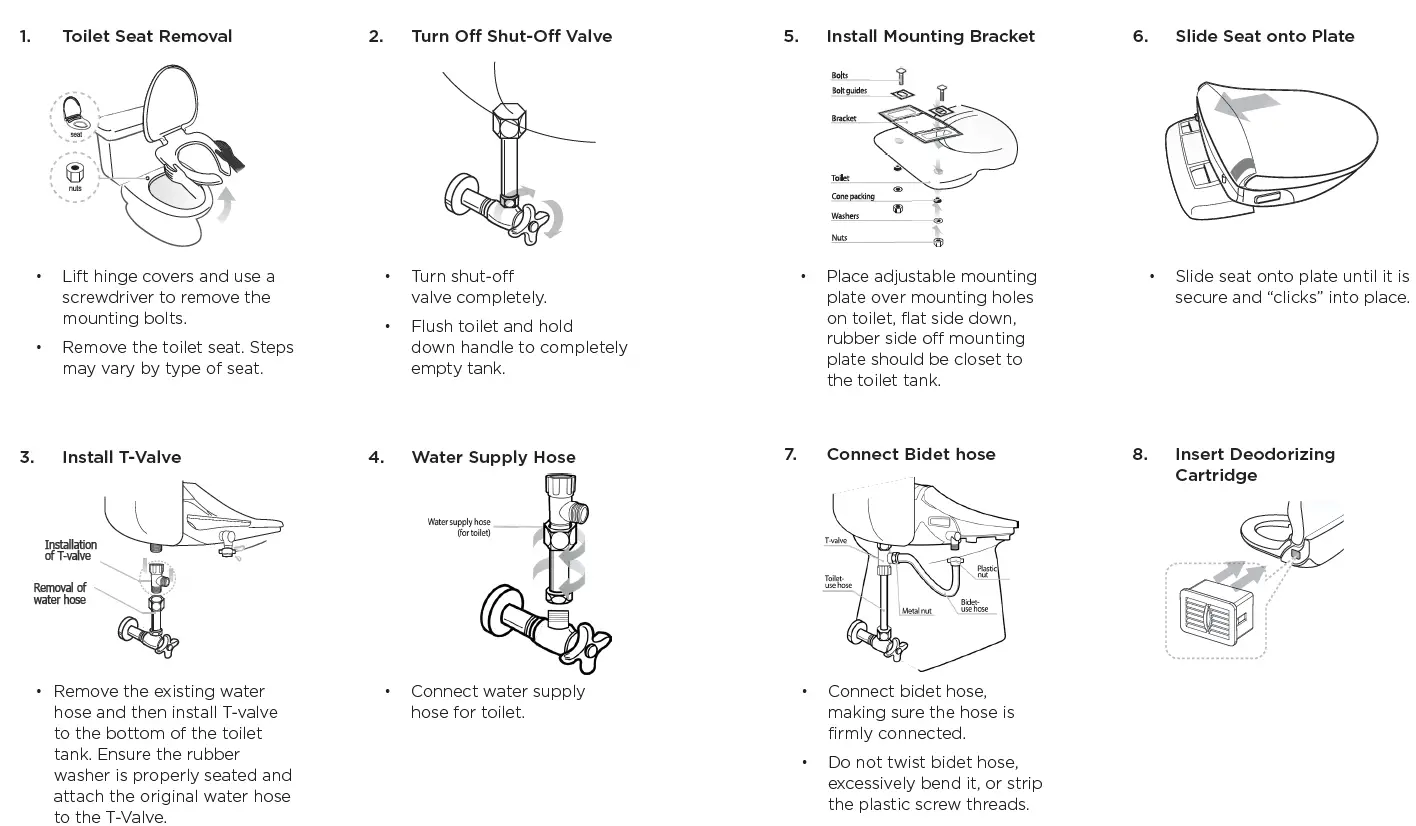
INSTALLATION
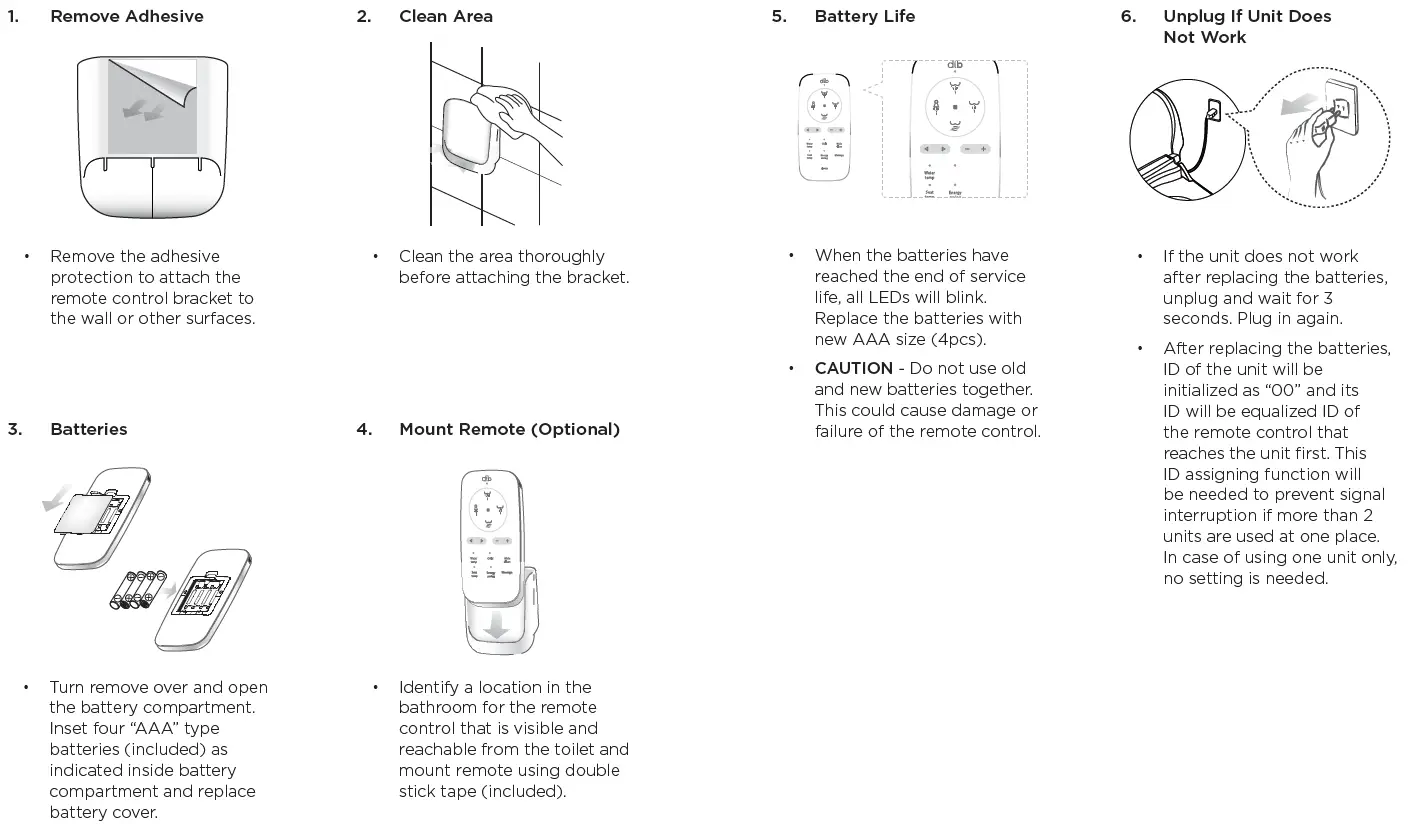
REMOTE CONTROL INSTALLATION
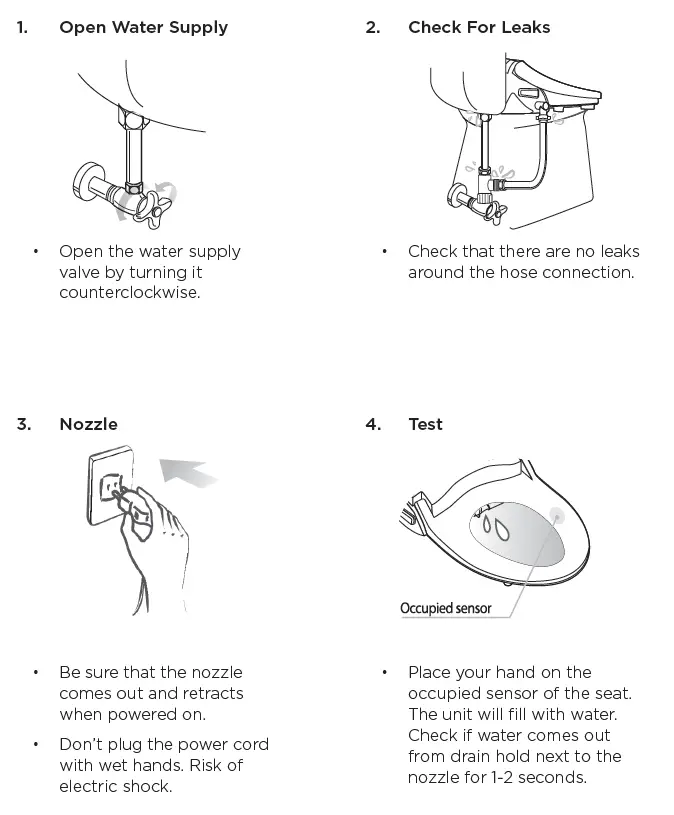
TRIAL OPERATION
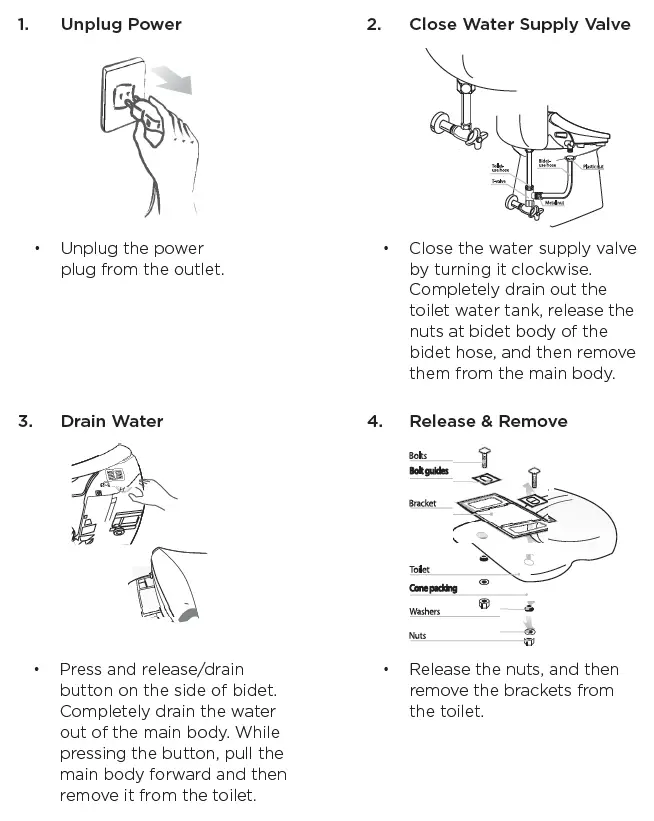
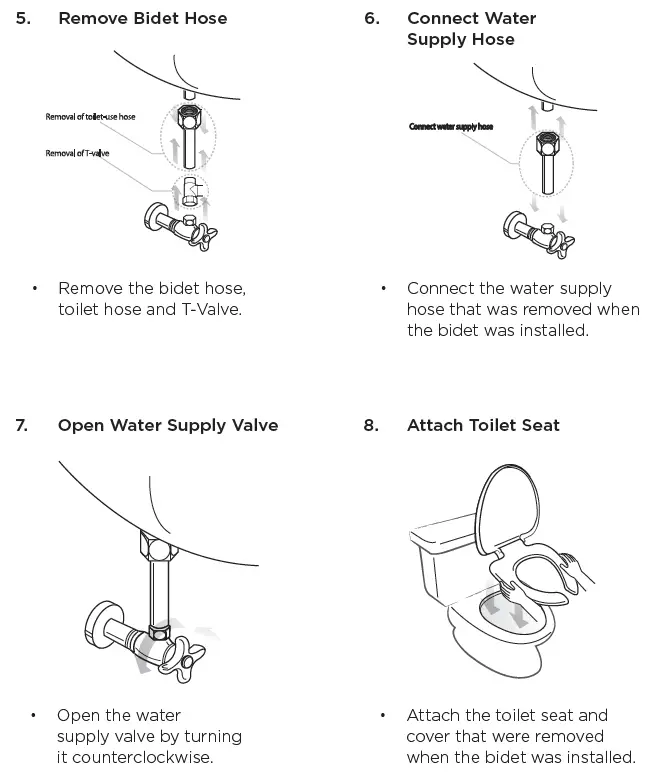
PRODUCT DISASSEMBLY
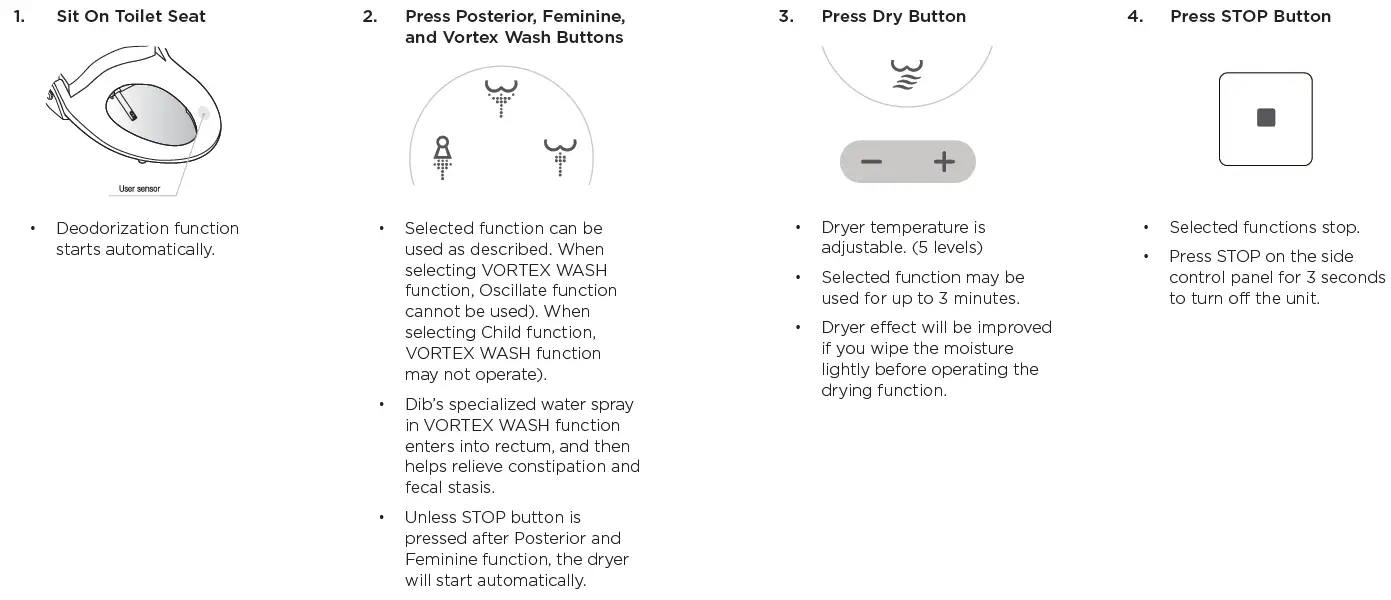
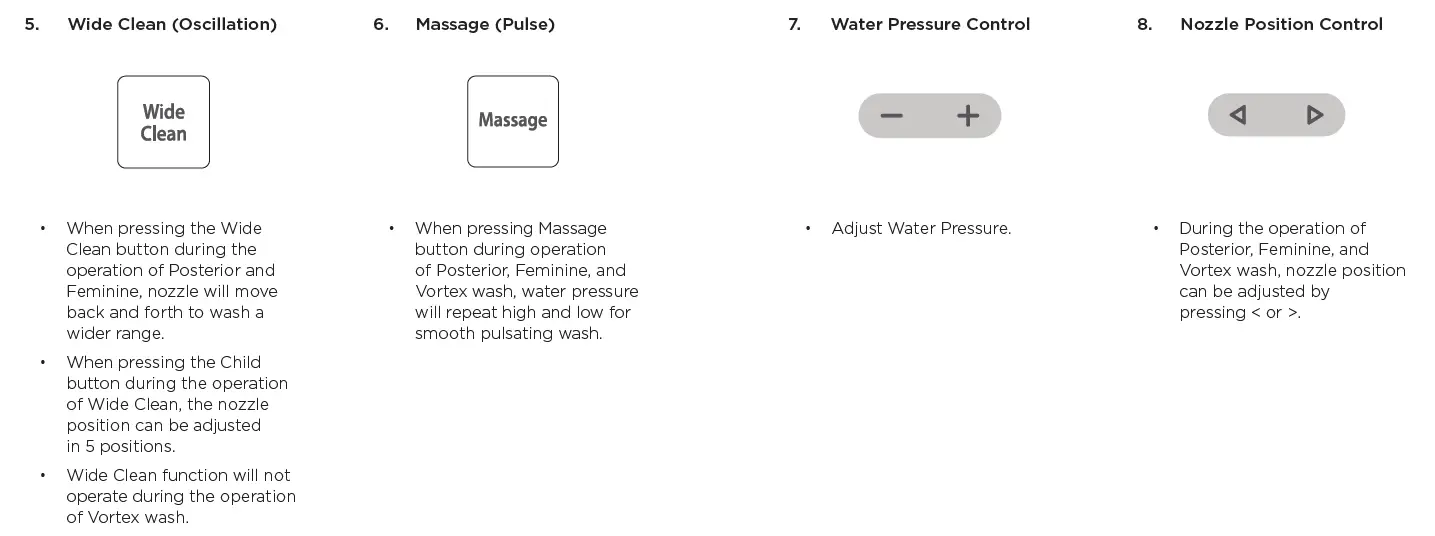
OPERATION
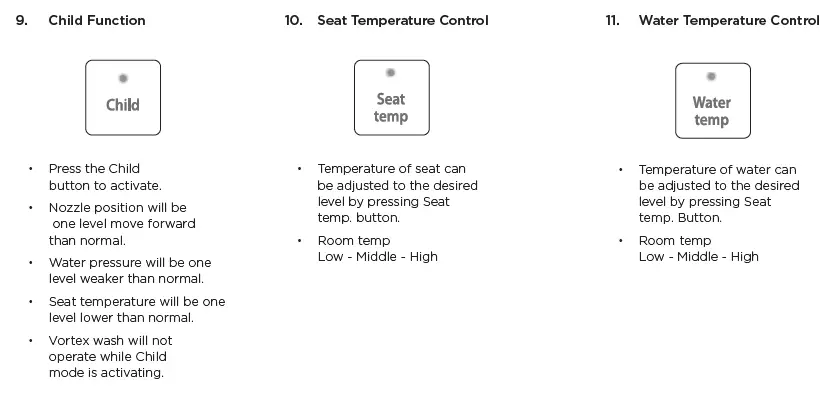
12. Energy Saving Modes
Automatic Energy Save Mode
- This mode will be activated by pressing the Energy Saving button until yellow LED lamp lights on.
- Seat will be kept at 320C.
Smart Energy Save Mode
- This mode will be activated by pressing the Energy Saving button until green LED lights on.
- Seat temperature will be kept at 320C when it is not occupied and raised back to preset level according to memorized time of use.
- It may take 5-7 days to let the unit memorize the usage pattern.
Cancel Energy Save Mode
Press the Energy Saving Button until LED is off to release the energy save modes.
This unit adopts the instant heating technology for water heating and does not consume energy for water heating when it is in stand by mode.
13. Deodorizing Function
- When sitting on the seat, deodorizing function starts automatically.
- Speed of deodorizing fan can be controlled. (Refer to the User setting facilities).
- After leaving the seat, the deodorizing function will operate for 1 additional minute.
14. Low Temperature Burn Protection
To reduce the chance of low temperature buns, the seat has a seat heater auto adjustment function which turns on low temperature (320C, 900F) when user sits on the seat for more than 15 minutes consecutively.
15. User Preset
Nozzle position, water pressure, dry/water/seat temperature can be present and stored for 2 different users.
How to Preset
- Adjust nozzle position, water pressure, dry/water/seat temperature to your preference.
- Press the STOP button or wait. Red activating indicator will blink for 5 seconds when setting is completed.
Using the Preset Feature
- Press selected preset button
- Preset nozzle position, water pressure, and temperatures will be activated.
SETTINGS
User Setting With Remote Control
 Seat Switch ‘Off’ Status
Seat Switch ‘On’ Status
Regardless of On/Off
| Function | Seat Status | Switch Operation | |
| 1 | On/Off Automatic Deodorizer Fan | 
| Press the “Stop” and “Energy Saving” for 3 seconds. Then adjust the fan speed by pressing “-” or “+” button. Leave the remote control alone for 5 seconds to complete the setting. |
| 2 | Setting the ID of Remote Control |  | Press the “Wide Clean” button for 3 seconds. Then set the ID 0-3 by pressing “-” or “+”. Leave the remote control alone for 5 seconds to set the ID. |
| 3 | On/Off Night Light |
| Press “+” button for seconds. |
| Description | Initial Status | ||||
|
Level | Fan Speed | Display of activating indicator | Energy saving (blinking) | High Speed in Both Modes | |
| Occu. | Unocc. | ||||
| default | High | High | Blinking | Red | |
| 0 | Off | Off | Blinking | Off | |
| 1 | Low | Low | Blinking | Blue | |
| 2 | Low | High | Blinking | Purple | |
| 3 | High | High | Blinking | Red | |
| Level | Display of activating indicator | Display of Seat temperature (blinking) | ID “0” | ||
| default | – | – | |||
| 0 | Blinking | Off | |||
| 1 | Blinking | Blue | |||
| 2 | Blinking | Purple | |||
| 3 | Blinking | Red | |||
| Night light can be turned on and off by pressing “+” button on the remote. | Night Light is turned on | ||||
Extra Functions With Side Control Panel
Seat Switch ‘Off’ Status
Seat Switch ‘On’ Status
Regardless of On/Off
| Function | Seat Status | Switch Operation | Description | |
| 1 | Manual Nozzle Cleaning | | Press “Posterior” for longer than 3 second | Nozzle will move forward for cleaning |
| 2 | Power Off | | Press “STOP” | Nozzle will retract and clean itself |
| 3 | Factory Default Setting | | Press “STOP” for longer than 5 seconds | Press one of “Stop”, “Posterior”, or“Feminine” to power on |
| 4 | Selecting/ Canceling Silent Mode | | Press “Feminine” for longer than 3 seconds | To on/off the chime sound. |
Using Inline Carbon Filter
Use of external water filter is only recommended in areas with known hard water issues. If a filter is used, it must be replaced every 3 months. This product is designed and intended for use exclusively with Bio Bidet DIB water filters. The purchase or use of any other water filter is not the responsibility of BBC Innovation LLC. As such, any use of non DIB water filters is prohibited and will void the warranty for those Bio Bidet products. Bio Bidet will not be responsible for any resulting damages or claims related to the misuse or distribution of non Bio Bidet DIB filters.
MAINTENANCE & CLEANING
Manual Nozzle Cleaning
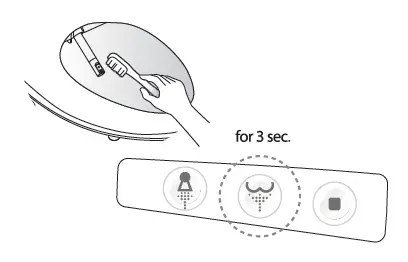
- Press Posterior for longer than 3 seconds, and then nozzle will extract and stop (for 2 minutes).
- Clean the nozzle with an unused toothbrush, etc., and press STOP. Nozzle will retract.
Cleaning of Bidet BodyCleaning of Bidet Body
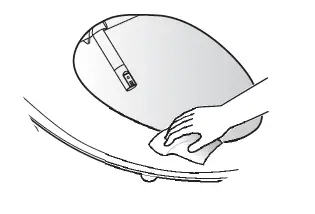
- Exterior surface of bidet is made of plastic material, which may be damaged by scrubber, chemicals, etc.
- Wipe the surface with a soft damp cloth. Do not spray water directly onto surface.
- Clean the body after removing the power plug from the outlet. Be sure no water plashes onto the power plug or outlet.
- Do not touch the power outlet with wet hands. Risk of electric shock.
Drain Remaining Water
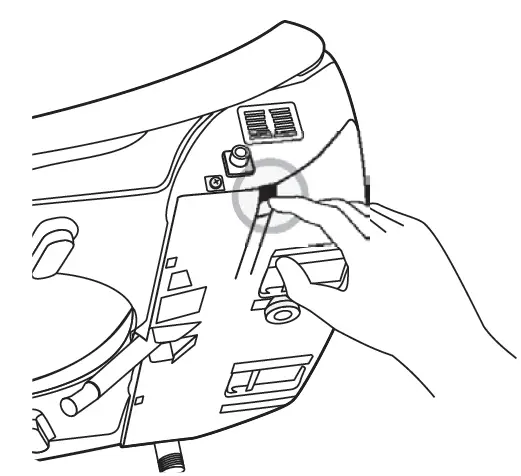
- Remove the power plug from the outlet.
- Close the water feed valve by turning it counterclockwise.
- Press the button on the side of the main body to drain the water.
Maintenance During Winter
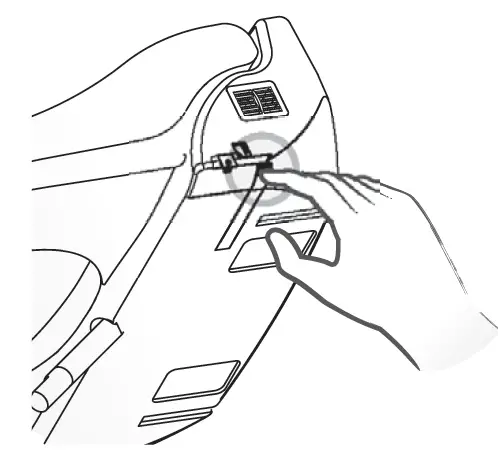
- Insert the power plug into the outlet and be sure if the power is supplied.
- When the dib will not be used for a long time (more than a few days), close the water shut off valve and drain the water from the bidet.
SPECIFICATIONS
| ITEM | DIB-850 | ||
| Rated Voltage | AC 120V, 60Hz | ||
| Max. Consumption Power | 1270W | ||
| Power Cord Length | 4ft. | ||
| Water Feed Method | Directly Connected to Water Pipe | ||
| Water Pressure | 9.95 – 106.7 psi | ||
|
Wash | Feeding Volume | Posterior | 0.16 gal/min |
| Feminine | 0.16 gal/min | ||
| Vortex | 0.16 gal/min | ||
| Water Pressure Control | 5-Step Control | ||
| Temp. Control | Room Temp. ~ 1000F | ||
| Heat Capacity | 1200 W | ||
| Safety Device | Temp. Fuse, Thermo Switch | ||
| Heated Seat | Temp. Control | Room Temp. ~ 1070F | |
| Heater Capacity | 55W | ||
| Safety Device | Temp. Fuse | ||
| Dry | Temp. Control | Room Temp. ~ 1220F | |
| Heater Capacity | 250W | ||
| Safety Device | Temp. Fuse, Bi-metal | ||
| Deodorization | Catalytic Deodorization | ||
| Product Dimension inch (mm) | Elongated | 15.9” (406) x 20.8” (528) x 6.5” (165) | |
| Round | 15.9” (406) x 19.5” (496) x 6.5” (165) | ||
| Product Weight/ Gross Weight lb (kg) | Elongated | 10.8 (4.9 kg)/17.4 (7.9 kg) | |
| Round | 10.6 (4.9 kg)/17.2 (7.8 kg) | ||
TROUBLESHOOTING
Please check the following points before requesting the repair of the product.
| Problem | Check List |
| The bidet is not working | Check if the power plug is not connected. Check for power failure. |
| Water does not spray | Check if the water supply is suspended. Check if the water supply is suspended. Check if the nozzle is locked by foreign materials. Check if connection hose is bent. |
| Water pressure is low | Check if the water pressure is set at too low level |
| Water is not warm enough | Check if its temperature is set at ‘off’ or ‘low’ Check if energy save mode is on. |
| Seat is not warm enough | Check if its temperature is set at ‘off’ or ‘low’ Check if energy save mode is on. |
| Vortex wash is not operated | Check if it is set on CHILD mode. Check if energy save mode is on. |
WARRANTY
3 YEAR WARRANTY
Bio Bidet warrants its products to be free from manufacturing defects under normal use and service for a period of 3 year from the date of purchase. This warranty is extended only to the original purchaser.
For full warranty details, visit www.biobidet.com
Contact Bio Bidet customer support with any questions you may have.
847.458.2334
[email protected]
www.biobidet.com
Technical Support/Customer Service 7900 S Route 31 Crystal Lake, IL 60014 T: 847.458.2334
U.S. TOLL FREE: 877.339.5214
[email protected]
www.biobidet.com
 Bio Bidet by Bemis - Bidet Seats, Attachments, Smart Toilets