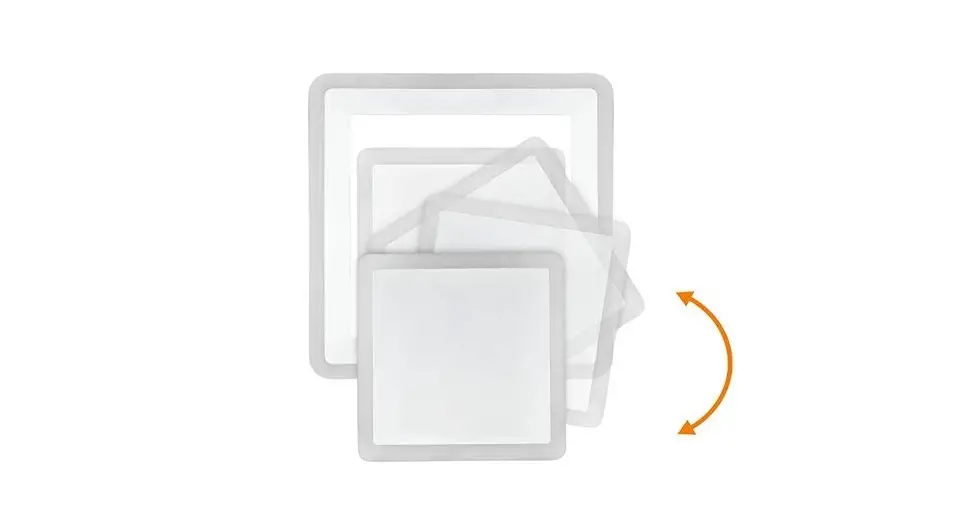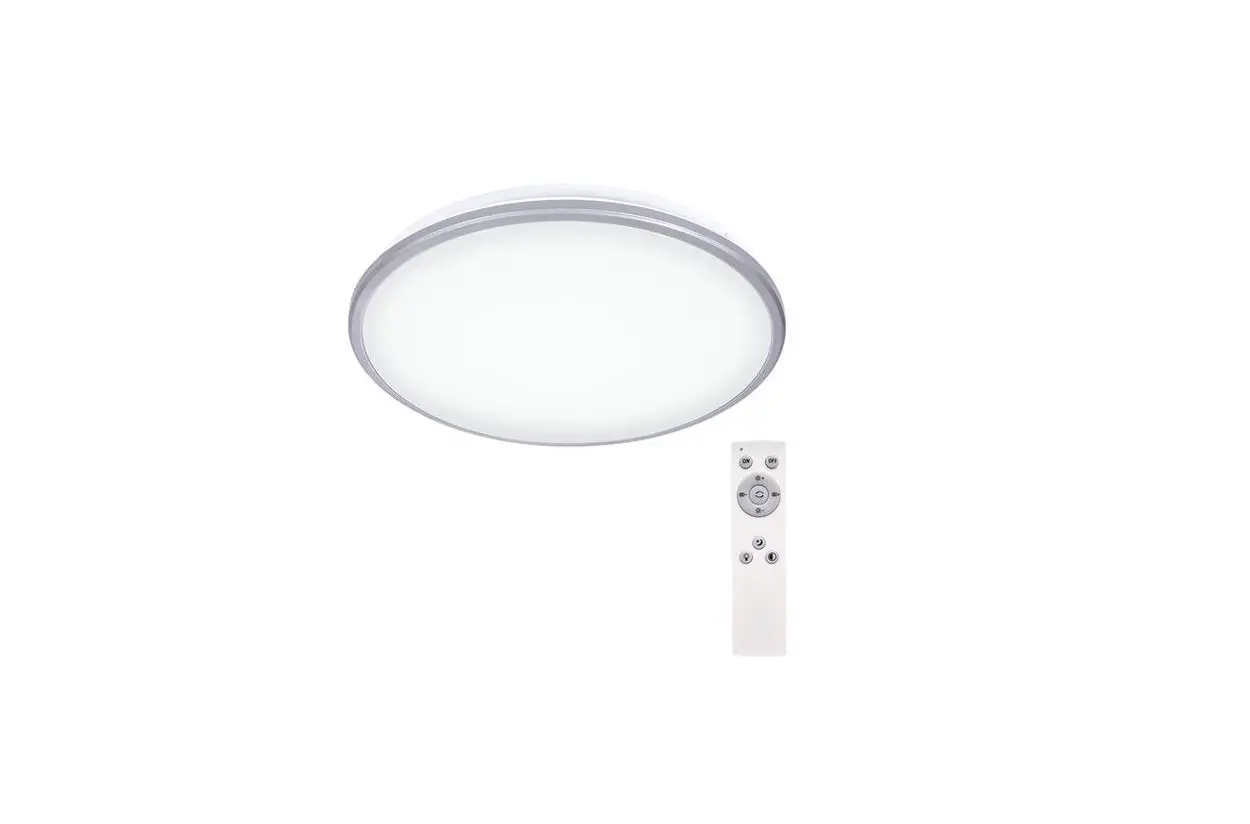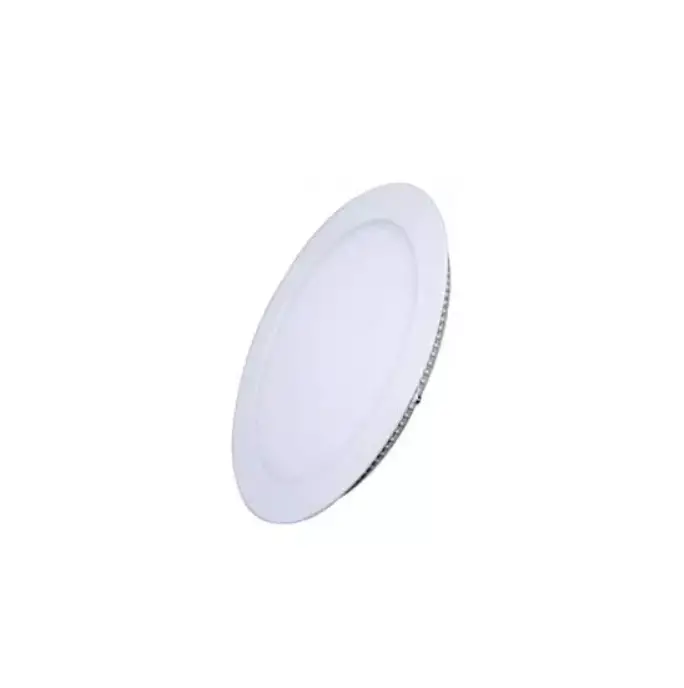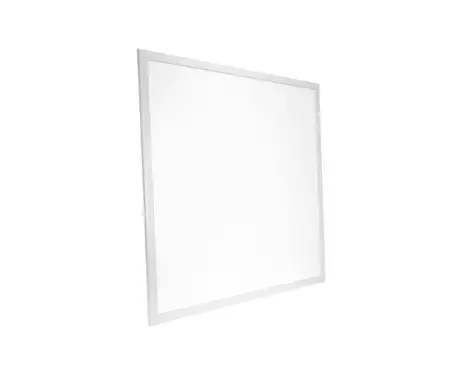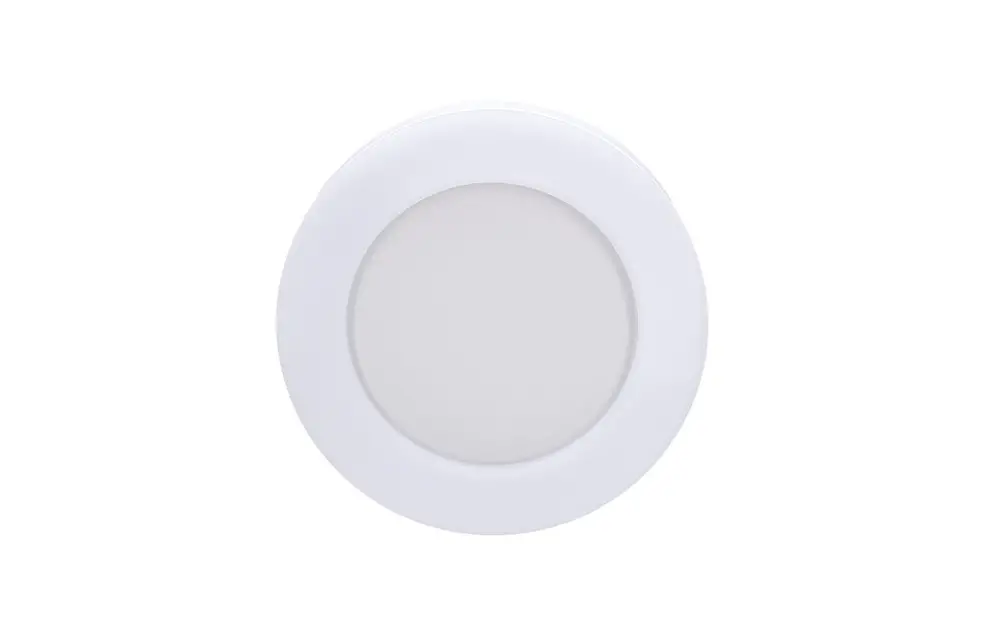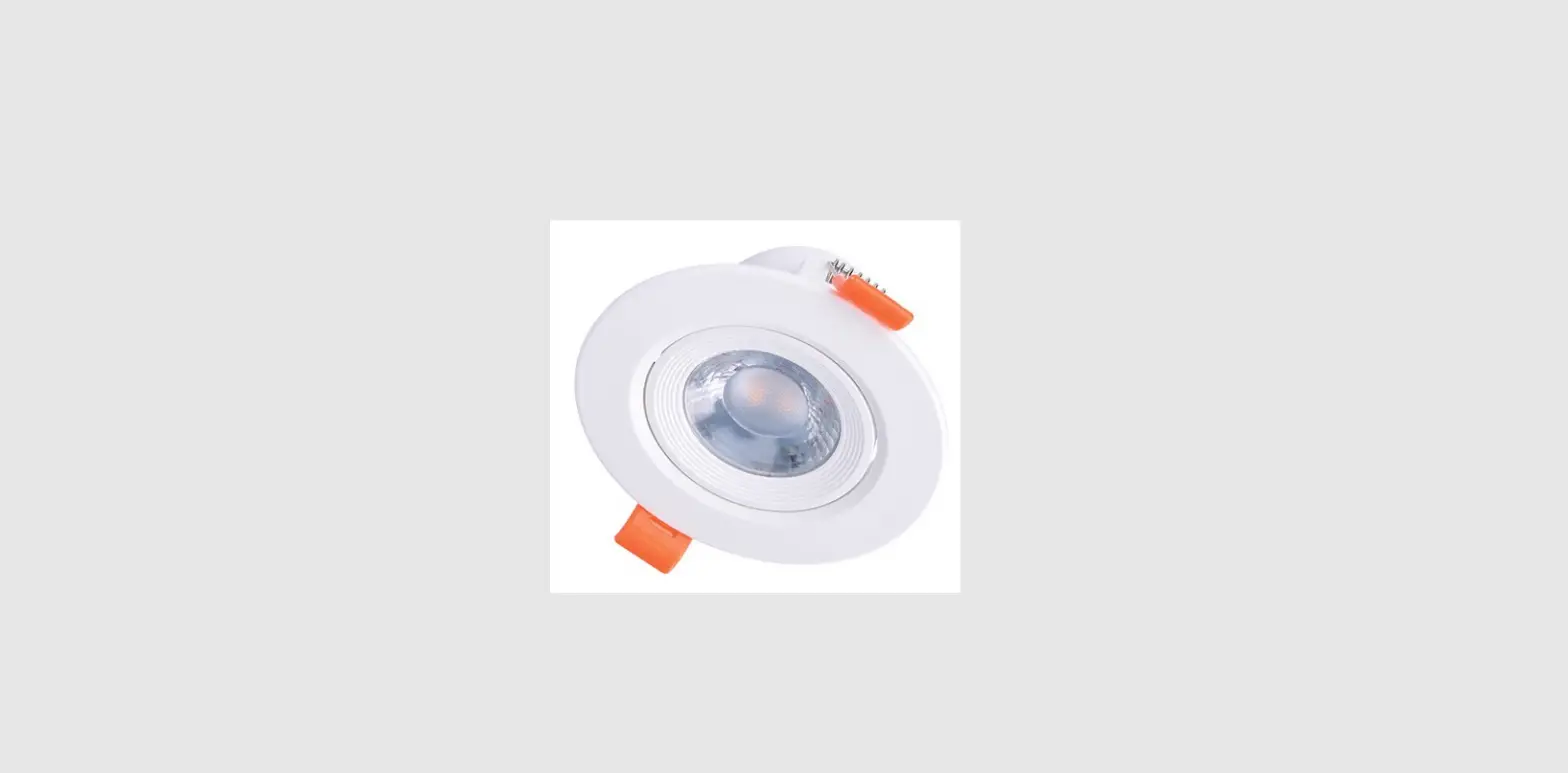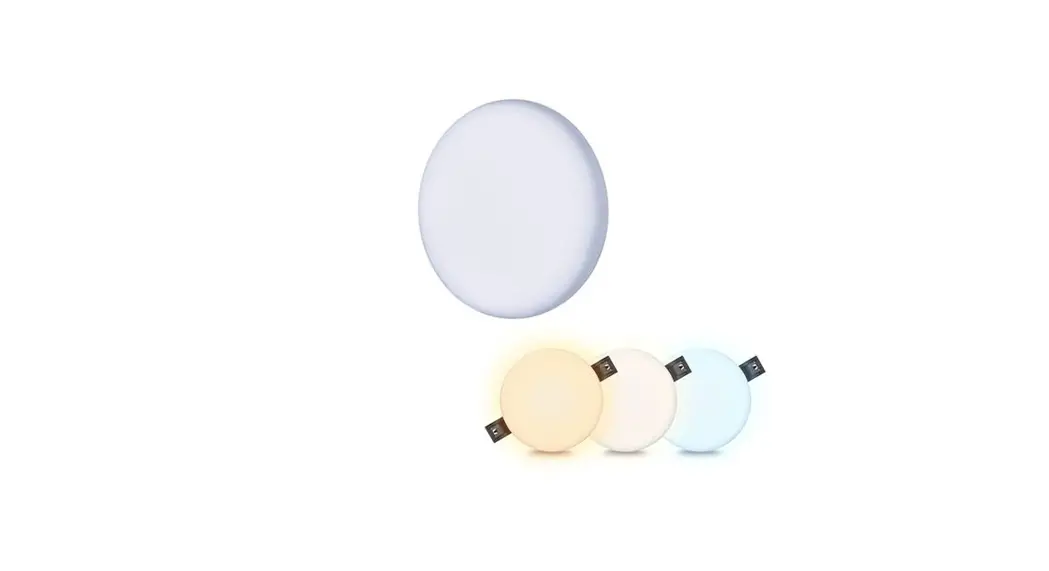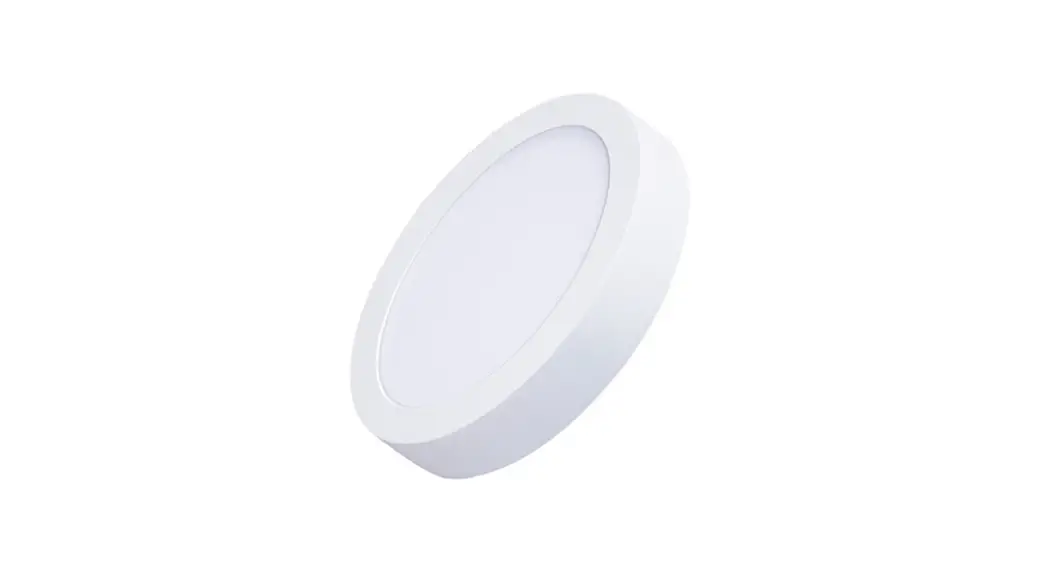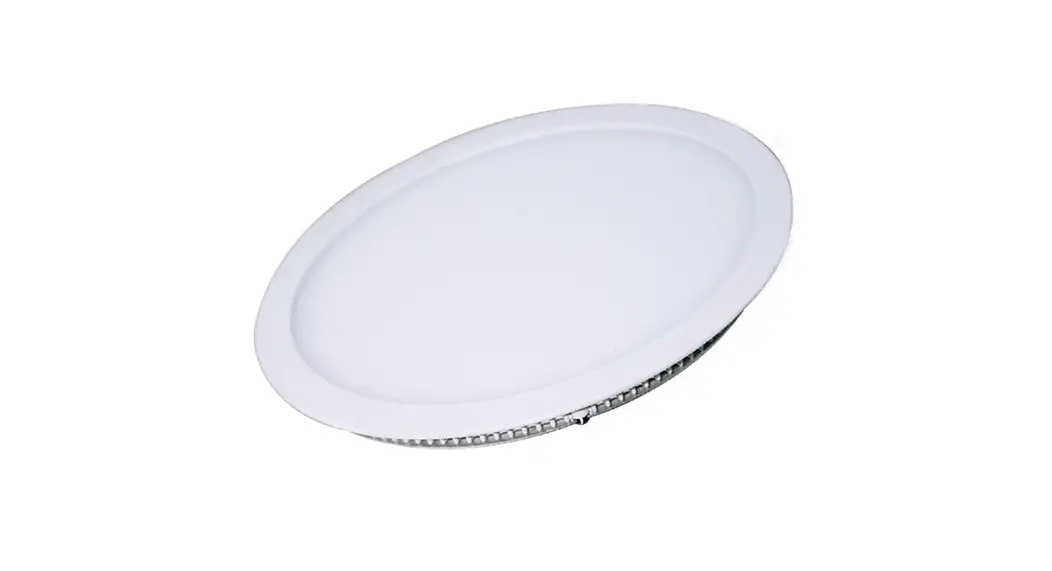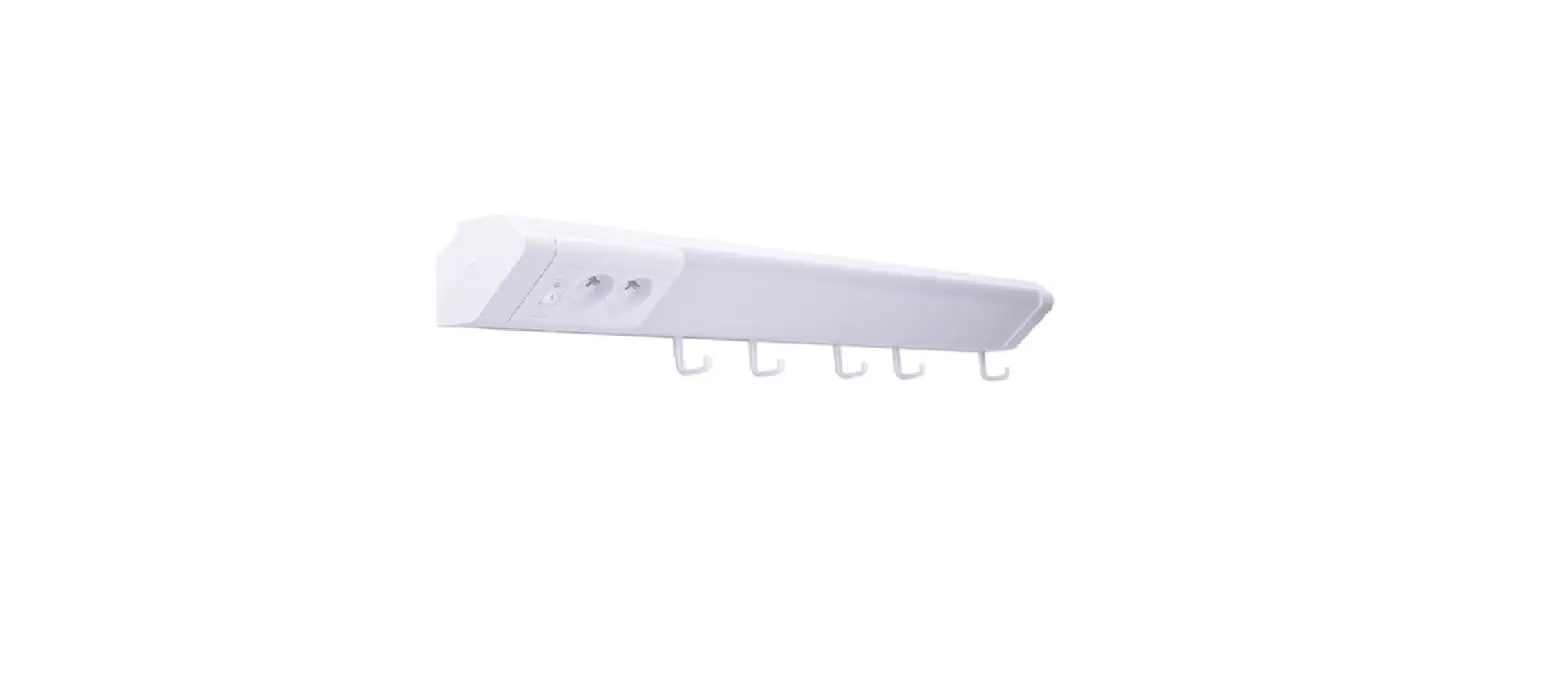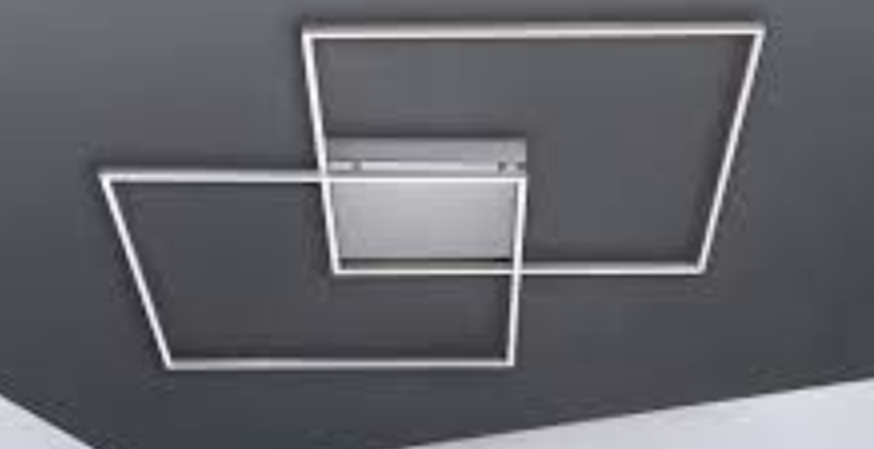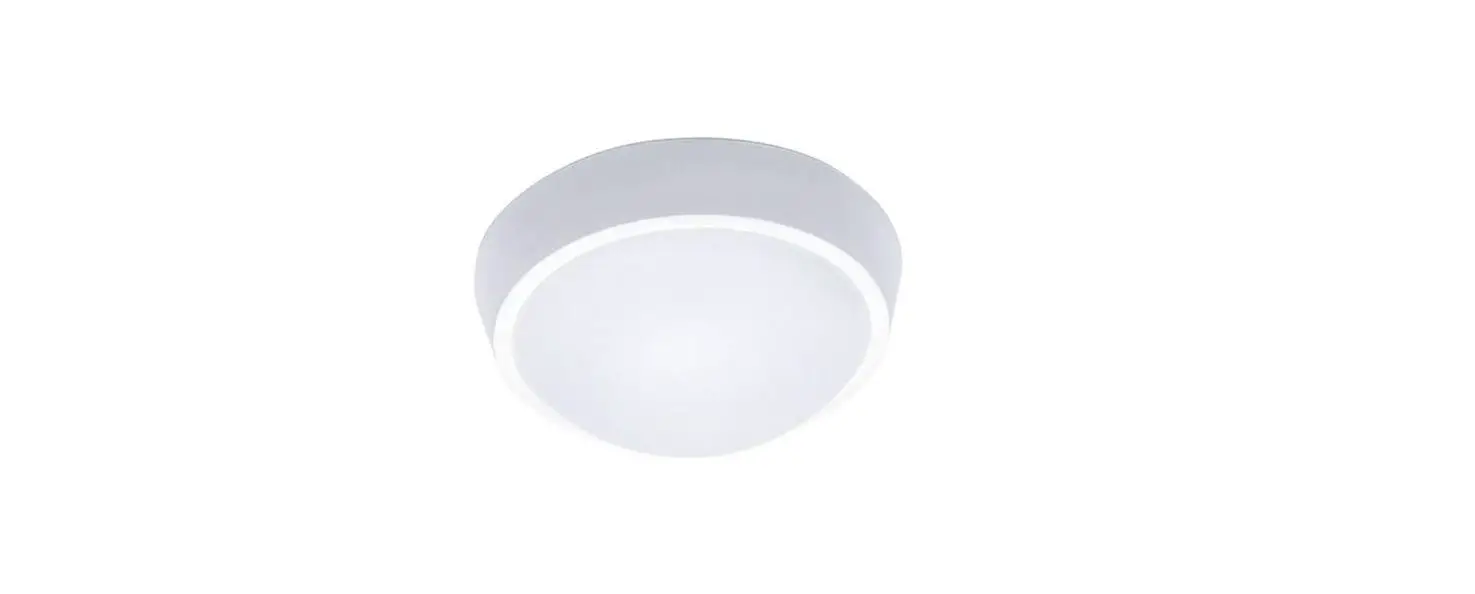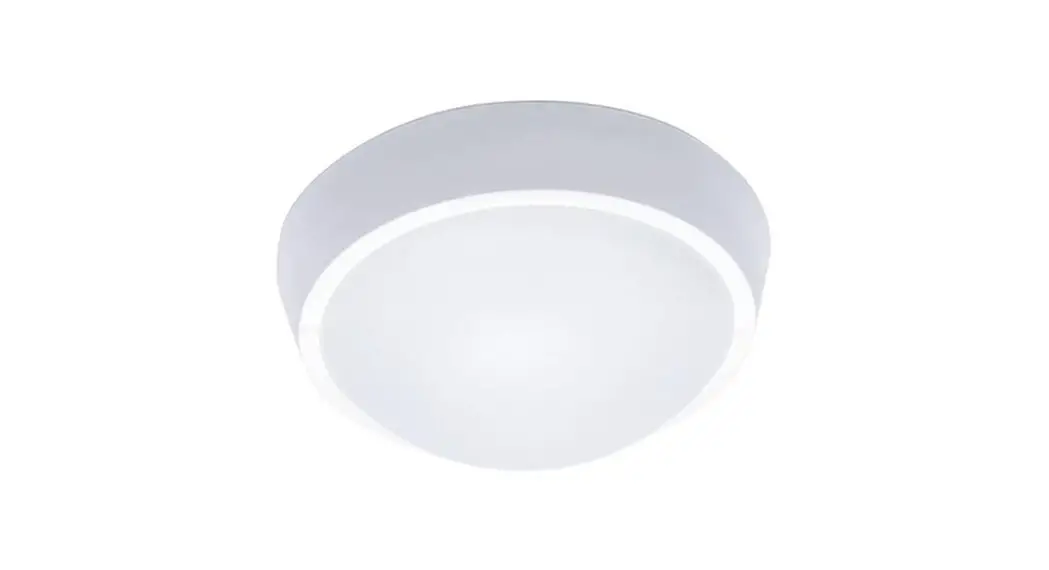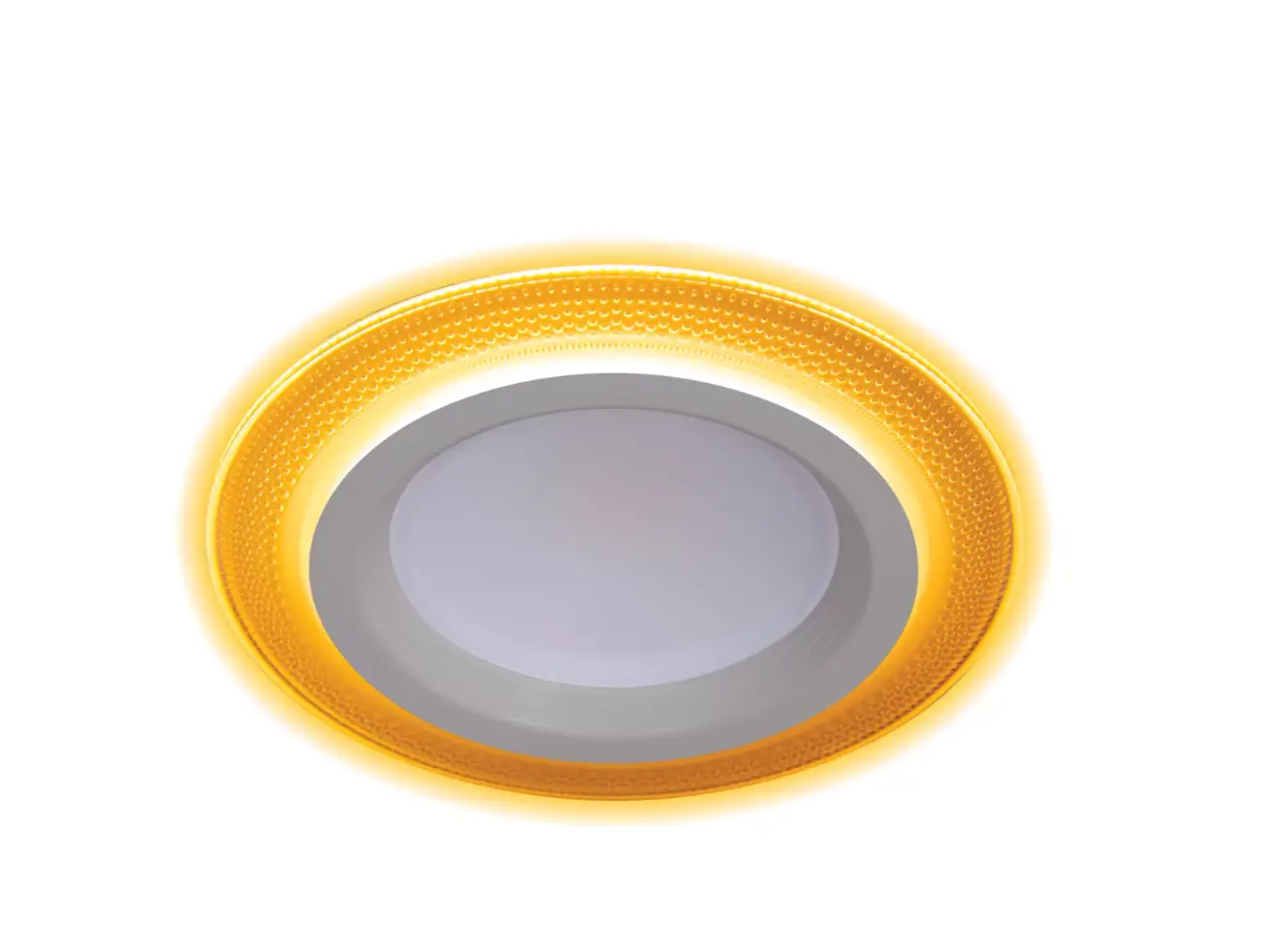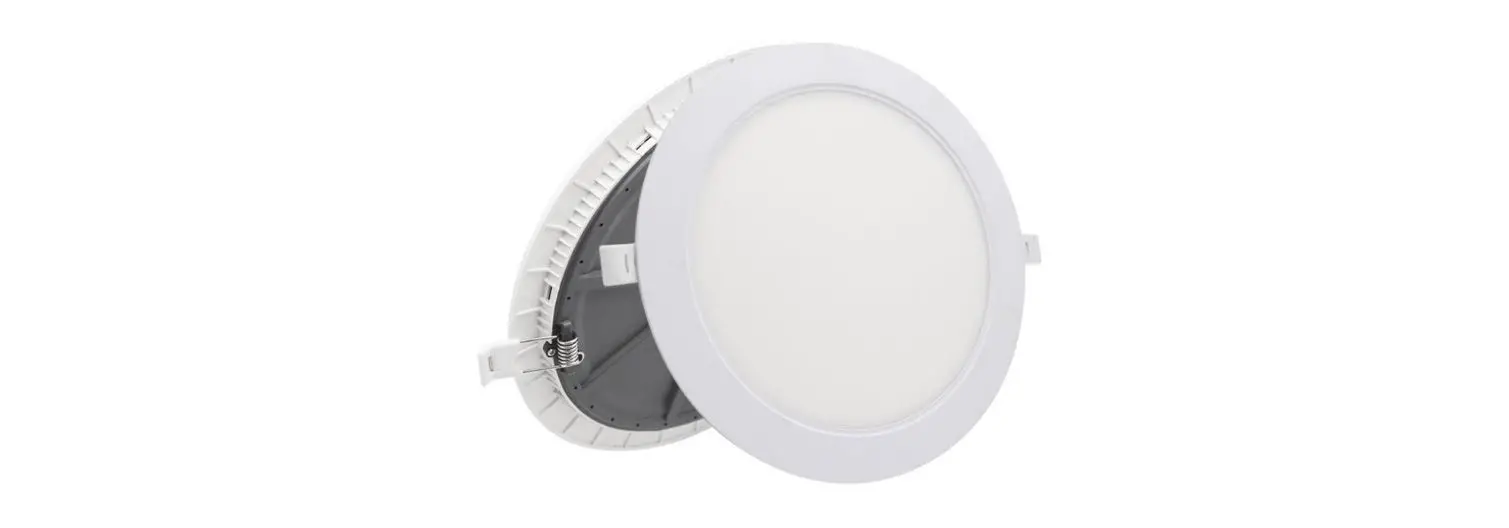

SOLIGHT W0735 LED Light Panels
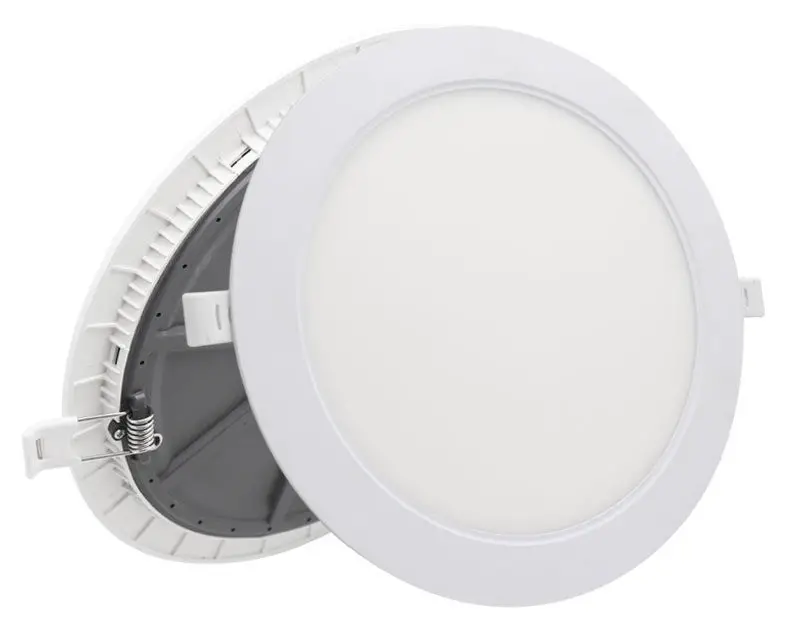
instruction manual for LED light panels W0735; W0736*
Dear customer, thank you for purchasing our product. For its safe and full functioning, please read these instructions carefully and adhere to them to avoid product misuse or damage. Please prevent unauthorized use of this appliance and always observe all rules for using electric appliances. Keep these instructions for future reference. The installation must be performed by qualified personnel only.
SPECIFICATION
- Power: 60W; 30WN*
- Dimension: 490×81; 390×78*
- IP protection: IP20
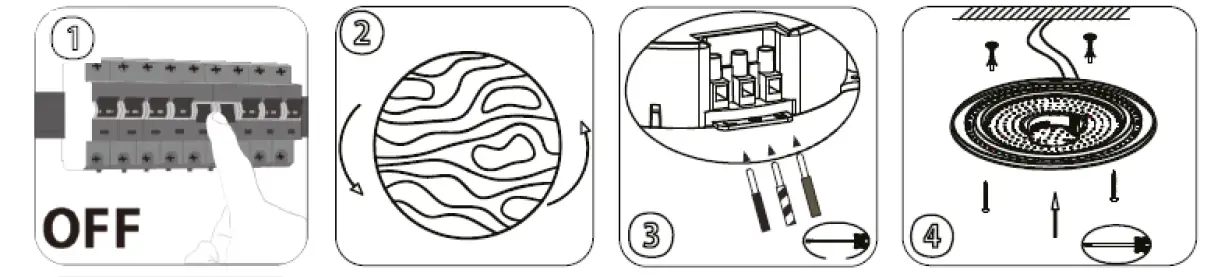
Installation
- Ensure the main power source is turned off.
- Remove the cover.
- Connect the input cable to the terminal block,
- Attach the light to the ceiling.

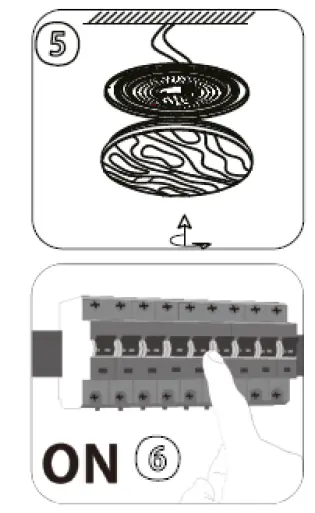
- Put the cover back.
- Activate the power source.

REMOTE
When inserting the batteries, take into consideration the indicated polarities.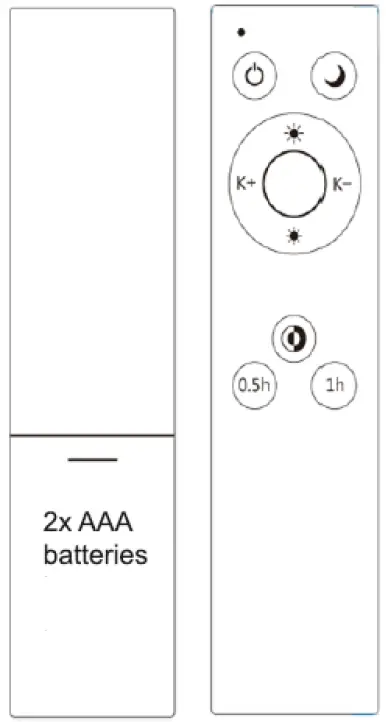
 ON/OFF button
 Press to activate a night light (10% of the total power)
 Press to increase the brightness
 Press to decrease the brightness
 Press to gradually change the color temperature
 Press to change the color temperature
 Press to activate a turn off timer in 30 minutes
 Press to activate a turn off timer in 1 HOUR
 ON/OFF button
 Press to activate a night light (10% of the total power)
 Press to increase the brightness
 Press to decrease the brightness
 Press to gradually change the color temperature
 Press to change the color temperature
 Press to activate a turn off timer in 30 minutes
 Press to activate a turn off timer in 1 HOUR