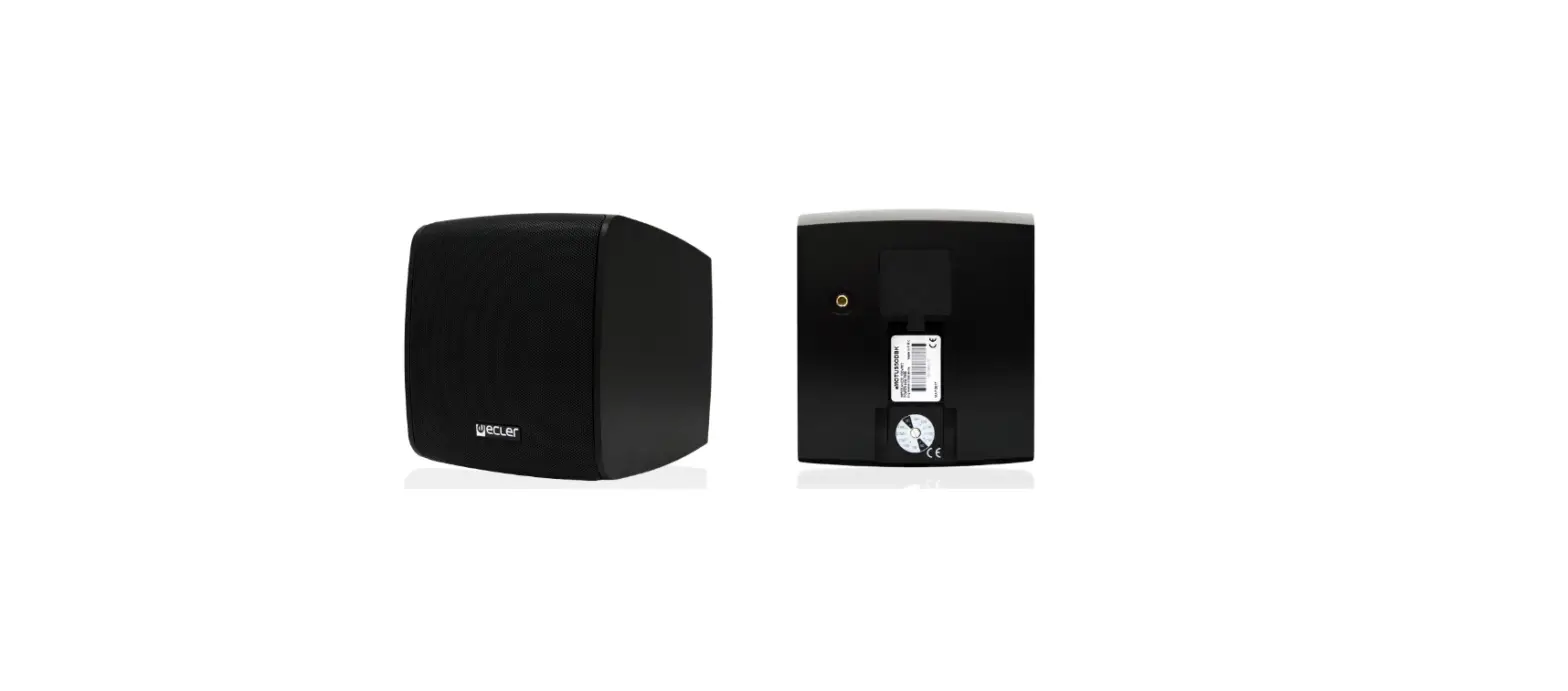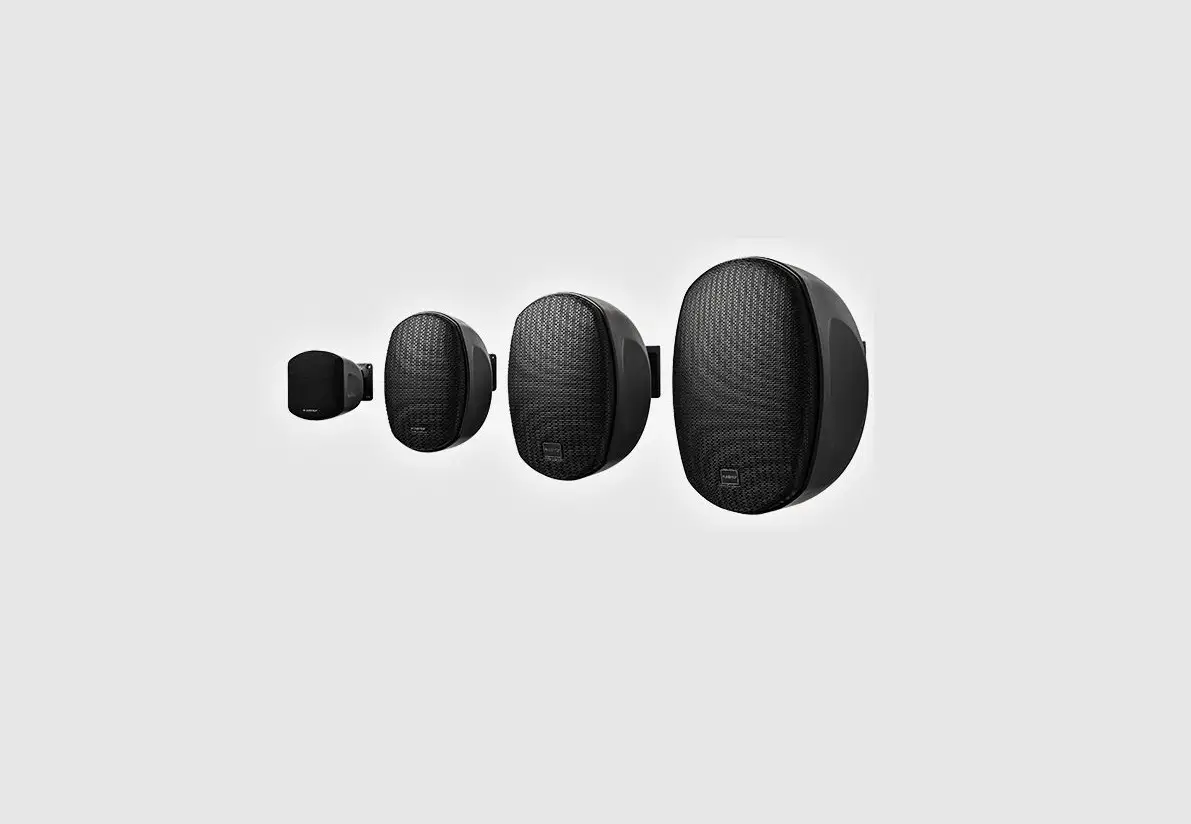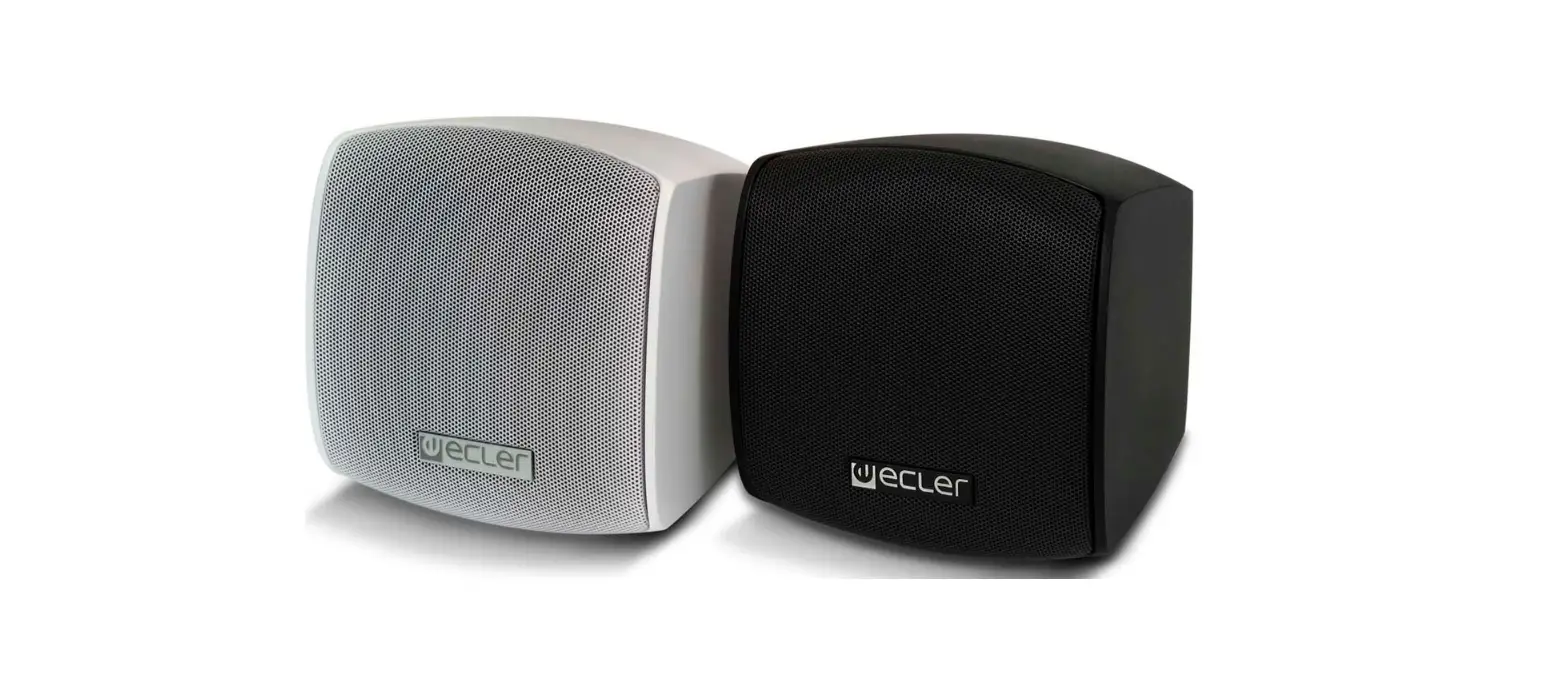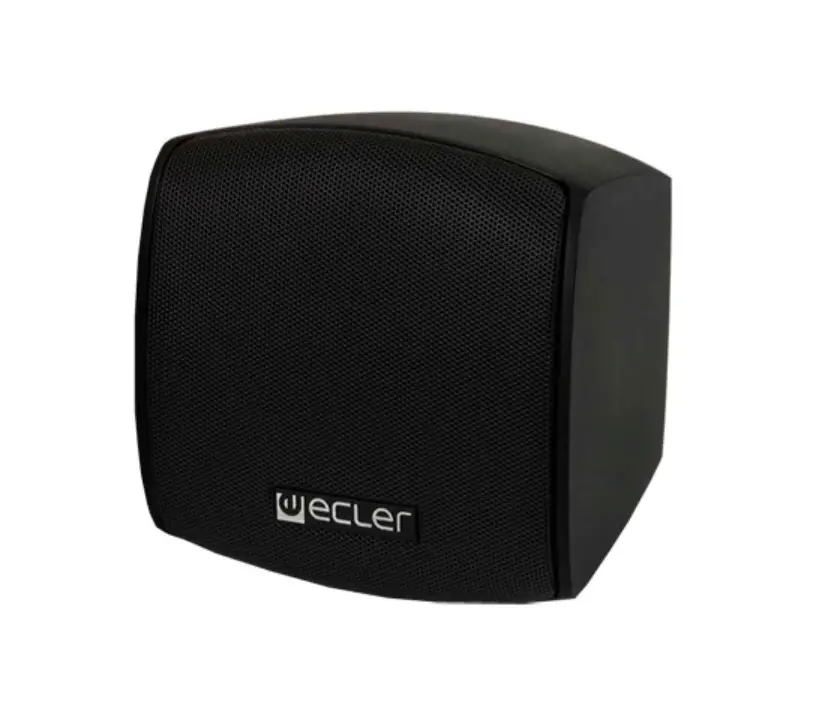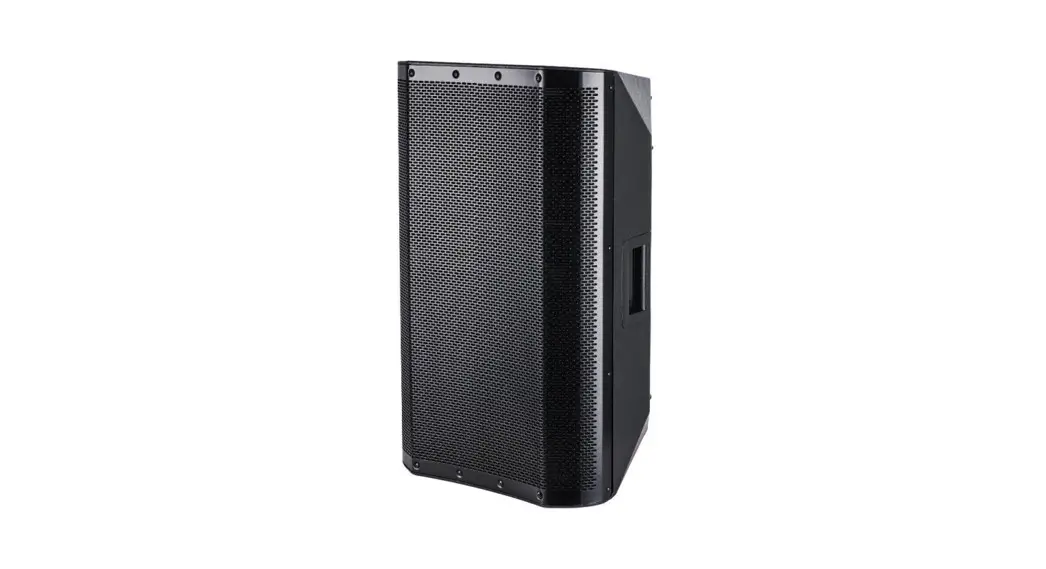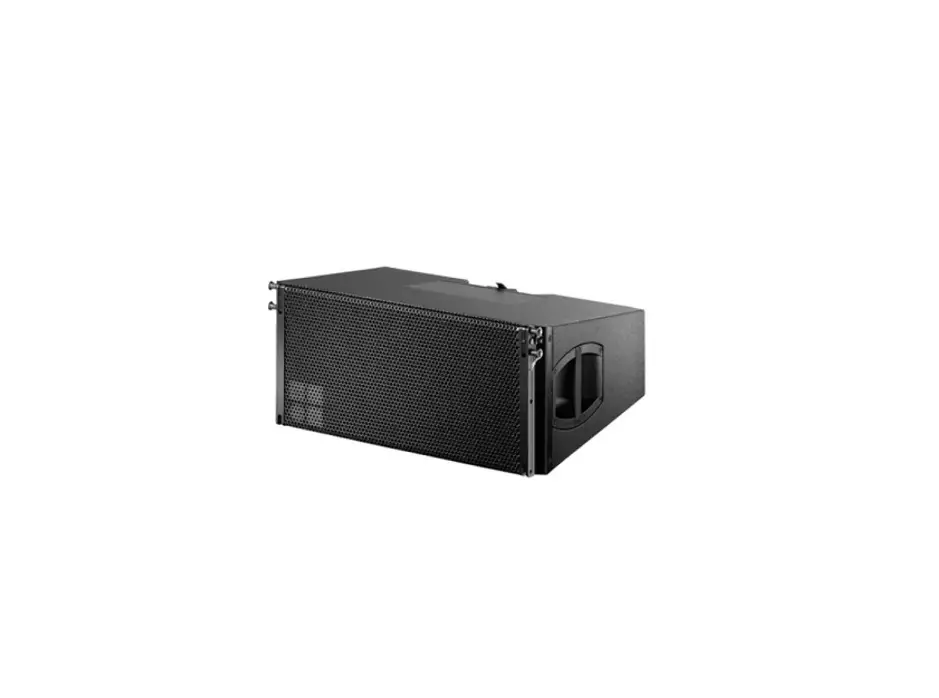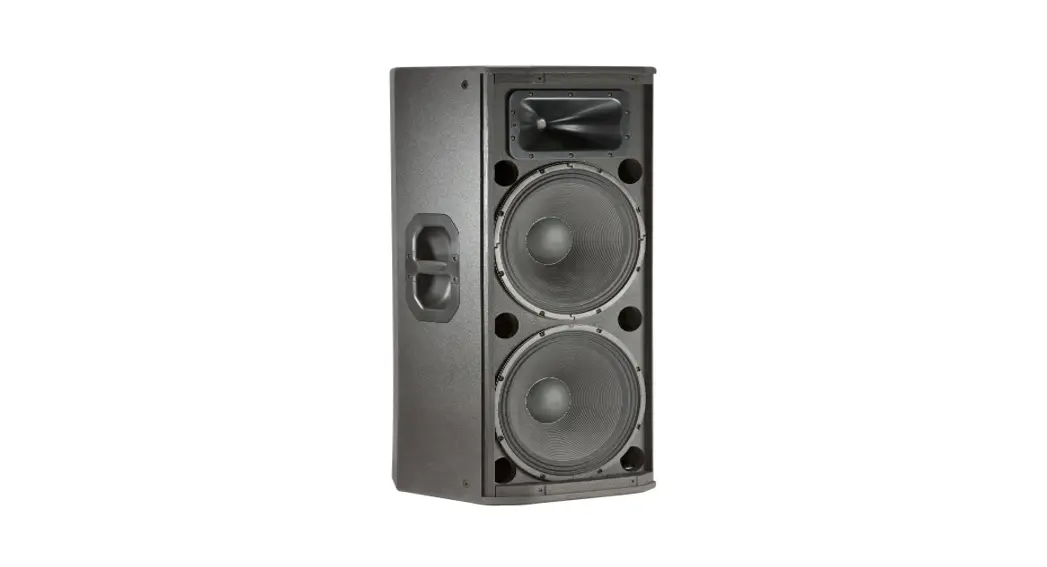
 04 & 05 walls mount plastic loudspeakers
Instruction Manual
Package contains:
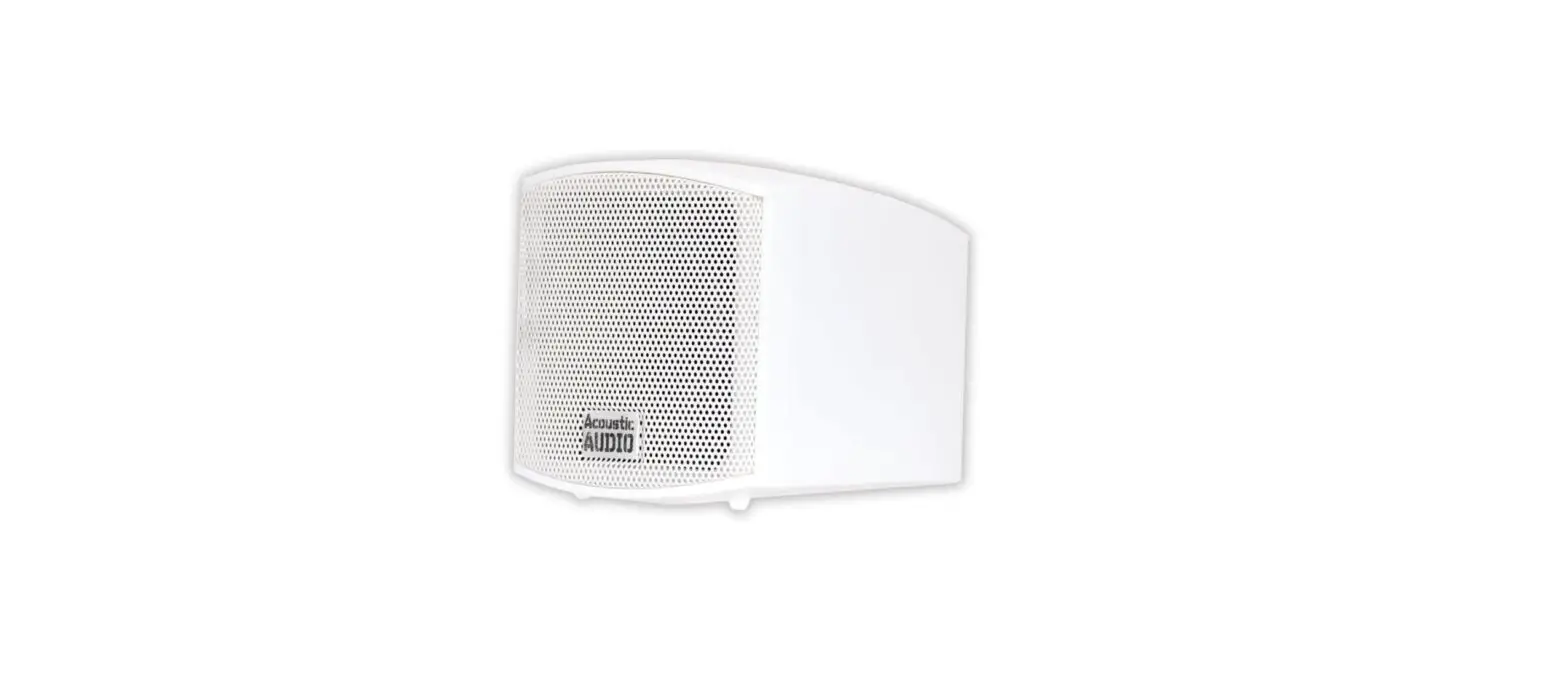
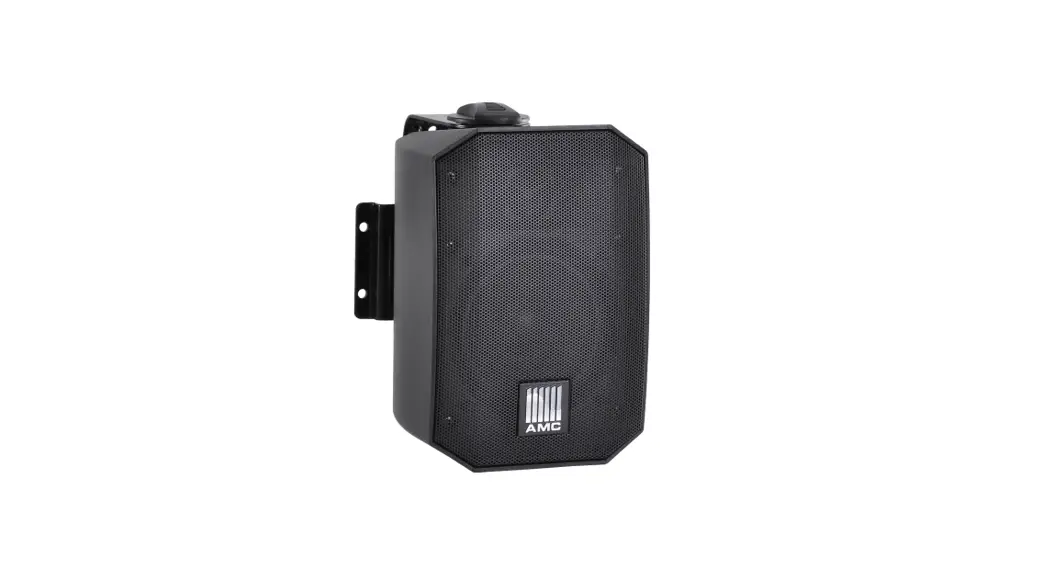
| Loudspeaker | 1pc. |
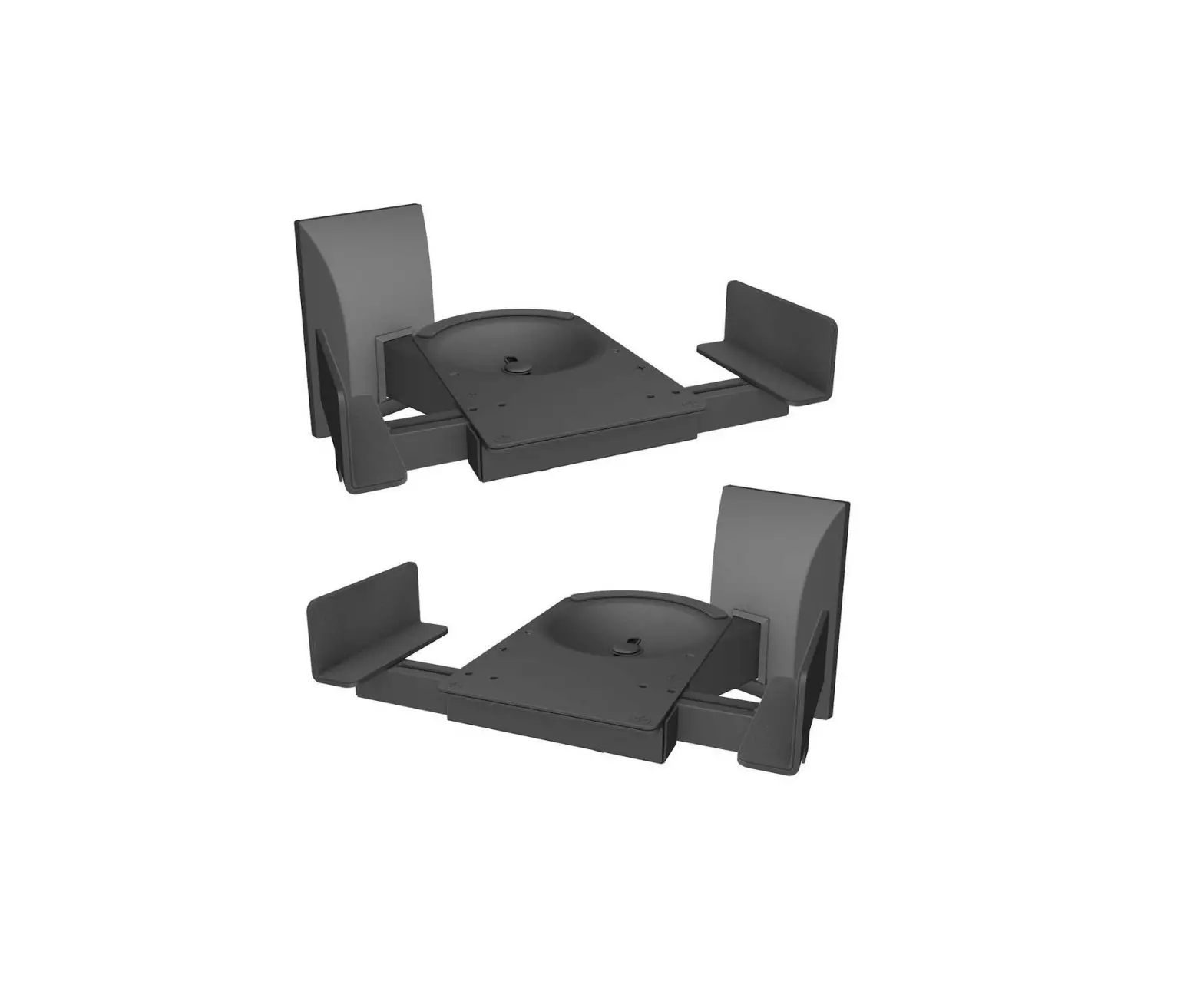
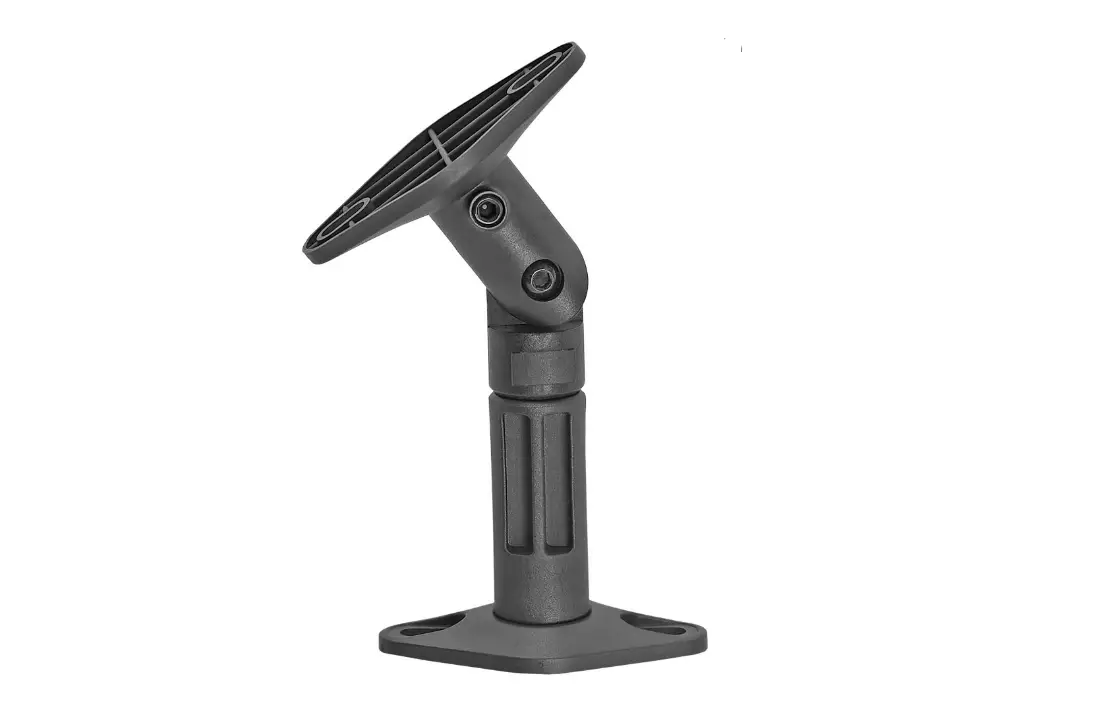
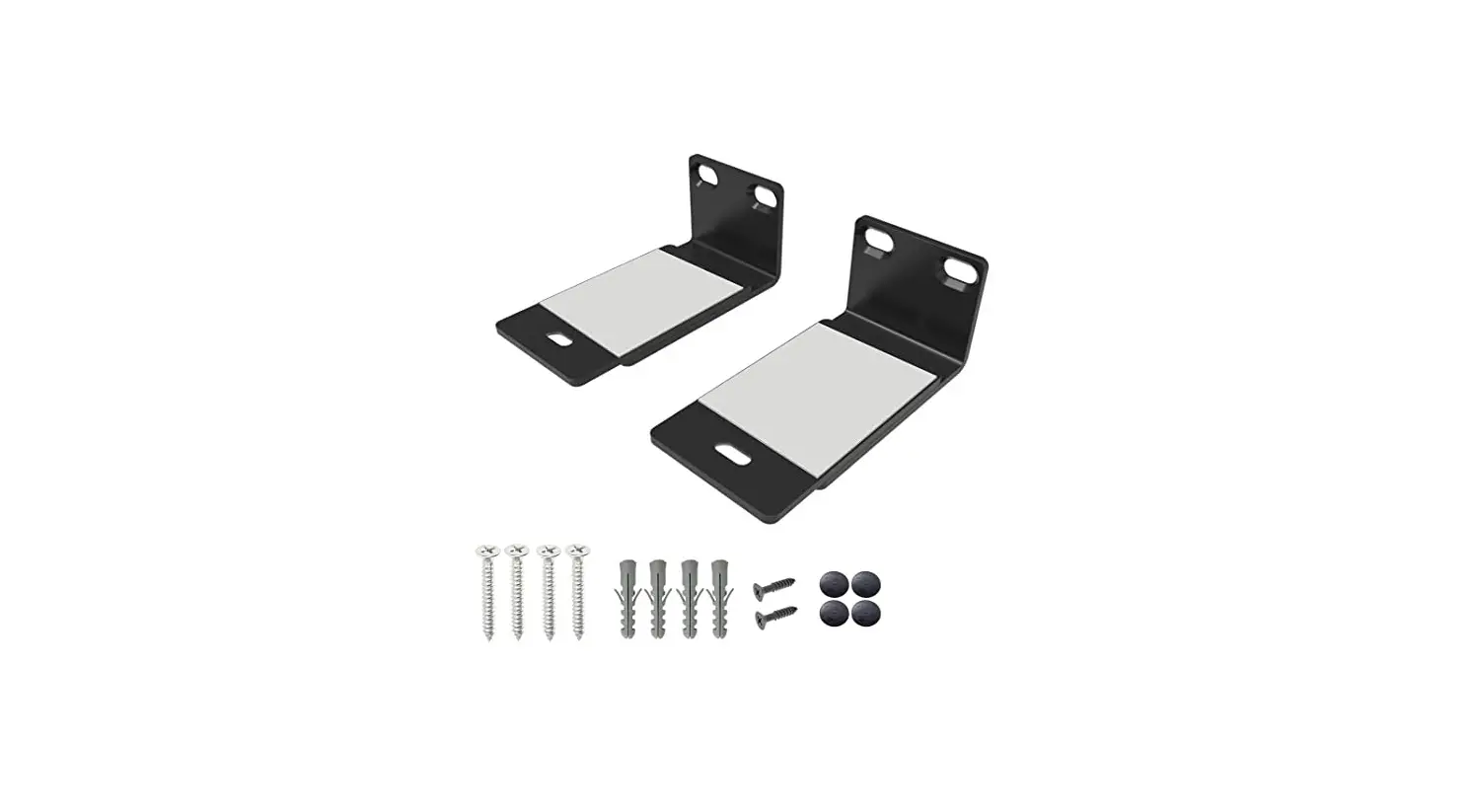
| Bracket | 1pc. |
| Euro block connector | 1pc. |
| Installation manual | 1pc. |
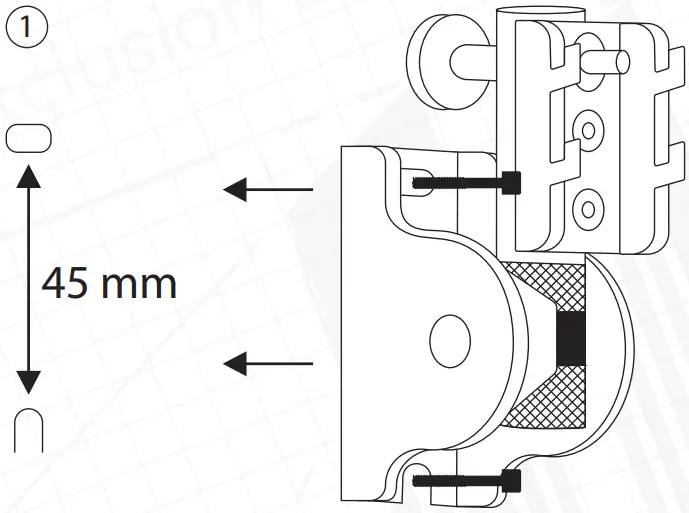
- Drill the holes according to the drawing.
Distance between the mounting points – 45 mm.
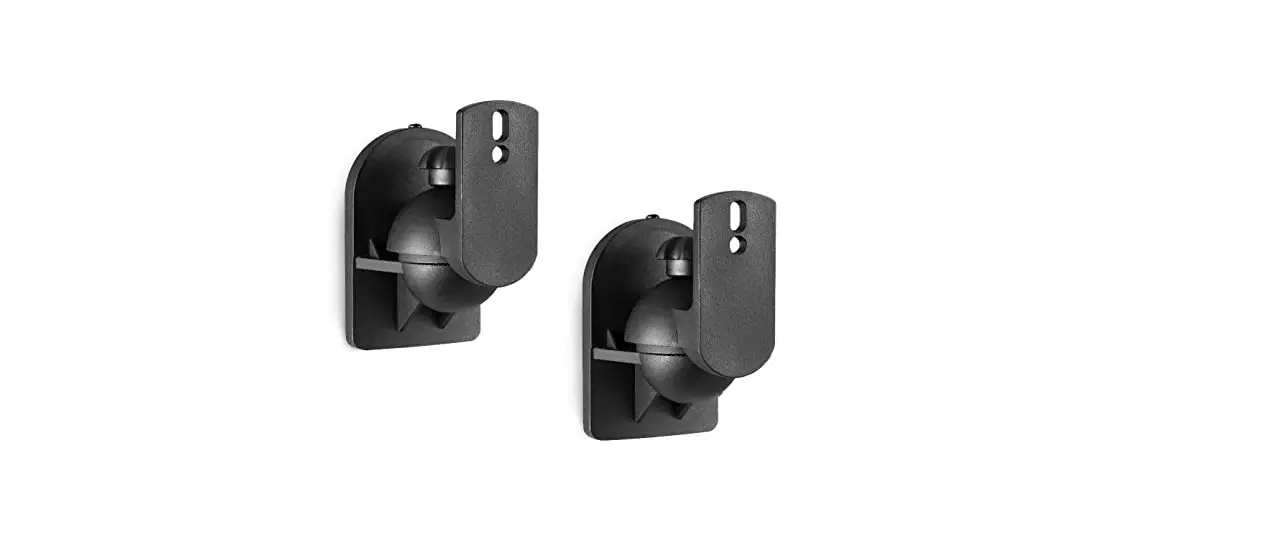
Fix the loudspeaker bracket on the wall with fasteners suitable for your wall type.
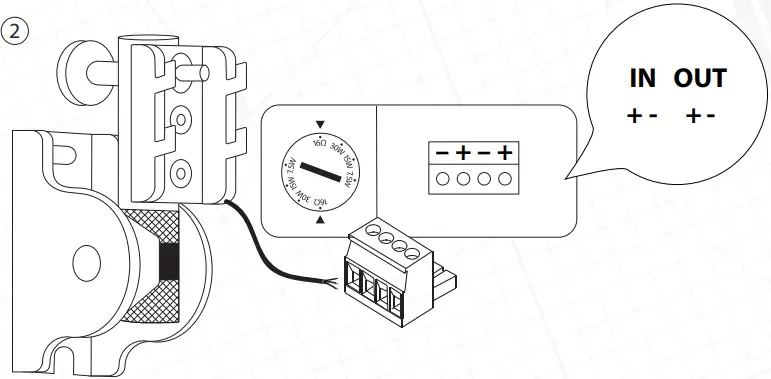
- Connect the audio cable to the Euro block connector and the socket.

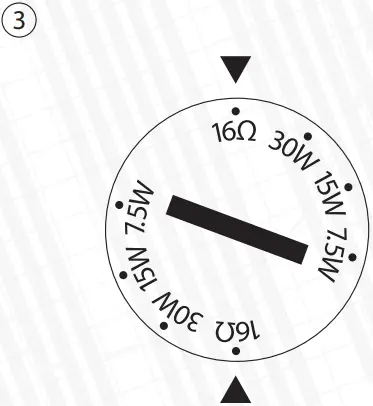
- Set the desired loudspeaker power tap.
 Please pay attention: Mount the loudspeaker on the reliable base only.
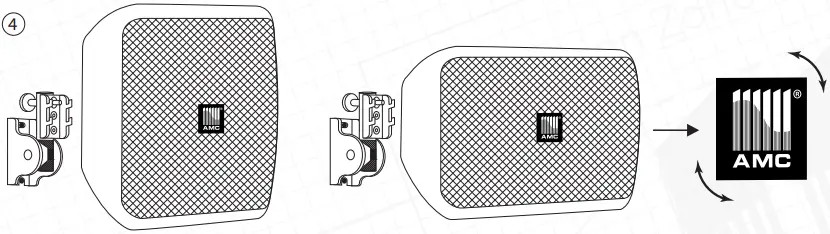
Rotate the logo horizontally or vertically depending on using the mounting position. - Place loudspeaker on the bracket. You can fix the loudspeaker vertically or horizontally.
The logo can be adjusted according to the loudspeaker’s axis. To remove the bracket pull out the plunger first, then remove the loudspeaker from the bracket.
- Drill the holes according to the drawing.
 Please pay attention: Mount the loudspeaker on the reliable base only.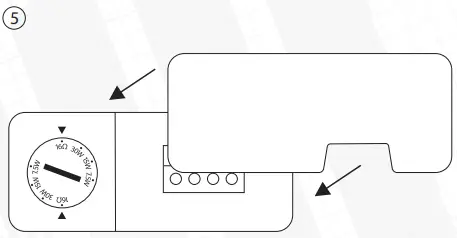
- Put the plastic cover on.
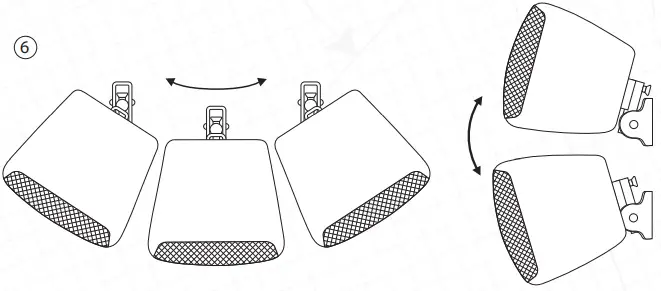
- The loudspeaker’s angle can be adjusted according to the vertical and horizontal axis.

Vertical
OrientationHorizontal
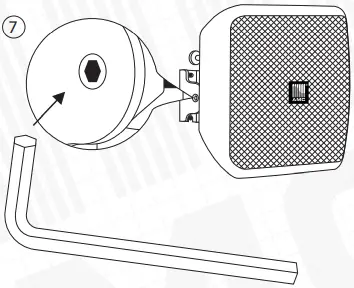
OrientationTilt Angle Max Rotation Angle Max Rotation Angle 15° 22° 23° 0° 49° 43° 30° 39° 37° 45° 33° 36° 70° 13° 41° - Use the hexagon key to tighten the bracket angle adjusting screw.