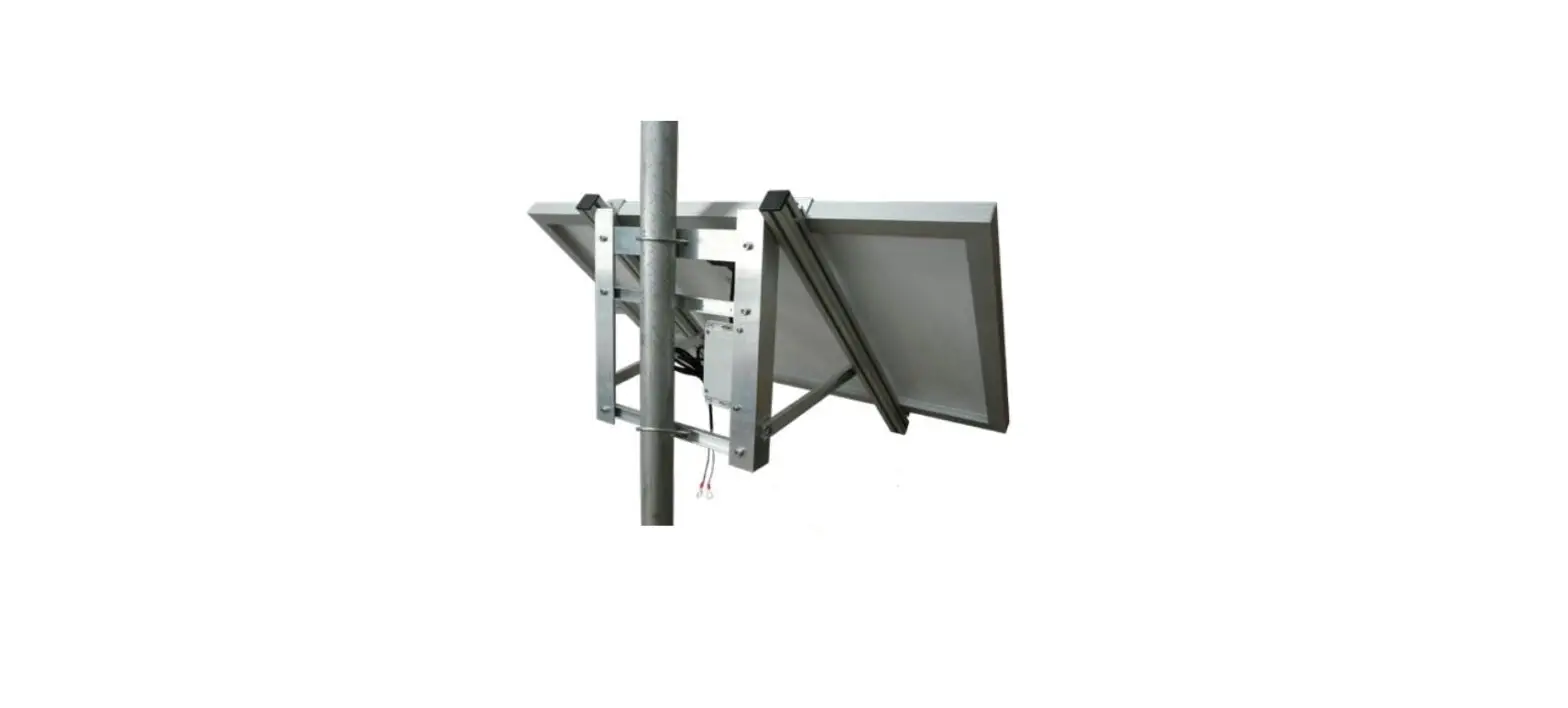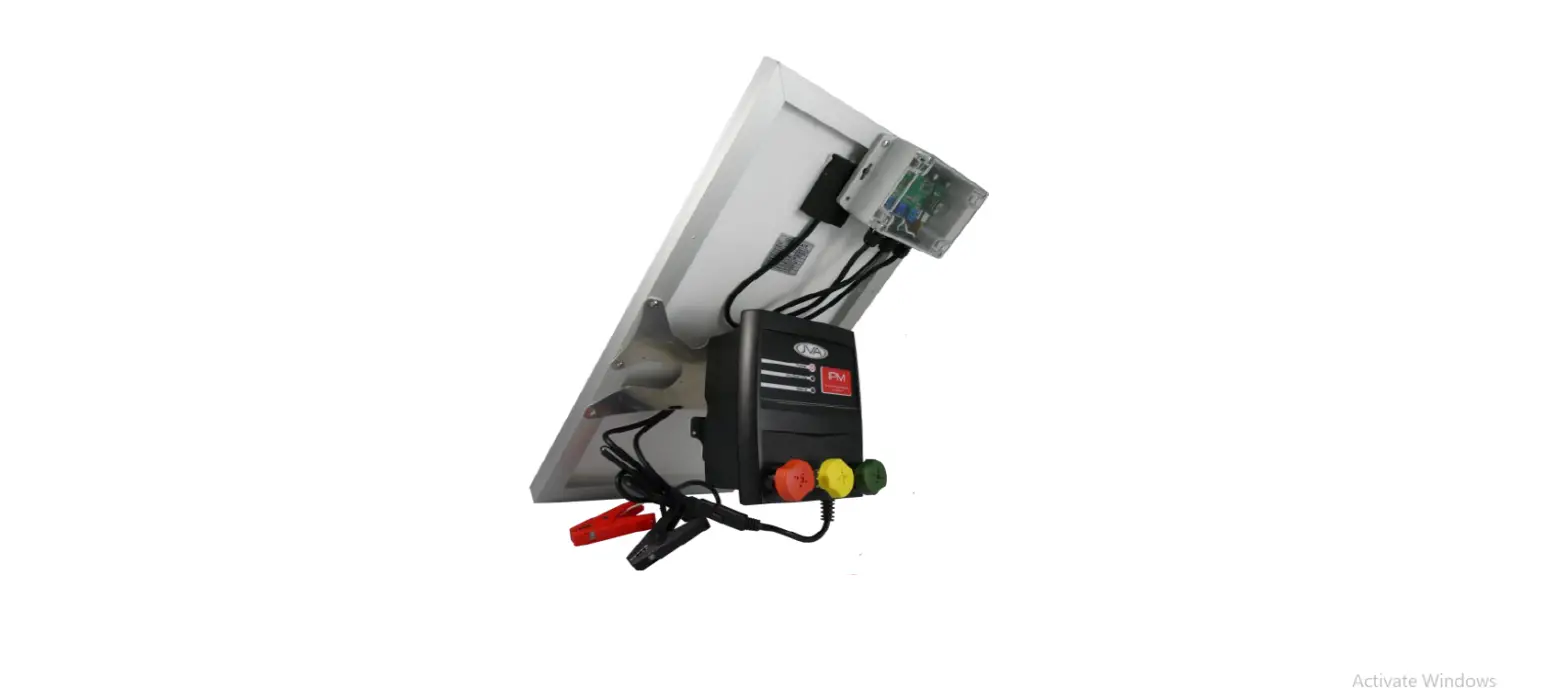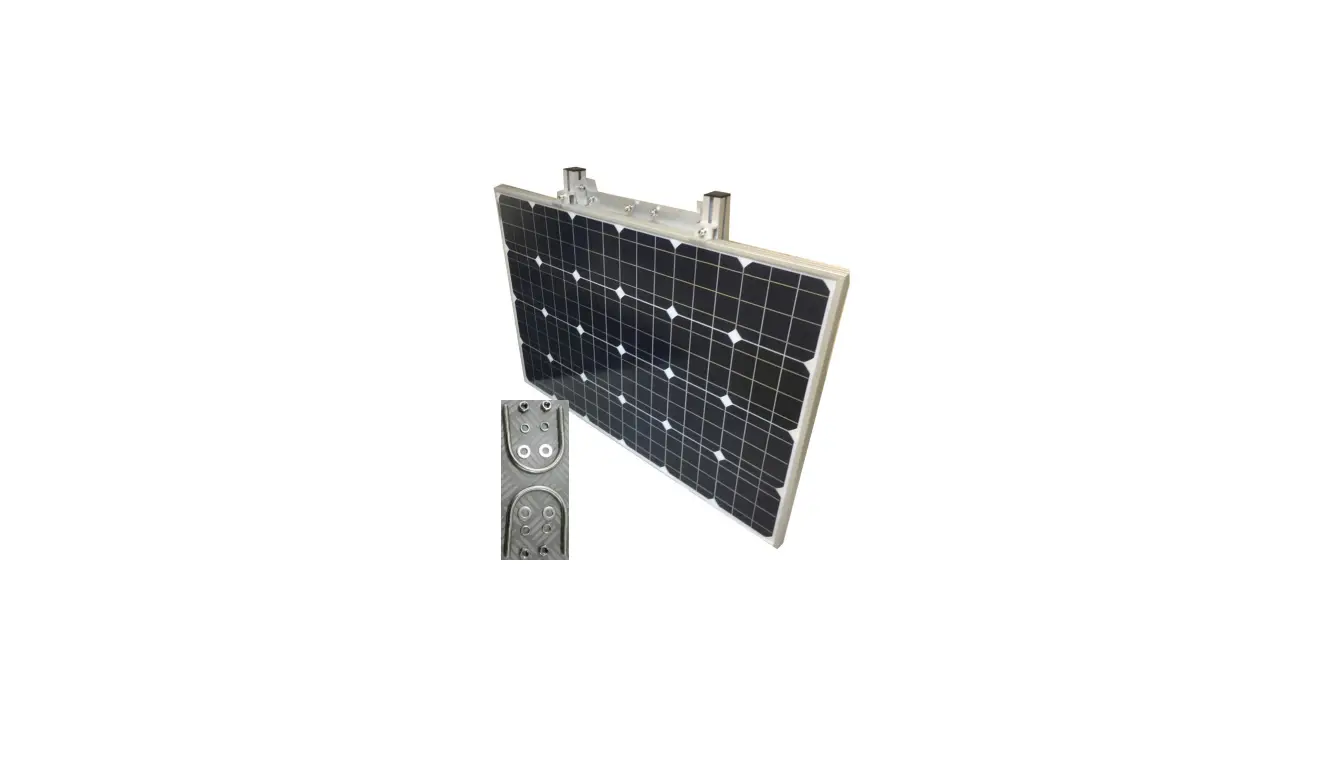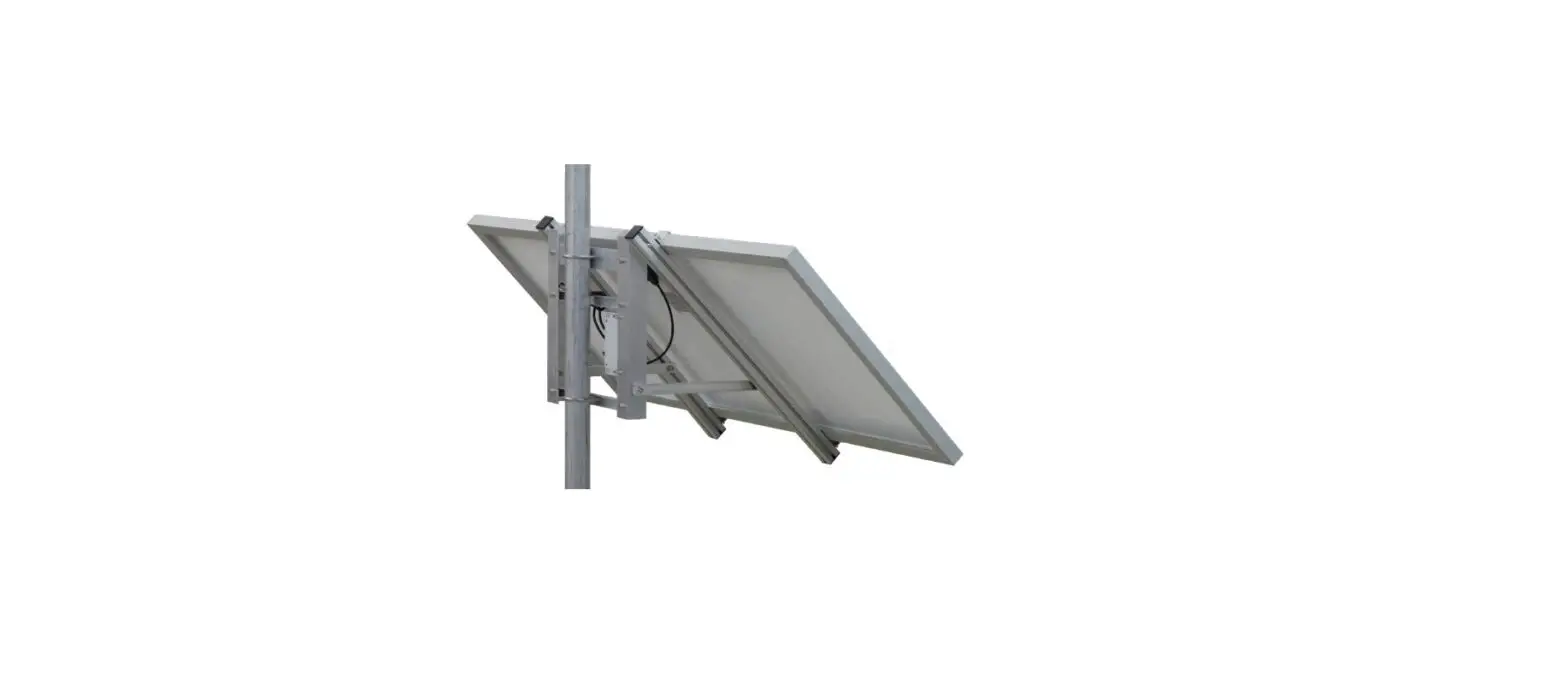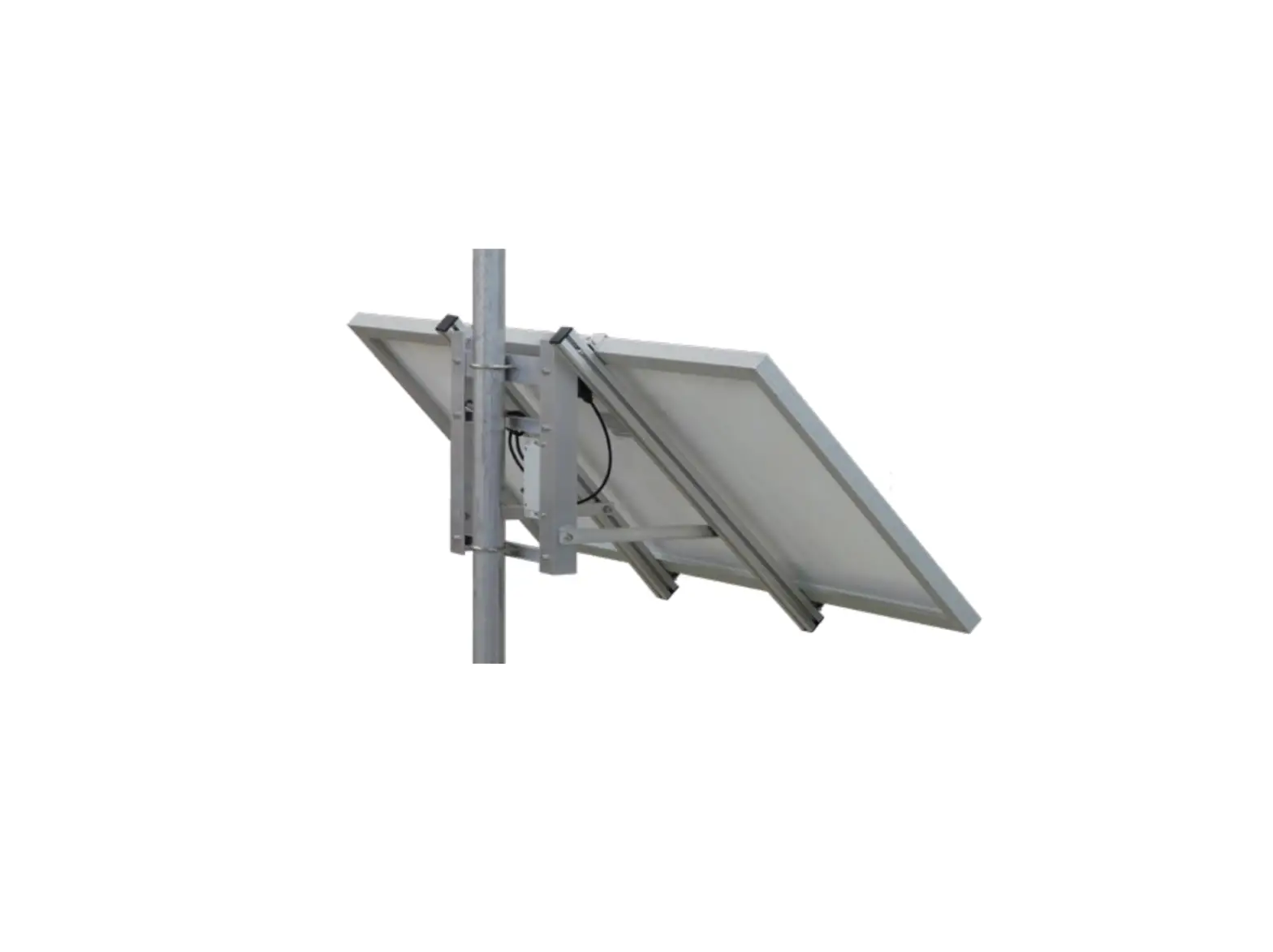
JVA WA150 Solar
Introduction
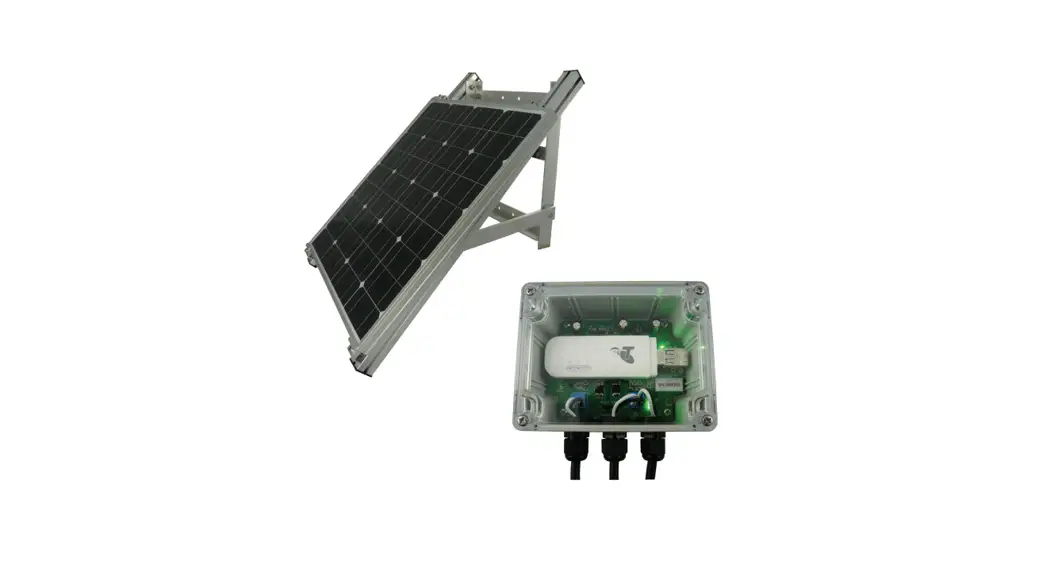
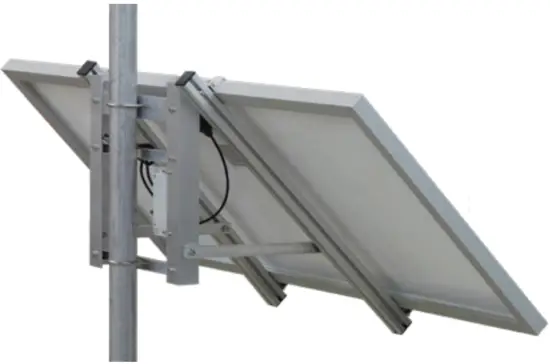
The PTE2704 JVA Wi-Fi Anywhere (WA150) provides an integrated Wireless Cellular USB Dongle (Wingle) power supply with a solar battery charger and management system.
This product provides a Wi-Fi network wherever a 3G/4G signal is available*. The Wi-Fi can then be used to connect an IP device or Internet of Things (IoT) device to the Cloud (Internet).
The JVA Solar Wi-Fi Anywhere is installed with an ALDI SIM card at the factory, all you need to do is:
- Register the SIM card
- Connect any Wi-Fi enabled device to the network provided
This quick-start guide explains how to deploy your WA150 and connect a battery ready for Wi-Fi connections.
*An external cellular antenna (included) may be connected to increase reception. An upgraded YAGI style antenna is available from [email protected]
Specifications
Component | Information |
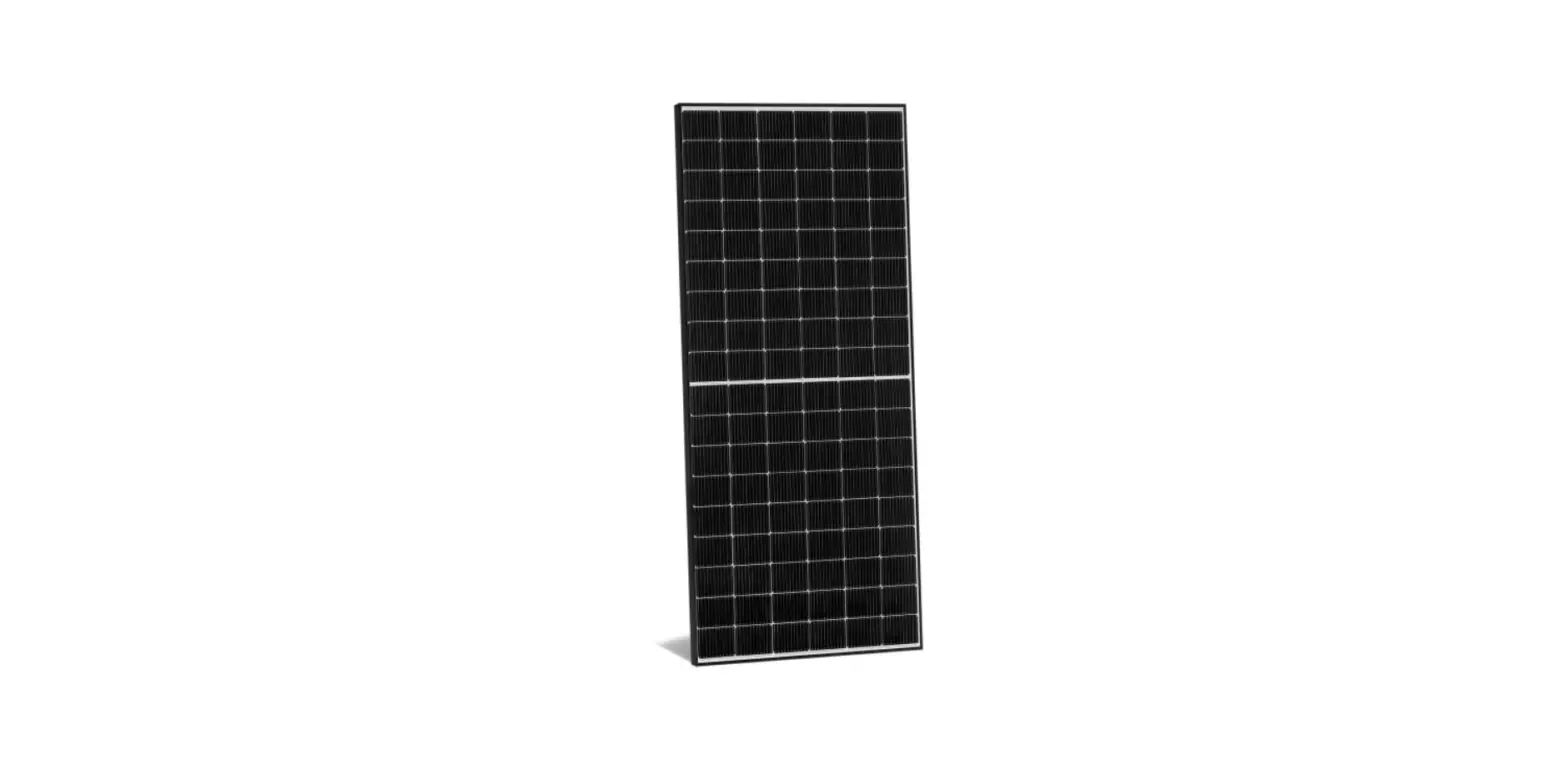
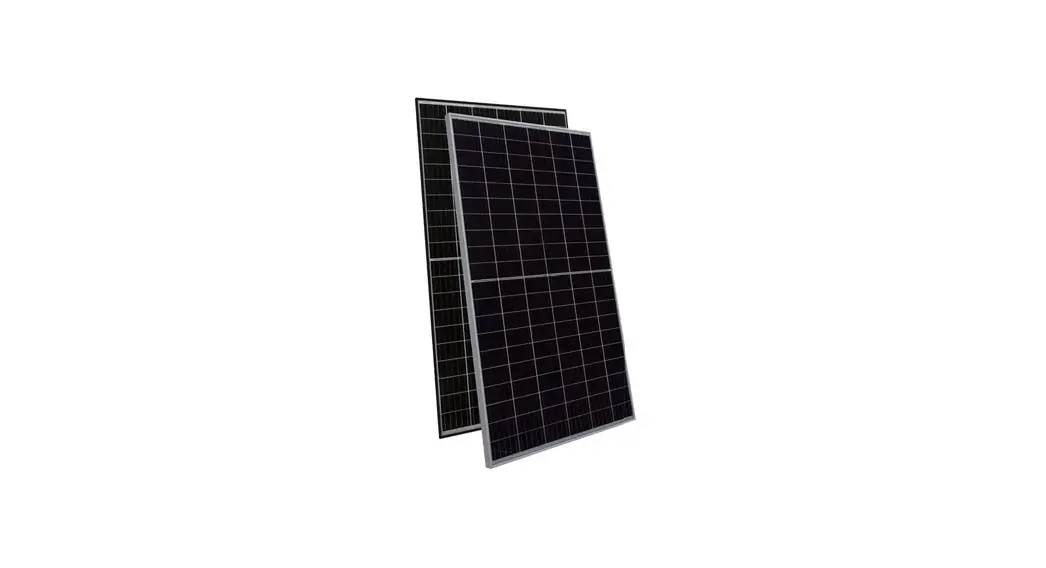
Solar Panel | Nominal 12v Solar Panel (maximum open circuit voltage – 22v DC) Maxmium Power 150W |
| Battery | Nominal 12.8v DC |
Outputs(1) | 12v DC SAE Connector |
Outputs (2) | 12v DC Battery Connector |
SIM | Full Size |
Wi-Fi | 2.4GHz b/g/n |
Network (Huawei E8372) | 3G 850/2100MHz |
Antenna Connector | Female SMA |
Troubleshooting
| Fault | Likely Cause | Remedy |
| No lights are on | Power is not connected Power wires are re- versed | Check power connec- tions Check battery polarity |
| Batt level flashing | Battery disconnected Bad battery | Check battery connec- tions Check battery voltage |
| USB_5V LED off | USB device drawing too much current | Unplug USB device, check for damage/ seek manufacturer advice |
| Battery not charging | Solar wiring backwards | Check that the Solar + goes to the left-hand screw terminal |
| Broken cables | Check that the battery cables are not dam- aged | |
| Solar panel broken | Check solar panel for physical damage (bro- ken glass, bent frame etc.) | |
| Cannot connect to Wi-Fi | Low signal from 3G/4G | Check management page of Wingle |
| Out of Wi-Fi range (~10m) | Move closer to Wingle | |
| SIM card not inserted correctly | Re-insert SIM card |
If the unit is still not working correctly, contact your nearest JVA distributor for technical support.
Before you start
Activate the SIM card
Activate your SIM card and test it in a mobile phone. The Wi-Fi network allows a data-only connection, the number of devices connected to the module will determine how much data will be used.
As a guide, a single IP Energiser or IP Monitor will use less than 1MB per day, so for connecting a single IP Energiser, an upper limit of 500MB per year is an option with a lot of headroom.
Deployment and Orientation
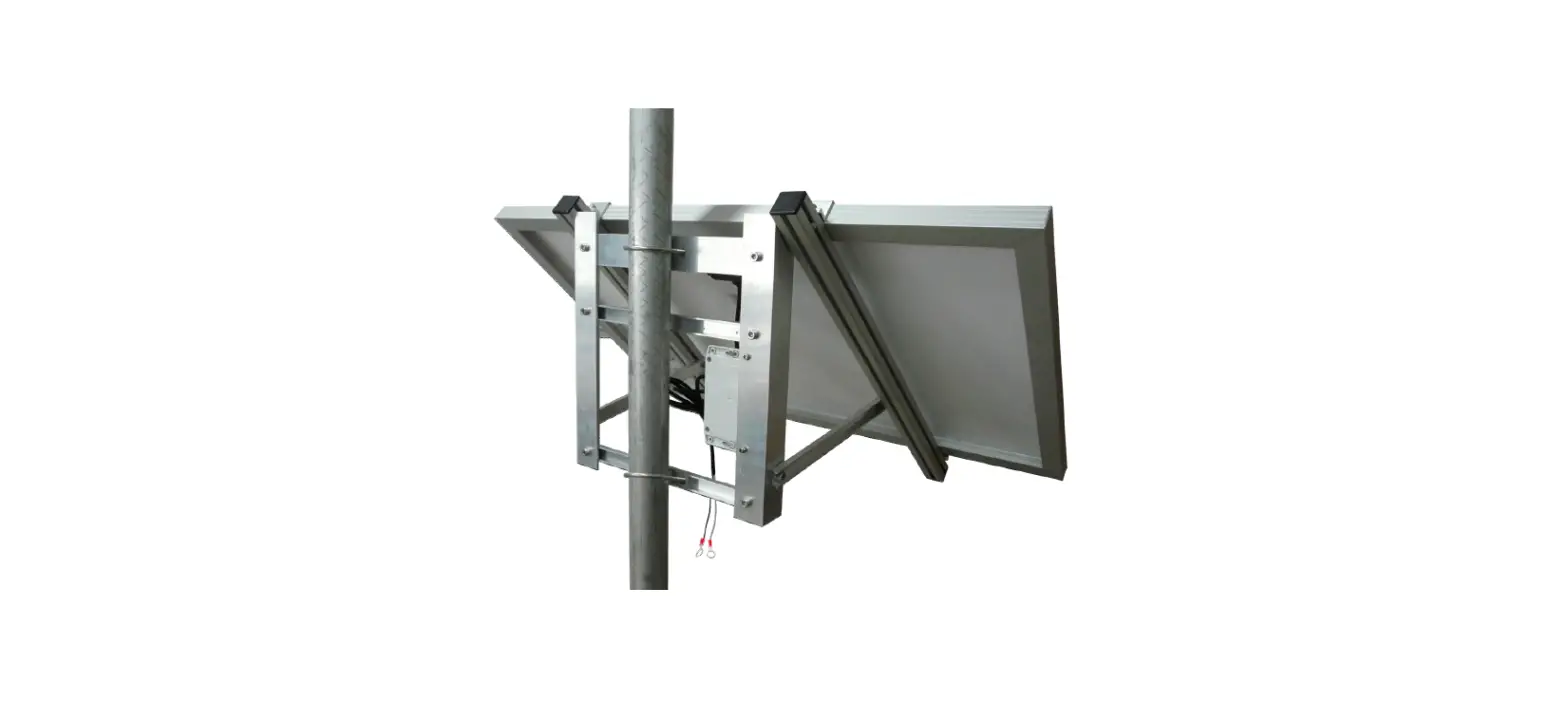
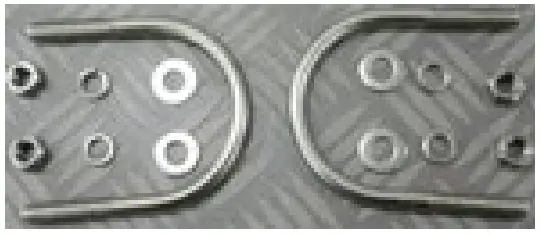
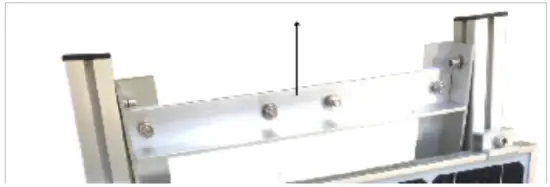
- Unpack the solar kit from it’s packaging. Look inside the packaging for a set of U-Bolts.

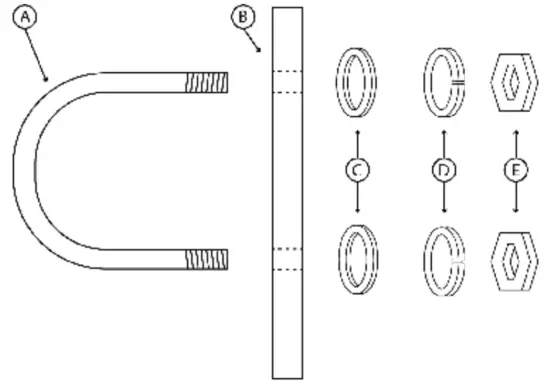
- Remove the U-Bolts from the zip lock bag and mopunt it to the top and bottom panel of the bracket.
(A) U-Bolt x 2
(B) Top or Bottom Panel
(C) Washers x 4
(D) Spring Washers x 4
(E) Hex Nut x 4

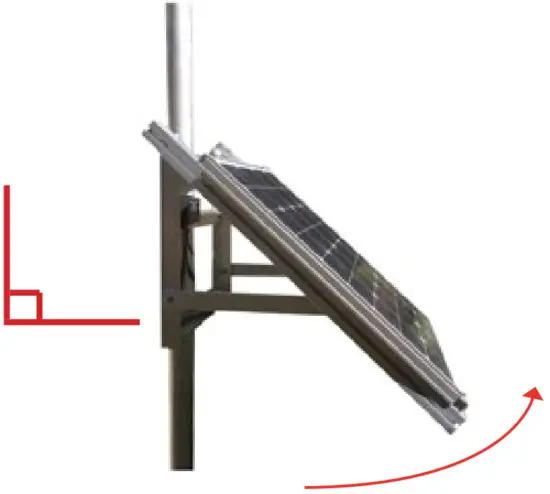
- Loosen the 6 bolts on the inside of the frame that are used to hold the solar panel at a right angle. DO NOT completely remove these bolts.

- Lift the bottom of the solar panel until the attached arms holding it are angled at 90 degrees. Tighten all 6 bolts again from step 3.

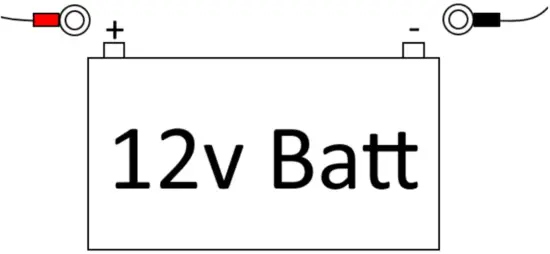
- Attach the red and black eyelet crimps to the battery.
To find a battery that will suit you, visit our website: https://jva-fence.com.au/solar.php
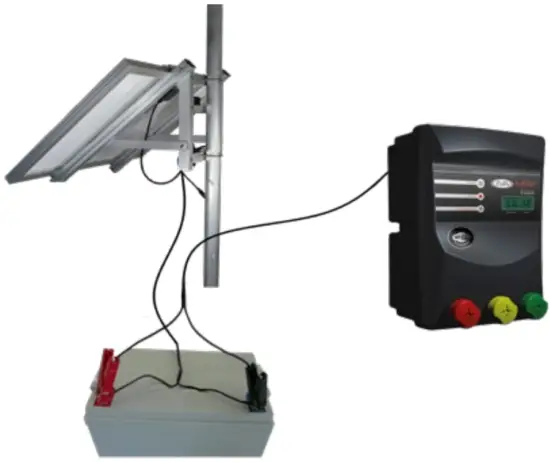
- Alternative wiring:
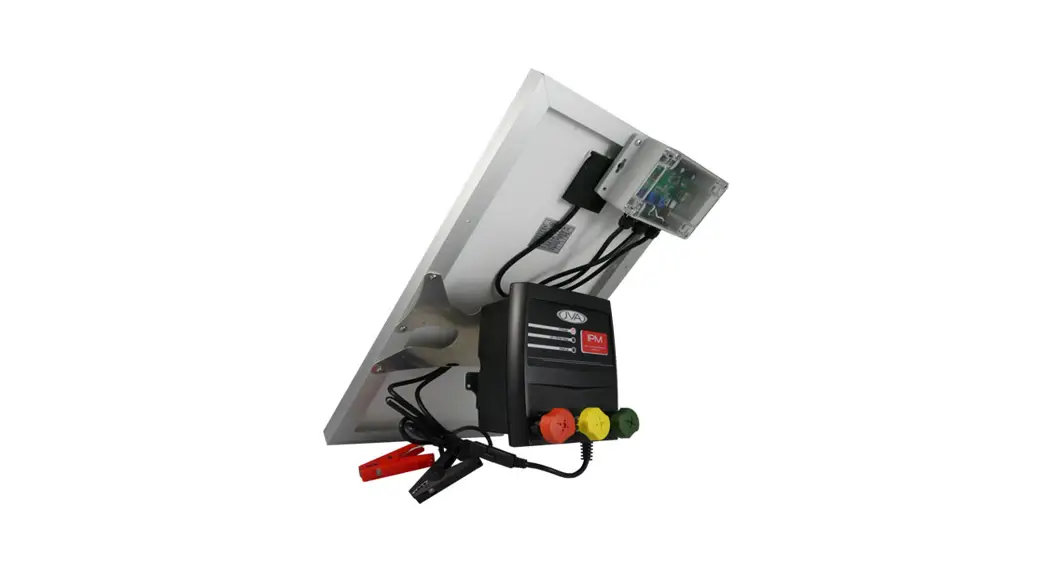
The following diagram shows an alternative method for wiring the Solar Kit. The battery is connected directly to the solar kit and the Wi-Fi device.
The solar kit will have a spare connector (load cable), but the solar kit will still operate properly.

Overview
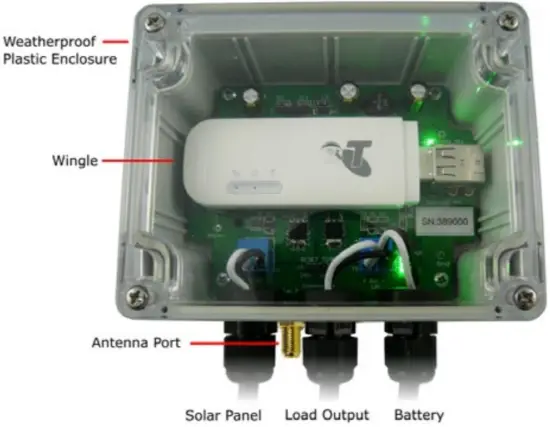
LED Indicators
| D1 (Solar) | Solid on when solar panel in sunlight. Blinking when solar panel in low power conditions. Off when no solar power detected. |
| D6 (USB_5V) | Solid on when USB Power is turned on |
| Batt Level | Bottom LED flashes if no battery is disconnected or bad. Shows battery level from bottom to top: 25% to 100%. |
JVA Distributors
If you have questions or need further assistance, please email us at [email protected] or call
Region | Number |
| Australia | 0731 030 582 |
South Africa | 0861 782 349 |
| World Wide | +61 731 030 582 |
For more information on our complete range of electric fencing products please see the JVA website at https://www.jva-fence.com.au
Tel : +61 (0)499 000 455
Email : [email protected]
www.jva-fence.com
The JVA Logo is a registered trademark of JVA Technologies © JVA Technologies

 Electric Fencing energisers, testers & more for Farms + Security