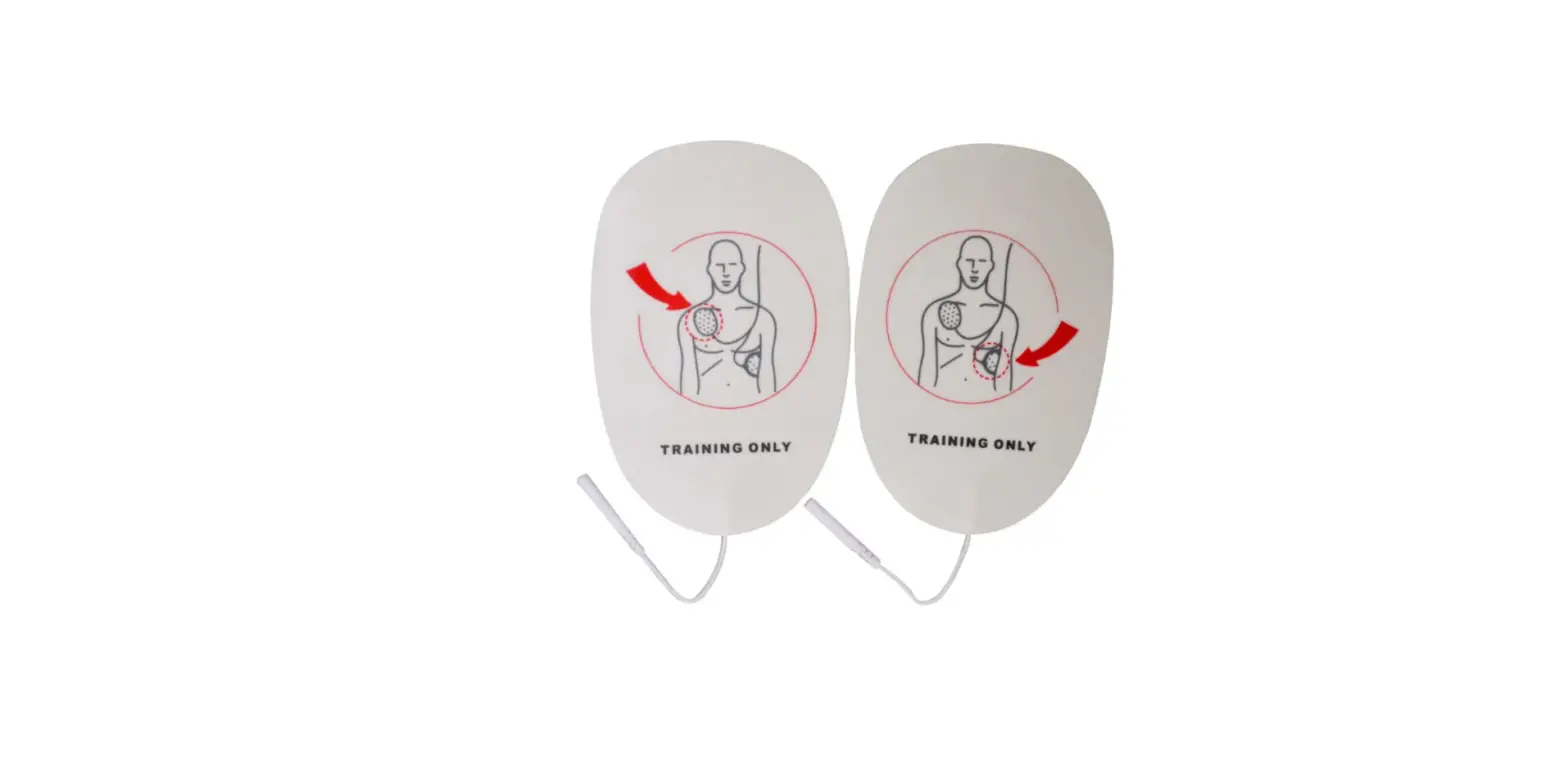

WNL PRODUCTS AED Trainer Pads
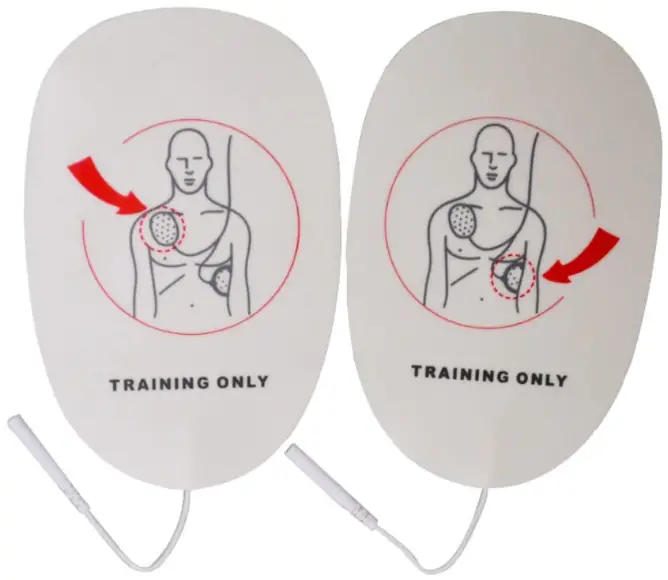
Product Information
The product is a device that supports the following features:
- 6TFUIFNBHOFUJDQBQFST
- &%1BET
- 3 —
- 1SFQBSFUIFDPNNFSDJBMBEIFTJWF&%1BETGPSUSBJOJOH
- %FUBDIUIFXIJUFSFMFBTFQBQFSTGSPNUIFNBHOFUJDQBQFST
- UUBDIUIFNBHOFUJDQBQFSTPOUPUIFBEIFTJWFGBDFPGUIF&%QBET
- $VUPVUUIFSFNBJOTPGNBHOFUJDQBQFSTGSPNUIF&%QBET
- #BTJD’VODUJPOT
- $IFTUDPNQSFTTJPO
- 5VSOPOUIFQPXFSTXJUDIBGUFSQMVHUIFQPXFSDPOOFDUPSPSJOTUBMMUIFCBUUFSJFT
- 8IFOUIFEJTQMBZJTUVSOFEPOTFMFDUUIFEJTQMBZPQUJPOTBOETUBSUUIFDIFTUDPNQSFTTJPO
QSBDUJDF - $PNQSFTTJPOEFQUI$PNQSFTTJPOSBUFUPUBMDPNQSFTTJPODPVOUTBOEDPSSFDUDPNQSFTTJPO
DPVOUTBSFEJTQMBZFEBUUIFEJTQMBZQBOFM - ‘SFFJSXBZ
- SUJGJDJBMSFTQJSBUJPO
- 5JMUUIFIFBEPGUIFNBOJLJOUPPQFOUIFBJSXBZ
- 1JODIUIFOPTFPGUIFNBOJLJOBOEUSZNPVUIUPNPVUISFTVTDJUBUJPO
- 1BZBUUFOUJPOUPUIFDIFTUJOGMBUJPO
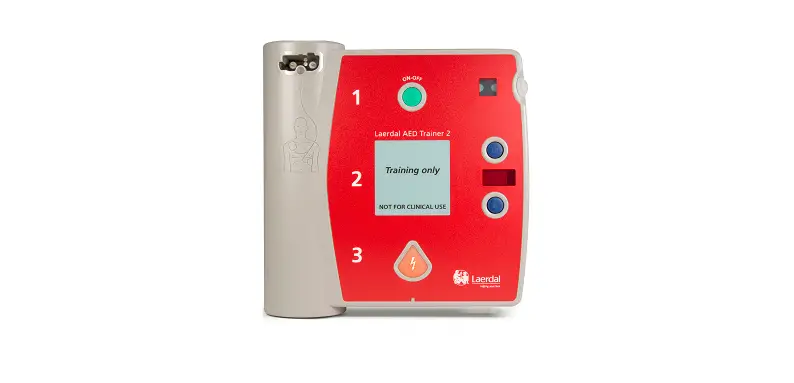
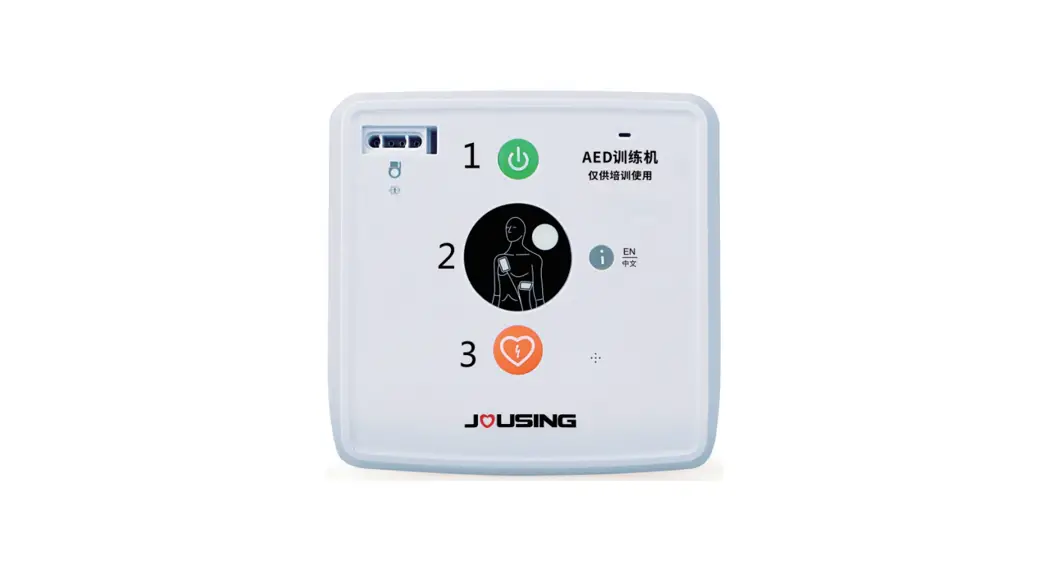
- &%
- 3 —
- #MFFEJOH$POUSPM
- CFAF0001
- TFMFDUUIF#MVFUPPUIOVNCFS #MVFUPPUIOVNCFS4BNQMF$”
- 4PGUXBSF
- 0SJFOUBUJPO
- 4PGUXBSF
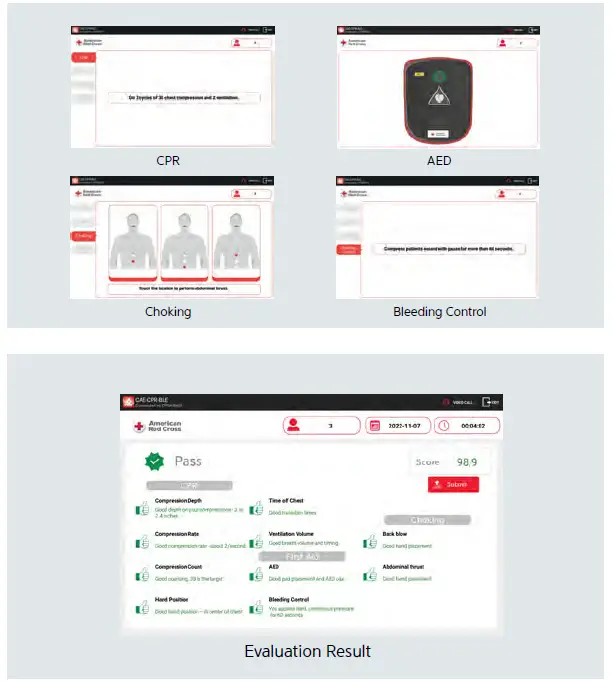
- 5SBJOJOH
- $13
- &%
- $IPDLJOH
- #MFFEJOH$POUSPM
- 4PGUXBSF
- &WBMVBUJPO
- $13 $IPLJOH
- &% #MFFEJOH$POUSPM
- &WBMVBUJPO3FTVMU
Product Usage Instructions
To use the product, follow the below instructions:
- Refer to the user manual for detailed instructions on the product features.
- Ensure that the device is connected to a power source and turned on.
- Use the controls provided to access the features of the device.
- For any troubleshooting or technical issues, refer to the user manual or contact customer support.
Use the magnetic papers
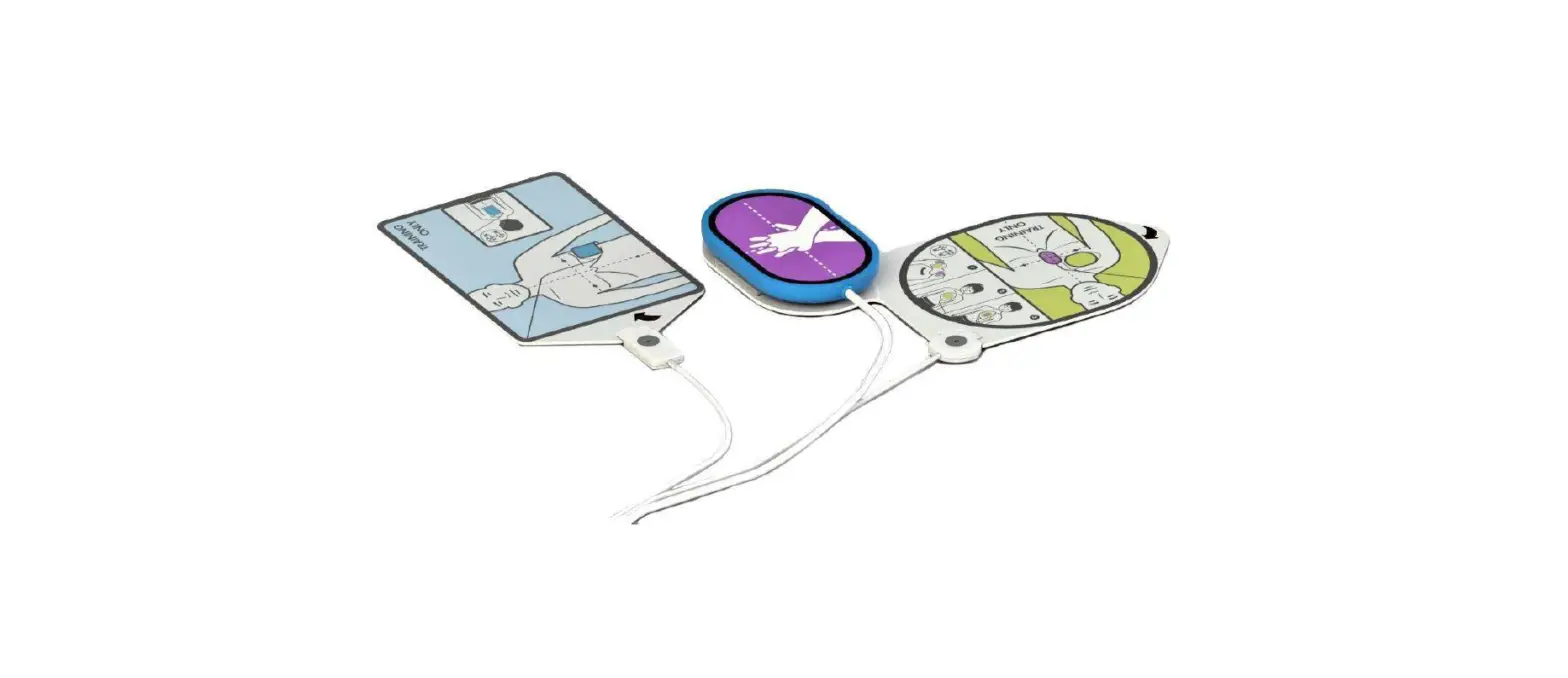
- <AED Pads>
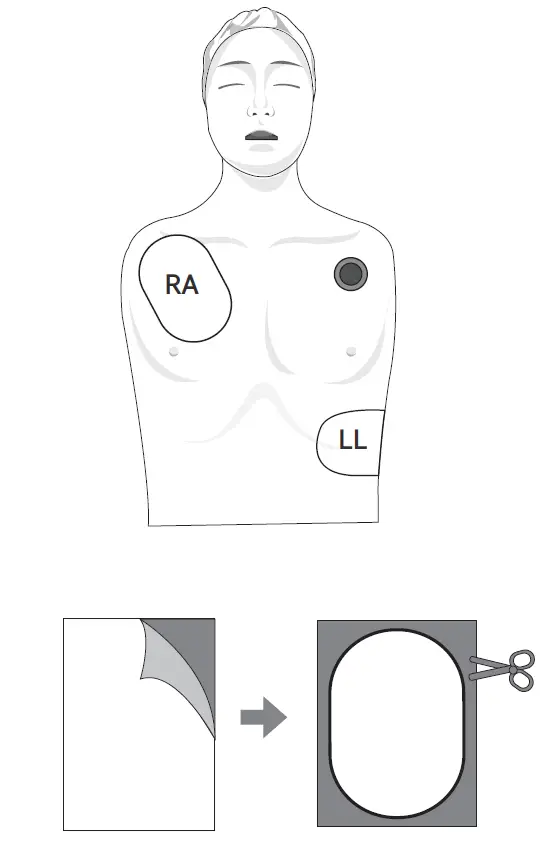
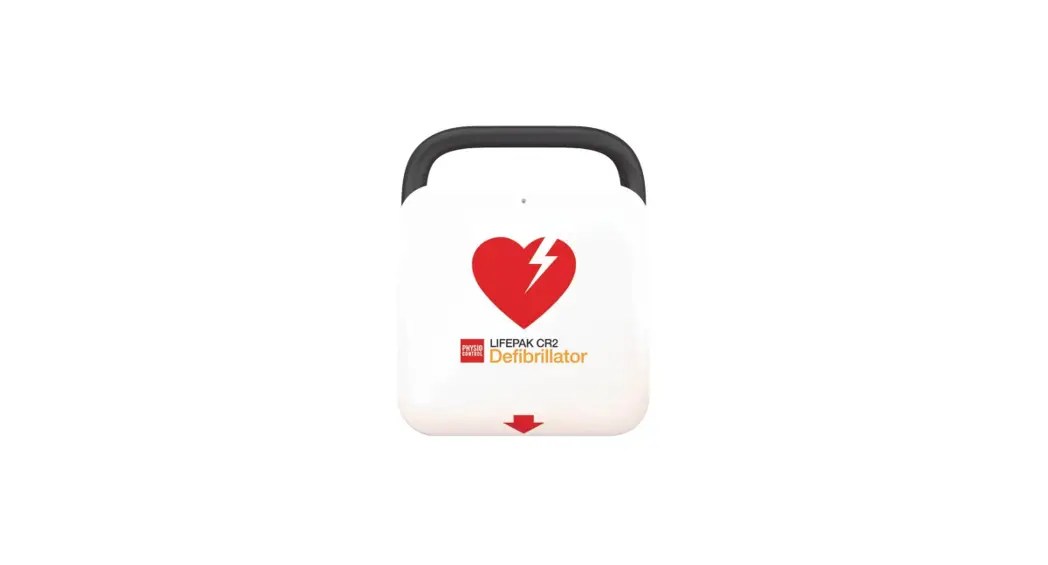
- Prepare the commercial adhesive AED Pads for training.
- Detach the white release papers from the magnetic papers.
- Attach the magnetic papers onto the adhesive face of the AED pads.
- Cut out the remains of magnetic papers from the AED pads.
Basic Functions
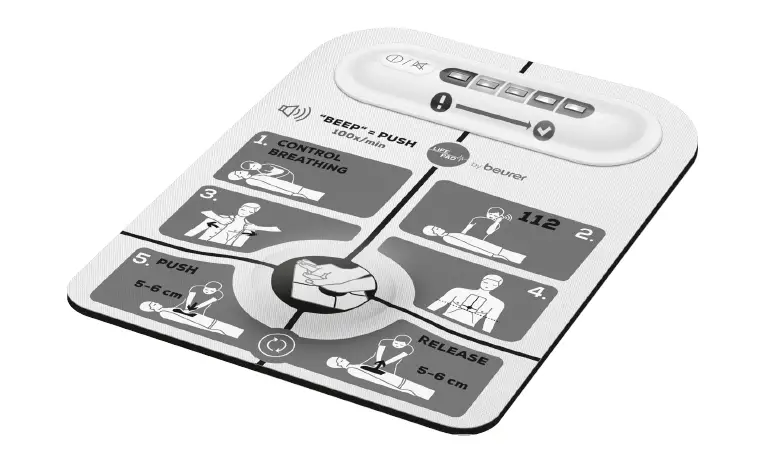
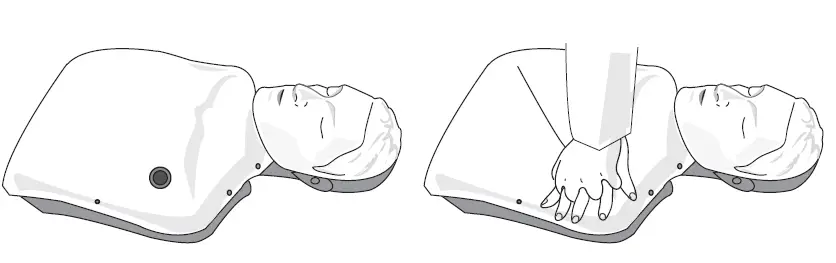
- <Chest compression >
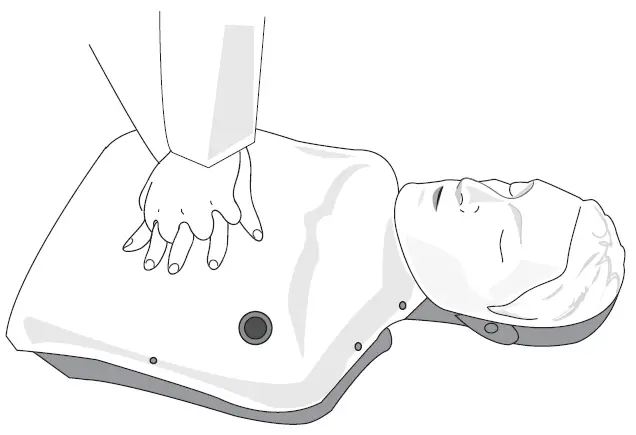
- Turn on the power switch after plug the power connector or install the batteries.
- When the display is turned on, select the display options and start the chest compression practice.
- Compression depth, Compression rate, total compression counts and correct compression counts are displayed at the display panel.
Free Airway
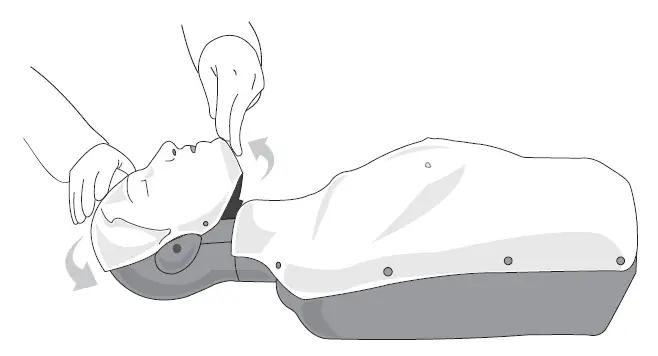
Artificial respiration
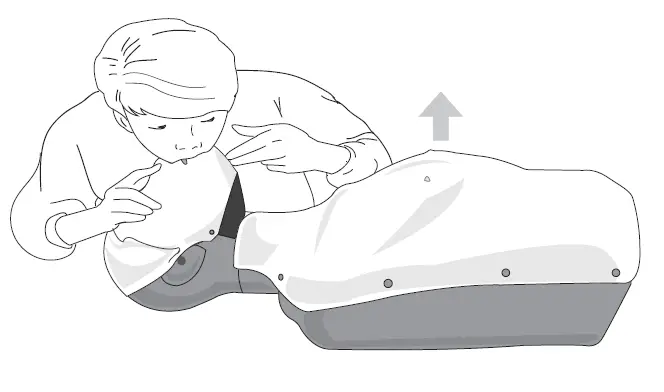
- Tilt the head of the manikin t o open the airway.
- Pinch the nose of the manikin and try mouth t o mouth resuscitation. (Pay attention to the chest inflation.)
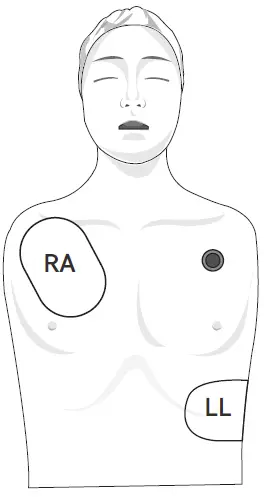
AED
Bleeding Control
Software
Bluetooth Connection
- Tum on manikin and tablet PC.
- Select application.

- A Bluetooth pop-up screen will appear, select the Bluetooth number (Bluetooth number Sample: CFAF 0001)
- Once connected, it will automatically connect next time.
- When it is now automatically connected, Pair Bluetooth by selecting the Bluetooth icon.
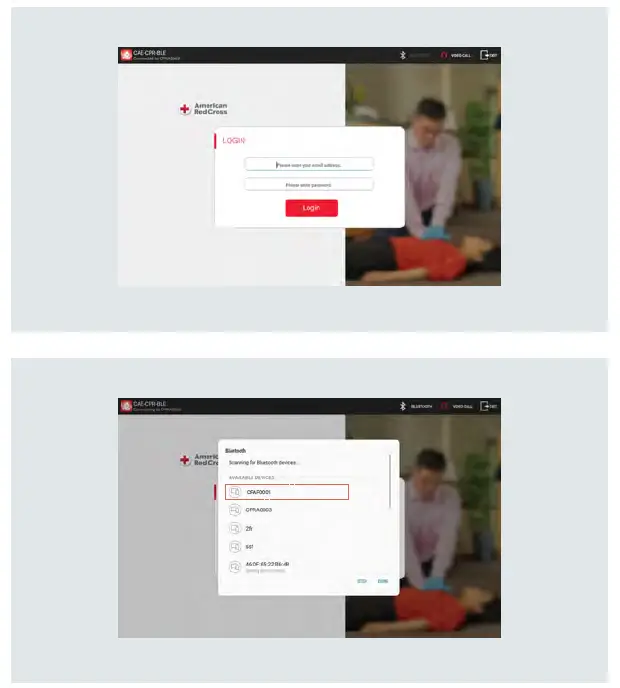
- Bluetooth connection may be limited depending on the tablet.
- Please use a recommended tablet by BT.
Orientation
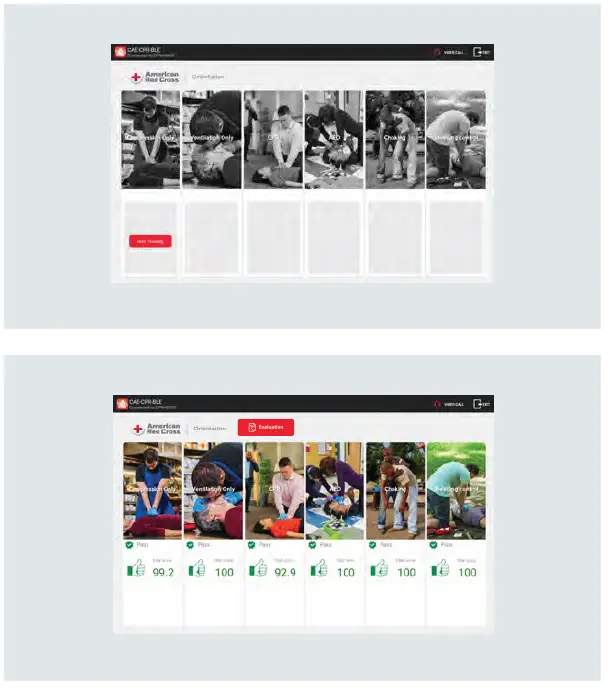
Training
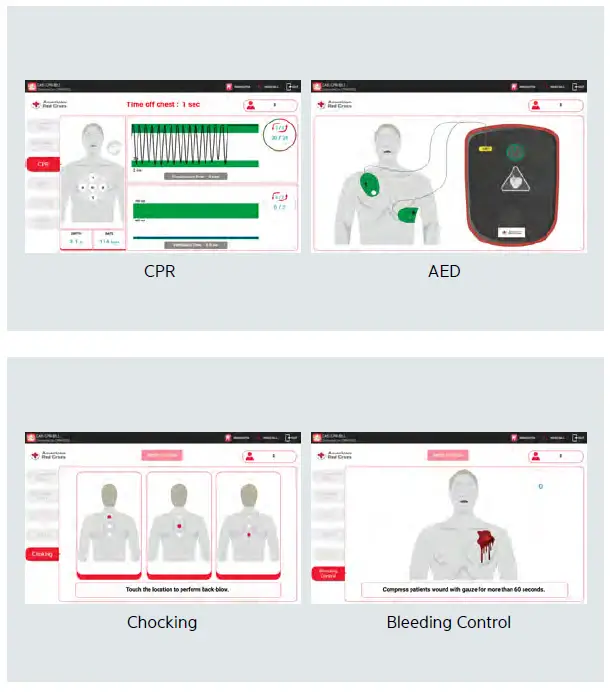
Evaluation