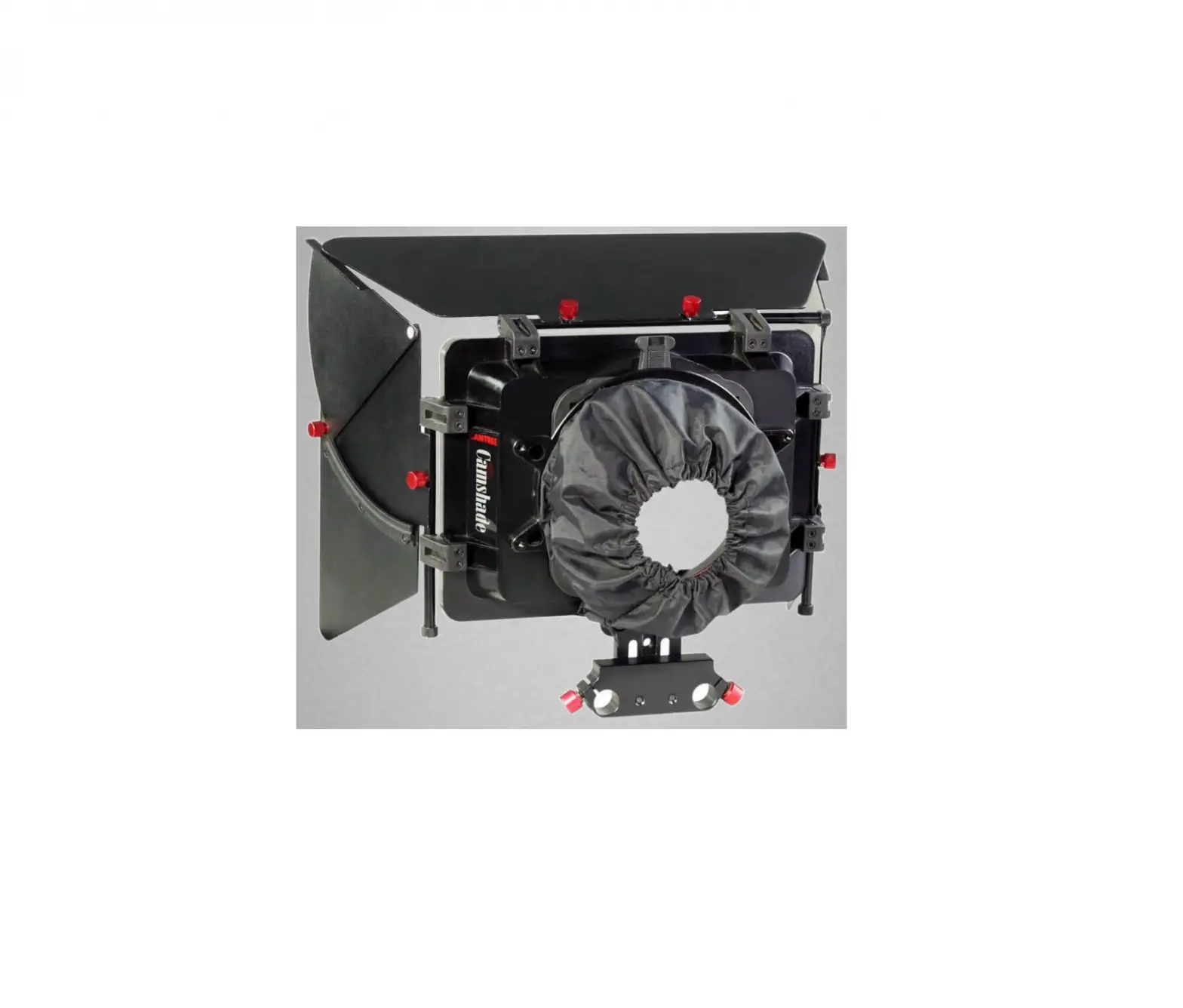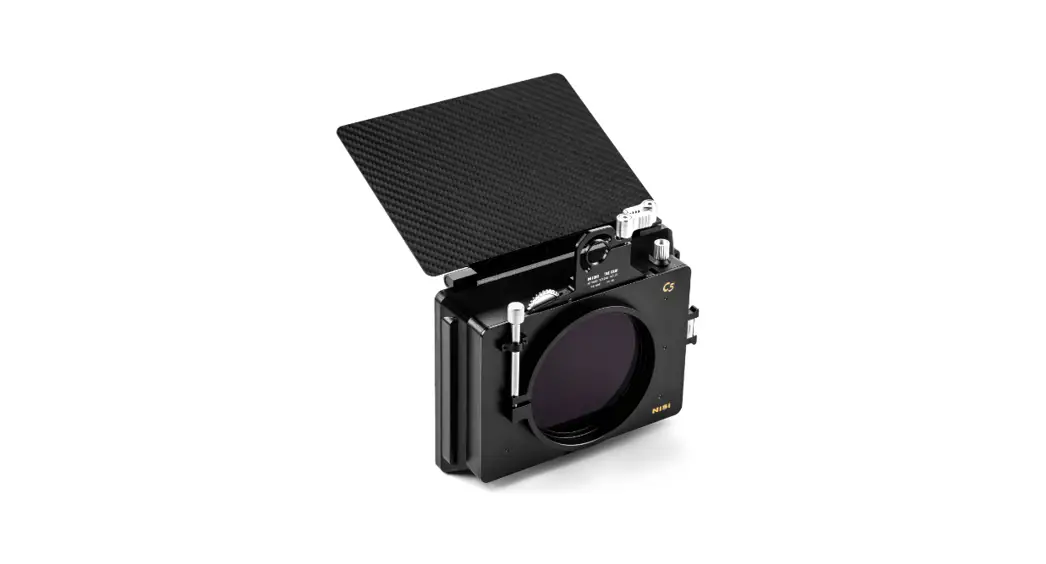
 Cinema Matte Box Filmmaker Kit
User Manual
C5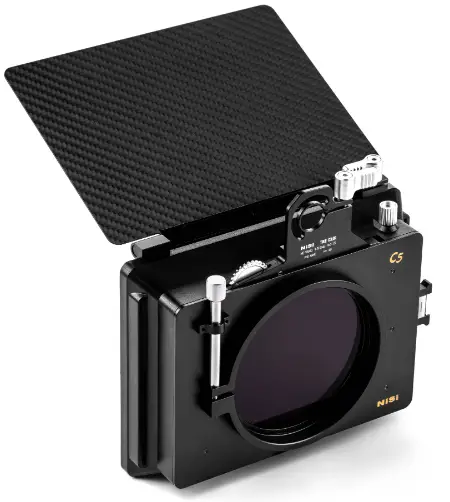
C5 Cinema Matte Box Filmmaker Kit
Please read the instructions carefully before using this product.
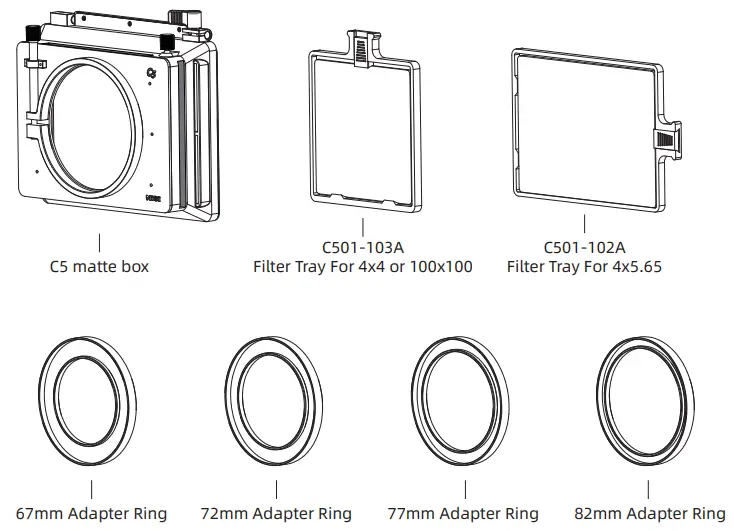
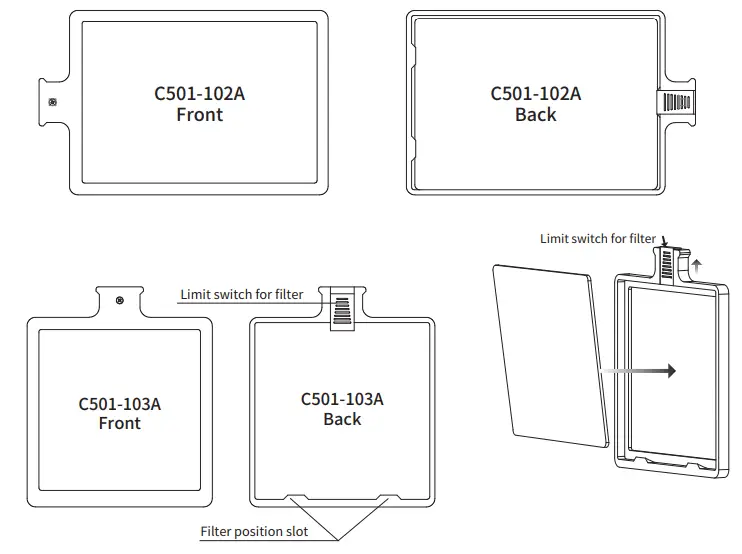
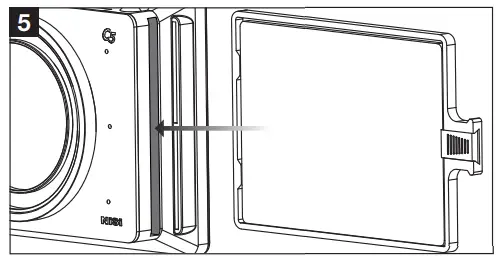
Filter installation guide: Move the limit switch at the top of the filter holder upwards until it stops. Insert the filter into the position slot. Ensure that the filter tray is tightly
attached, then release the limit switch.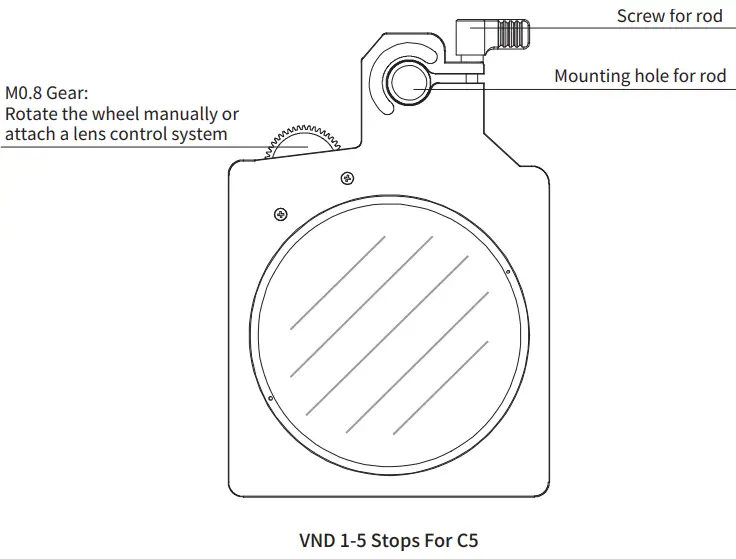
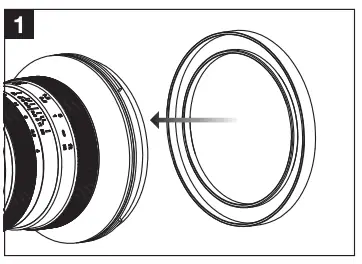
- Select the adapter ring that fits the lens diameter, and tighten the adapter ring clockwise on the lens.

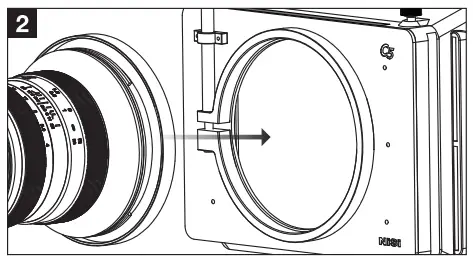
- Insert the adapter ring into the C5 matte box adapter ring mount.

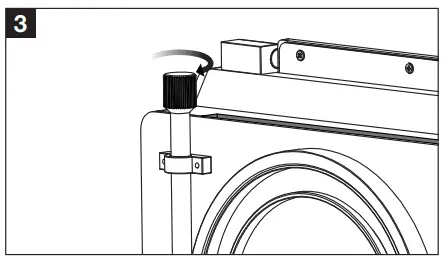
- Tighten the adapter ring locking screw clockwise to clamp the adapter ring on to the C5 matte box.

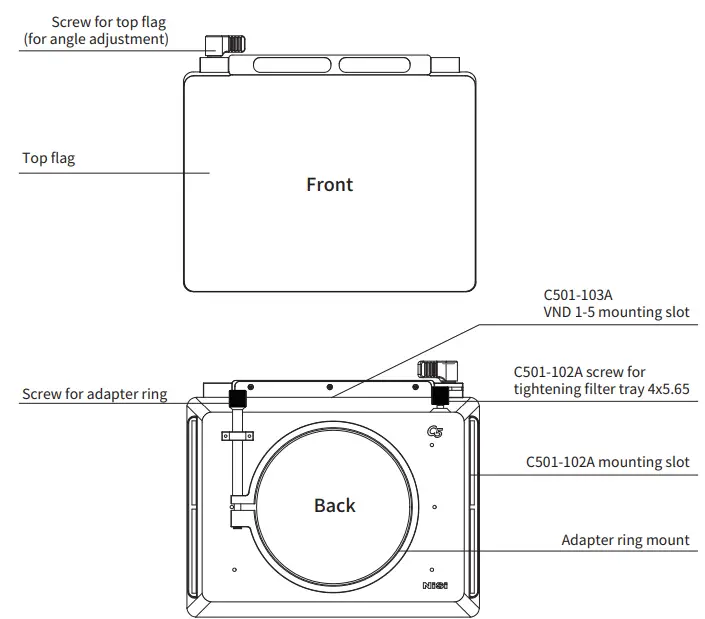
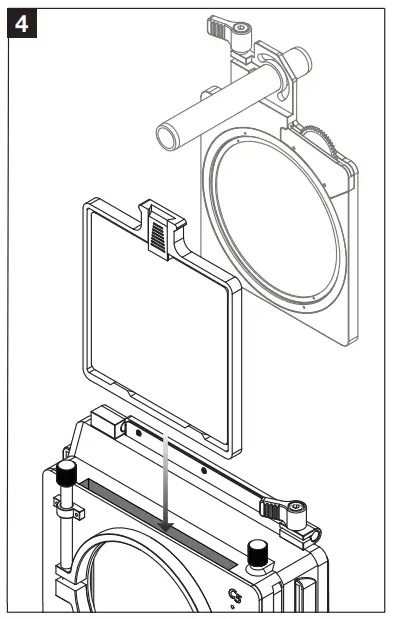
- Insert the C501-103A or C5 VND into the mounting slot on the top of C5 matte box.

- Insert C501-102A into the mounting slot on the side of the C5 matte box.

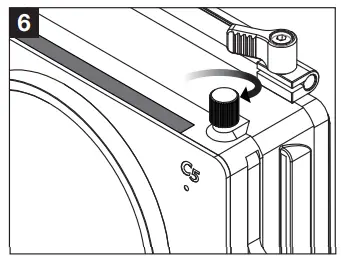
- Tighten the locking screw for the mounting slot of C501-102A. This locks it securely to the C5 matte box.

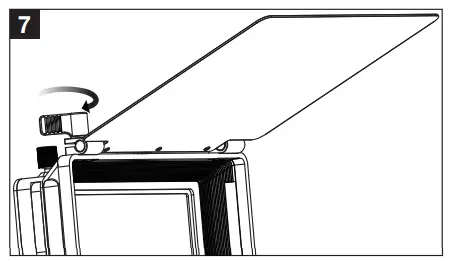
- The top flag of the C5 matte box can be adjusted accurately at any angle. After adjusting to a suitable angle, tighten the screw of top flag clockwise to lock it securely.
Zhuhai Cuff Optical Technology Co.,Ltd.
Add: No.22, Pingree No.1 Road, Napping Science and Technology
Industrial Park, Bianzhou District, Zhuhai, Guangdong,
China. www.nisioptics.com