THE2023BDL Movie Theater Kit
Product Information
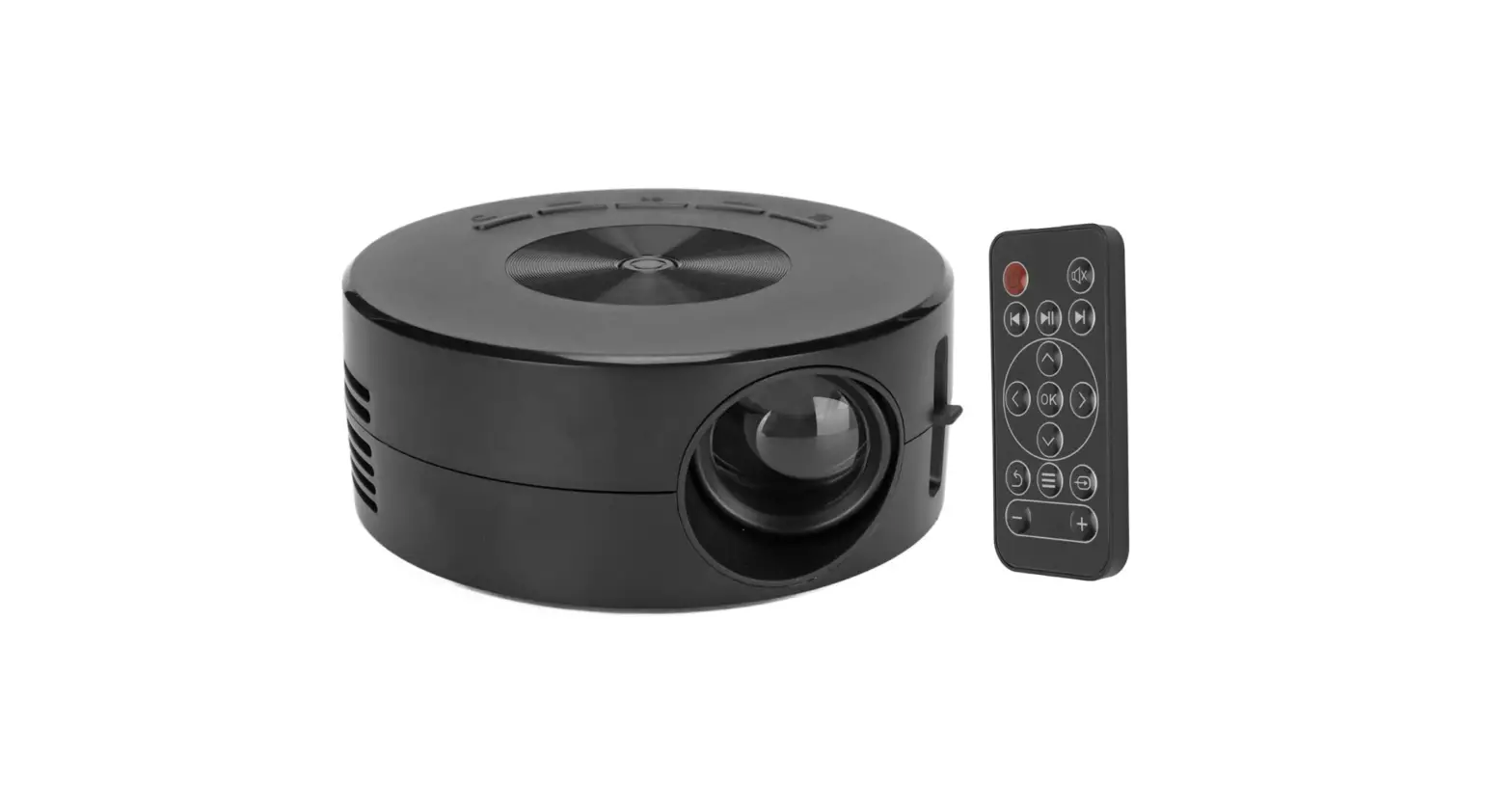
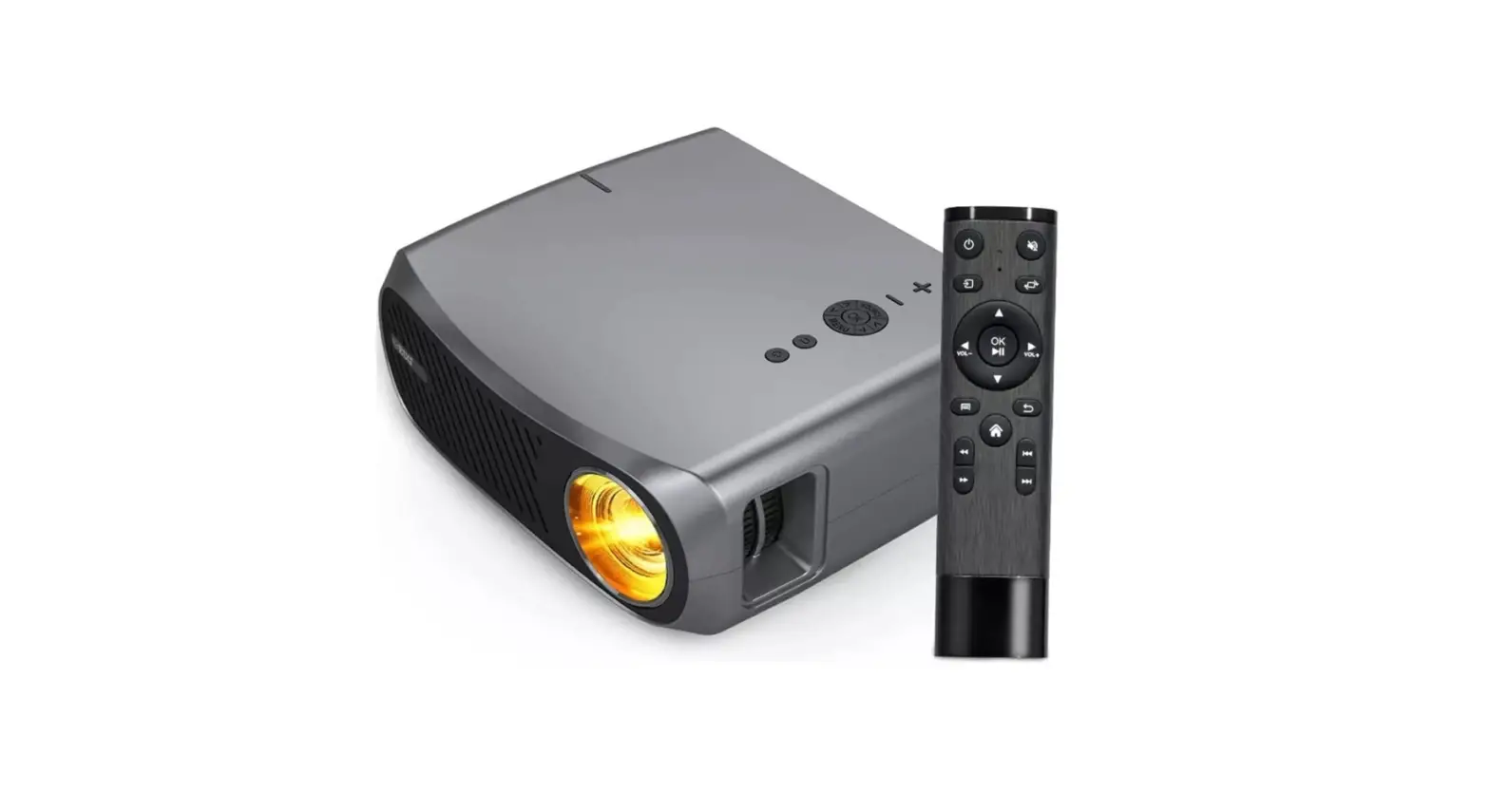
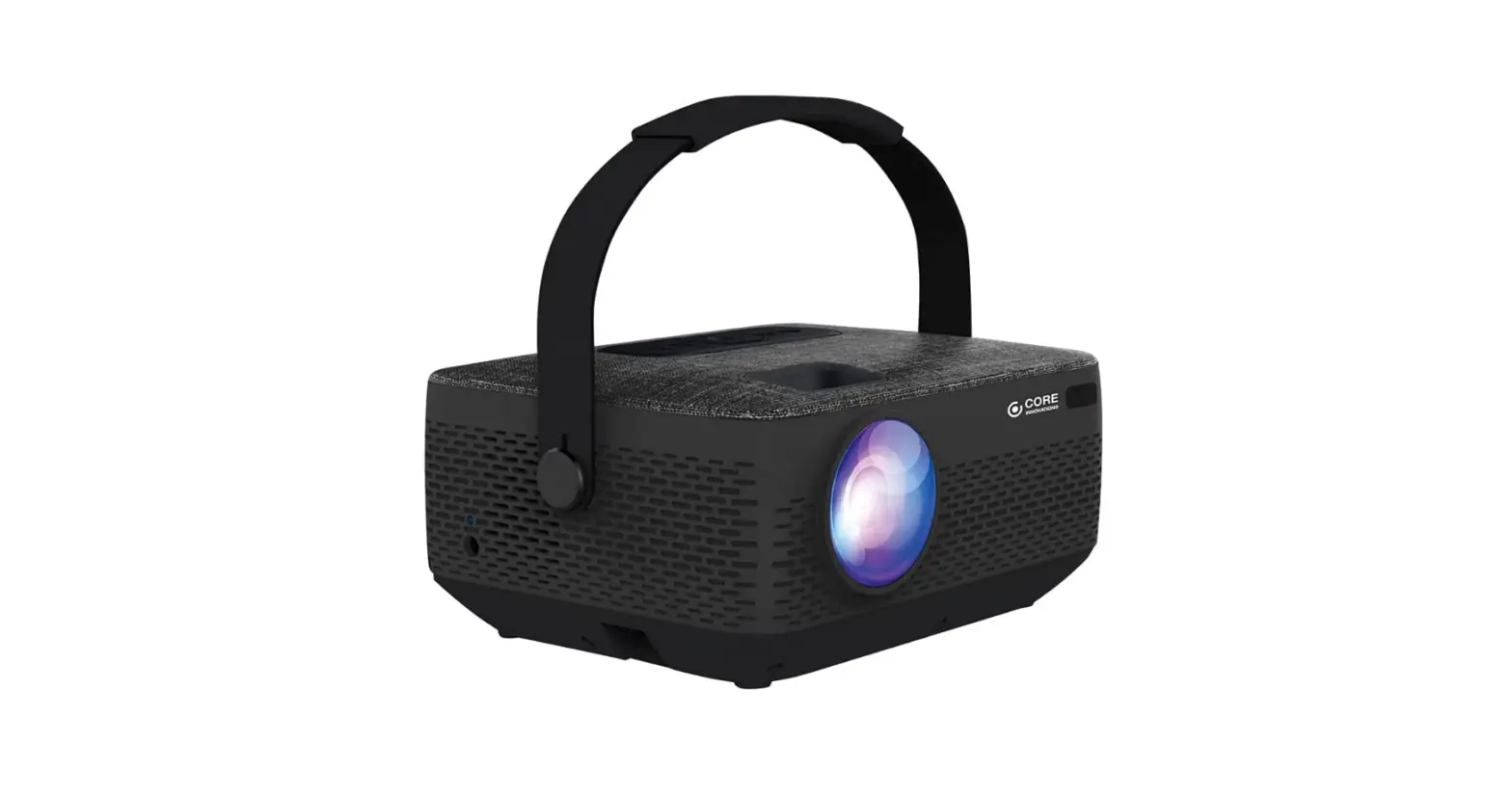
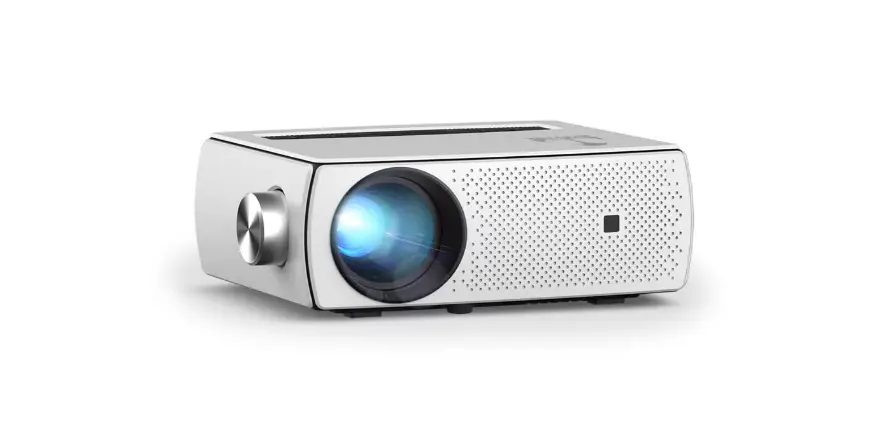
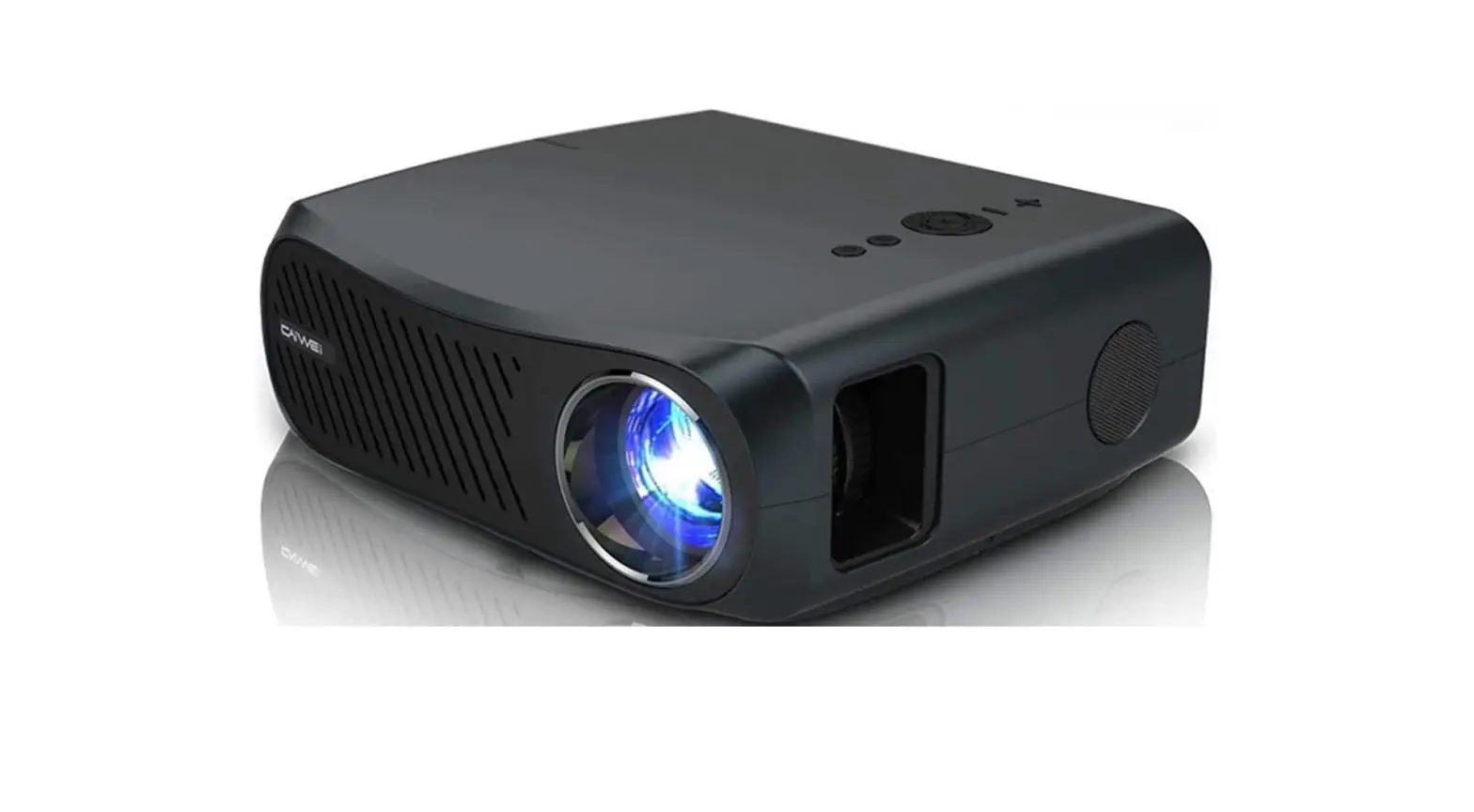
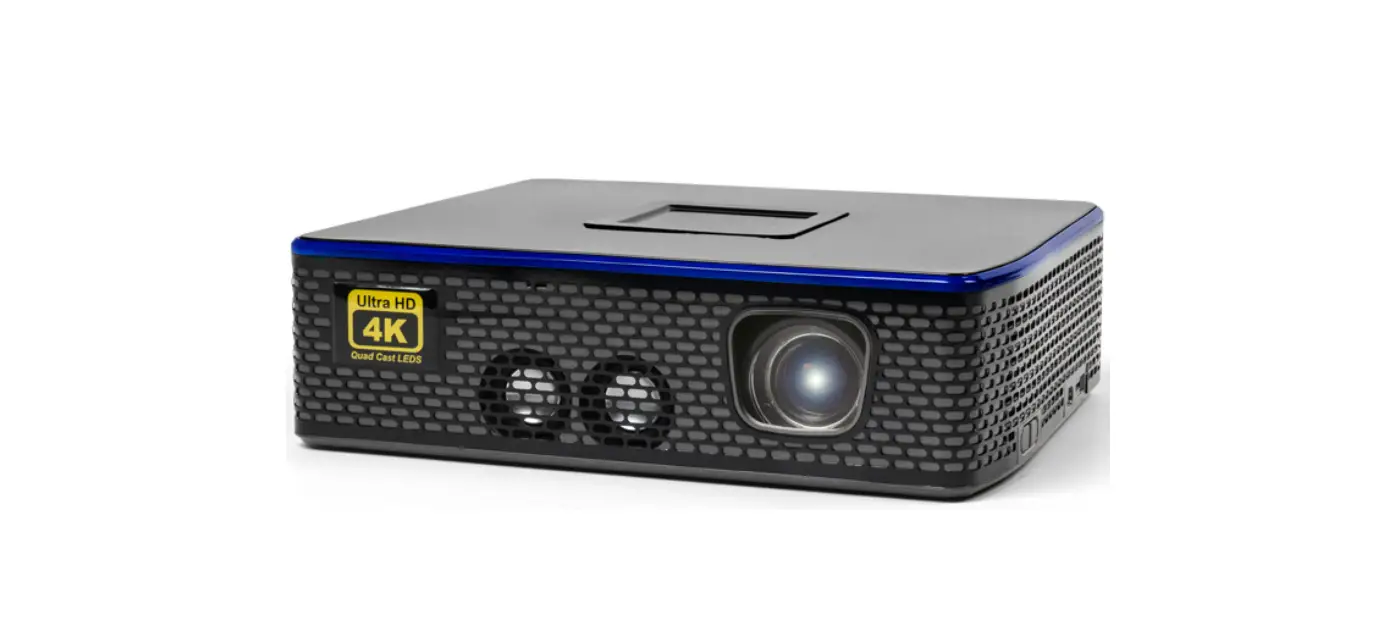
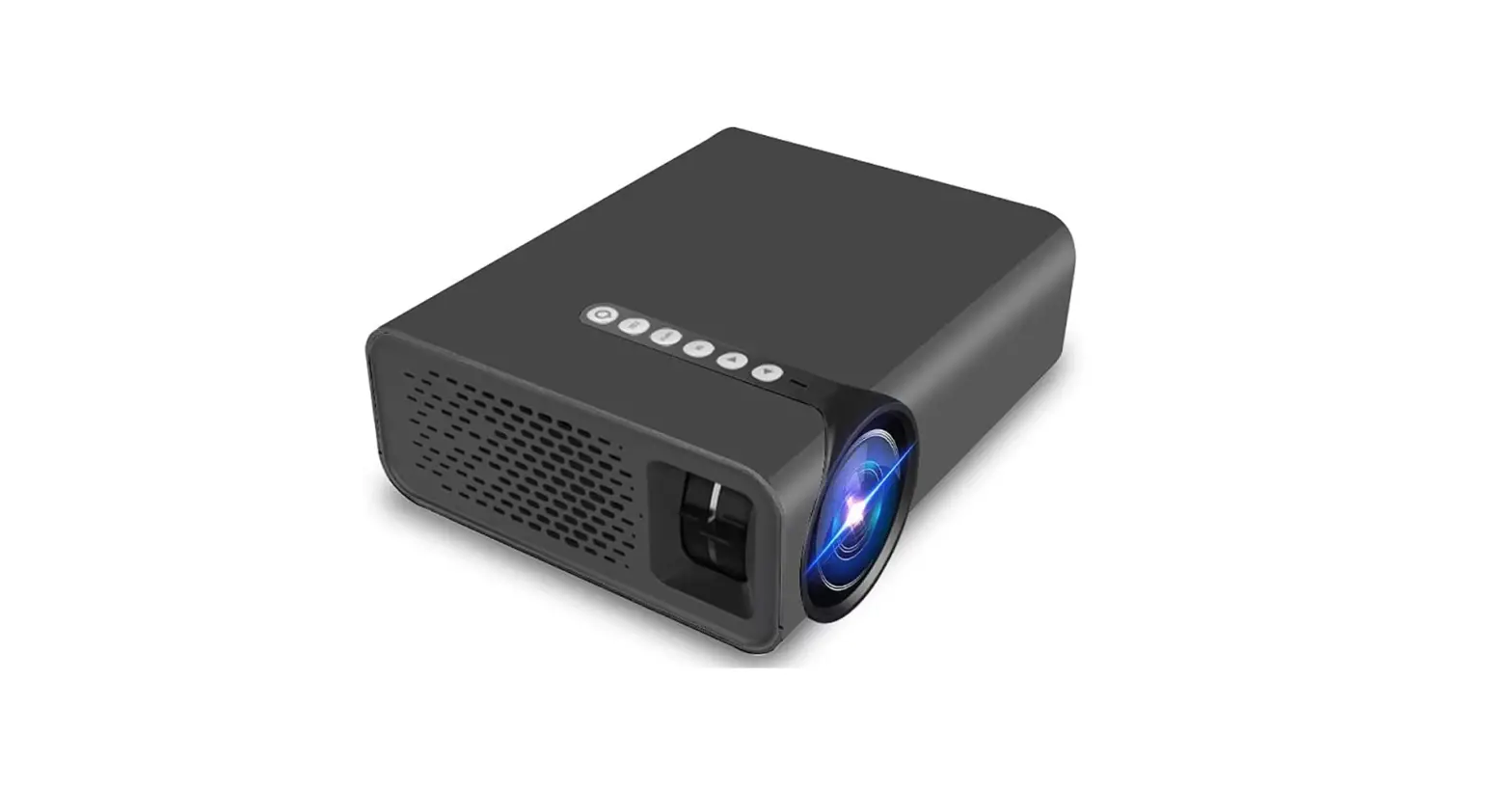
The product is a movie theater kit that contains a projector and
an AC/DC power adapter. The projector has multiple input options
including AV TF, HDMI 1, HDMI 2, DC IN, and USB. It also has
Bluetooth connectivity to connect with other Bluetooth-enabled
speakers or soundbars. The projector can be mounted on a tripod for
better viewing experience.
Product Usage Instructions
- Plug the AC/DC power adapter into a standard wall outlet and
the DC power input on the side of the unit. After connecting power,
please allow approximately 5 seconds to pass before powering the
unit ON. - To connect the projector to Bluetooth speakers, enable
Bluetooth on the included speaker or on another Bluetooth enabled
speaker/sound bar you wish to connect to. Power on the projector
and make sure the projector’s Bluetooth is ON (see note above). The
projector will begin searching for nearby Bluetooth devices to
connect to, and will automatically initiate pairing. When
successfully paired, the Bluetooth receiver should indicate it is
connected, usually with a chime or tone. Check the user manual on
your Bluetooth receiver for more information. When successfully
connected, the projector will display the Bluetooth receiver’s
(your speaker or sound bar) name on the top right portion of the
Main Menu screen, and sound played from the projector will be heard
through the Bluetooth receiver. After initial pairing, the
projector and Bluetooth speakers will stay paired unless unpaired
manually or erased due to a reset on either device. - To activate the Bluetooth speaker, power on the speaker. The
speaker should default to Bluetooth mode. If Bluetooth is not
active, press the Mode button to enter Bluetooth mode. If you are
having trouble connecting to the projector, press and hold the
Play/ Pause/Pair button for 3 seconds to enter pairing mode on the
speaker. When successfully paired, a voice prompt will announce the
connection. - To connect the projector with a DVD player, gaming console or
other device with HDMI, locate the HDMI output on your device.
Connect with HDMI Cable (not included). Set the connected device
and projector media source to HDMI. You can set the source using
the remote or the controls on the projector. Please make sure to
remove the projector’s lens cap in order to see the picture. - If you want to mount the projector on a tripod, use the camera
mount and level and pan bar to adjust the angle and position of the
projector for better viewing experience.
Quickstart Guide
Bundle Contents
This bundle contains a movie theater kit to enhance your viewing experience. The bundle contains:
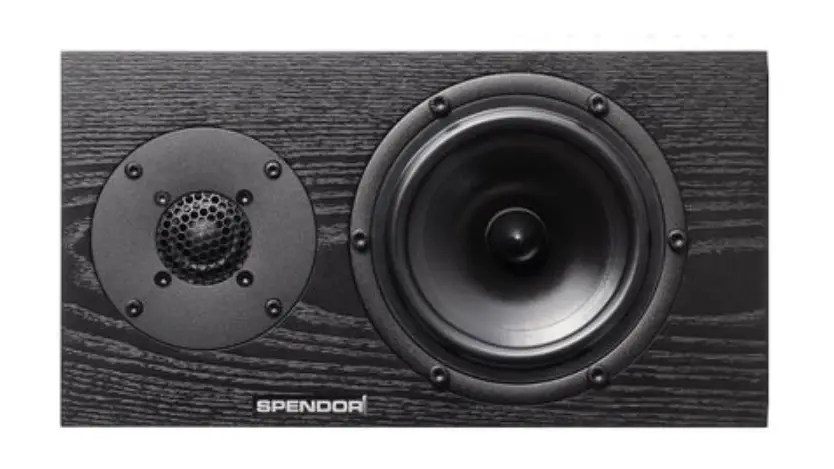
· 1 Projector · 1 Projection screen · 1 42″ Tripod · 1 Wireless speaker
Power
Plug the AC/DC power adapter (included) into a standard wall outlet and the DC power input on the side of the unit. After connecting power, please allow approximately 5 seconds to pass before powering the unit ON.
AV TF
HDMI 1
HDMI 2
DC IN USB
Connecting the Projector to Bluetooth Speakers
NOTE: Bluetooth is OFF by default when the projector first powers ON. Bluetooth can be turned ON or OFF from the Sound Menu of the projector.
1. Enable Bluetooth on the included speaker or on another Bluetooth enabled speaker/sound bar you wish to connect to.
2. Power on the projector and make sure the projector’s Bluetooth is ON (see note above). The projector will begin searching for nearby Bluetooth devices to connect to, and will automatically initiate pairing. Note: To eliminate confusion, disable Bluetooth on all receivers to which you do no wish to connect.
3. When successfully paired, the Bluetooth receiver should indicate it is connected, usually with a chime or tone. Check the user manual on your Bluetooth receiver for more information.
4. When successfully connected, the projector will display the Bluetooth receiver’s (your speaker or sound bar) name on the top right portion of the Main Menu screen, and sound played from the projector will be heard through the Bluetooth receiver.
After initial pairing, the projector and Bluetooth speakers will stay paired unless unpaired manually or erased due to a reset on either device.
Activating the Bluetooth Speaker
1. Power on the speaker. The speaker should default to Bluetooth mode. If Bluetooth is not active, press the Mode button to enter Bluetooth mode.
2. If you are having trouble connecting to the projector, press and hold the Play/ Pause/Pair button for 3 seconds to enter pairing mode on the speaker.
3. When successfully paired, a voice prompt will announce the connection.
iLive | THE2023BDL v3046-01
Customer Support: 1-888-999-4215
Quickstart Guide
Setting Up the Projection Screen
Connecting to a DVD player, Gaming Console, or other device with HDMI
Locate the HDMI output on your device.
Connect with HDMI Cable (not included)
Set the connected device and projector media source
to HDMI.
You can set the source using the remote or the controls on the projector.
Note: Please make sure to remove the projector’s
lens cap in order to see picture.
Projector HDMI input
Using the Tripod
· Before using the tripod, adjust each leg to the desired height and angle, the lock each section securely. It is best to use the tripod on a flat. level surface.
· Attach your projector to the Camera Mount using the screw on the top side of the mount. Use the Pan Bar to move the projector to angle you desire. Warning: Please make sure the projector is securely fastened to the tripod to avoid causing damage to the unit from falling.
Camera Mount & Level
iLive | THE2023BDL v3046-01
HDMI
Pan Bar
Customer Support: 1-888-999-4215