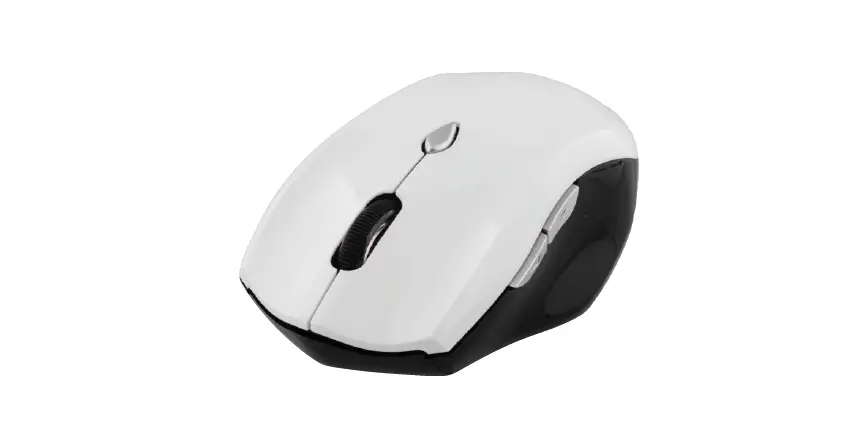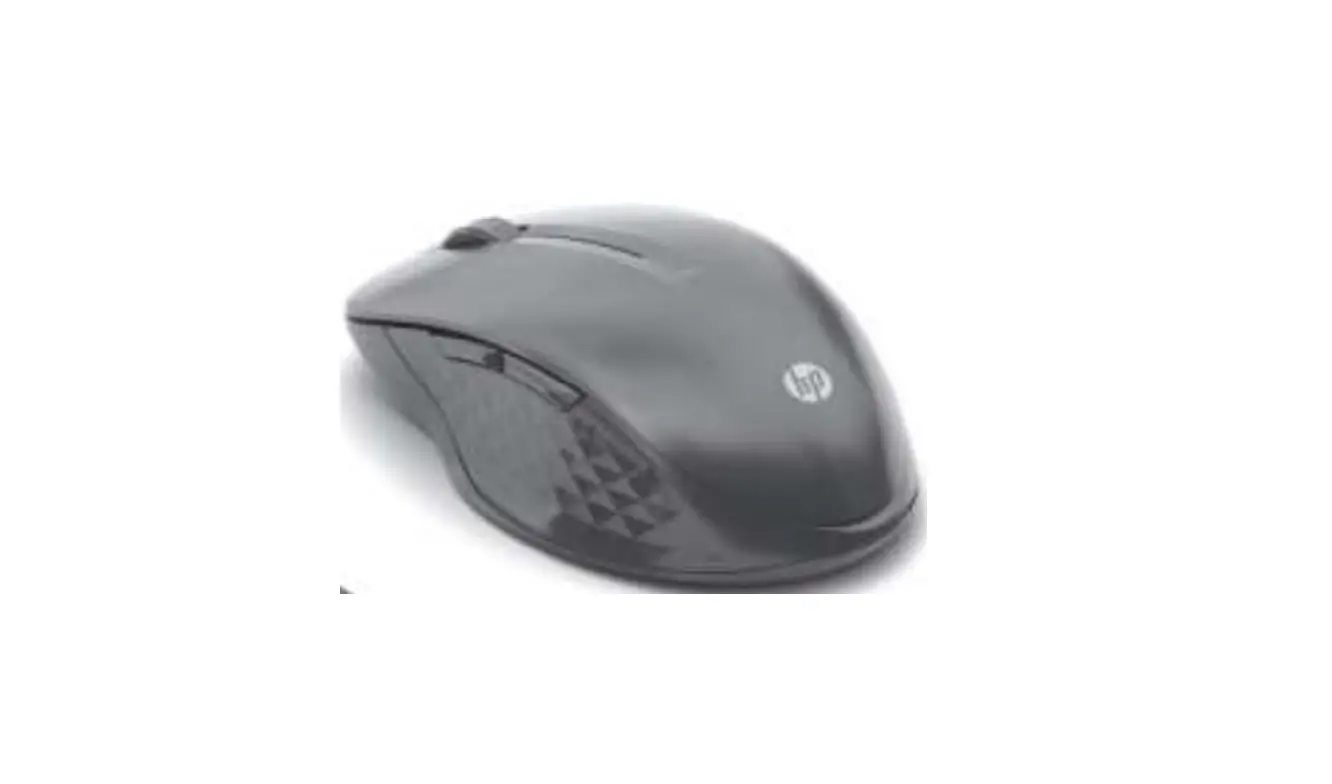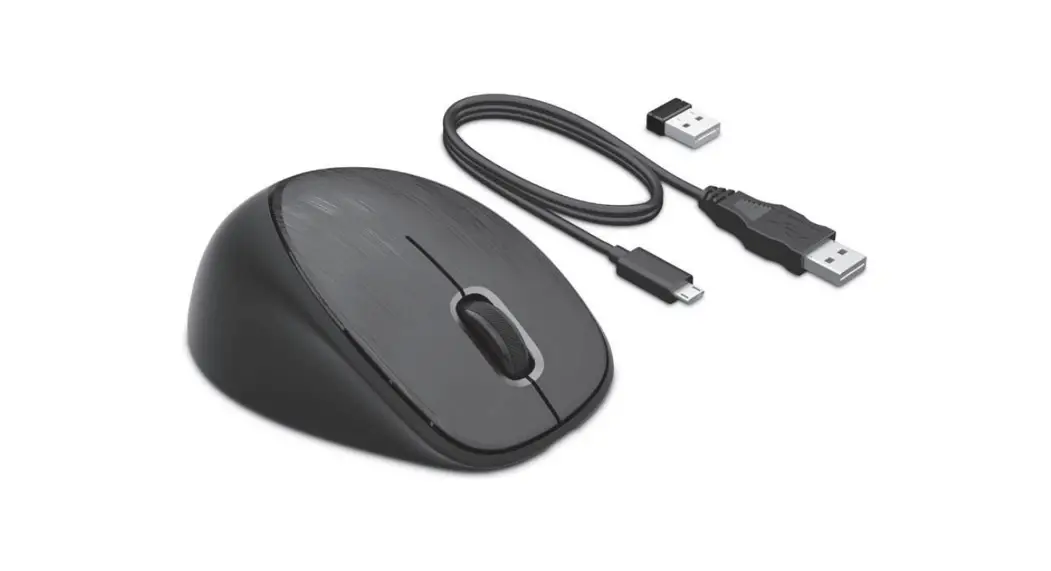
 HSA-S002M Wireless Premium Laser Mouse
User Manual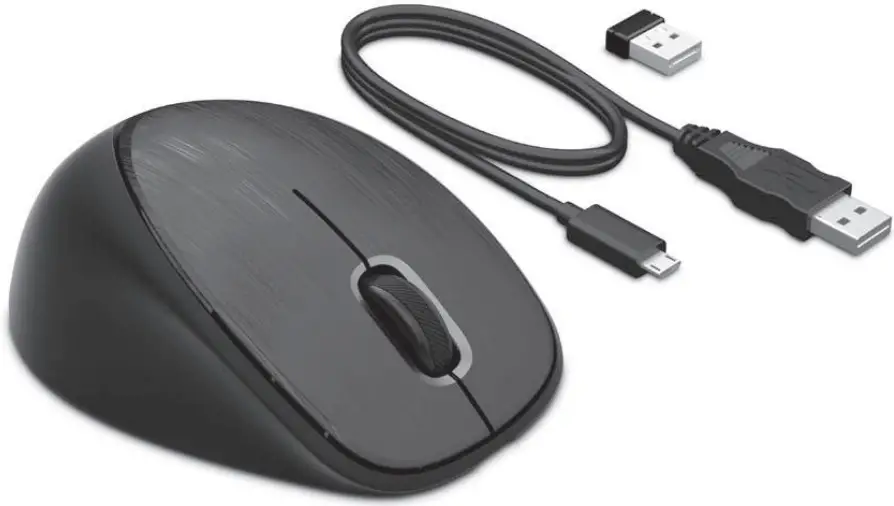
 |  |
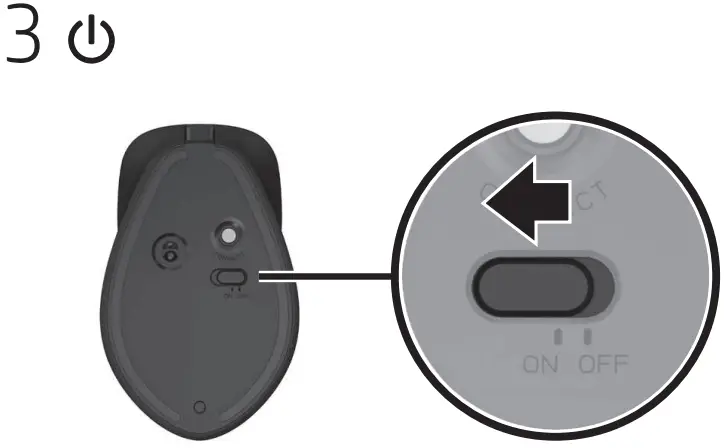 | 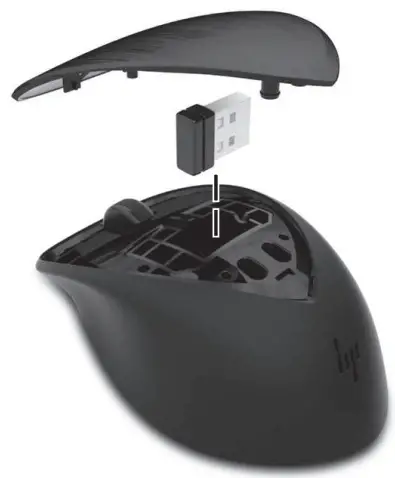 |
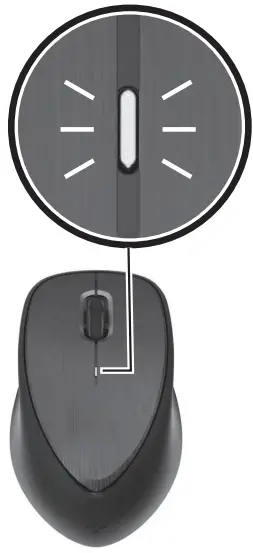
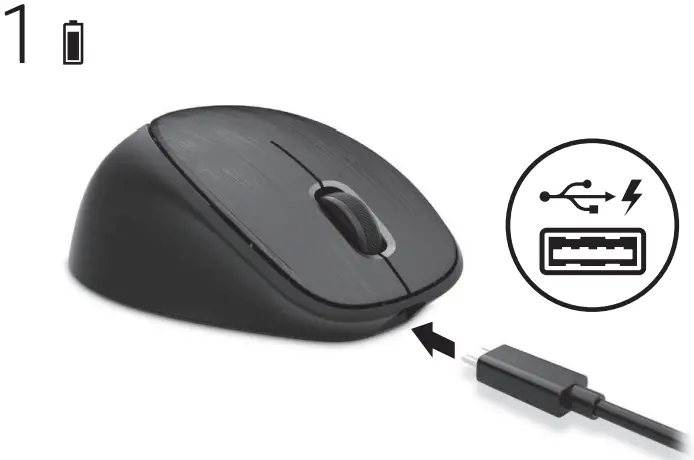
Battery and pairing light Status
| Slowly blinking amber | Low battery |
| Slowly blinking white | Charging |
| Solid white (5 s) | Charge completed |
| Off | Charged |
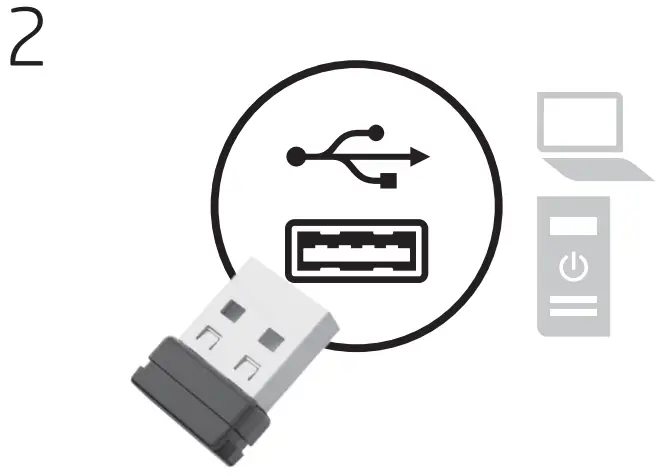
| Blinking white (10 s) | Pairing mode |
| Quickly blinking white (10 blinks) | Successful pairing |
What is Link-5
HP Link-5 technology makes it easy to link up to five compatible HP wireless mice or keyboards to the same USB transceiver.
Using Link-5
To pair a device to the Link-5 transceiver, move it to within one foot (30 cm) of the Link-5 transceiver, press the  button or the Connect button on the device, and then press a key or click a button on the device.
Troubleshooting Link-5
For answers to Link-5 questions, go to http://www.hp.com/support.
RMN: HSA-S002M
© Copyright 2017 HP Development Company, L.P.
The information contained herein is subject to change without notice. The only warranties for HP products and services are set forth in the express warranty statements accompanying such products and services. Nothing herein should be construed as constituting an additional warranty. HP shall not be liable for technical or editorial errors or omissions contained herein.
First Edition: April 2017
 Replace this box with PI statement as per spec.
 hp.com/support