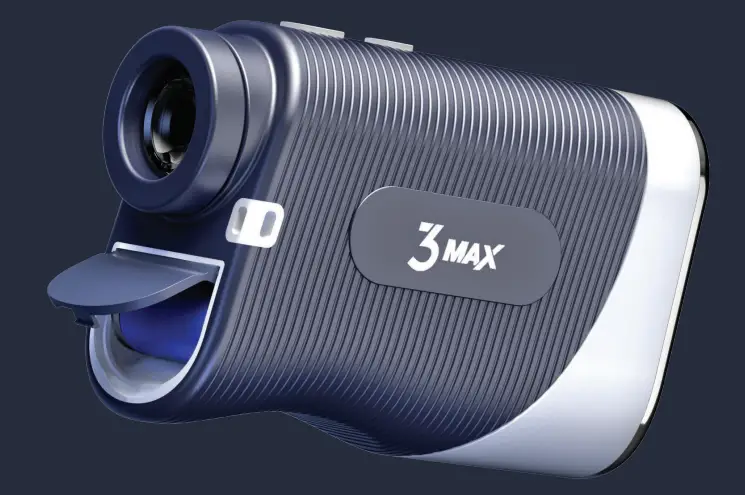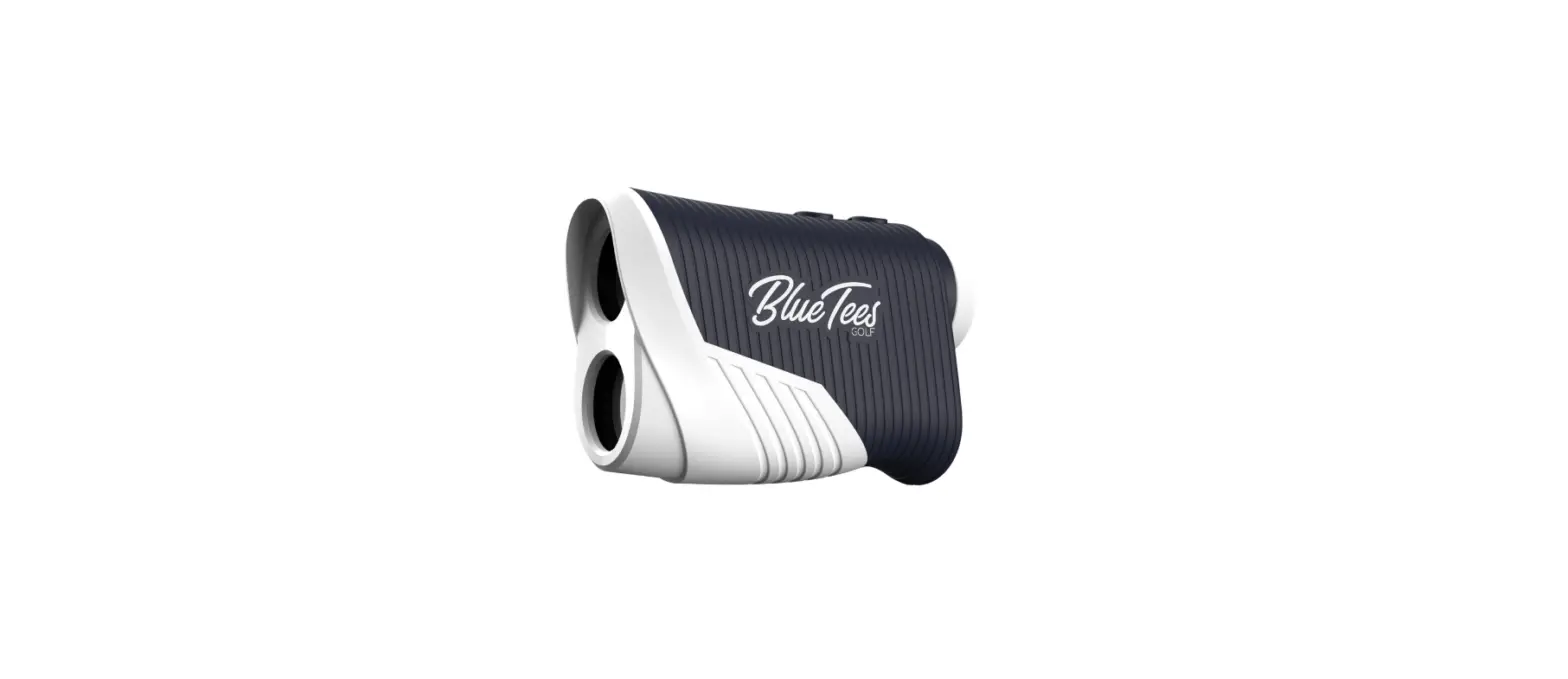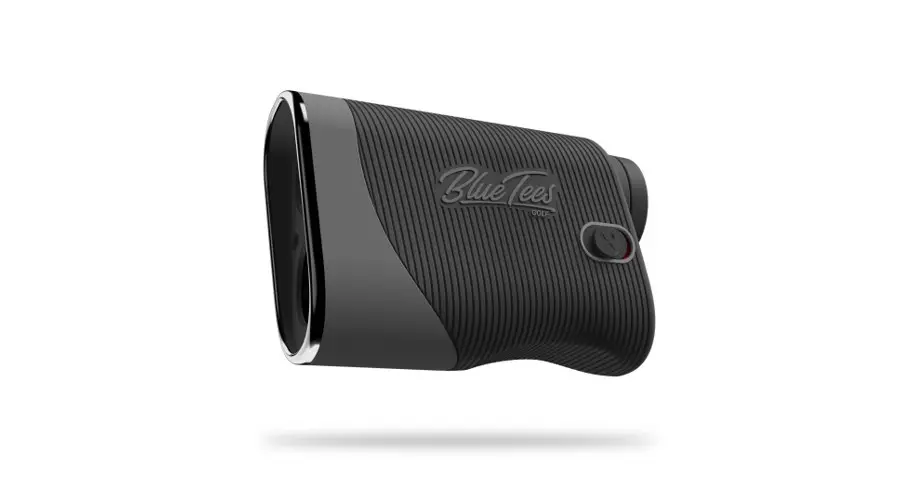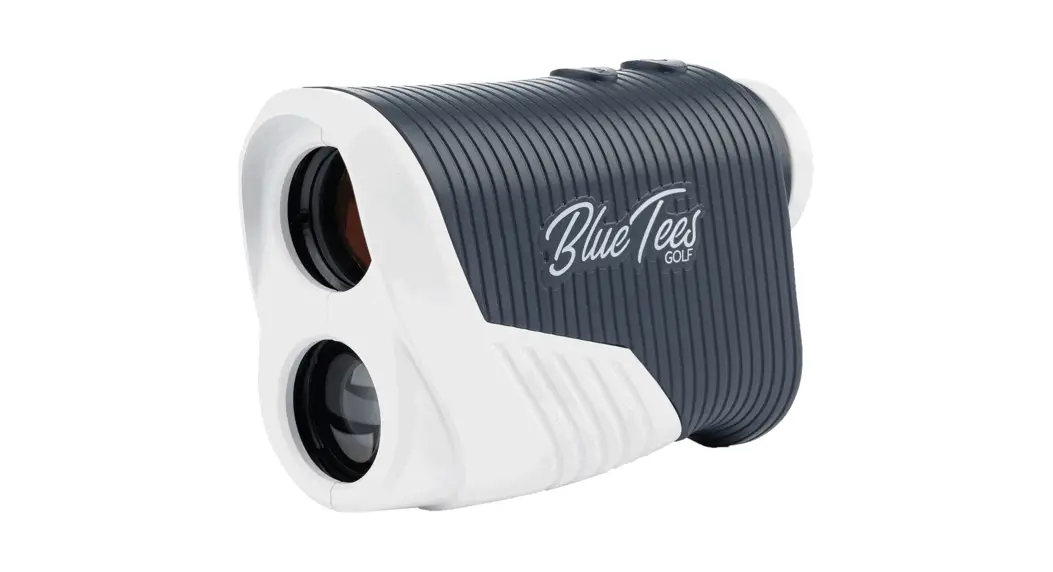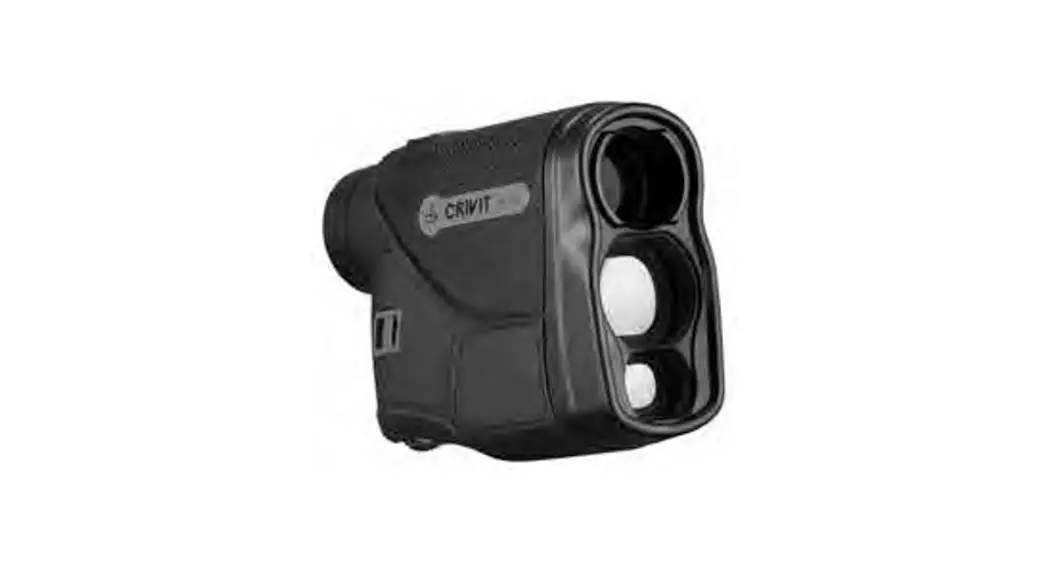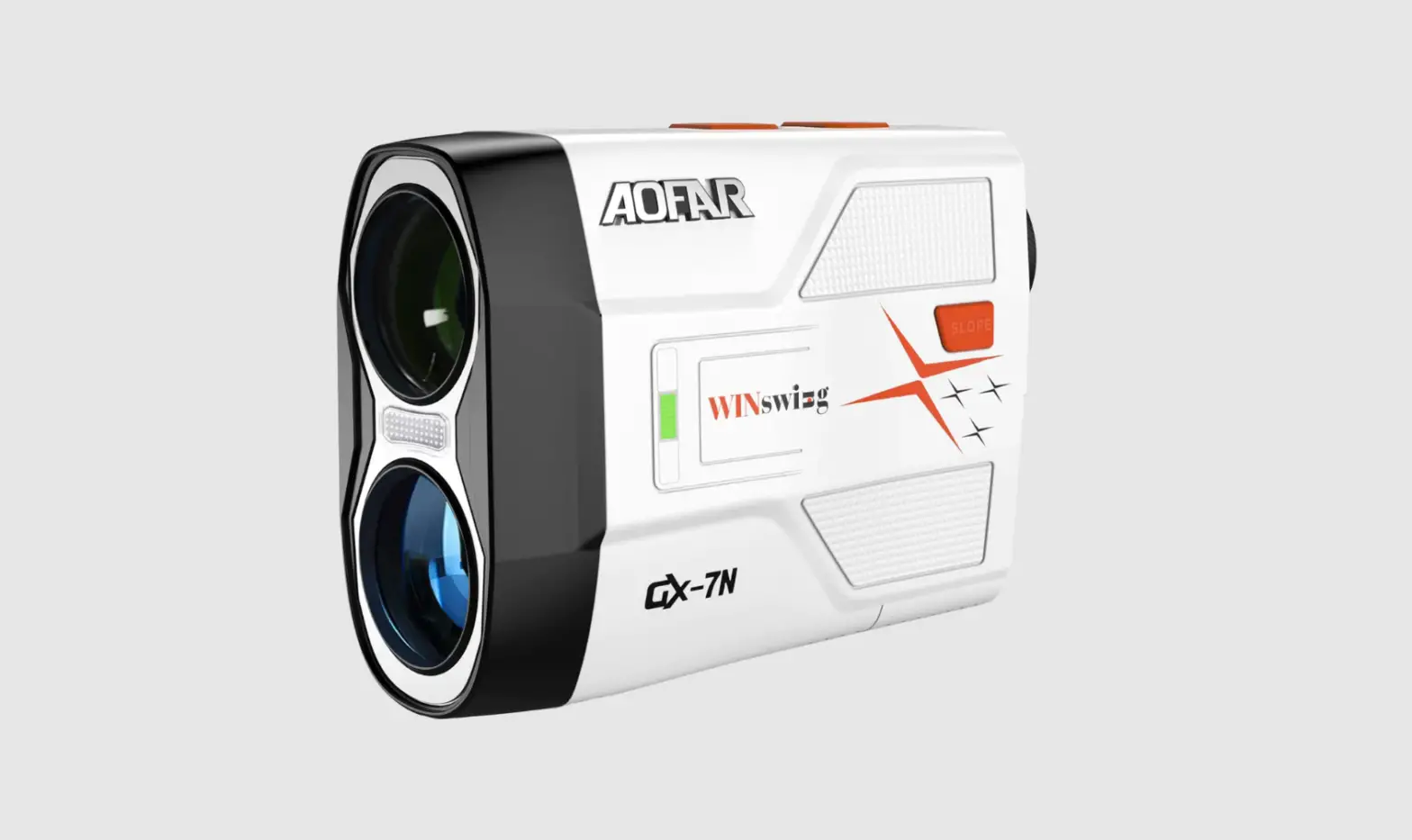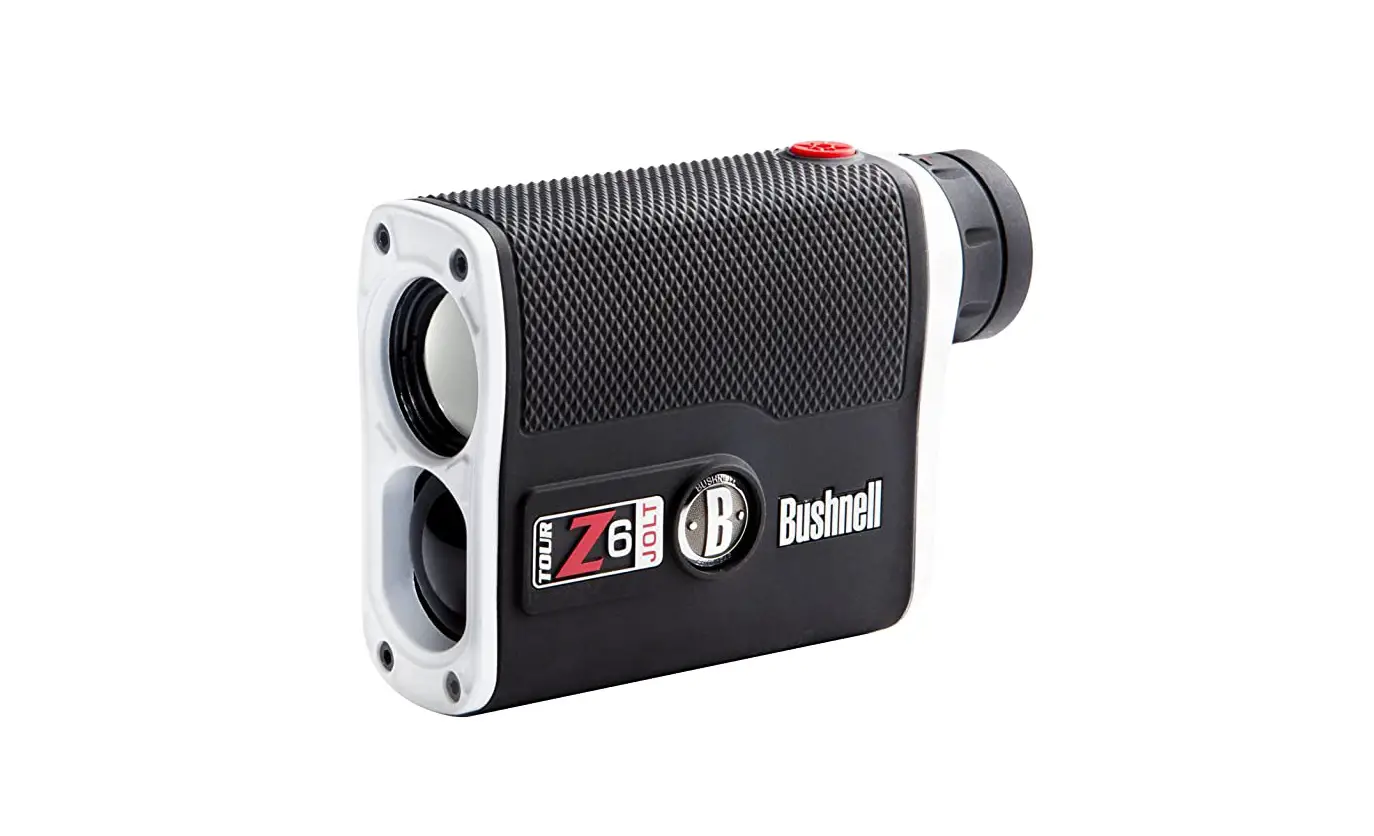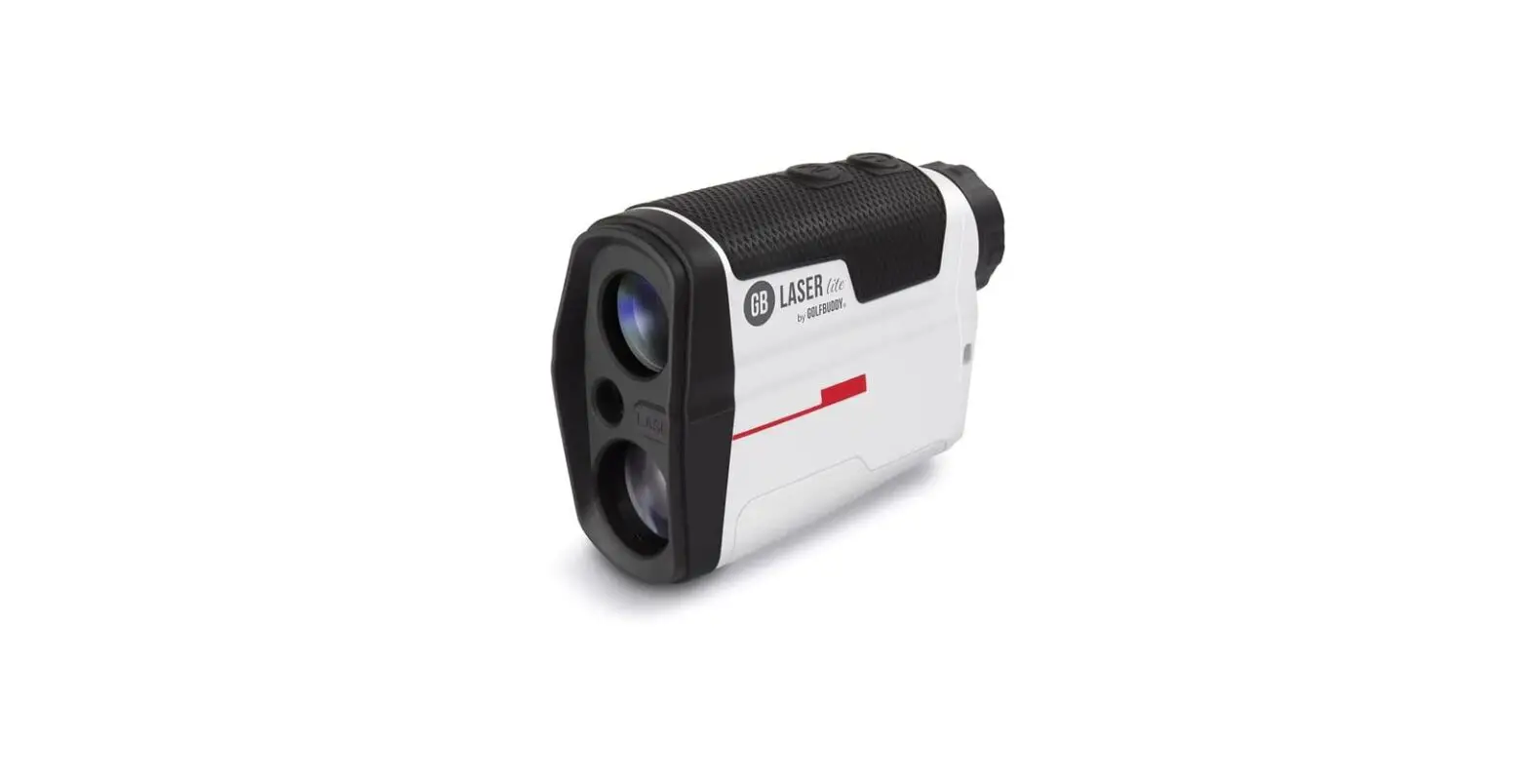

3 MAX BLRFGS3MNW Blue Tees Golf Series Rangefinder
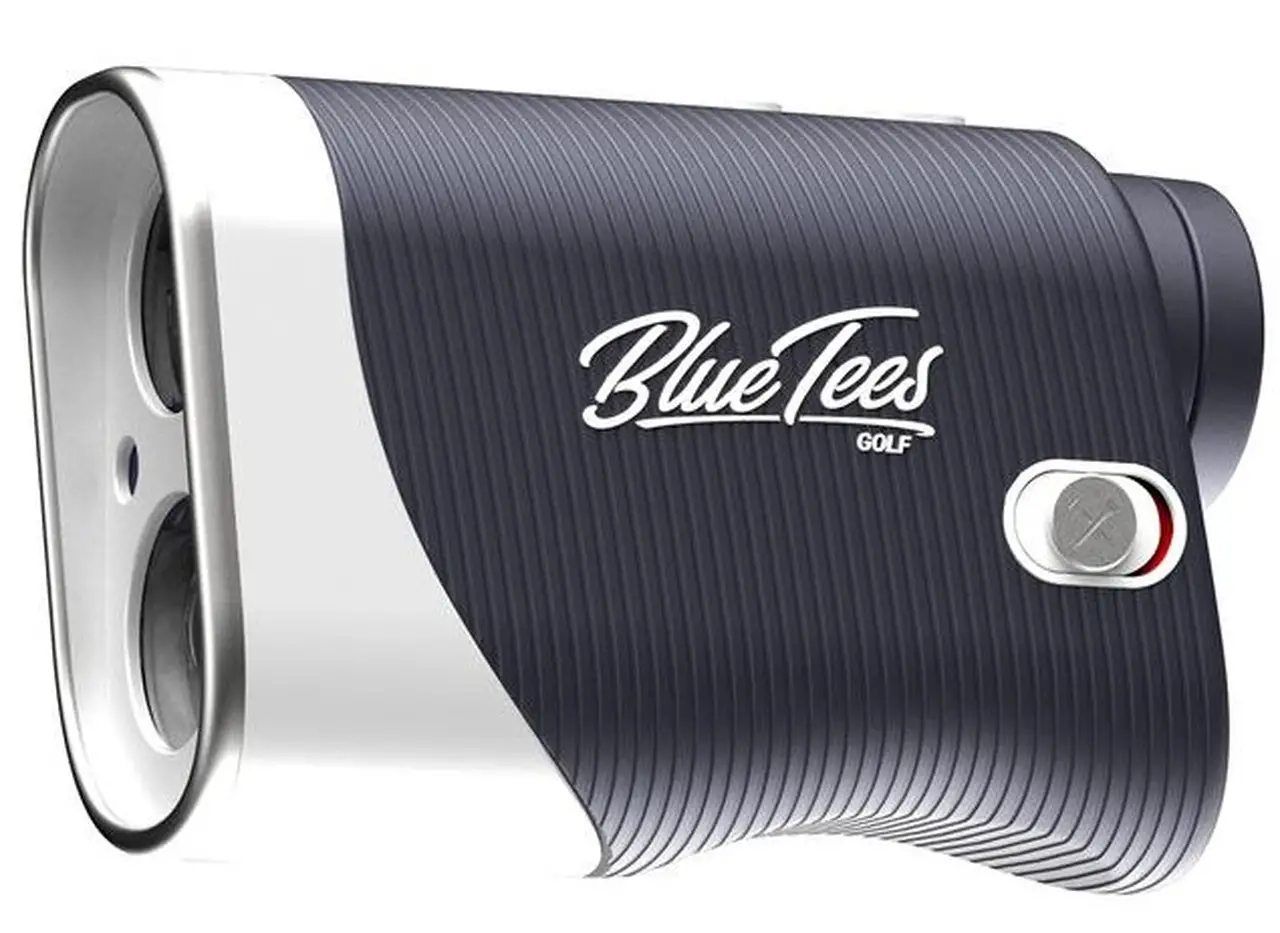
COMPONENT DESCRIPTION
- Laser Emitter/ Objective Lens
- Auto-Ambient Display Sensor
- Laser Receiving Lens
- Slope Switch
- Battery Compartment
- Eye lens
- Focus Ring Eyepiece
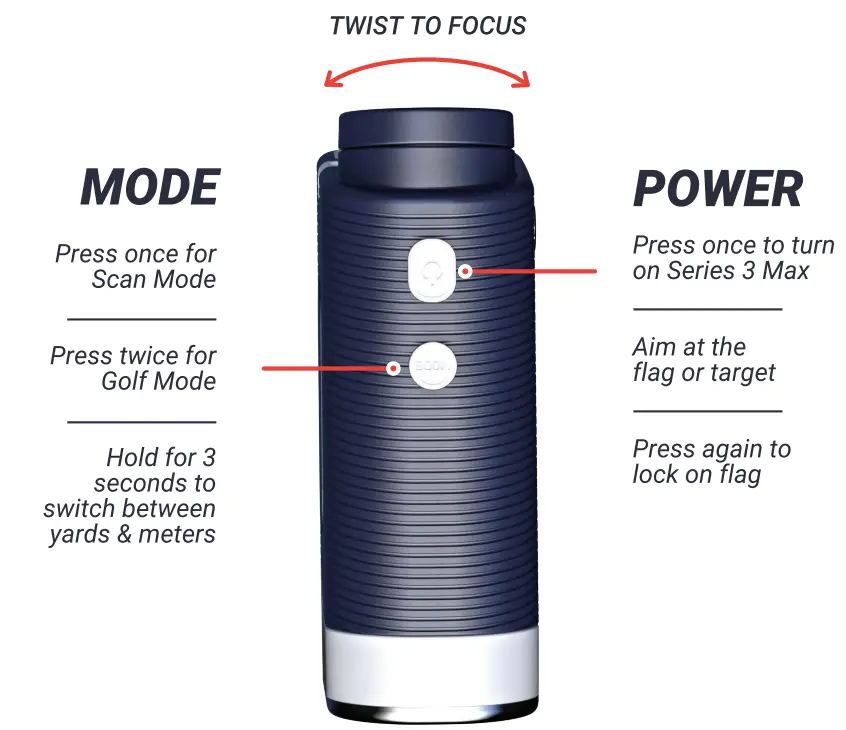
- Power On / Start
- Mode / Meter & Yard Button
- Magnetic Strip

DISPLAY
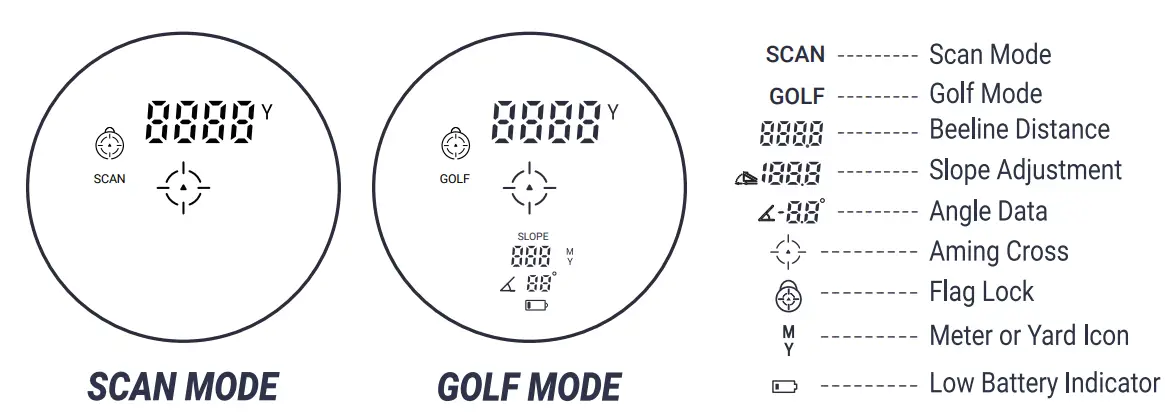
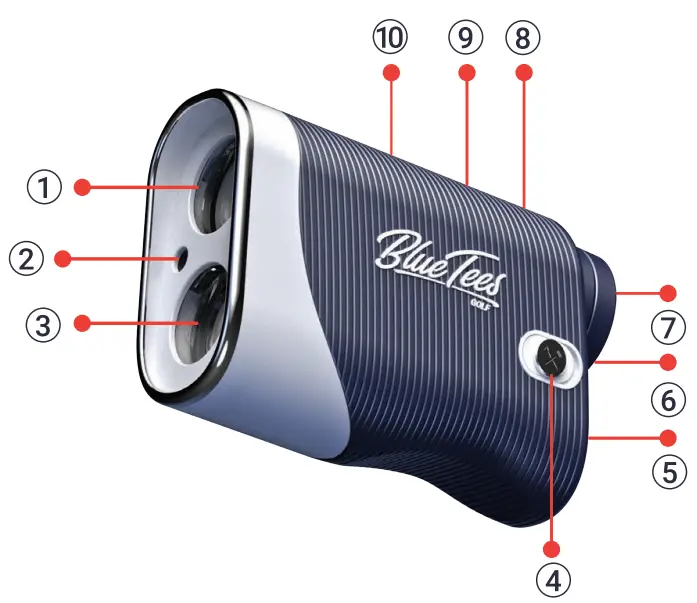
AUTO-AMBIENT DISPLAY
The Auto-Ambient Display automatically changes the display color based on the environment. In light environments, the display will show black. In dark environments, the display will show red. 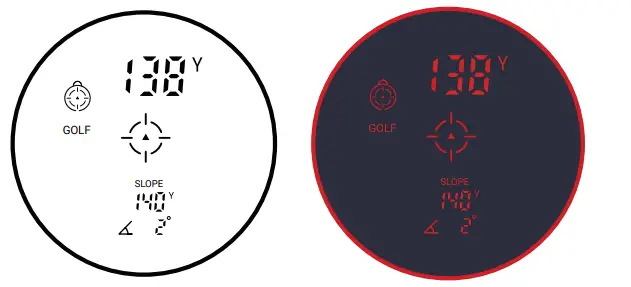
INSTRUCTIONS & SETTINGS
EYEPIECE
To focus the eyepiece, rotate focus ring clockwise or counterclockwise. 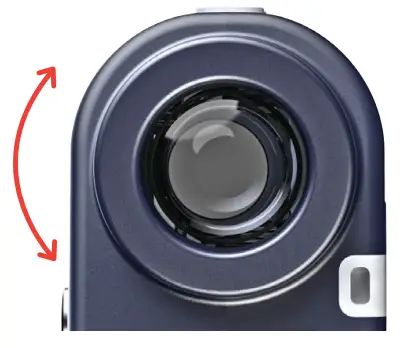
BATTERY
The Series 3 Max is charged by one CR2-3V battery. A brand new battery usually supports 3,500 – 4,000 times measuring. When the low battery indicator appears on the LCD screen, it means that the battery should be replaced.
Notice: The CR2-3V battery is non-rechargeable battery. In order to avoid any A harm to yourself or the environment, please throw away the disposed battery in a designated trash can.
POWER ON/OFF
- Press the Power button
- Series 3 will automatically deactivate\ to activate the device. after 8 seconds without any operation.
To re-activate the device, follow step 1.
UNIT CHANGE (M <-=-Y>)
Press and hold the Mode button for 3 seconds, the measuring unit will automatically change from meters to yards, and vice versa. 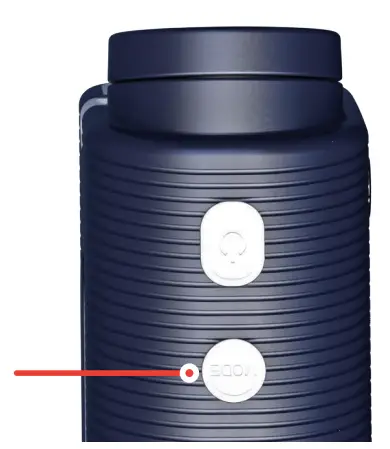
MODE SELECTION
Press the Mode button to change the setting between the following two modes.
SCAN MODE
Continuous Scan – hold down the Power/ Start button, the data on the LCD screen will change as you move the rangefinder. (Applicable in Scan Mode).
GOLF MODE
Press the Power/ Start button, to calculate the beeline distance, adjusted slope distance and angle value. 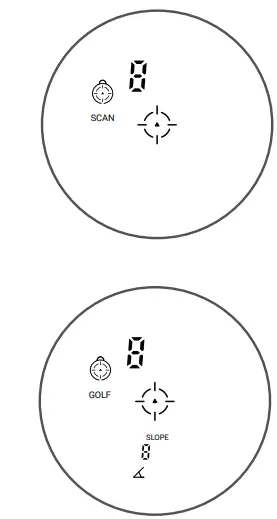
SLOPE DISTANCE CORRECTION TECHNOLOGY
Slope Technology provides the golfer with elevation-adjusted distances to the hole. Instead of a straight-line distance to the target, slope technology instantly calculates what the uphill or downhill position means in terms of yards/meters. Example: A 156-yard, 7-degree uphill shot really plays at 176.8 yards, 20 yards longer than a straight-line distance (applicable to GOLF MODE). 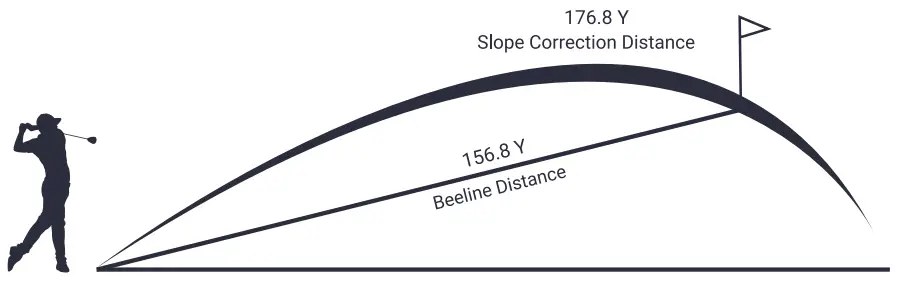
SLOPE SWITCH
The Slope Switch gives the ability to turn the Slope function on or off in Golf Mode allowing for tournament play.The red background on the switch will indicate when slope is turned on. 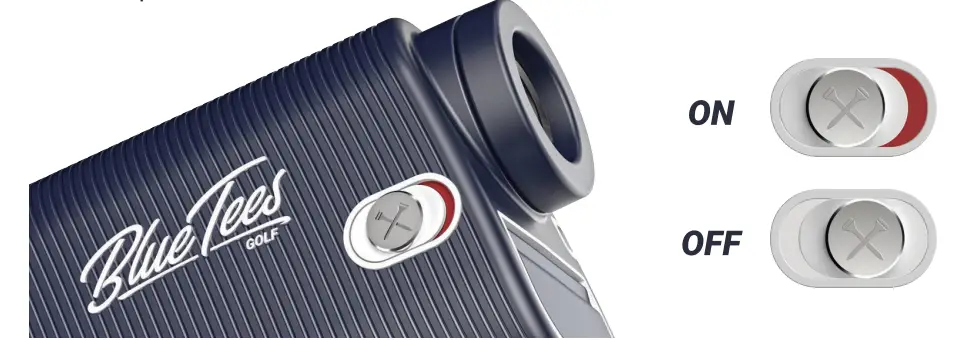
PACKING LIST
- 1- Series 3 Max Rangefinder
- 1- Leather Carrying Case
- 1- Mountaineering Buckle
- 1- Leather Lanyard
- 1- Cleaning Cloth
- 1- Blue Tees Sticker
- 1- Instruction Manual
- 3- CR2-3V Batteries
TECHNICAL DATA
- Max. Range – – – – – – – – – 900 Yards
- Magnifications – – – – – – – – 7X
- Field of View 7 Degrees
- Objective Lens 25mm
- Eyepiece Lens 16mm
- Exit Pupil Diameter 3. 9mm
- Laser Type 905nm (safe to eyes)
- Lens Coating Fully Multi-Coated (FMC)
- Battery CR2-3V *1
- Measuring Time 0.5-1 Sec
- Distance Measurement Accuracy ±1 m or 0.1 %
- Net Weight
- Dimensions
- Low Battery Indicator – – – – – – Yes
- Slope Switch Yes
- Magnetic Strip Yes
- Auto-Ambient Display Yes
- Flag Lock Yes
- Scan Mode Yes
- Vibration Yes
- Weather-proof Yes
NOTICE
- To protect the lens coating, do not touch lens surface.
- If the lens becomes dirty, gently wipe with your Blue Tees cleaning cloth.
- Series 3 Max has been precisely calibrated. Do not disassemble. If a repair is needed, please contact [email protected].
- Please store the Series 3 Max in a dry, cool, and ventilated place in the carrying case provided. Avoid direct sunlight and high temperature.
- Avoid collision or heavy pressure when carrying or using it.
- Rain and fog may affect the laser raypath, which may cause incorrect measurements.
- When using the Magnetic Strip to mount Series 3 to the golf cart, be careful driving over rough terrain. Heavy bumps or potholes can cause the rangefinder to fall off and cause damage that is not covered under the 2 year warranty.
RANGING TIPS
- Lighter colors will usually reflect better than darker colors.
- Be aware that snow, rain and fog will have an adverse effect on ranging ability.
- Shiny, reflective surfaces will usually reflect better than dull, textured surfaces.
- Ranging under cloud cover can improve laser performance compared to bright sunny conditions.
- The position of the sun compared to the rangefinder and/or range target will greatly affect performance.
- Flat surfaces perpendicular to the laser pulse will reflect better than curved surfaces or surfaces angled in relation to the laser pulse.
- At longer distances, larger objects will be easier to range than smaller objects.
FDA SAFETY
Class 1 laser product in accordance with IEC 60825-1:2007
Complies with 21 CFR 1040.10 and 1040.11 for laser products except for
deviations pursuant to laser Notice No.50, dated June 24, 2007.
FCC STATEMENT
This device complies with part 15 of the FCC Rules. Operation is subject to the following two conditions:
- This device may not cause harmful interference
- This device must accept any interference received, including interference that may cause undesired operation.
This equipment has been tested and found to comply with the limits for a Class B digital device, pursuant to part 15 of the FCC rules. These limits are designed to provide reasonable protection against harmful interference ina residential installation. If this equipment does cause harmful interference to radio or television reception, which can be determined by turning the equipment off or on, the user is encouraged to try to correct the interference by one or more of the following measures:
- Reorient or relocate the receiving antenna.
- Increase the separation between the equipment and the receiver.
- Consult the dealer or an experienced radio / TV technician for help.
Disposal of Electric and Electronic Equipment
This device contains electric parts. Therefore, it cannot be disposed of as normal household waste. Instead, it should be taken to your respective collection point for community recycling, your local waste company or the store where you originally purchased your device.
WARNING
- Do not stare directly at or into the laser beam.
- Do not aim device at the sun. Your eyes and the components inside can be permanently damaged looking into the sun with this device.
- Keep the eyepiece away from direct sunlight.
- Do not put the device in an environment out of a temperature range between 50 – 140°F or 10-60°C.
- Before use, remove plastic wrap from battery. Lift the battery compartment door and insert the battery at a 25 degree angle so that the flat end of the battery touches the coiled part of the battery chamber.