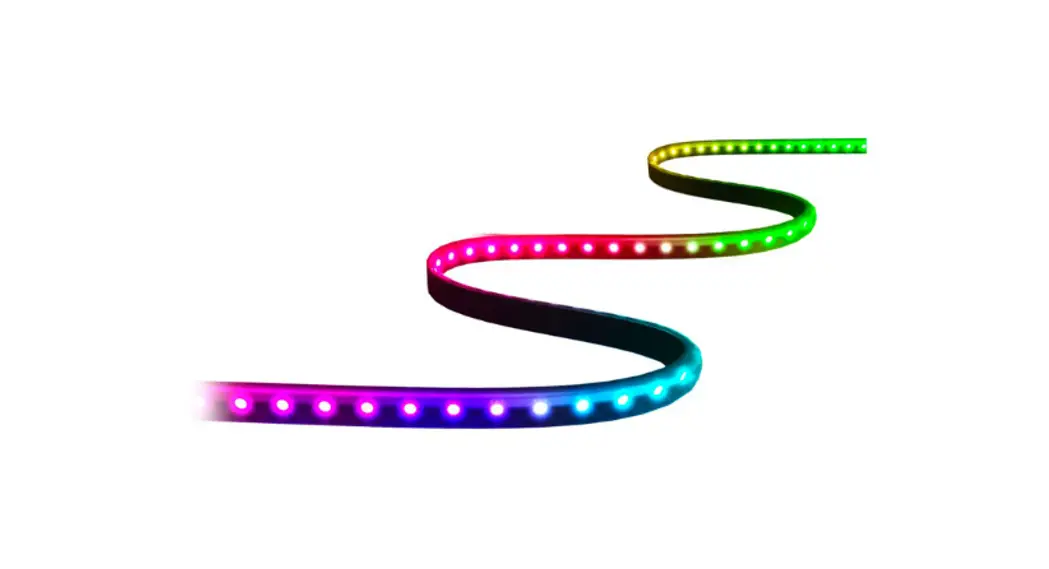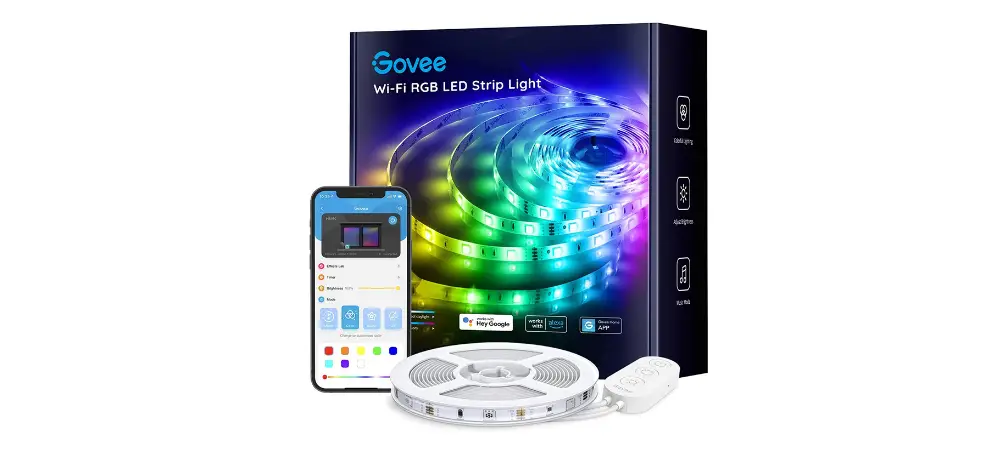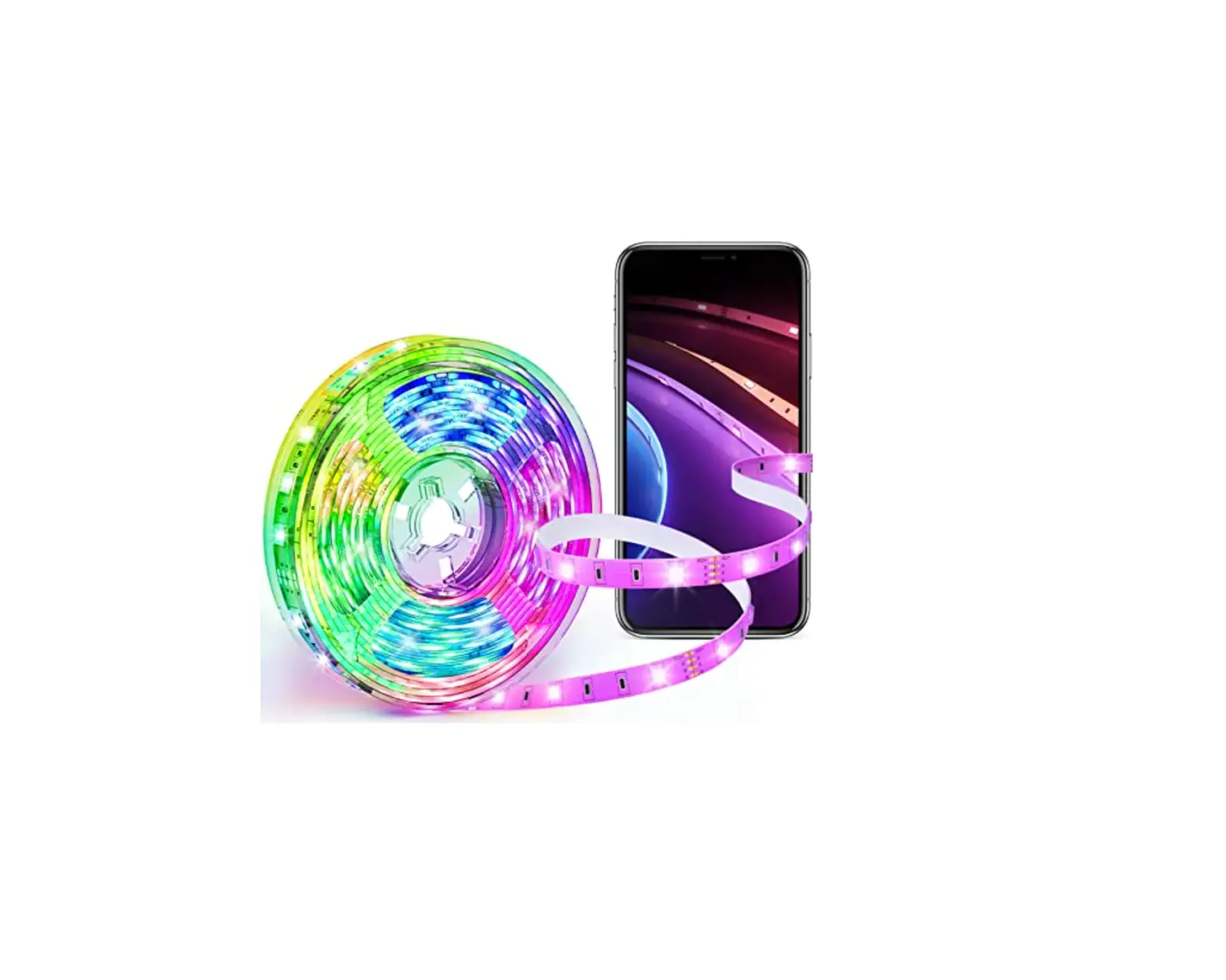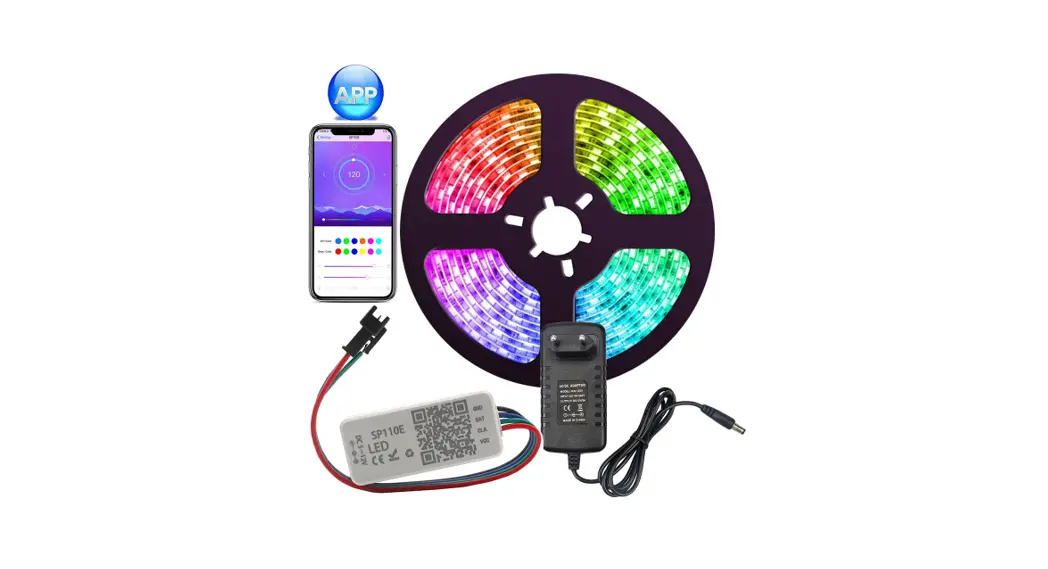

WS2812 LED Strip Light With Remote
USER MANUAL
Objective:
Thank you for choosing our products. We are dedicated to creating professional, quality, and cost-effective high-tech products that enable you to enjoy a convenient and high-definition digital life.
To ensure optimum performance and safety, please read these instructions before operating this product. It’s strongly recommended you keep the manual for future reference.
Product Features:
- 5V USB Power: Charge it with 5V/2A standard charging adapter (such as a wall charger, mobile phone charger) to light up the lights of the strip.
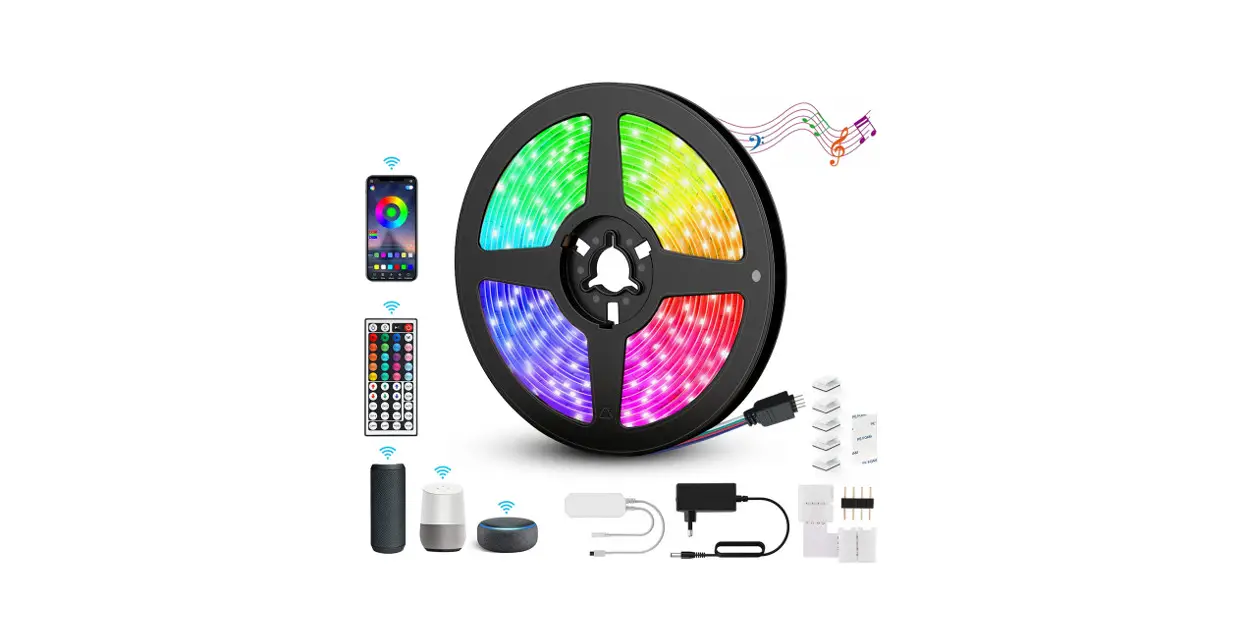
- Different static colors and flashing modes are available, you can adjust the brightness and flashing speed, also it has Timer and Music Activated functions to meet your different needs.
- Two Ways to Control: Remote Control & APP for IOS & Android mobile phones. The remote control distance is within 5M.
- Wide Application: With adhesive tape design, these strip lights can be easily installed and suitable for decorating bedroom jiving rooms, apartment renovations, hotels, malls, bars, restaurants, parties, weddings, etc.
Package Contents:
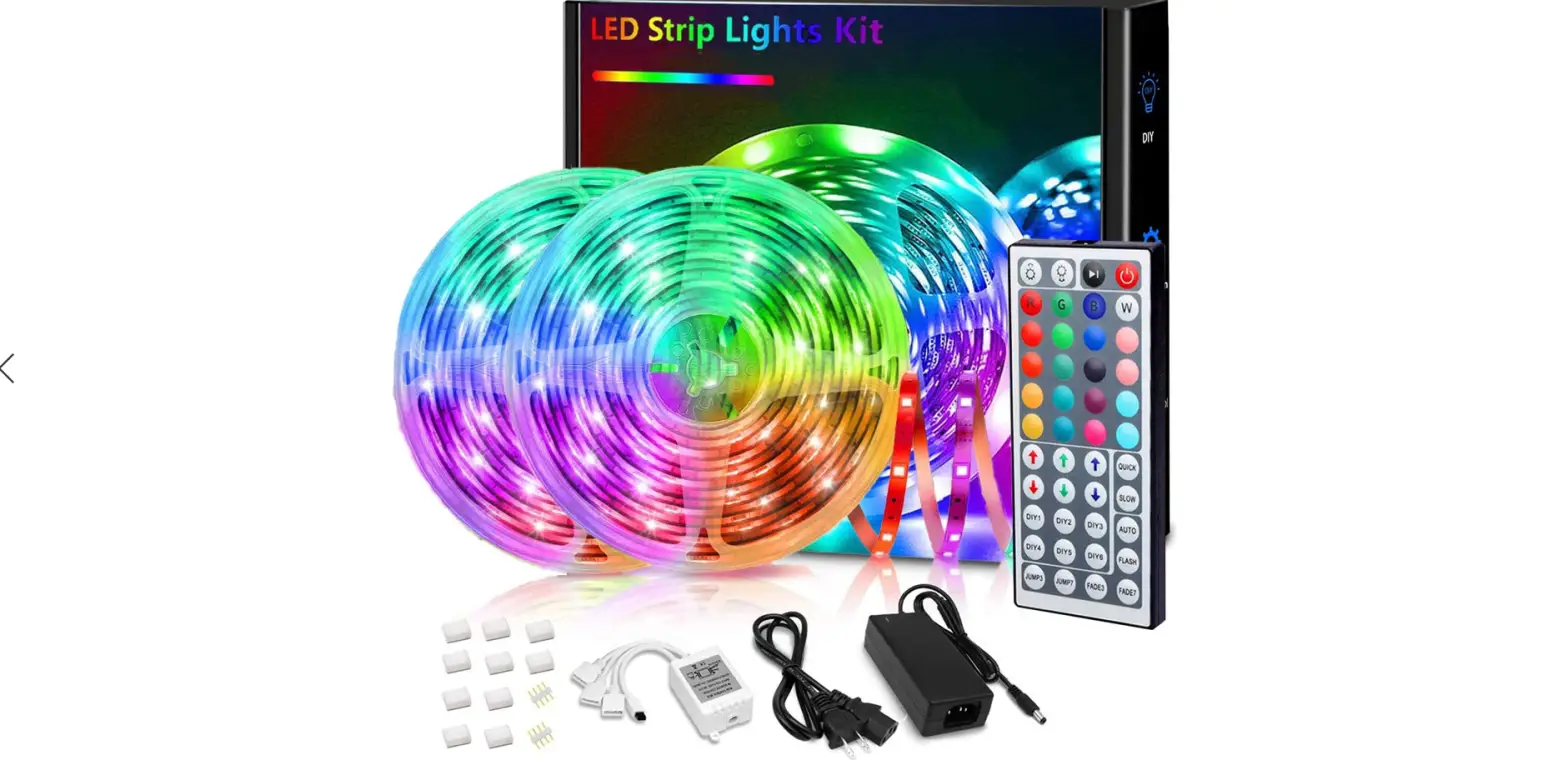
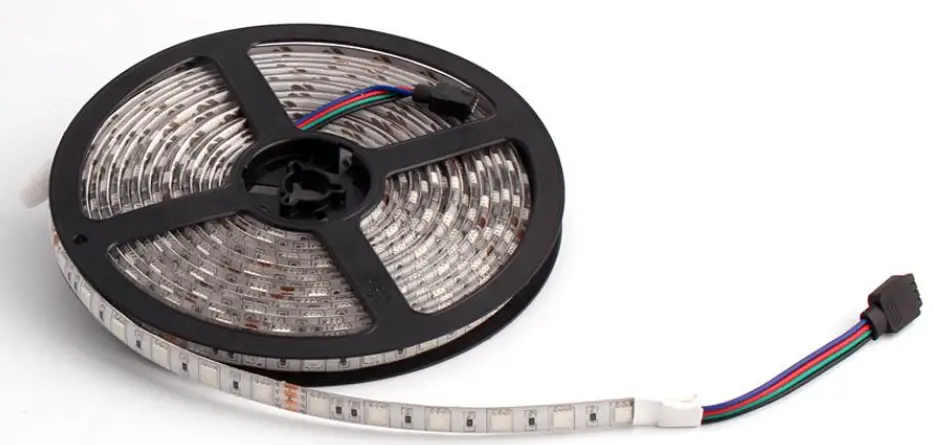
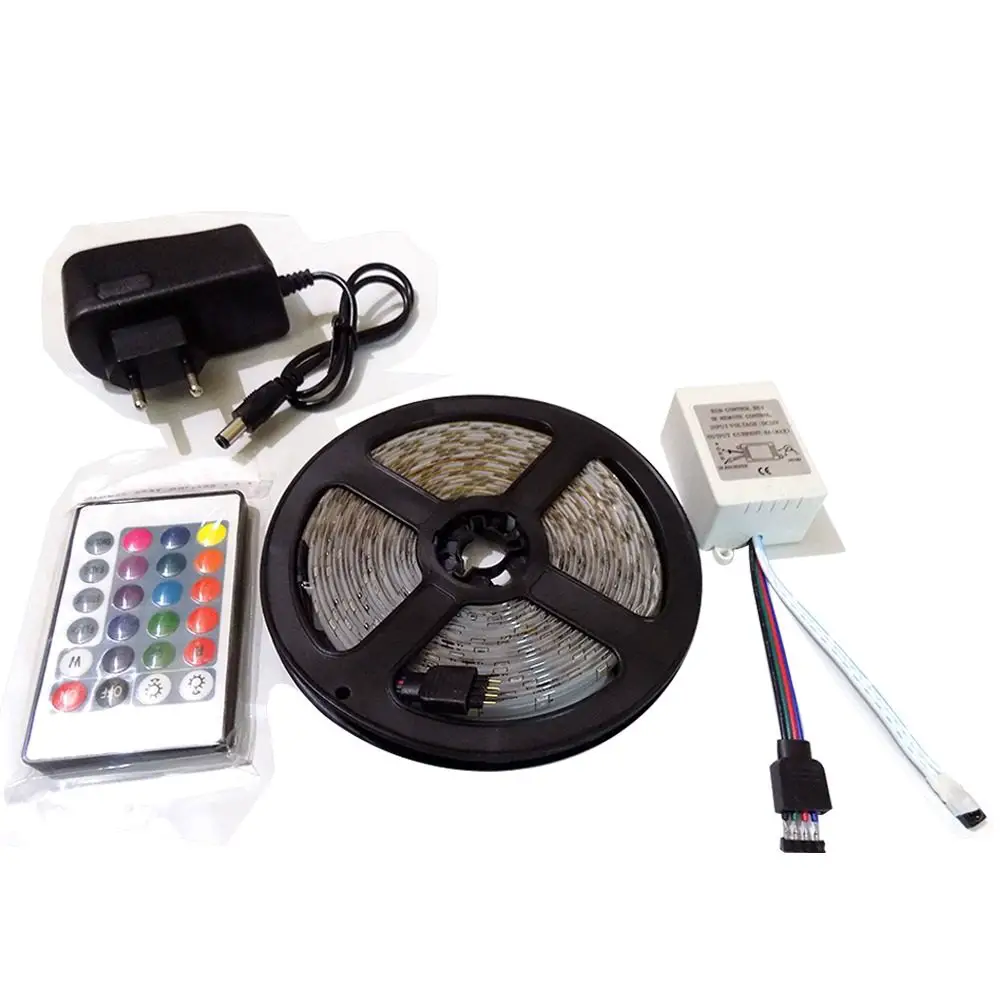
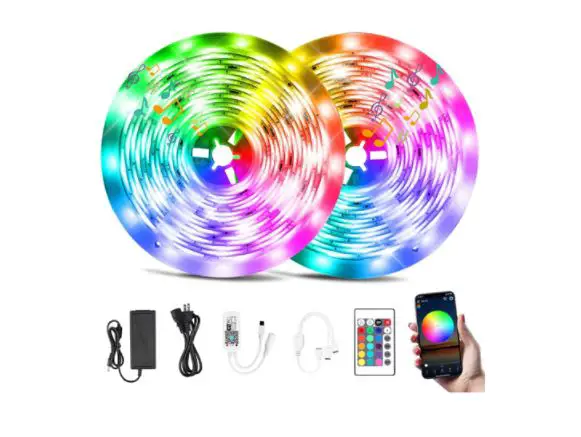
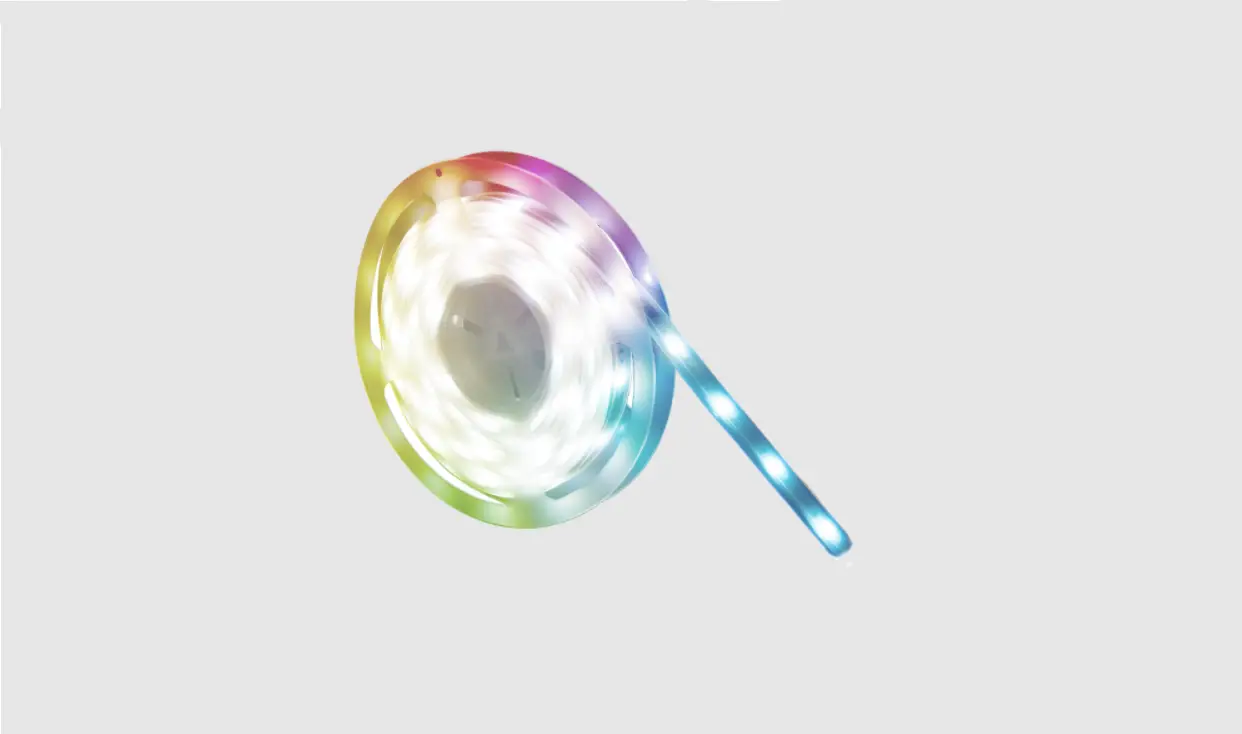
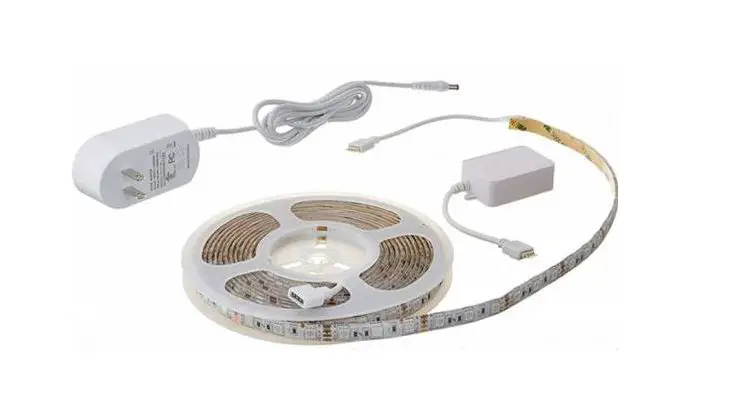
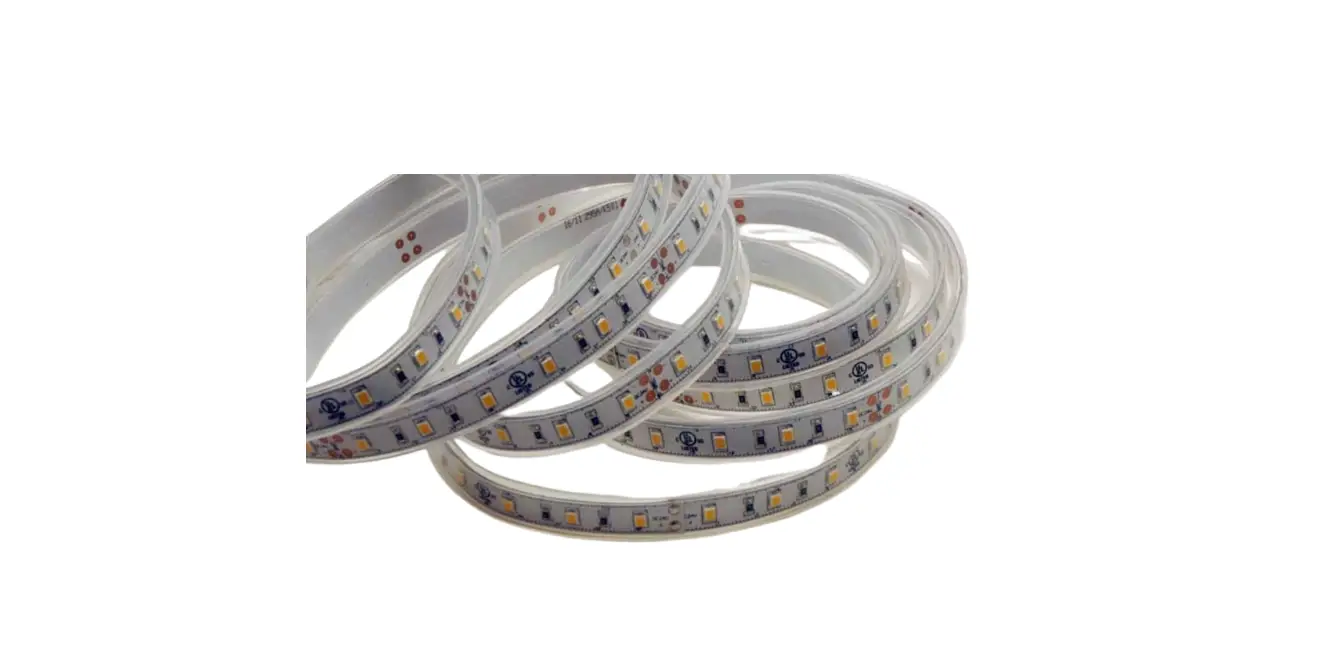
1 X 5M WS2812 Color Changing Led Strips Lights
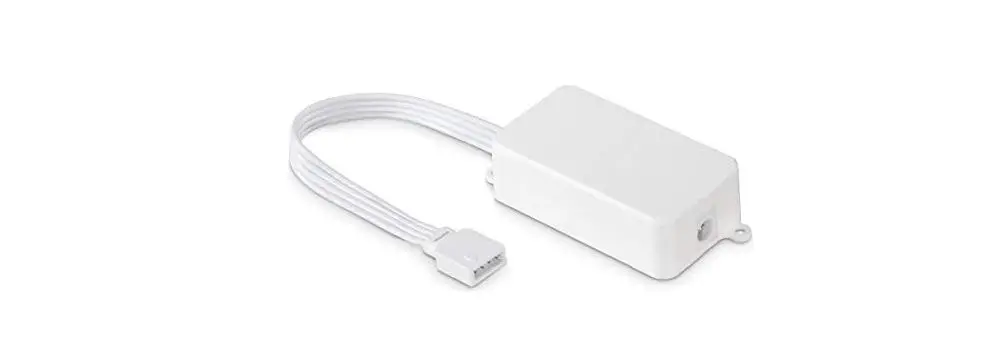
1 x Bluetooth App Controller
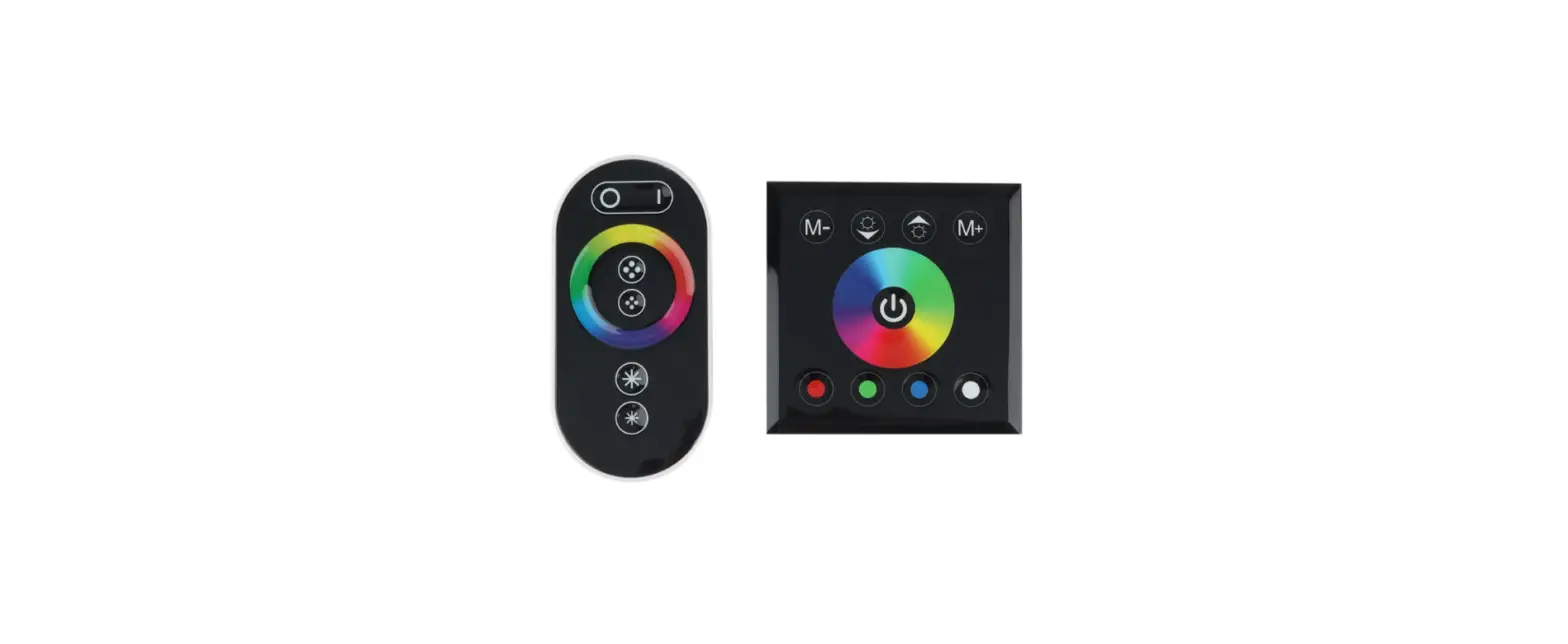
1 x Remote Control
7 x Clips
1 x User Manual
1 x Warranty Card
Product Photo:
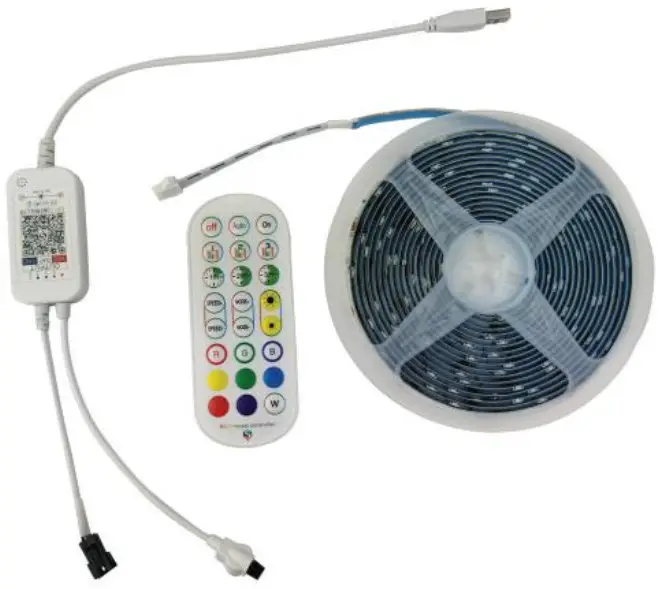
Specification:
| Color Changing Led Strips Lights | 30LEDs,5M |
| Control Method | 1APP for Android & 105, with more functions to choose; 2.Remote Control(24 keys), remote distance:5M |
| USB Charging Current | DC 5V 2A |
| Rated Load Current | 1.5A max current |
| Lamp bead | WS2812 |
| Timing Function | Light up for 1,2,3 hour after pressing the TIMER button |
| Brightness Adjustment | Stepless Dimmable |
| Lighting Mode | Flash/strong/fade/smooth lighting modes |
How to Install:
- Keep the place where you want to stick the strip lights clean and dry before installation.
- Tear off the back tape from the LED strip lights.
- Put the led strip lights where you want to use them.
- To connect the strip light to the power adapter and controller, just plug the DC plug of the adapter into the controller.
- Finally, connect the adapter into any USB port electronic equipment to light up the strip lights.
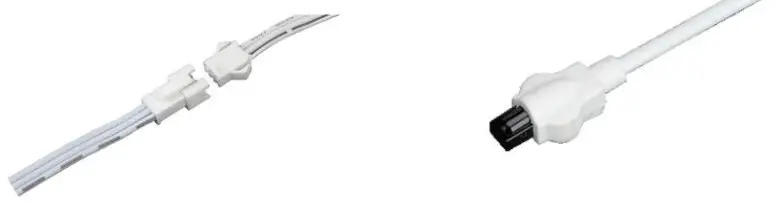
Easy to DIY:
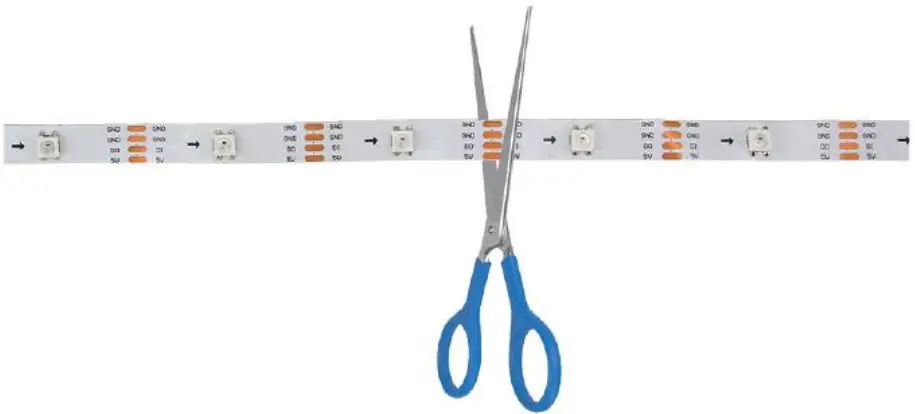
You can cut the led strip lights to the length you like, please cut the LED strip from the marked line.
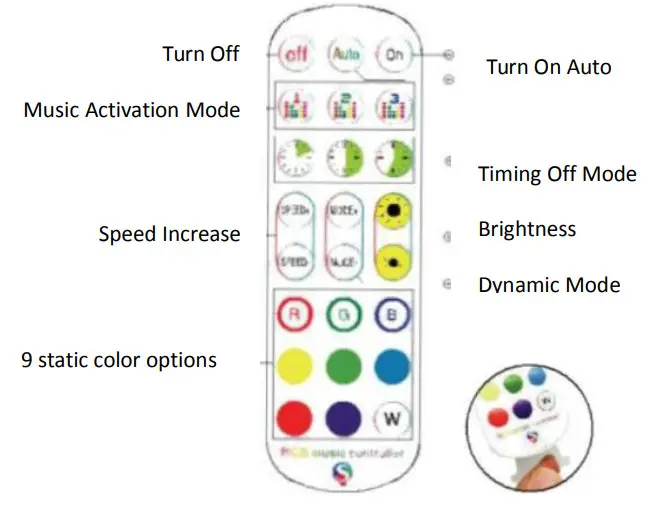
Remote Controller:
How to Control with APP:
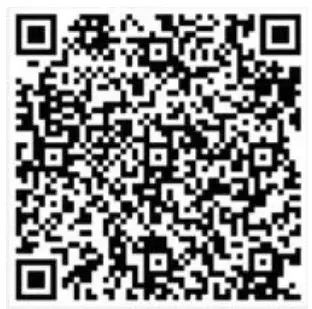
- IOS and Android system mobile phones can download the app by scanning the QR code. Open a browser or other apps with the “SCAN QR Code” function and scan the following QR code to download the app.
 http://www.easytrack.net.cn/download_Mgc/111SHENZHENSHUANGHONGYUAN/duoCo%20StripX/
 - 1). Click the “DuoCol Strip” icon on the desktop to enter the application page.
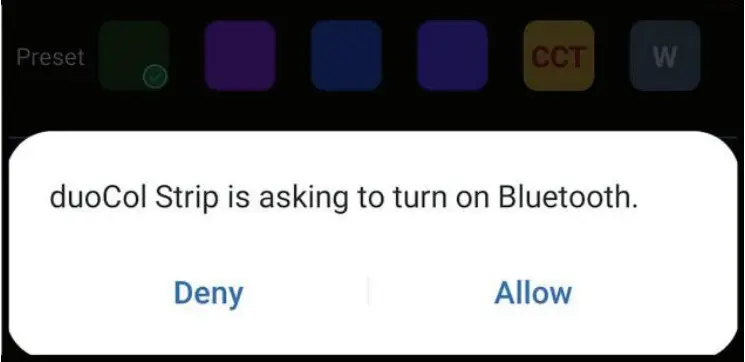
2). After entering the application interface, if Bluetooth is not enabled, then the application will enable the Bluetooth function of this device, please click “Allow”.
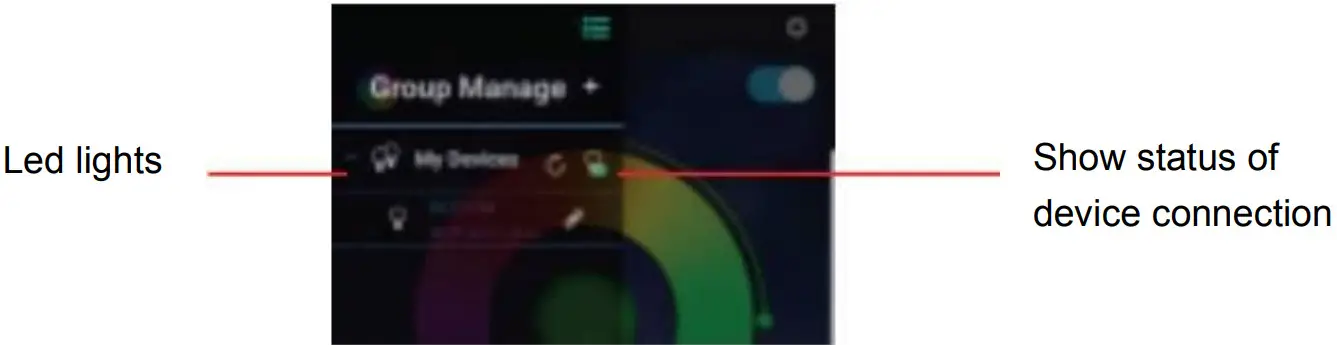
- Click the top left icon to display the Bluetooth list.

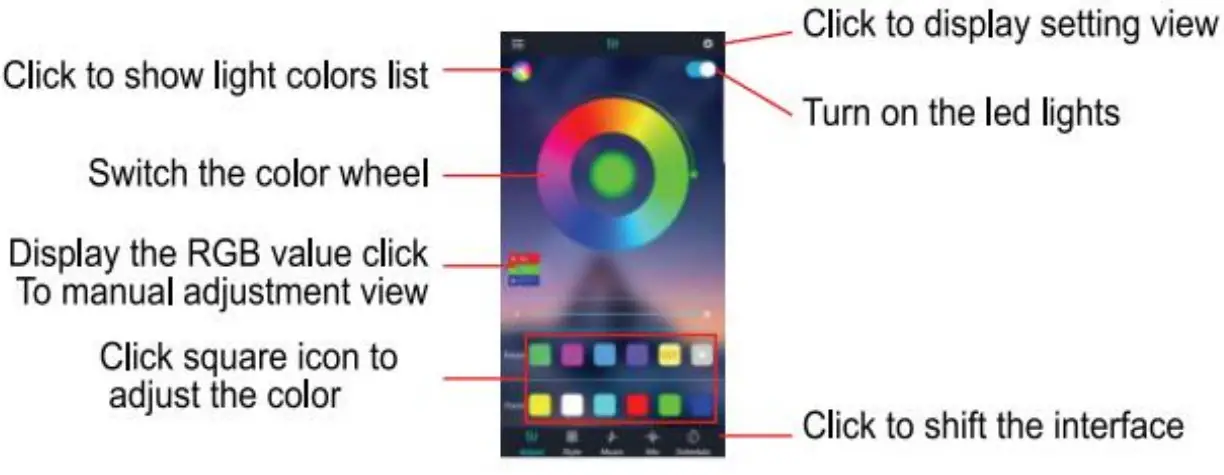
- Switch color and brightness interface.

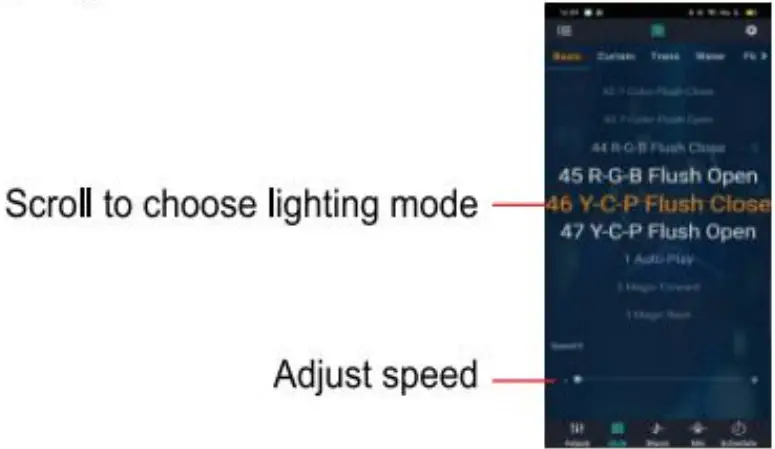
- Lighting mode interface.

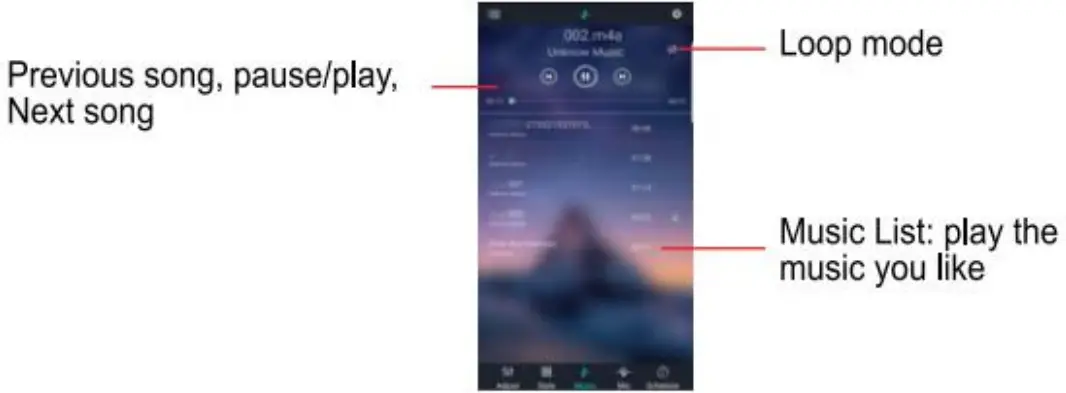
- Music interface.

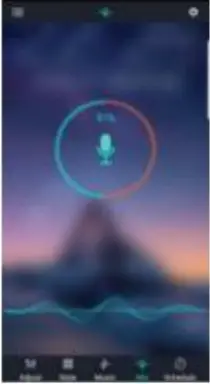
- Rhythm mode interface
After selecting the phone’s microphone, the strip lights flash according to the rhythm of the sound recognized by the phone’s microphone.
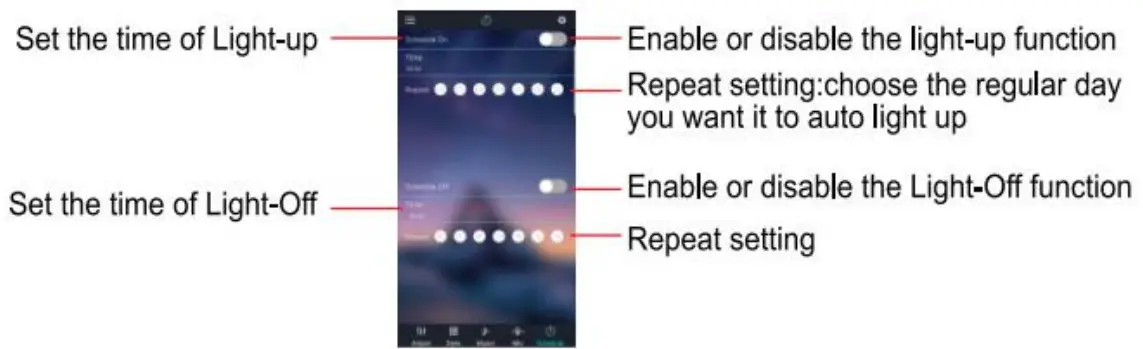
- Timer interface.

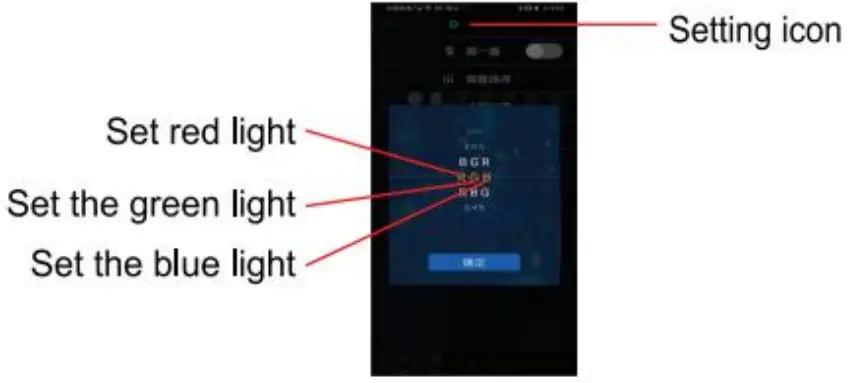
- Adjust the line order interface
When the actual color does not match the color of the remote control you set, select the following way: setting icon on the upper right corner — adjust the line order — select the line order.
Using Tips:
- Make sure the power supply is turned off before installation.
- Please make sure that the surface is flat, smooth, and clean before sticking the light strips on where you use them.
- The light strip, USB adapter, and controller are non-waterproof, please keep them away from water or rainy day.
- When connecting the strip lights to any charger for power supply, please choose the charger which output voltage is 5V, otherwise, the strip light won’t work properly.