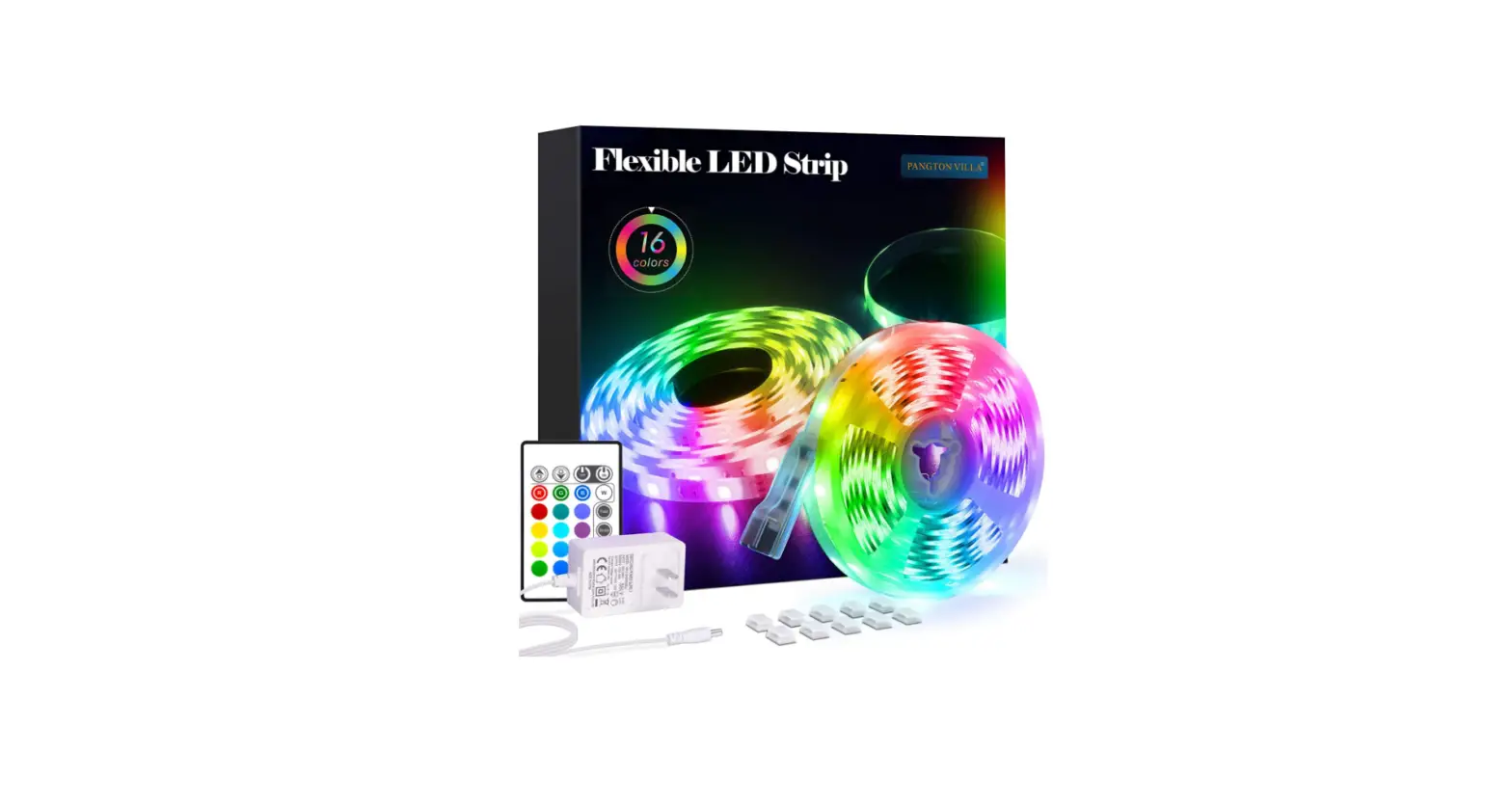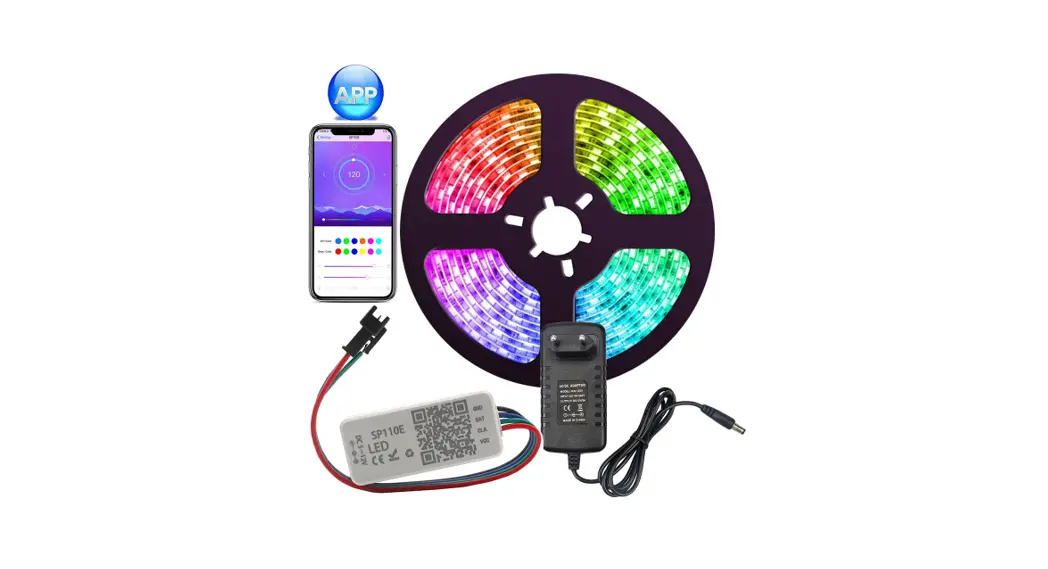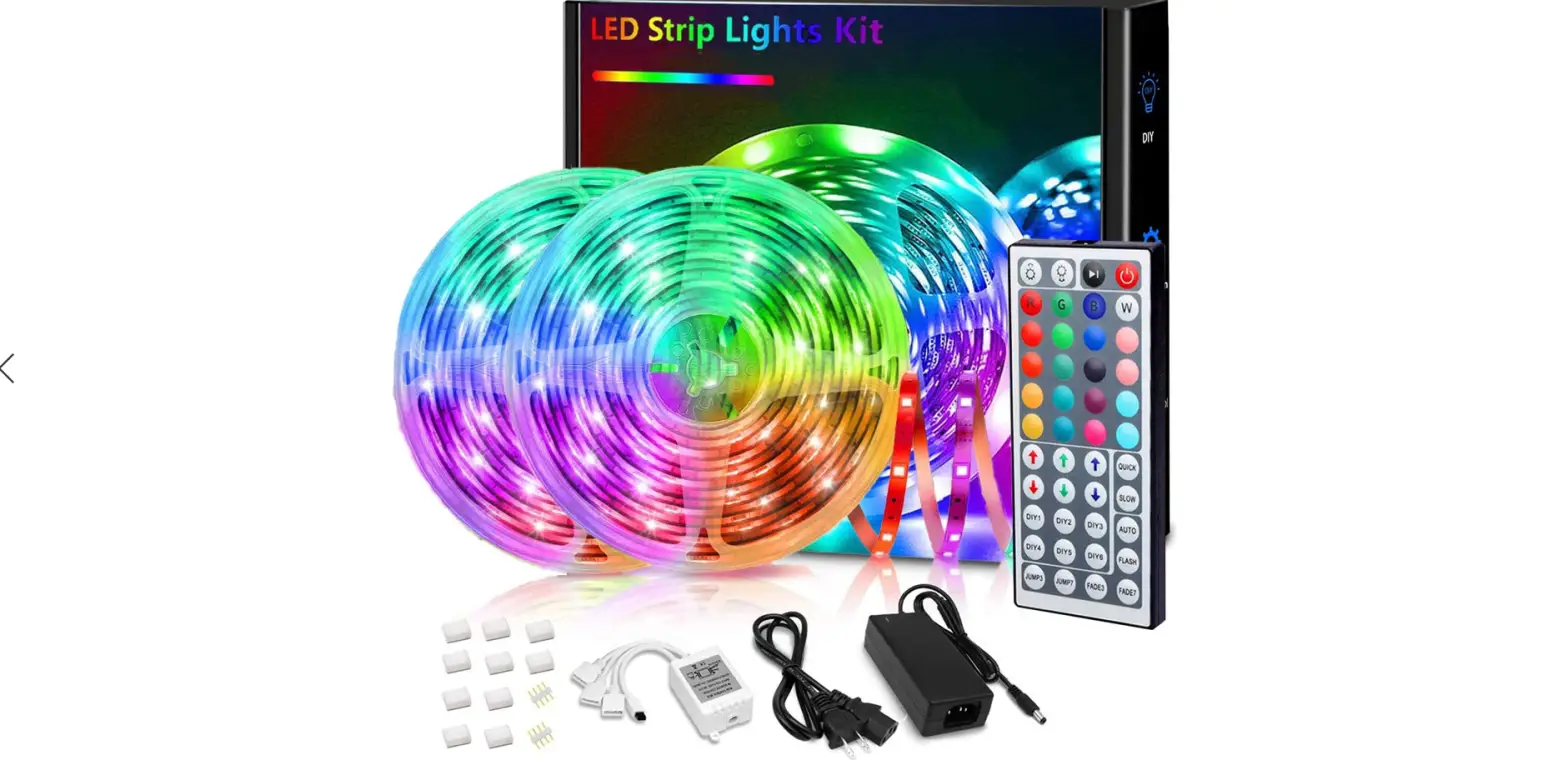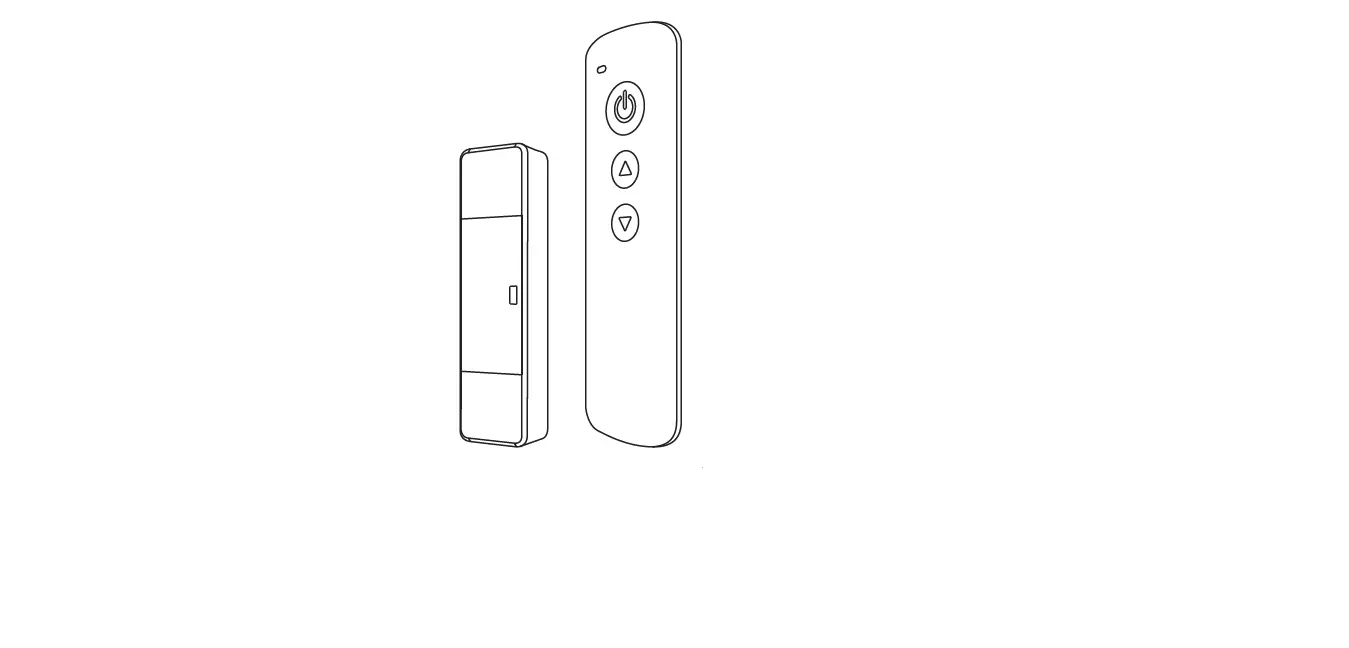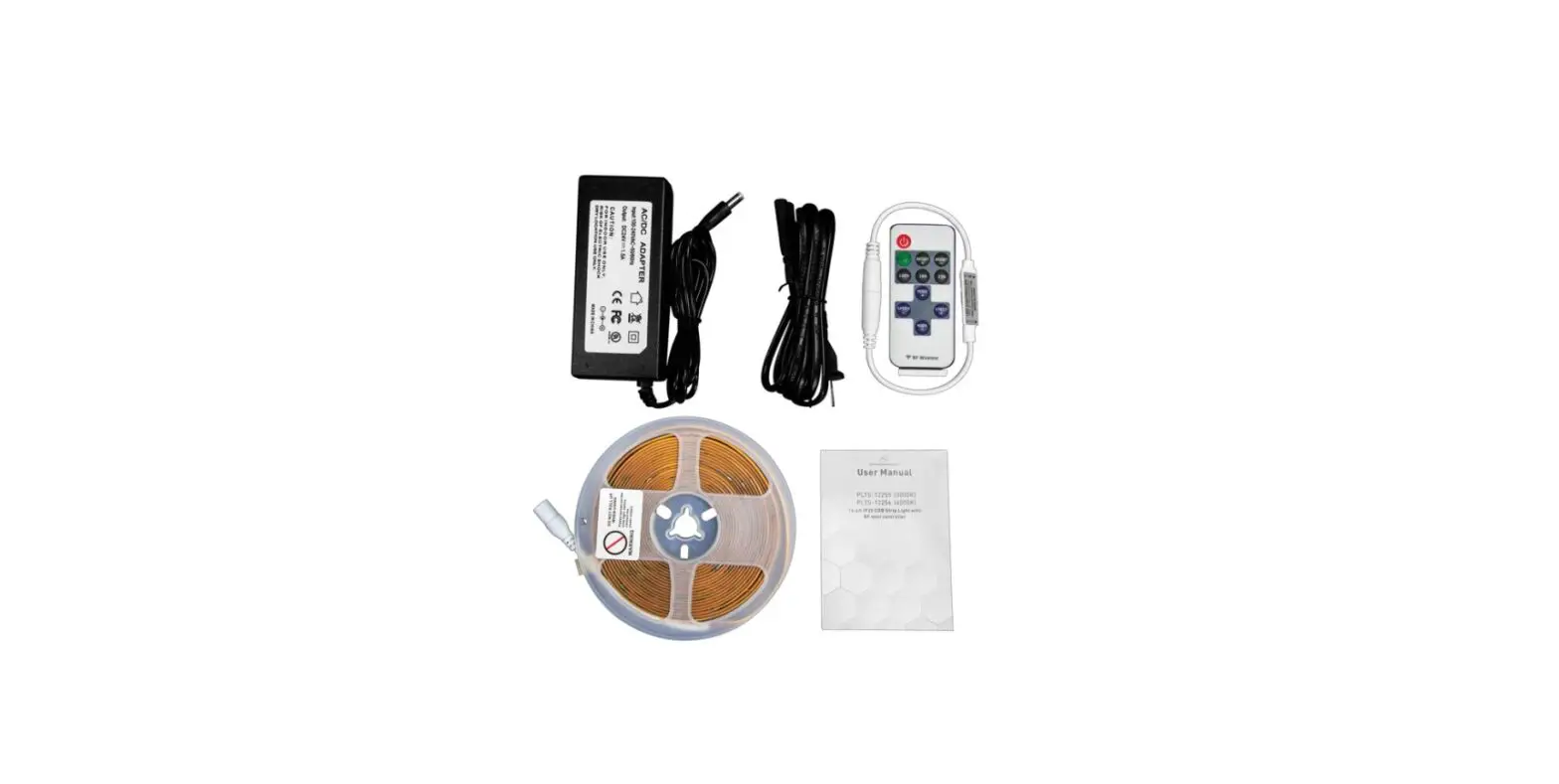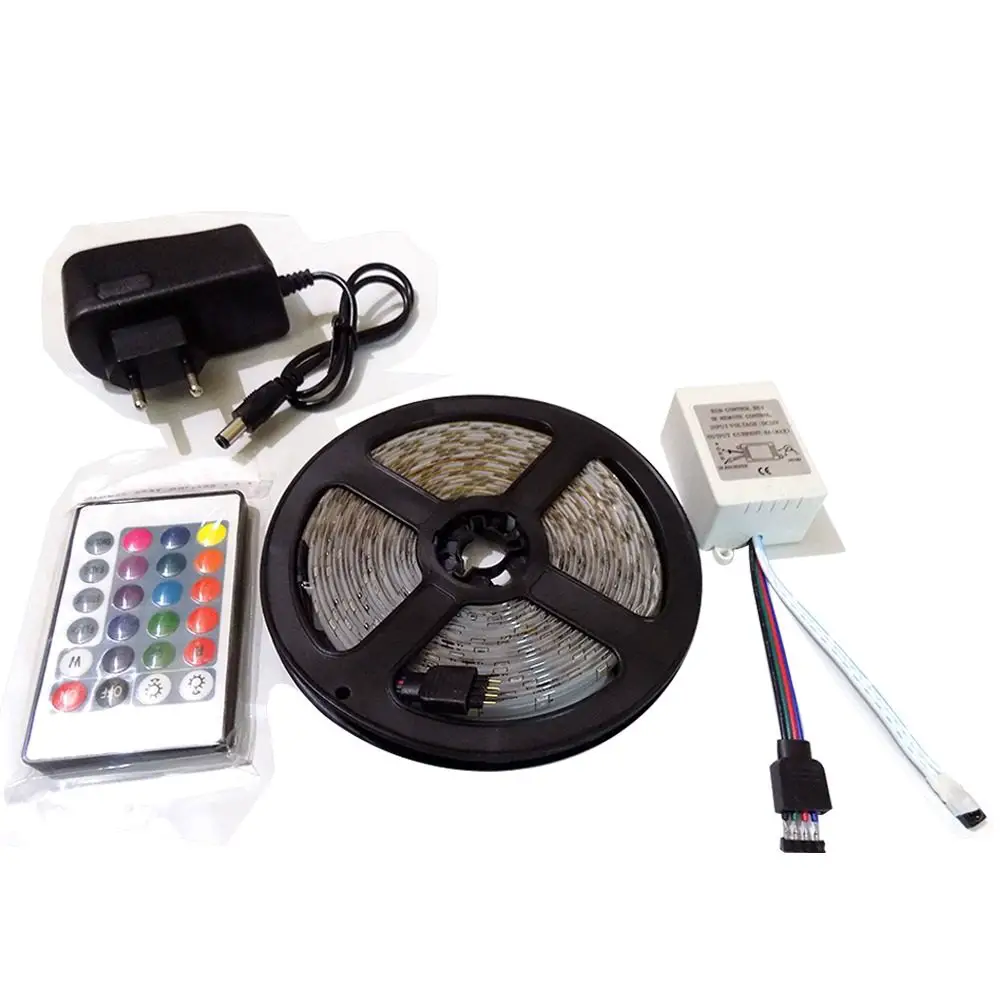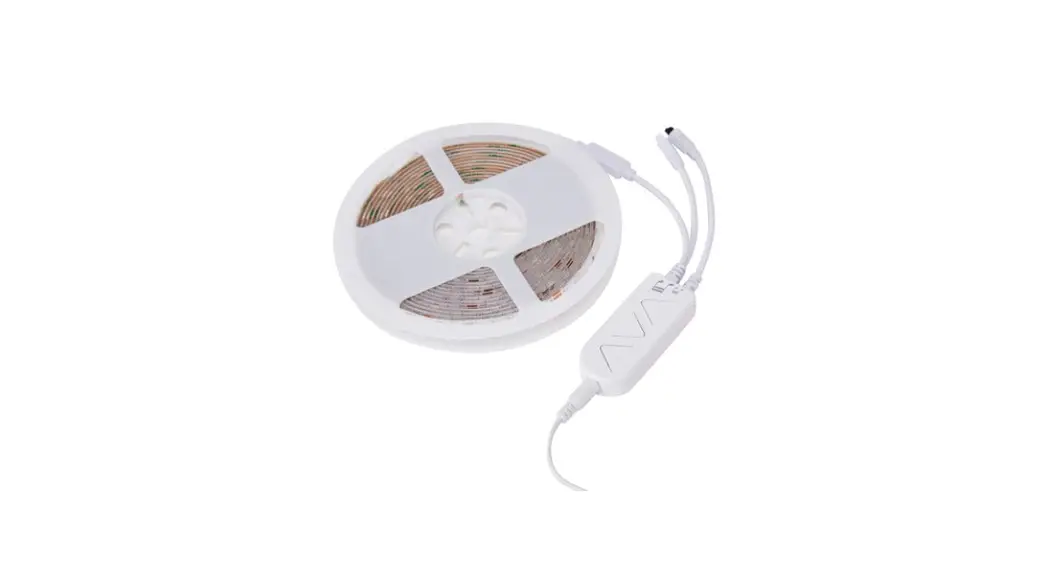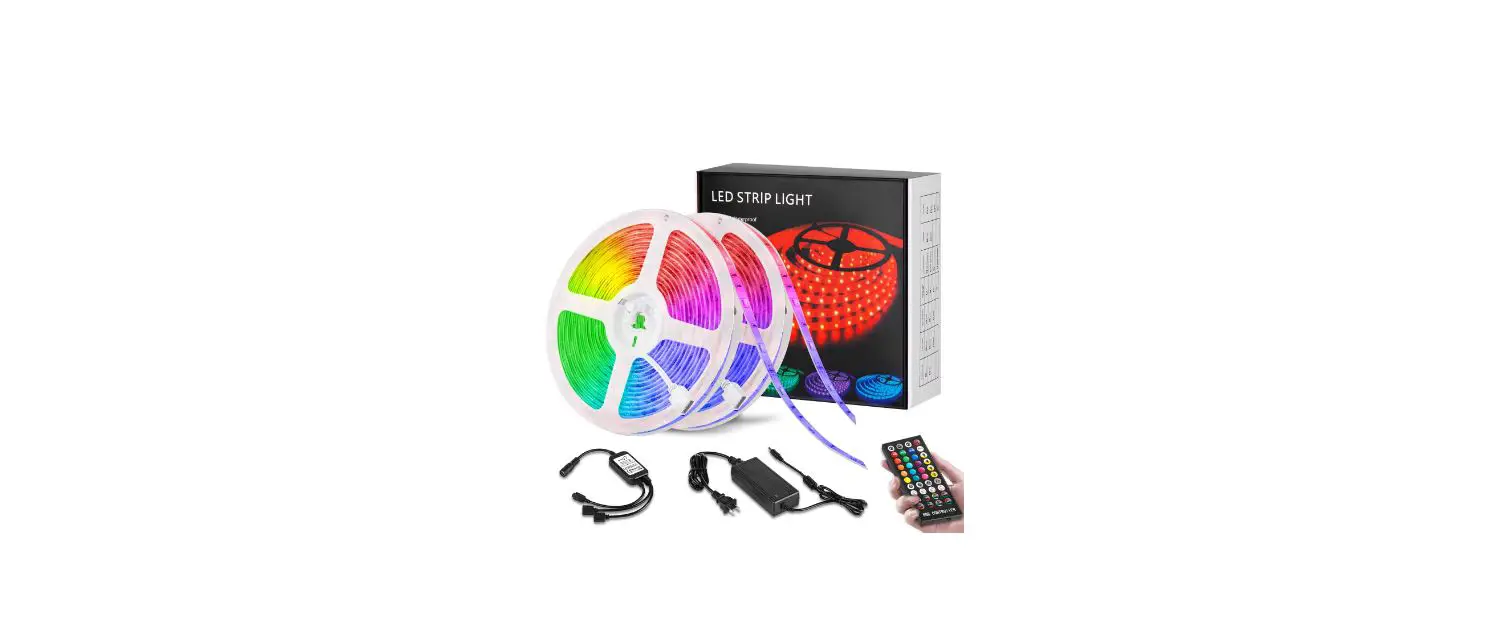
 LEDGTC LED Strip Light with Remote Controller
User Guide
How to Correctly Connect The LED Strip Light
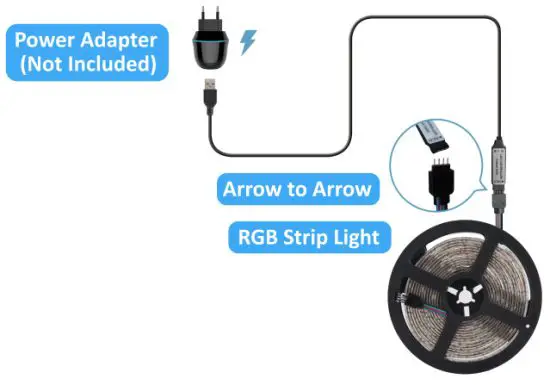
Two ways of connecting LED strip lights:
- Directly connect the strip light
- Connect two LED strip lights by the included connector
Instruction of Remote Controller
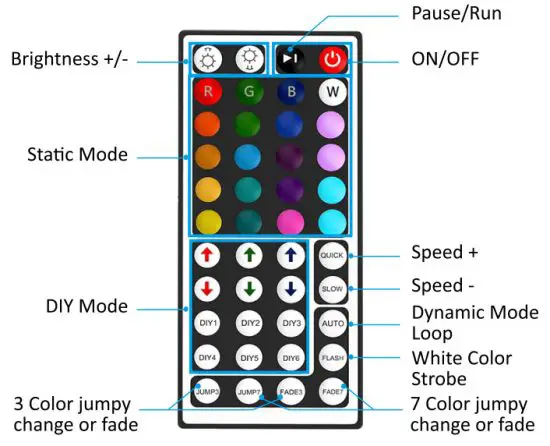
a) Summarization
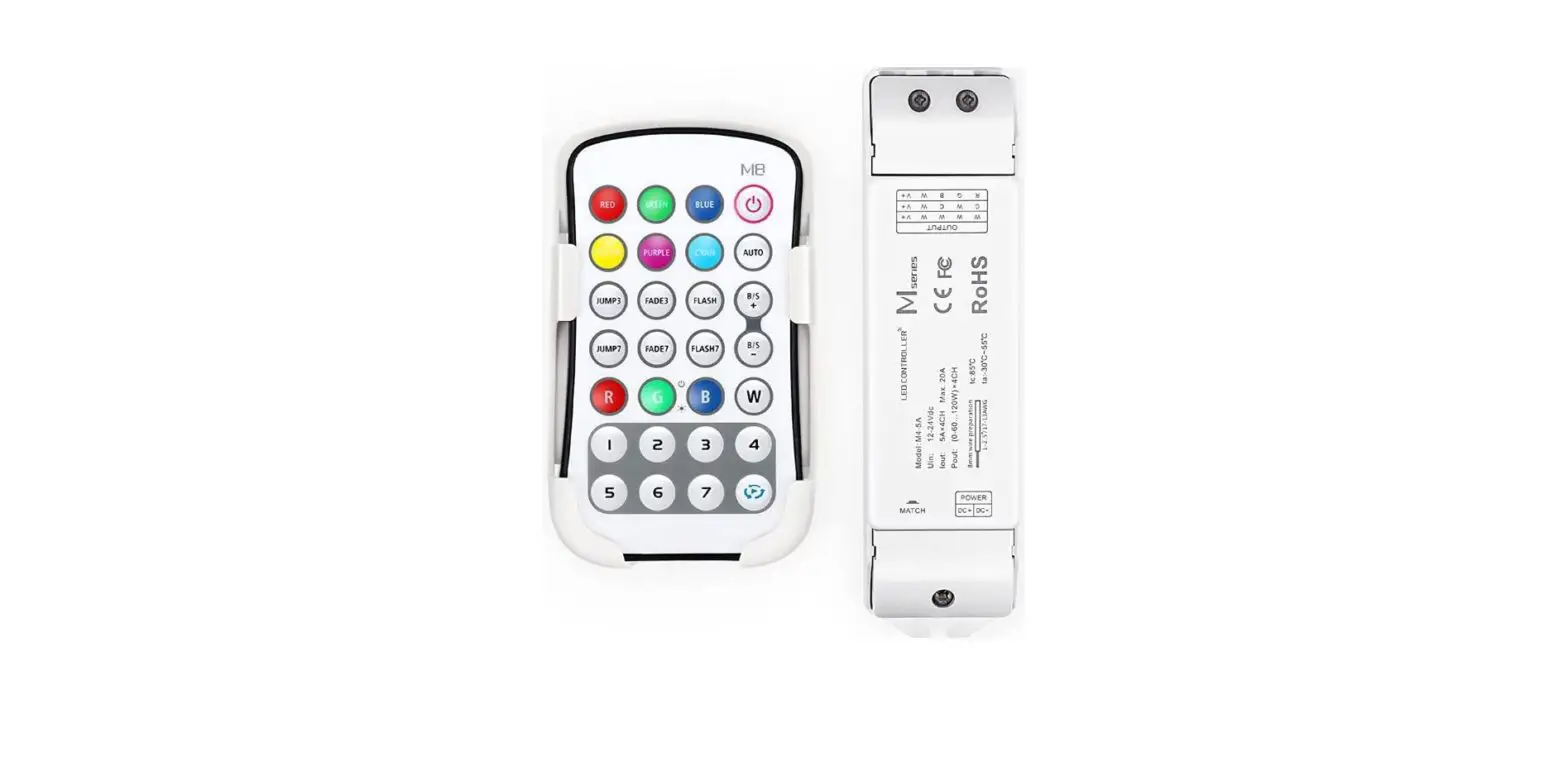
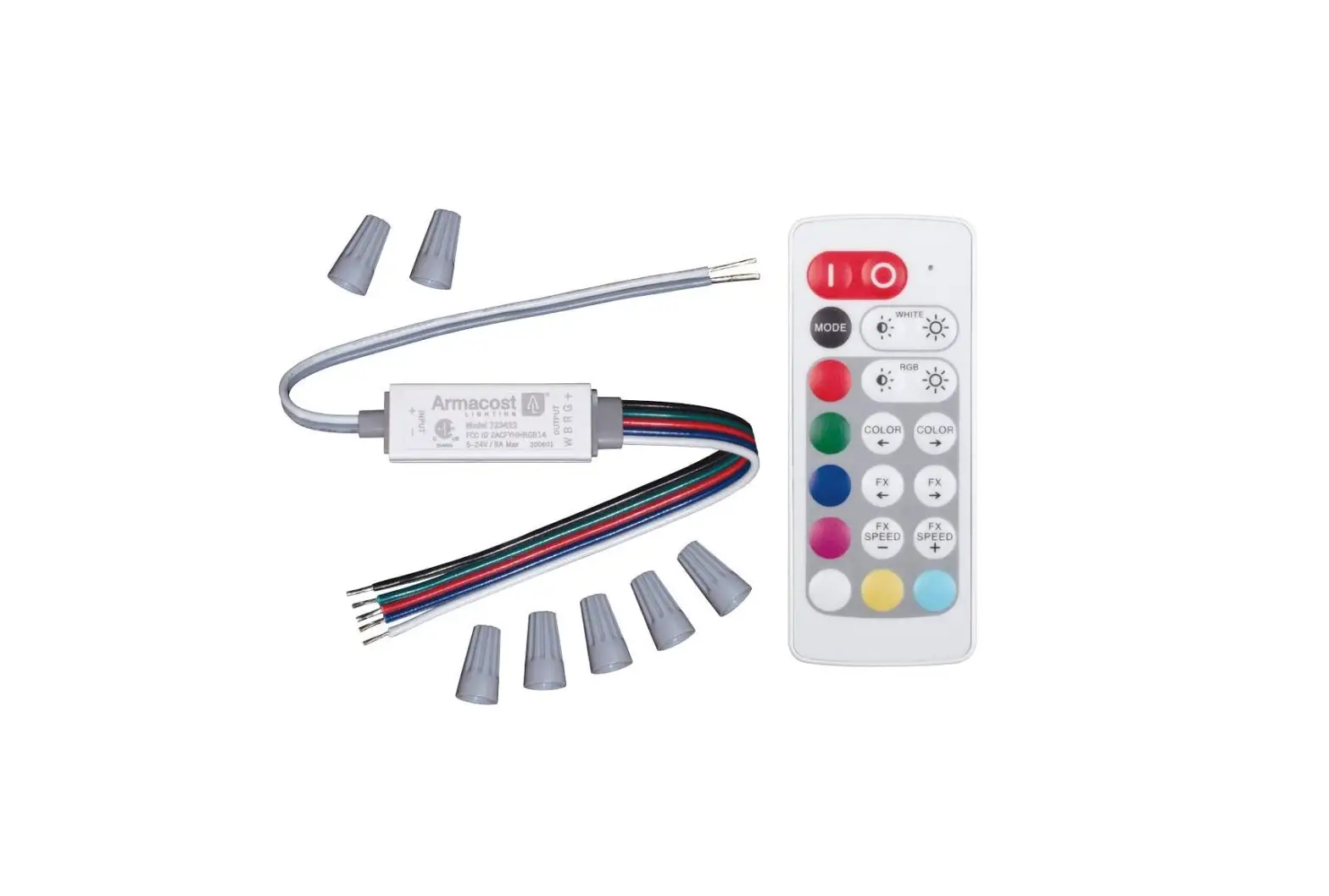
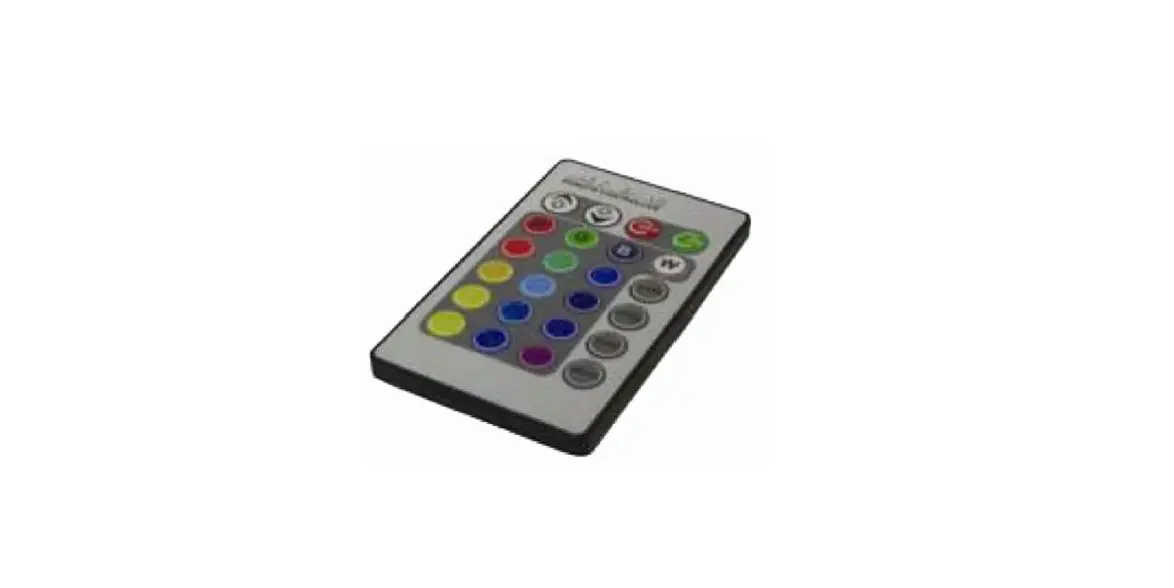
44-Keys infrared LED RGB remote controller adopts advanced microcomputer technology which controls all kinds of led lightings. It has many advantages such as low price, simple wiring and it’s very easy to use. You can adjust the colors, speed, brightness, dynamic modes and customize your own colors by using this IR remote controller.
b) Functional Specification
 | ON/OFF | Press to turn on/off the controller |
 | Pause/Run | Press to suspend mode operation |
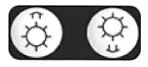 | Brightness+/- | Press to lighten the lights Press to dim the lights |
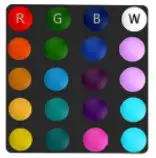 | Static Modes | The static mode can be selected quickly |
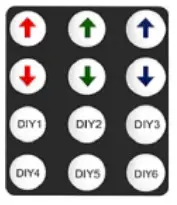 | DIY Modes | DIY your own colors and press those buttons above the DIY mode buttons to adjust the luminance of your lights. These the setting mode will be saved automatically for convenient use in the future |
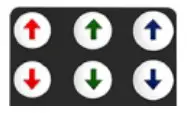 | DIY Mode Brightness +/- | Press to change the brightness of the lights under DIY mode |
 | Speed + | Press to speed up the modes |
 | Speed – | Press to slow down the modes |
 | Dynamic Mode Loop | Press to achieve all dynamic mode cyclic transformation |
 | White Color Strobe | Press to achieve white color strobe mode |
 | 7 Colors Fade | Press to achieve 7 colors fade mode |
 | 3 Colors Fade | Press to achieve 3 colors fade mode |
 | 7 Colors Jump | Press to achieve 7 colors jump mode |
 | 3 Colors Jump | Press to achieve 3 colors jump mode |
Kindly Note
Before sticking the strip light, please choose a wall or object with a smooth surface and wipe it clean. It is forbidden to place heavy objects on the strip light.