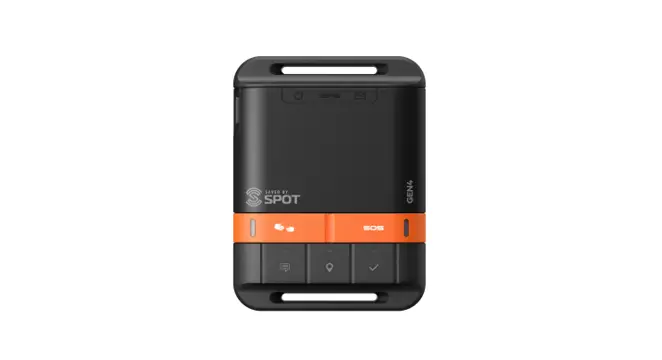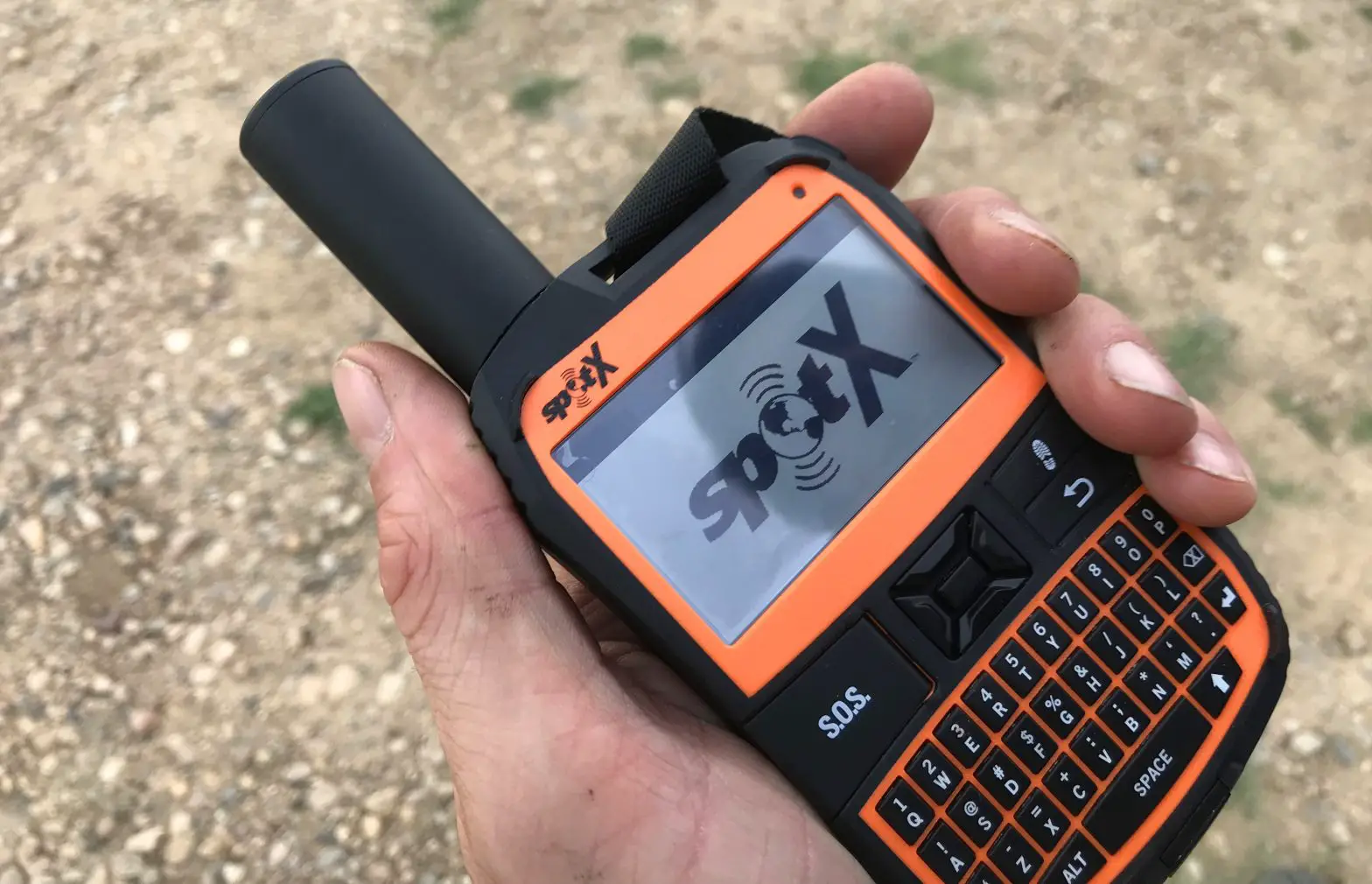

SPOT X User Guide
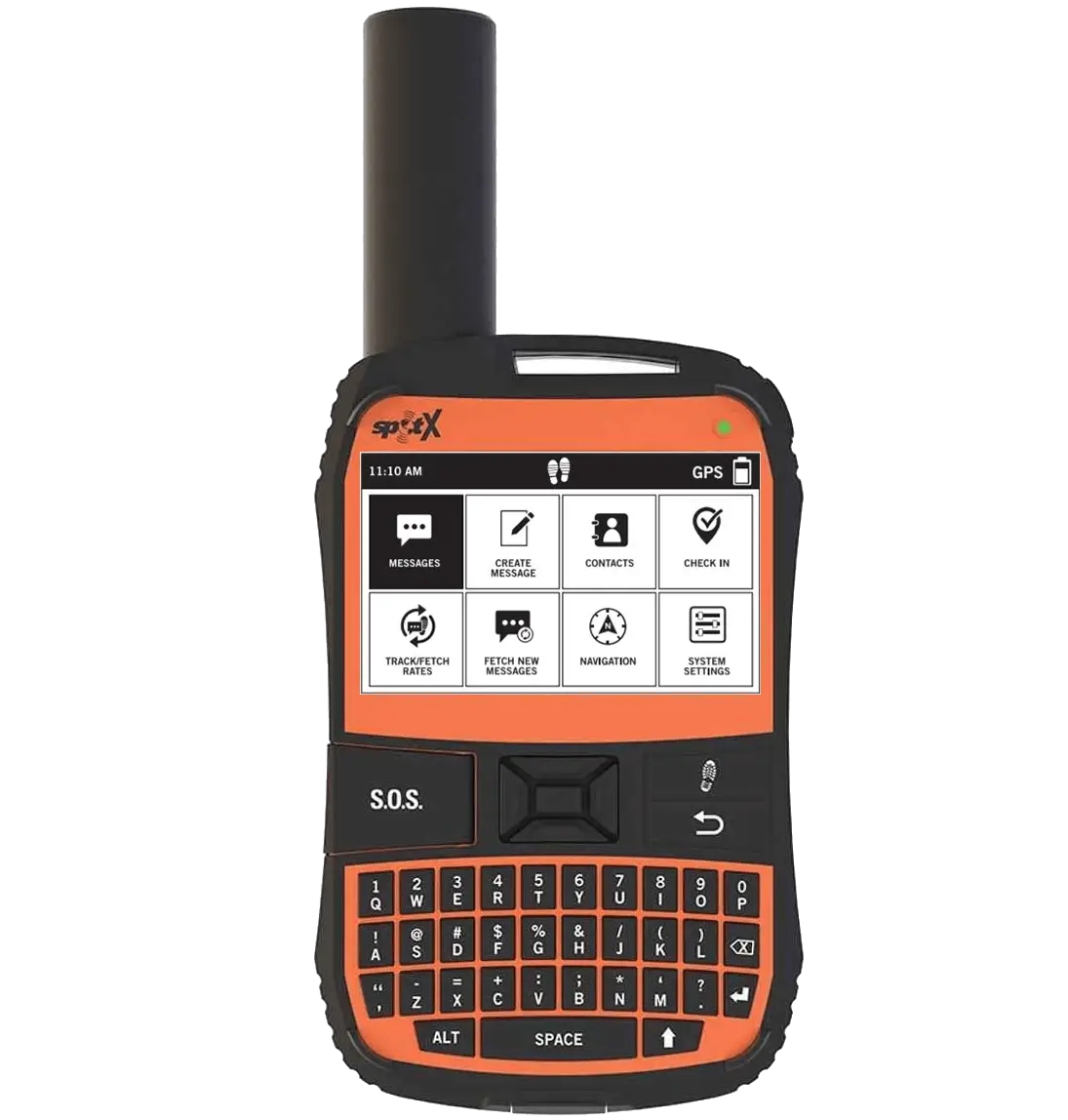
GETTING STARTED
Configure
- Fully charge your SPOT X after unboxing.
- Power on your new SPOT X.
- Follow onscreen instructions to configure your device.
- Your ESN and Authorization Code will be displayed for reference during activation.
Your ESN and Authorization Code can also be found by selecting System Settings > SPOT X Info.
ACTIVATE & UPDATE FIRMWARE
- Activate your new SPOT X: FindMeSPOT.com/activate NEW SPOT CUSTOMERS: Select Begin Activation.
EXISTING SPOT CUSTOMERS: Login using username & password. - Follow onscreen instructions to complete activation.
- Download the SPOT X Updater: FindMeSPOT.com/SPOTXBSupport
- Follow onscreen instructions to update firmware and sync.
CONNECT
- Install the SPOT X App from your mobile device app store.
- Enable Bluetooth on your mobile device (SPOT X’s Bluetooth is always discoverable).
- Place the SPOT X and the mobile device within 10 feet (3 meters) of each other.
- On your mobile device, open the SPOT X App.
- Login using your SPOT My Account username & password.
- Select your SPOT X (ex: SXB2970000).
TEST YOUR SPOT X
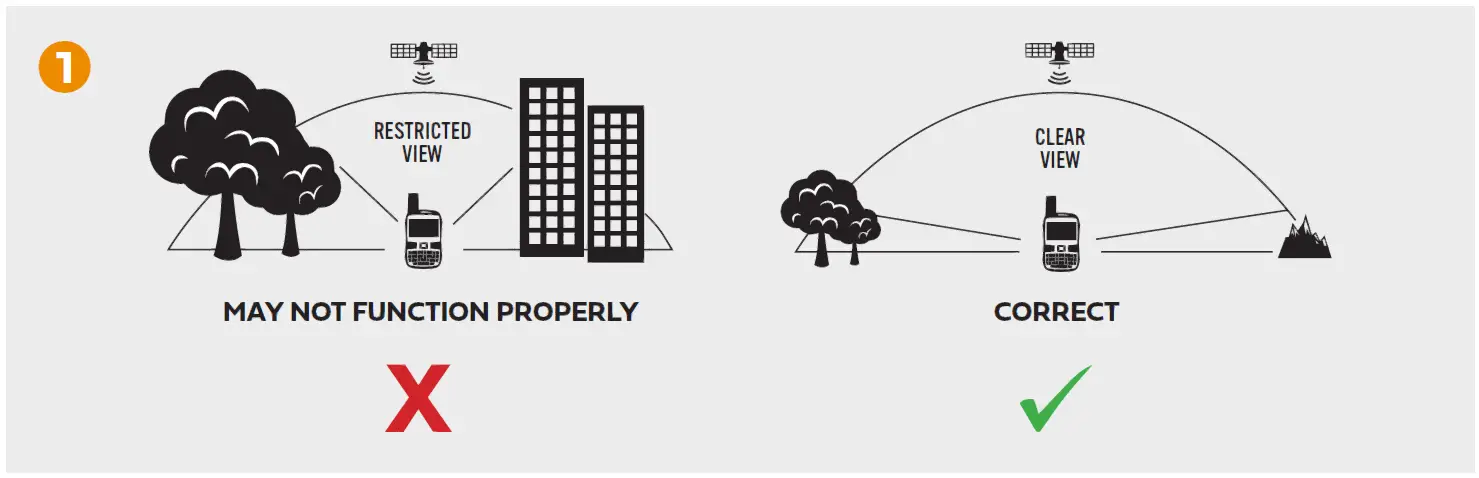
- Go outside where there is a clear view of the sky and no obstructions.

- Power on.
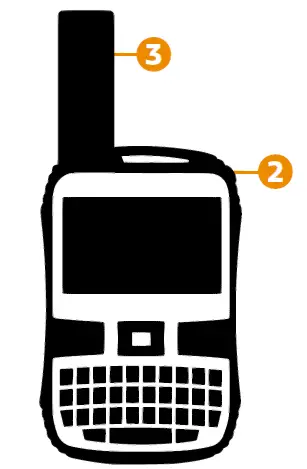
- Point the antenna towards the sky.

- On your mobile device, open the SPOT X App.
- Select your SPOT X (ex: SXB2970000).
- Select write
- Select to create a new message.
- Enter and select a contact.
- Type a test message.
- Select enter to send.
- Verify the message was received.
For more information on how to use your new device, refer to the SPOT X User Guide located at: FindMeSPOT.com/SPOTXBUserGuide
See the Important Safety & Product Information Guide in the SPOT X box for product warnings and other important information.
References
 Dispositivos de Comunicação Satelital SPOT | Saved by SPOT Mobile My Account FMS_ShoppingCart Shopping Cart
-
SPOT My Account
-
Dispositivos de Comunicação Satelital SPOT | Saved by SPOT Mobile My Account FMS_ShoppingCart Shopping Cart
-
Dispositivos de Comunicação Satelital SPOT | Saved by SPOT Mobile My Account FMS_ShoppingCart Shopping Cart
-
Dispositivos de comunicación satelital SPOT | Saved by SPOT Mobile My Account FMS_ShoppingCart Shopping Cart
-
Dispositivos de comunicación satelital SPOT | Saved by SPOT Mobile My Account FMS_ShoppingCart Shopping Cart
-
Dispositivos de comunicación satelital SPOT | Saved by SPOT Mobile My Account FMS_ShoppingCart Shopping Cart
-
FindMeSPOT.ca/SPOTXBQSG
-
FindMeSPOT.ca/SPOTXBSupport
-
FindMeSPOT.ca/SPOTXBUserGuide
-
SPOT Satellite Communication Devices | Saved by SPOT | US
-
SPOT Satellite Communication Devices | Saved by SPOT Mobile My Account FMS_ShoppingCart Shopping Cart
-
SPOT My Account
-
FindMeSPOT.com/SPOTXBQSG
-
FindMeSPOT.com/SPOTXBUserGuide
-
SPOT My Account
-
FindMeSPOT.eu/SPOTXBSupport
-
FindMeSPOT.eu/SPOTXBUserGuide
 Dispositivos de Comunicação Satelital SPOT | Saved by SPOT Mobile My Account FMS_ShoppingCart Shopping Cart
 Dispositivos de comunicación satelital SPOT | Saved by SPOT Mobile My Account FMS_ShoppingCart Shopping Cart
 FindMeSPOT.ca/SPOTXBQSG
 SPOT Satellite Communication Devices | Saved by SPOT | US
 SPOT My Account