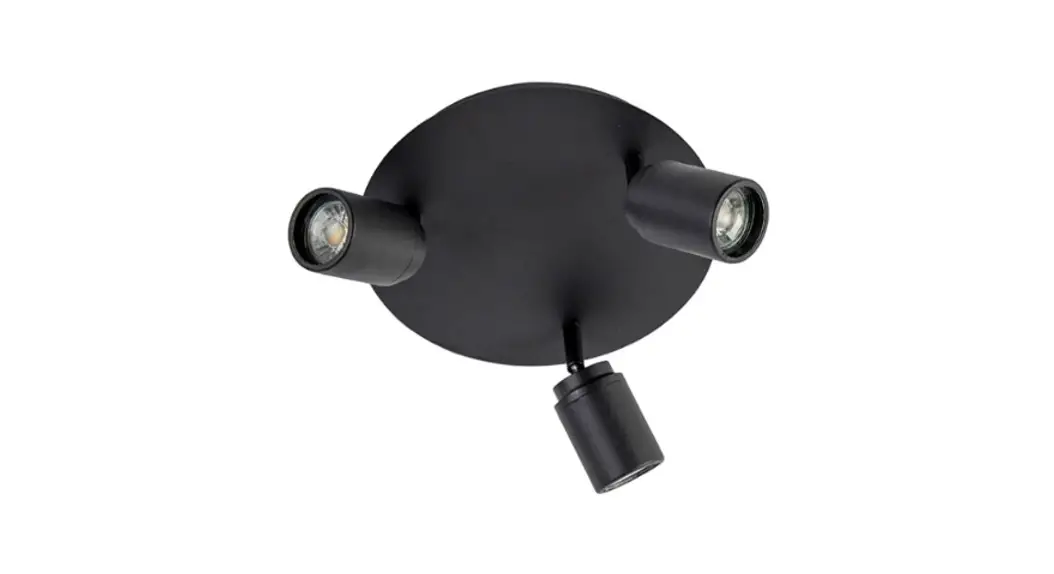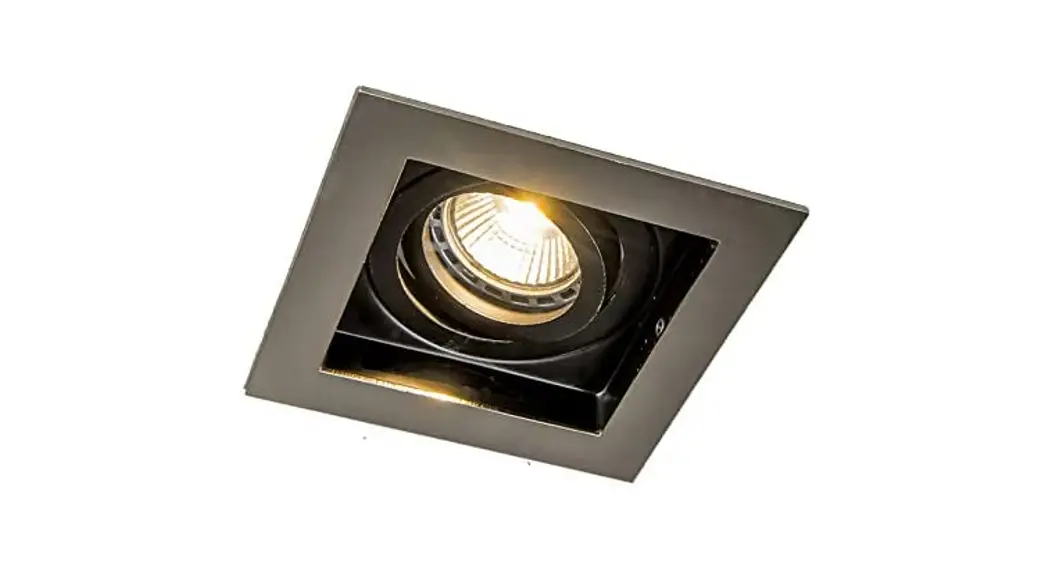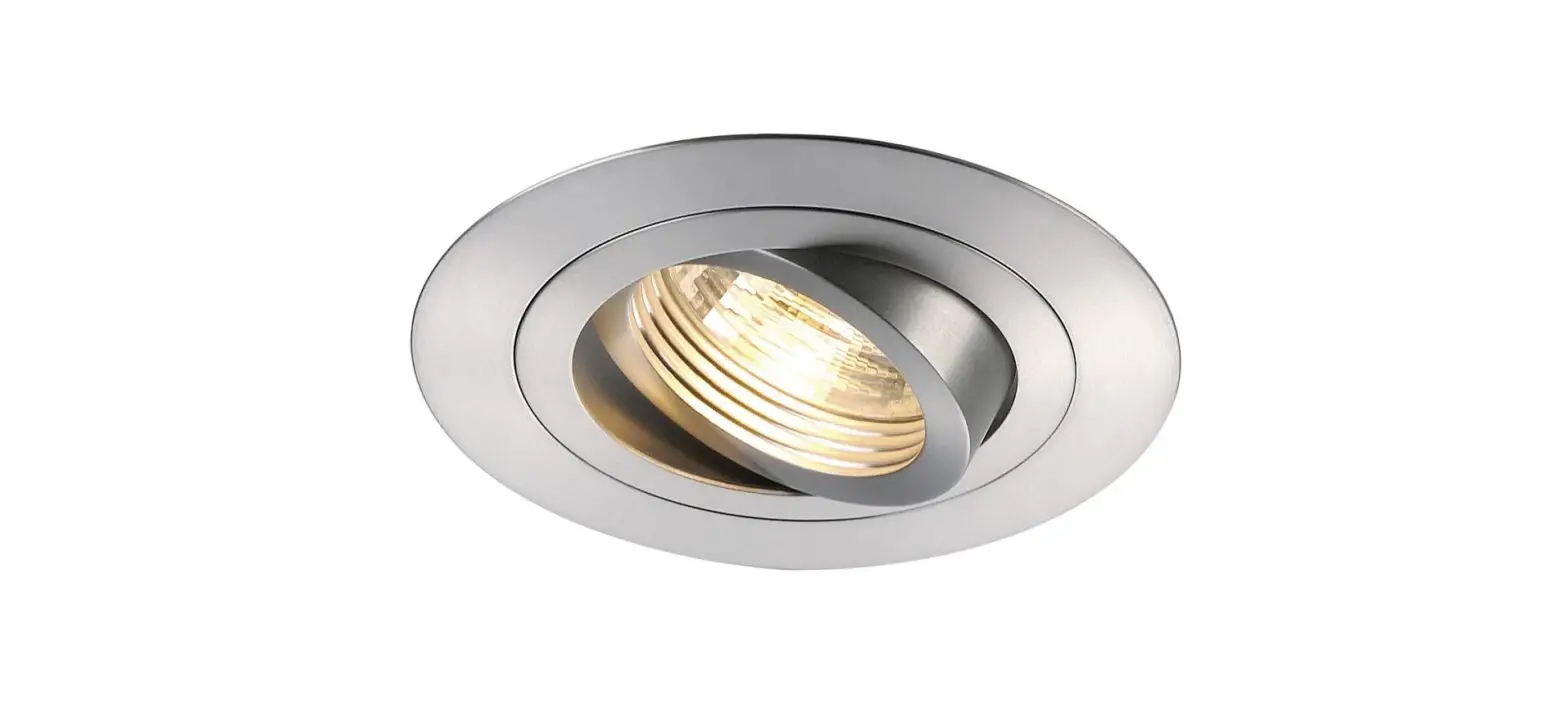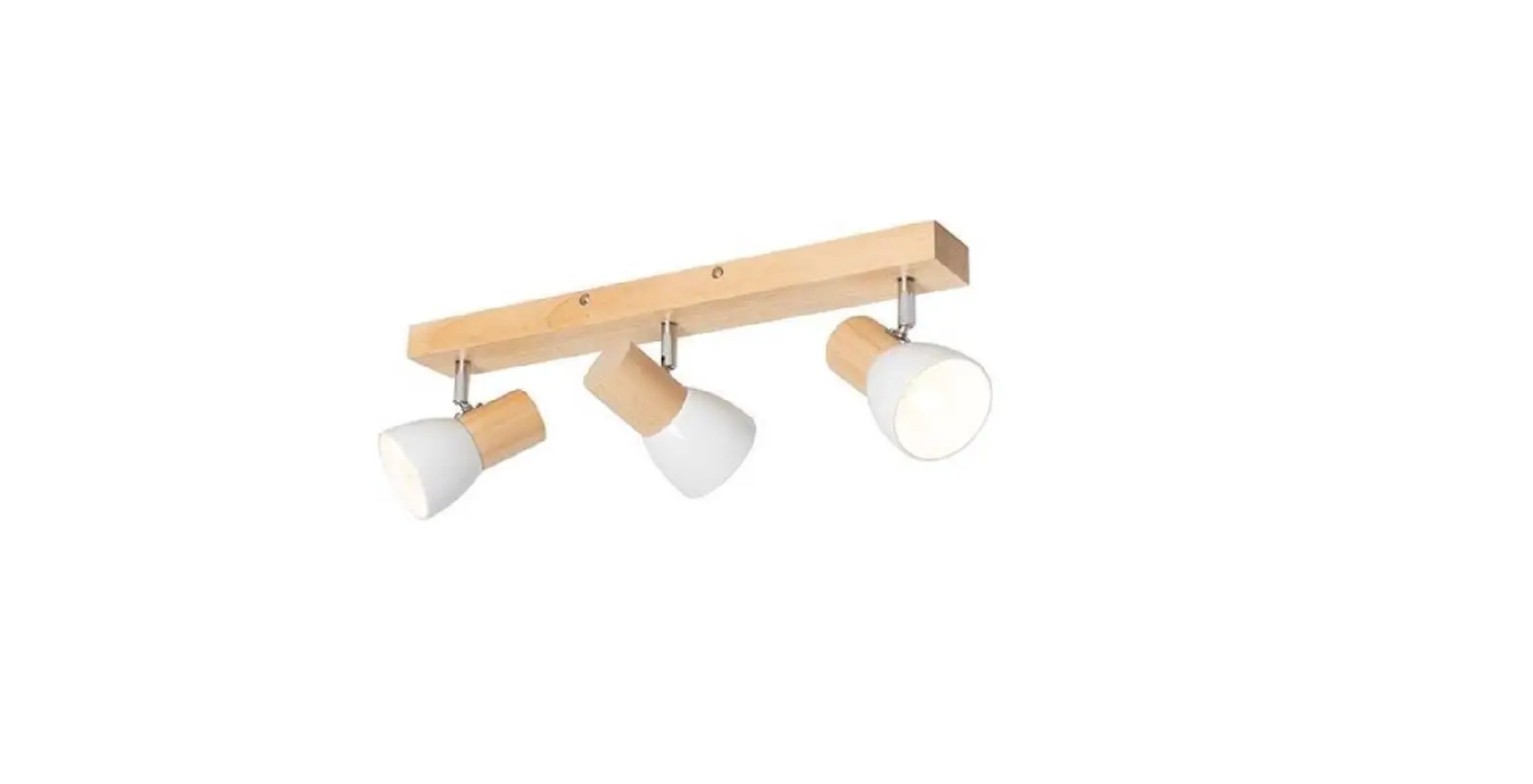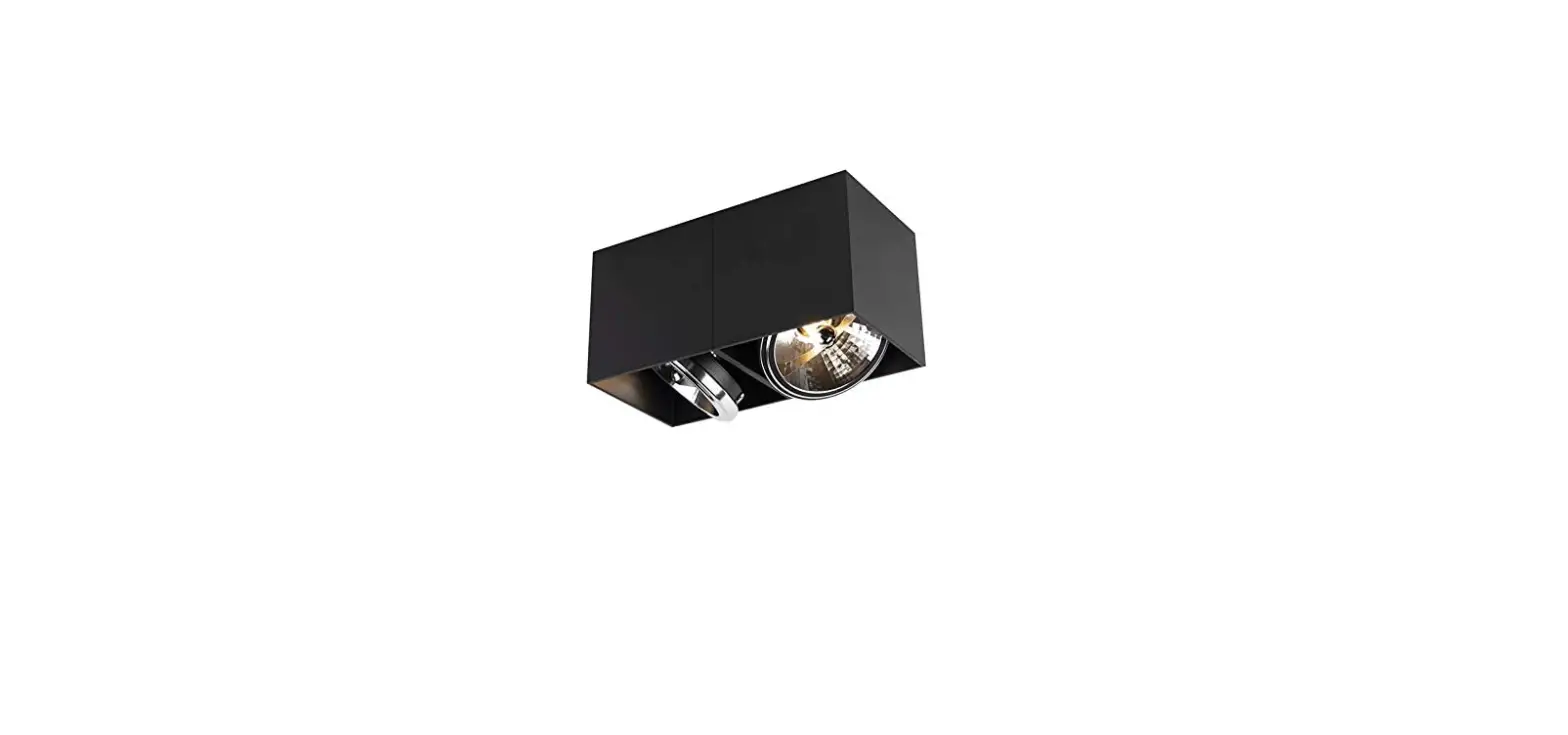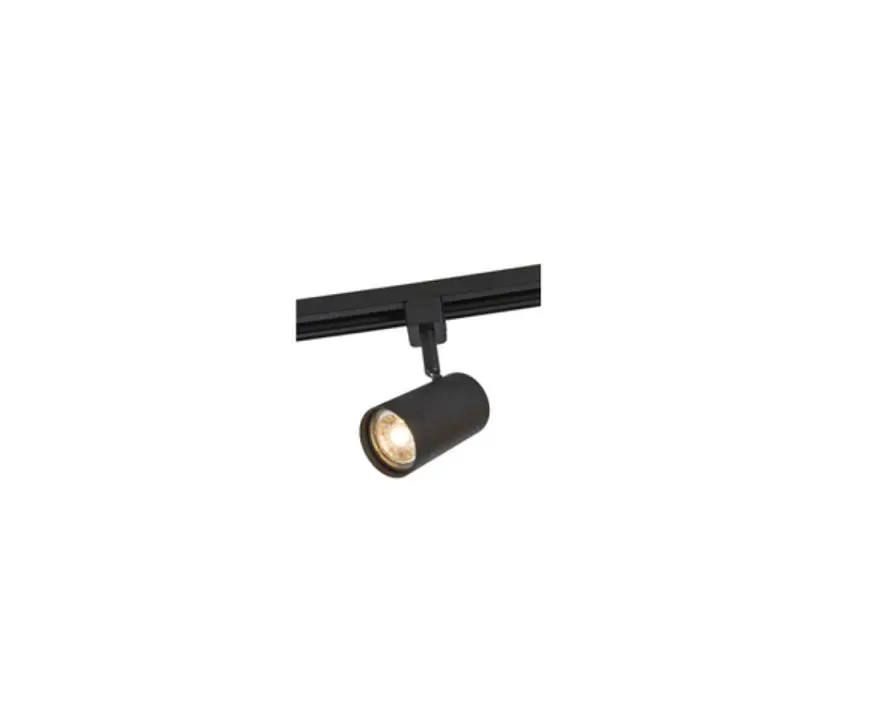
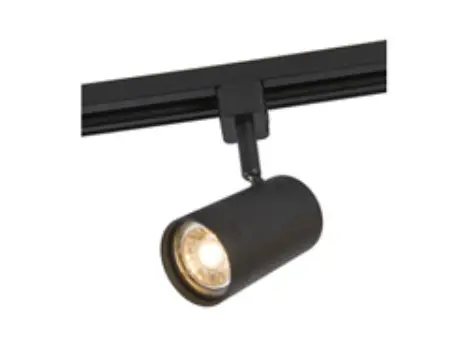
QAZQA 104686 Smart Modern Spot Instruction Manual

Insight SL
Getting started
Set up in 4 easy steps
Before you start write down your network name & password.
Note: this item only works on a 2,4GHz Wifi network, not on a 5GHz WiFi network.
Please consult the manual of your router for settings.
- Download the Calex Smart app from the Google Play store, the Apple Store or scan the QR code.

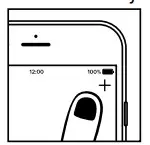
- Open the app. First time user? Follow on-screen instructions to create your account. To add this device start by touching ‘add device’ (+) and follow the on-screen instructions.

- Turn the device on. The lamp will start flashing. (If the lamp or device does not start flashing, switch it on and off 3 times. This will reset the lamp or device.)
- Follow the on screen prompts to finish installation.
you get the notification the product only works on 2,4GHz networks you should change the WiFi-frequency of your network to 2,4GHz only in the setting menu of the router.