YOXIJAC
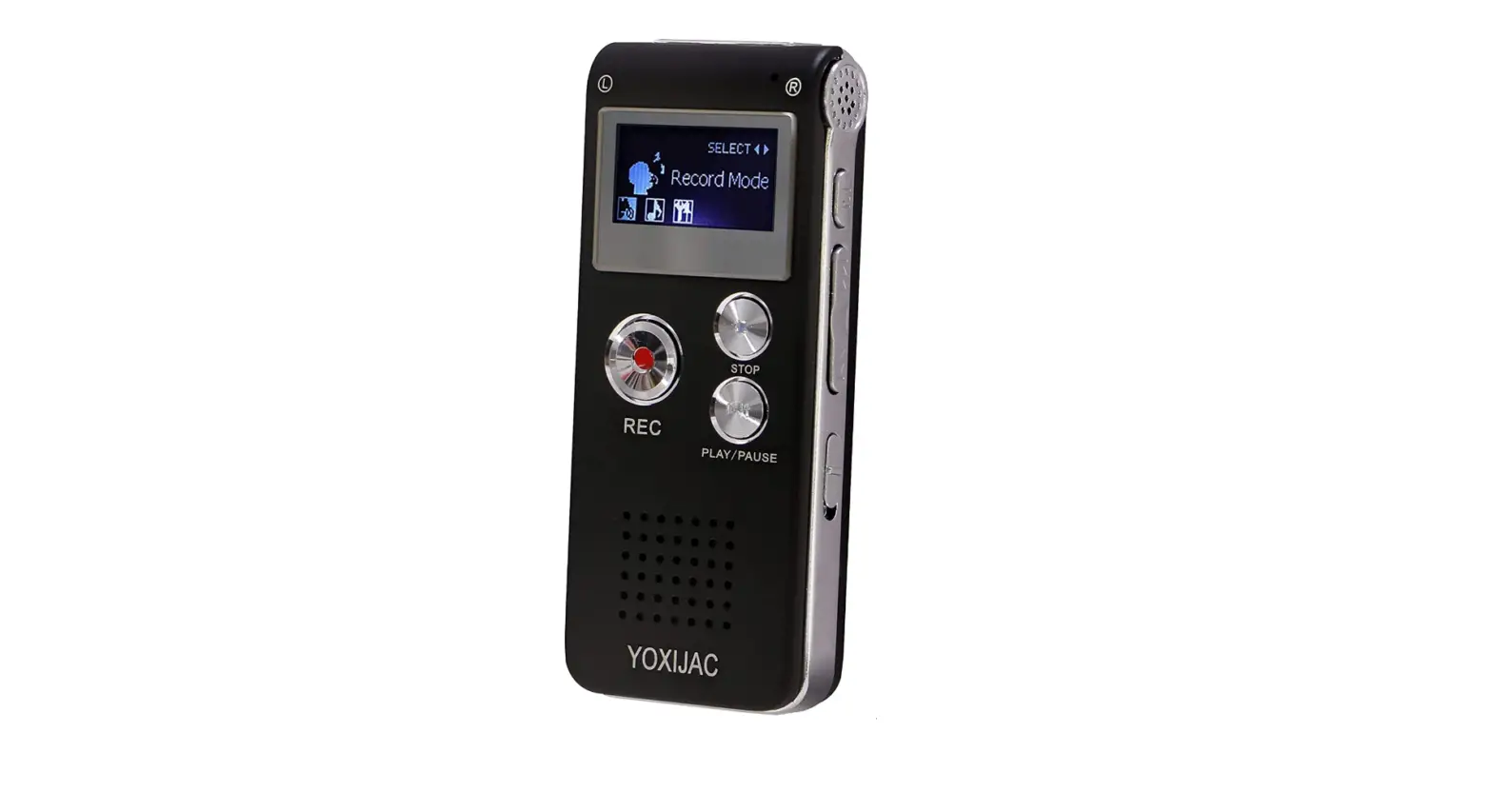
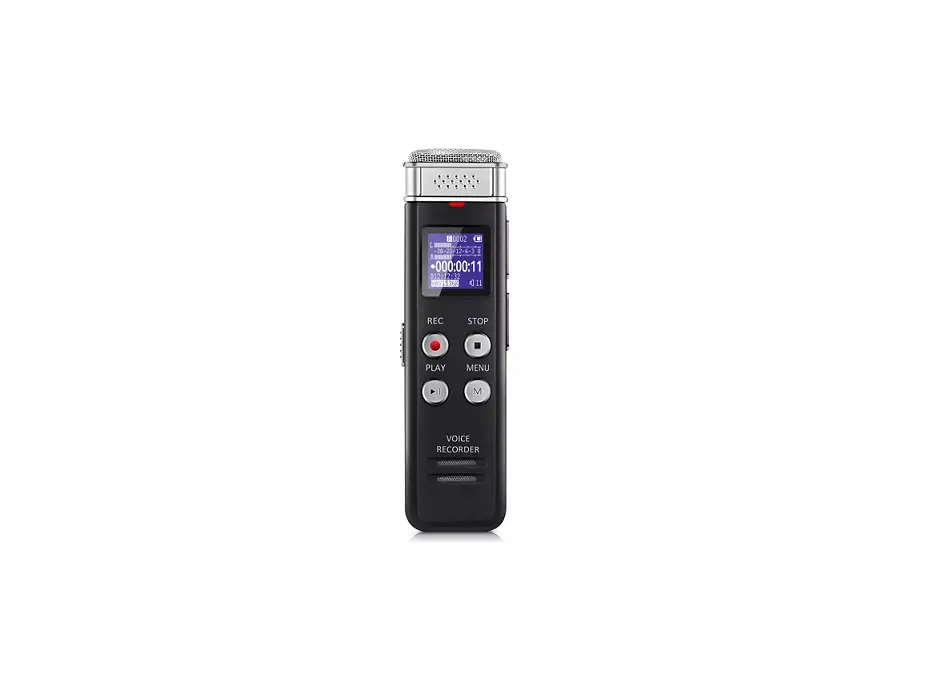
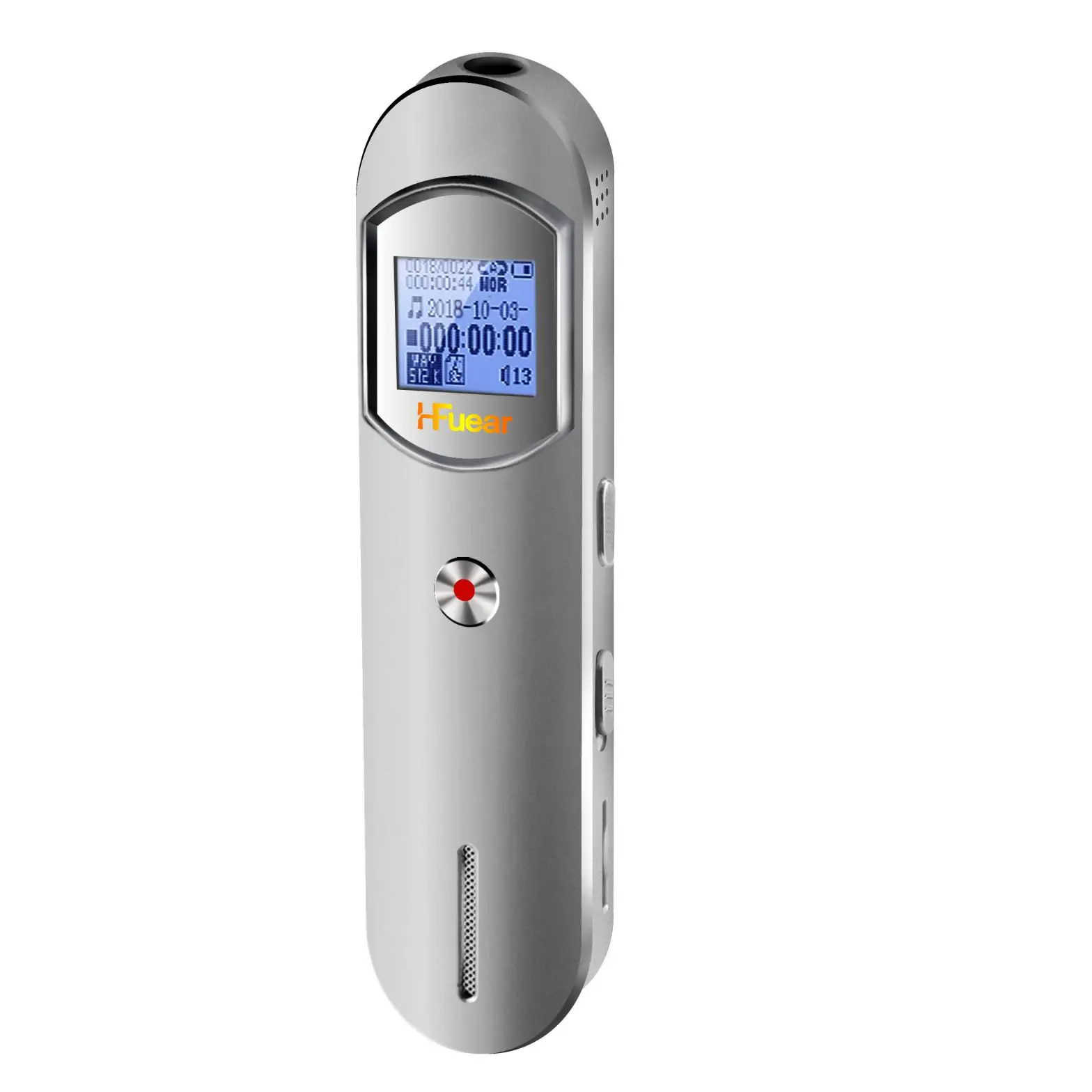
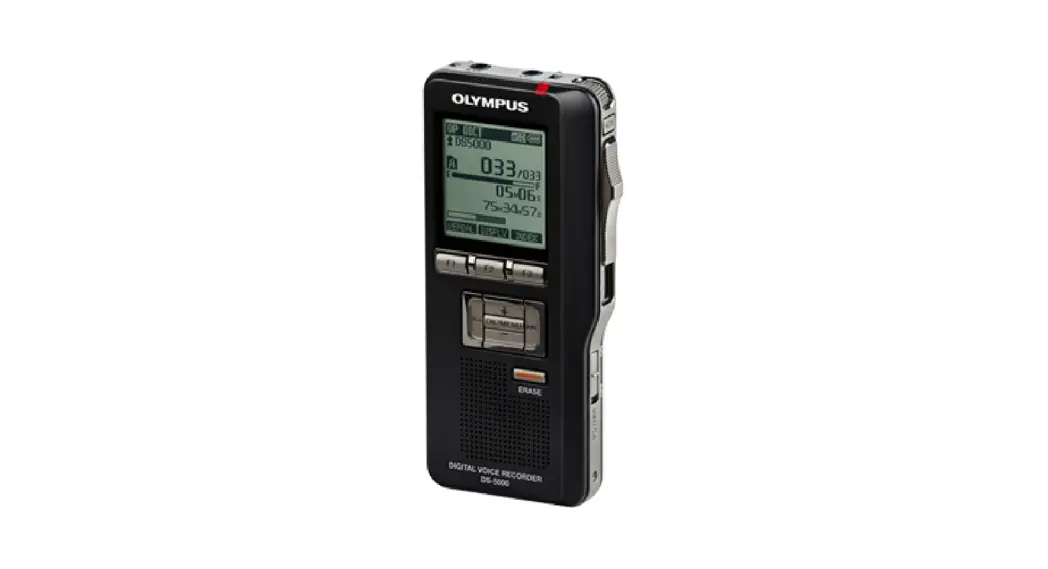
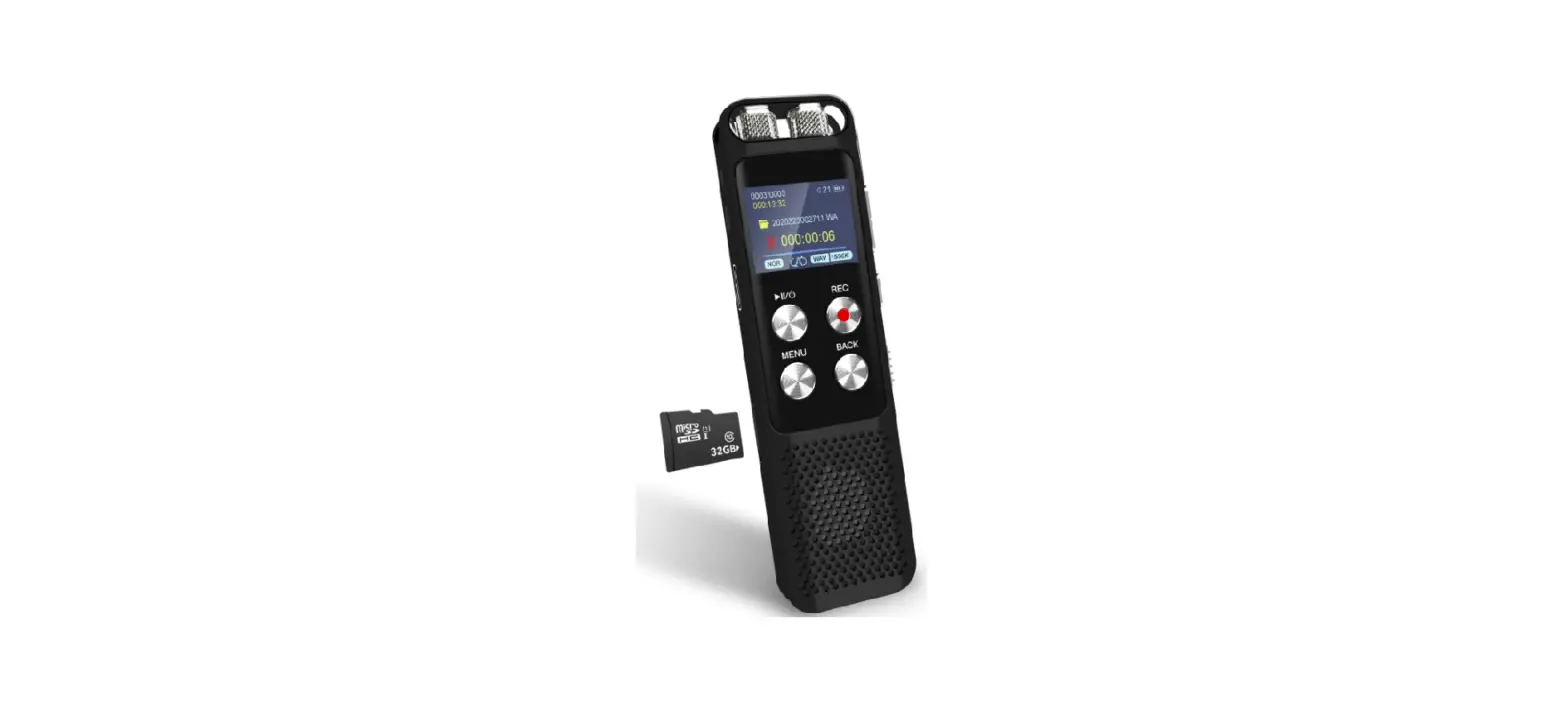
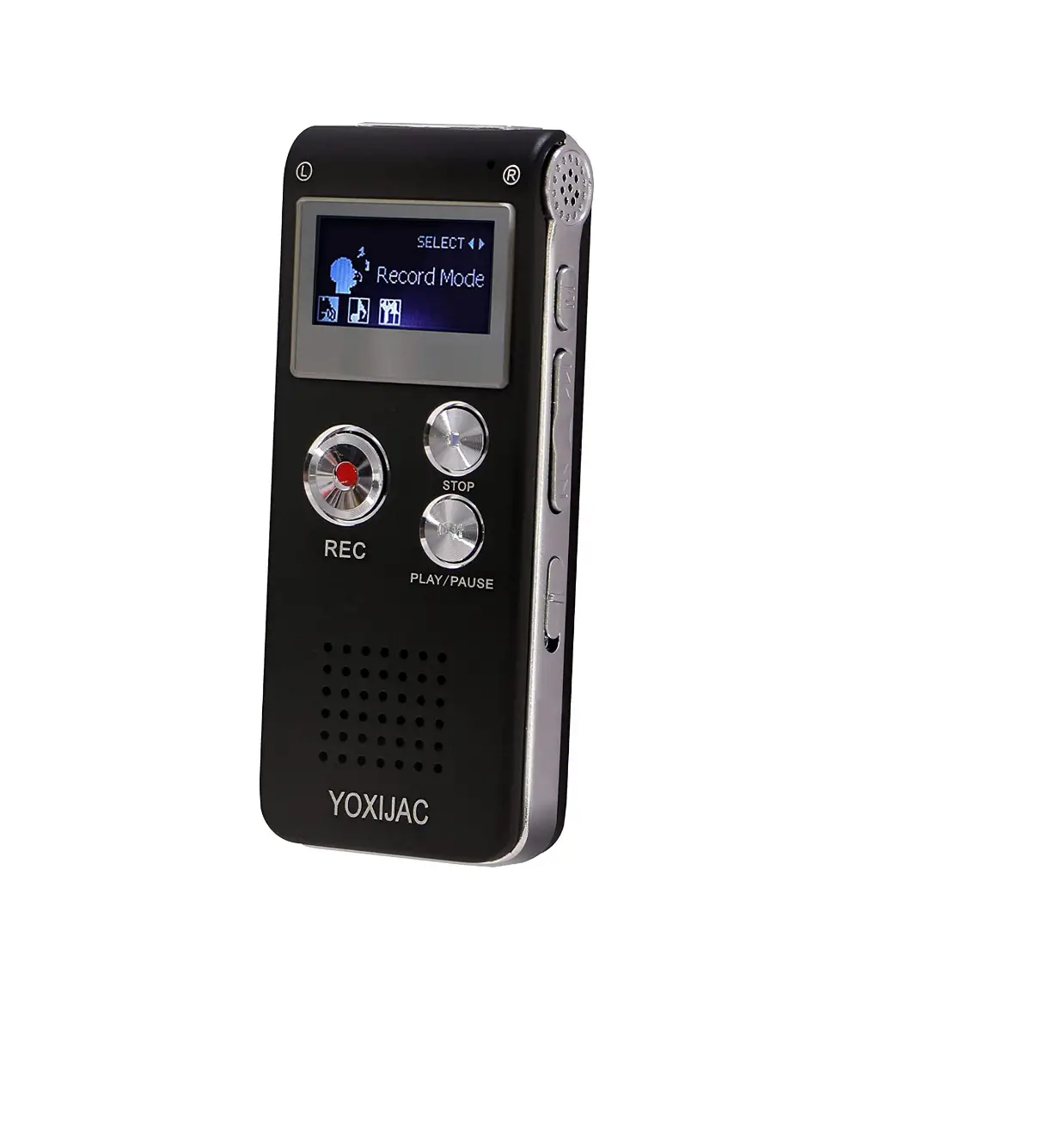
YOXIJAC LYB-101 Digital Voice Recorders
Specifications
- COMPATIBLE DEVICES: Personal Computer
- BRAND: YOXIJAC
- HARDWARE INTERFACE: Micro USB 2.0 Type B
- MICROPHONE FORM FACTOR: Built-In
- FORMAT: MP3 Audio, WAV
- HEADPHONES JACK: 3.5 millimeters
- INTERNAL MEMORY: 8GB
- RECORDING TIME: 21 hours
- QUALITY (128 KBPS): 7680
- MINS.SHORT PLAY (64 KBPS): 16920
- MINS.LONG PLAY (32 KBPS): 33120 Mins
- SUPPORT FORMAT: MP 3 / WAV.USB connection
- PRODUCT DIMENSIONS: 3.27 x 1.38 x 0.47 inches
- ITEM WEIGHT: 2.24 ounces
- BATTERIES: 1 Lithium Ion battery
Introduction
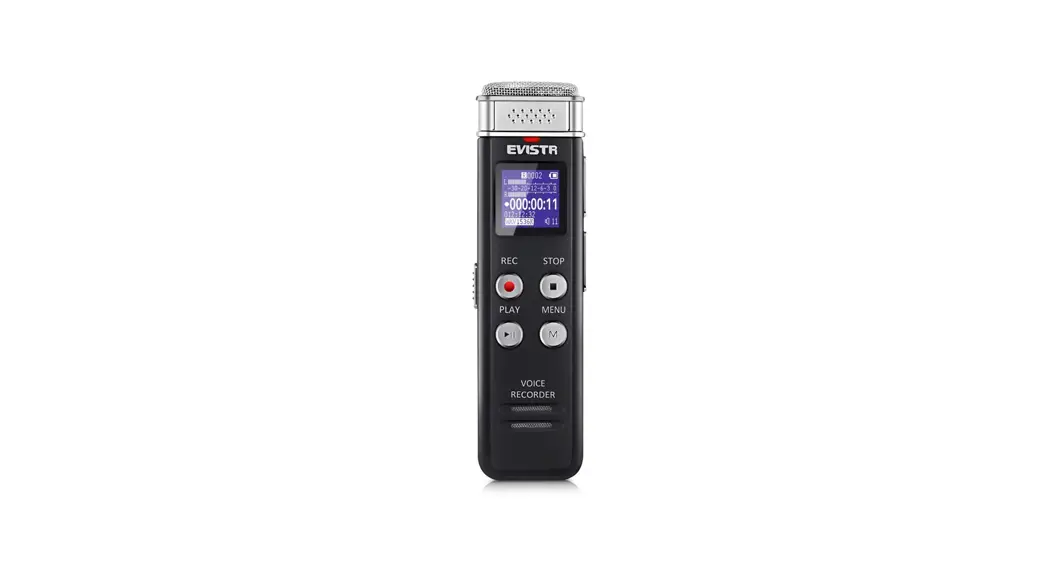
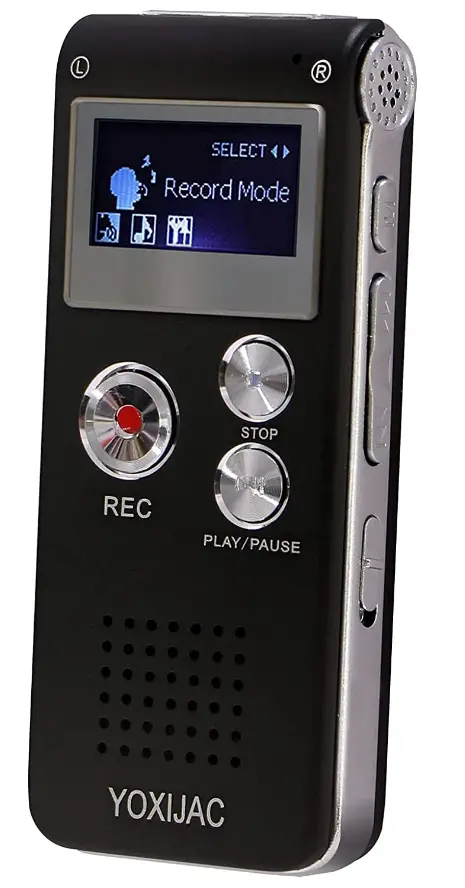
The voice activated recorder is an updated digital voice recorder that has a higher sensitive microphone that can record voices clearly in 3D sound and a built-in speaker. It only records what people are saying when they are speaking. No more fragments of silence or hushed whisper in your recordings; effectively save time and space. For easy usage of the audio recorder, there are three large buttons: recording, saving, and play/pause. On the back of the recorder, it also describes what each button does. A wonderful pocket recorder, it is the ideal tiny recording device and is portable. The tape recorder offers a terrific capability that makes it easier for you to repeat critical information or to start at point A and end at point B in a recorded file.
For meetings, lectures, classes, interviews, and so forth. Its inbuilt memory can store 7680 minutes of recording or 199 recording files. Digital recorder with continuously for 8 hours by earphones, built-in rechargeable lithium battery can record for 21 hours continuously, fully charged once every time. This voice recorder is dependable. After studying or attending a meeting, you can listen to music on the recorder by using it as an MP3 player. WAV or MP3 files can be recorded with a voice recorder. It is also a removable flash drive that can be connected to a computer using a USB cable to transfer files with ease.
HOW IT WORKS
An analog-to-digital converter is a standard component of a digital recording system, and it converts two channels of continuous audio impulses into digital data that is then recorded by a high-speed tape or disc machine.
HOW TO TURN ON
To start recording, first hit the Recorder icon on the home screen. Then, to start recording, tap the red circular record button at the bottom of the screen.
HOW TO START VOICE RECORDING
- Open the Start menu and enter “Voice Recorder” to launch the program.
- To bring up a window similar to the one below, hit “Enter.”
- By clicking the circle in the center, you can record sound.
- By hitting the smaller button with the pause icon, you can pause the recording.
HOW TO EDIT VOICE RECORDING
- Open the app for recording audio.
- Select the recording that you want to remove.
- Open the transcript, then pick the phrase you wish to remove.
- It’s finished when you tap Remove.
Frequently Asked Questions
When you are playing, press “M” KEY to choose “play mode”. Then you can choose “repeat 1” or “repeat all”.
The recorder automatically saves the file, and there is an indicator light.
It has a place at the top for a headset/ear plugs and it charges by USB. It includes the USB cable. It’s very small. About 2 1/2 inches in length.
No.
It have to be on pause. If it is not on pause, you can’t delete or you can delete it on computer.
It recorded clearly at a 4 ft. distance.
The recording distance is 1-3 meters for the clearest.
Can connect to PC to rename files.
The battery can record 48hours with one time charge, while the storage can save 70 hours recording with 512kbs file.
Yes, it will automatically save file when the battery is over or the storage is full.
Yes, you can, the machine built in speakers.
There is no cassette tapes for this recorder. Records on the recording device and plays back the recordings, its voice activated recording.
Yes. It has an earphone jack as well.
Yes, there is no selection for how many times it repeat, as the factory default, it repeat for 5 times.
The digital voice recorder can automatically black the screen 30 seconds after recording. Without any operation.