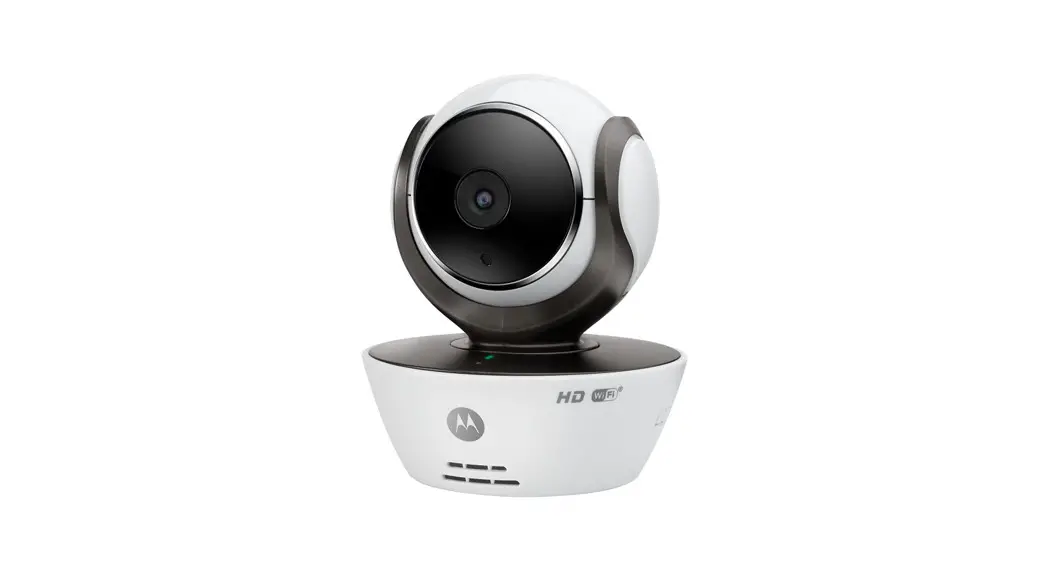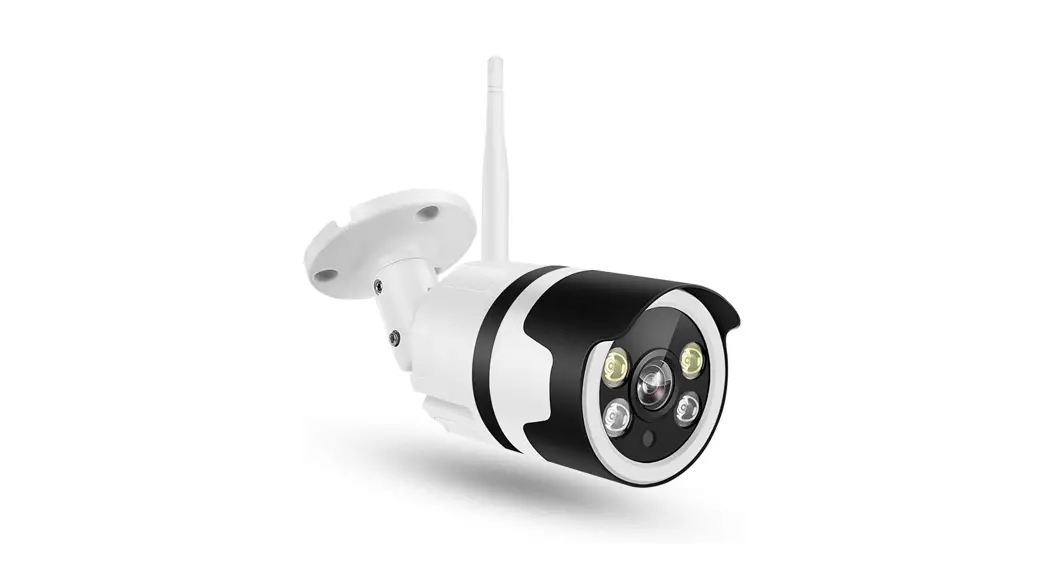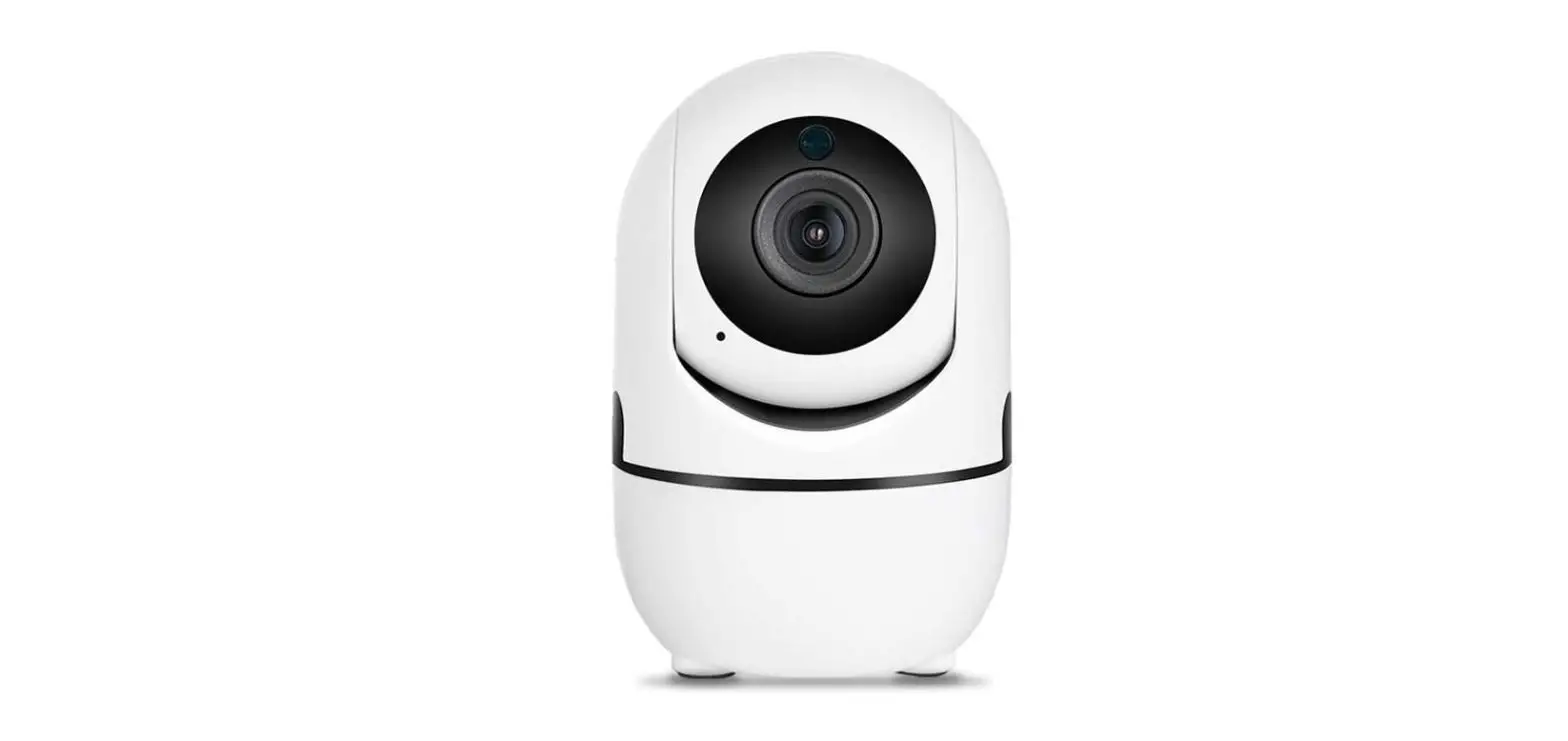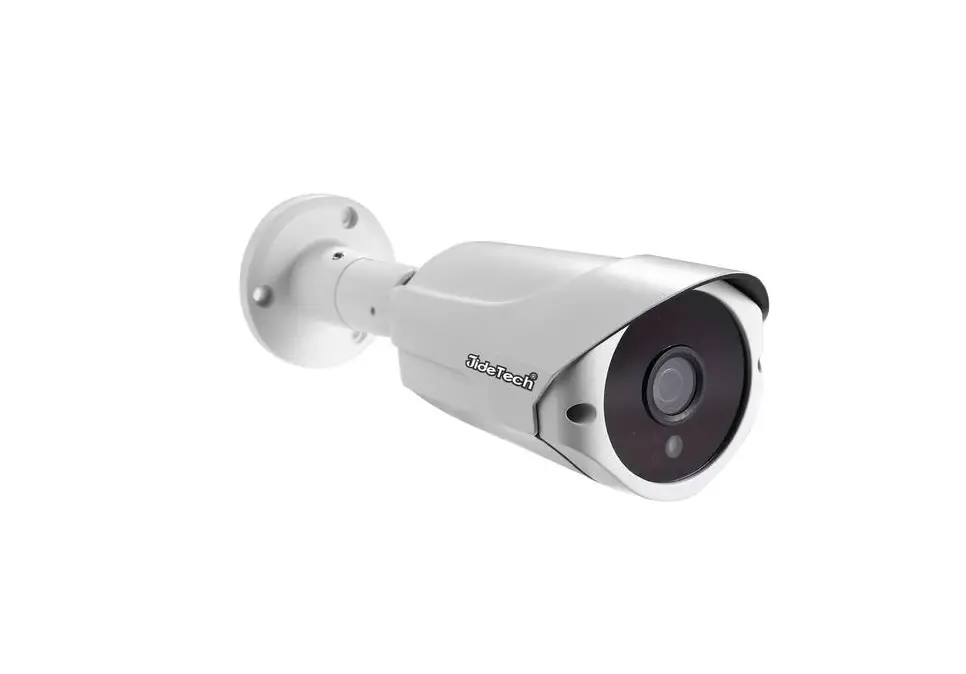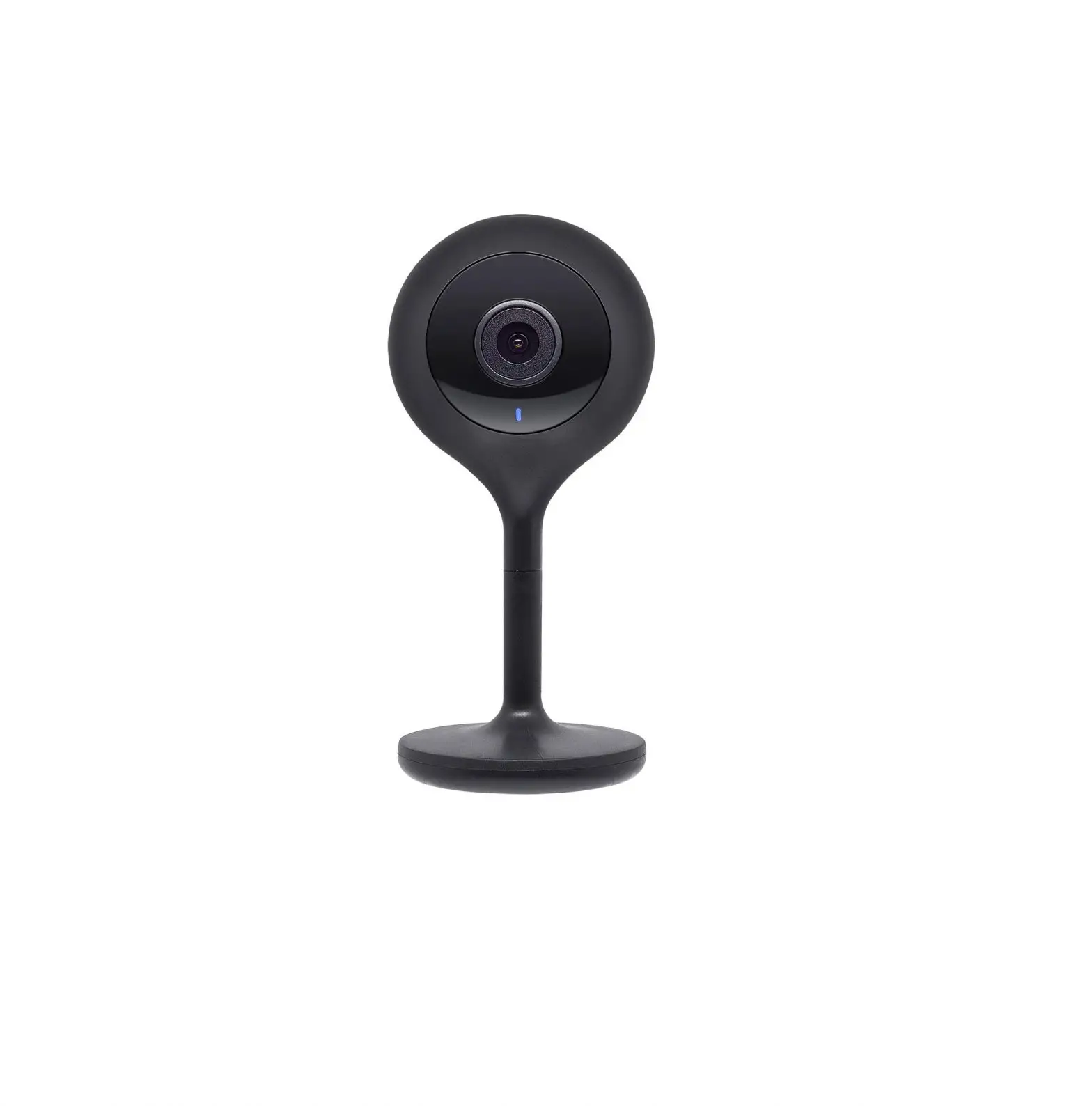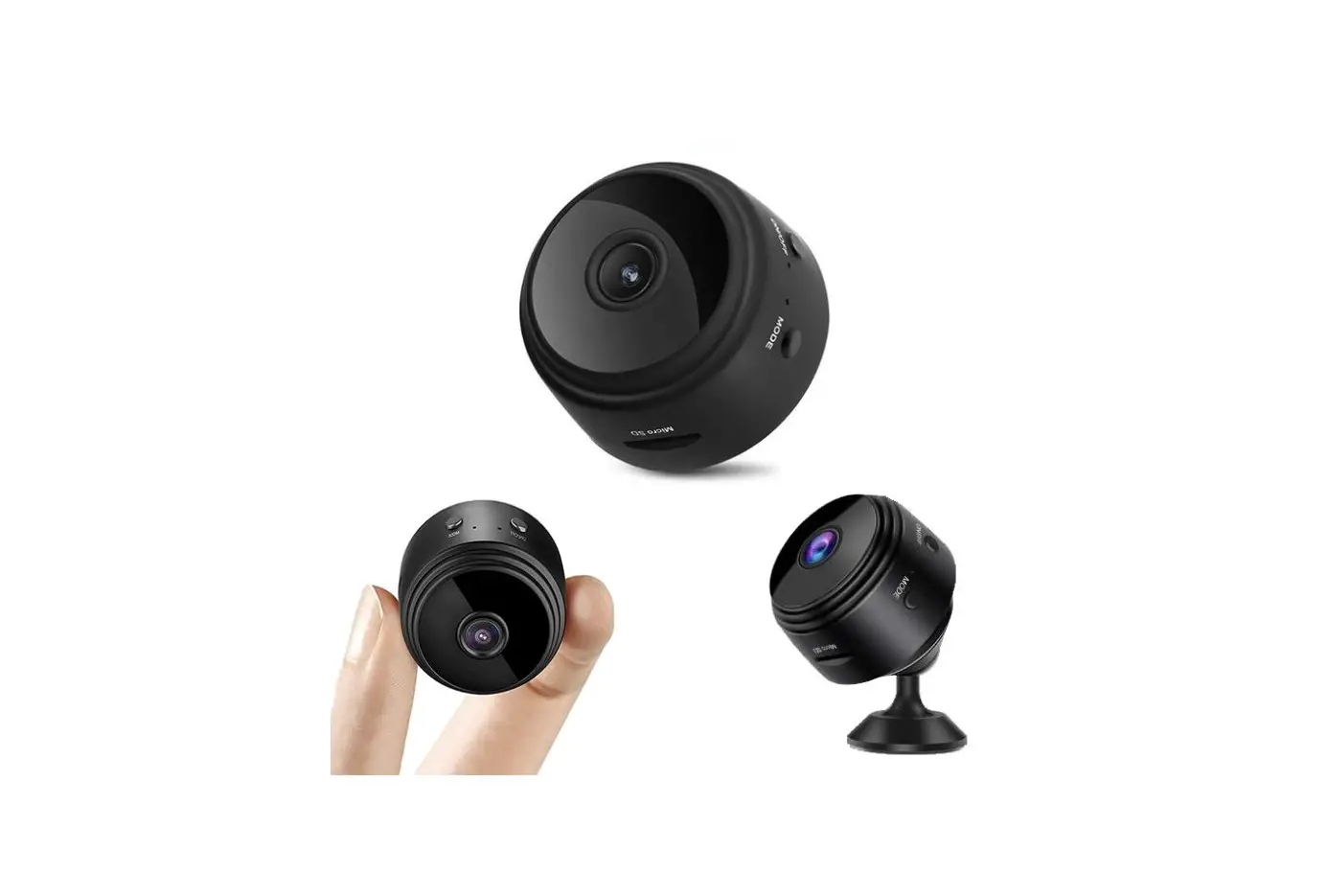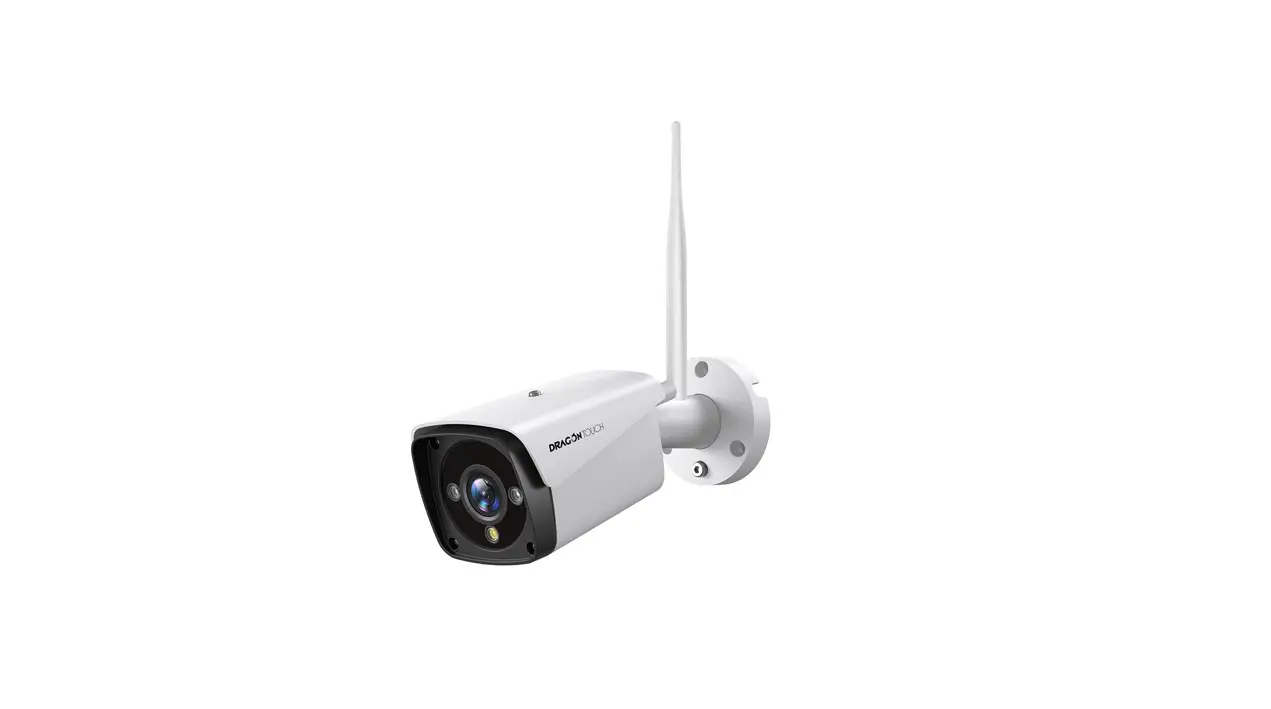
 TOUCH B0939VYKRP 3MP Add-On Wi-Fi Camera
User Guide
v1.0
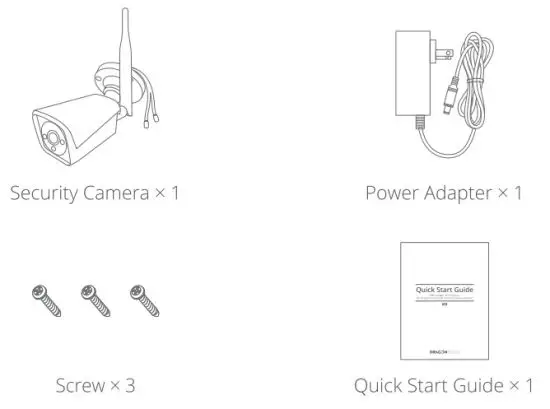
WHAT′S IN THE BOX
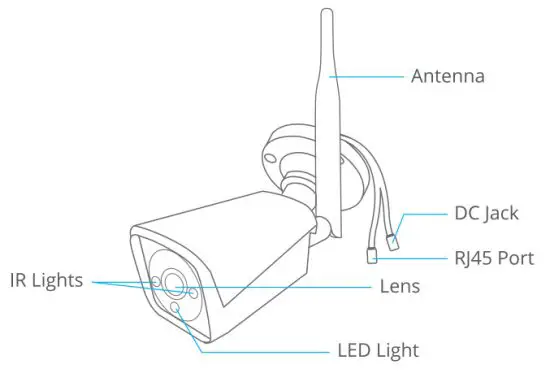
PRODUCT OVERVIEW
GETTING STARTED
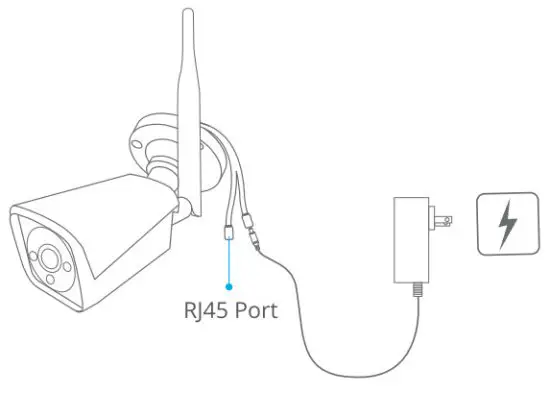
Step 1: Connect the camera to a power supply
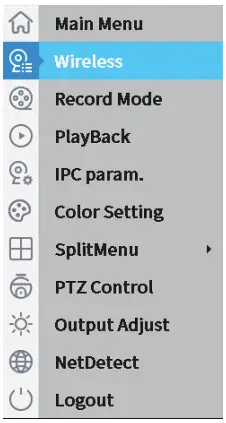
Step 2: Turn on the NVR, right-click to select Wireless
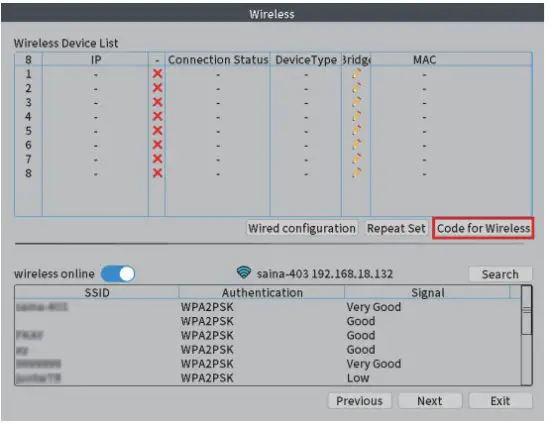
Step 3: Click Code for Wireless.
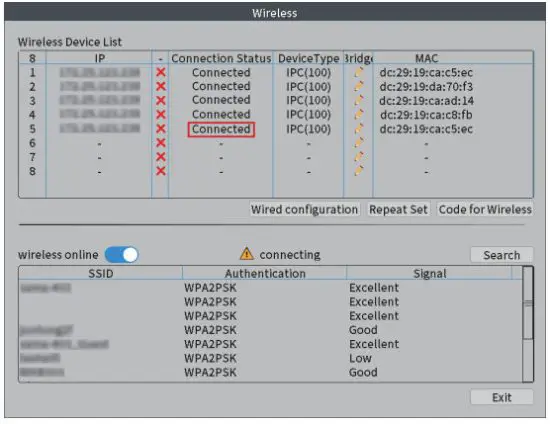
Step 4: Wait until the camera shows as Connected.
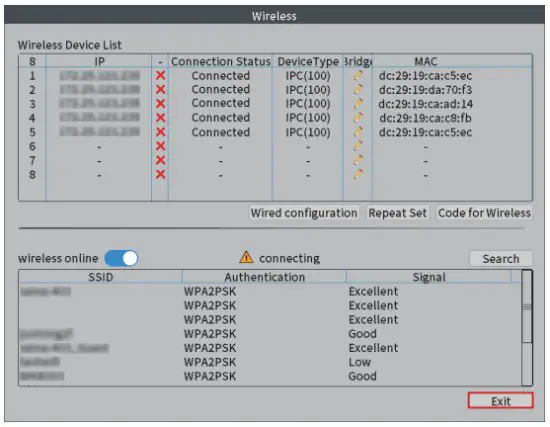
Step 5: Click Exit to complete the connection.
CONTACT US
For any inquiries about Dragon Touch products, please feel free to contact us.
We will respond within 24 hours.
Email: [email protected]
Tel: 888-811-1140 (US) Mon-Fri (except holidays) 9am-5pm (EST)
Official website: www.dragontouch.com