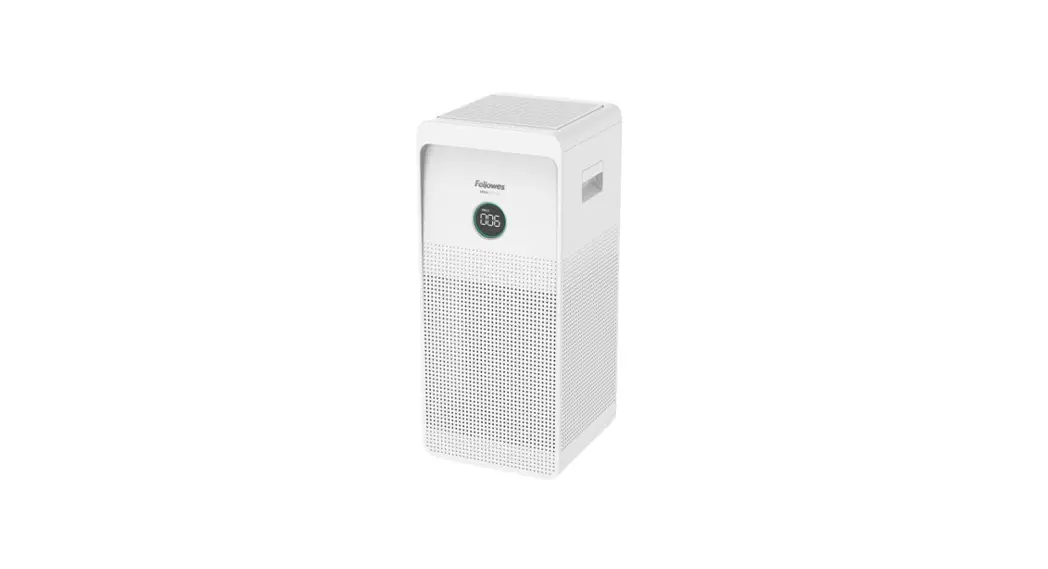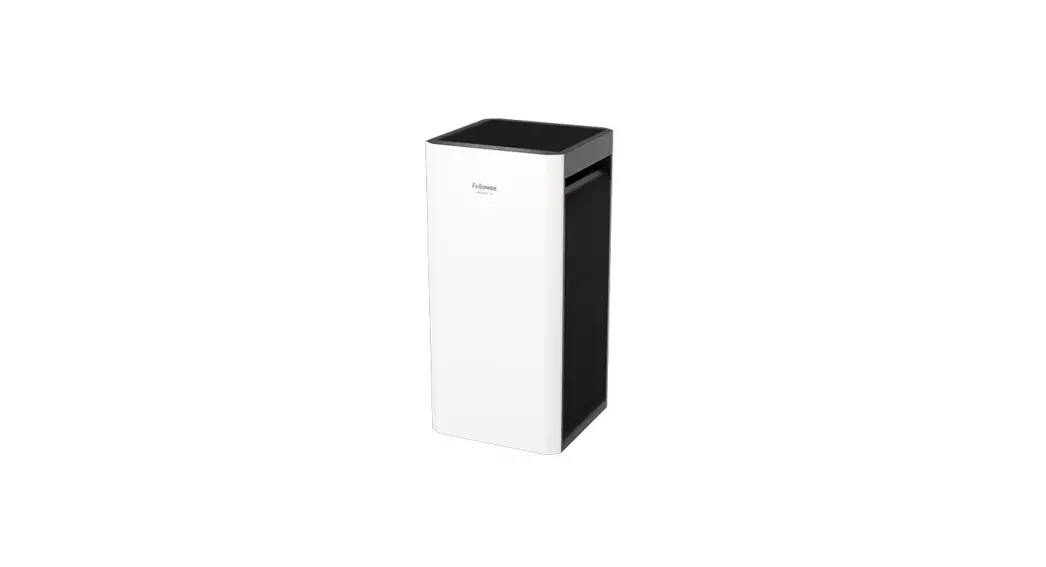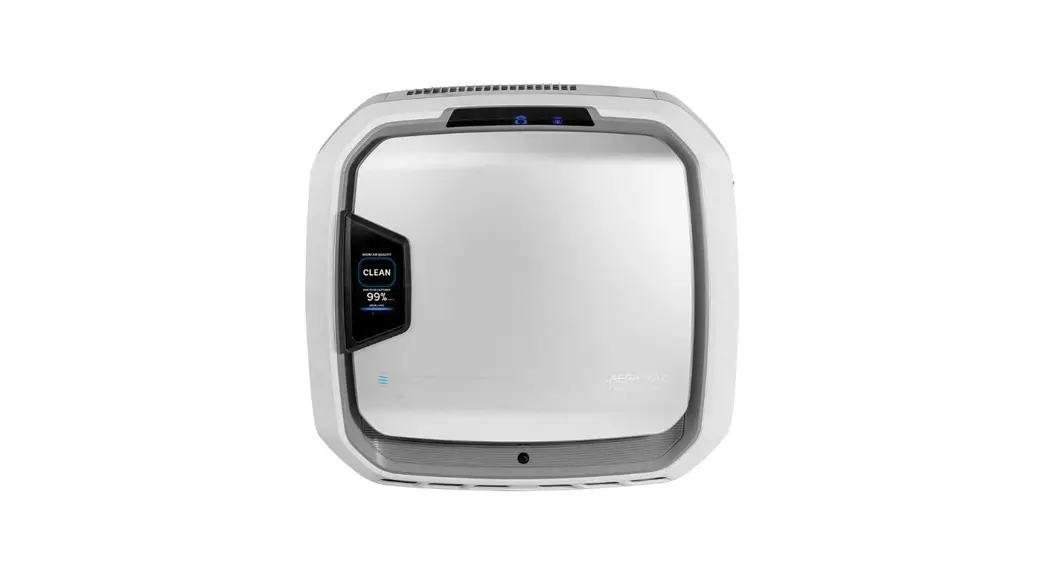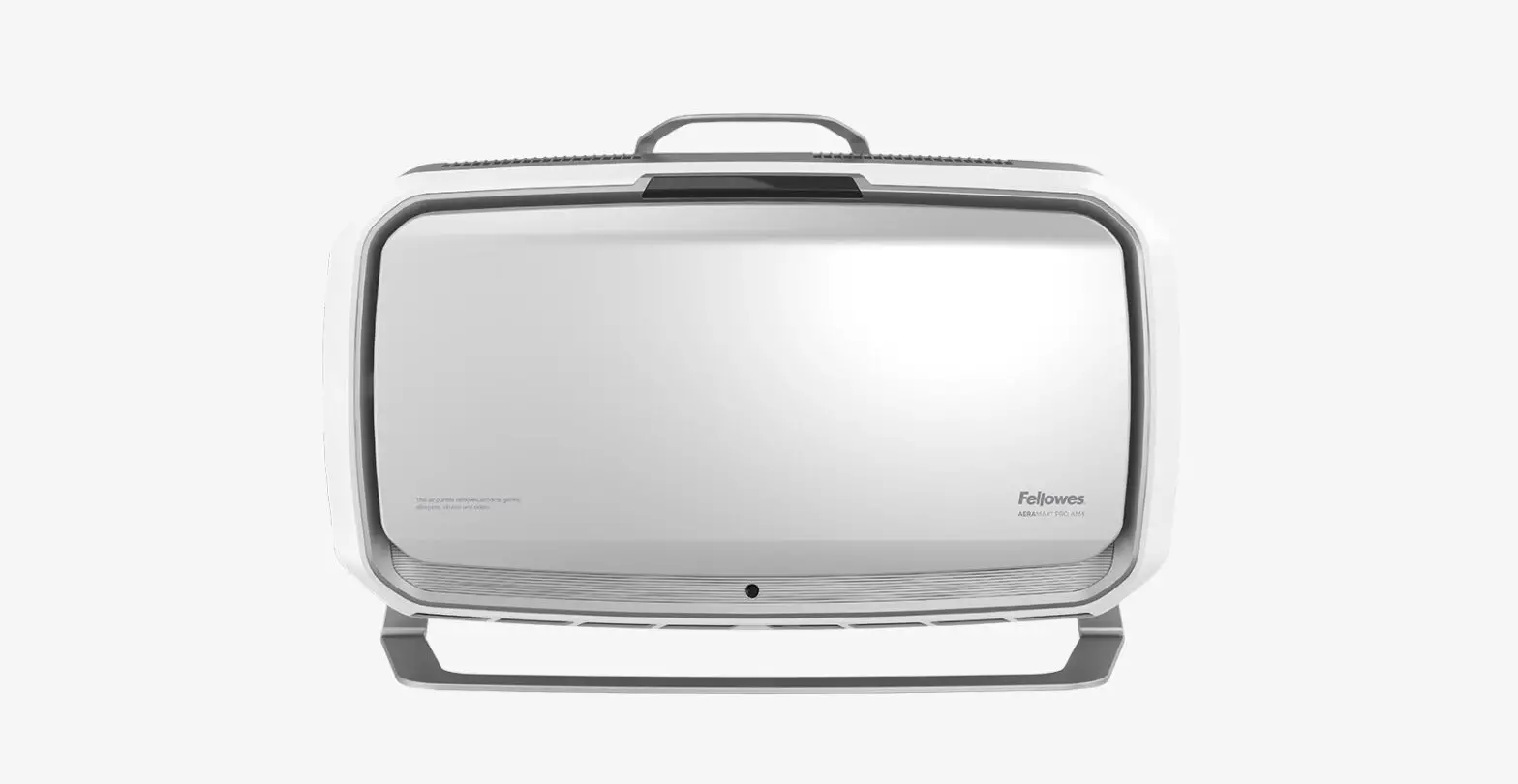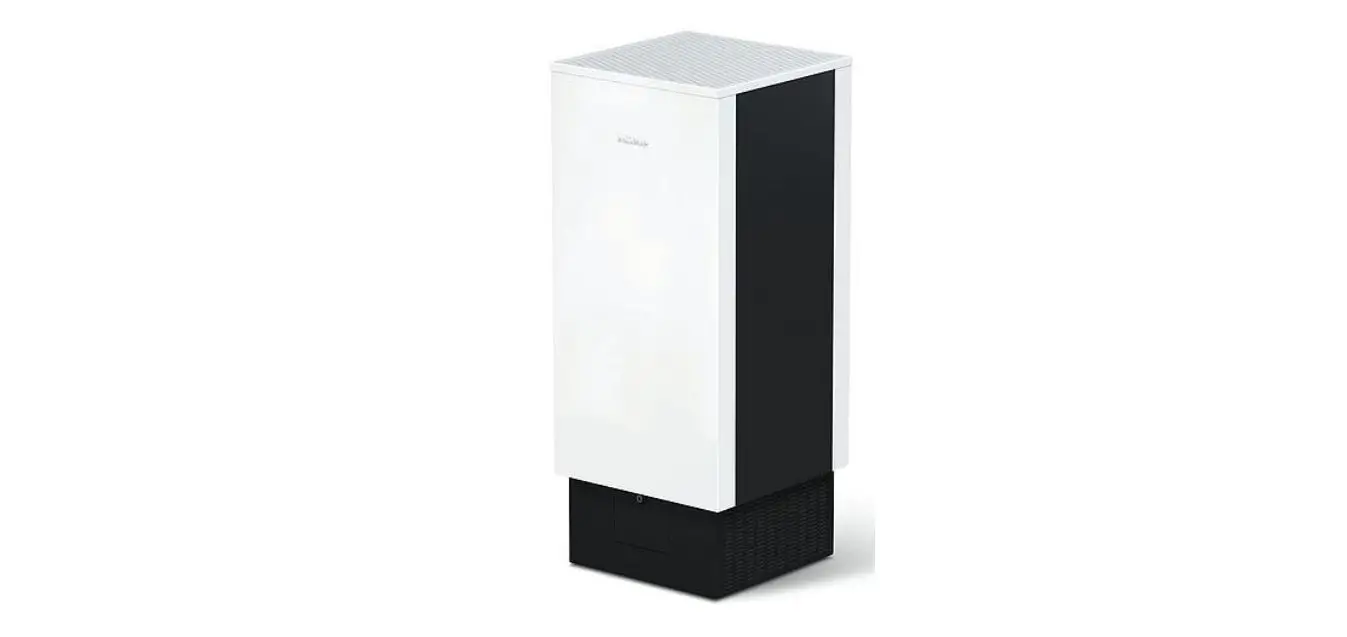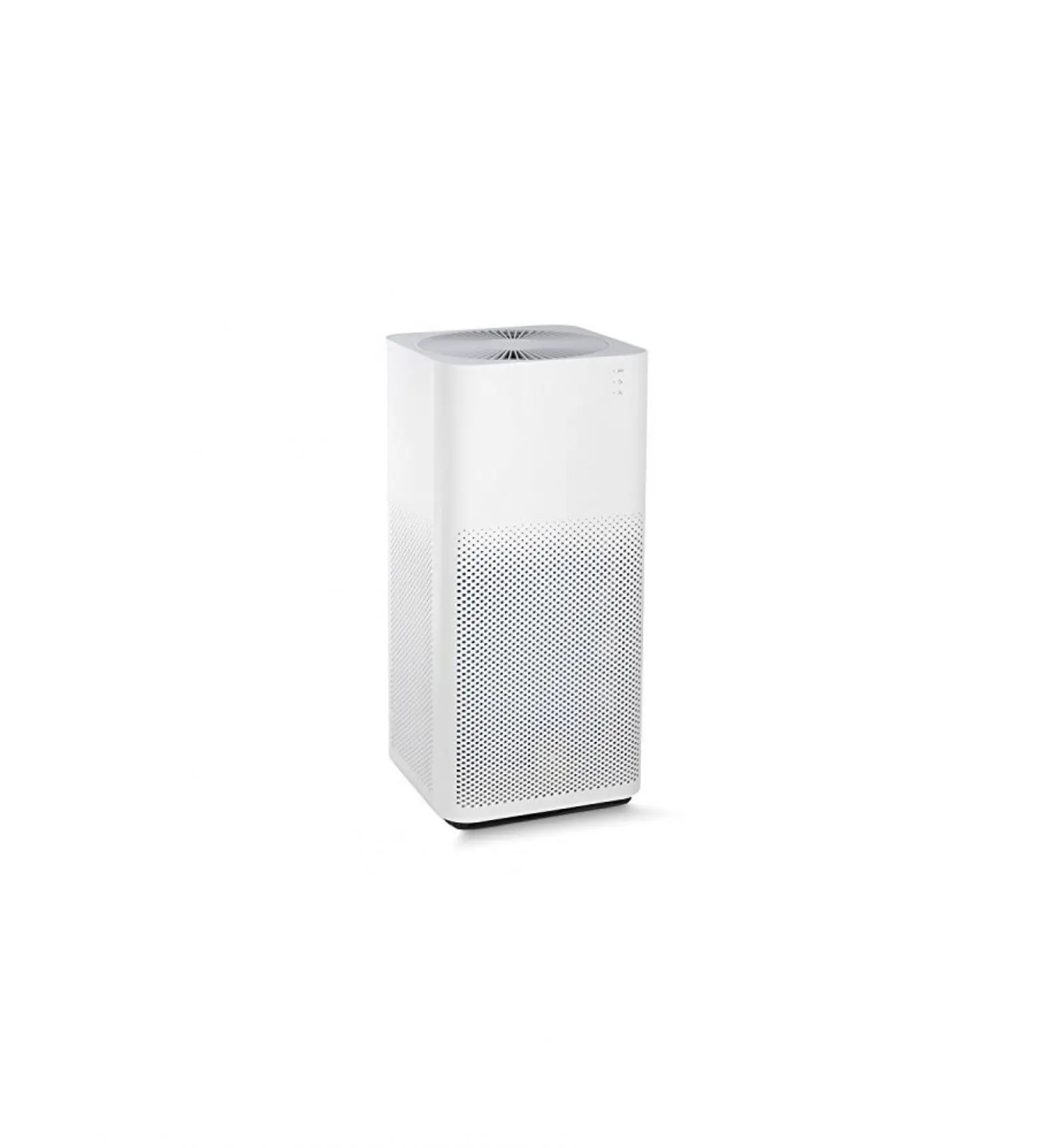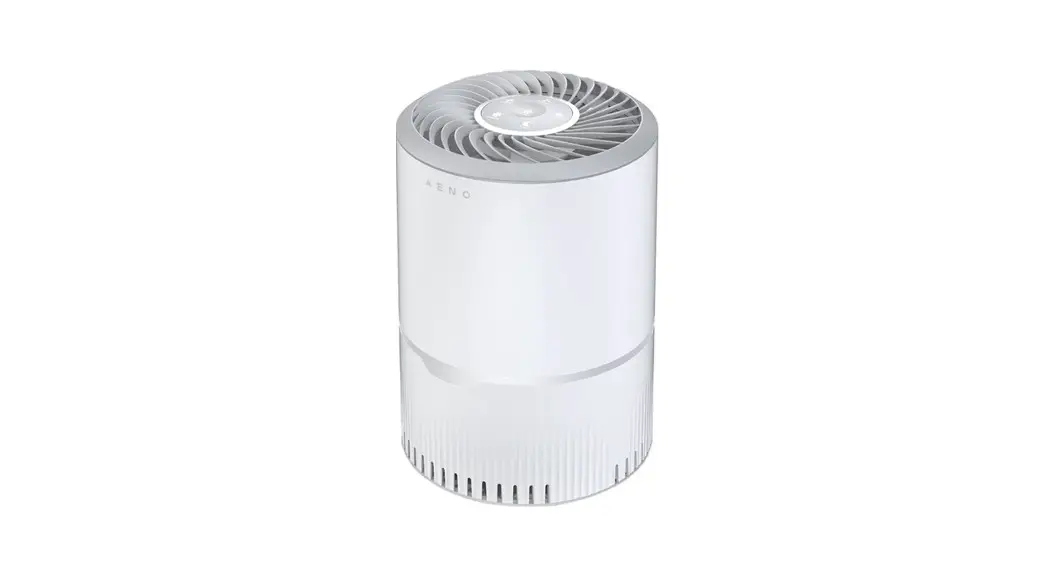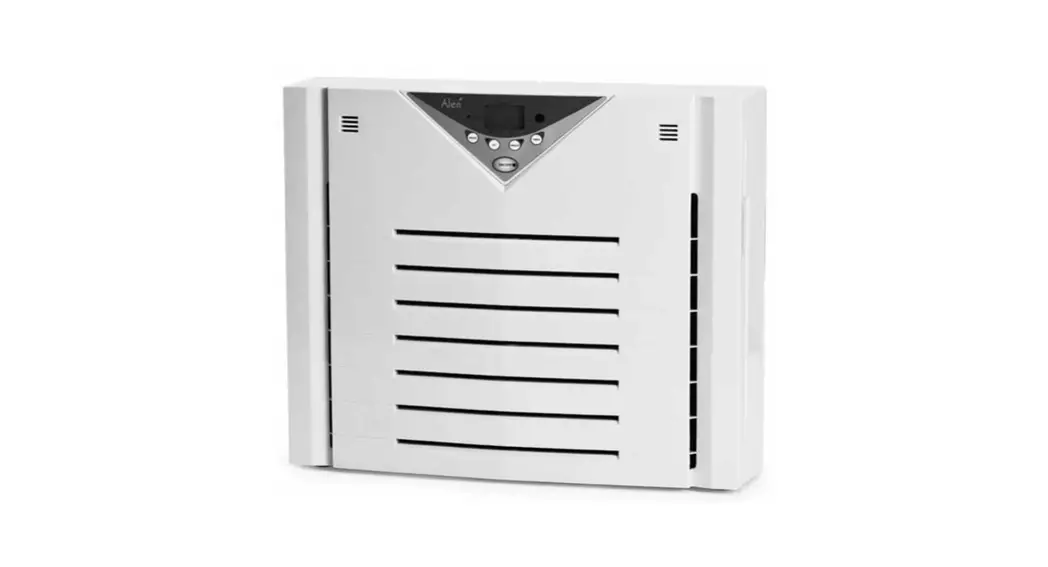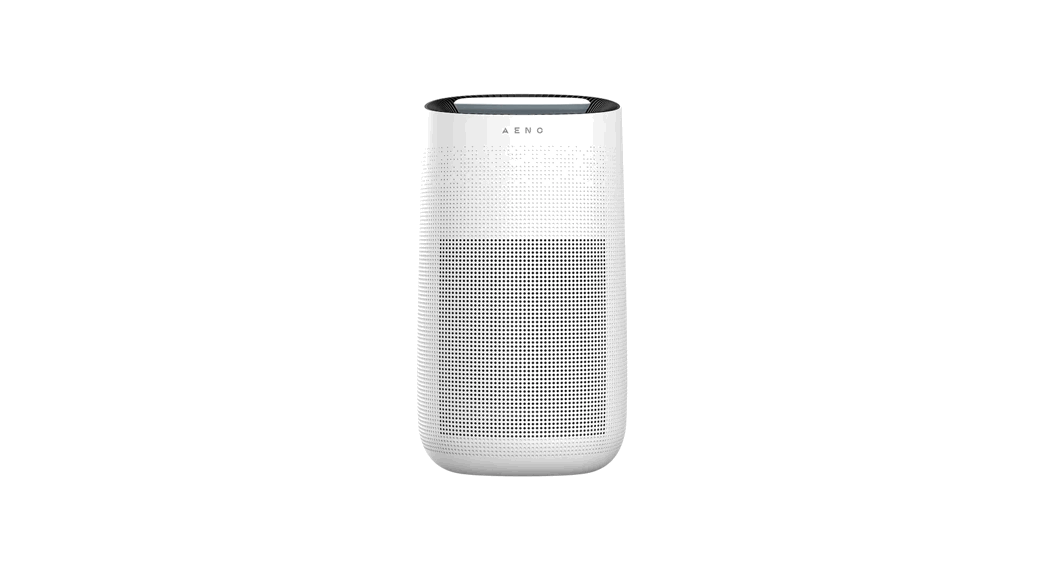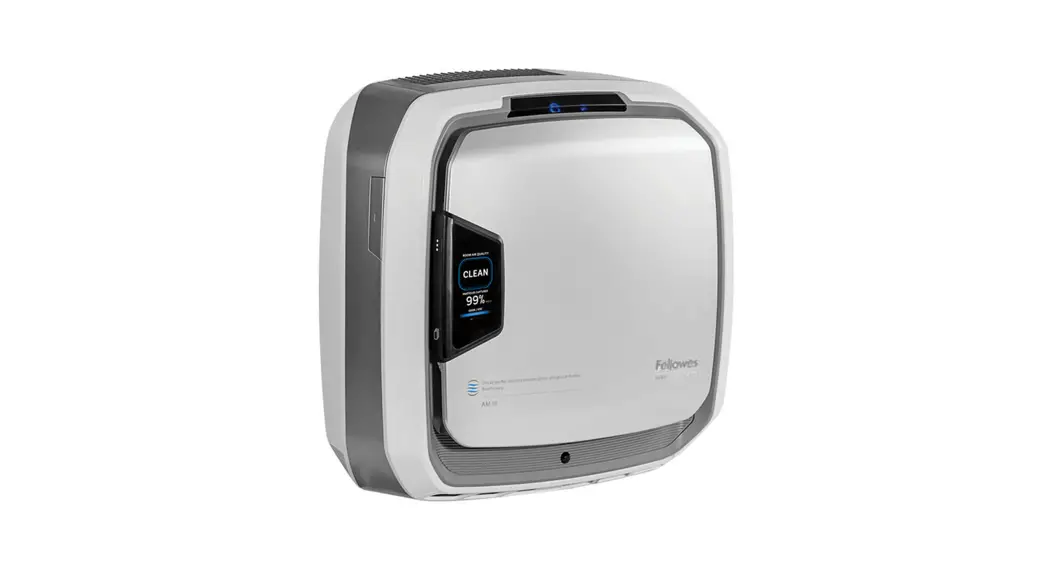

AM9573001 Aeramax Pro AM3 PC Air Purifier
User Guide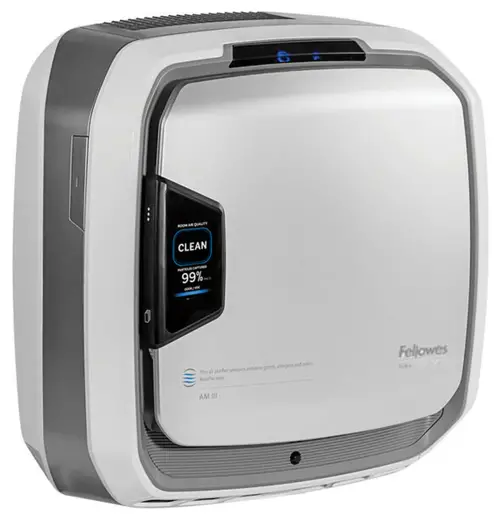
Quick Start Guide
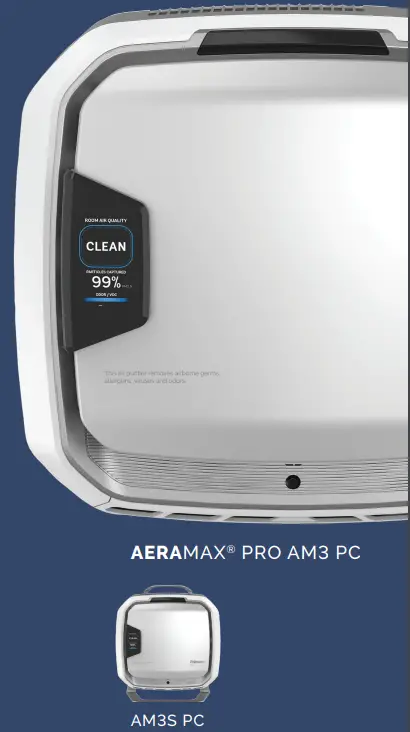
AERAMAX® PRO AM3 PC
AM3S PC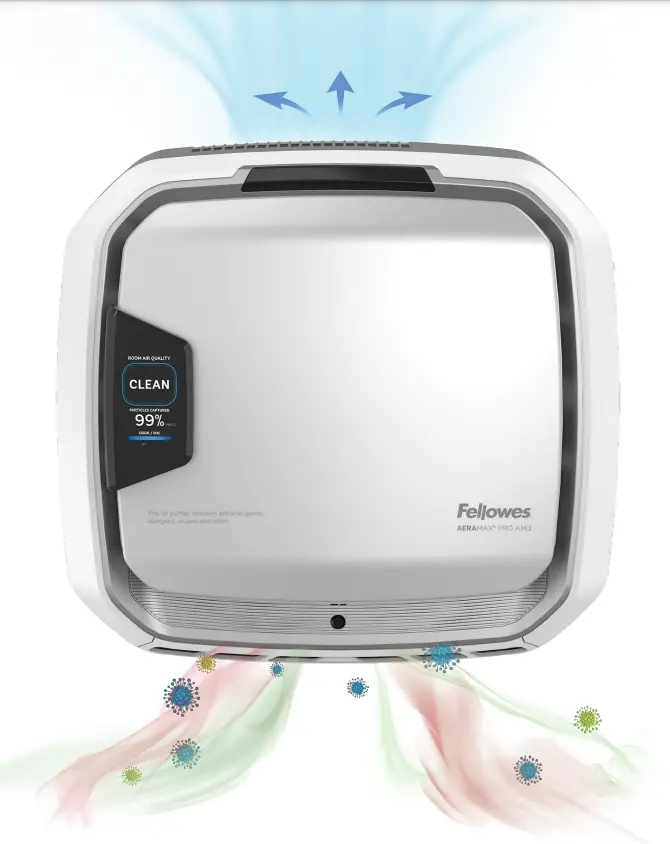
This guide is for machine setup. For full installation guidelines and for more detail on the PureView screen, please refer to the product documentation that came with the unit, or visit http://support.fellowes.com
Welcome to Healthy Air
Setting up your air purifier
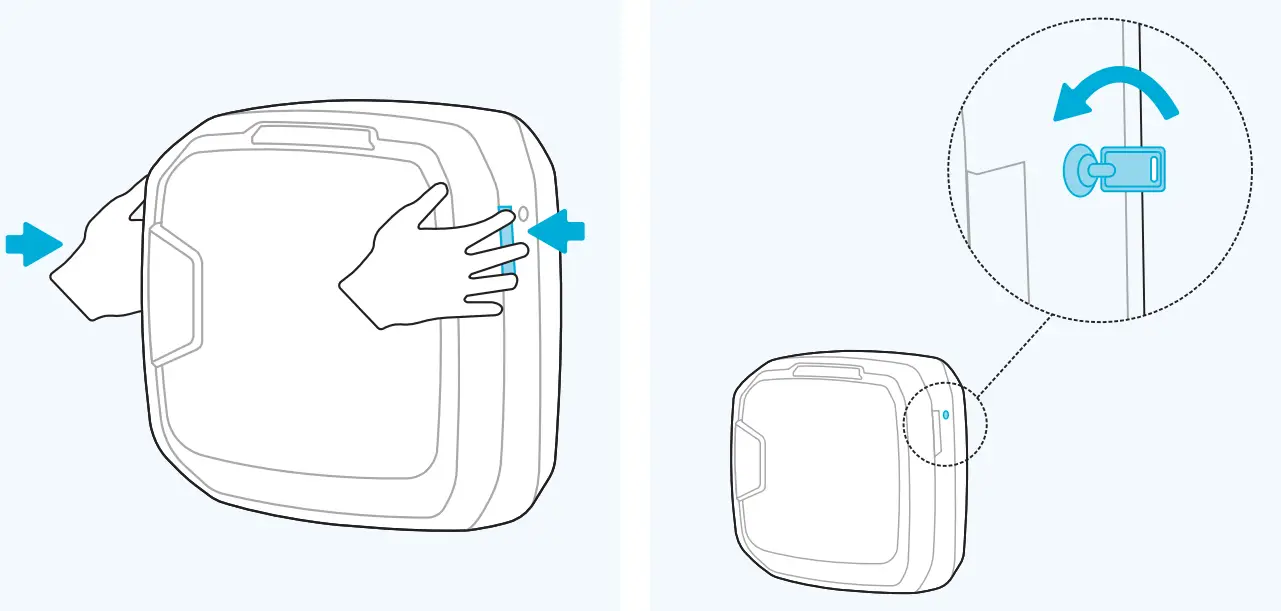
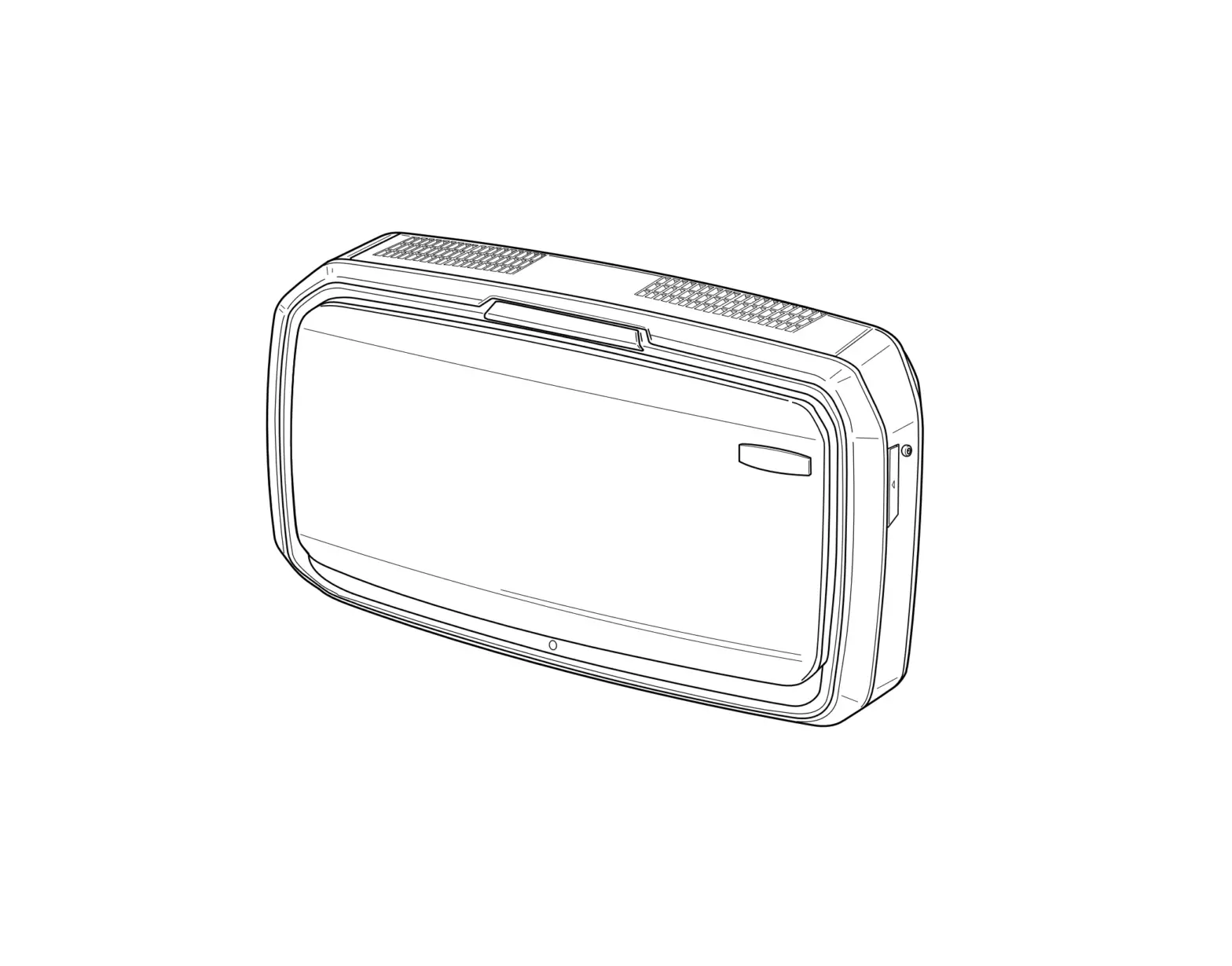
- Open unit fully by pressing latches on both sides.
- If locked, insert key and rotate counterclockwise ¼.

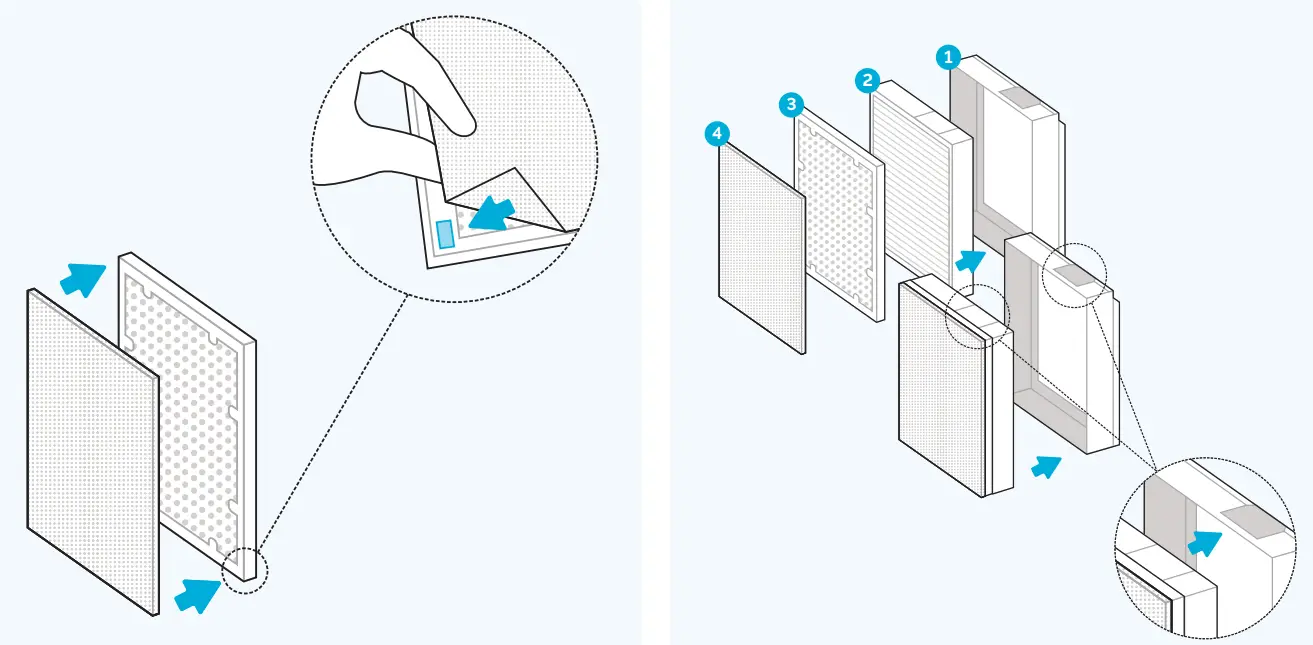
- Remove all filters from plastic. Check that the Velcro on the carbon filter is facing out. Attach pre-filter to the Velcro strips in each corner of the carbon filter.
- Arrange filters in proper order. HEPA is placed first in the frame. Carbon on top of HEPA. Pre-filter on top of Carbon, attached in all four corners.

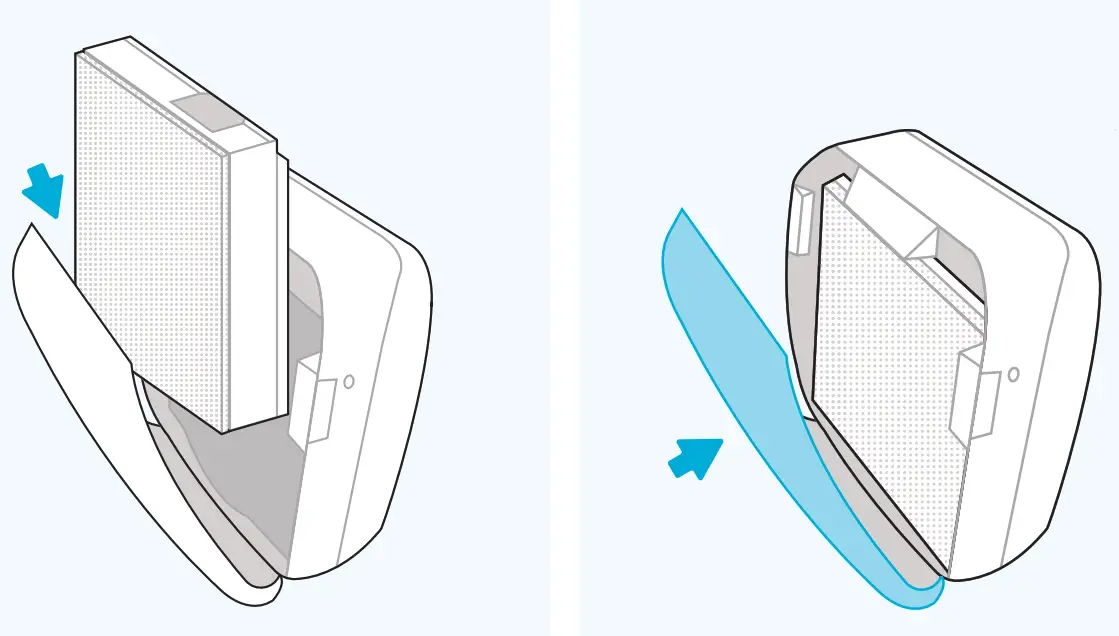
- Place filter assembly back into the unit. White sticker on top and white pre-filter in front.
- Close the front panel until you hear a click.
Getting started
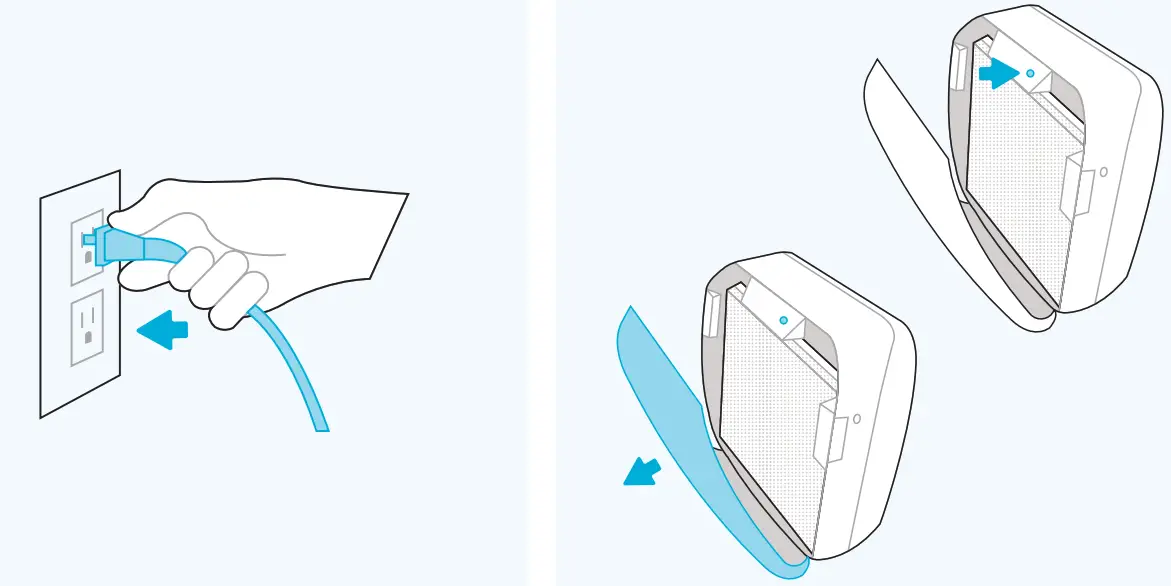
- FLOOR UNITS ONLY: Plug into an outlet and ensure the power switch located at the bottom rear of the unit next to the power cord is switched to the on position. The unit will now be in auto-mode.
- Once the floor or wall unit is powered up, open the front panel to adjust settings.

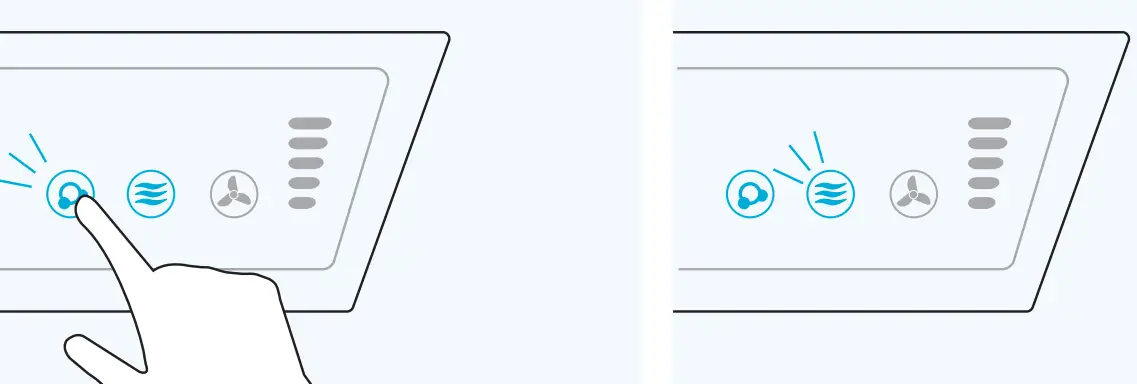
- The ionizer will be off by default. Turn the ionizer on by pressing and holding the ionizer icon until it is illuminated.
- The unit defaults to EnviroSmart Auto-mode; the icon will be lit blue.

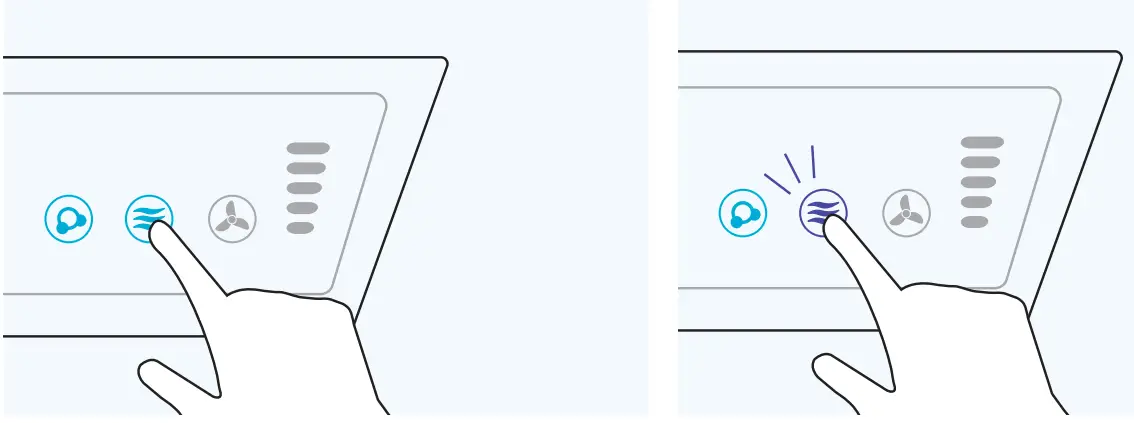
- OPTIONAL QUIET MODE: Press and hold EnviroSmart Icon until it beeps.
- EnviroSmart icon will change to purple. The unit is now in quiet mode.

- MANUAL MODE: Press and hold an icon until it beeps.
- You can now manually put the unit in 1-5 fan speeds by repeatedly pressing and holding the fan icon. The light bar to the right indicates which fan speed you are using(1.5).

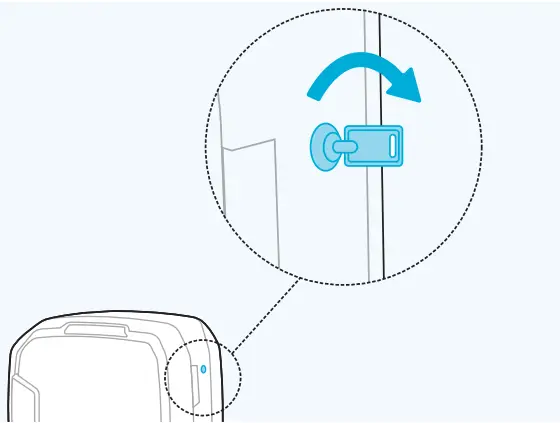
- Once settings are complete, close the front panel, insert key on the right side and rotate clockwise ¼ turn to lock machine.

Protect What Matters Most
Register your product to the AeraMax Protects Program and receive one additional year of warranty protection as well as filter replacement reminders. Fellowes.com/aeramaxprotects
https://qrcodes.pro/rjOjDi
Scan To Register Product
1-800-955-0959
fellowes.com
© 2021 Fellowes, Inc.
Part #412330