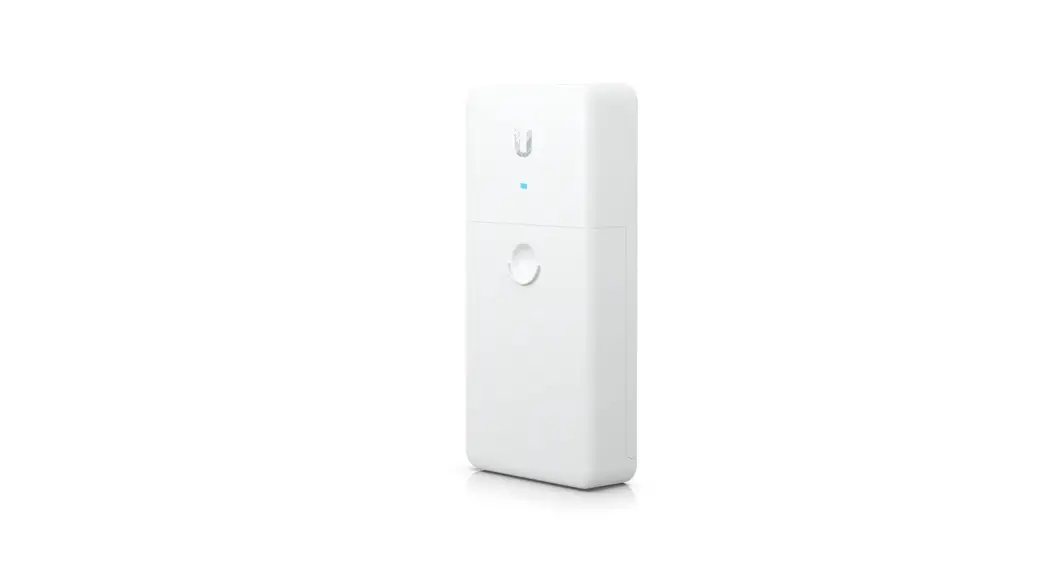
UBIQUITI NETWORKS Quick-Mount for Ubiquiti CPE Devices User Guide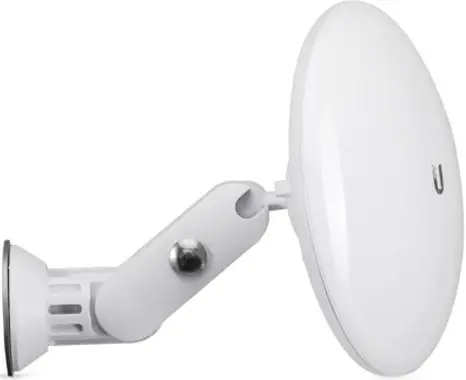
Package Contents
- Mount Arm
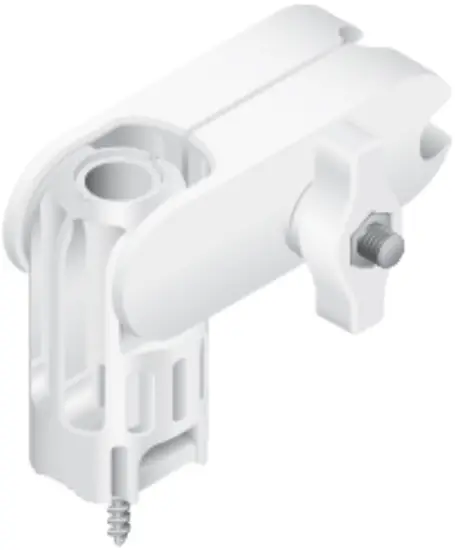
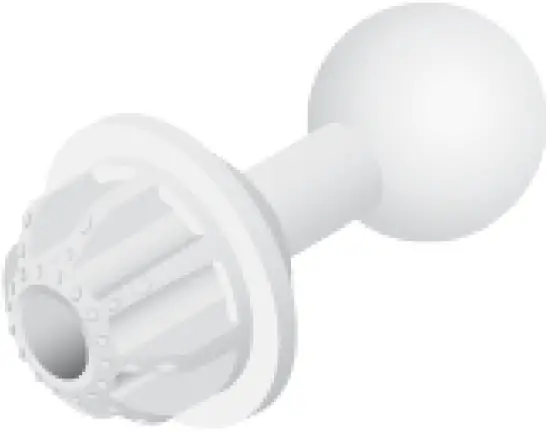
- Universal Ball Mount
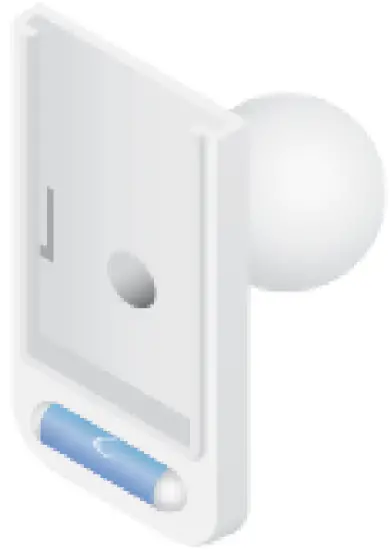
- Bracket Mount

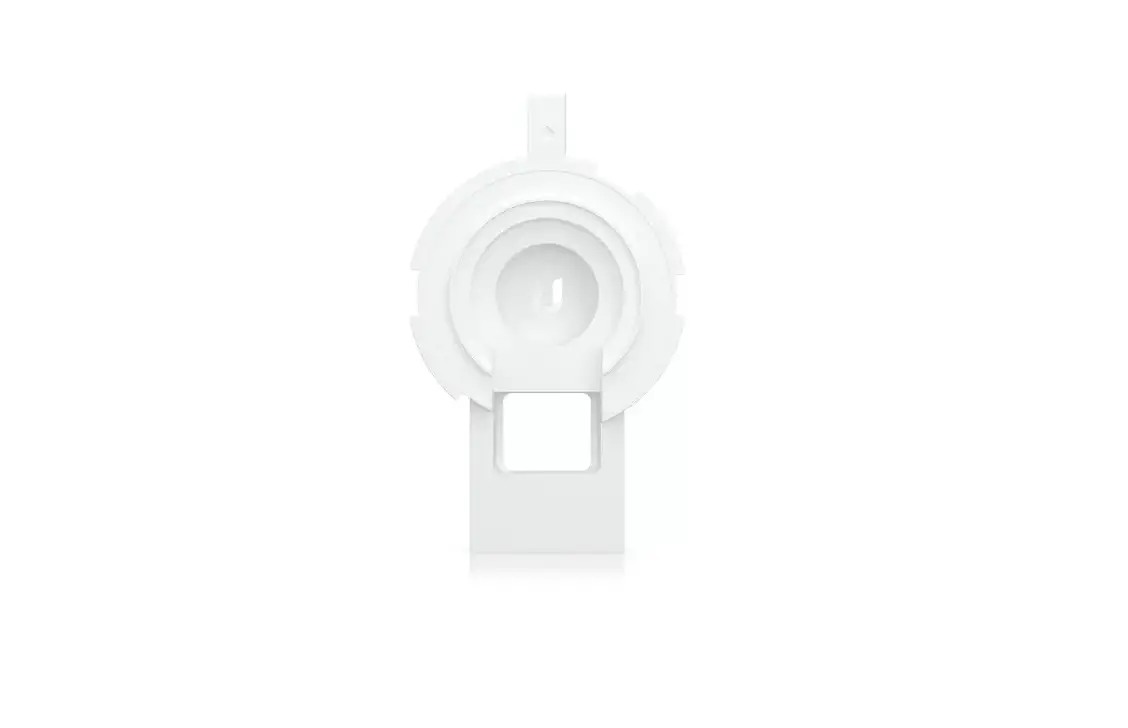
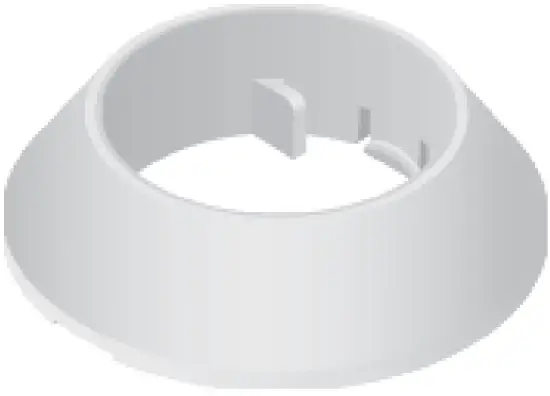
- Rotation Collar
- Stacking Washer
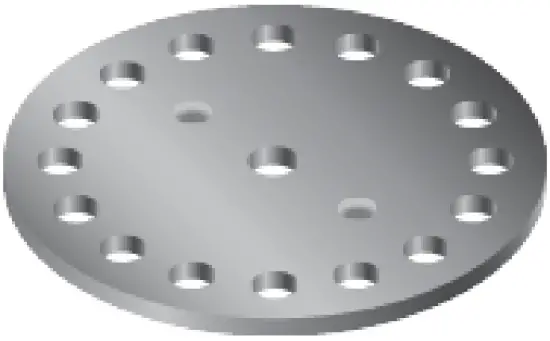
- Ball Mount Washer

Supported Products
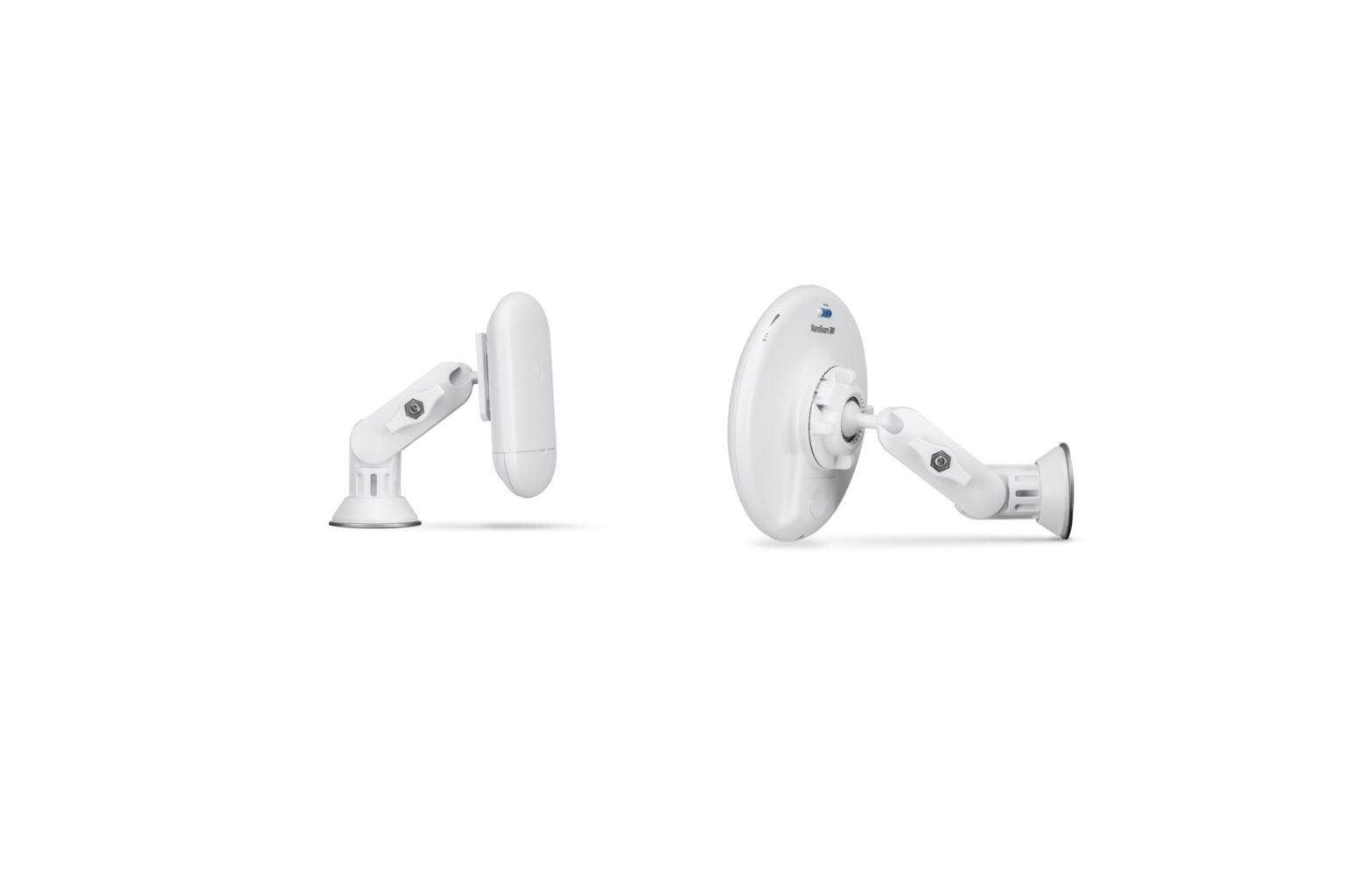
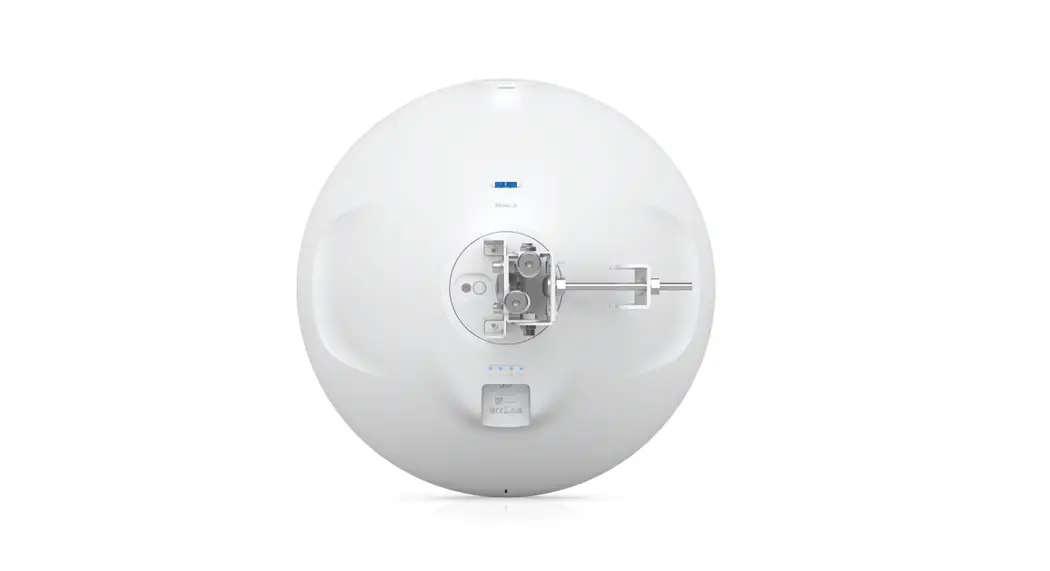
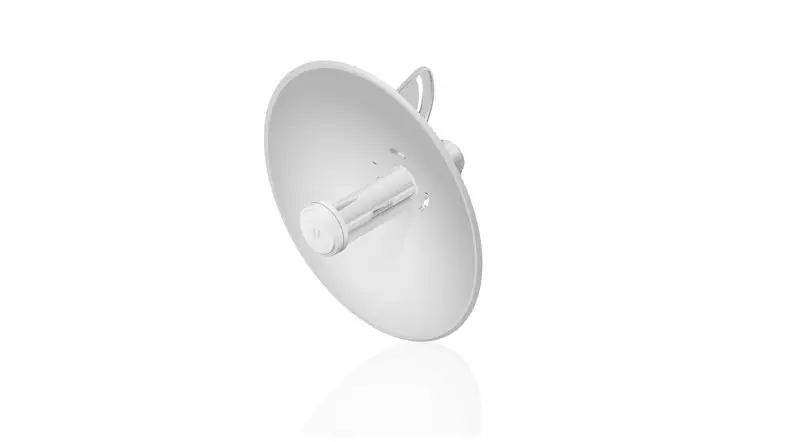
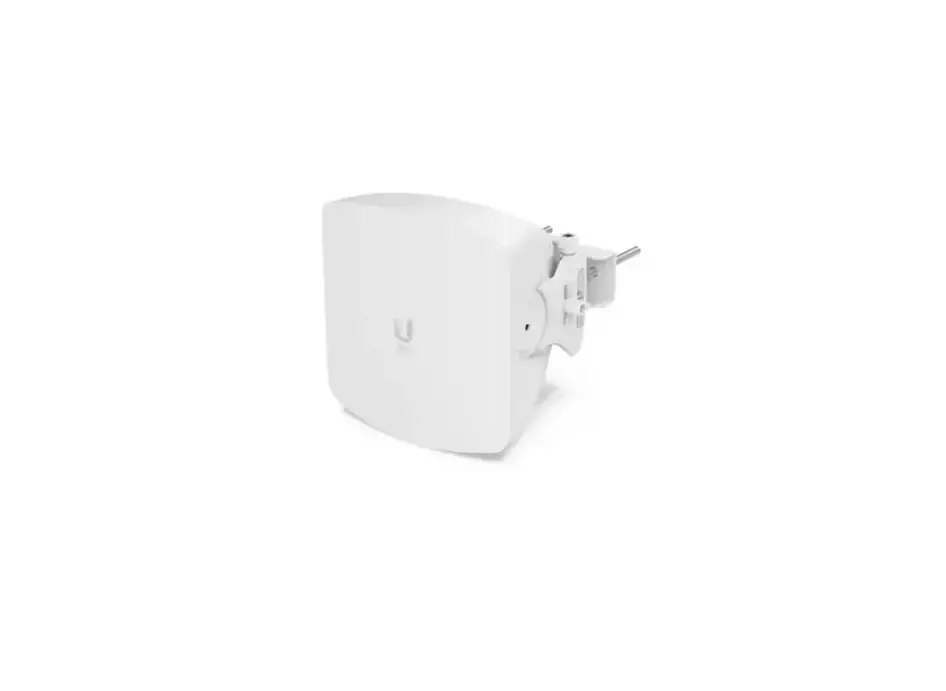
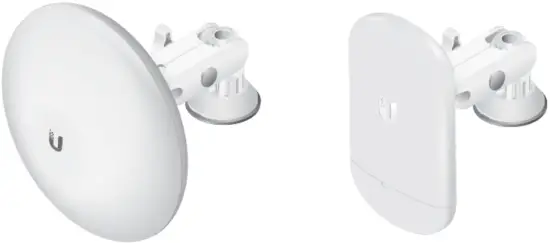
The Quick Mount is compatible with the GigaBeam™, LTU™ Lite, NanoBeam®, NanoStation®, NanoStationloco, and UniFi® Building-to-Building Bridge.
- NBE-2AC-13, NBE-M5-16, UBB, or GBE using the Universal Ball Mount
- NBE-5AC-Gen2 or NBE-M5-19 using the Universal Ball Mount and Metal Washer
- loco5AC, NS-5AC, or LTU-Lite using the Ball Mount Assembly.
Hardware Overview
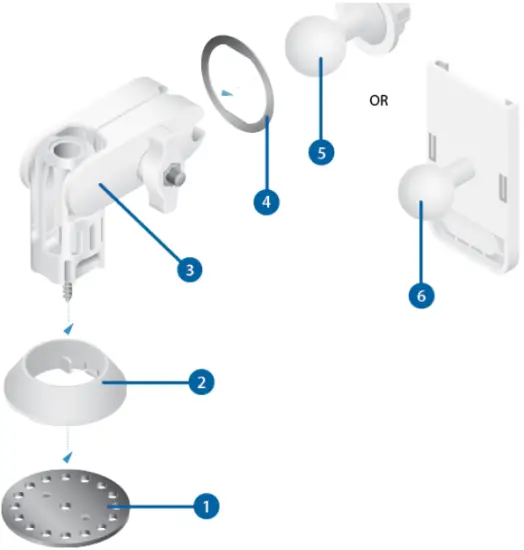
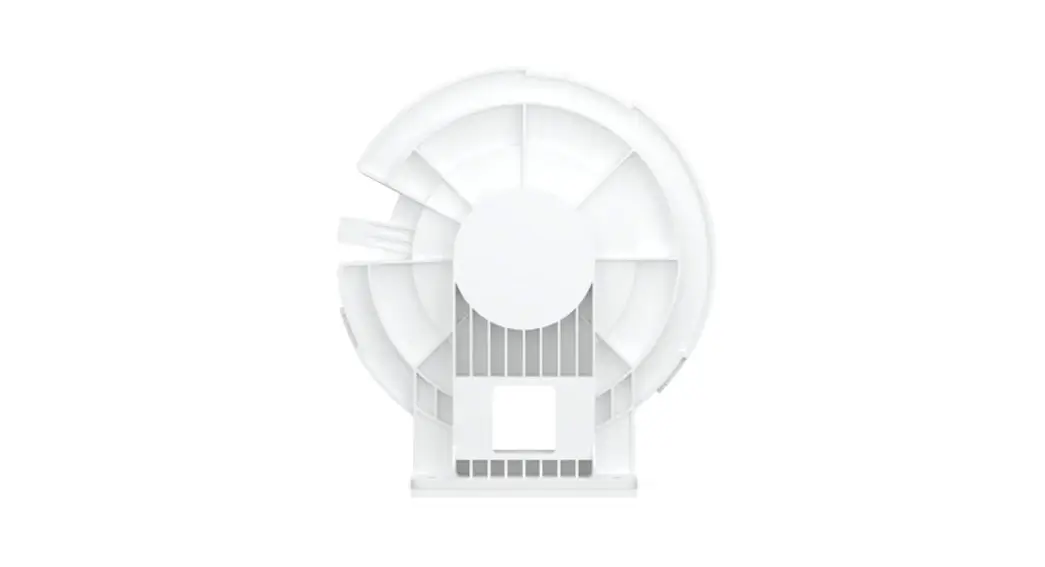
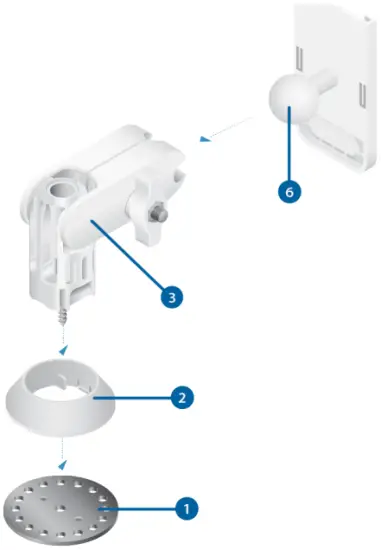
- Stacking Washer
Part of the Quick-Mount assembly that locks the Rotation Collar into place. - Rotation Collar
Part of the Quick-Mount assembly that stabilizes the base of the Mount Arm. - Mount Arm
Adjustable mount compatible with a variety of Ubiquiti CPE devices. - Ball Mount Washer
Used in conjunction with the Universal Ball Mount when installing the
NBE‑5AC‑Gen2 or NBE-M5-19. - Universal Ball Mount
Used when installing the NBE-5AC-Gen2, NBE-2AC-13, NBE-M5-19, NBE-M5-16, UBB, or GBE. - Bracket Mount
Used when installing the loco5AC, NS‑5AC, or LTU-Lite.- NBE-2AC-13
- NBE-M5-16
- UBB
- GBE
Components
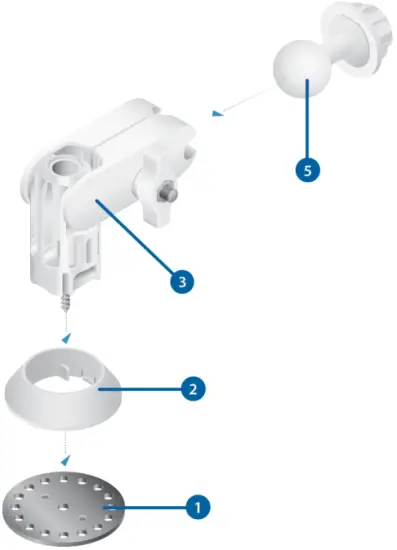
 Note: The device’s Lock Ring will also be used.
Models
- NBE-5AC-Gen2
- NBE-M5-19
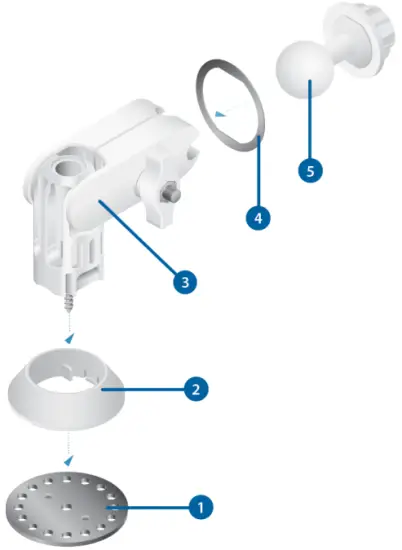
- Loco5AC
- NS-5AC
- LTU-Lite
Installation
Before You Begin
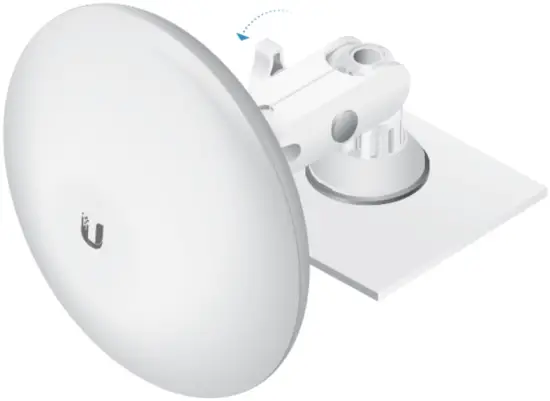
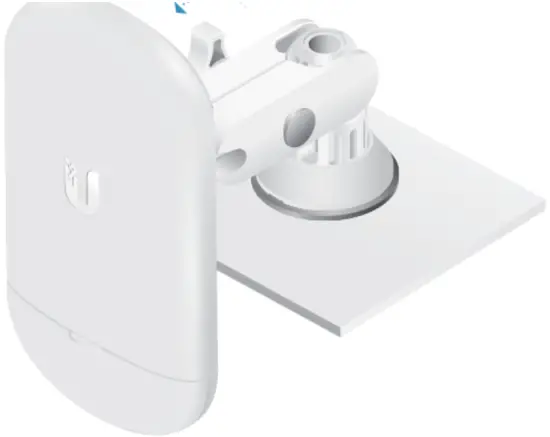
Insert the Mount Arm into the Rotation Collar and press until it is locked in.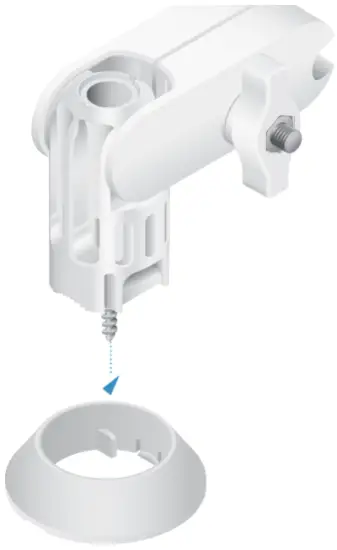
Note: The screw end should extend past the Rotation Collar for installation, as shown below.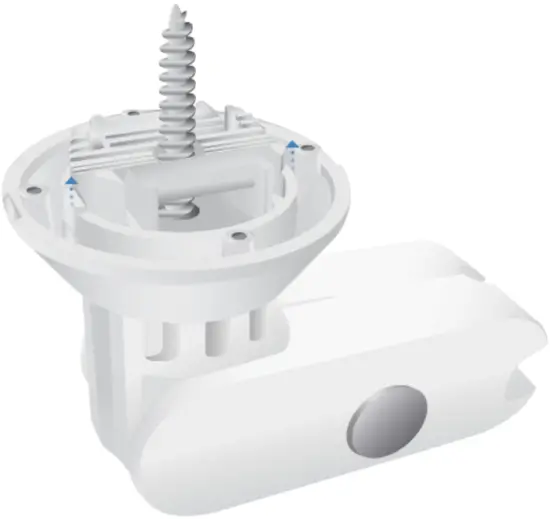
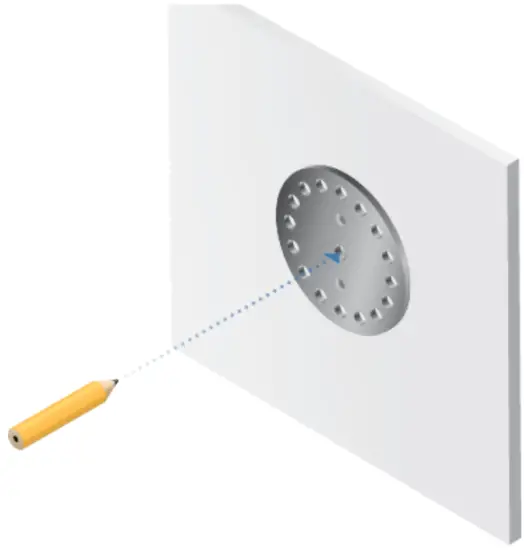
Optional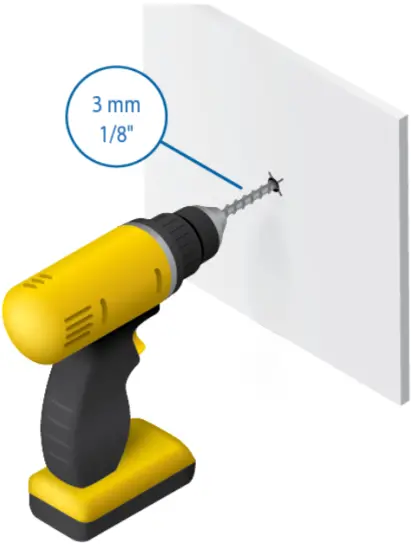
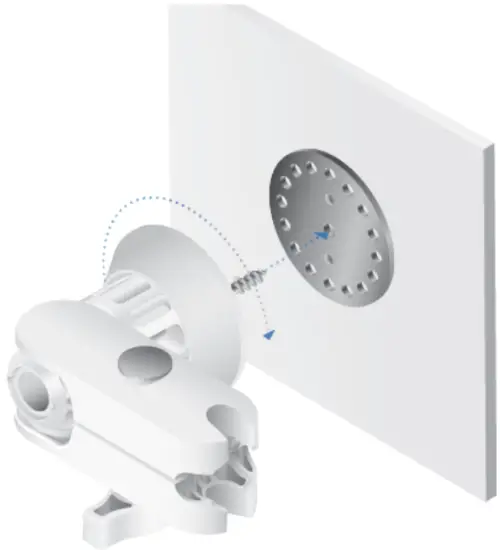
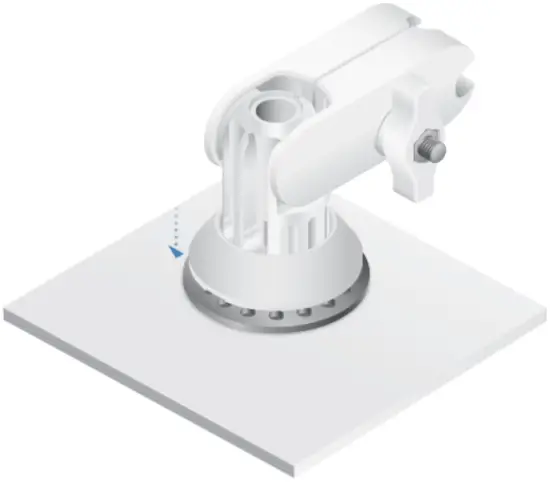
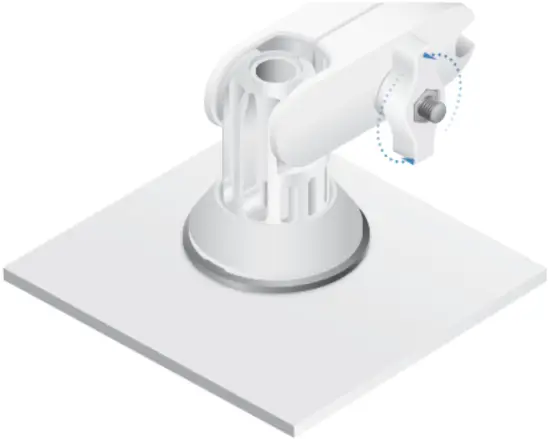
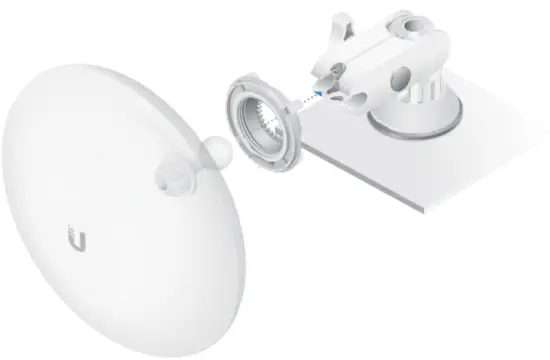
Note: Add the Ball Mount Washer when installing the NBE-5AC-Gen2 or NBE-M5-19.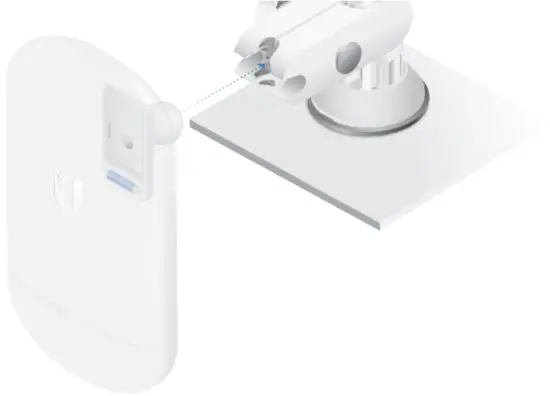
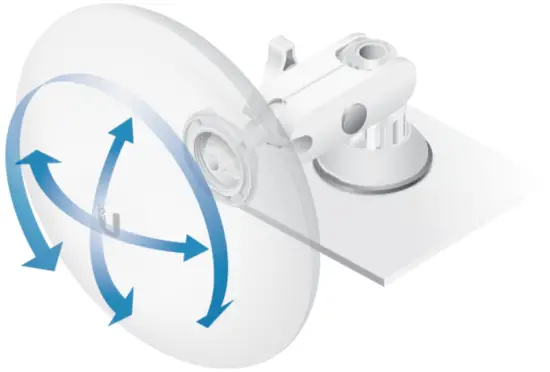
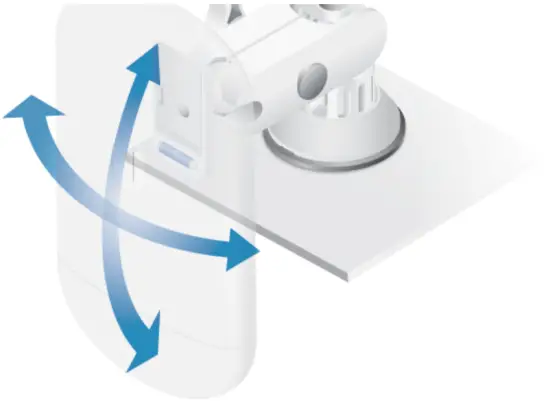
Specifications
Quick-Mount | |
| Dimensions | 104 x 122 x 81 mm (4.09 x 4.80 x 3.19″) |
| Weight | 375 g (0.83 lb) |
| Device Support | |
| Ball Mount Assembly | loco5AC, NS-5AC, or LTU-Lite |
| Universal Ball Mount Universal Ball Mount with Ball Mount Washer | NBE-2AC-13, NBE-M5-16, UBB, or GBE NBE-5AC-Gen2, NBE-M5-19 |
Limited Warranty
The limited warranty requires the use of arbitration to resolve disputes on an individual basis, and, where applicable, specify arbitration instead of jury trials or class actions.
Declaration of Conformity
Online Resources
© 2019-2020 Ubiquiti Inc. All rights reserved.
 Ubiquiti - Warranty
 community.ubnt.com/
 Ubiquiti - Compliance
 Ubiquiti - Downloads