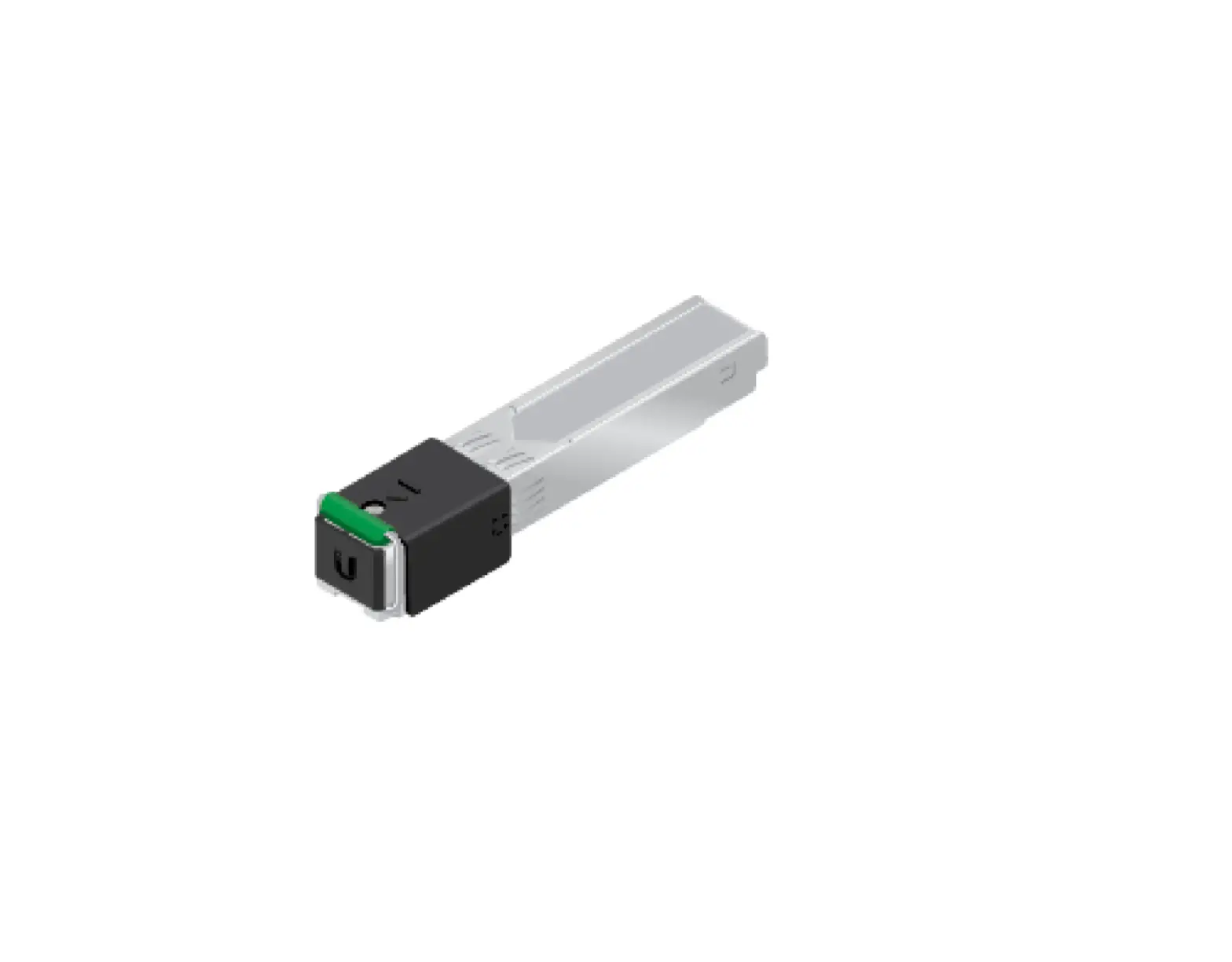
UF-Instant Quick Start Guide
Package Contents
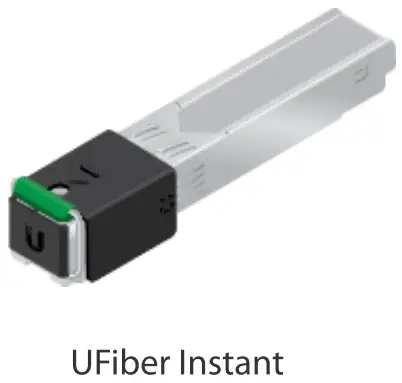
Installation Requirements
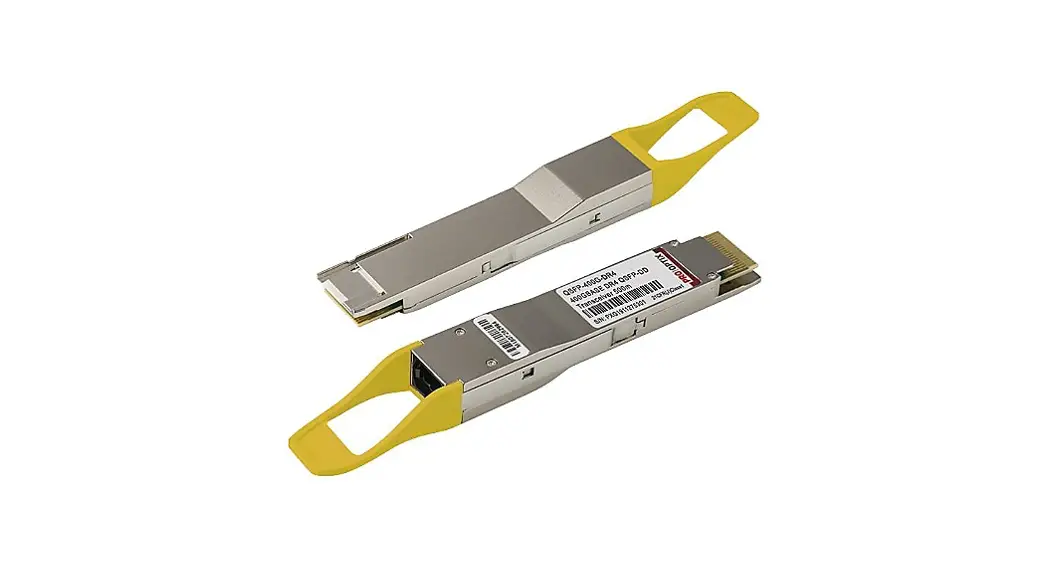
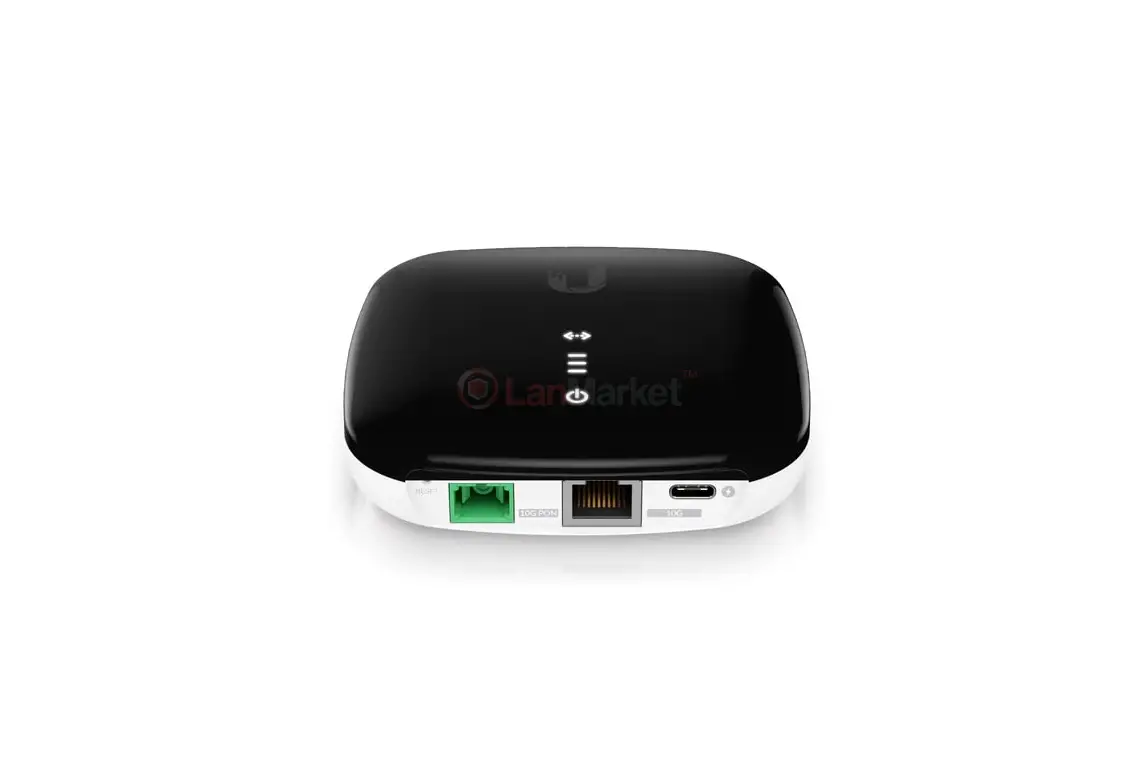
- UFiber OLT
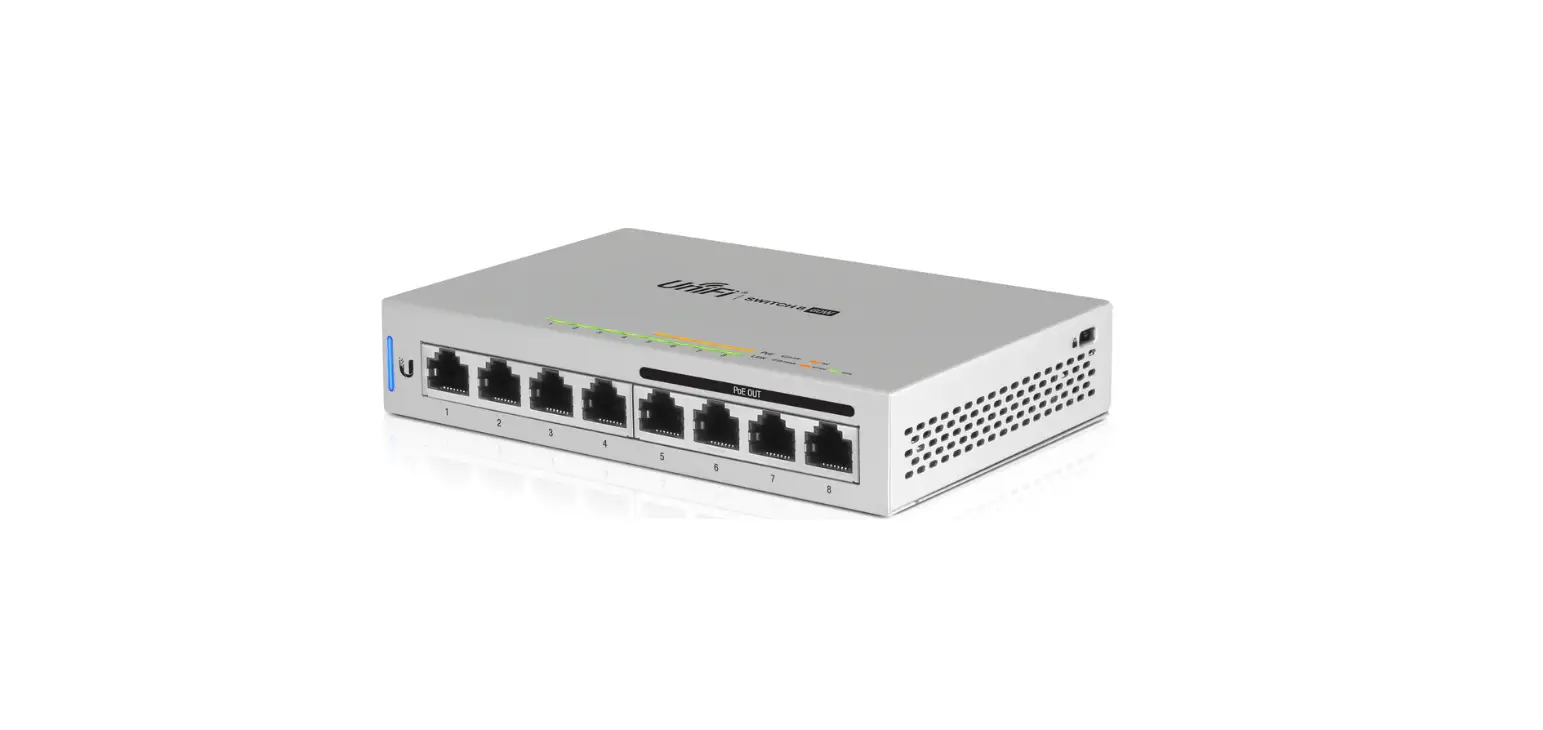
- Ubiquiti product with SFP port
For more information, refer to: ubnt.link/Using-UF-Instant
Before You Begin
Designing your first GPON deployment requires specific knowledge and planning. For
information on GPON network design and installation, including important considerations
and best practices, refer to:
For details on configuring U Fiber devices for the first time, refer to: ubnt.link/UFiberInitial-Configuration
Hardware Overview
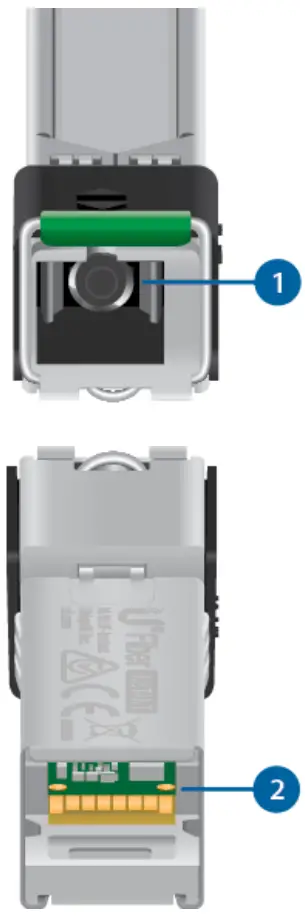
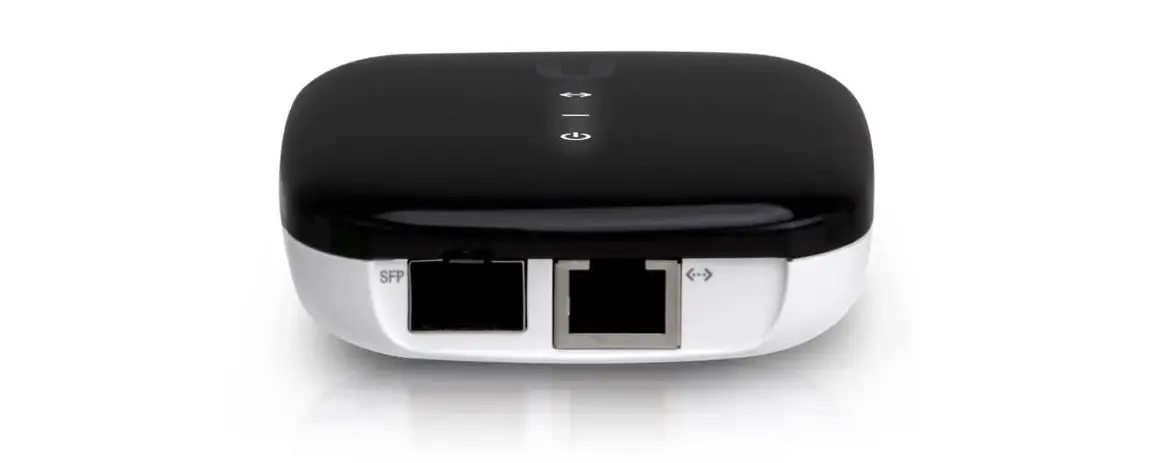
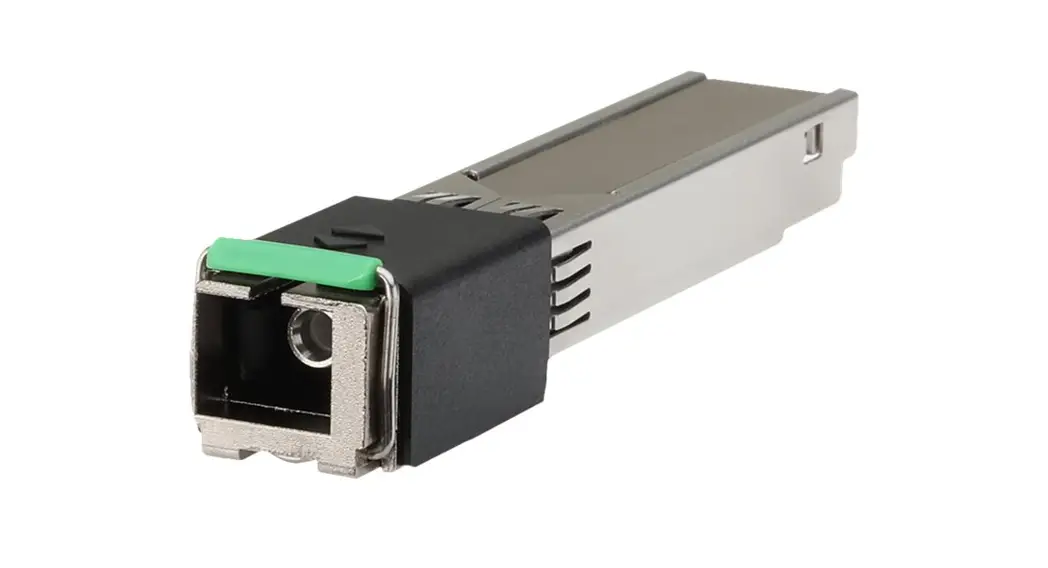
- PON Port
The SC/APC GPON port supports WAN connections of 2.488 Gbps downstream and 1.244 Gbps upstream. - SGMII Interface
The SGMII Ethernet LAN interface supports a 1 Gbps connection.
Connecting Fiber
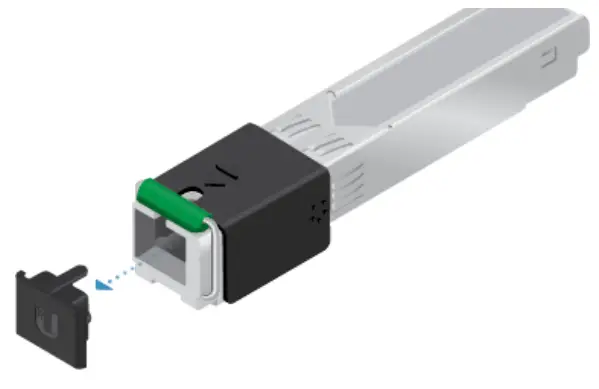
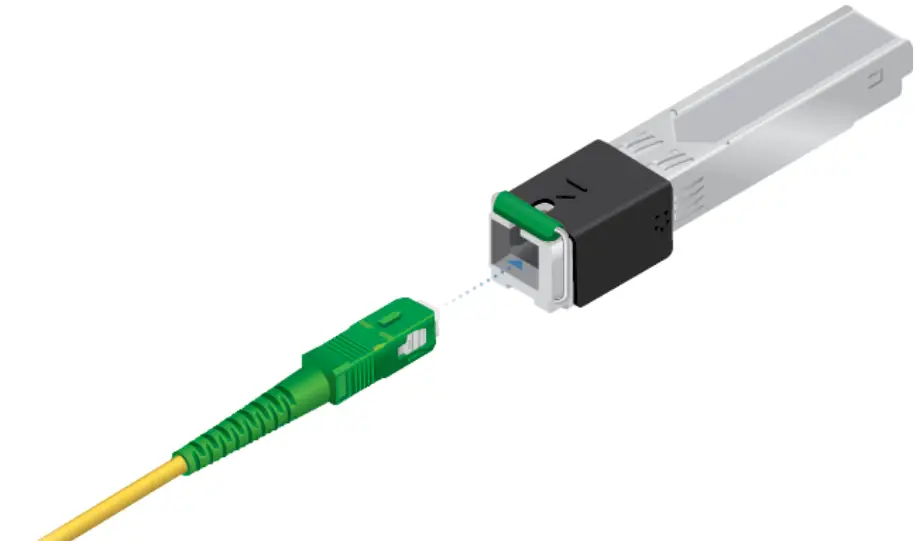
 WARNING: Never look directly into the ends of fiber or modules. The emitted light could cause damage to the eye. WARNING: Until ready for use, keep modules and fiber patch cables covered using the included protective caps to ensure the connections stay clean. WARNING: DO NOT connect the device directly to a UFiber GPON module (UF-GPB+ or UF-GP-C+). Doing so will damage the device optics. Ensure that the device’s received signal level never exceeds -8 dBm. Use a UFiber PLC Splitter to add attenuation as needed.
1
| 2
|
Connecting LAN
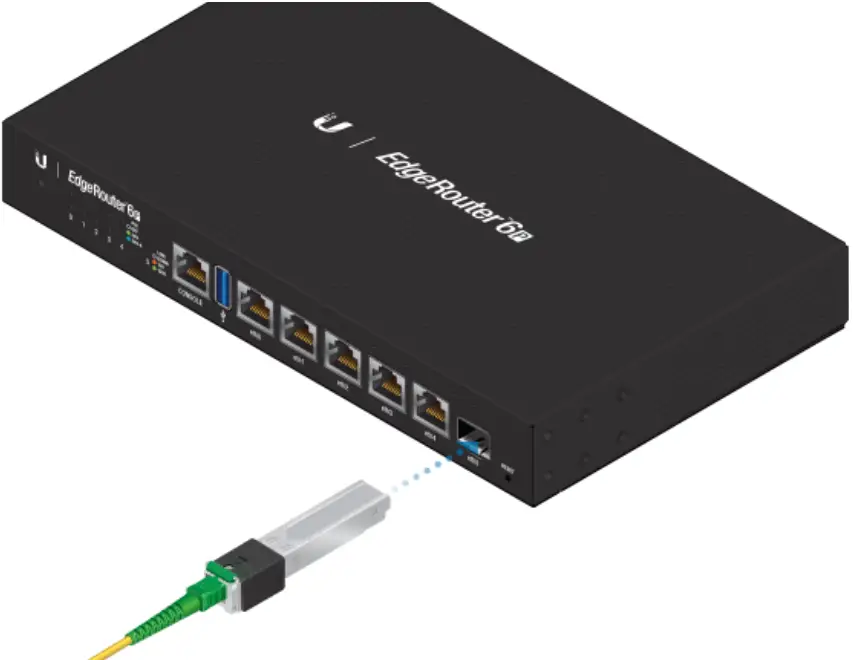
Configuration
The device only supports bridge mode and is configured via the UFiber OLT. For more information, refer to the UFiber resources, which are available at:
ubnt.link/UFiberSupport
Specifications
| UF-Instant | |
| Dimensions | 69.46 x 13.70 x 11.30 mm (2.74 x 0.54 x 0.45″) |
| Weight | 30 g (0.96 oz) |
| Networking Interfaces | (1) SC/APC, GPON WAN (1) SGMII Ethernet LAN |
| Networking Interface Speeds GPON WAN, ITU G.984 GbE LAN | 2.488 Gbps Downstream, 1.244 Gbps Upstream 1 Gbps |
| Management Interface | In-Band Ethernet PON |
| Normal Optical Power Range | TX (Class B+): 0.5 to 5 dBm RX: -8 to -28 dBm |
| Power Method | SFP |
| Power Supply | 3.3V |
| Max. Power Consumption | 2W |
| Supported Voltage Range | 3.3V |
| Processor Specs | MIPS 100 MHz |
| Memory Information | 32 MB DDR |
| Operating Temperature | -10 to 45° C (14 to 113° F) |
| Operating Humidity | 10 to 90% Noncondensing |
| Certifications | CE, FCC, IC |
Safety Notices
- Read, follow, and keep these instructions.
- Heed all warnings.
- Only use attachments/accessories specified by the manufacturer.
WARNING: To reduce the risk of fire or electric shock, do not expose this product to rain or moisture.
WARNING: Do not use this product in a location that can be submerged in water.
WARNING: Avoid using this product during an electrical storm. There may be a remote risk of electric shock from lightning.
WARNING: CLASS 1 LASER PRODUCT, IEC/EN 60825‑1:2014 – Do not look into the ends of the fiber optic cable or SFP modules while converters are powered.
Electrical Safety Information
- Compliance is required with respect to voltage, frequency, and current requirements indicated on the manufacturer’s label. Connection to a different power source than that specified may result in improper operation, damage to the equipment, or pose a fire hazard if the limitations are not followed.
- There are no operator serviceable parts inside this equipment. Service should be provided only by a qualified service technician.
Limited Warranty
ui.com/support/warranty
The limited warranty requires the use of arbitration to resolve disputes on an individual basis, and, where applicable, specify arbitration instead of jury trials or class actions.
FCC
Changes or modifications not expressly approved by the party responsible for compliance could void the user’s authority to operate the equipment.
This device complies with Part 15 of the FCC Rules. Operation is subject to the following two conditions.
1. This device may not cause harmful interference, and
2. This device must accept any interference received, including interference that may cause undesired operation.
This equipment has been tested and found to comply with the limits for a Class B digital device, pursuant to Part 15 of the FCC Rules. These limits are designed to provide reasonable protection against harmful interference in a residential installation. This equipment generates, uses, and can radiate radio frequency energy and, if not installed and used in accordance with the instructions, may cause harmful interference to radio communications. However, there is no guarantee that interference will not occur in a particular installation. If this equipment does cause harmful interference to radio or television reception, which can be determined by turning the equipment off and on, the user is encouraged to try to correct the interference by one or more of the following measures:
- Reorient or relocate the receiving antenna.
- Increase the separation between the equipment and receiver.
- Connect the equipment into an outlet on a circuit different from that to which the receiver is connected.
- Consult the dealer or an experienced radio/TV technician for help.
ISED Canada
CAN ICES-3(B)/NMB-3(B)
Australia and New Zealand

CE Marking
CE marking on this product represents the product is in compliance with all directives that are applicable to it.

Online Resources

© 2021 Ubiquiti Inc. All rights reserved.
 Ubiquiti - Warranty
 community.ubnt.com/
 WEEE Compliance Statement
 Ubiquiti - Compliance