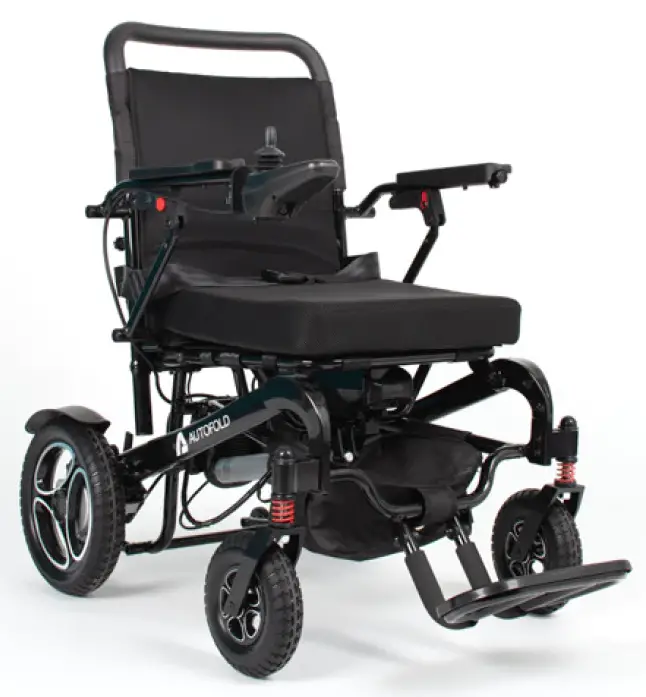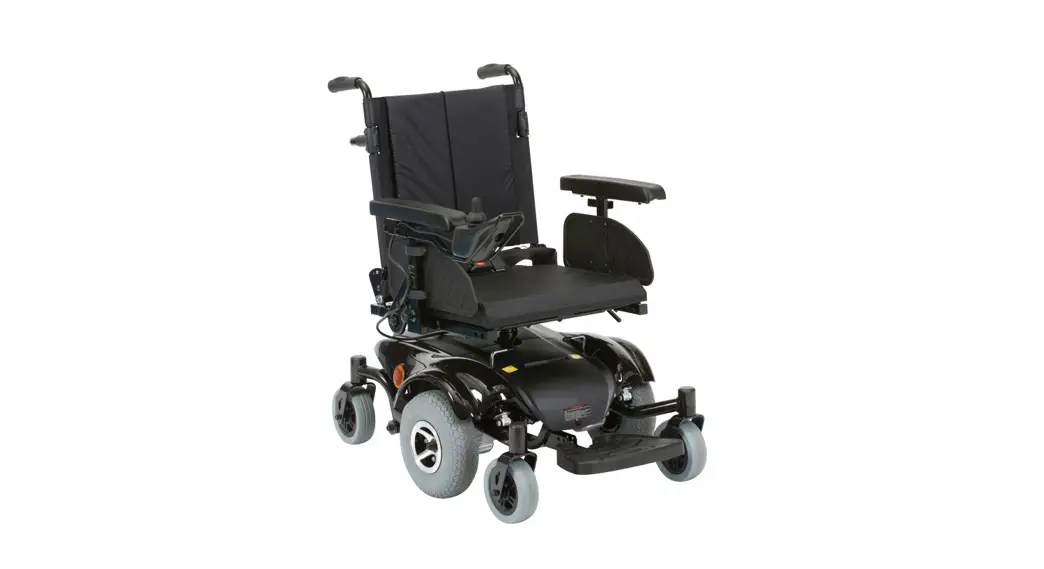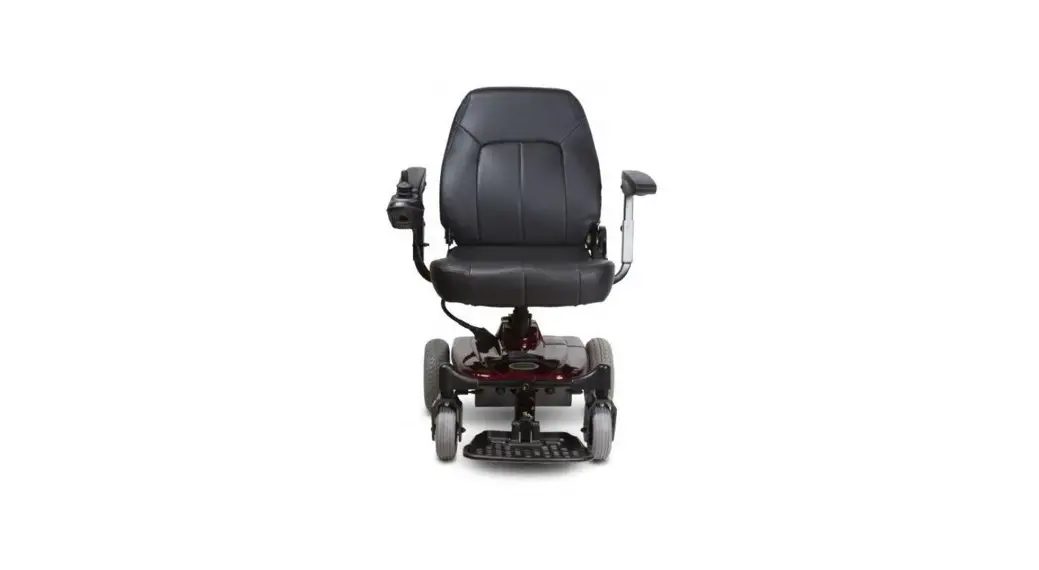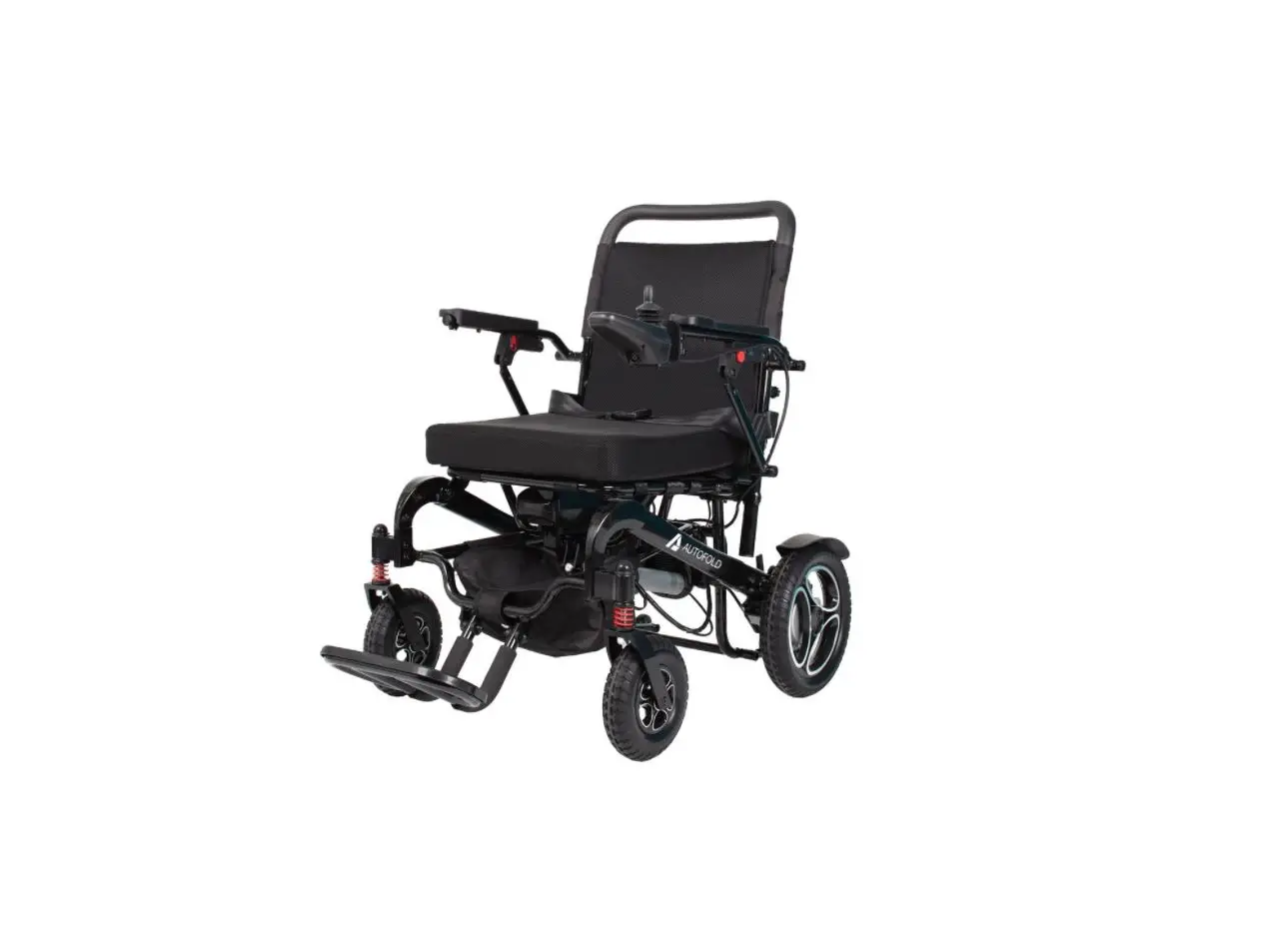
drive DeVilbiss AFPC17BLK Auto fold
Powerchair User Guide

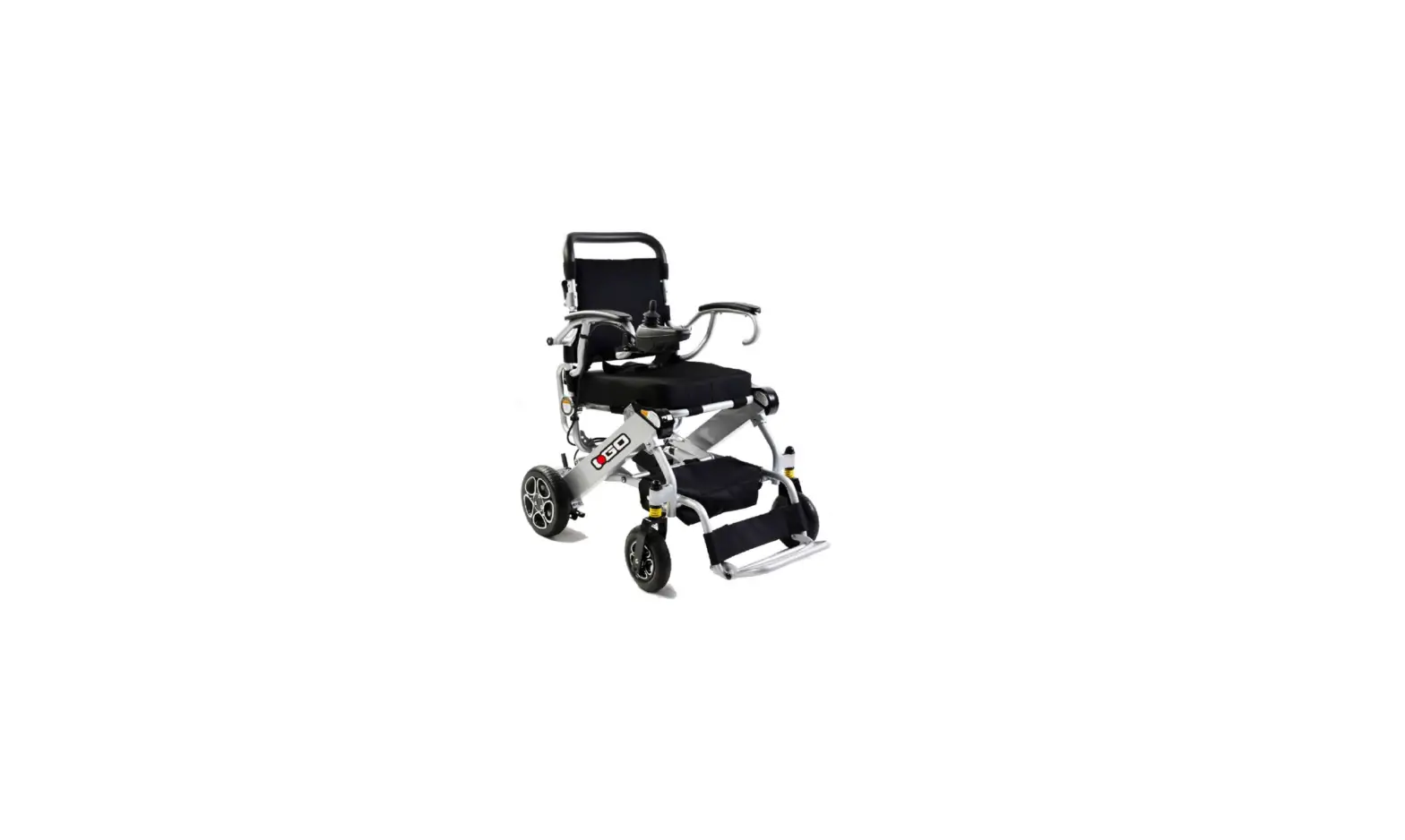
- Unpack the powerchair and place the powerchair so the front is on the floor. Make sure to release the stopping pin holding the anti-tip wheels in place on the inside of the rear wheels. Extend the anti-tip wheels and reposition the clip into the 3rd slot.

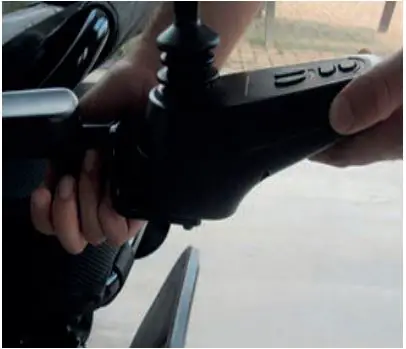
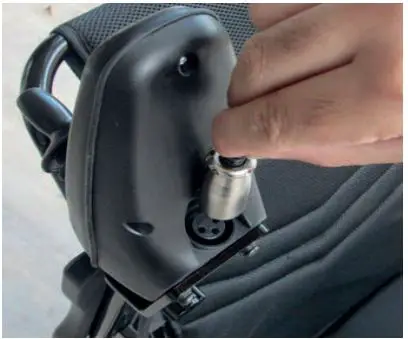
- Install joystick. Turn the securement knob to loosen. Insert the joystick tubing. When the required position is reached, tighten the knob to secure.

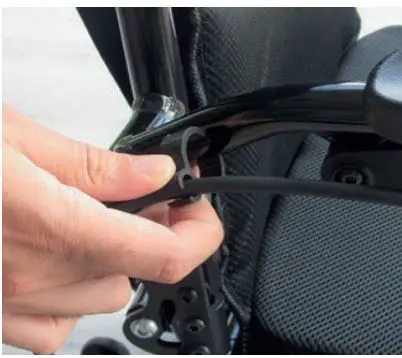
- Add the cable clips to the frame.

- Insert battery. Slide the battery on to the rails underneath the seat. Push the battery firmly backwards until it locks in position with an audible click.

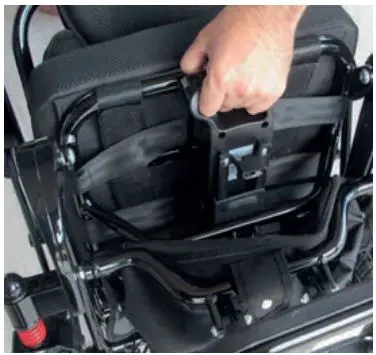
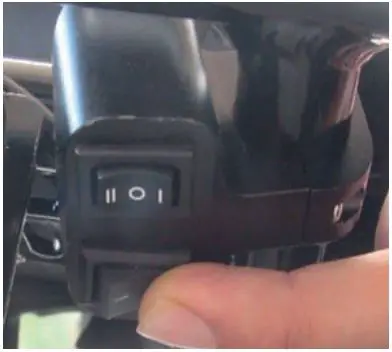
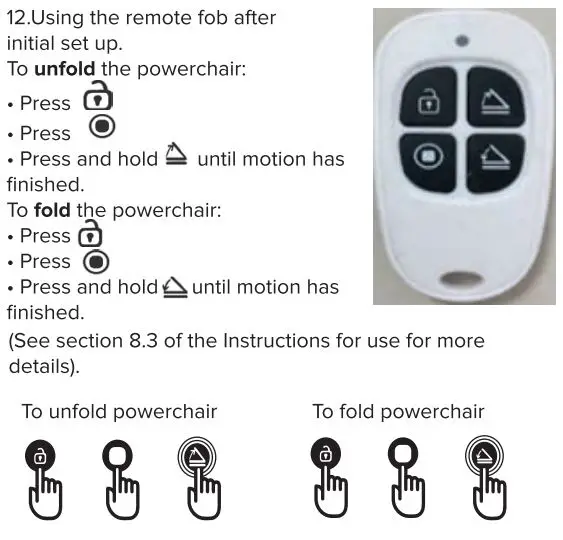
- Switch on folding mechanism. Set the lower switch at the rear of the chair to ‘I’. To fold out the powerchair, press the upper switch on the side marked ‘I’. Continue to press until the powerchair is fully folded out.

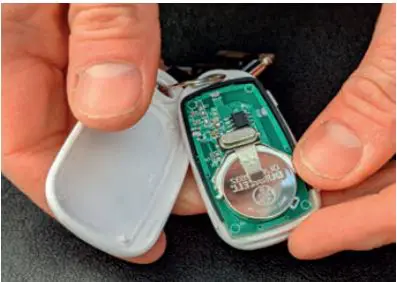
- Install battery in remote fob (CR2032). Open the battery compartment. Insert the CR2032 battery and then press together the plastic housing to lock. (Note: for some markets, the battery may already be installed).

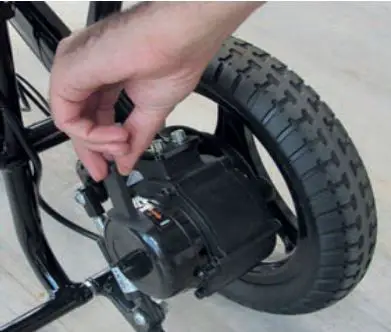
- Put freewheel levers into ‘Electric’ mode by pushing the levers forward. Repeat for both motors.

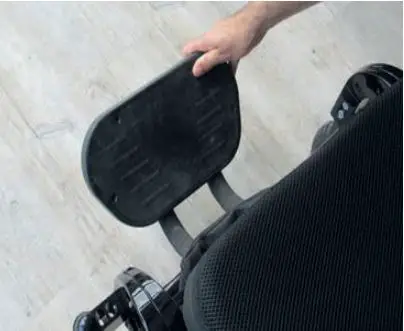
- Drop down armrests and pull-down footrest.

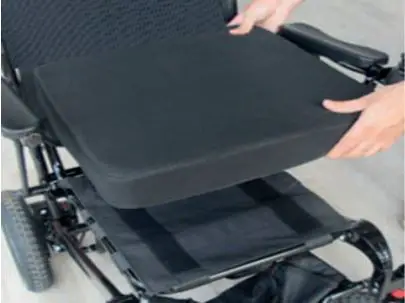
- Install the seat and back cushions which attach with Velcro (if required)

- Charge battery. The battery can be charged via the powerchair by inserting the charger into the socket on the underside of the joystick. The battery can also be charged directly when removed from the powerchair. (See section 8.3 of the Instructions for use for more details).

- Switch the powerchair on using the joystick. Ensure the charger is removed before operation.
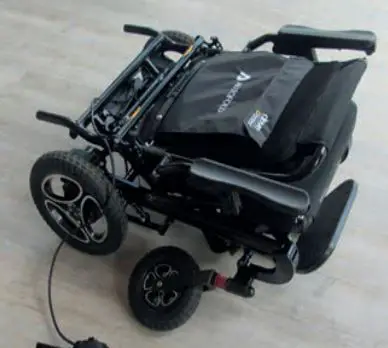
Follow these instructions to safely set up your new powerchair


CONTACT INFORMATION

Drive DeVilbiss Healthcare Ltd., Sidehill Business Park, Holyfield,
Halifax, West Yorkshire, HX2 9TN, GB
Drive DeVilbiss Healthcare Ltd. provide these instructions for use and product markings.

SUNGO Europe B.V.
Olympics Stadion 24, 1076 DE, Amsterdam, NL

Zhejiang Innova Rehabilitation Devices Co., Ltd
No. 196 Industry Road, Hengdian Movie Zone,
Dongyang, Zhejiang, CN