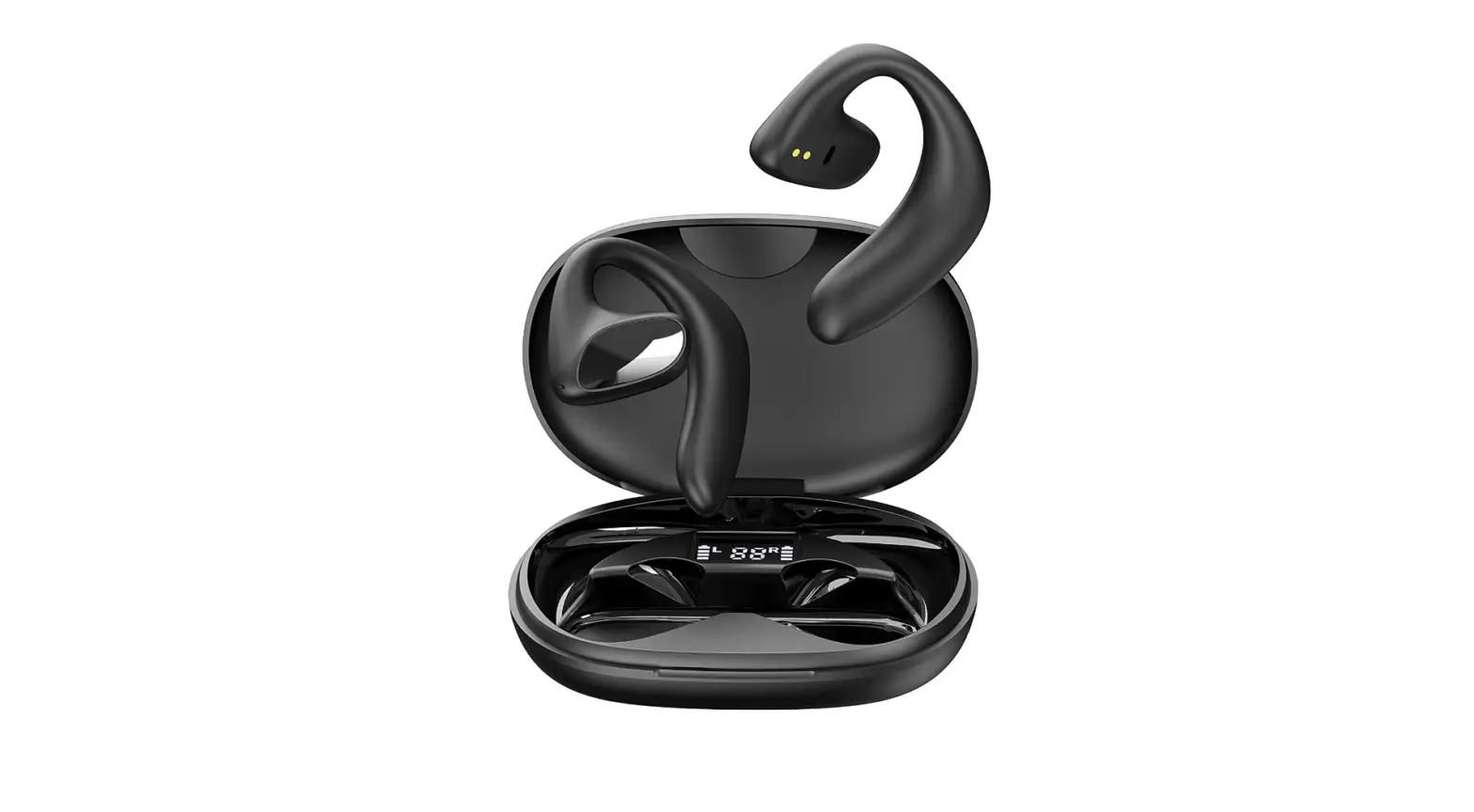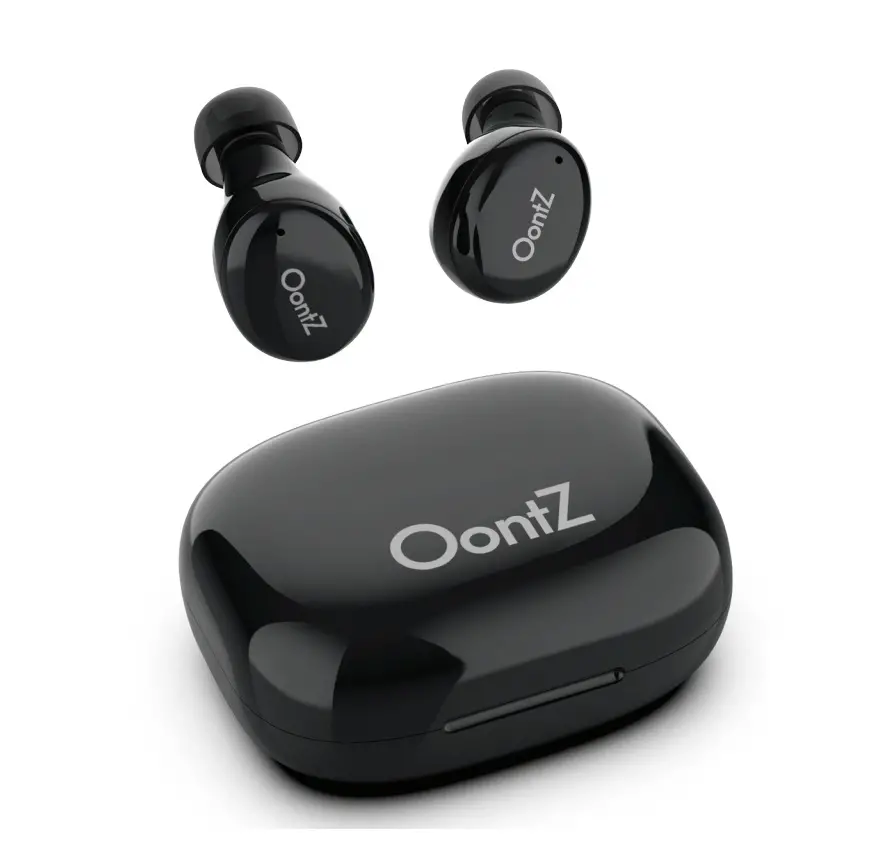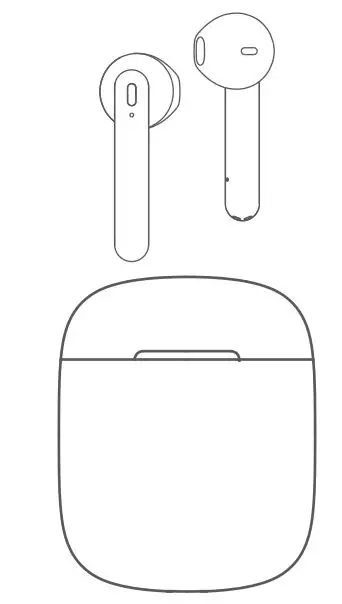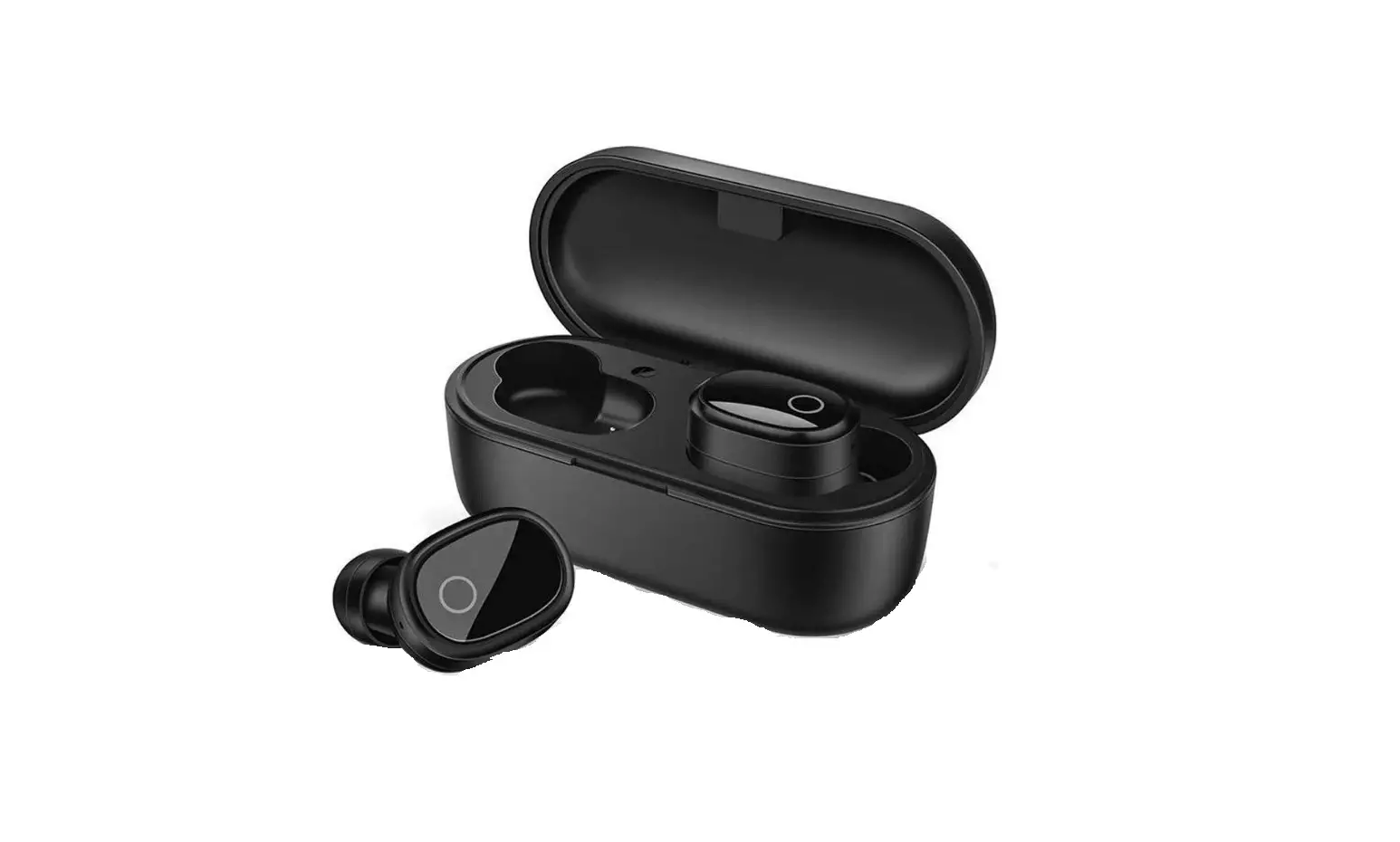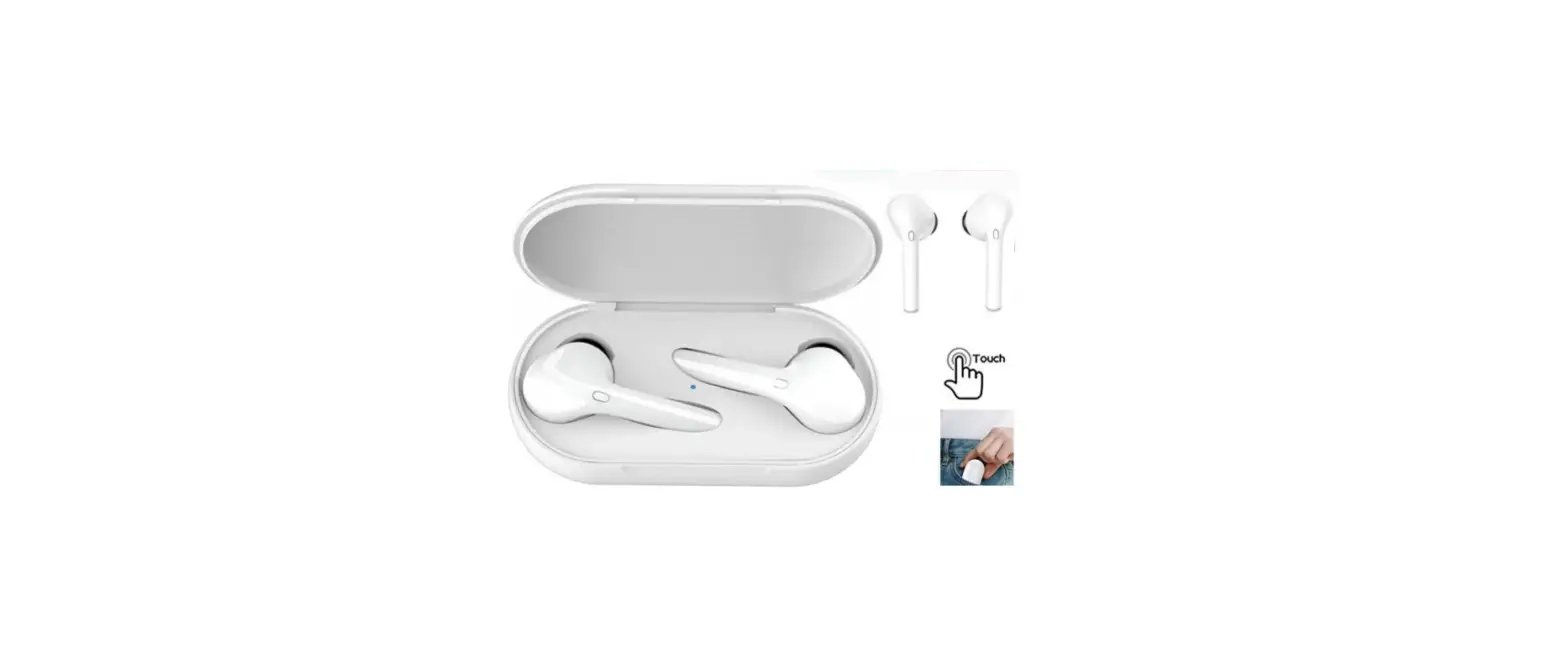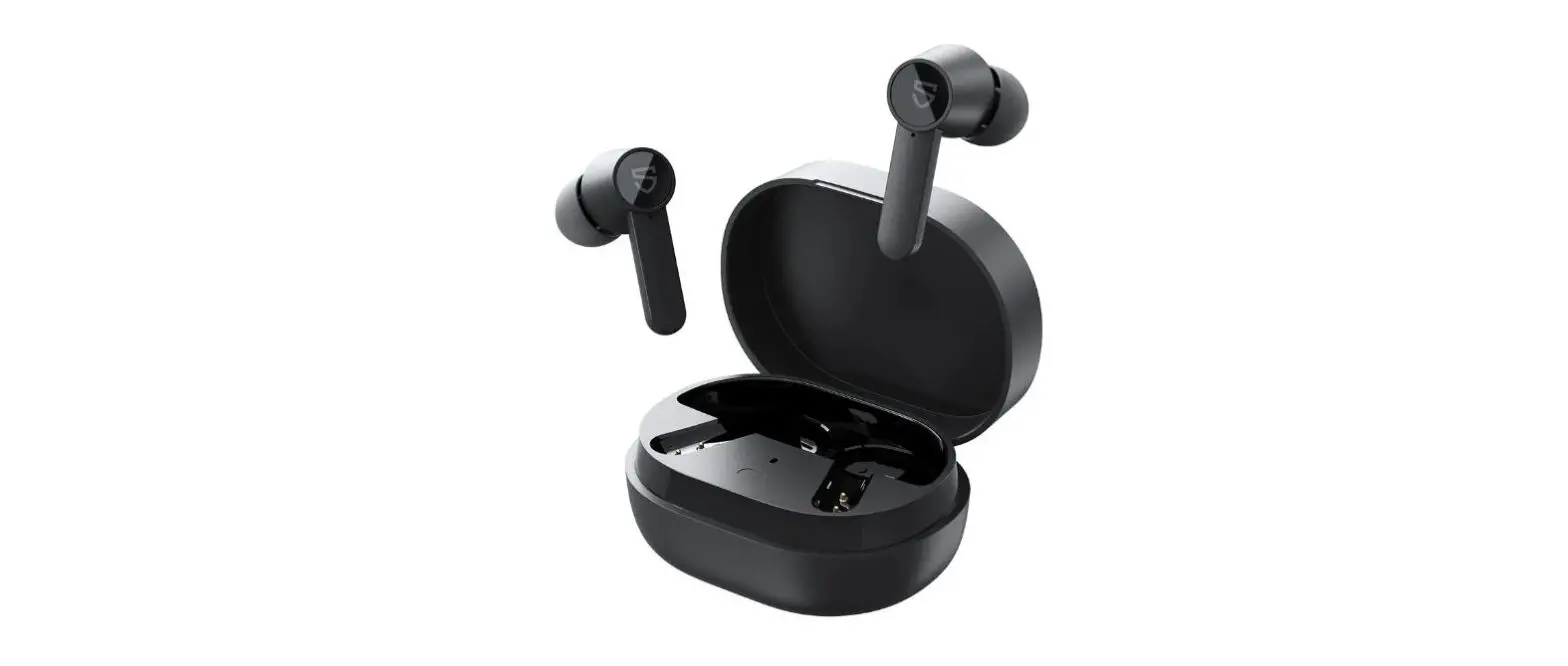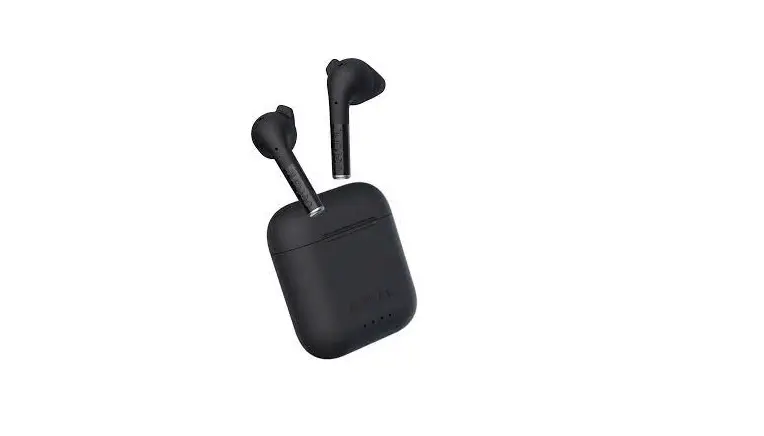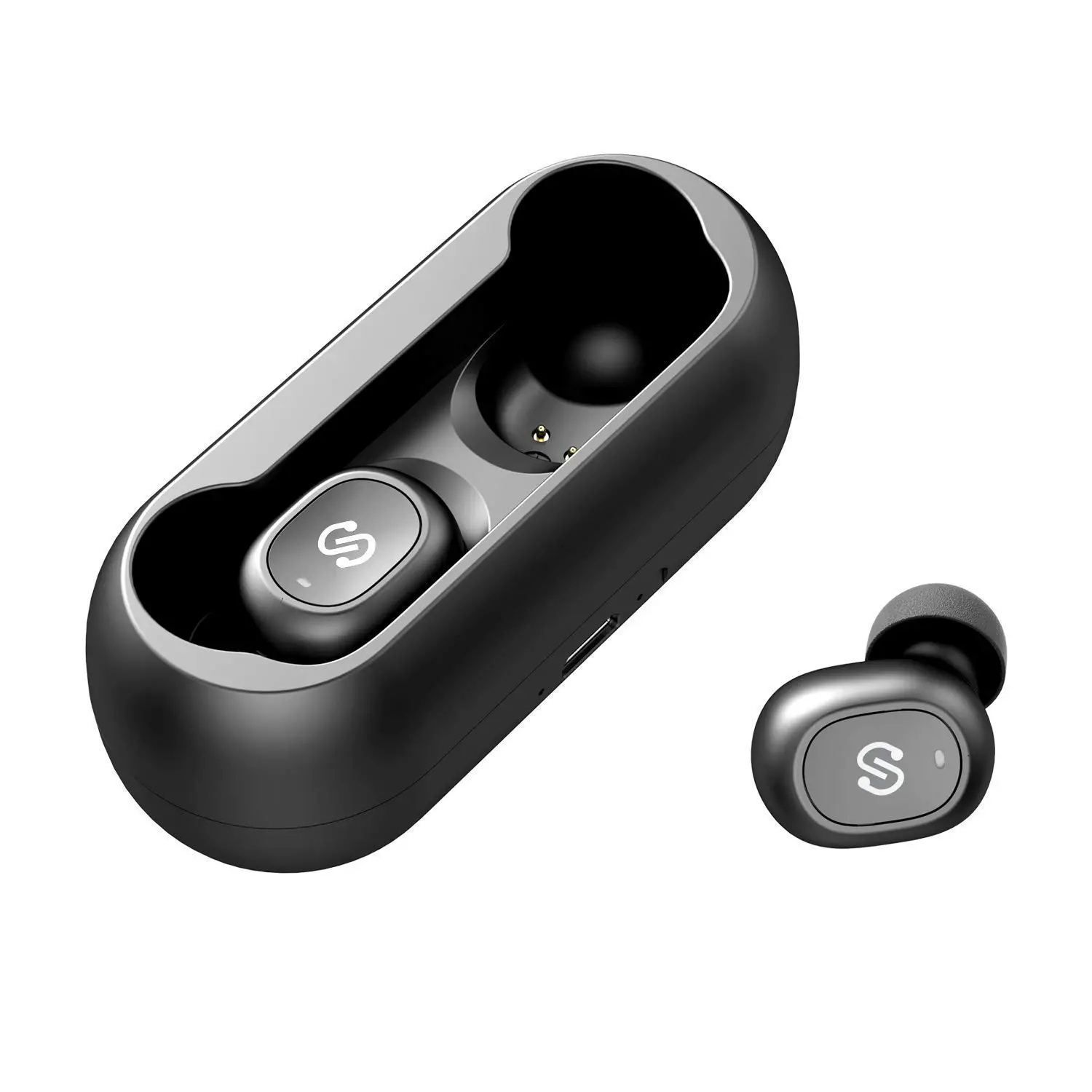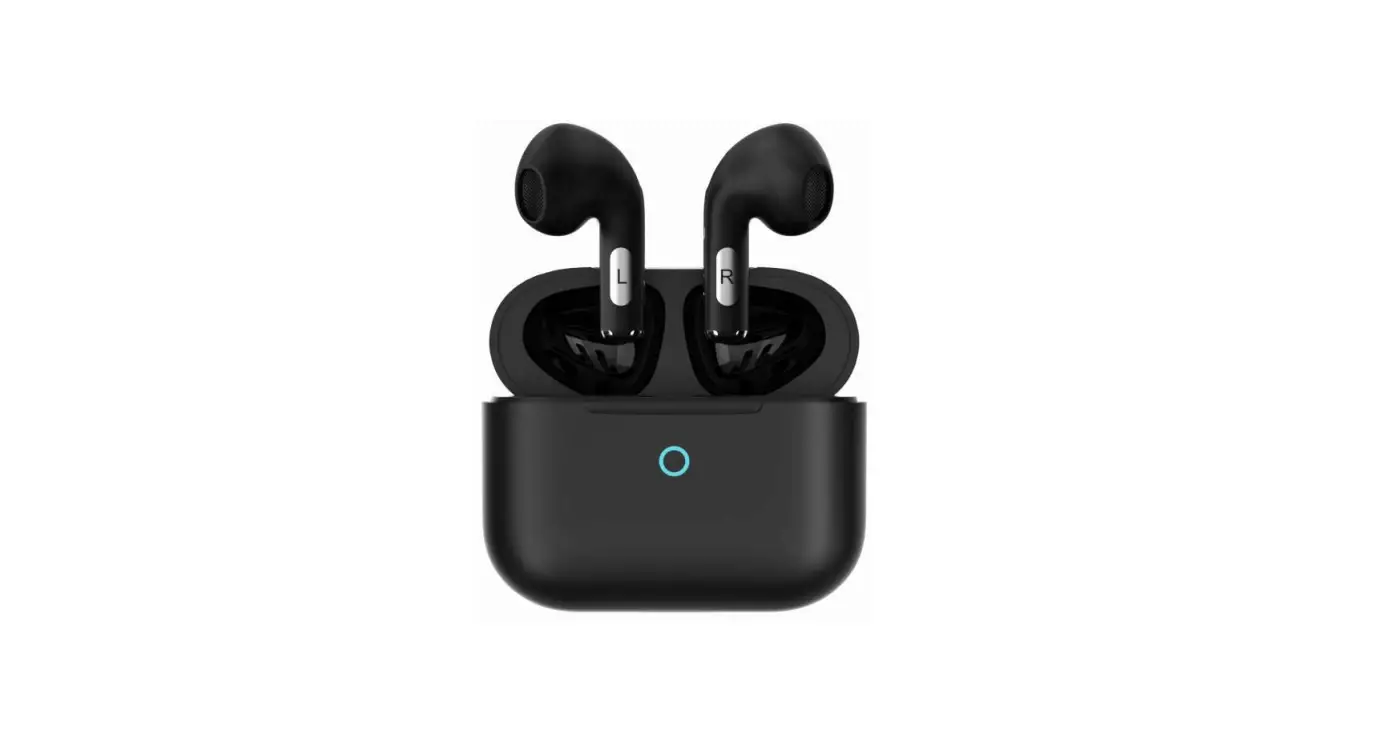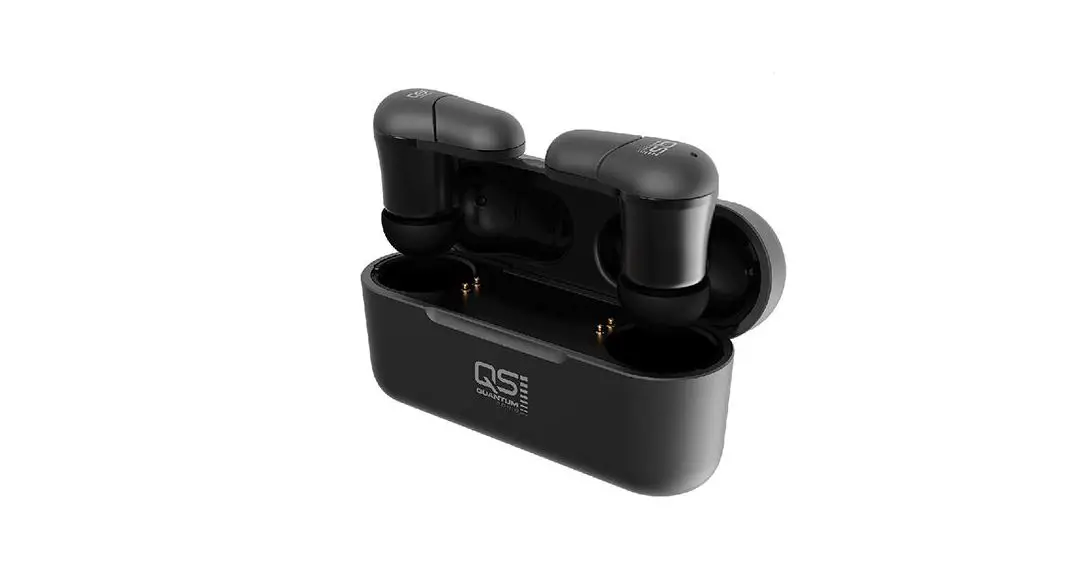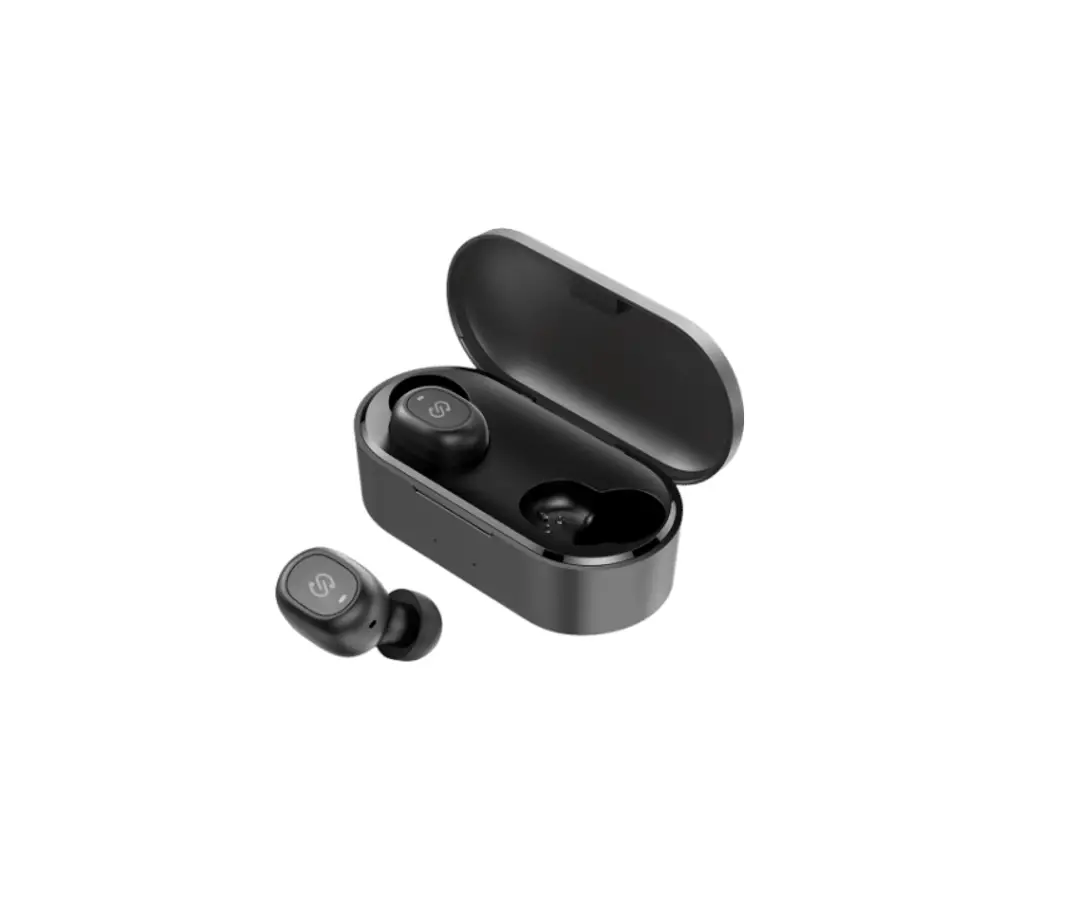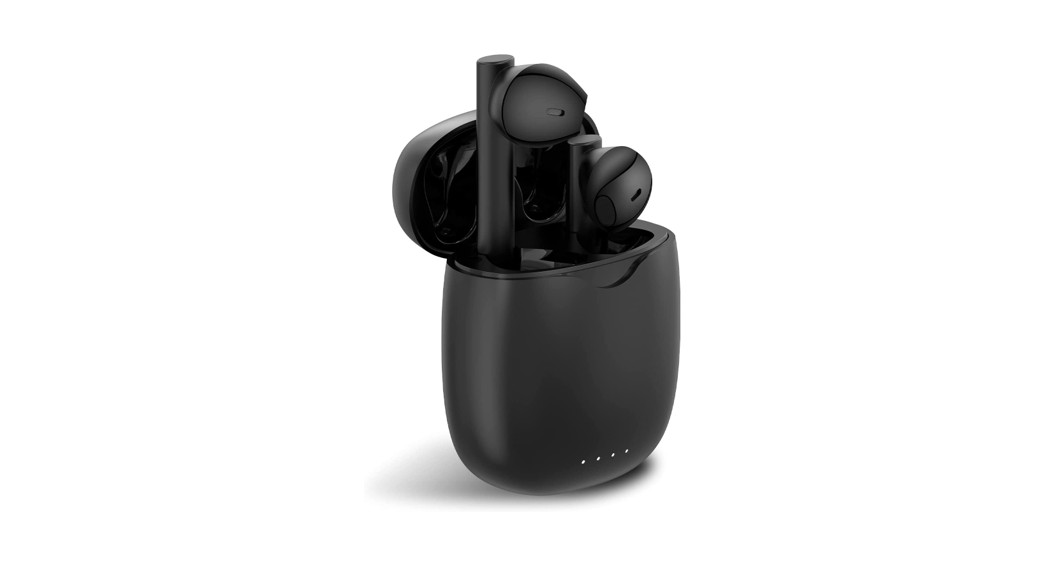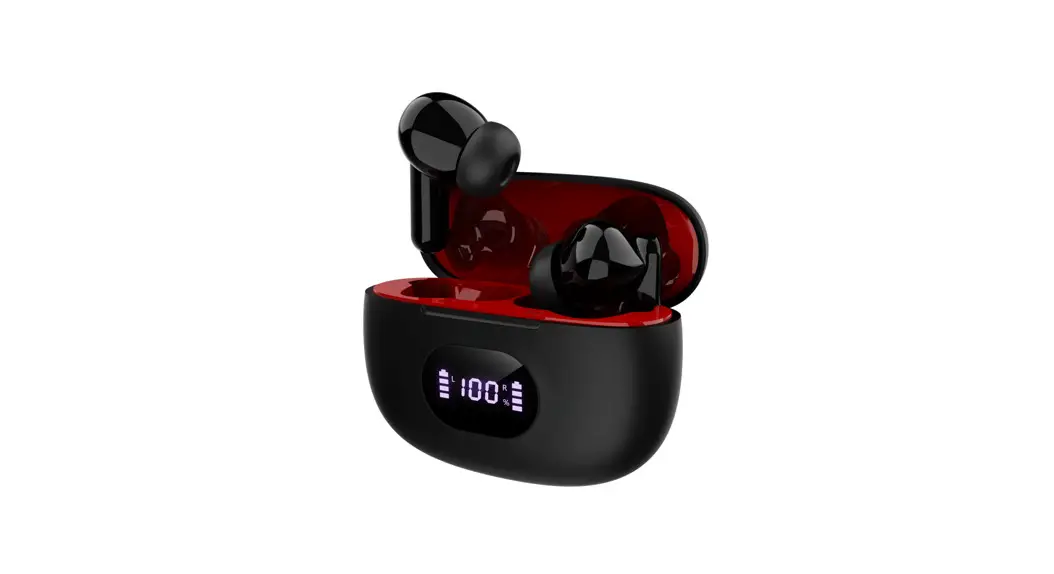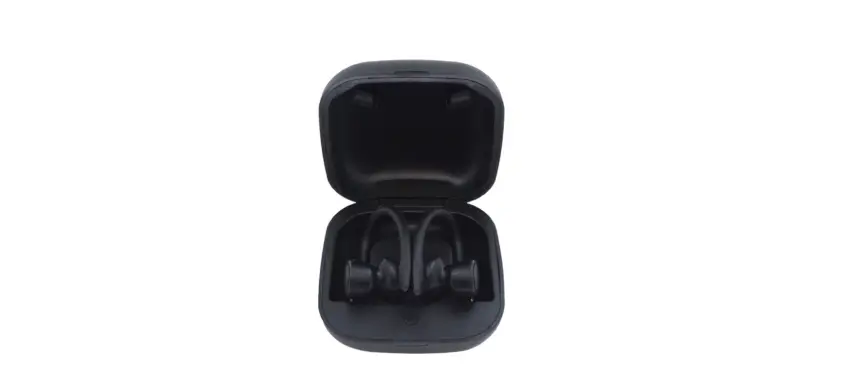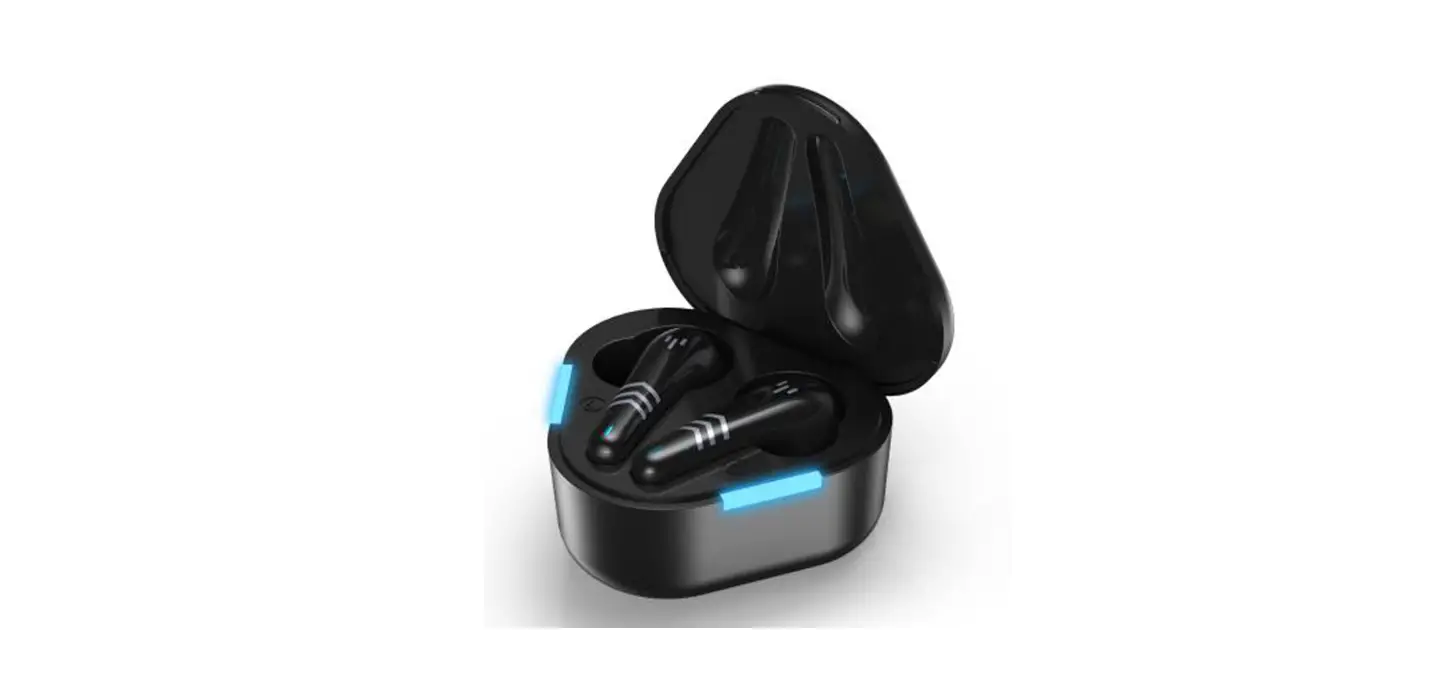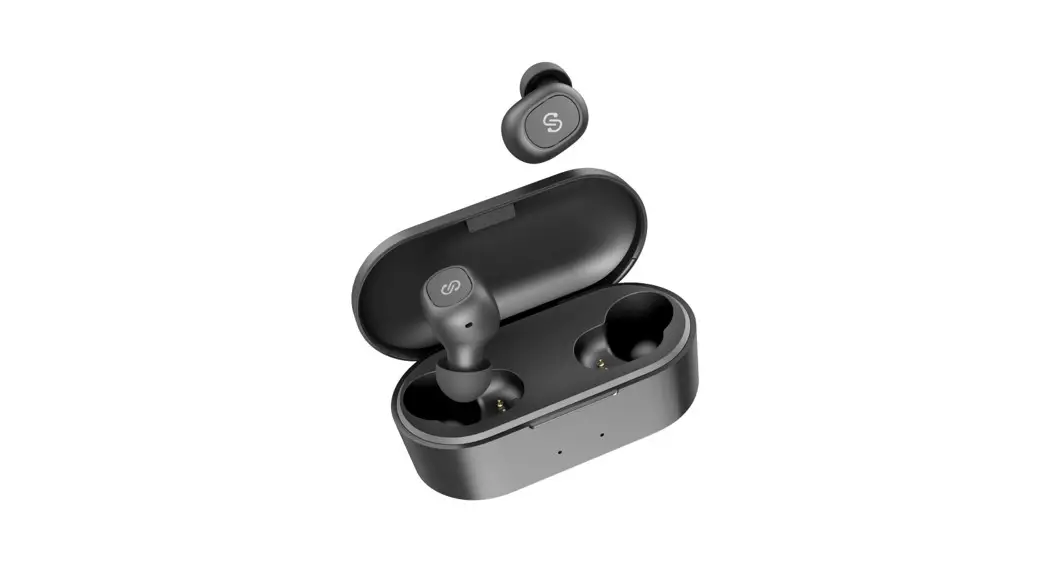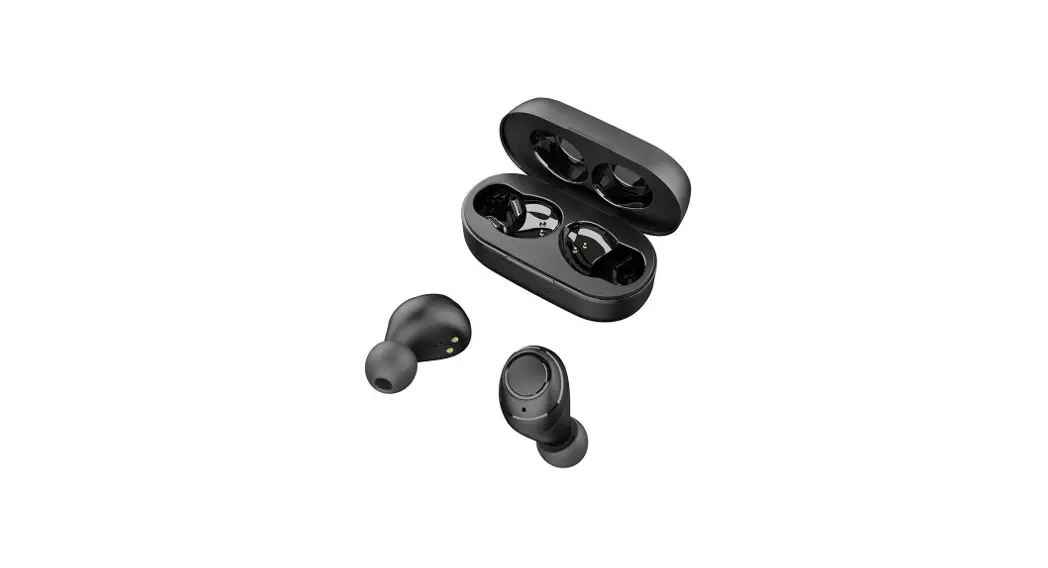
 TI True Wireless Bluetooth Earphones
User Manual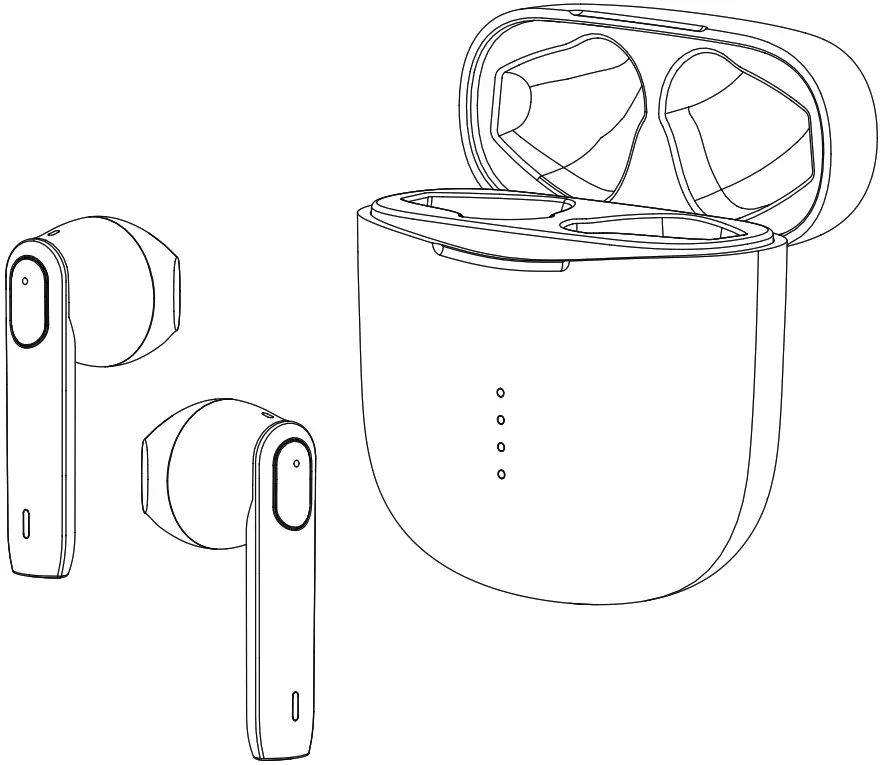
TI True Wireless Bluetooth Earphones
Thanks for your purchase. We hope these fashionable and high-quality wireless earphones could make your life more colorful.
Warm Tip: Please fully charge it with an accessory USB Cable when you use it for the first time.
Key Parts
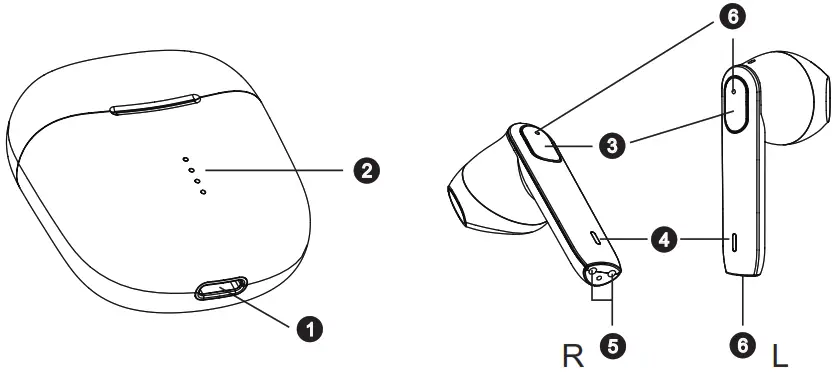
- USB-C charging port
- Charging case indicator light
- Touch Multi-function Button(MFB)
- Earphones indicator light
- Charging contact
- Microphone
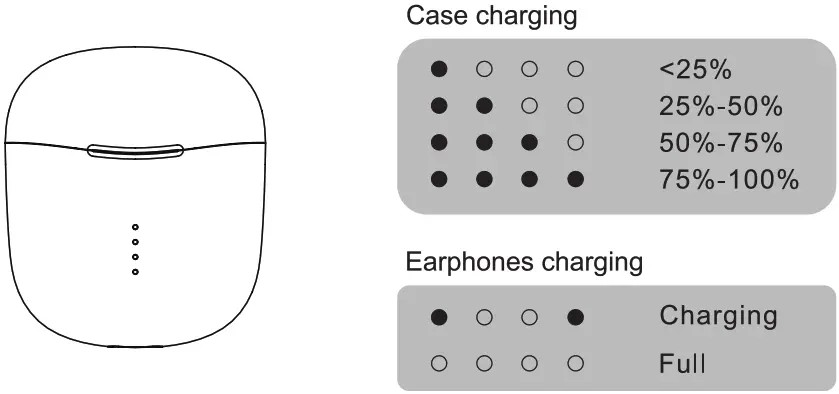
Charging Display
Getting Start
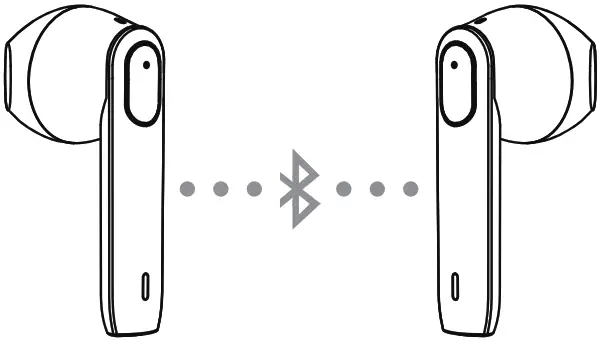
- Open the charging case and take out both earbuds, they will turn into pairing mode automatically.
- Active your Bluetooth on your smartphone search for “Tr and click for pairing

 Note
Note
- The earbuds will tum off automatically if they wouldn’t pair with any device via Bluetooth after 5 minutes.
- 1f the battery is low, it will turn off automatically as well.
Operation Of MFB
- Play / Pause
Tap MFB(R or L) twice to get the music to pause or play. - Previous Track /Next Track
Long press MFB (R) for 2 seconds for playing the next track;
Long press MFB (L) for 2 seconds for playing the previous track. - Volume + Or –
Tap the MFB(R) once to tum up the volume;
Tap the MFB(L) once to turn down the volume. - Voice assistant (Siri)
Please make sure the earbuds are connecting with the Bluetooth and then tap the MFB (L or R) three times quickly to activate the voice assistant (Sid). - ANSWER OR HANG UP A CALL
Tap MFB (R or L) twice to answer or hang up a phone call. - Reject An Incoming Call
Long press MFB (R or L) for about 2 seconds to reject an incoming phone call.
Safety Rules
- Avoid dripping and dropping
- Use original or certified cables
- Never disassemble or modify your earbuds for any reason to avoid any damage and dangers
- Keep the earbuds dry and do not submerge them in water
- Keep out of reach of children, small parts included may be a choking hazard, and avoid using the LED indicator close to the eyes of children or animals
- Do not use these headphones during a thunderstorm to avoid irregular function and increased risk of electric shock.
- Clean with a dry, soft lint-free cloth, do not use harsh chemicals or strong detergents to clean
- The product shall not be exposed to excessively hot or wet
 To avoid hearing damage, do not listen for a long time at a high volume
- Do not tum the volume so high that you’re unable to hear your surroundings
- Do not use earbuds while driving
- You should use with caution or temporarily discontinue using in potentially hazardous situations
Basic Parameters
| Bluetooth Name | T1 |
| Chip | Qualcomm OCC3020 |
| Bluetooth Version | V5.0 |
| Frequency Response | 2.400GHz-2.4835GHz |
| Bluetooth Range | 10m/33ft |
| Microphone sensitivity | -42dB±1dB |
| Battery | 38 mAh for each earbud |
| Charging Case | 400 mAh |
| Input | DC5V/300 mA max |
| Play Time | 4-5 hours(per charge); 20 hours(plus charging case power) |
| Charging Time | about 1hours 20 minutes(earbuds) about 1hours 30 minutes(charging case) |
| Bluetooth Profile | HSP/HFP/A2DP/AVRCP |
| Weight | about 3.6g(earbuds) about 35g(charging case) |
Customer Service 12-Month Limited Warranty
 Lifetime Technical Support
Packing list
Charging case: 1pc
Earbuds: 2pcs
Charging cable: 1pc
User manual: 1pc
FAQs/Troubleshooting
Q: The earbuds didn’t respond when I take them out of the charging case. It couldn’t turn on automatically.
A: Please check if there is enough power, if not, please charge it first. If yes, please turn it on manually by long-press the MFB (R&L).
Q: I have connected the earbuds with my smartphone successfully, but I couldn’t hear any sounds.
A: Please make sure you have turned on the volume of your phone and earbuds properly.
Or, please check if the earbuds have been set to be audio output equipment. Please refer to the user manual of the smartphone for this operation.
Q: Why the connection is unstable, it cuts in and out constantly?
A: Please make sure there are no obstacles between the earbuds and your Bluetooth device. And please make sure there is no radio or WiFi nearby.
Q: When making a phone call, the other side couldn’t hear my voice clearly?
A: Please turn up the volume of your smartphone and the earbuds. And make sure there is no interference nearby.
FCC Caution:
This device complies with part 15 of the FCC Rules. Operation is subject to the following two conditions:
- This device may not cause harmful interference, and
- This device must accept any interference received, including interference that may cause undesired operation.
Any changes or modifications not expressly approved by the party responsible for compliance could void the user’s authority to operate the equipment.
Note: This equipment has been tested and found to comply with the limits for a Class B digital device, pursuant to part 15 of the FCC Rules. These limits are designed to provide reasonable protection against harmful interference in a residential installation. This equipment generates uses and can radiate radio frequency energy and, if not installed and used in accordance with the instructions, may cause harmful interference to radio communications. However, there is no guarantee that interference will not occur in a particular installation. If this equipment does cause harmful interference to radio or television reception, which can be determined by turning the equipment off and on, the user is encouraged to try to correct the interference by one or more of the following measures:
- Reorient or relocate the receiving antenna.
- Increase the separation between the equipment and receiver.
- Connect the equipment into an outlet on a circuit different from that to which the receiver is connected.
- Consult the dealer or an experienced radio/TV technician for help.
The device has been evaluated to meet general RF exposure requirements. The device can be used in portable exposure conditions without restriction.