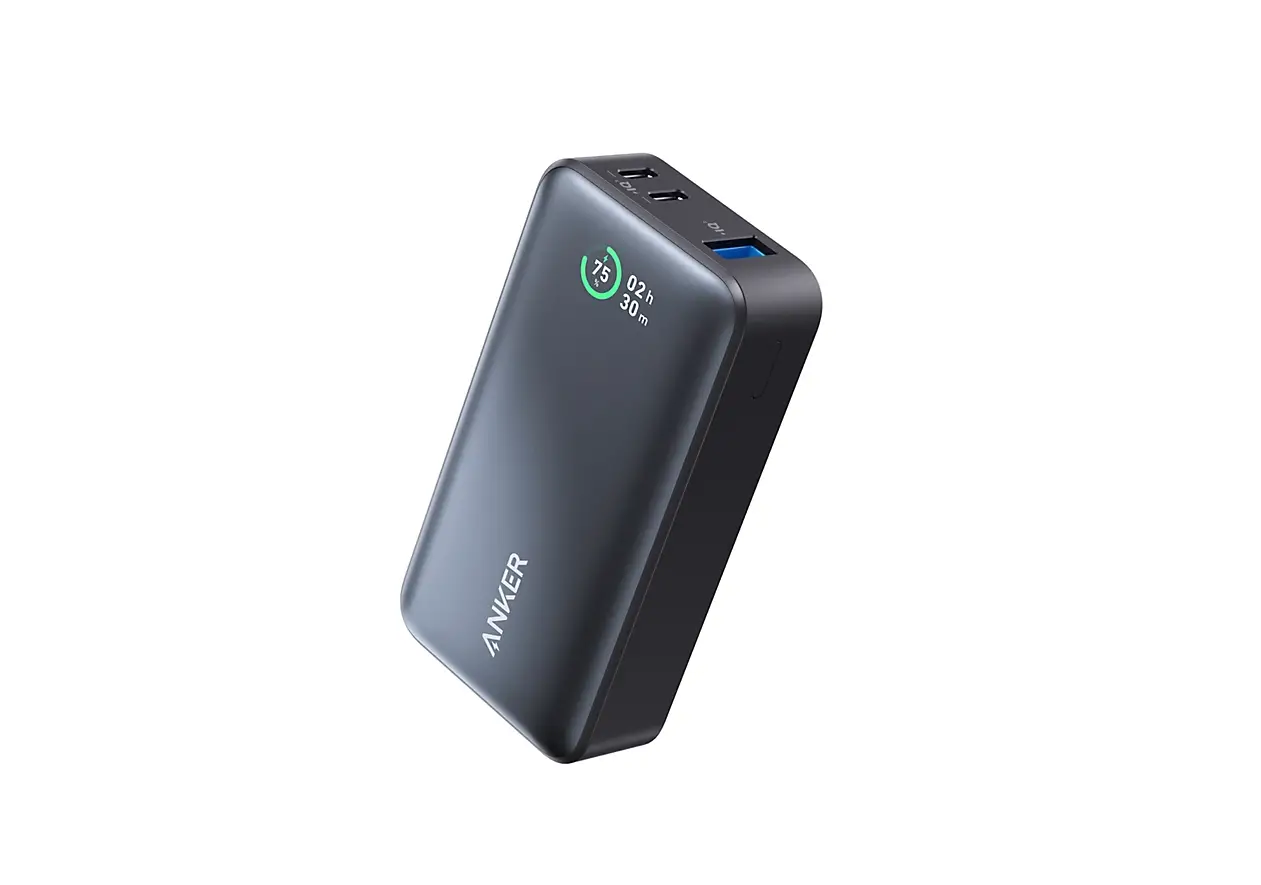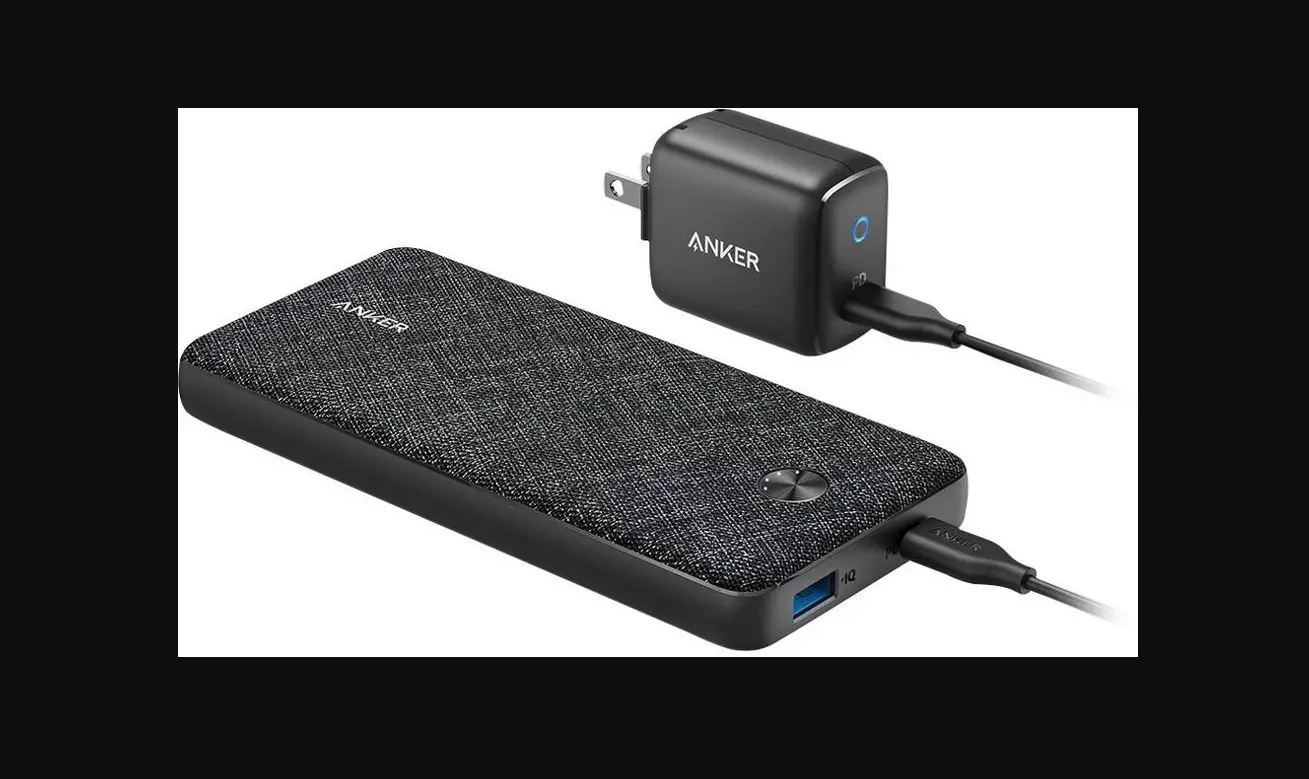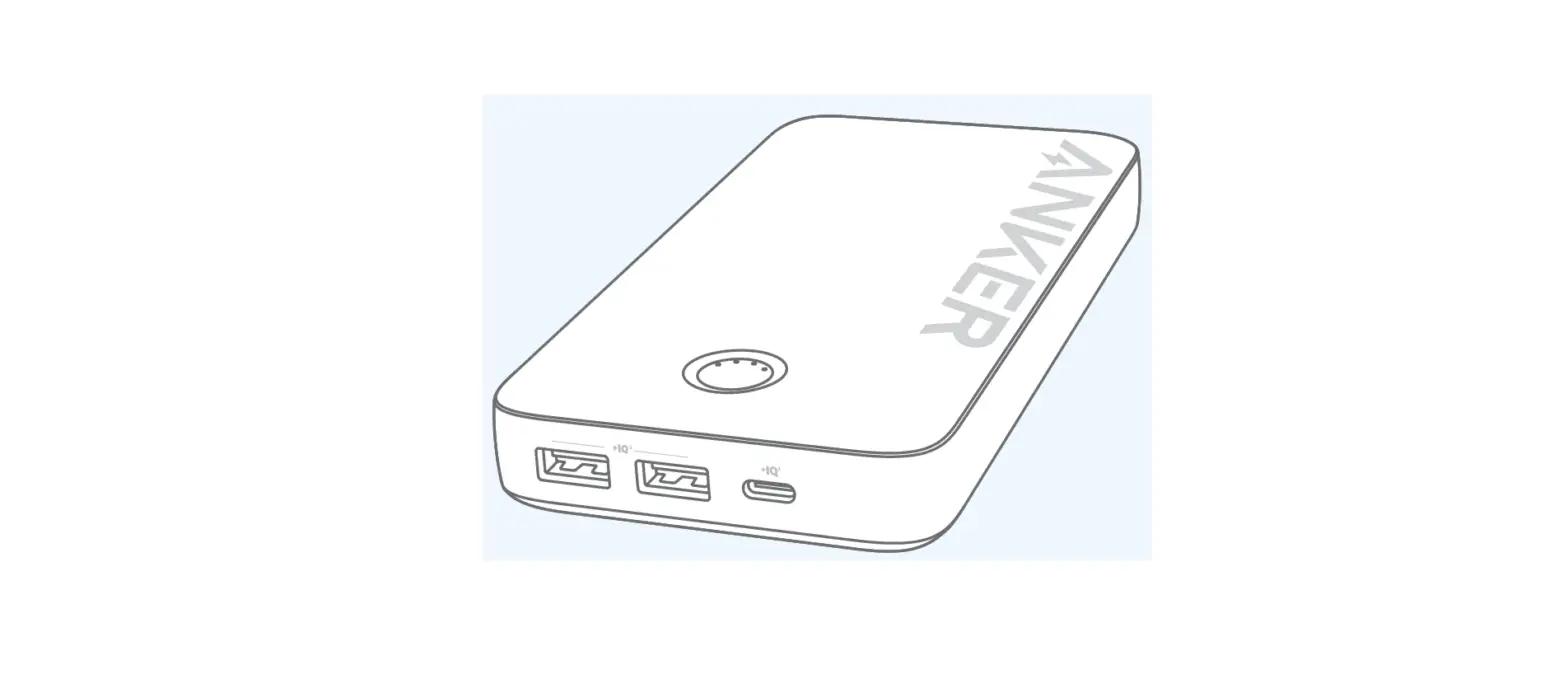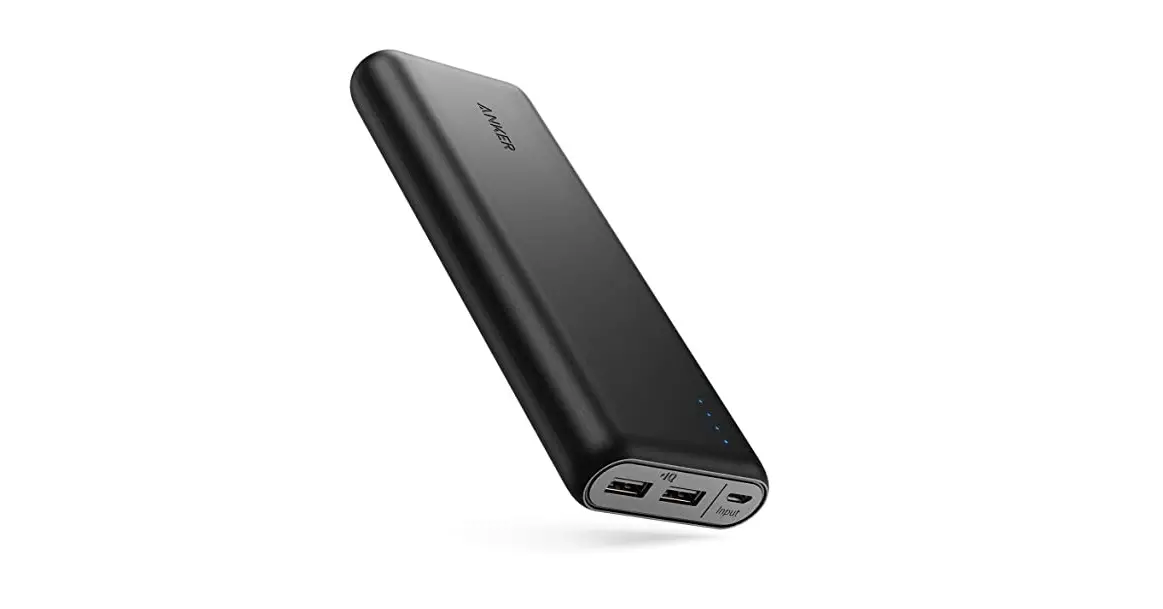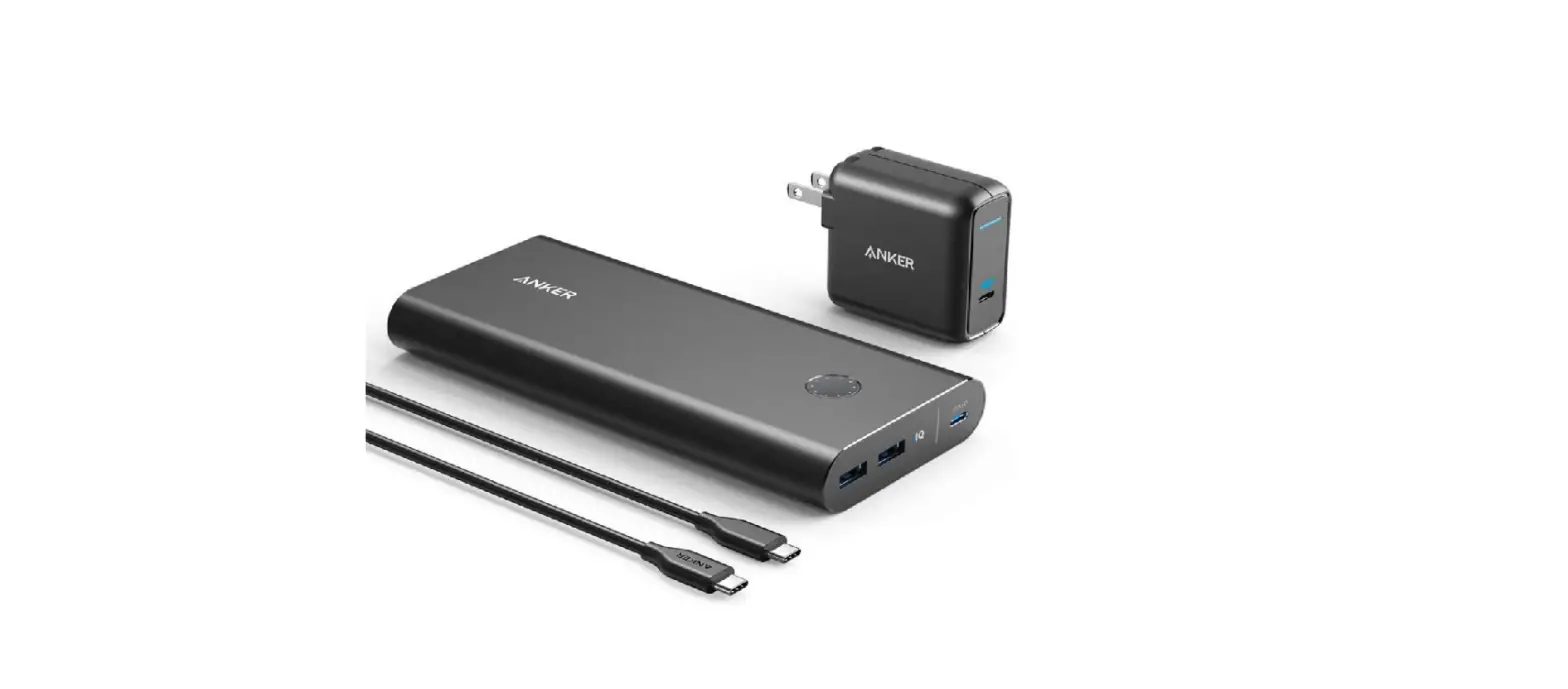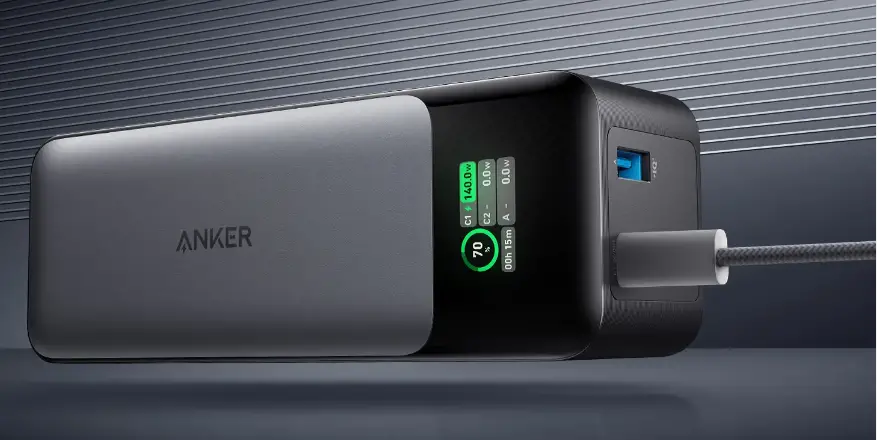

ANKER 321 PowerCore 5200 Power Bank
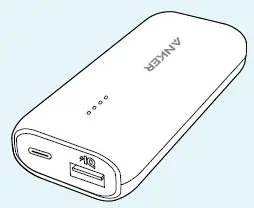
Checking the Battery Level
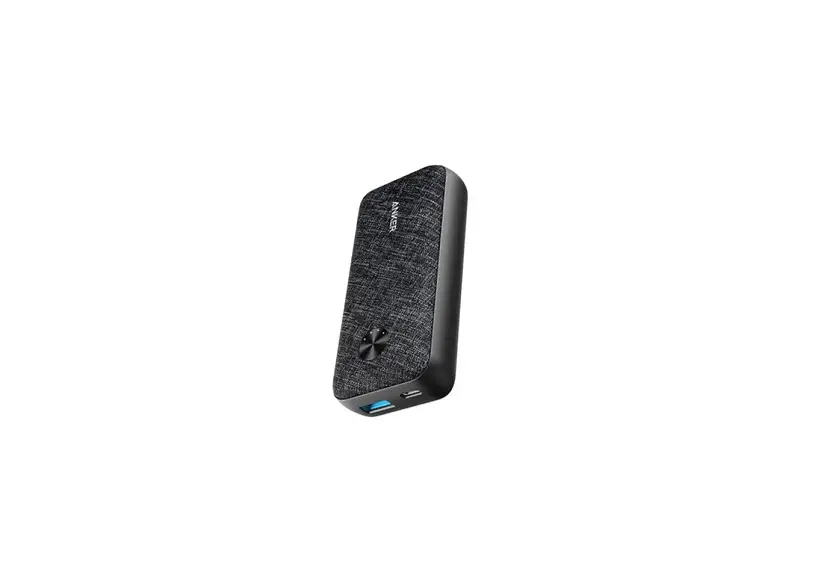
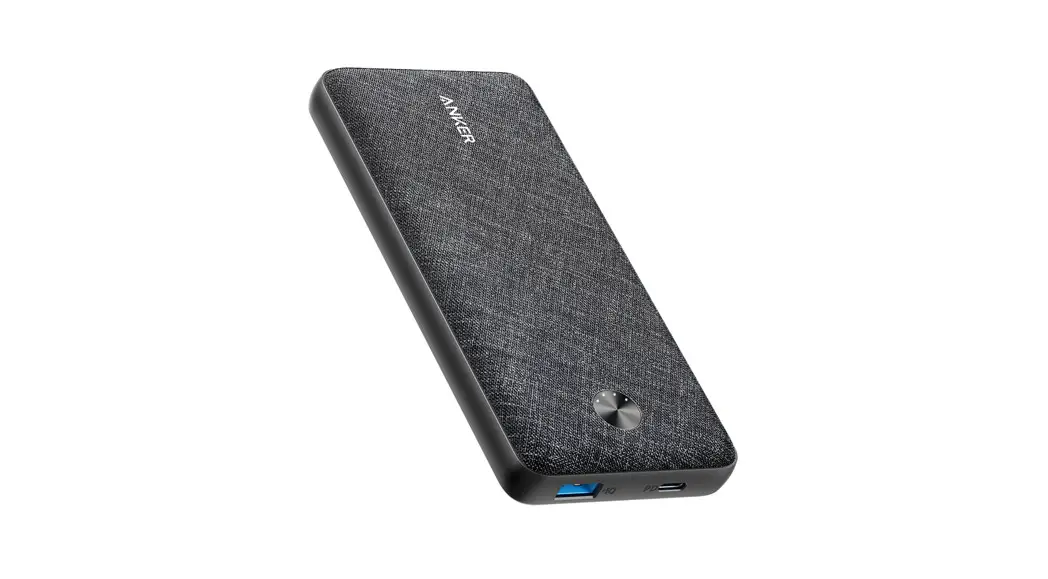
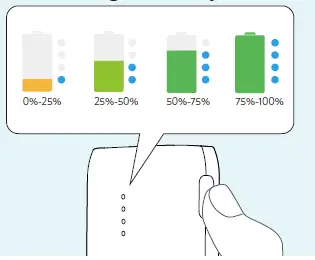 Press the button to check the battery level.
Charging Phones and Tablets
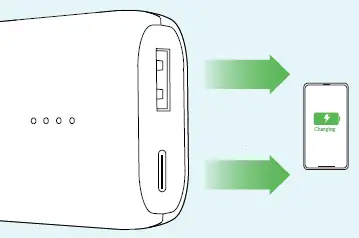
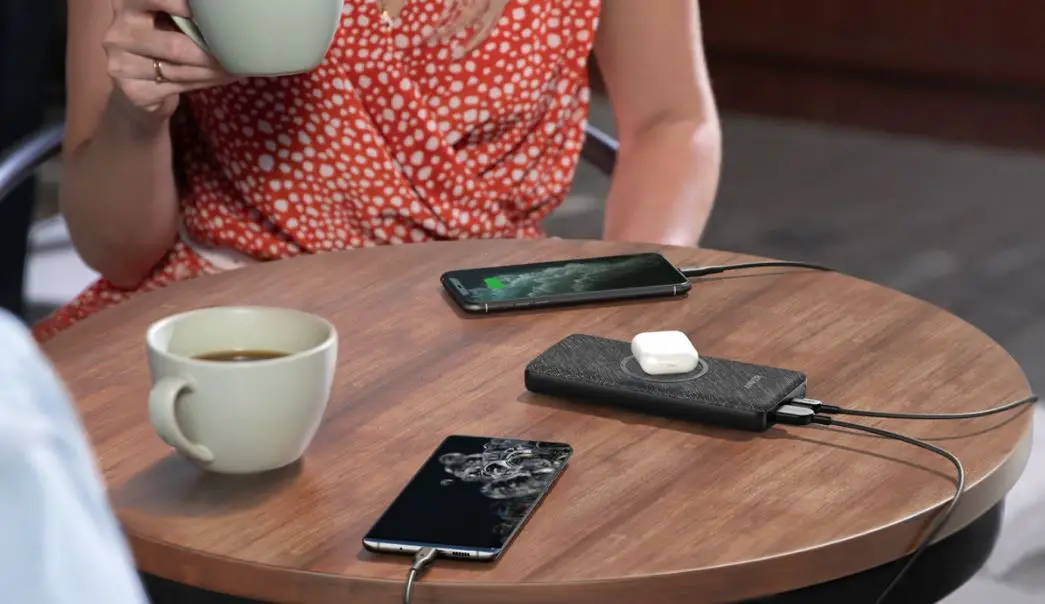
Use the USB ports to charge phones and tablets.
Recharging Your PowerCore
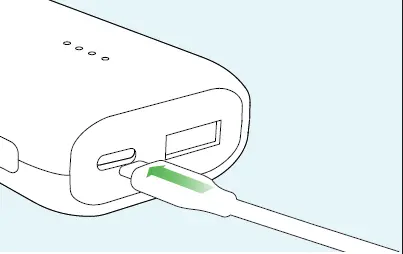
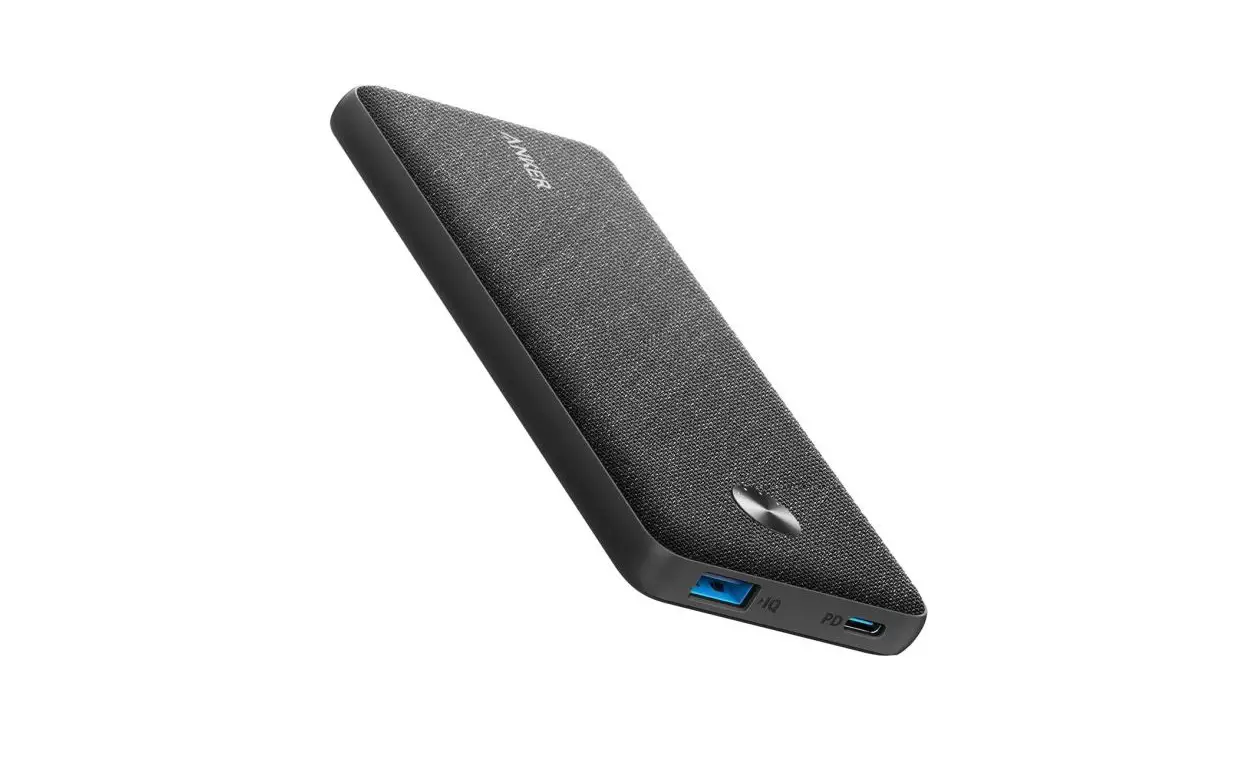
Recharge your PowerCore via the USB-C port
Trickle-Charging Mode
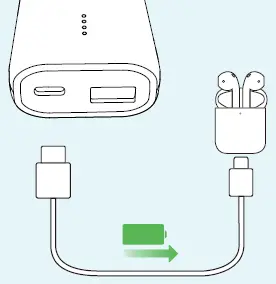
A better way to charge your earphones
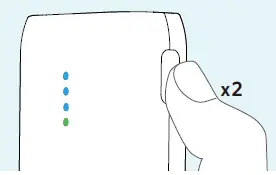
Press the button twice to activate trickle-charging mode
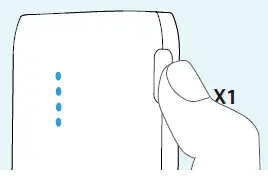
Press once to exit trickle-charging mode
Specifications
- Cell Capacity 5200 mAh
- USB-C Input 5V 2.4A
- USB-C 5V 2.4A
- USB-A Output 5V 2.4A
- Total Output 5V 2.4A
18-Month Limited Warranty Lifetime Technical Support
[email protected]
[email protected] (For Middle East and Africa Only)
 download - Anker US