 Charge Fast live more
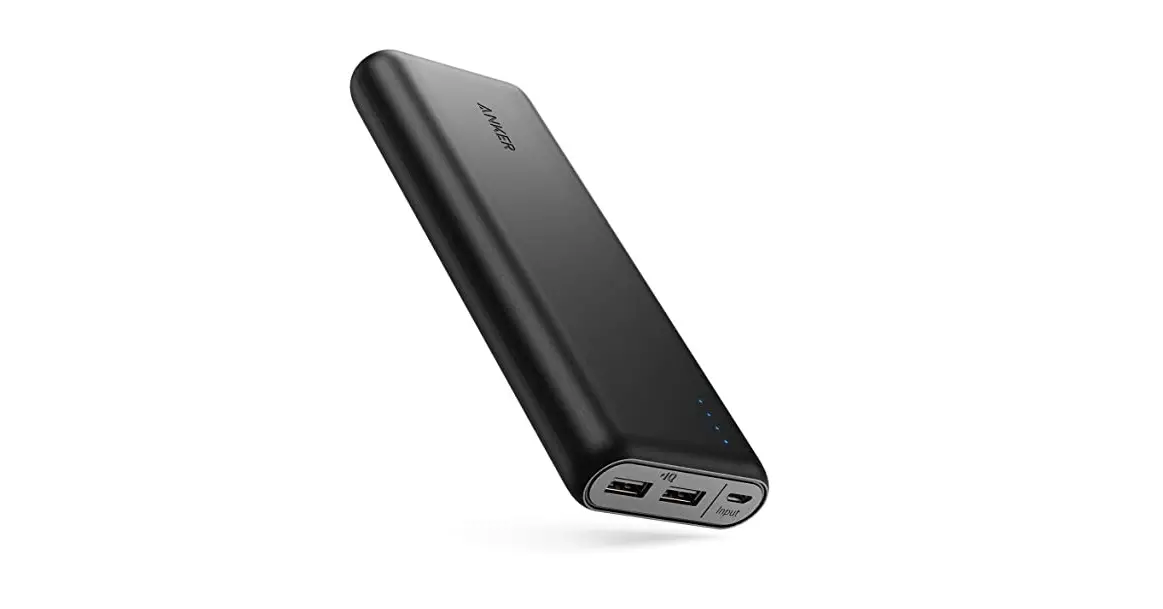
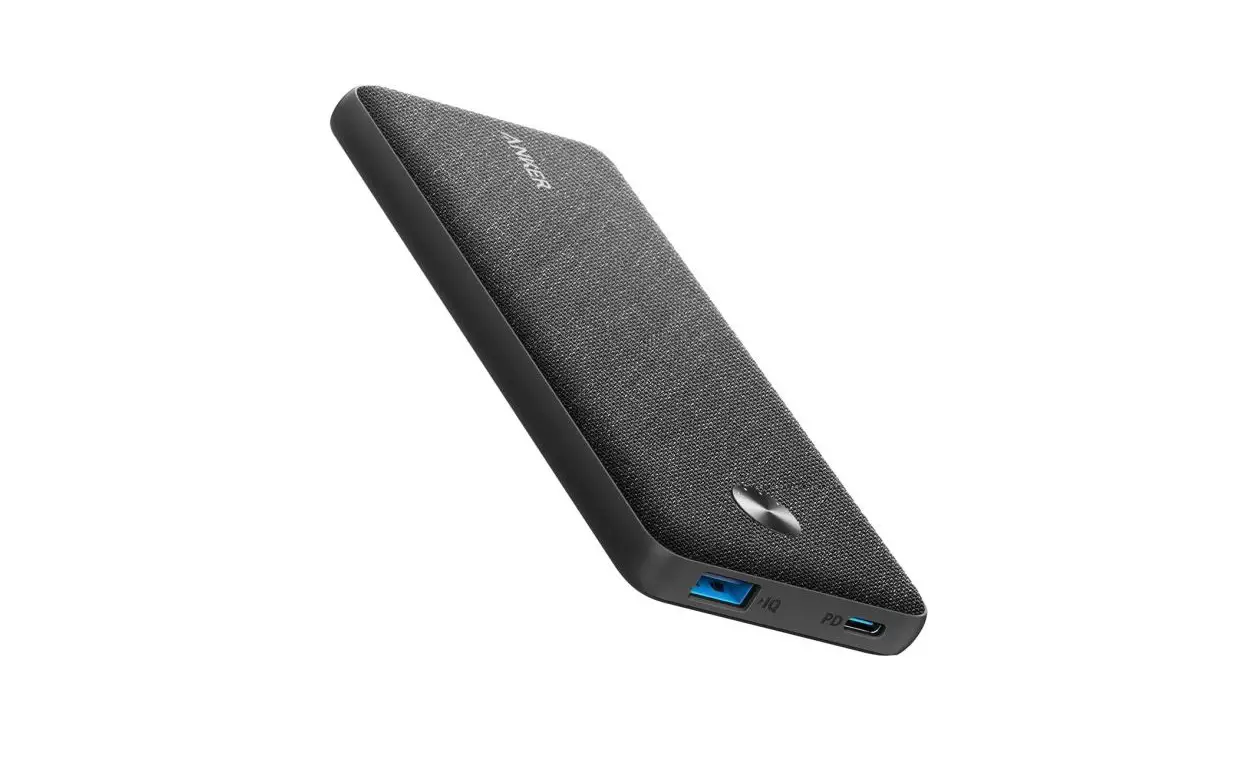
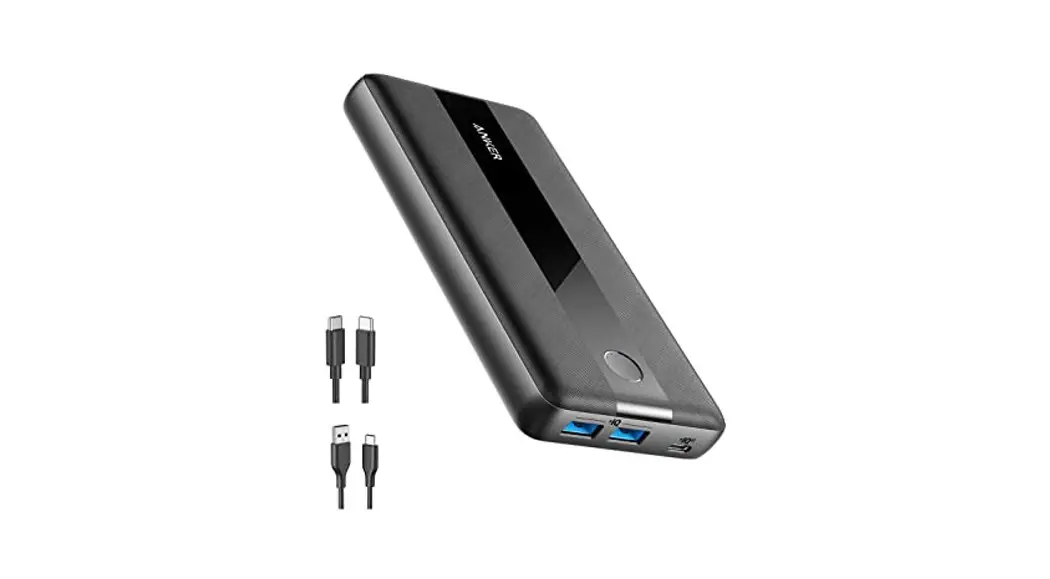
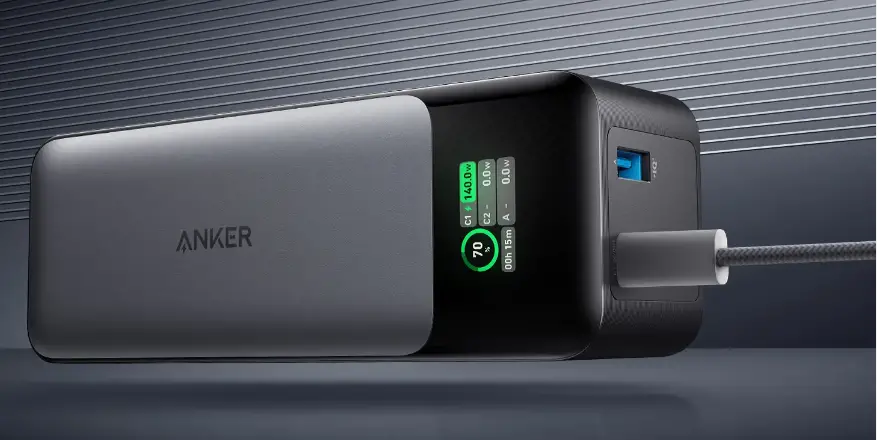
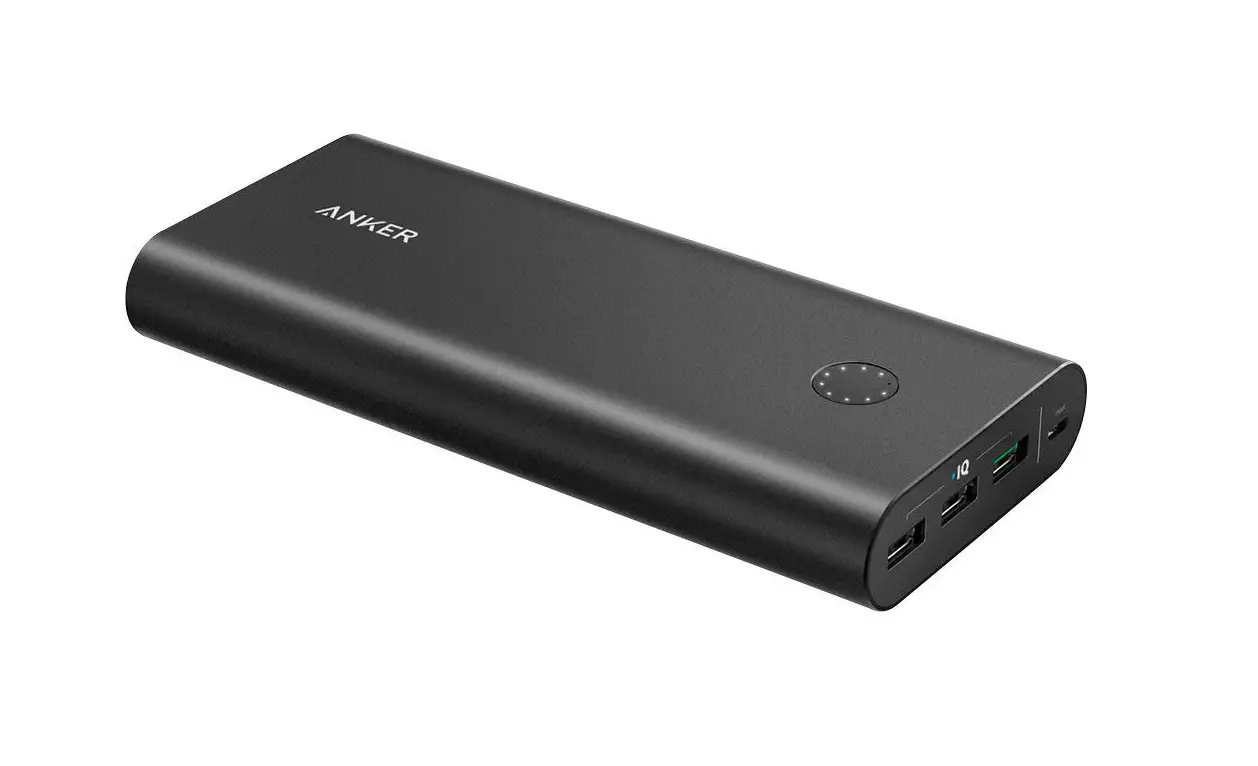
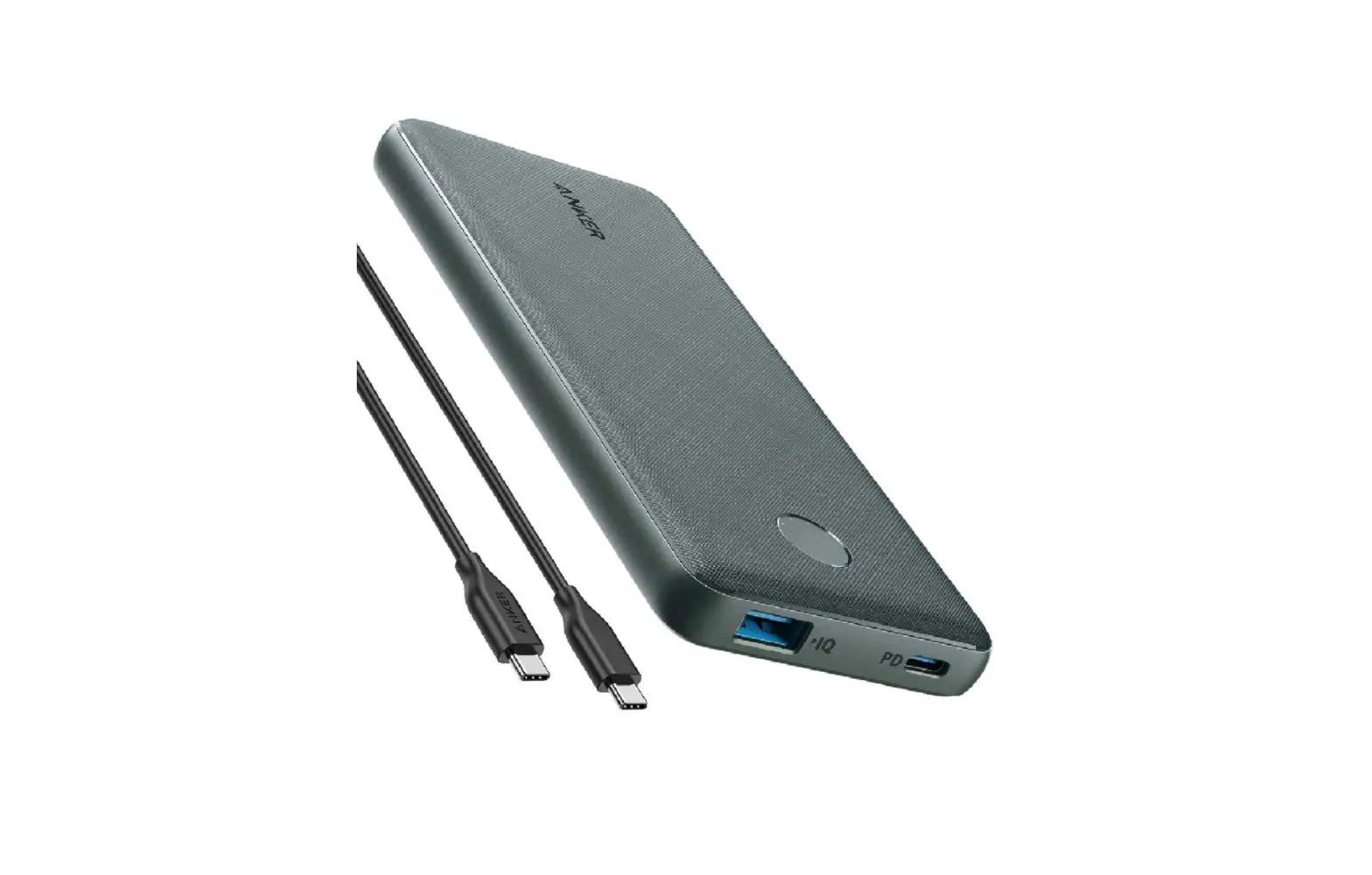
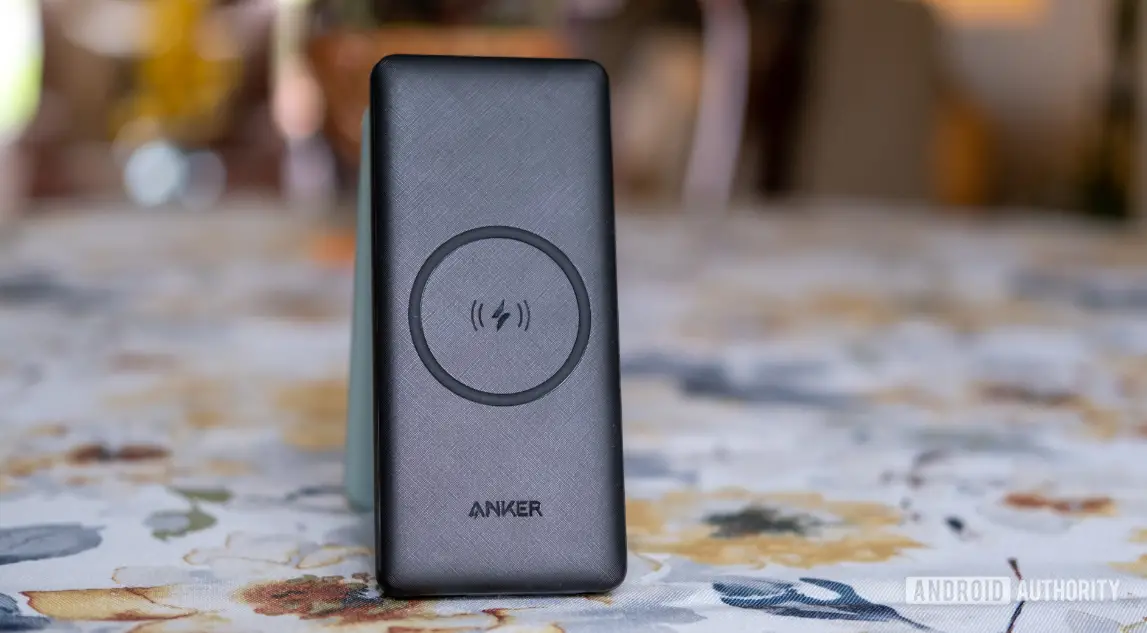
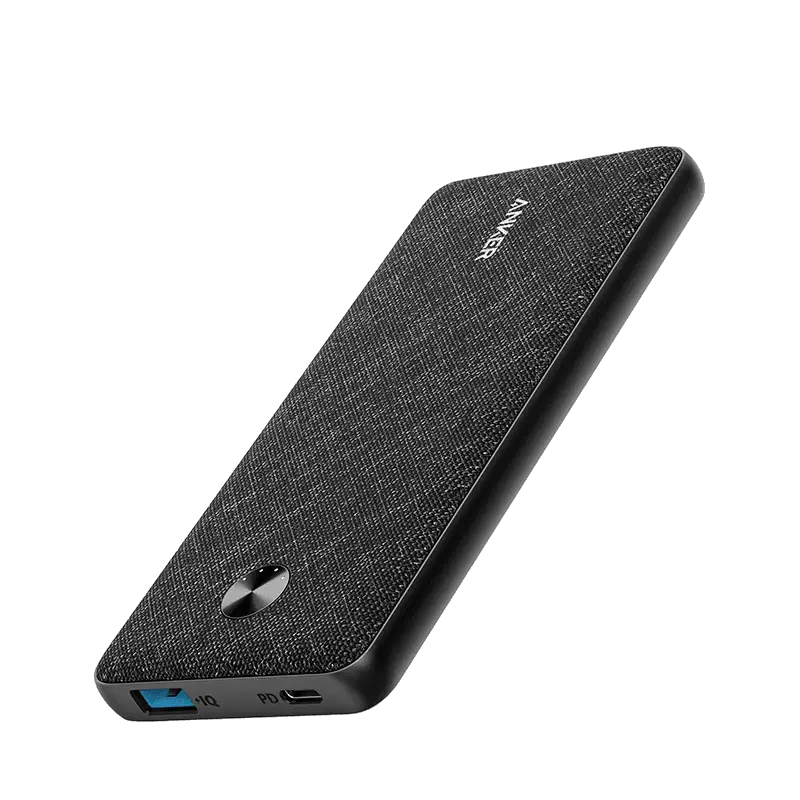
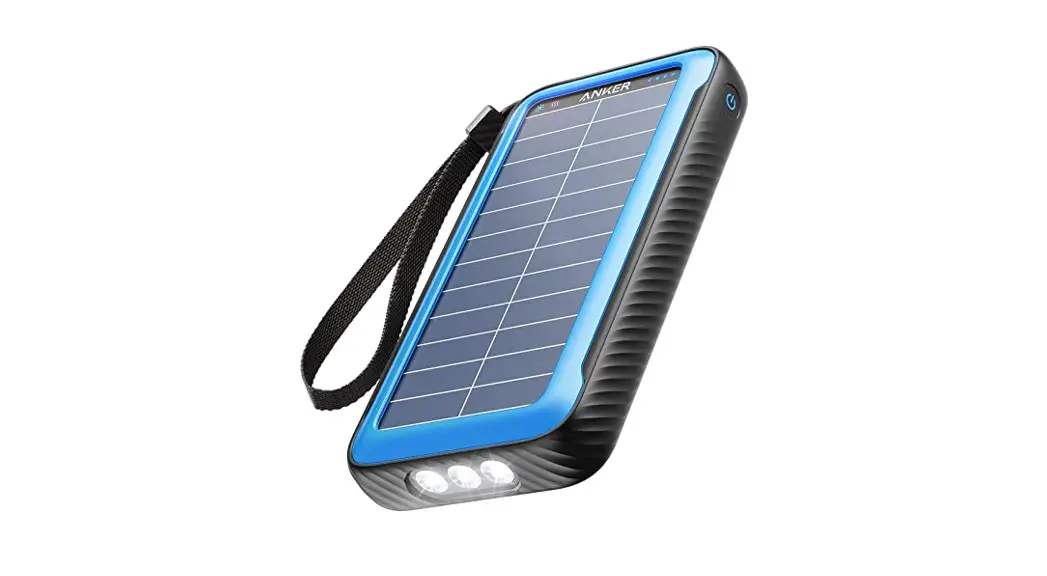
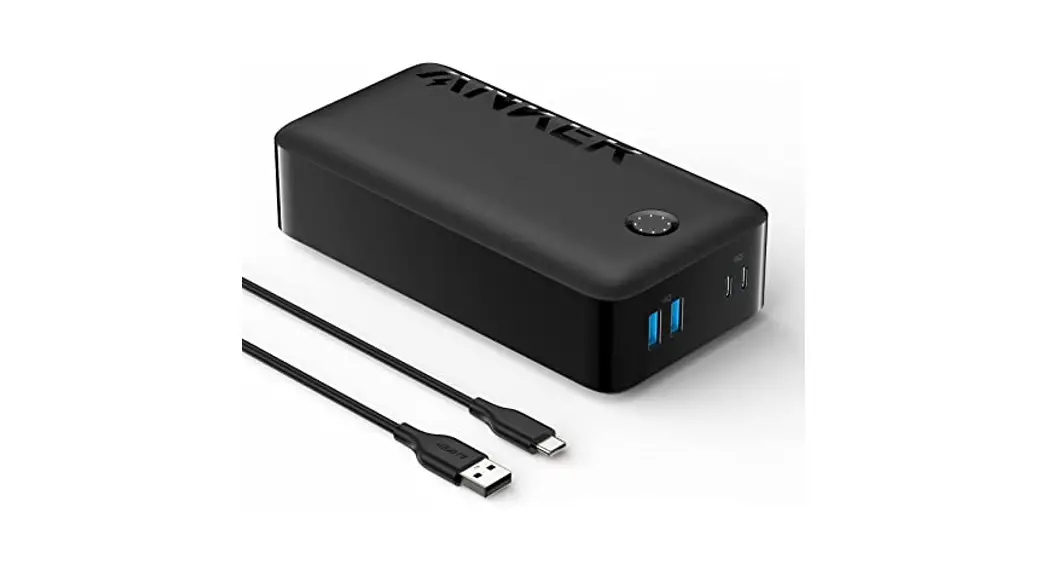
Anker 347 Power Bank (PowerCore 40K)
QUICK START GUIDE
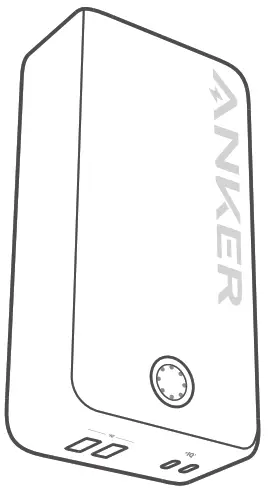
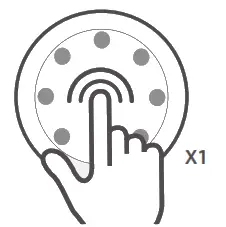
Checking the Battery Level
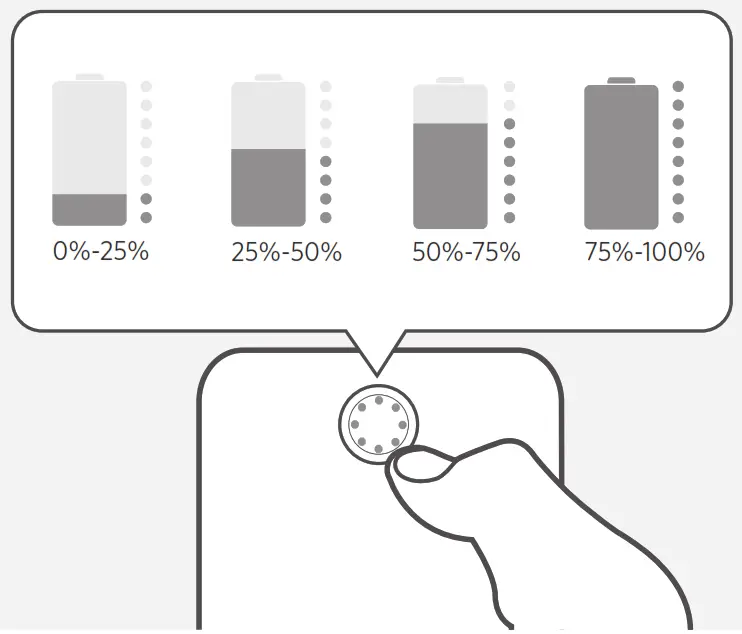
Press the button to check the battery level.
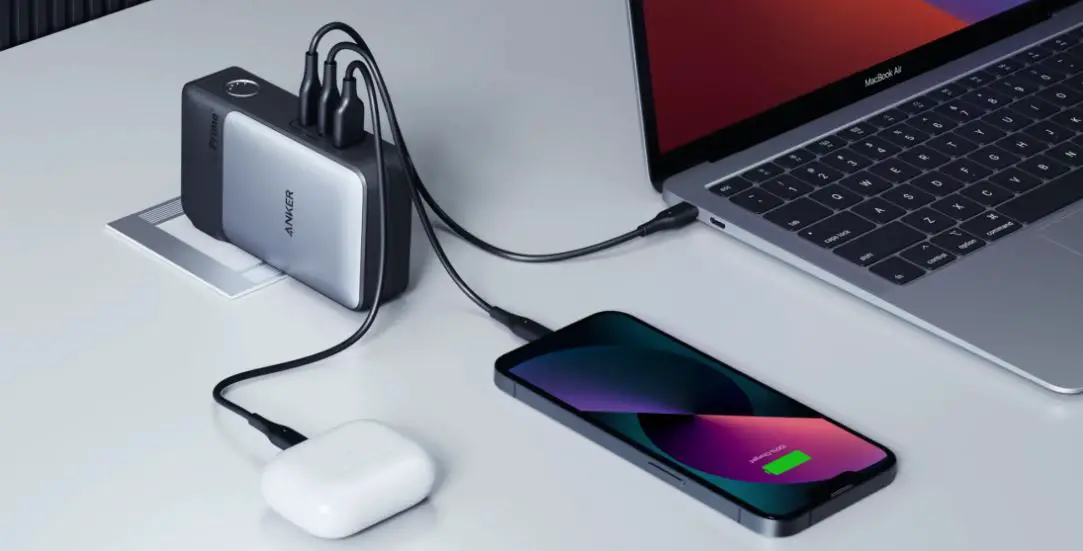
Charging Your Devices
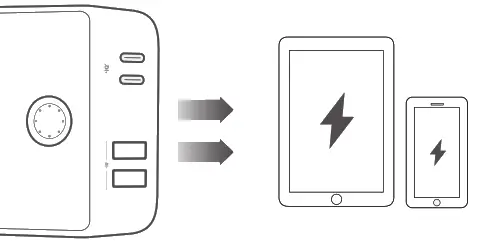
Use USB ports to charge phones and tablets.
Recharging Your Power Bank
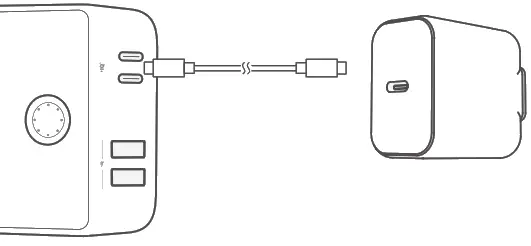
Recharge your Power Bank via either of the USB-C ports.
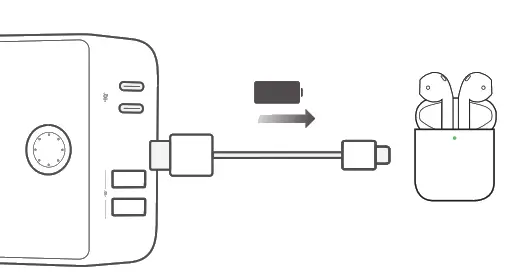
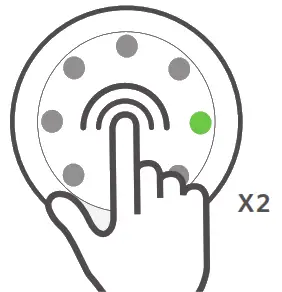
Trickle-Charging Mode
A better way to charge your earphones
- Press the button twice to activate the trickle-charging mode.

- Charge your earbuds or other lower-powered accessories.

- Press once to exit trickle-charging mode.

Specifications
| Cell Capacity | 40,000mAh (4 x 10,000mAh) |
| USB-C 1/USB-C 2 Input | 5V = 3A/9V 3A/12V 2.5A/15V 2A/20V-1.5A 3A/12V 2.5A/15V 2A/20V-1.5A |
| USB-C 1/USB-C 2 Output | 5V3A/9V=3A/12V=2.5A/15V 2A/20V-1.5A |
| USB-A 1/USB-A 2 Output | 5V= 3A/9V= 2A/12 =1.5A |
| Total Output | 5V= 6A (3A Max Per Port) |
For FAQs and more information, please visit:
anker.com/support @anker_official
@anker_jp @Anker Deutschland
@Anker Japan
@Anker @Anker official
@Anker_JP
 download - Anker US