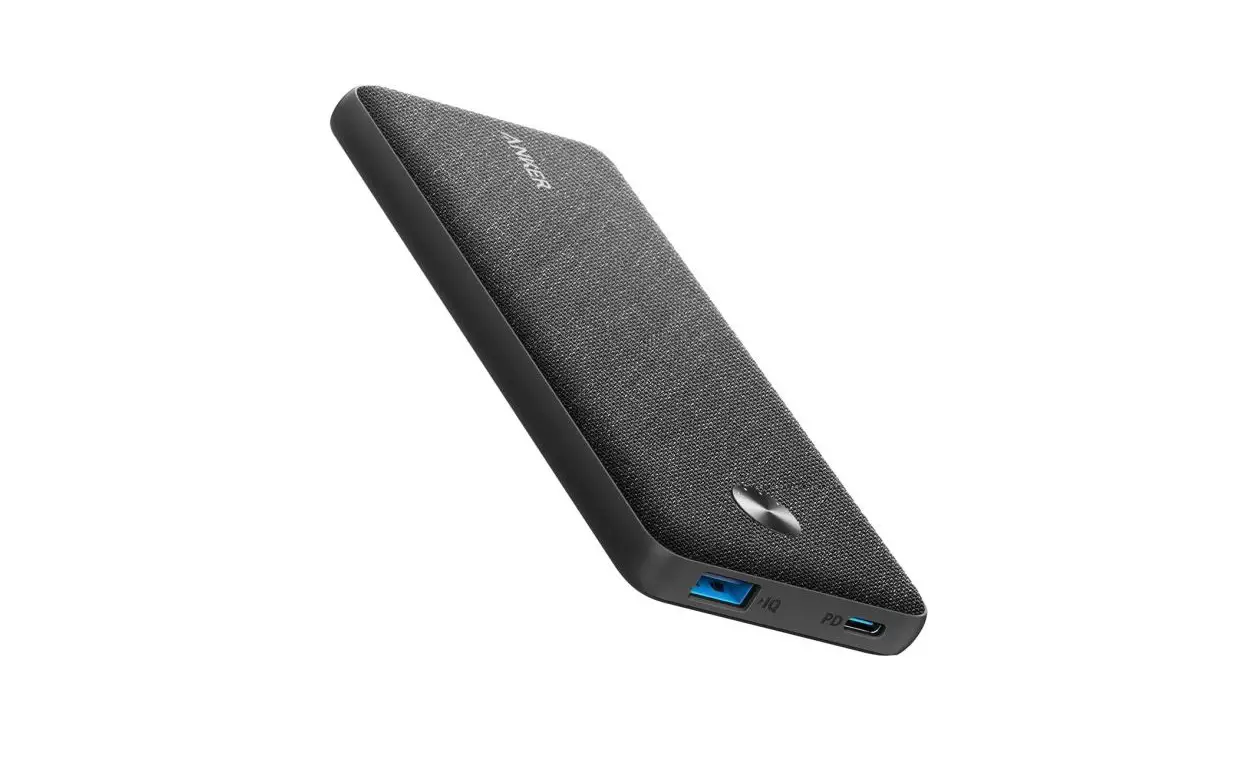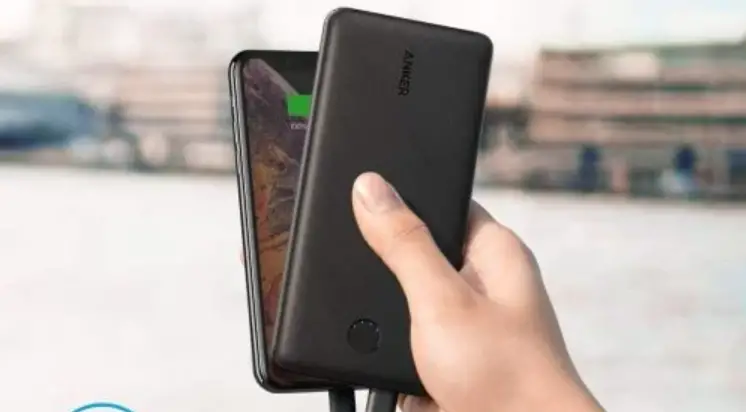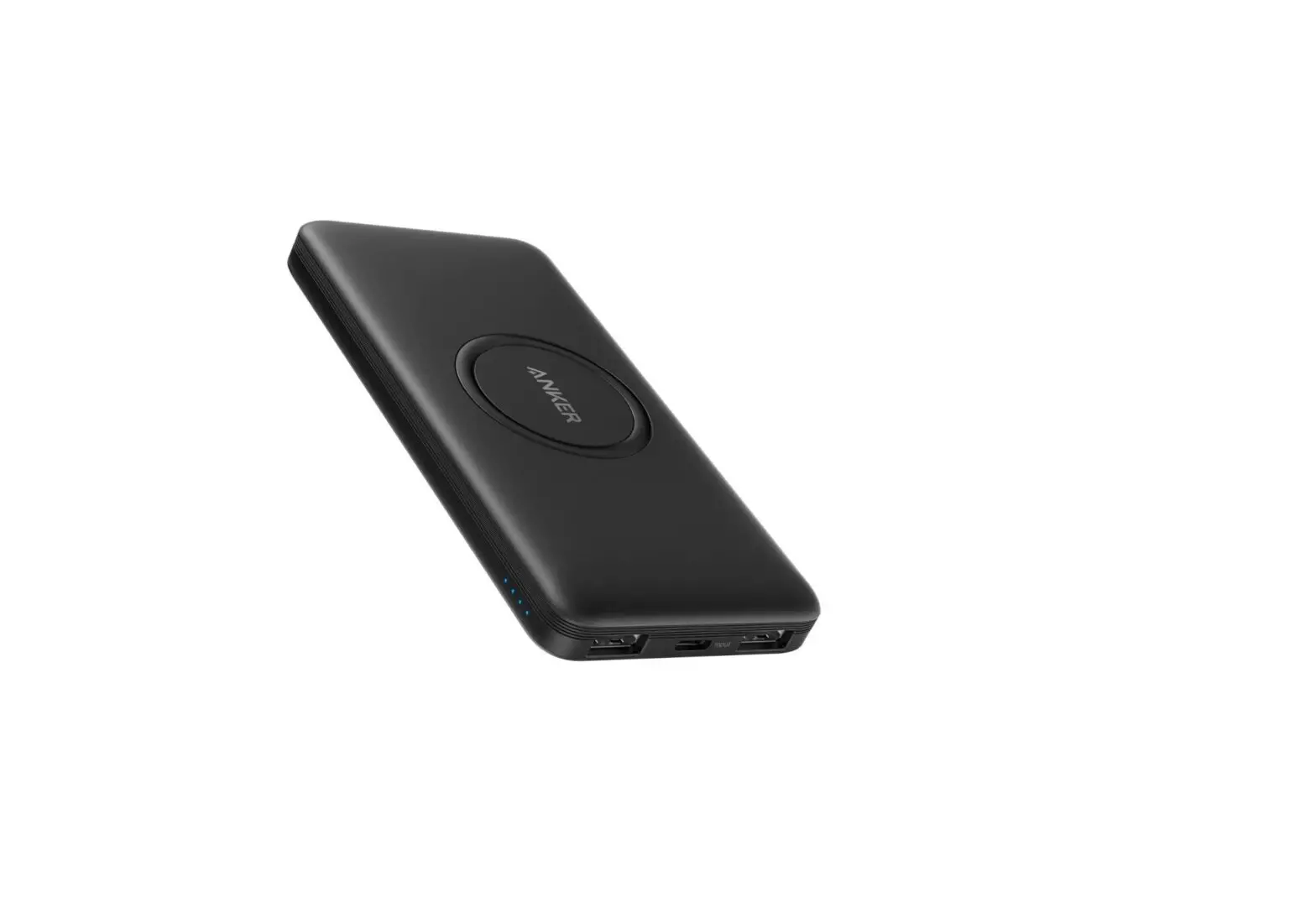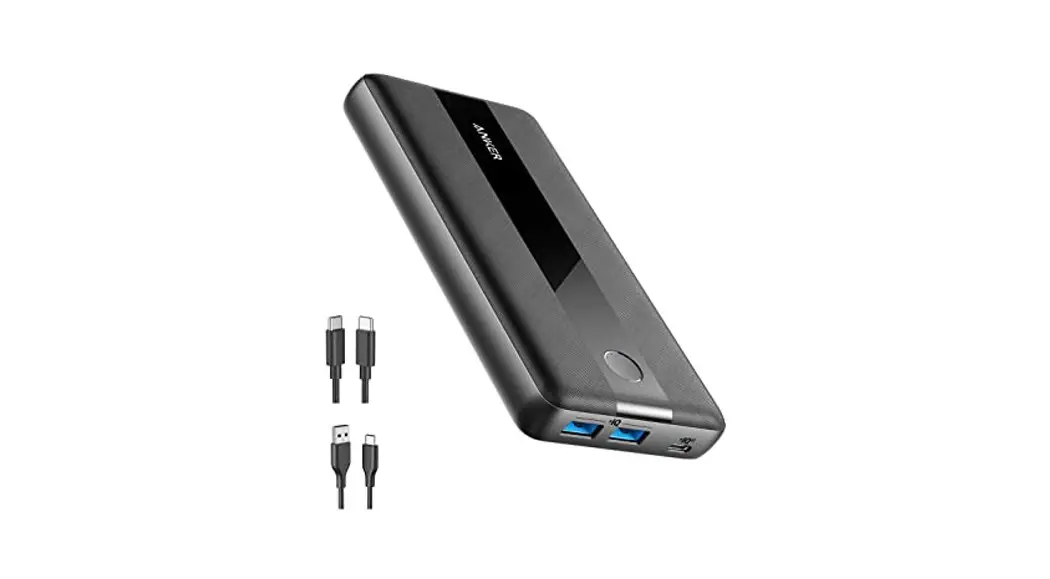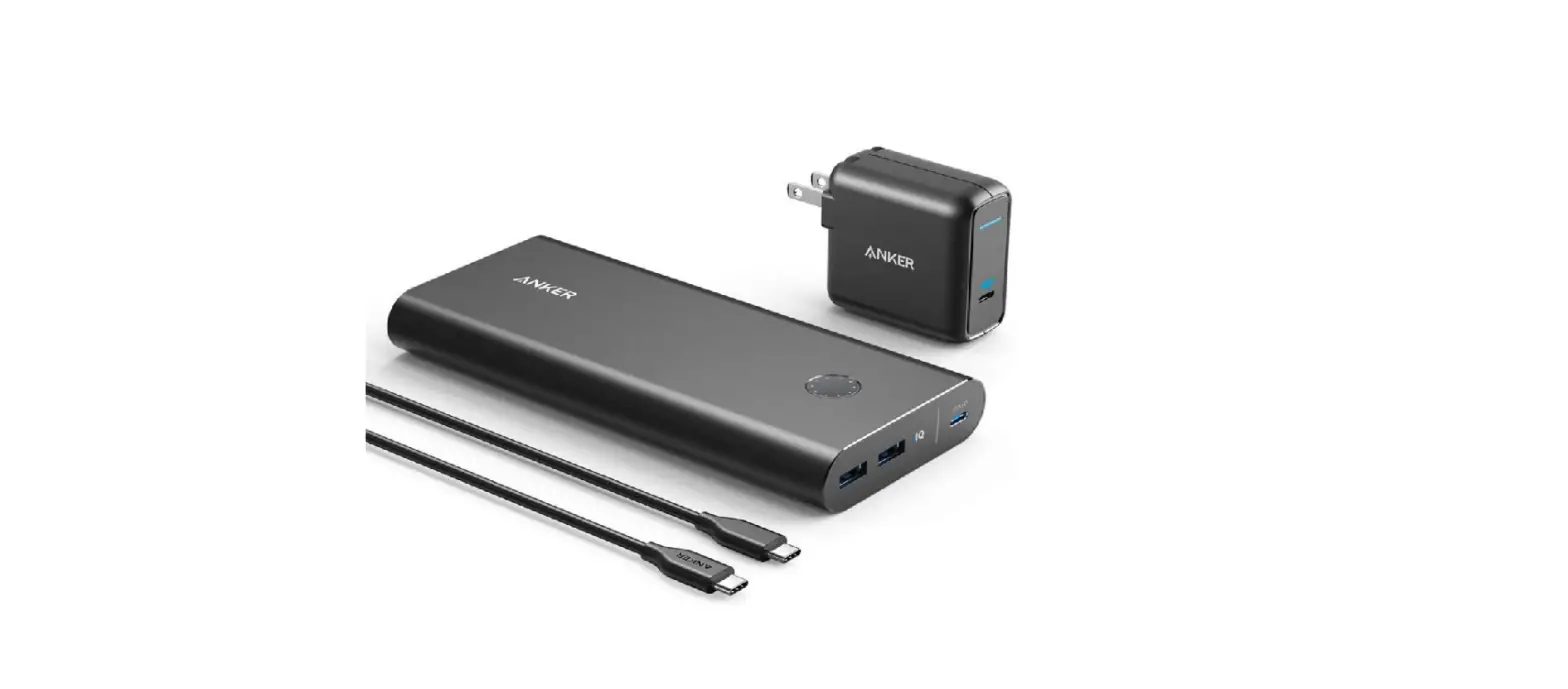

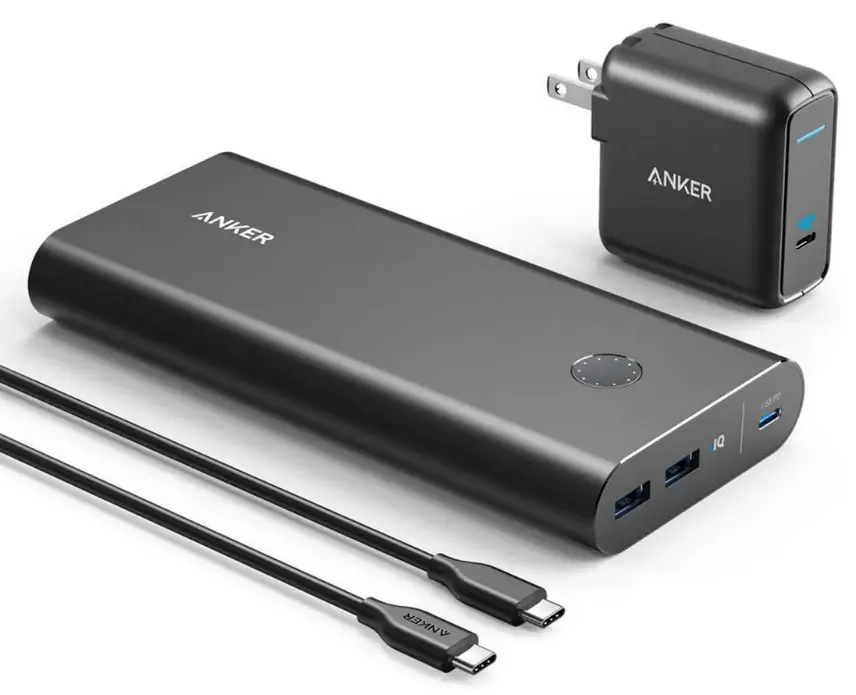
ANKER 537 Power Bank
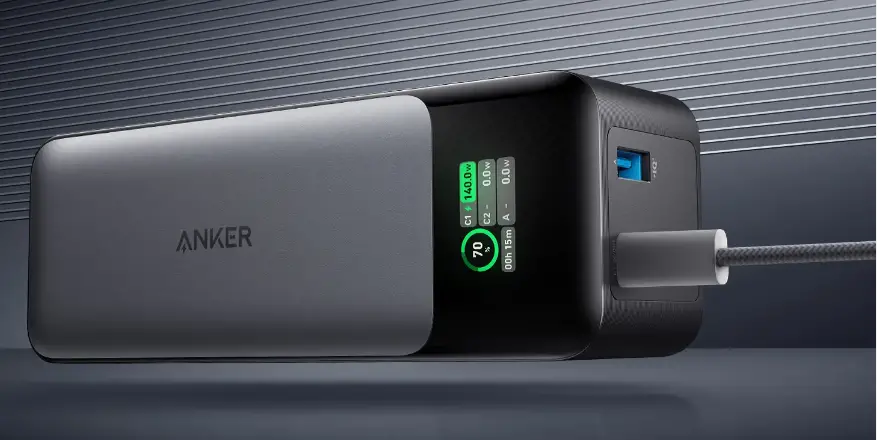
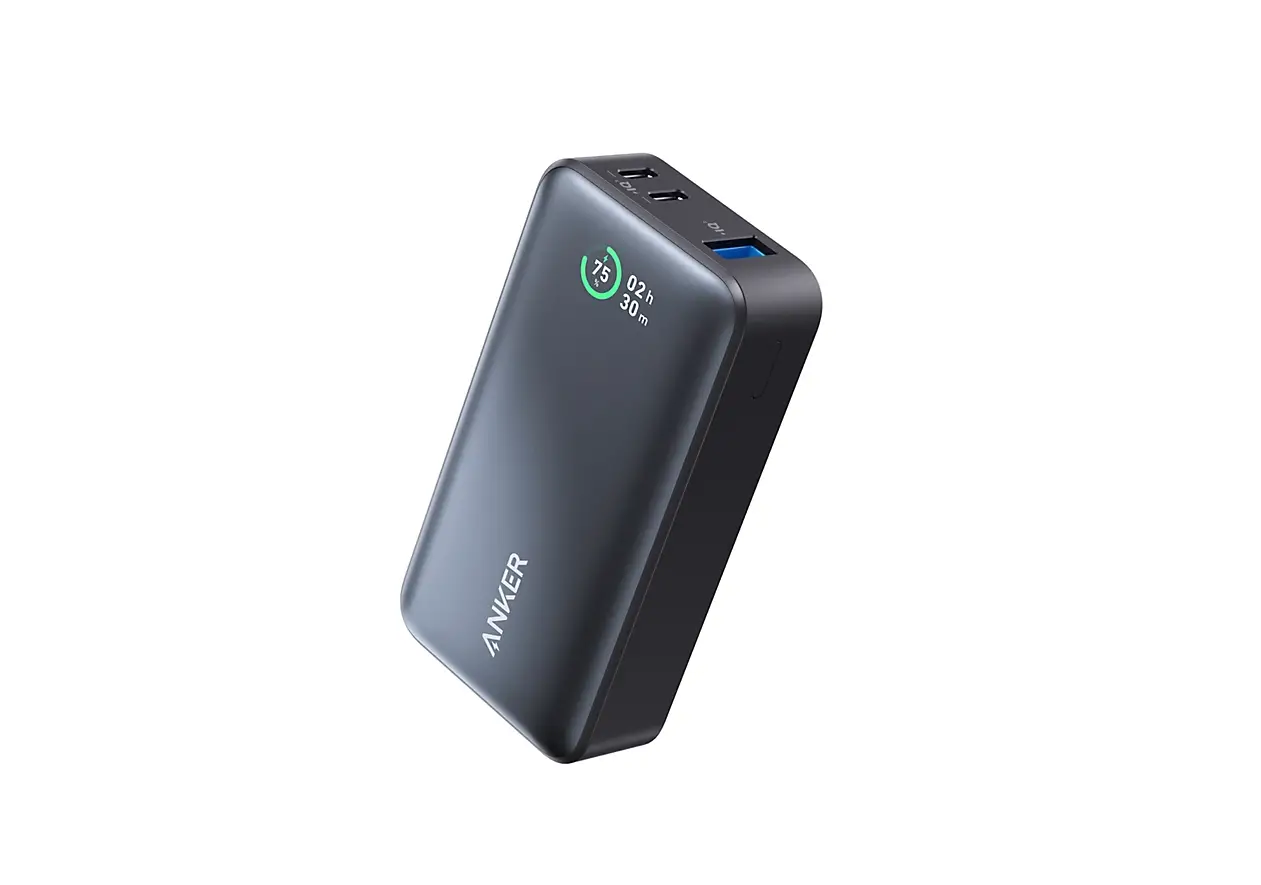
Checking the Battery Level
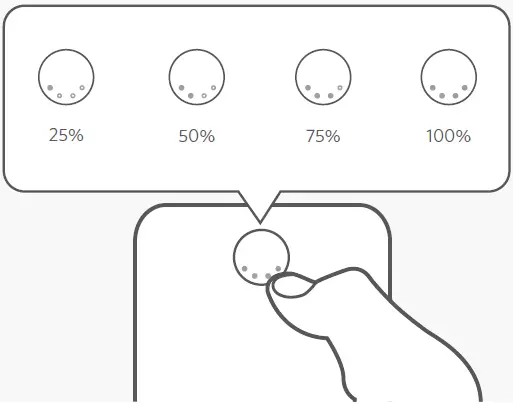
- Press the button to check the battery level.
Charging Your Devices
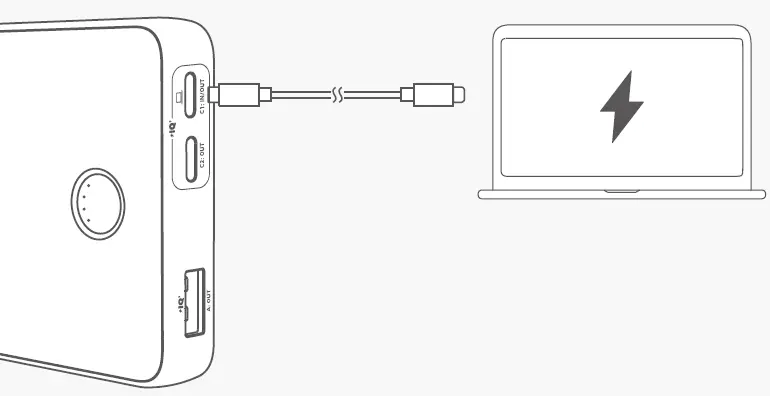
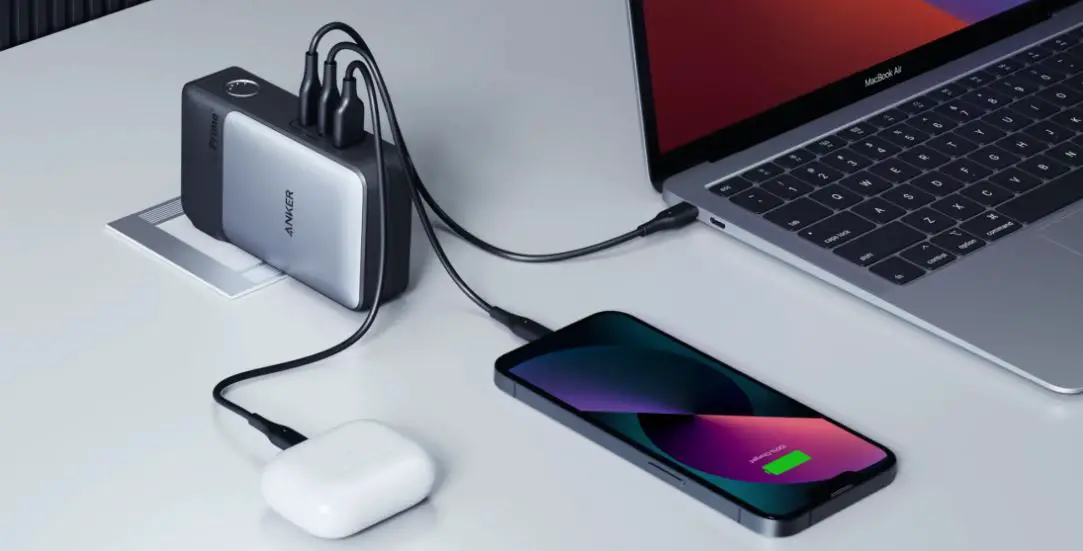
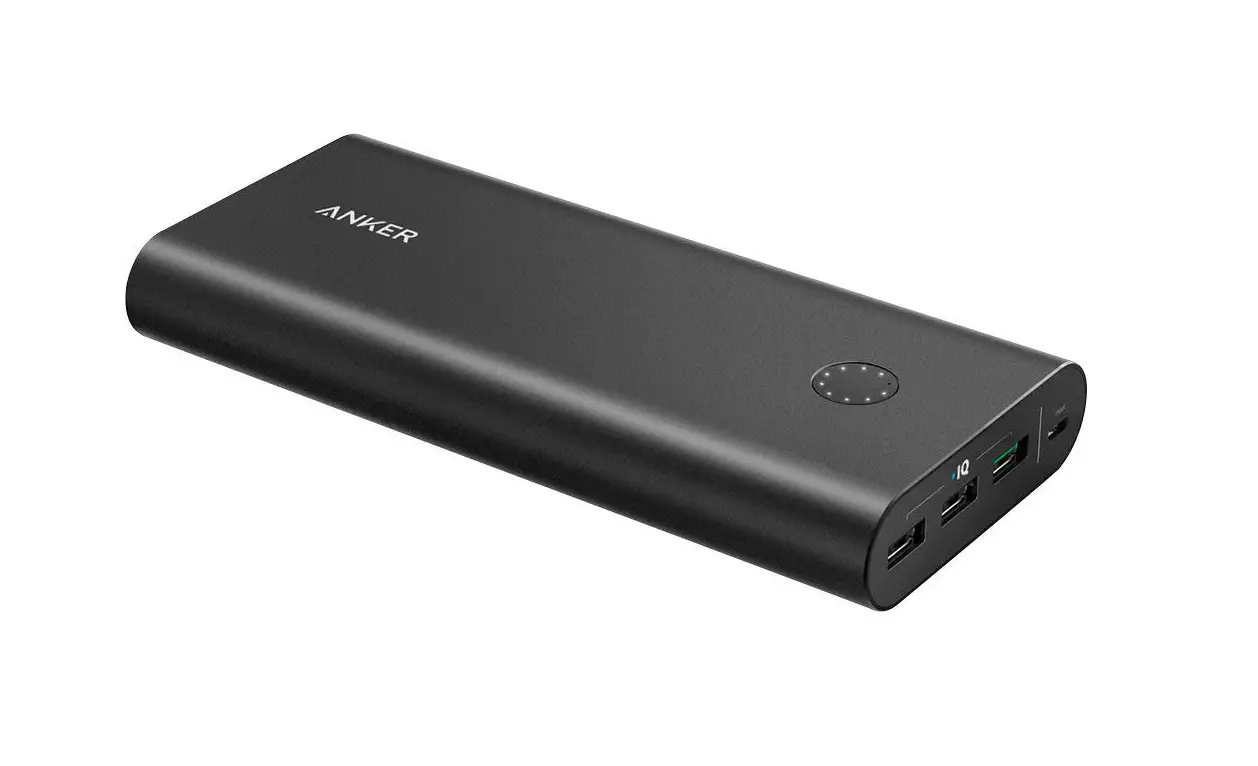
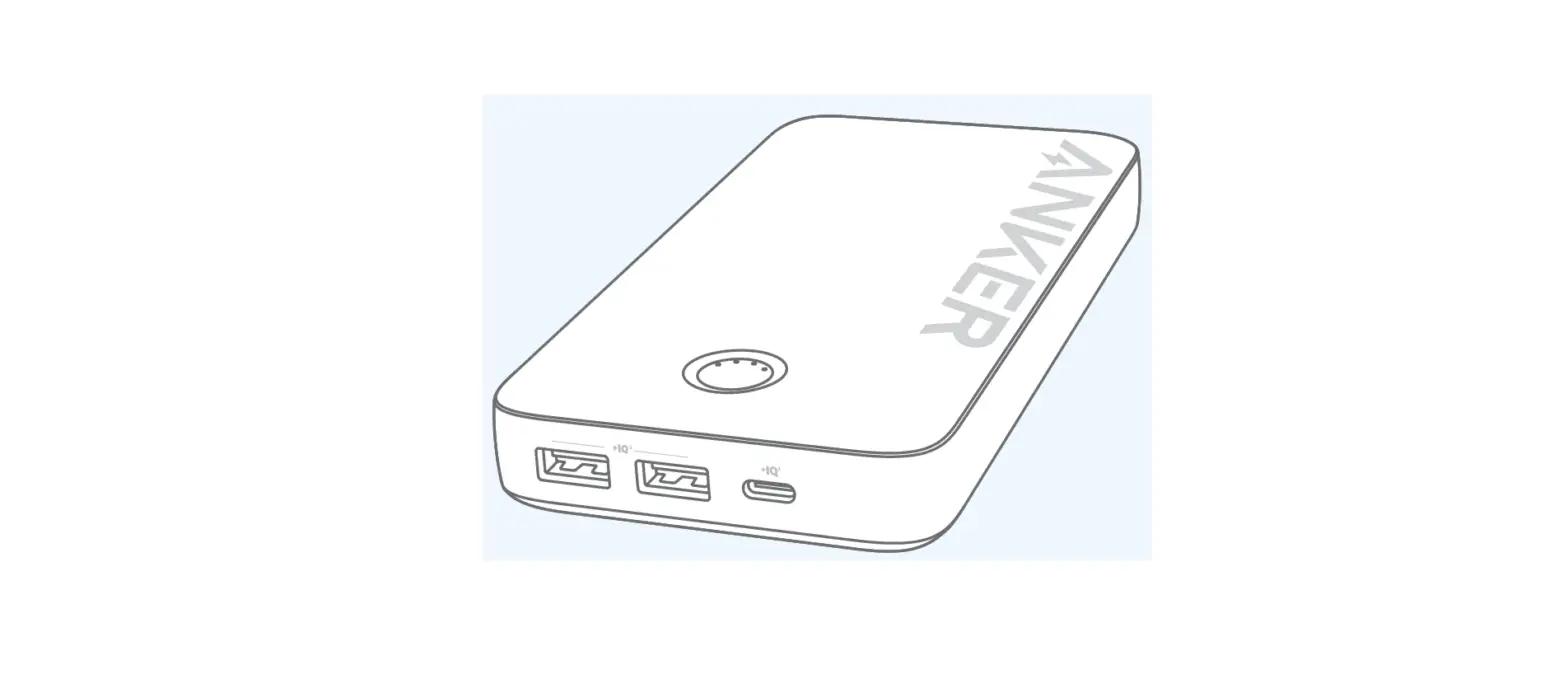
- To charge a laptop, connect it to either USB-C port, or connect it to the USB-C 1 port when other ports are occupied.
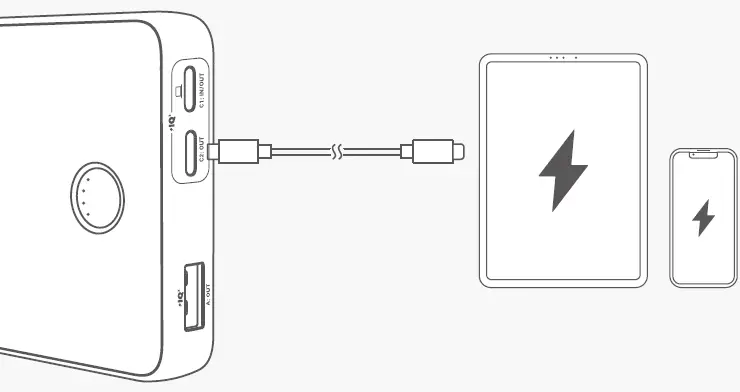
Recharging Your Power Bank
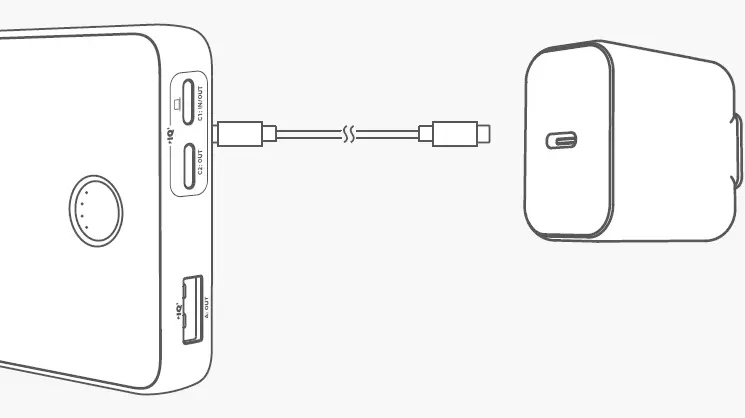
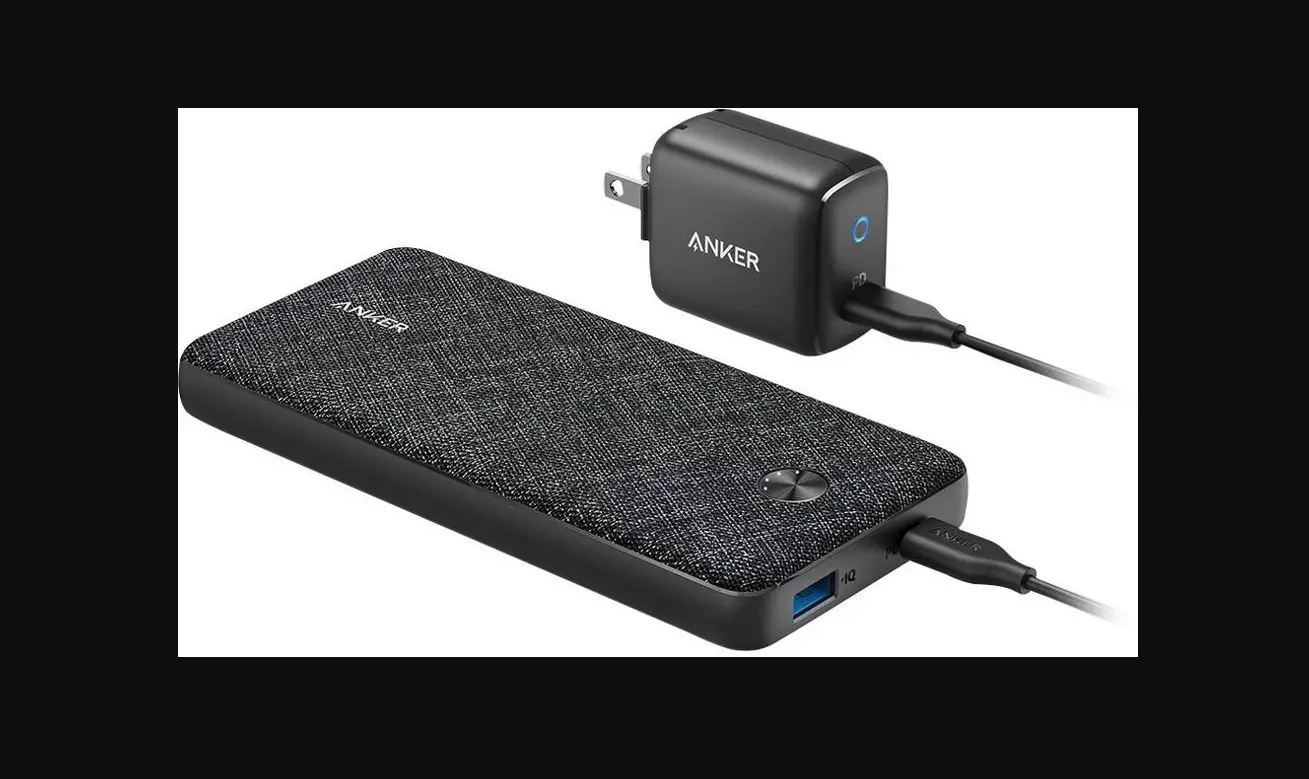
- Recharge your power bank via the USB-C 1 port.
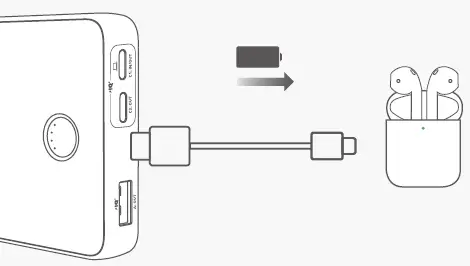
Trickle-Charging Mode
A better way to charge your earphones
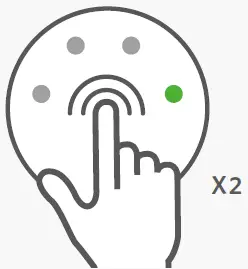
- Press the button twice to activate the trickle-charging mode.

- Charge your earbuds or other lower-powered accessories.

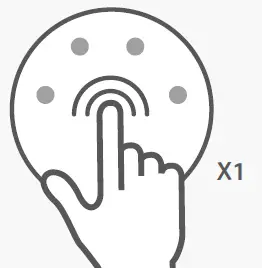
- Press once to exit trickle-charging mode.
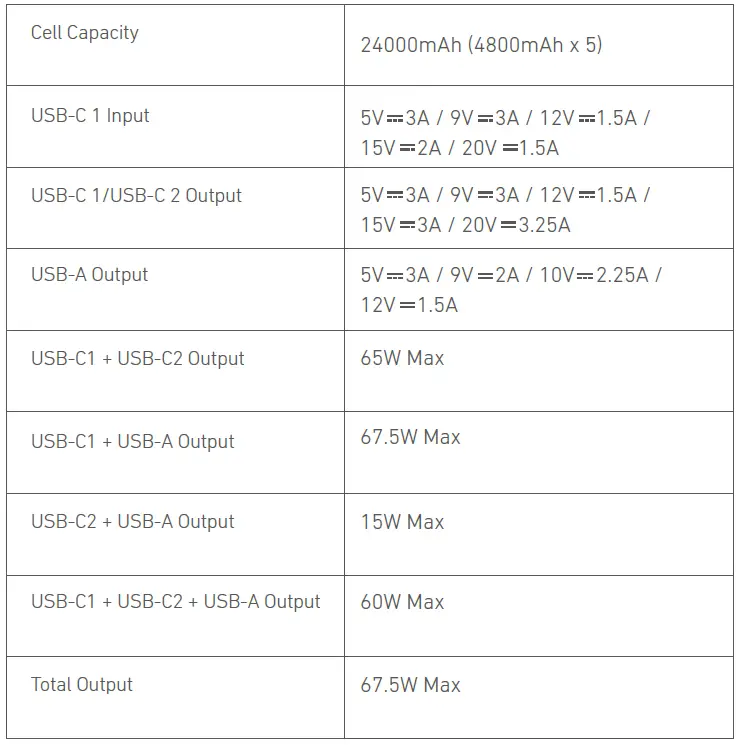
Specifications
For FAQs and more information, please visit: anker.com/support

- @anker_official
- @anker_jp
- @Anker Deutschland
- @Anker Japan
- @Anker
- @AnkerOfficial
- @Anker_JP
Product Number: A1379 51005003569 V01
 download - Anker US