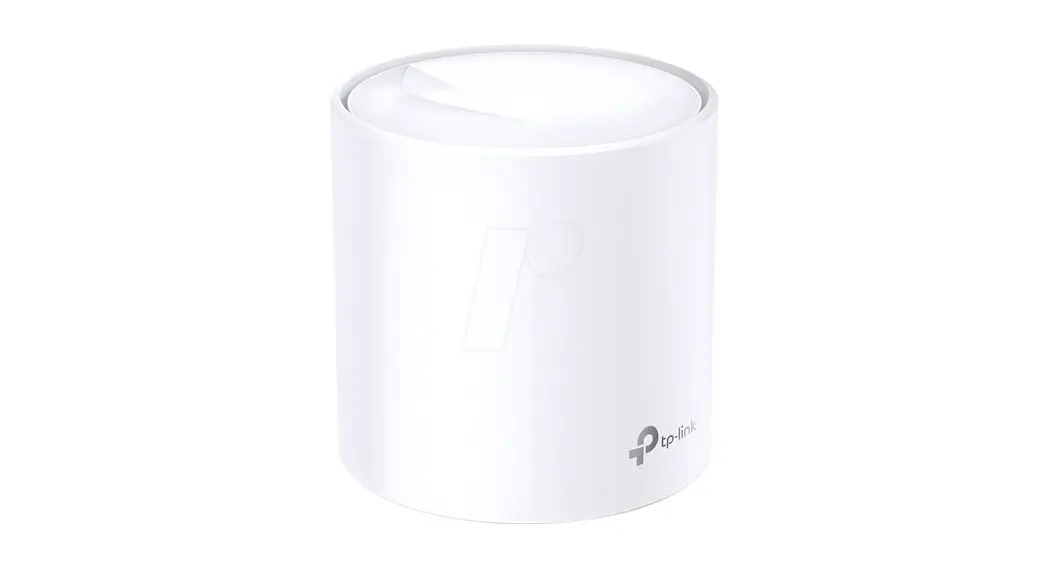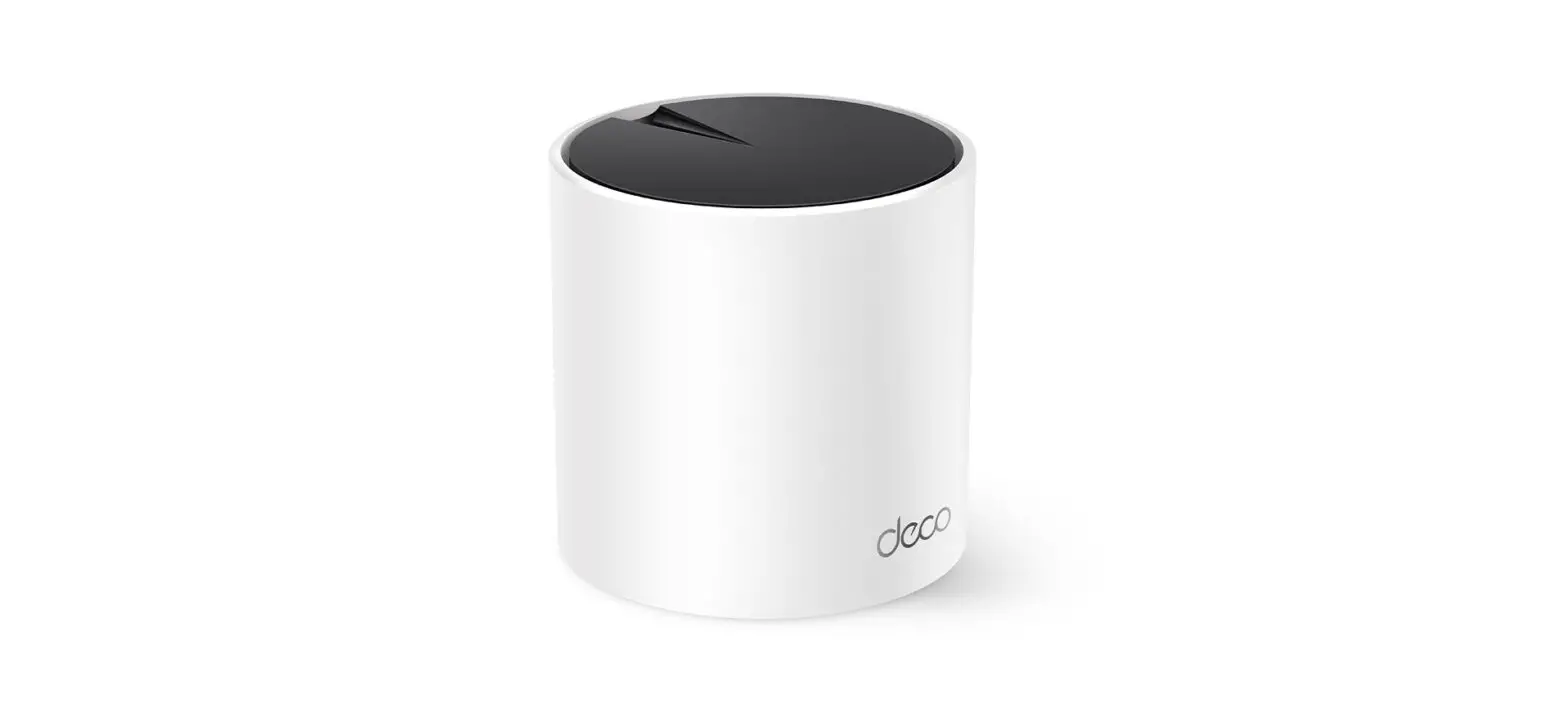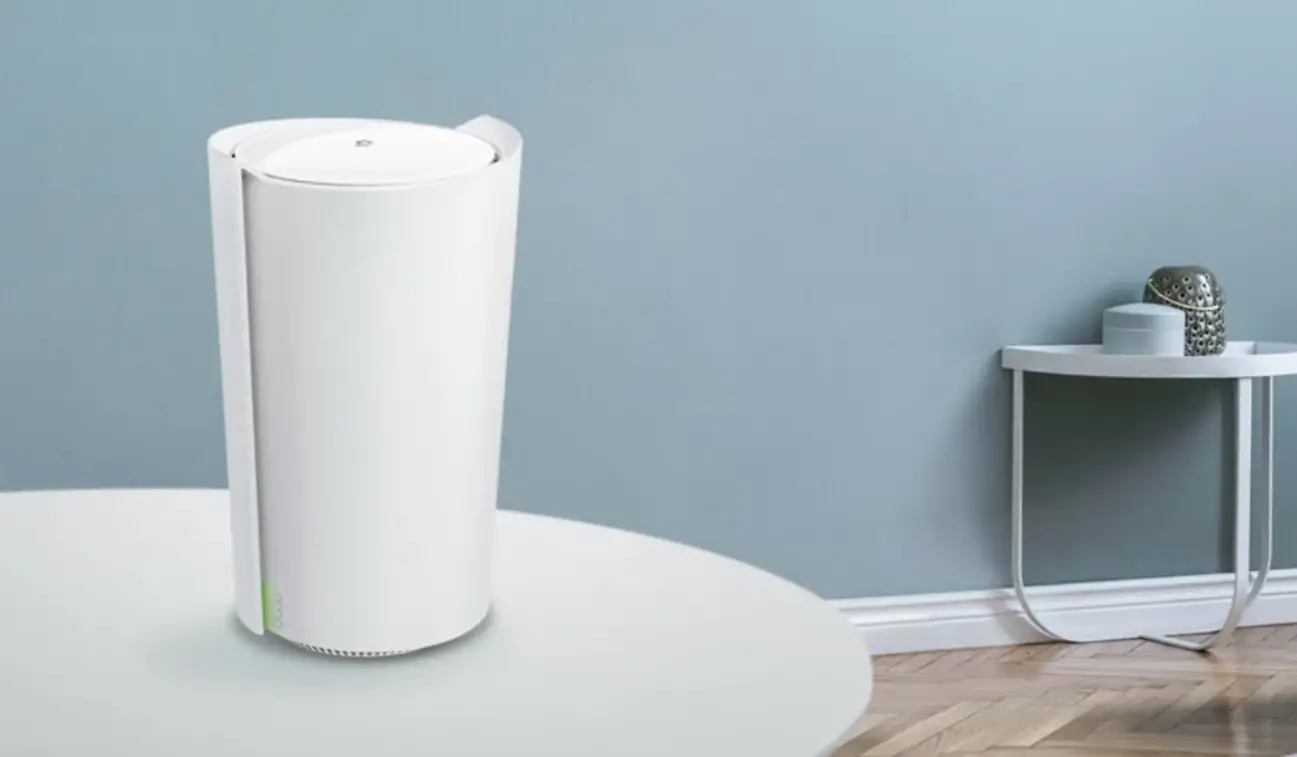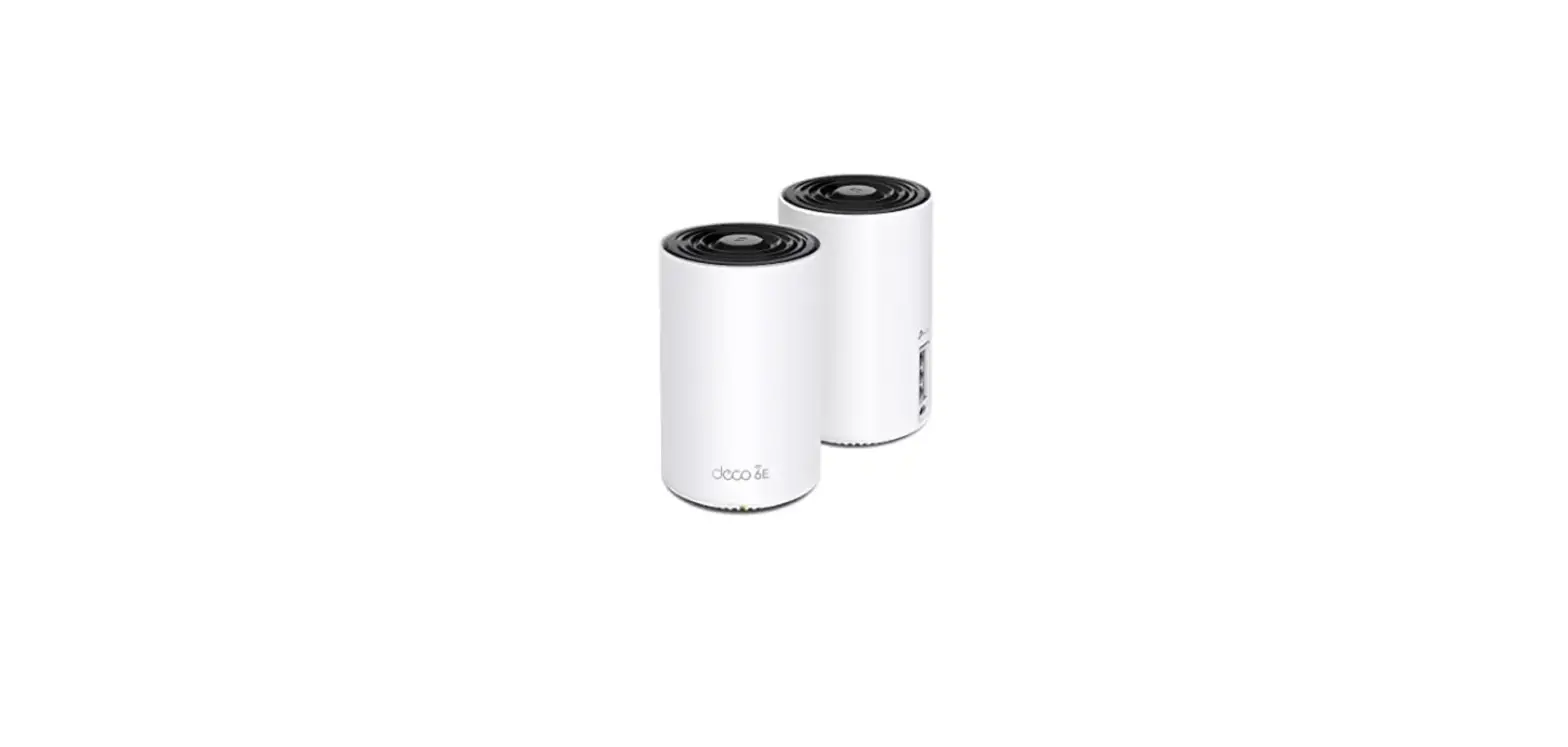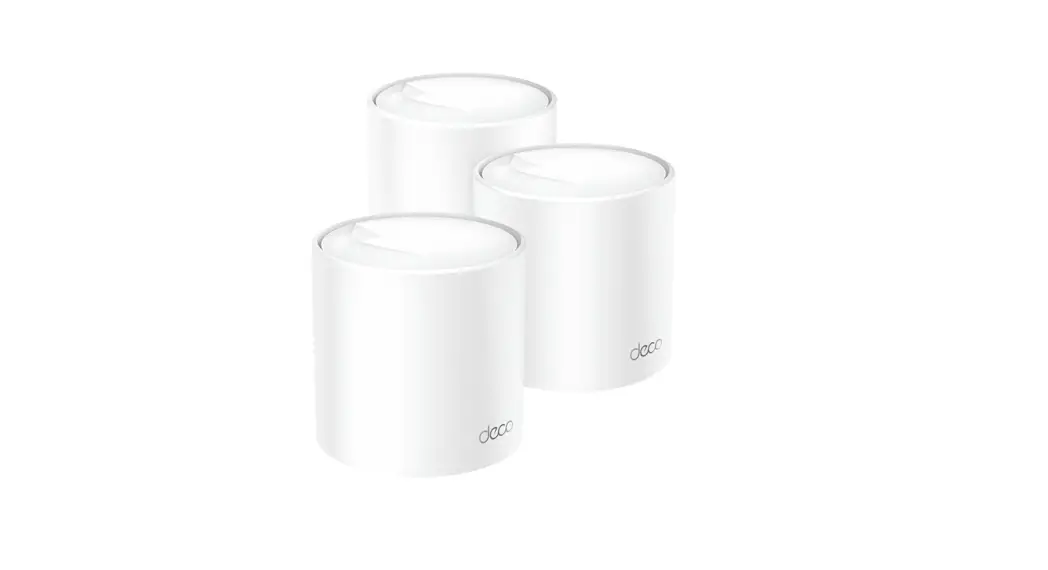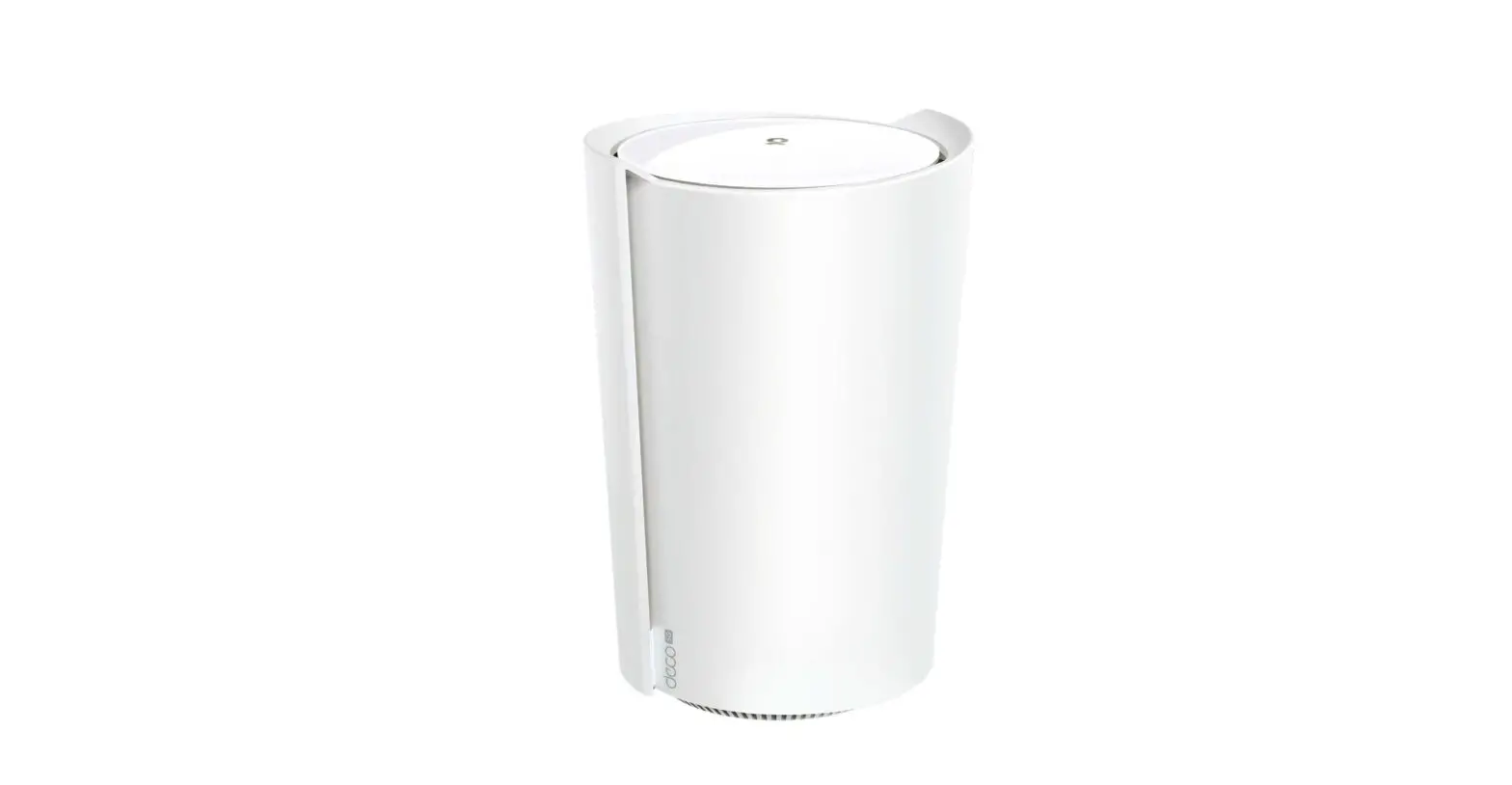
 Quick Installation Guide
Getting Started
Download the TP-Link Deco app for iOS or Android. The app will walk you through the setup.
 https://www.tp-link.com/app/qrcode/?app=deco
Need Help?
For answers to frequently asked questions (FAQs) and technical support, please go to
Navigate to Deco’s support page
- the Deco app
Swipe right at the main page and select Help  from the menu.
LED Status
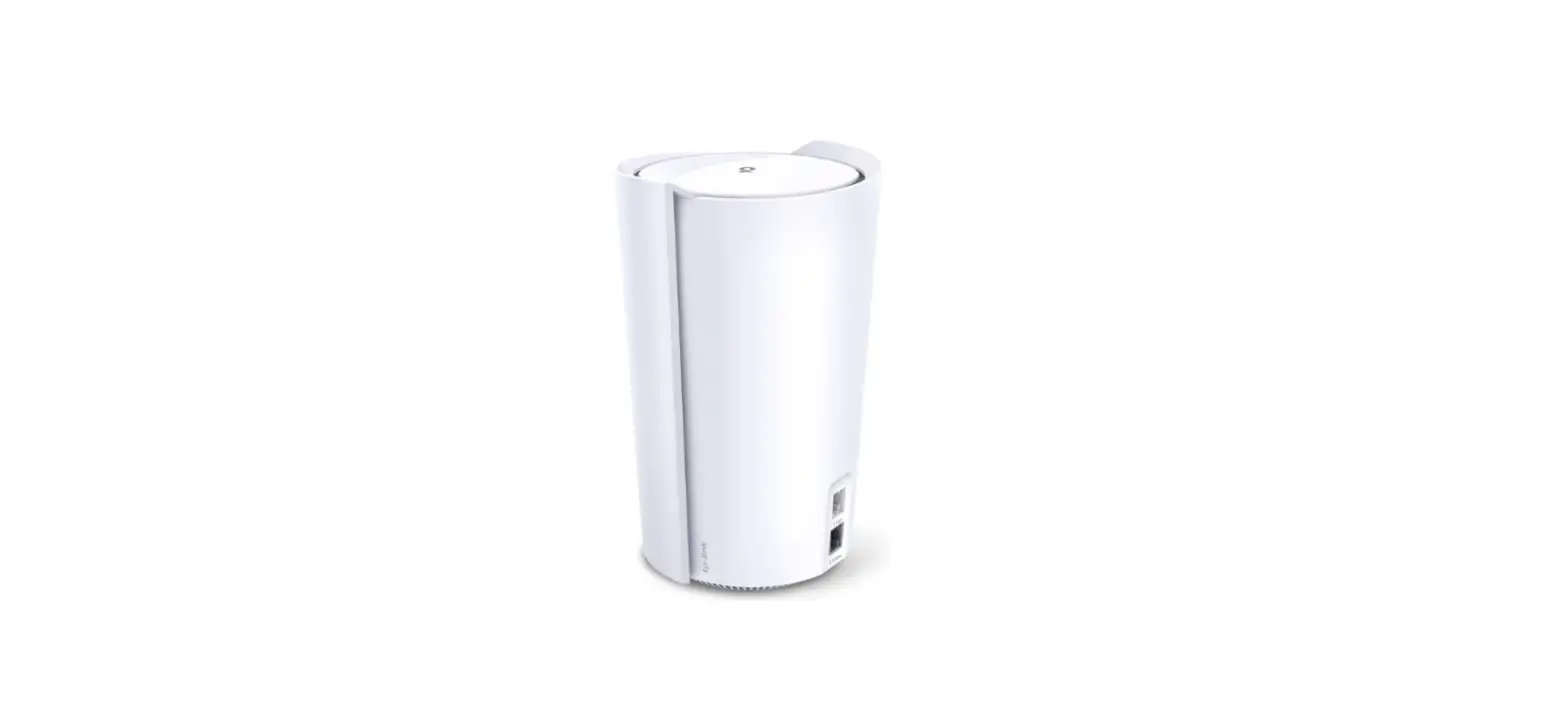
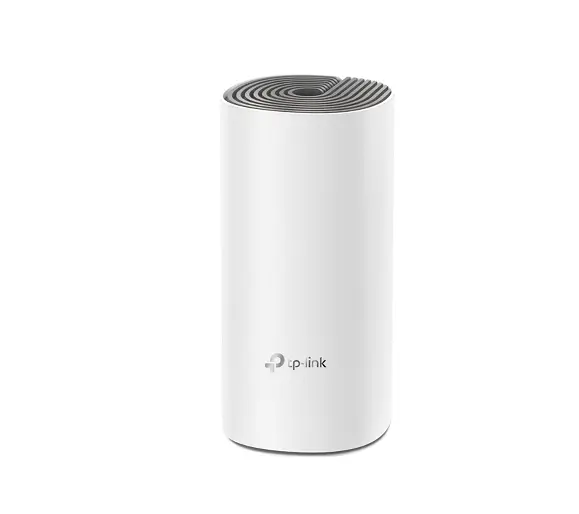
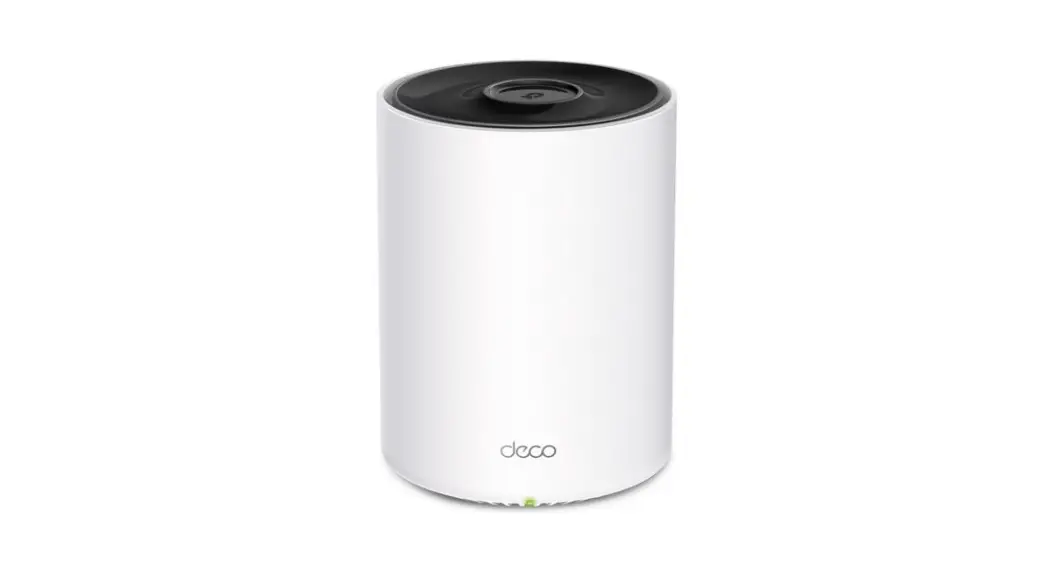
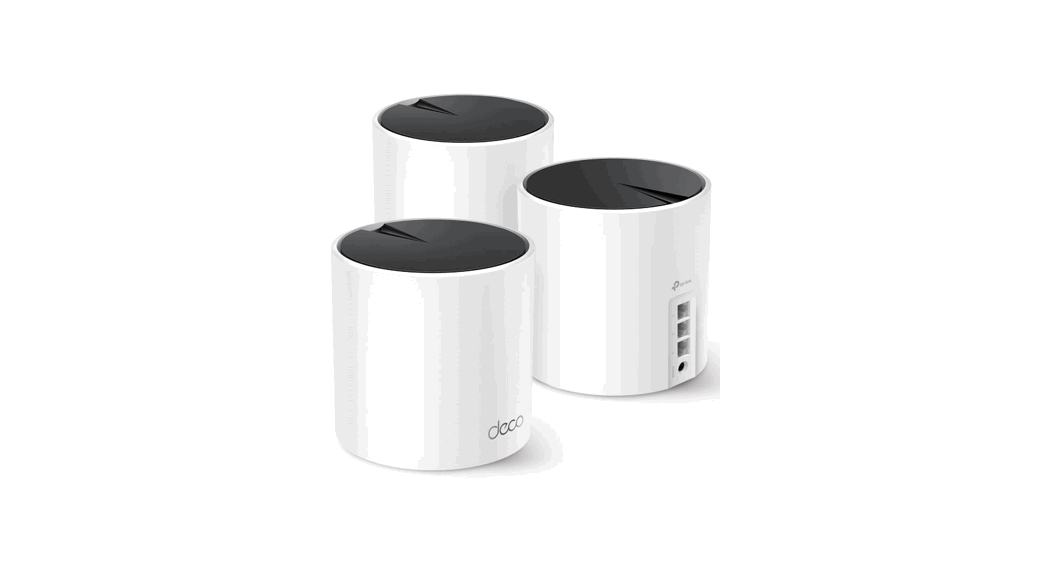
Each Deco has an LED light that changes color according to its status. See the explanation below.
| LED | DECO STATUS |
| Pulse Yellow | Deco is resetting. |
| Solid Yellow | Deco is starting up. |
| Pulse Blue | Deco is ready for setup. |
| Solid Blue | Deco is setting up. |
| Pulse Green/Pulse White | Deco is upgrading firmware. |
| Solid Green/Solid White | Deco is all set up and connected to the internet. |
| Pulse Red | The satellite Deco is disconnected from the main Deco. |
| Solid Red | Deco has an issue. |
Safety Information
- The adapter shall be installed near the equipment and shall be easily accessible.
- Keep the device away from water, fire, humidity, or hot environments.
- Do not attempt to disassemble, repair, or modify the device. If you need service, please contact us.
- Do not use a damaged charger or USB cable to charge the device.
- Do not use any other chargers than those recommended.
- Do not use the device where wireless devices are not allowed.
- Use only power supplies which are provided by the manufacturer and in the original packing of this product. If you have any questions, please don’t hesitate to contact us.
Please read and follow the above safety information when operating the device. We cannot guarantee that no accidents or damage will occur due to improper use of the device. Please use this product with care and operate at your own risk.
Operating Frequency/max output power
2400MHz ~ 2483.5MHz / 20dBm
5150MHz ~ 5250MHz (Indoor use only) /23dBm
5250MHz ~ 5350MHz (Indoor use only) /23dBm
For Telephony DSL only: 1880MHz ~ 1900MHz /24dBm (conducted power)
For mobile devices only:
LTE Band 1,3,7,8,20,28,38,40/ Power Class 3 WCDMA Band 1,8/ Power Class 3 GSM 900MHz/ Power Class 4 DCS 1800MHz/ Power Class 1
*The actual frequency bands supported by your product may differ from the bands above.
 | AT | BE | BG | CH | CY | CZ | DE | DK |
| EE | EL | ES | Fl | FR | HR | HU | IE | |
| IS | IT | LI | LT | LU | LV | MT | NL | |
| NO | PL | PT | RO | SE | SI | SK | UK(NI) |
| UK |
Attention: In Great Britain, the operation in the frequency range 5150MHz – 5350MHz is only permitted indoors.
GNU General Public License Notice
This product includes software code developed by third parties, including software code subject to the GNU General Public License (“GPL”).
As applicable, TP-Link (“TP-Link” in this context referring to the TP-Link entity offering respective software for download or being responsible for the distribution of products that contain respective code) provides, by itself or with the support of third parties (e.g. the TP-Link Corporation Limited), mail service of a machine-readable copy of the corresponding GPL source code on CD-ROM upon request via email or traditional paper mail. TP-Link will charge a nominal cost to cover shipping and media charges as allowed under the GPL. This offer will be valid for at least 3 years.
For GPL inquiries and the GPL CD-ROM information, please contact [email protected] or write to Suite 901, New East Ocean Centre, Tsim Sha Tsui, Hong Kong. Additionally, TP-Link provides for a GPL-Code-Centre under https://www.tp-link.com/en/support/gpl/ where the machine readable copies of the GPL source codes used in TP-Link products are available for free download. Please note, that the GPL-Code-Centre is only provided as a courtesy to TP-Link’s customers but may neither offer a full set of source codes used in all products nor always provide the latest or actual version of such source codes.
The GPL Code used in this product is distributed WITHOUT ANY WARRANTY and is subject to the copyrights of one or more authors. For further information about GNU General Public License please refer to the following website: https://static.tp-link.com/resources/document/GPL%20License%20Terms.pdf
 © 2021 TP-Link 7106509399 REV1.0.1
References
 Link: Simple, secure one-click payments
 Anatel — Agência Nacional de Telecomunicações
-
WiFi Networking Equipment for Home & Business | TP-Link
 Support | TP-Link
-
Support | TP-Link
-
WiFi Networking Equipment for Home & Business | TP-Link
-
Support | TP-Link
-
CE Regulatory Compliance | TP-Link
-
GPL Code Center | TP-Link
-
TP-Link France – Un meilleur WiFi partout
-
TP-Link Magyarország
-
Support | TP-Link
-
Support | TP-Link
-
TP-Link Product Support - Wireless Networking Equipment Support
-
Regulatory Compliance | TP-Link
-
TP-Link Deutschland - Netzwerklösungen für Privat- und Businessanwender
-
Support | TP-Link
-
TP-Link Italia - dispositivi Wi-Fi per utilizzo domestico e professionale
-
TP-Link Portugal - Equipamento Rede WiFi para Casa e Escritório
 Link: Simple, secure one-click payments
 Anatel — Agência Nacional de Telecomunicações
 WiFi Networking Equipment for Home & Business | TP-Link
 Support | TP-Link
 Support | TP-Link
 TP-Link Deutschland - Netzwerklösungen für Privat- und Businessanwender
 TP-Link Italia - dispositivi Wi-Fi per utilizzo domestico e professionale