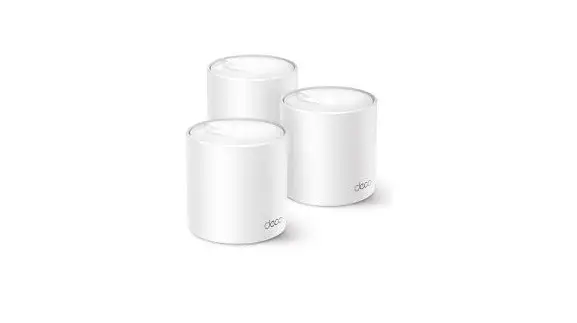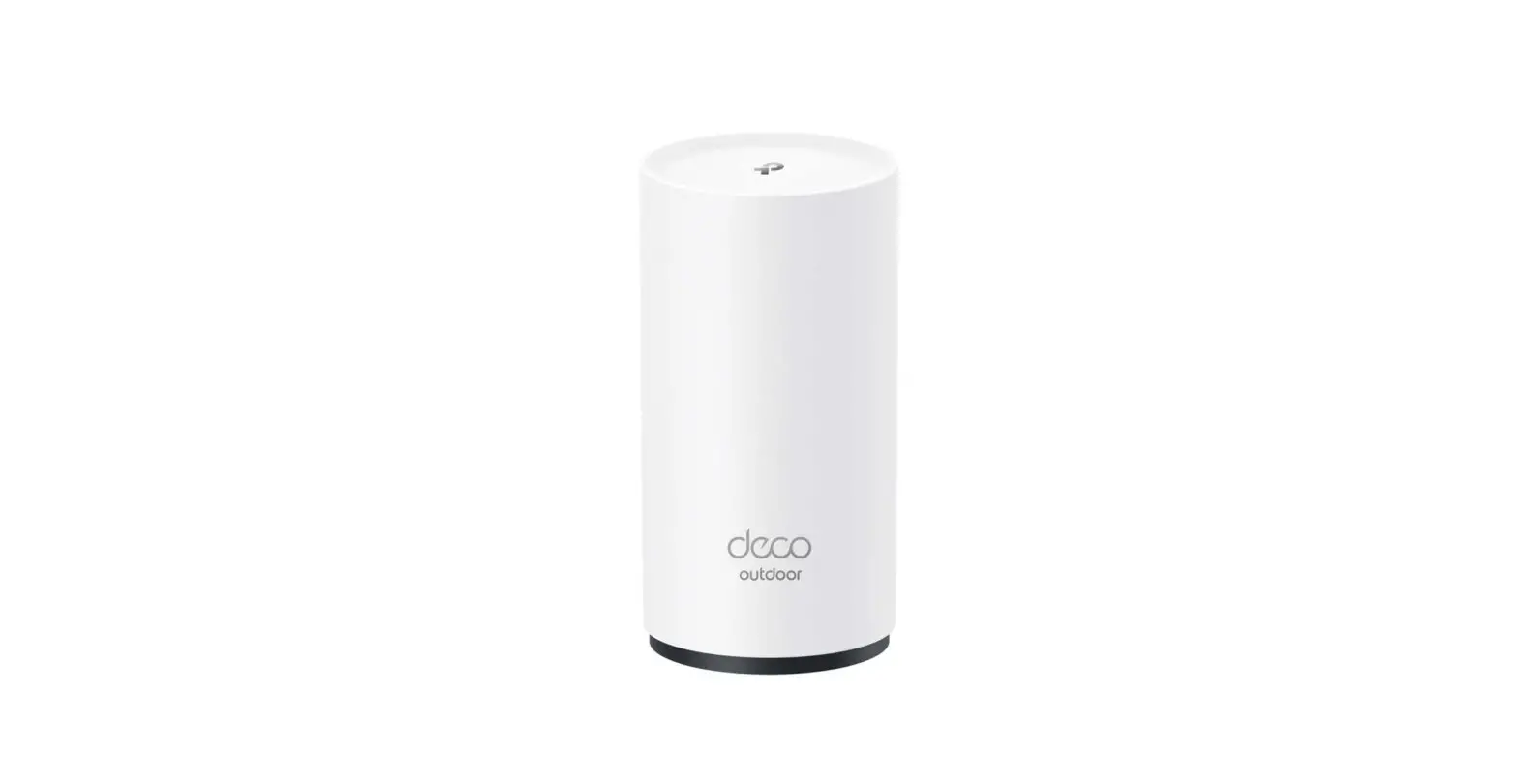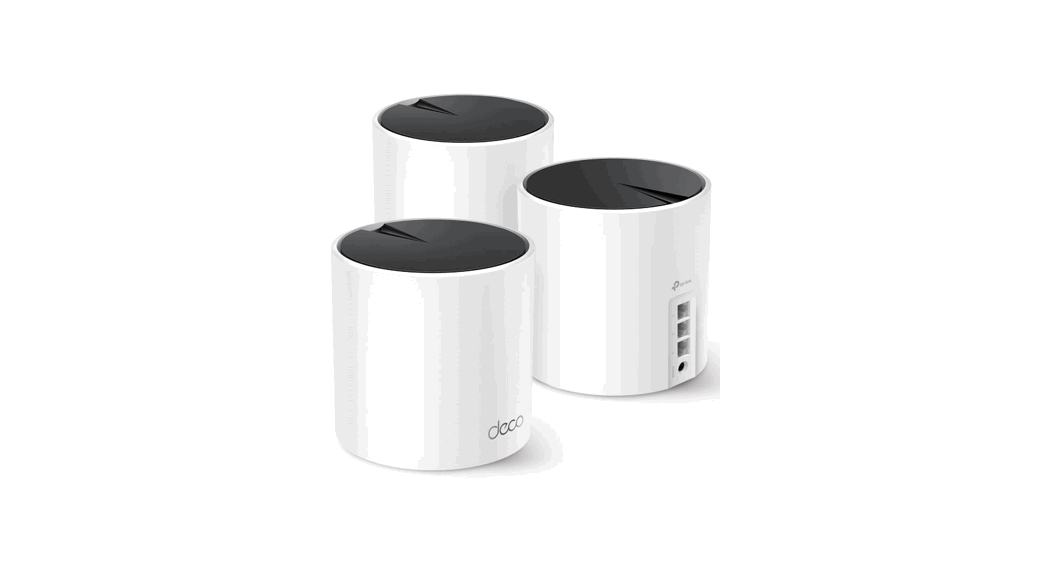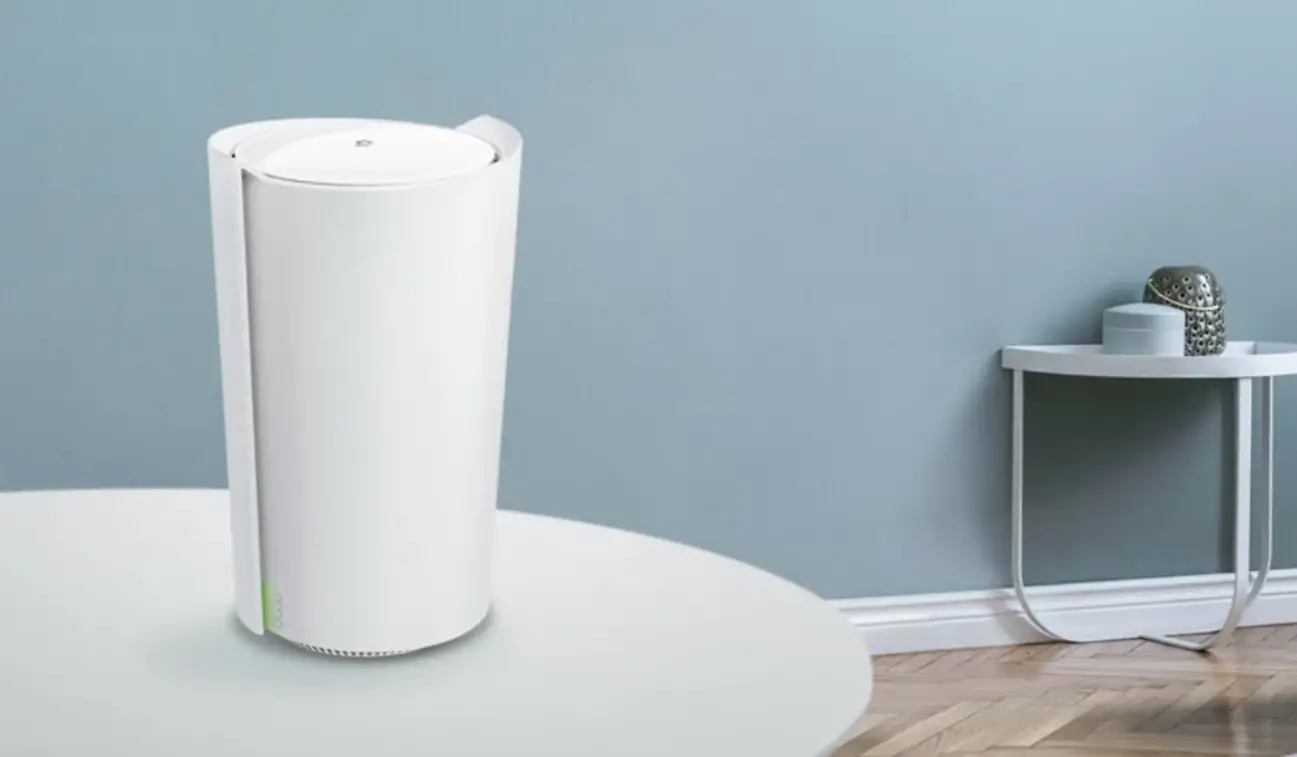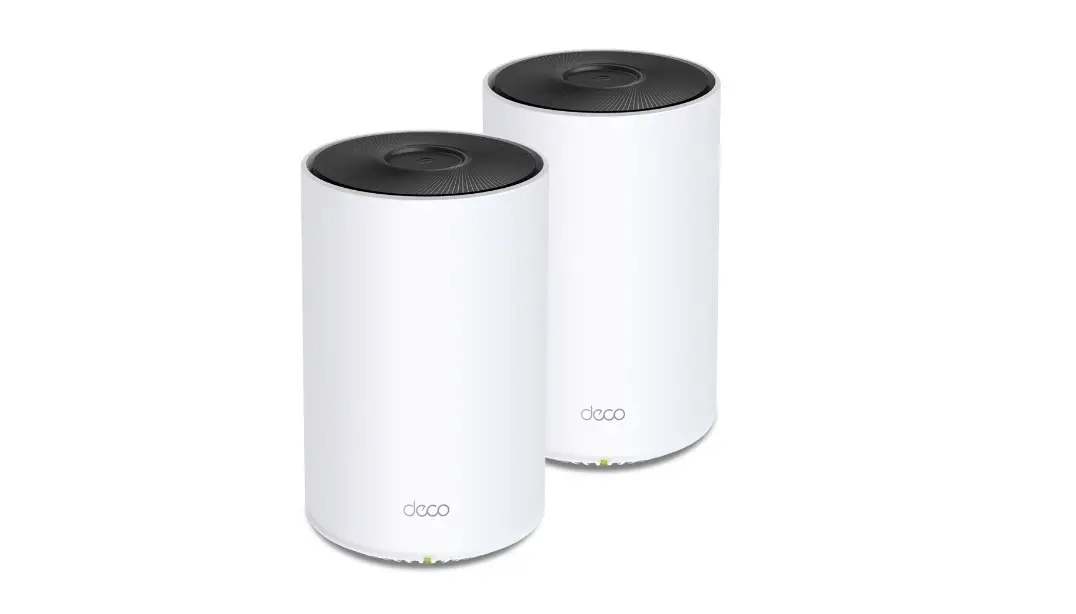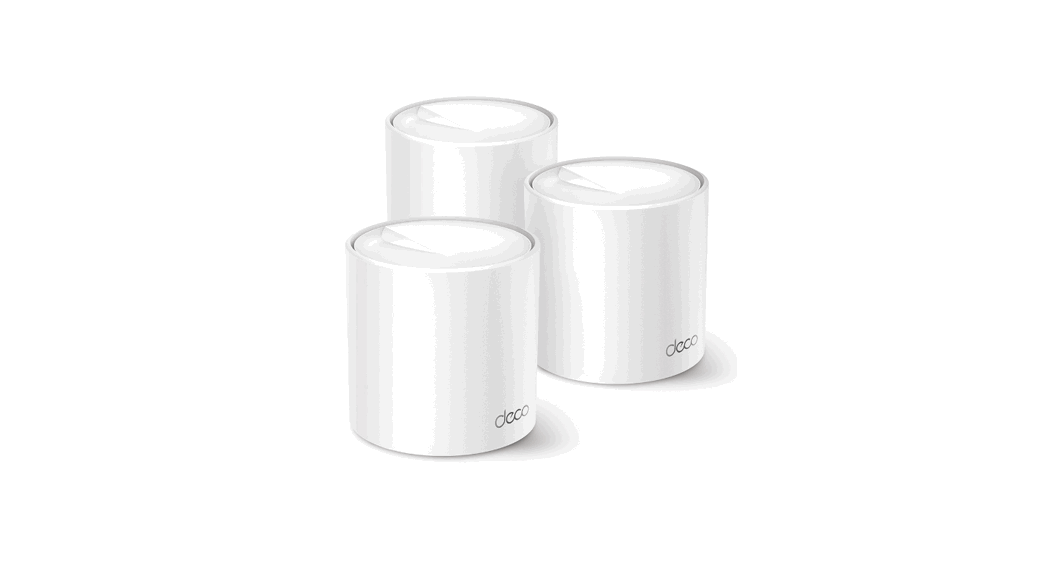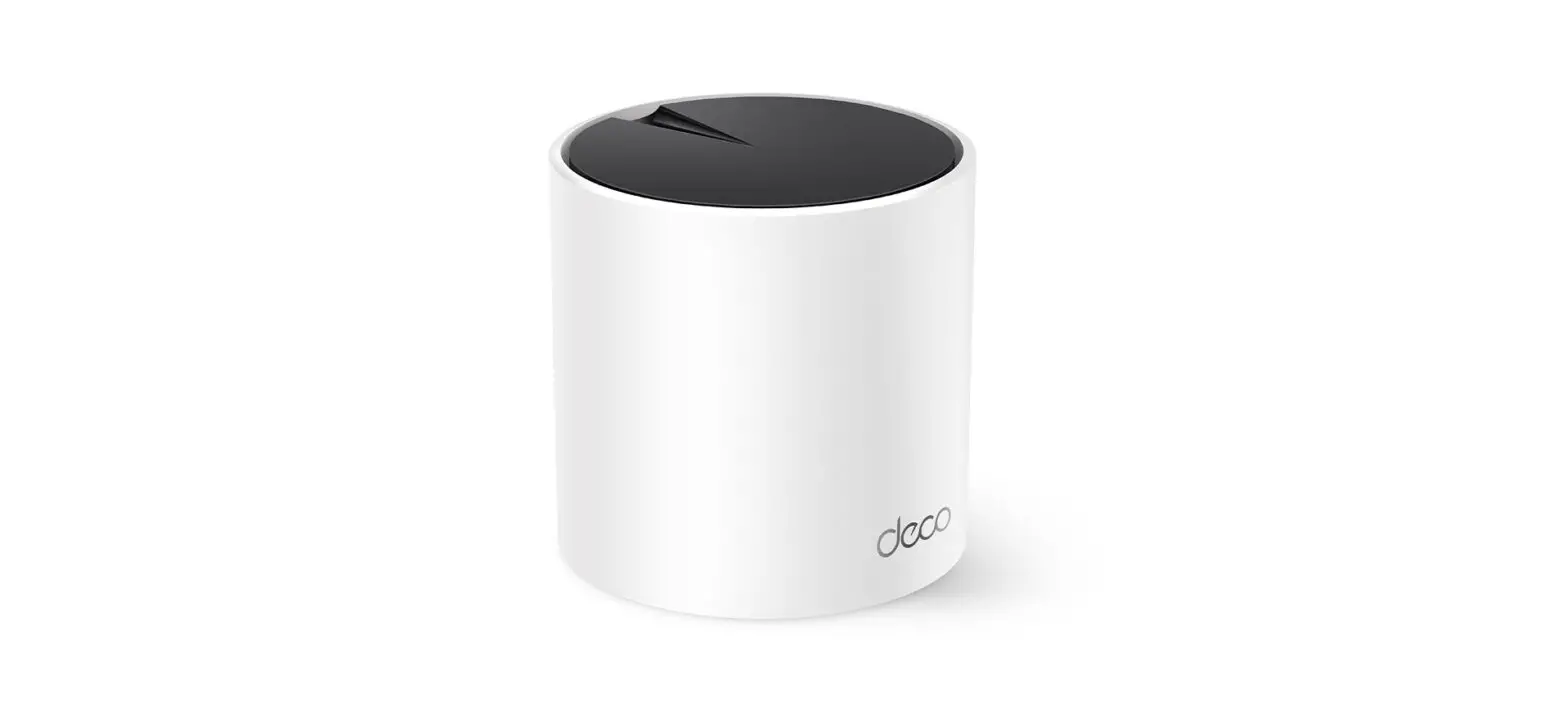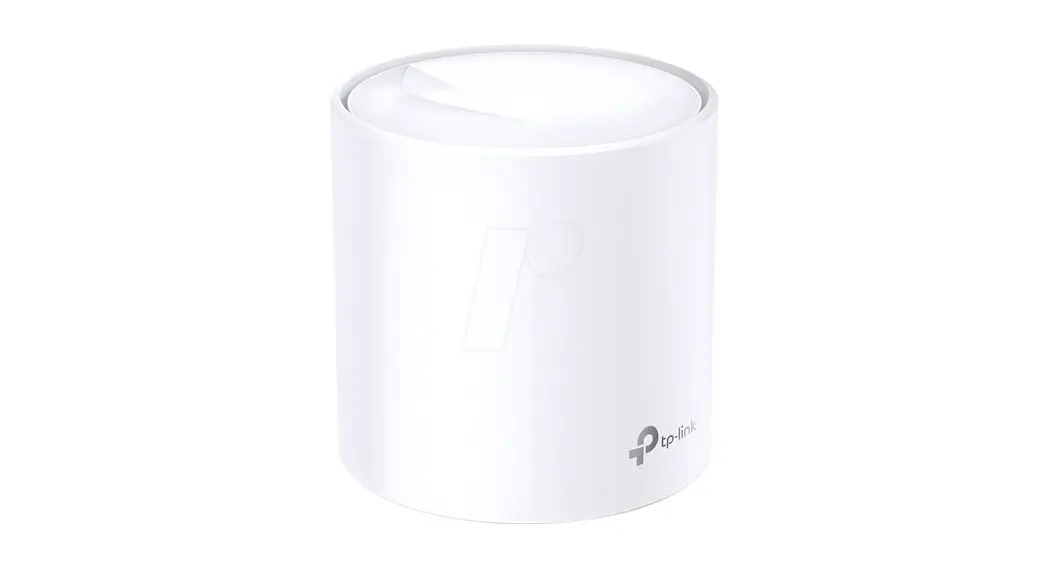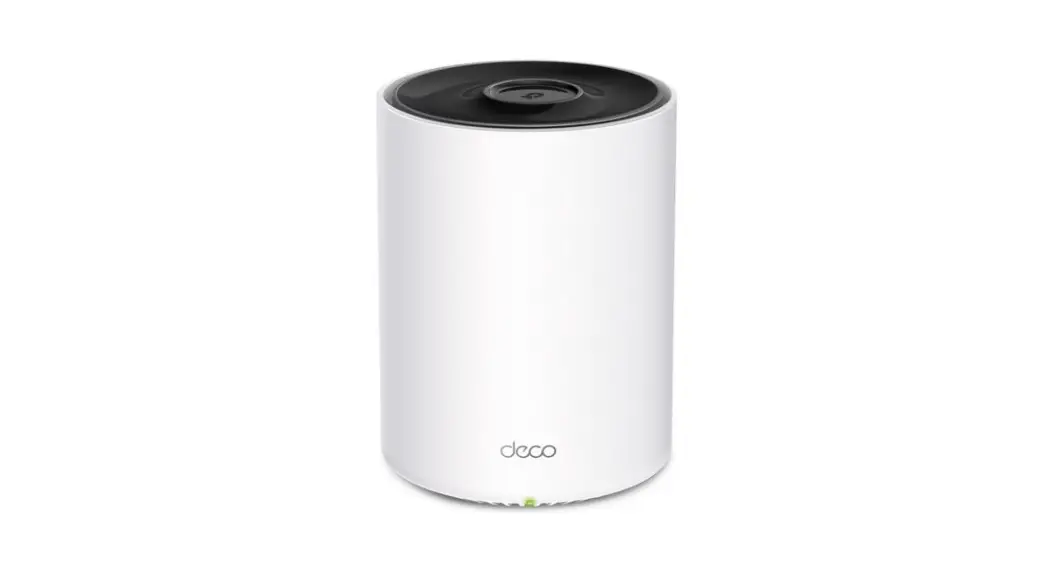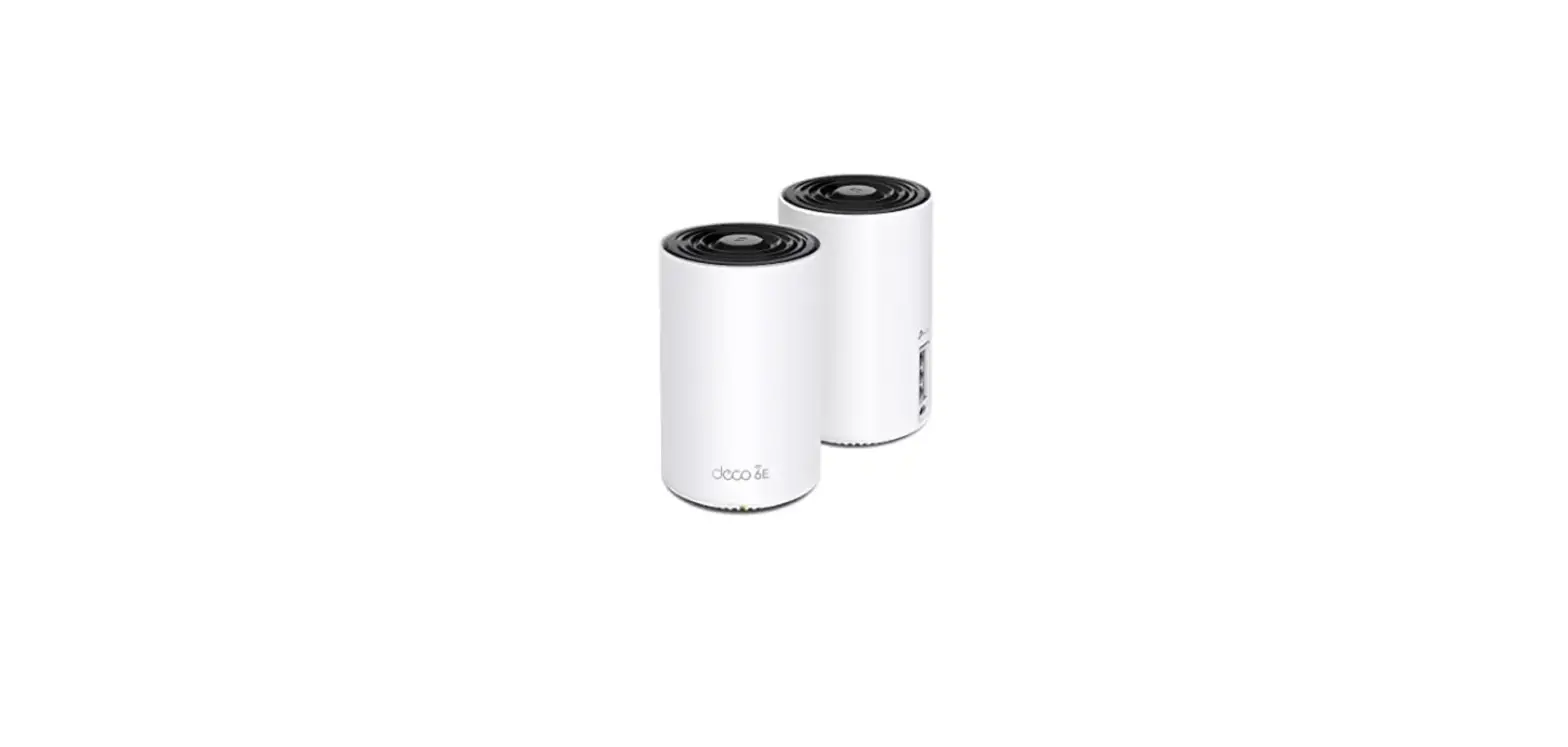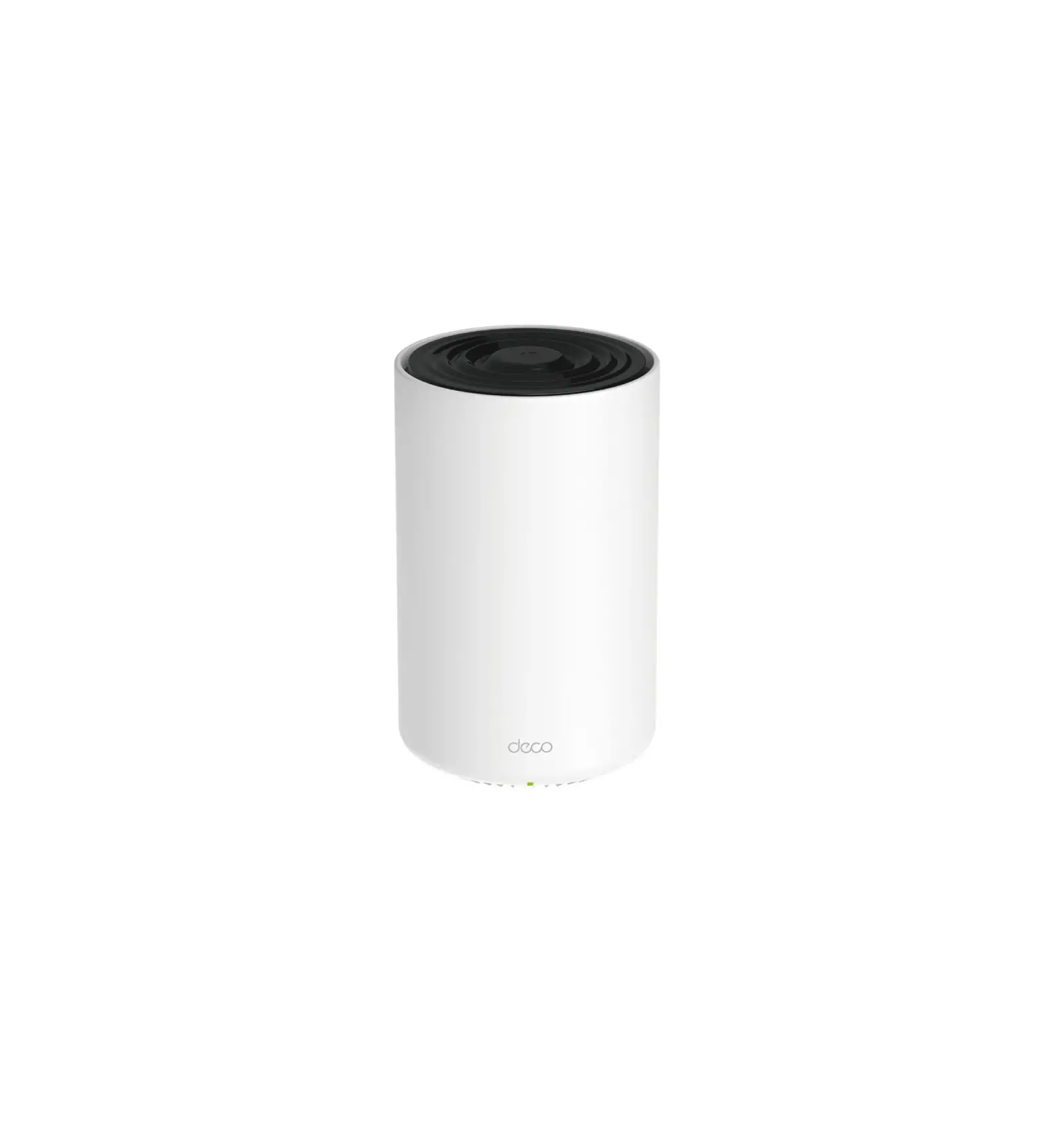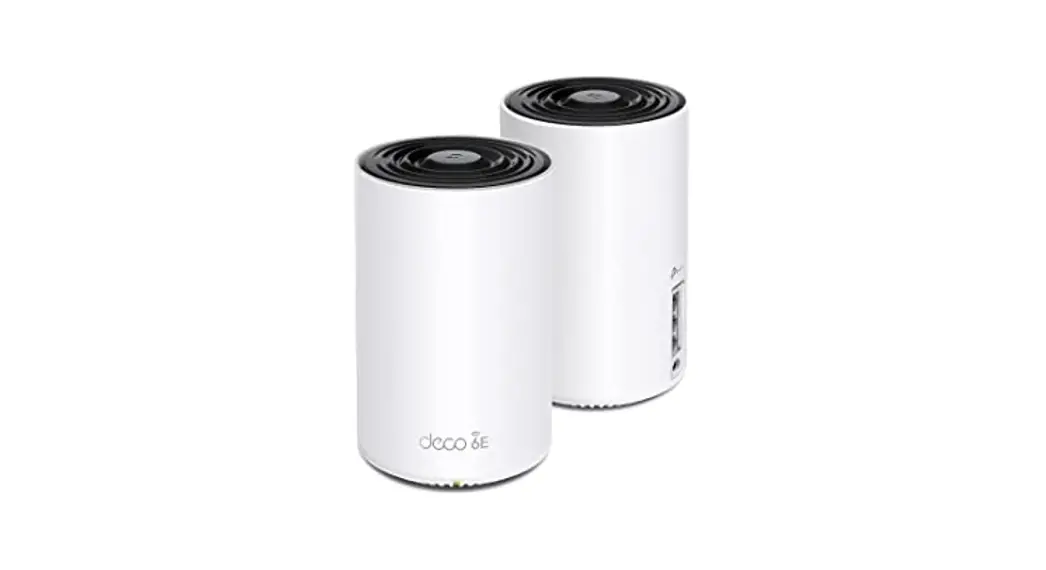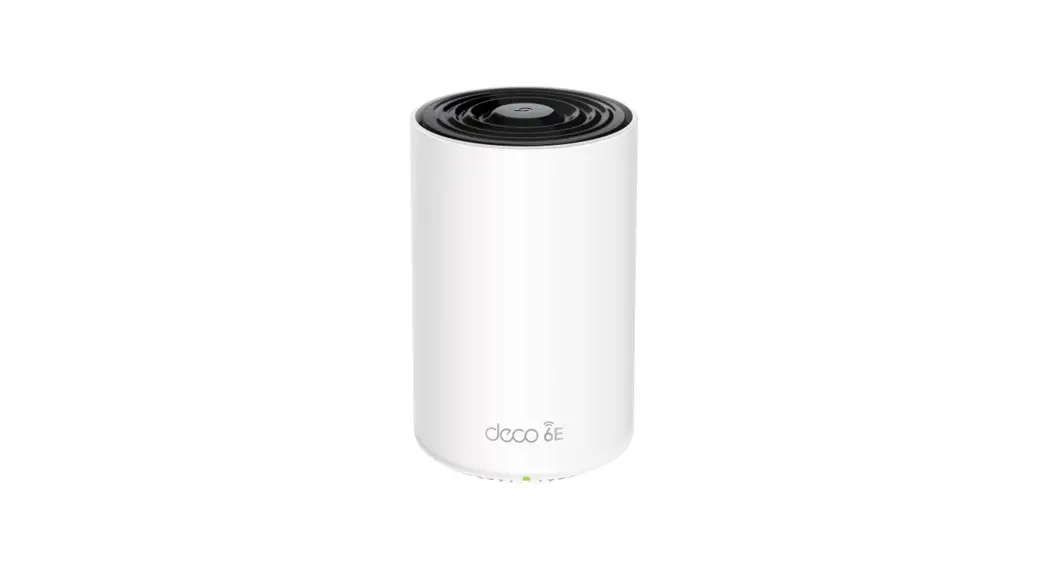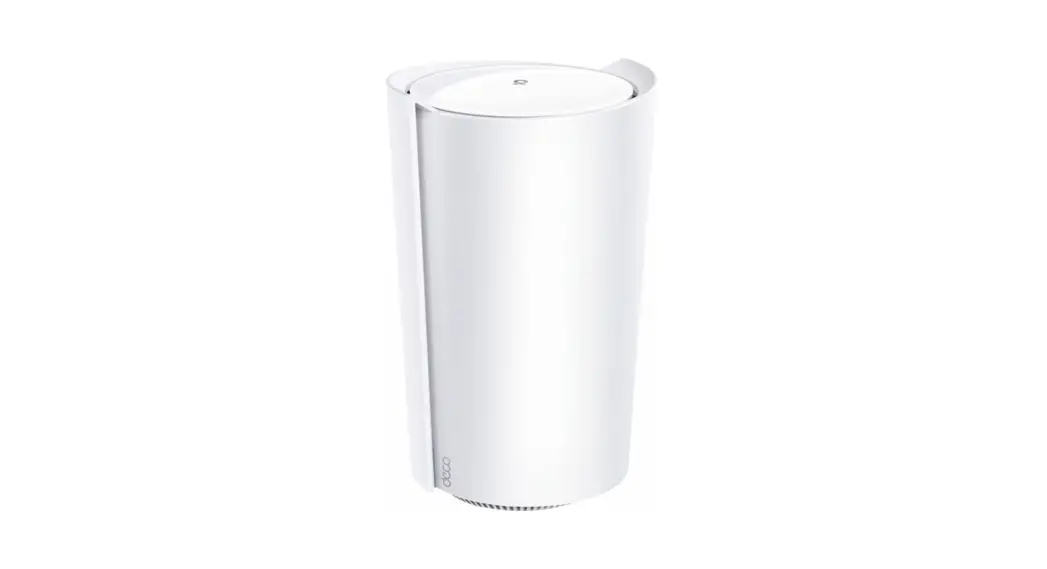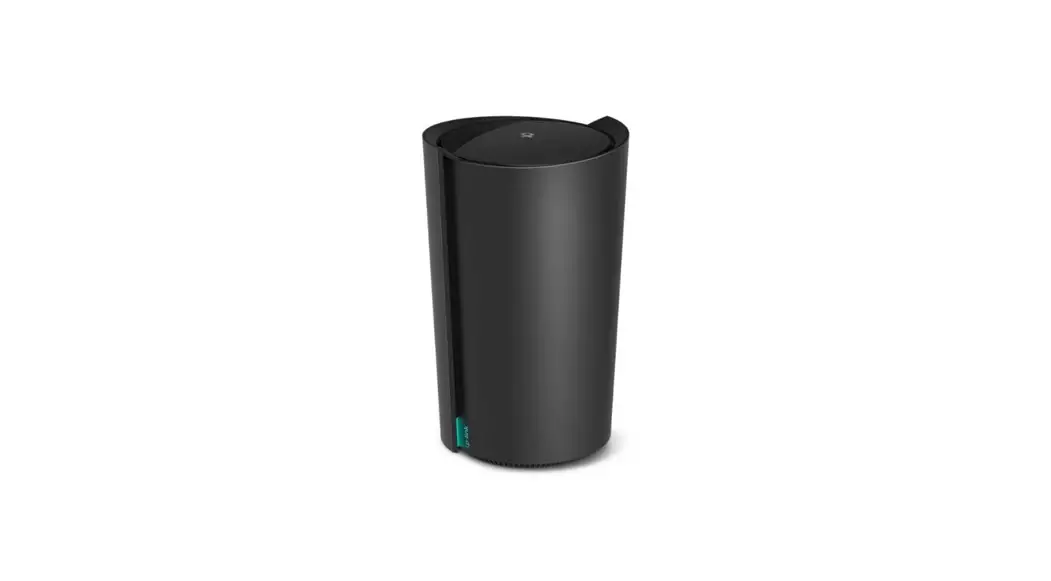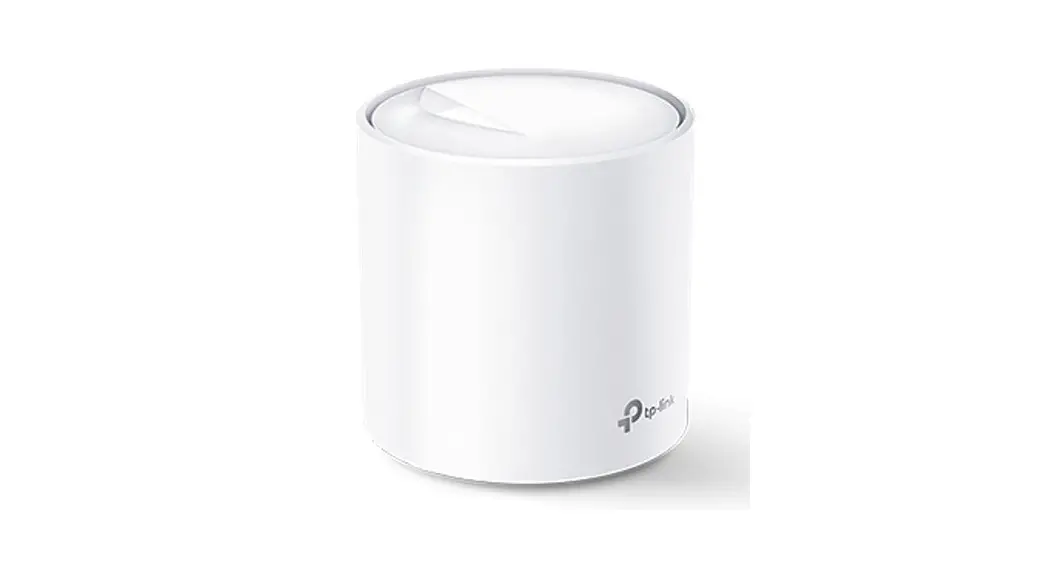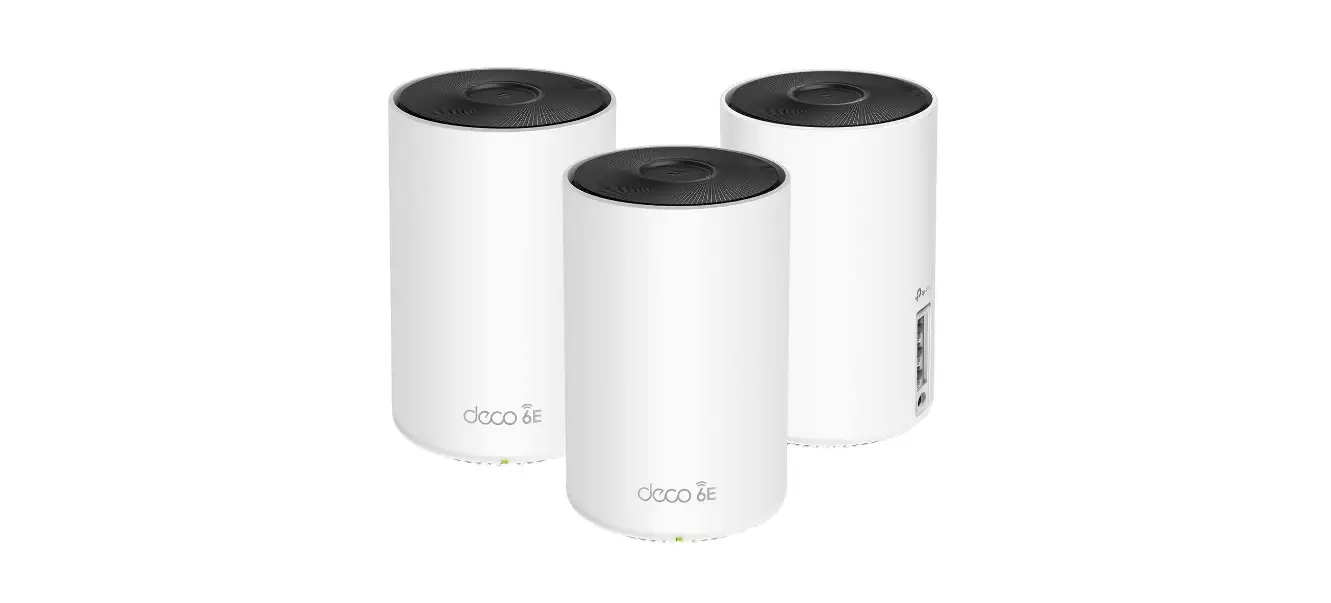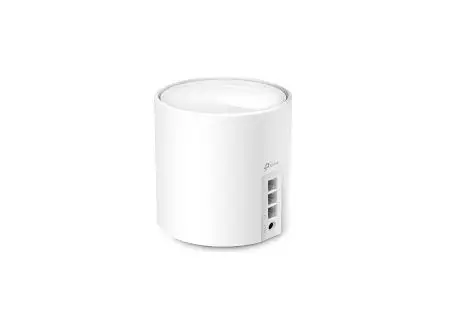
tp-link Deco X50 Mesh WiFi 6 System Installation Guide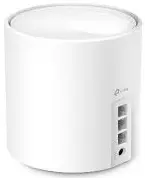
Safety Information
- Adapter shall be installed near the equipment and shall be easily accessible.
- Keep the device away from water, fire, humidity or hot environments.
- Do not attempt to disassemble, repair, or modify the device. If you need service, please contact us.
- Do not use damaged charger or USB cable to charge the device.
- Do not use any other chargers than those recommended.
- Do not use the device where wireless devices are not allowed.
- Use only power supplies which are provided by manufacturer and in the original packing of this product. If you have any questions, please don’t hesitate to contact us.
Please read and follow the above safety information when operating the device. We cannot guarantee that no accidents or damage will occur due to improper use of the device. Please use this product with care and operate at your own risk.
Getting Started
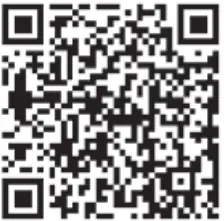
Download the TP-Link Deco app for iOS or Android. The app will
walk you through the setup

Need Help?
For answers to frequently asked questions (FAQs) and technical support, please go to
- https://www.tp-link.com
Navigate to Deco’s support page - the Deco app
Swipe right at the main page and select Help from the menu.
 Help from the menu.
LED Status
Each Deco has an LED light that changes color according to its
status. See the explanation below.
| LED | DECO STATUS |
| Pulse Yellow | Deco is resetting |
| Solid Yellow | Deco is starting up |
| Pulse Blue | Deco is ready for setup. |
| Solid Blue | Deco is setting up. |
| Pulse Green/Pulse White | Deco is upgrading firmware |
| Solid Green/Solid White | Deco is all set up and connected to internet. |
| Pulse Red | The satellite Deco is disconnected from main Deco |
| Solid Red | Deco has an issue. |
TP-Link hereby declares that the device is in compliance with the essential requirements and other relevant provisions of directives 2014/53/EU, 2009/125/EC, 2011/65/EU and (EU)2015/863.
The original EU Declaration of Conformity may be found athttps://www.tplink.com/en/support/ce/.
TP-Link hereby declares that the device is in compliance with the essential requirements and other relevant provisions of the Radio Equipment Regulations 2017.
The original UK Declaration of Conformity may be found at https://www.tp-link.com/support/ukca/