Contents hide
Airplane Mode
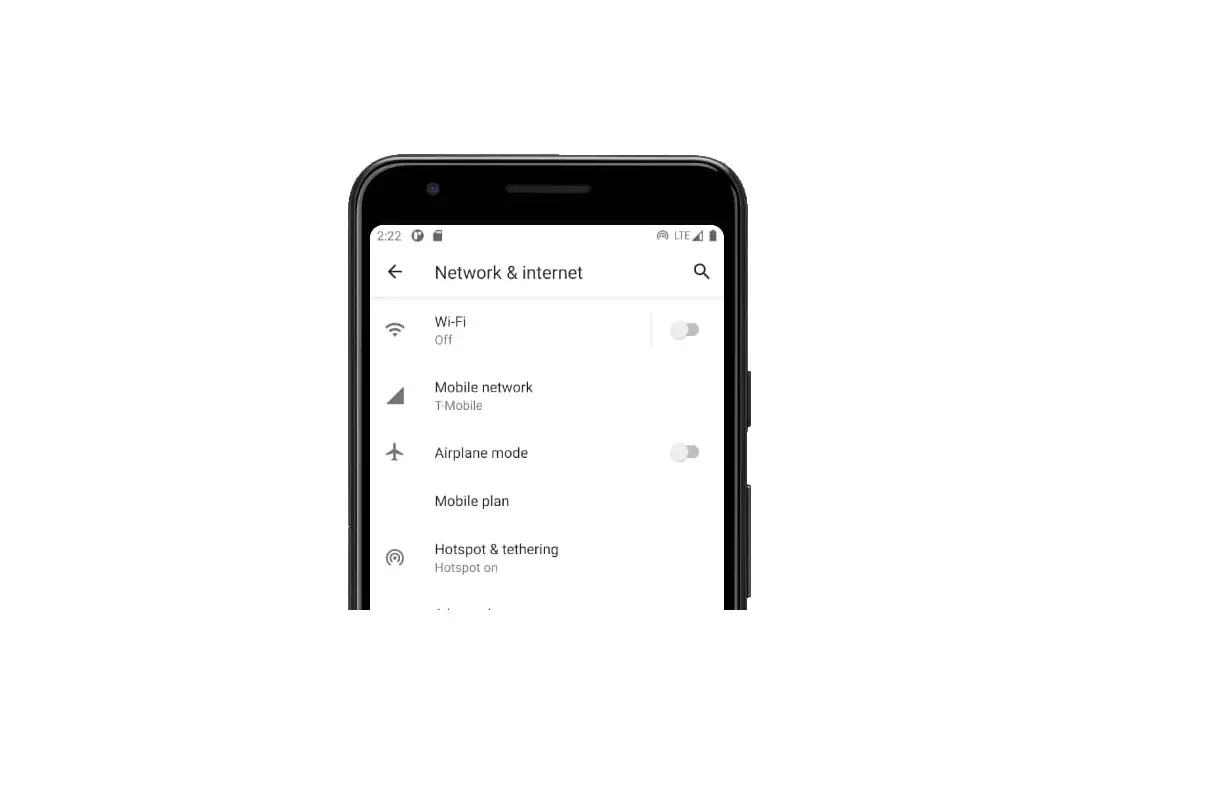
To avoid interference, please enable airplane mode when you are on board a plane. When enabled, call, mobile data, Bluetooth, and Wi-Fi will be disabled. You can enable Bluetooth and Wi-Fi manually.Use any of the following methods to enable or disable airplane mode:
– Use the shortcut switch: Swipe down from the status bar to open the notification panel. Touch  to display all shortcut switches, and then switch on
  .
.
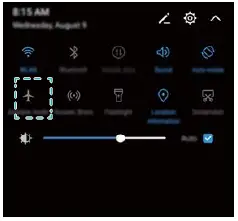
– Go to Settings: Open  Settings and toggle the Airplane mode switch.
 When airplane mode is enabled, the airplane mode icon will display in the status bar .
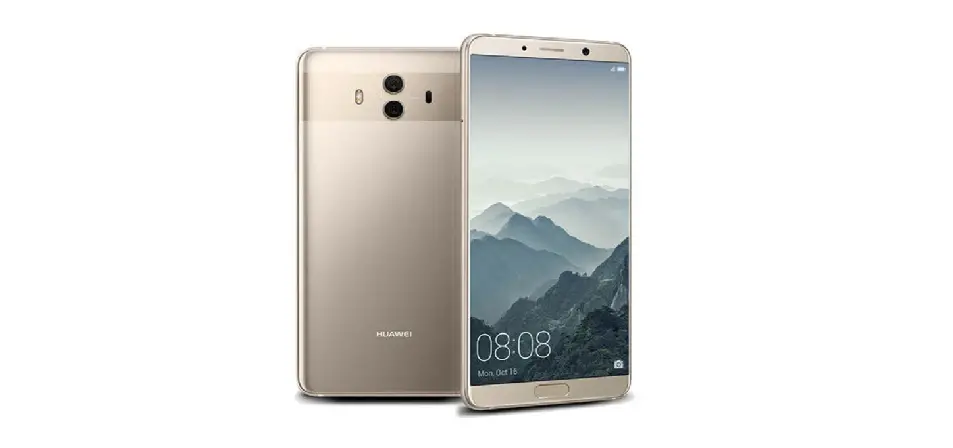
Questions about your Huawei Mate 10? Post in the comments!
Huawei Mate 10 Manual [PDF]