Configuring Phone Manager
Adding shortcut for Phone Manager
Create home screen shortcuts for frequently-used device management features.
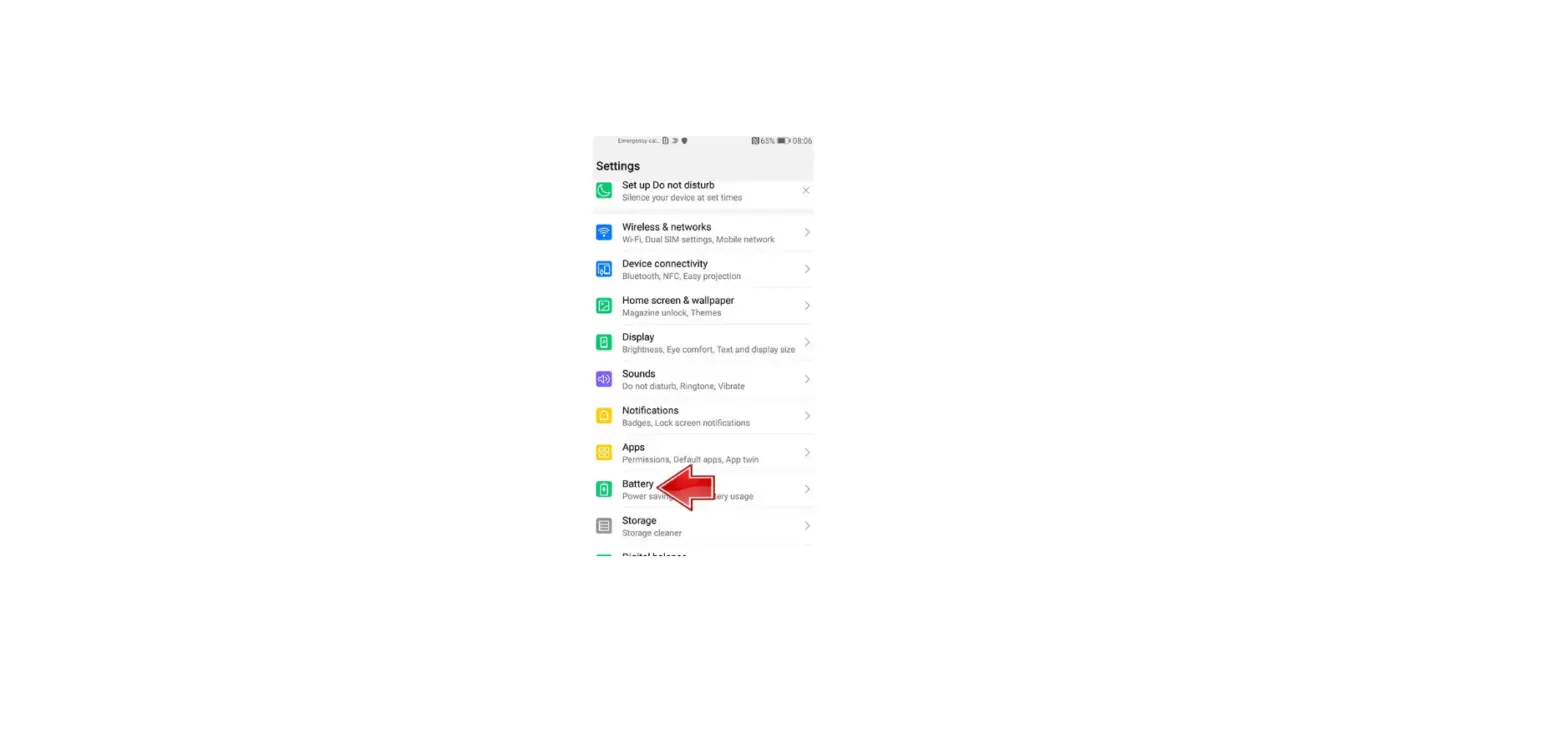
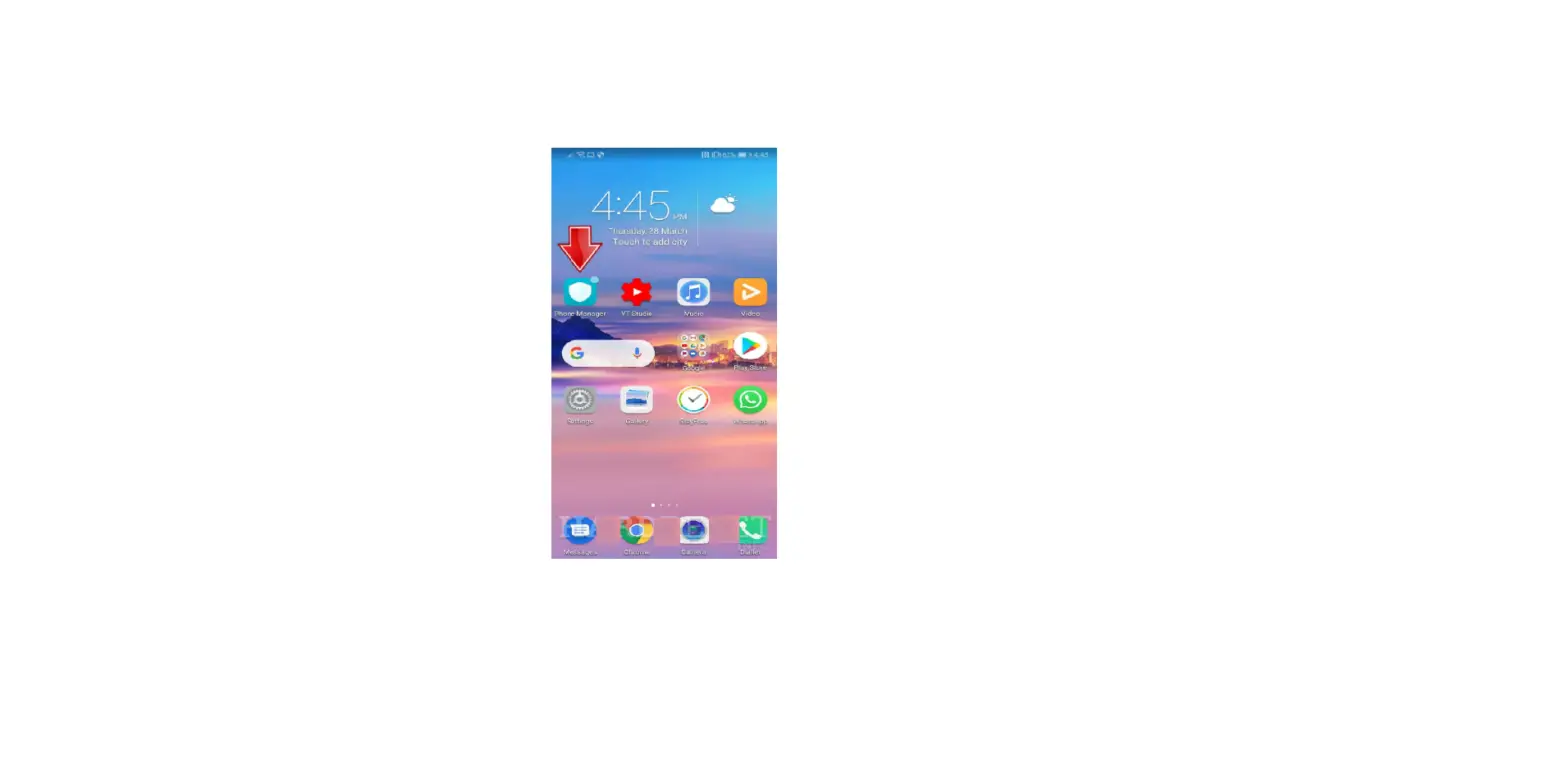
1. Open  Phone Manager.
2. Touch  > Shortcuts and switch on the feature that you want to add to the home screen.
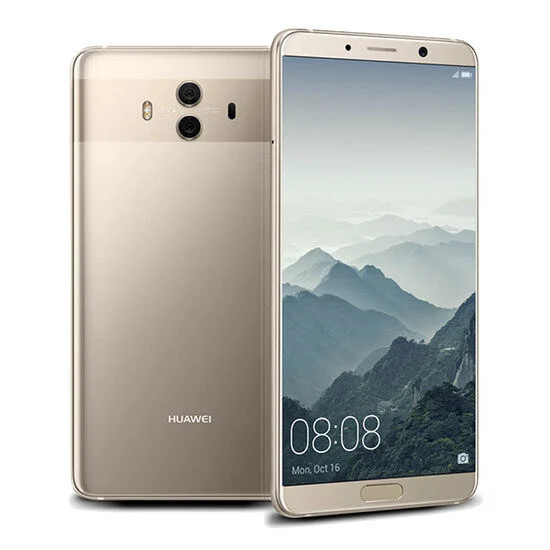
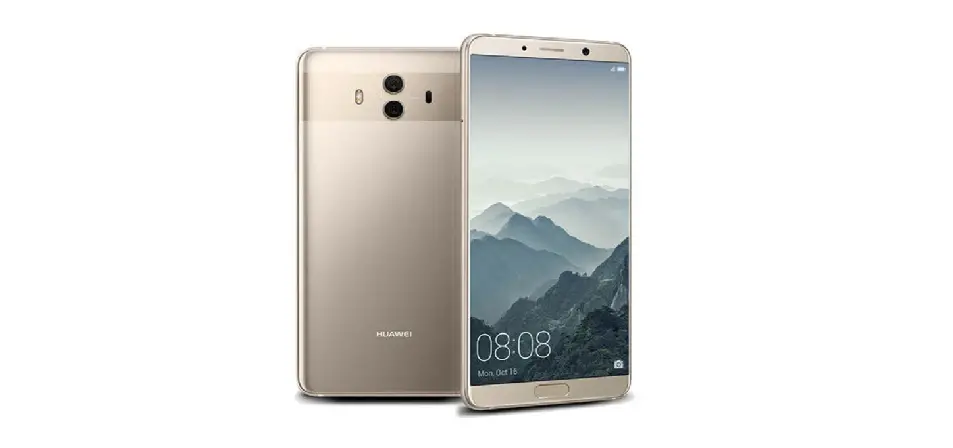
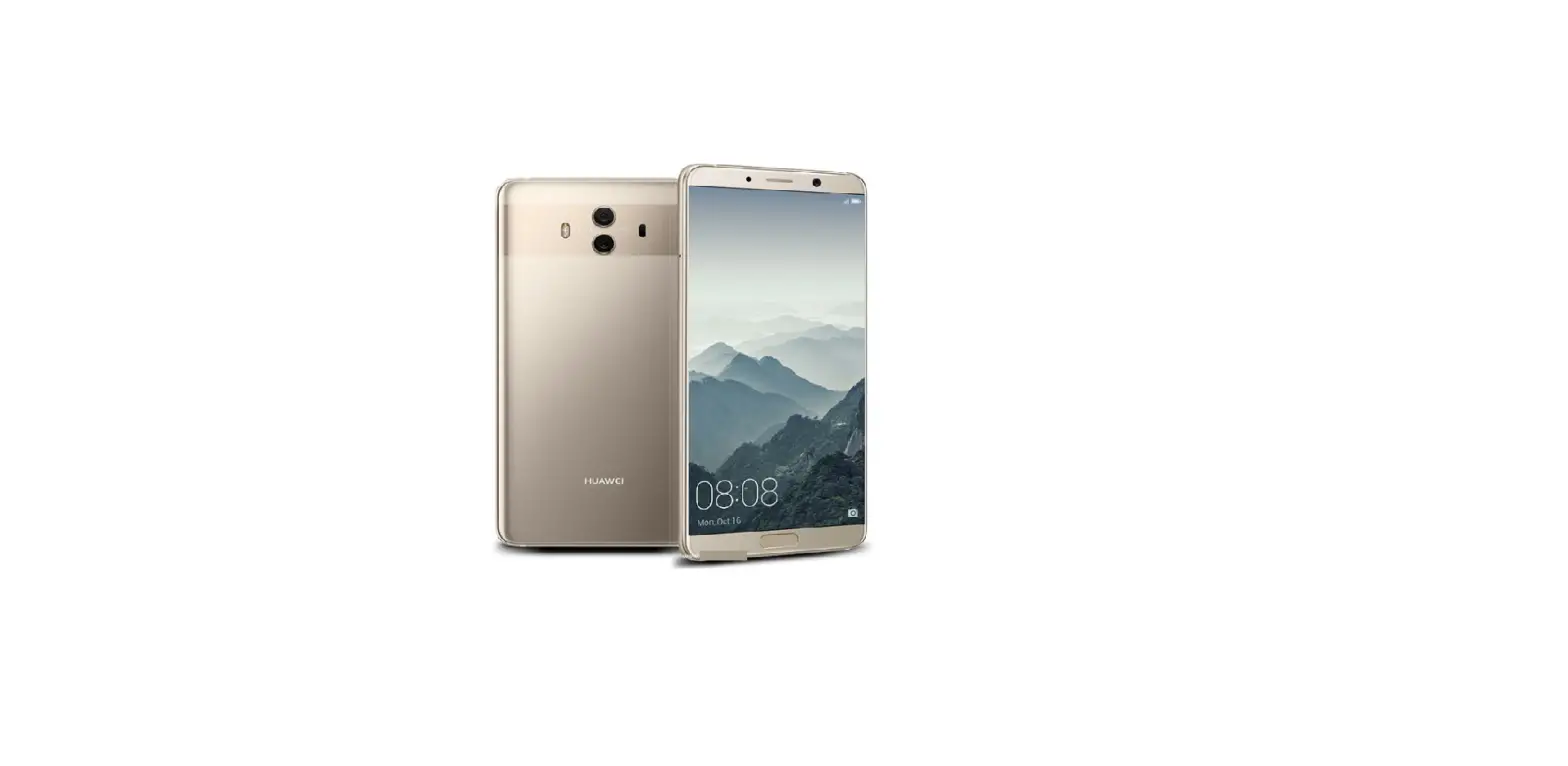
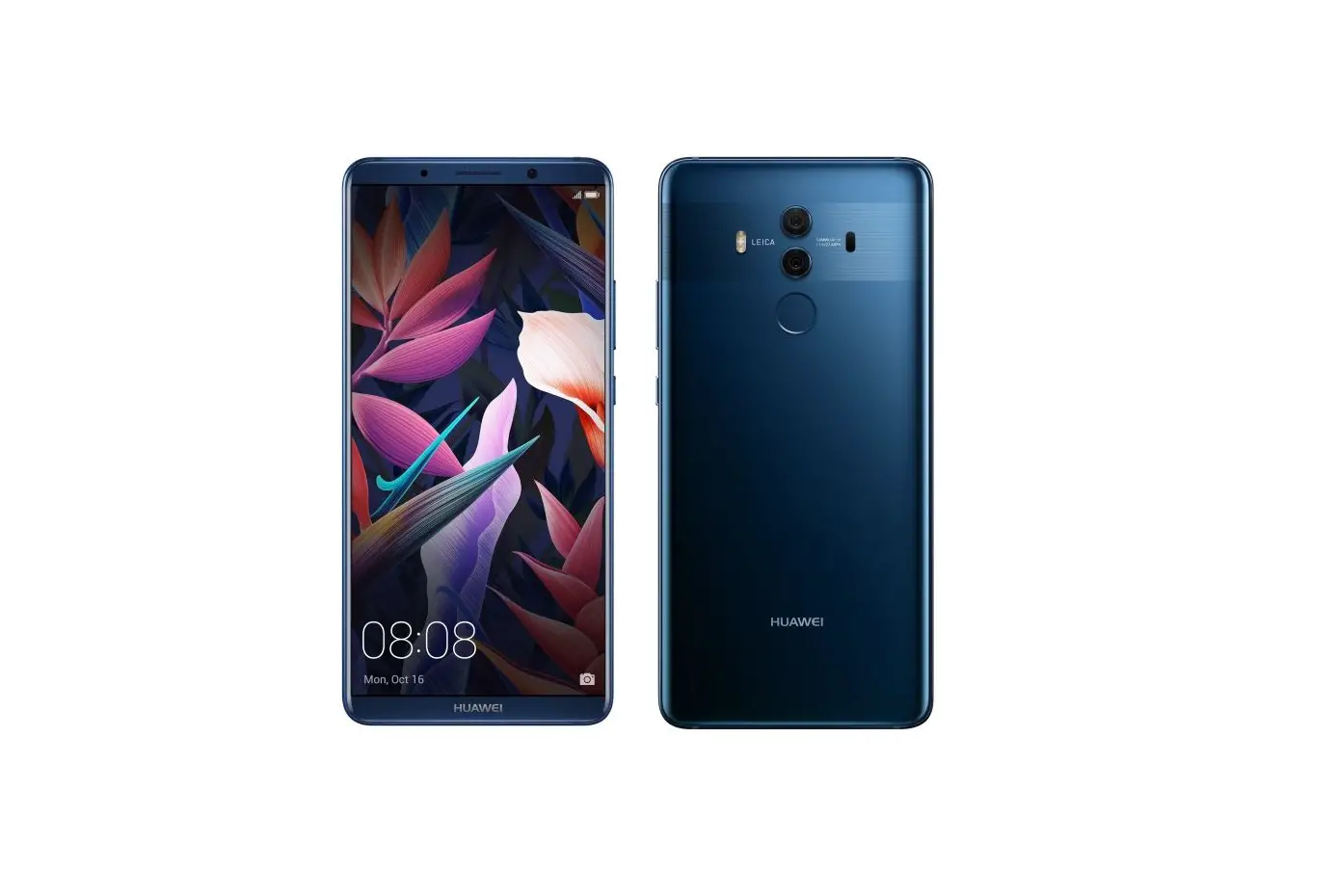
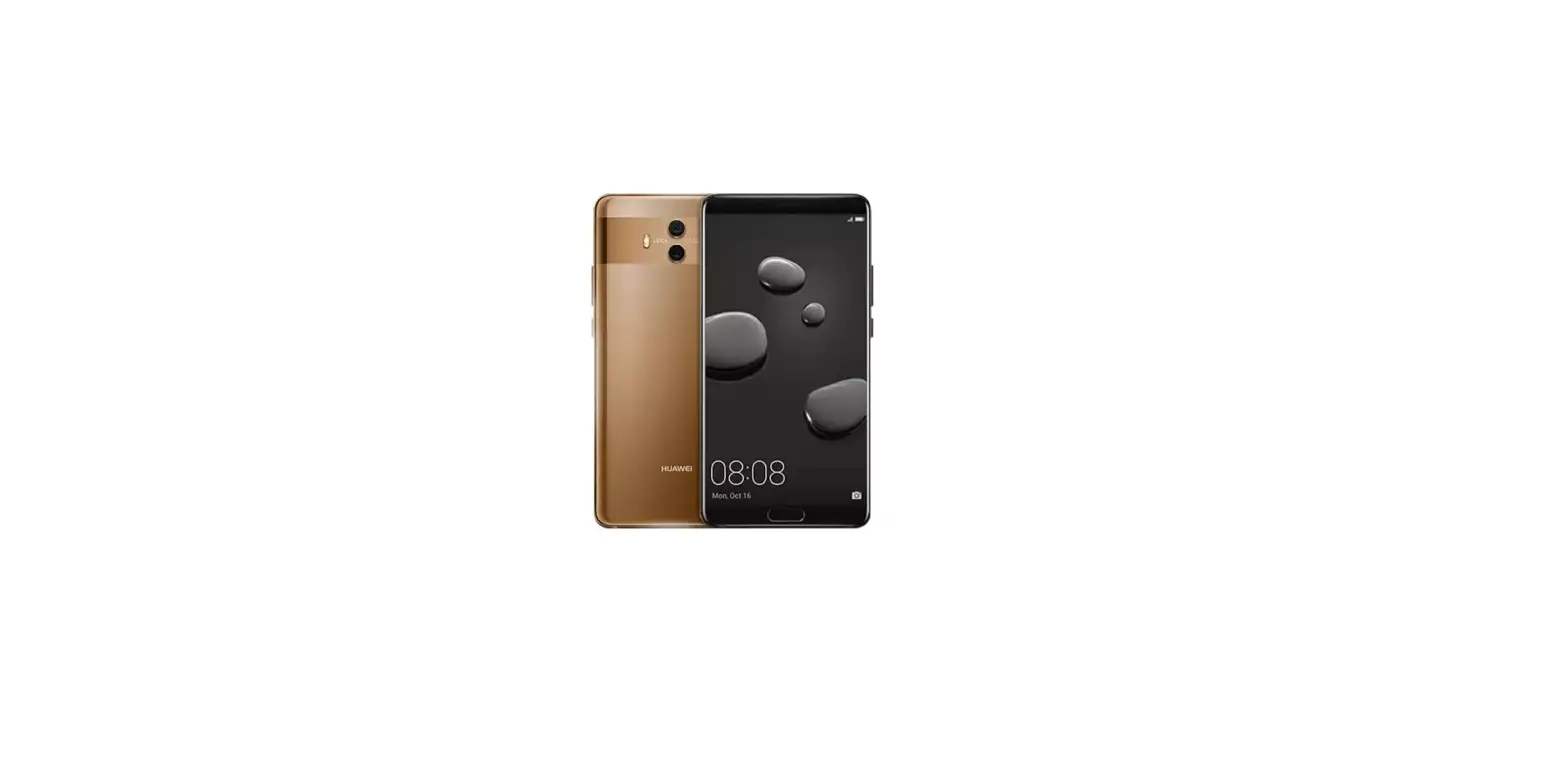
Questions about your Huawei Mate 10? Post in the comments!
Huawei Mate 10 Manual [PDF]