Setting apps to close automatically when the screen is locked
Choose which apps you want to close when the screen is locked to reduce power consumption and mobile data usage.
1. Open  Phone Manager.
2. Touch Lock screen cleanup.
3. Turn on the switch next to the apps that you want to close.
 The selected apps will close automatically when the screen is locked. You may not receive new messages from email, messaging, and social networking apps after they are closed.
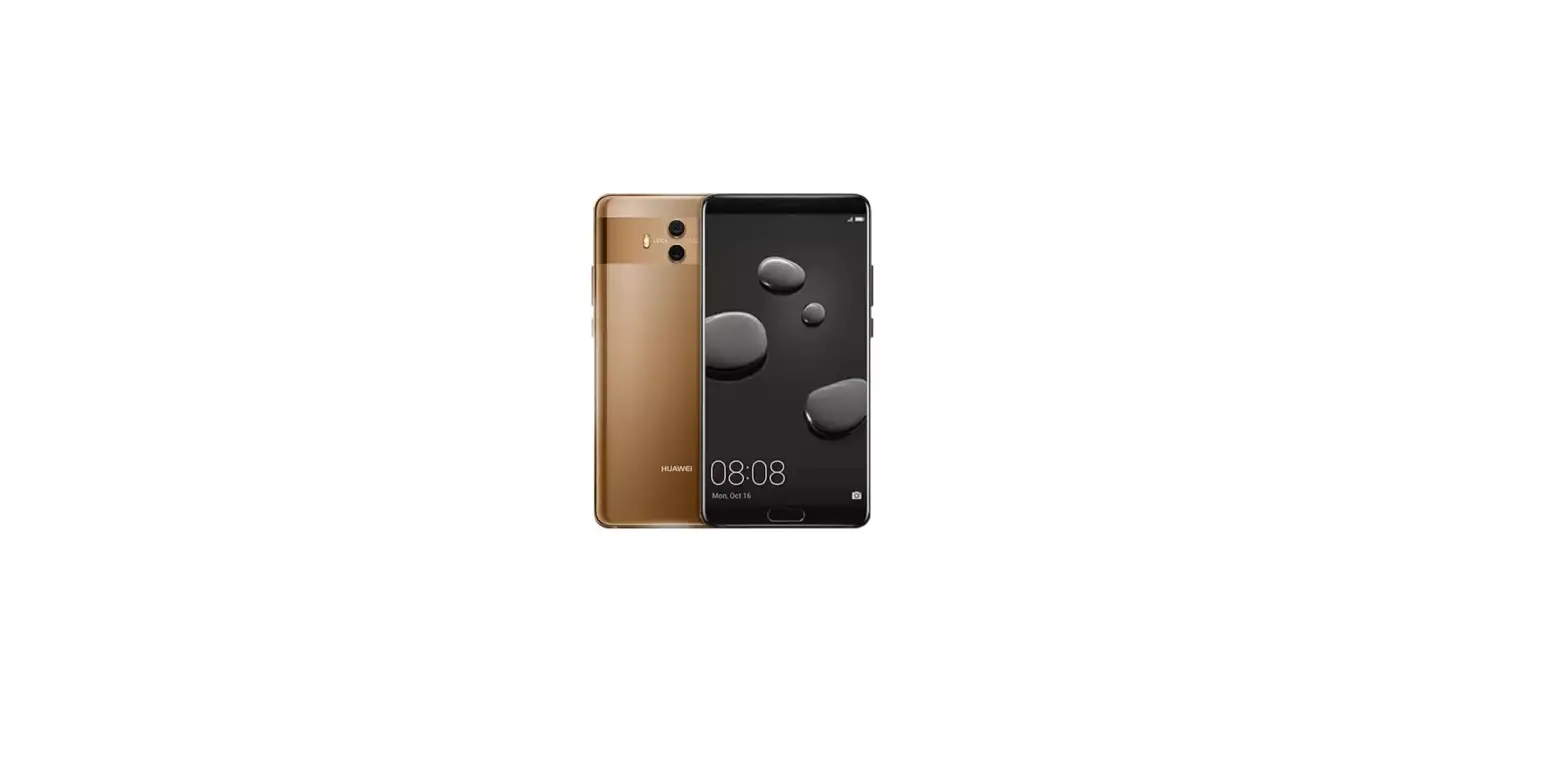
Questions about your Huawei Mate 10? Post in the comments!
Huawei Mate 10 Manual [PDF]