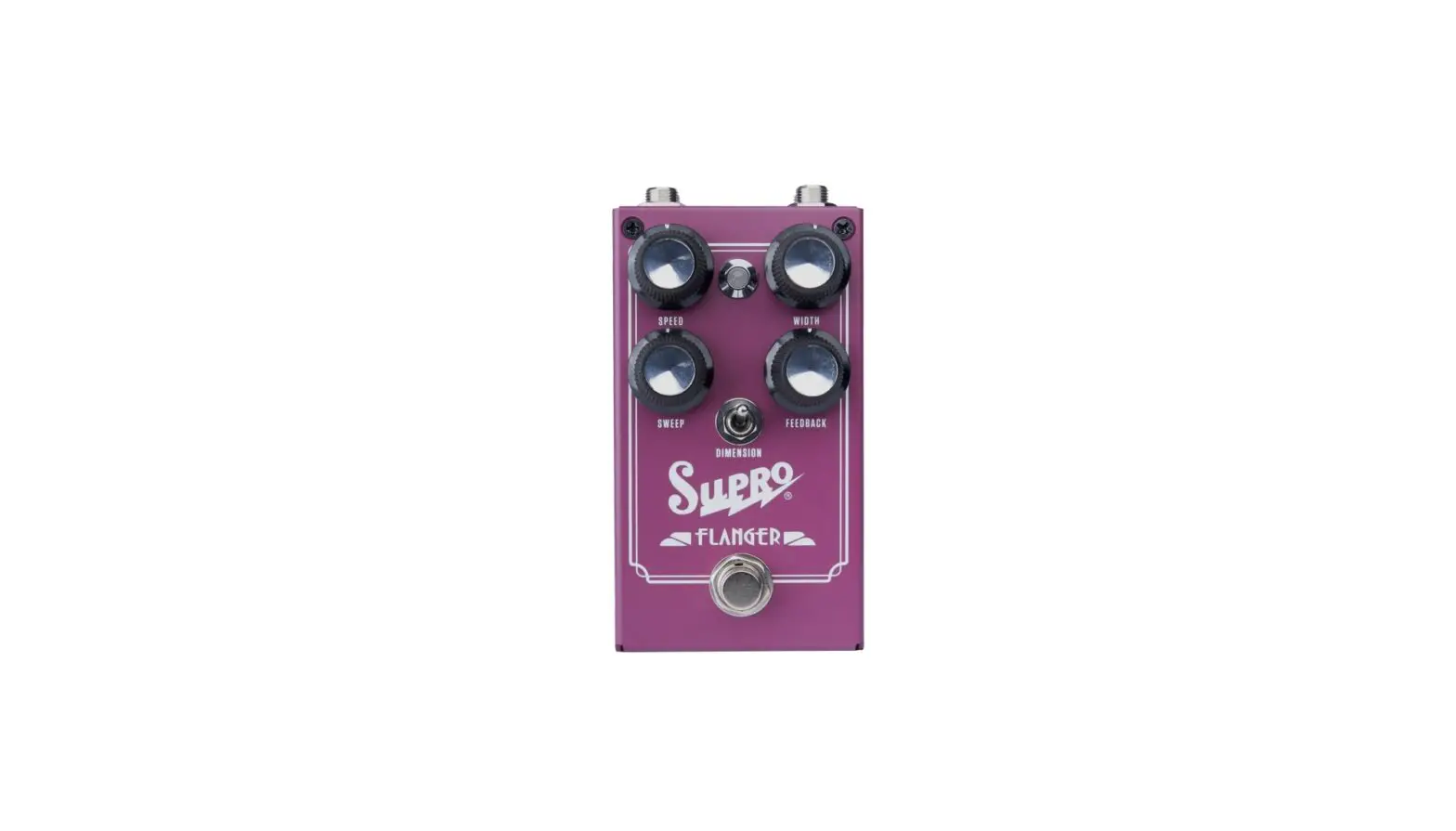
EuroWasp 12HP Euro Rack Edition Effect Pedal
Product Information
Product Name: NoisWasp 12HP EURO RACK
EDITION
Model: DIY Kit
Version: Rev 1.1 – 24.03.2022
Parts List & Bill of Materials
- PCB’s:
- 1x Faceplate PCB
- 1x Component PCB
- Hardware:
- 3x DIP8 Socket
- 1x Header 2×5 IDC
- 4x SPDT On/On switch – 2MS1T2B2M2RE
- 4x 3.5mm PCB mount Jacks
- 1x Packet of solder
- Potentiometers and Knobs:
- 2x 1k 9mm PCB Linear
- 2x 10k 9mm PCB Linear
- 1x 100k 9mm PCB Linear
- 3x 1M 9mm PCB Linear
- 1x Yellow 1900H knob
- 7x Black 1900H knob
- Semiconductors:
- 1x 2N3904 Transistor
- 1x LM78L09 Voltage Regulator
- 2x 1N914 Diodes
- 1x TL062 Op-Amp
- 2x TL072 Op-Amp
- 1x LEDS PACKET:
- 1x 3mm red LED
- 1x 3mm white LED
- 1x 3mm blue LED
- 1x 3mm dual red/green LED
- 1x OPTO PACKET:
- 1x square red LED
- 1x square green LED
- 2x LDR light dependent resistor
- 1x 5mm heatshrink
- Capacitors:
- 2x 10nF 50V MLCC
- 2x 100nF 50V MLCC
- 3x 1uF 50V MKT
- 3x 1uF 50V electrolytic
- 1x 10uF 25V electrolytic
- 1x 100uF 16V electrolytic
- Resistors:
- 1x 220R 1/8W 1% Metal film
- 5x 1k 1/8W 1% Metal film
- 4x 4k7 1/8W 1% Metal film
- 6x 10k 1/8W 1% Metal film
- 2x 15k 1/8W 1% Metal film
- 1x 47k 1/8W 1% Metal film
- 4x 100k 1/8W 1% Metal film
- 2x 220k 1/8W 1% Metal film
- 1x 470k 1/8W 1% Metal film
- 1x 1M 1/8W 1% Metal film
If any parts are missing or damaged, please contact
[email protected] or 0435472073 for free
replacements.
Tools Required for Kit Assembly
- Soldering Iron
- Cutters
- Pliers
- 10mm spanner or socket
- Small flat blade screwdriver
- Heat gun
- Rubber bands
Product Usage Instructions
Assembly Procedure
- PCB Check: Check Component PCB for cleanliness
and damage. Clean the PCB with Isopropyl Alcohol or Mentholated
Spirits if dirty. Note the small notch filed in the top right of
the PCB, which is meant to be there. - Install Resistors and 1N914 Diodes: Start by
installing resistors and 1N914 diodes. Resistors can be installed
in any orientation, but diodes are polarized. Ensure the black
stripe on the diode faces the same way as the white stripe on the
PCB. Solder them in place and trim the leads. - Install MLCC Capacitors: Install the 10nF and
100nF MLCC capacitors. - Install DIP 8 sockets: Solder the DIP8 sockets
into place. Make sure the notch on the socket aligns with the notch
on the PCB. Do not install the TL072 and TL062 IC’s yet. - Install 78L09, 2N3904, and electrolytic
capacitors: Install the 1uF capacitors lying down. Other
components can be installed standing up. - Install OPTO: Install square LEDs from the
OPTO packet in LED5 and LED6 positions. Ensure the long legs of the
LEDs go to the flat side of the LED next to the text. The red LED
goes to LED6, and the green LED goes to LED5. Cut two pieces of
heatshrink to about the same height as the LED and make a small
slit in each one. Bend the legs of the LDR 90 degrees and install
them into the PCB so that they touch the LED. Wrap the heatshrink
around both parts and heat it with a heat gun to hold the LDR
firmly in place.
+
NoisWasp 12HP EURO RACK EDITION
DIY KIT ASSEMBLY INSTRUCTIONS
Rev 1.1 – 24.03.2022
PARTS LIST & BILL OF MATERIALS
PCB’s 1x Faceplate PCB 1x Component PCB
Hardware 3x DIP8 Socket 1x Header 2×5 IDC 4x SPDT On/On switch – 2MS1T2B2M2RE 4x 3.5mm PCB mount Jacks 1x Packet of solder
Potentiometers and Knobs
2x 1k
9mm PCB Linear
2x 10k
9mm PCB Linear
1x 100k
9mm PCB Linear
3x 1M
9mm PCB Linear
1x Yellow 1900H knob
7x Black 1900H knob
Semiconductors 1x 2N3904 Transistor 1x LM78L09 Voltage Regulator 2x 1N914 Diodes 1x TL062 Op-Amp 2x TL072 Op-Amp 1x LEDS PACKET
1x 3mm red LED 1x 3mm white LED 1x 3mm blue LED 1x 3mm dual red/green LED 1x OPTO PACKET 1x square red LED 1x square green LED 2x LDR light dependent resistor 1x 5mm heatshrink
Capacitors 2x 10nF 2x 100nF 3x 1uF 3x 1uF 1x 10uF 1x 100uF
50V MLCC 50V MLCC 50V MKT 50V electrolytic 25V electrolytic 16V electrolytic
Resistors 1x 220R 5x 1k 4x 4k7 6x 10k 2x 15k 1x 47k 4x 100k 2x 220k 1x 470k 1x 1M
1/8W 1% Metal film 1/8W 1% Metal film 1/8W 1% Metal film 1/8W 1% Metal film 1/8W 1% Metal film 1/8W 1% Metal film 1/8W 1% Metal film 1/8W 1% Metal film 1/8W 1% Metal film 1/8W 1% Metal film
If any parts are missing or damaged please contact [email protected] or 0435472073 for free replacements.
Tools required for kit Soldering Iron, Cutters, Pliers, 10mm spanner or socket, small flat blade screwdriver, heat gun, rubber bands.
Assembly Procedure
1. PCB Check Check Component PCB is clean and undamaged. There is a small notch filed in the top Right of the PCB which is meant to be there. If the PCB has become dirty, clean with Isopropyl Alcohol or Mentholated Spirits before soldering.
2. Install Resistors and 1N914 Diodes It is easiest to build the PCB from the lowest height components to the tallest ones. The resistors and diodes have the shortest height. Resistors can be installed in any orientation, but the diodes are polarized, so the black stripe on the diode must face the same way as the white stripe on the PCB. Solder them in place and trim the leads.
3. Install MLCC Capacitors The 10nF and 100nF MLCC capacitors are installed next.
4. Install DIP 8 sockets IMPORTANT!!! The DIP8 sockets and IC’s on this PCB face downward. Make sure you check the orientation of the sockets (and IC’s) when you install them.
Solder the DIP8 sockets into place. Make sure the notch on the socket aligns with the notch on the PCB. Do not install the TL072 and TL062 IC’s yet.
5. Install 78L09, 2N3904 and electrolytic capacitors. Install the 1uF capacitors lying down. They are a bit too tall for the gap between the panel and PCB but room has been left for this. The other components can be installed standing up.
6. Install OPTO Install square LEDs from OPTO packet in LED5 and LED 6 positions. Long legs go to the flat side of the LED next to the text. Red LED goes to LED6, and Green LED to LED5.
Next cut two pieces of heatshrink to about the same height as the LED. Cut a small slit in the side of each one. This is for the LDR to poke through. Bend the legs of the LDR 90 deg and install into PCB so the LDR is touching the LED, and the heatskrink wraps around both parts. Heat the heatshrink with a heat gun so the LRD is held firmly in place.
If you don’t have a heatgun a lighter can be used but be EXTREMELY careful not to melt anything that shouldn’t be melted.
7. Install 1uF MKT capacitors Solder MKT capacitors onto PCB, trim leads.
8. Install IC’s Install TL062 and TL072 IC’s in their sockets. Make sure they are in the correct orientation and the dot or notch is pointing down. IC’s are fairly
interchangeable and many DIP8 Op-Amps could be used (i.e 4558) but best results come from the standard IC’s.
9. Install switches Install switches onto PCB. They are tricky little bastards. Trim leads on PRCLP and PSTCLP switches before soldering them in so the IDC connector can be soldered in flush later. PRCLP hangs off the PCB. The reason for this is that PCB’s under 100mm long are a lot cheaper.
10. Install 3.5mm Jacks Remove nuts from 3.5mm jacks and sit in place. Use PCB panel to align Jacks with switches. A rubber band can assist with holding it in place. Solder into place and remove PCB panel.
11. Install Potentiometers Remove nuts and washers from potentiometers, trim alignment notches if present and sit the pots in place. Use PCB panel to align Jacks with Switches. A rubber band can assist with holding everything together. Align the pots so they are as straight as possible and are contacting both PCB’s. Solder into place and remove PCB panel.
12. Install 2×5 IDC Connector Install 2×5 IDC connector on the back of the PCB, so the notch faces the inside of the PCB
13. Install LEDs Install LEDs into PCB but do not solder into place. Fit Panel PCB and install nuts and washers from the Potentiometers and Jacks. Then align LED’s to protrude the desired amount from the faceplate. Trim leads.
14. Install Knobs Turn all potentiometers fully counter clockwise. Align knob pointer with mark on Faceplate PCB and tighten screw, then proceed to the next one. Yellow knob goes on the wasp control. It’s easiest to do the left row first.
15. Verification and testing Apply power to module. Hopefully no pops, bangs or magic smoke comes out 🙂 Apply +12V to CV input, LED should illuminate RED, apply -12V and it should go GREEN. If the reverse happens the LED is in backwards (sometimes can they vary from batch to batch, it’s very annoying). To fix this, de-solder it and install in the opposite direction. Apply 12V to BiDirectional CV input/Output. LED should illuminate BLUE. This is a very unpredictable module. If there is no audio output it might still be OK. Try turning a few knobs and see if it starts to output audio. You probably won’t get an output if LOW is all the way up, or VOL and WASP are all the way down. The RED, WHITE and BLUE LED’s won’t blink in certain settings. They only illuminate in the most intense oscillations. Put the clipping switches up and crank up the pre gain and post gain will help with this. The WHITE LED often isn’t as bright as the RED, this is normal. Plug into your amp / monitoring / front of house / PA etc and play at the volume of 50 billion nuclear explosions. If the police arrive with a noise complaint it’s working as intended.
Questions, comments, missing components, fault finding, service, repairs, sales and all other inquiries can be sent to [email protected]
Thank you for building a NoisWasp !!! Regards, Brendan