IOX-WRKS Integration Cable
Product Information
The product mentioned in the user manual is the Force America
6100 GEN3&4 + IOX-WRKS. It is a field services installer
documentation for AVL (Automatic Vehicle Location) and event
logging purposes. The product consists of the Force America 6100
module, IOX-WRKS module, and the Event Logging Authentication
Module (ELA).
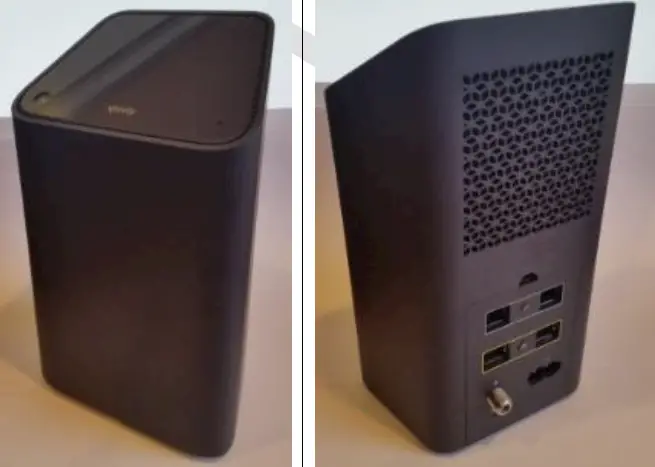
Force America 6100 GEN3&4
The Force America 6100 GEN3&4 is a control module used for
AVL and event logging. It may come with a DB9 port for GPS/AVL in
later models.
IOX-WRKS
The IOX-WRKS is a module that connects to the Force America 6100
GEN3&4. It has a primary port for communication.
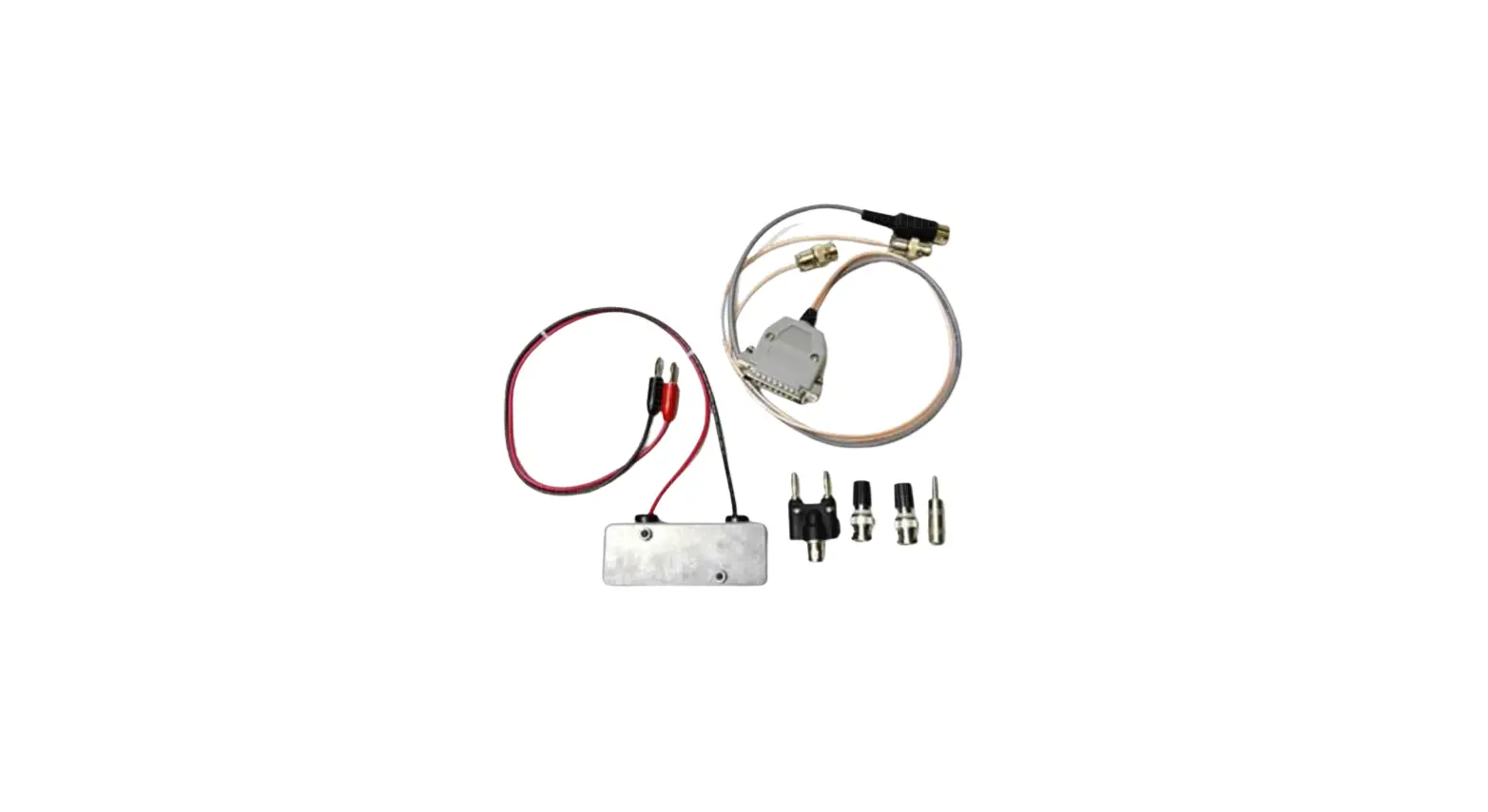
Event Logging Authentication Module (ELA)
The Event Logging Authentication Module (ELA) is required for
each vehicle and can be ordered separately from Force America.
Newer model 6100’s (GEN4 and up) come factory equipped with the ELA
built-in. The ELA is used for authentication and data logging
purposes.
Note:
For later model Force America 6100 equipped with a DB9 port for
GPS/AVL on the Control Module, an ELA is not required.
Notice:
Always use winter input mapping for telemetries AUX5- Belly Plow
or Manual Spreader, AUX6- Front Plow, AUX7- Wing Plow, AUX8- Tow
Plow or Beacon.
Force America 6100 Configuration Settings:
Required configuration settings for AVL event logging interval
based triggers can be modified to adjust the reporting
frequency.
Product Usage Instructions
- Ensure that you have the necessary components: Force America
6100 GEN3&4, IOX-WRKS, and ELA module (if required). - If an ELA module is required, connect it to the two-pin
connector attached to the twelve-pin harness (P/N 1016023) as
illustrated in the graphic provided in the manual. - Connect the IOX-WRKS Primary port and cable to the ELA 9-pin
(RS-232) connector. - Access the 6100’s Calibration Menu. An access code may be
required. - In the Calibration Menu, set the configuration for Enabled
Options to Event Logging AVL. - In the Calibration Menu, set the configuration for Shutdown –
Hibernate to Disabled. - Exit the Calibration Menu.
Field Services Installer Documentation: Force America 6100 GEN3&4 + IOX-WRKS
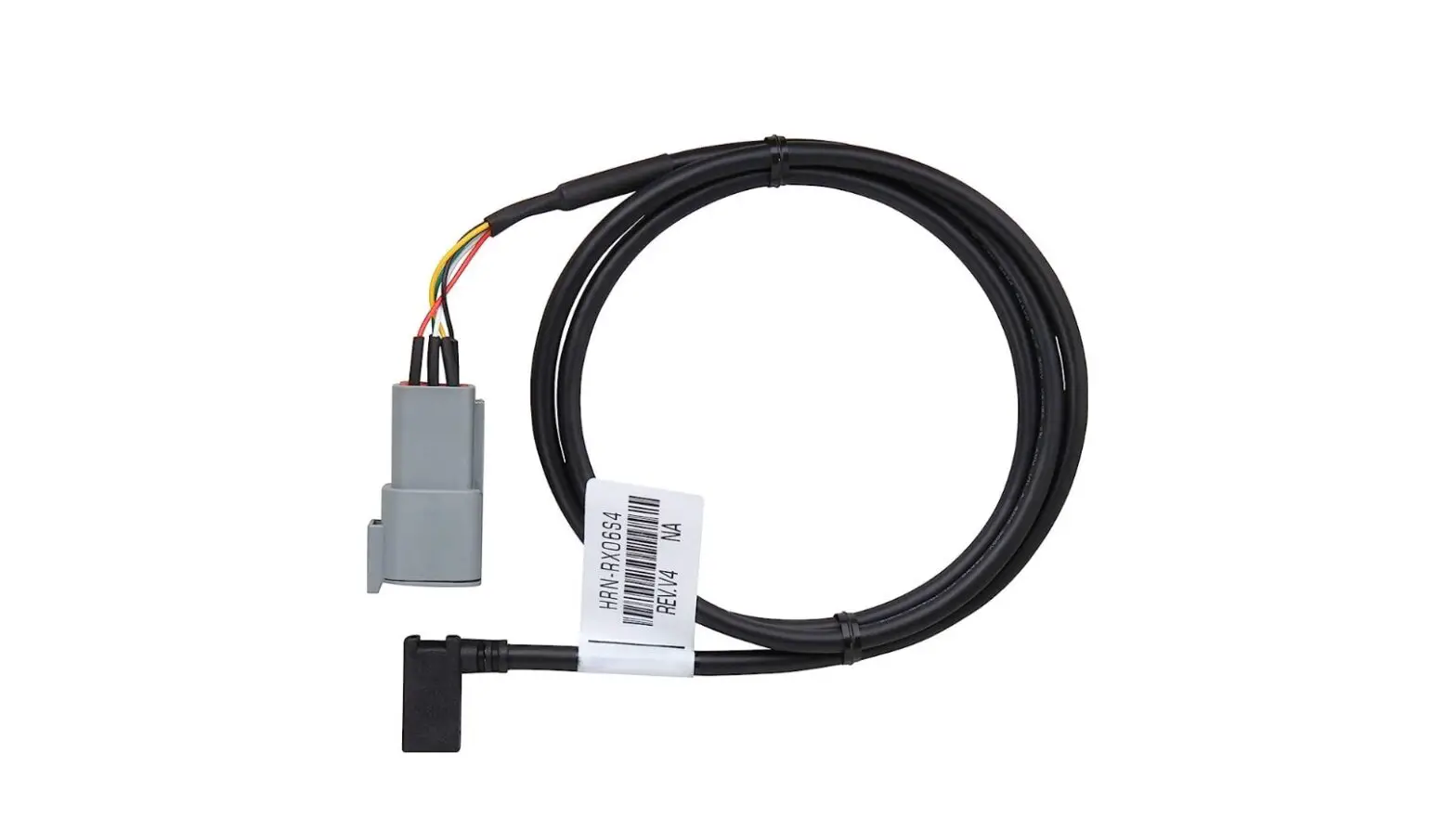
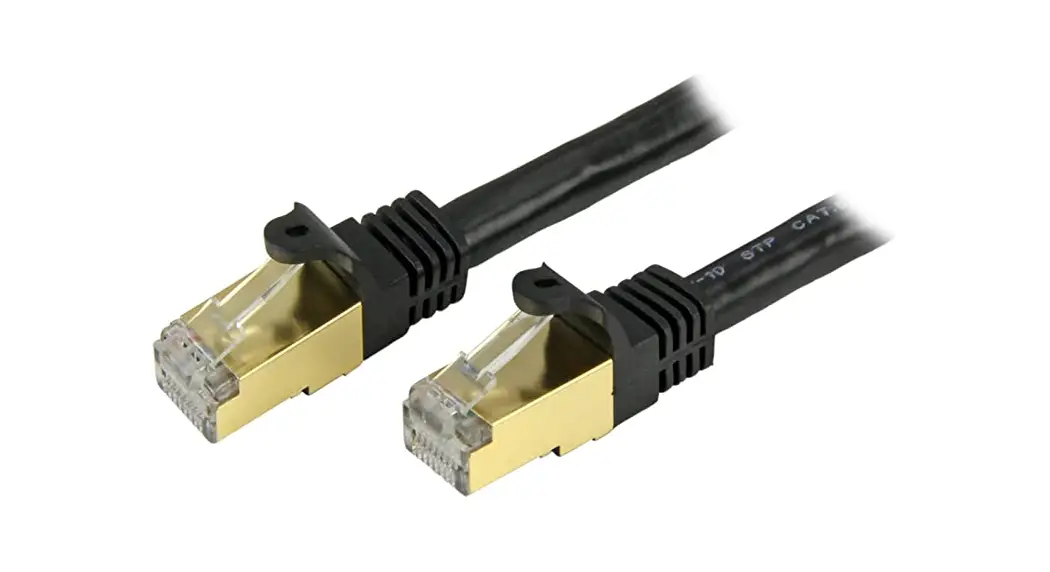
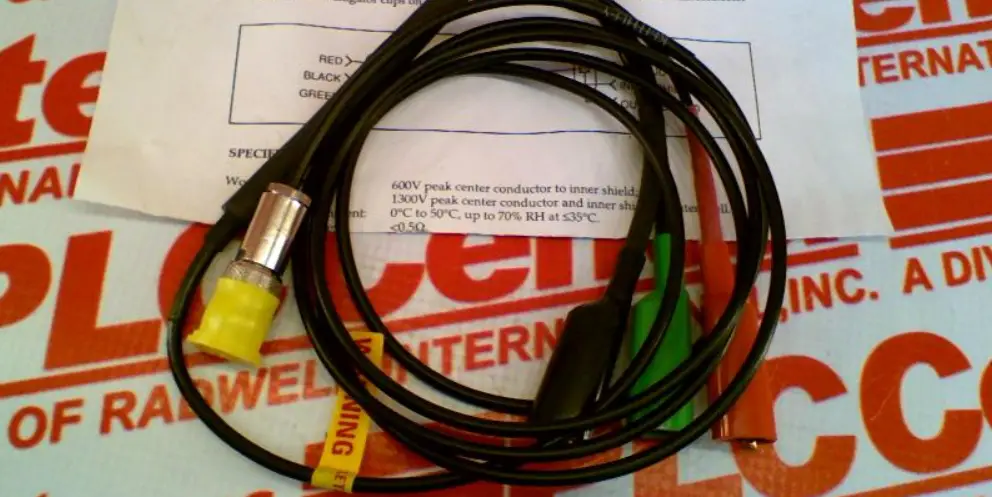
FA6100 to IOX-WRKS Primary port requires a standard straight through cable
HRN-FAI
IOX-WRKS
FA6100 ELA module to IOX-WRKS primary port
Note: Later model Force America 6100 are equipped with a DB9 port for GPS/ AVL on the Control Module. An ELA is not required for these models.
Notice: Always use winter input mapping for telemetries AUX5- Belly Plow or Manual Spreader, AUX6- Front Plow, AUX7- Wing Plow, AUX8- Tow Plow or Beacon
Force America 6100 configuration settings required for AVL Event Logging Interval based triggers can be set to modify reporting frequency
1. The Event Logging Authentication Module (ELA), is required for each vehicle and can be ordered from Force America. Newer model 6100’s (GEN4 and up) come factory equipped with the ELA built in.
2. Connect the ELA module to the two pin connector attached to the twelve pin harness (P/N 1016023) as illustrated in the graphic above.
3. Connect the IOX-WRKS Primary port and cable to the ELA 9-pin (RS-232) connector. 4. Enter the 6100’s Calibration Menu – An access code may be required. 5. Set the configuration – Enabled Options to Event Logging “AVL”. 6. Set the configuration – Shutdown – Hibernate to “Disabled”. 7. Exit the Calibration Menu.
ª Authentication failed or not established ª Authentication successful / data connection established