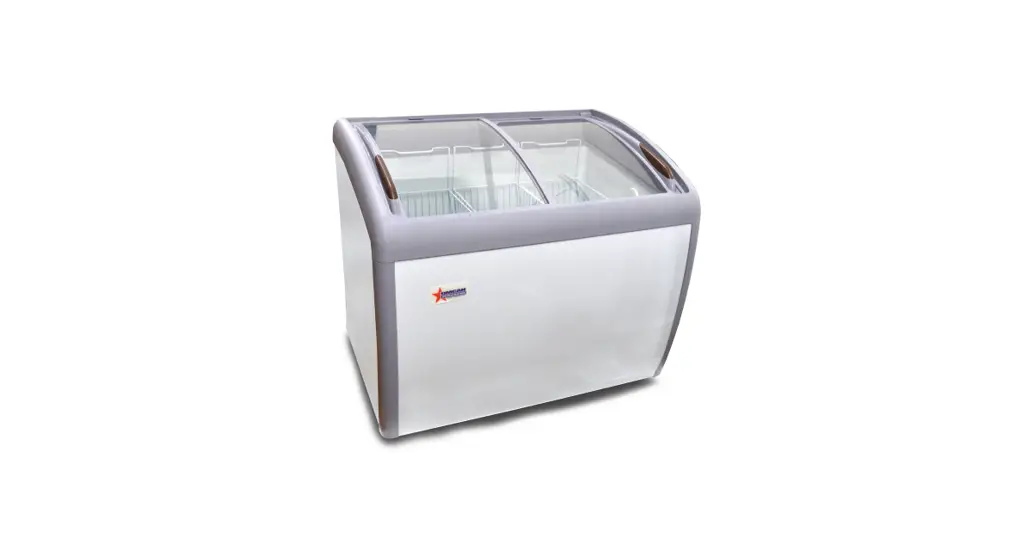
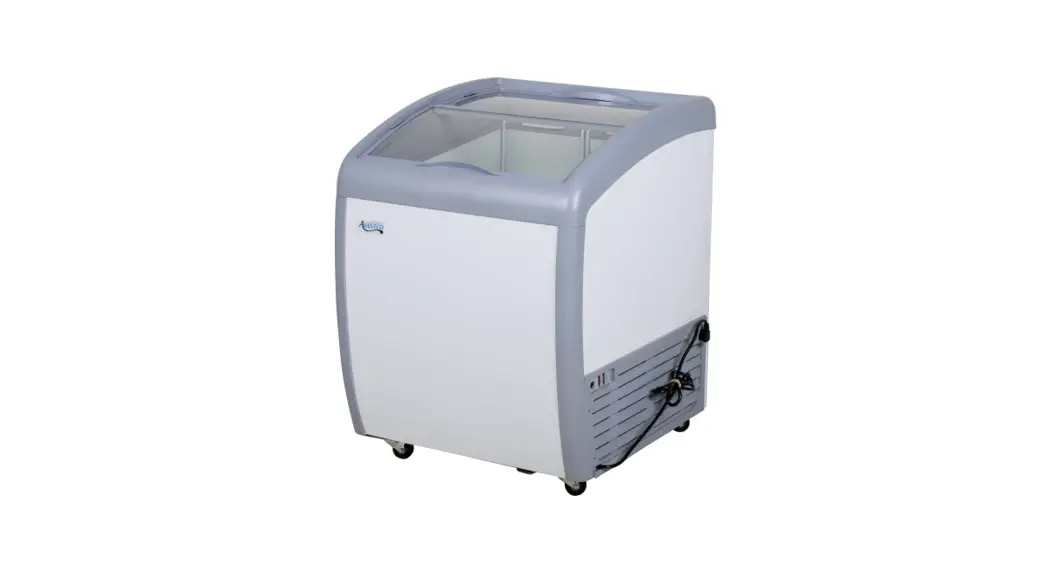
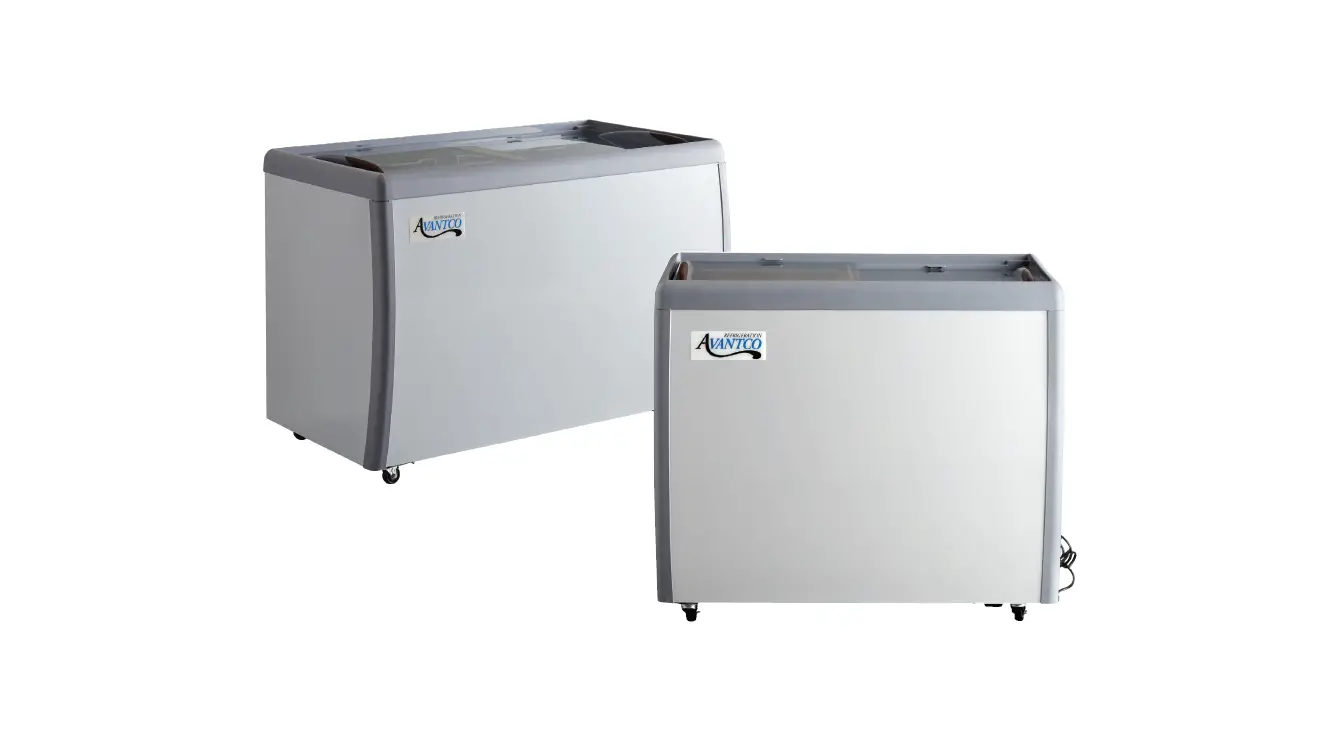
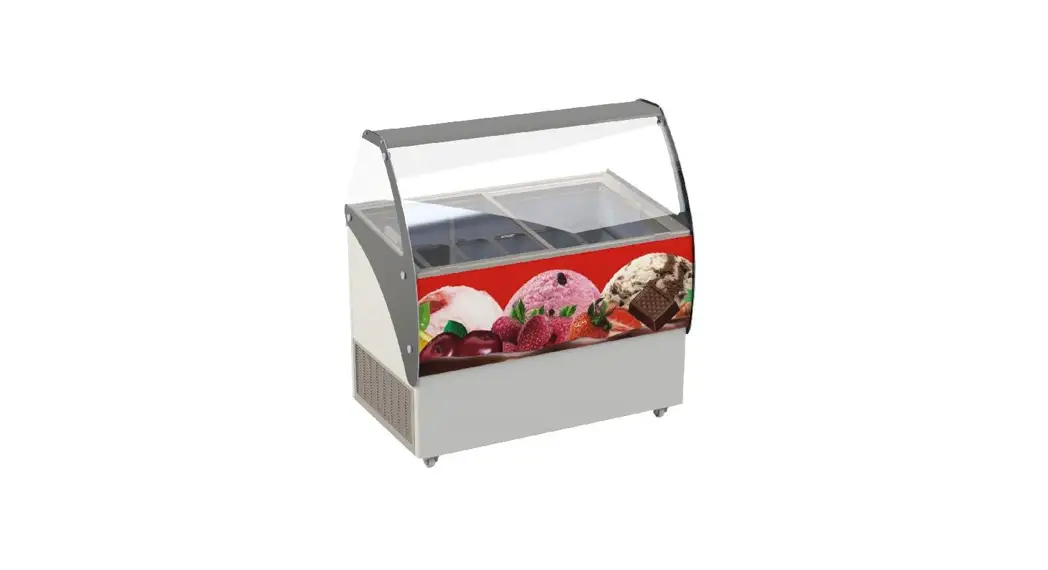
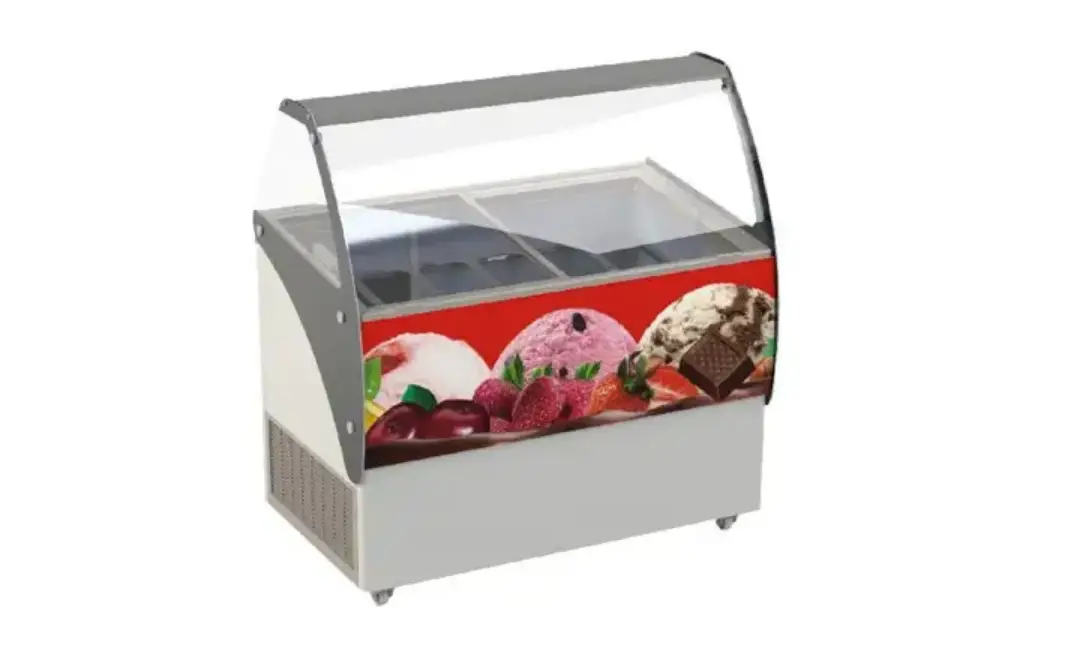
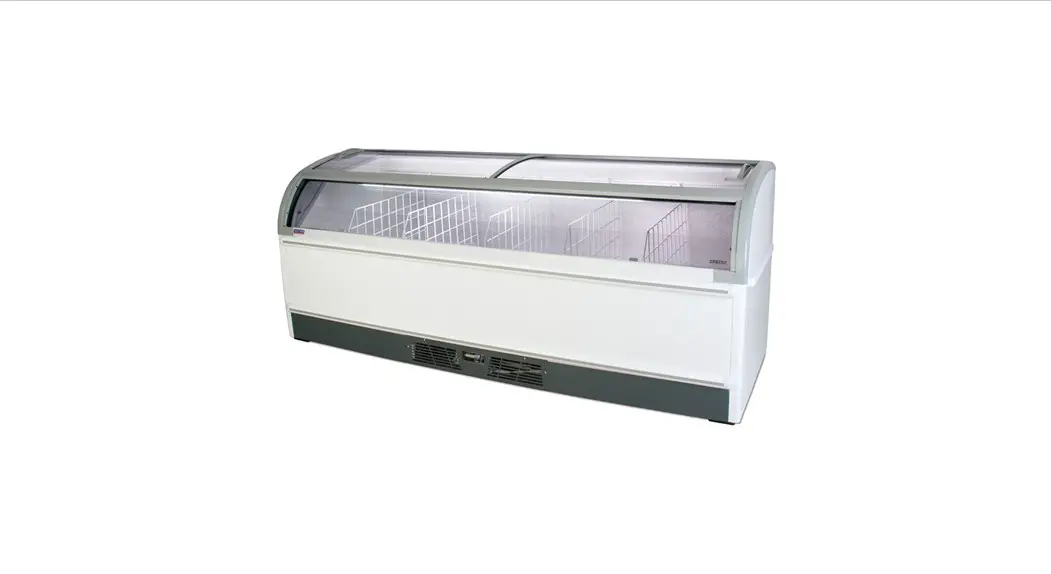
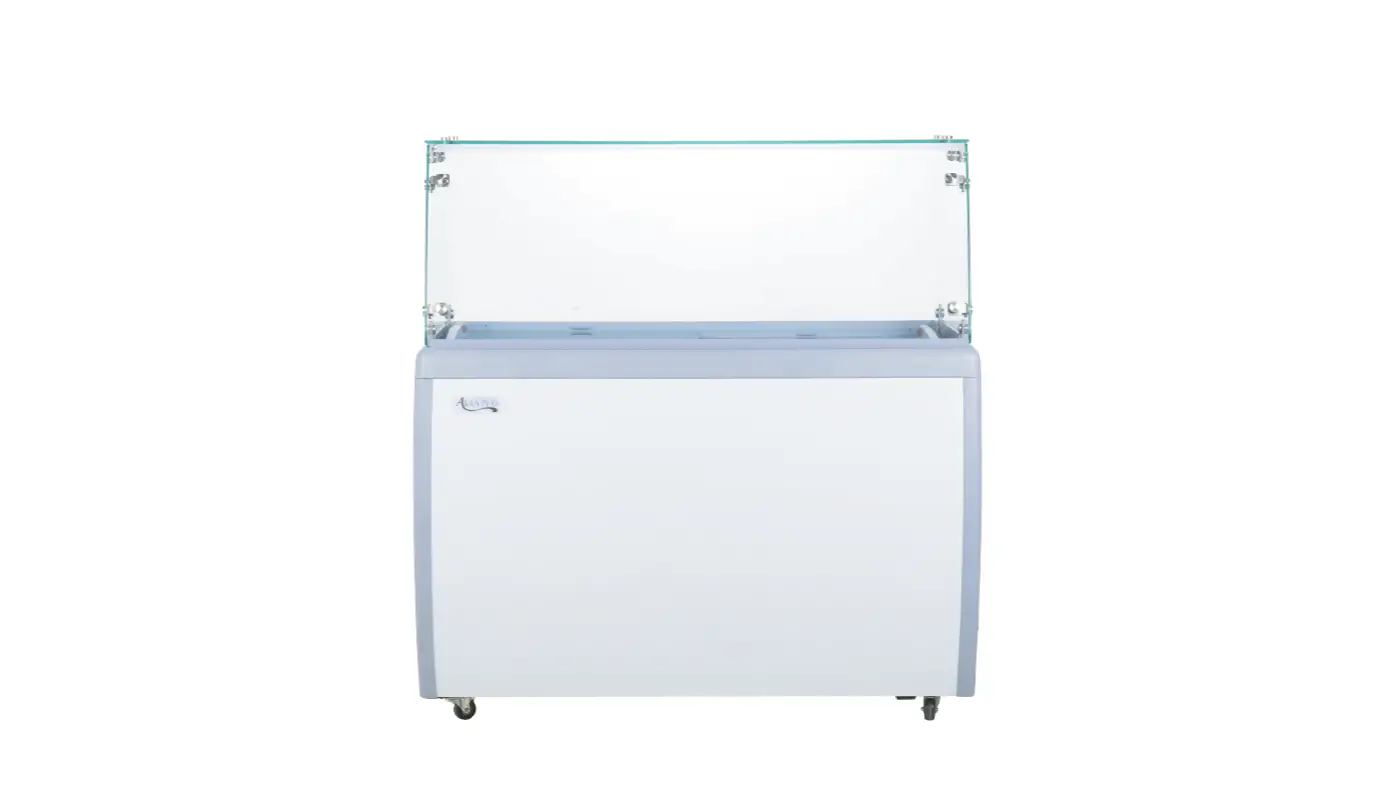
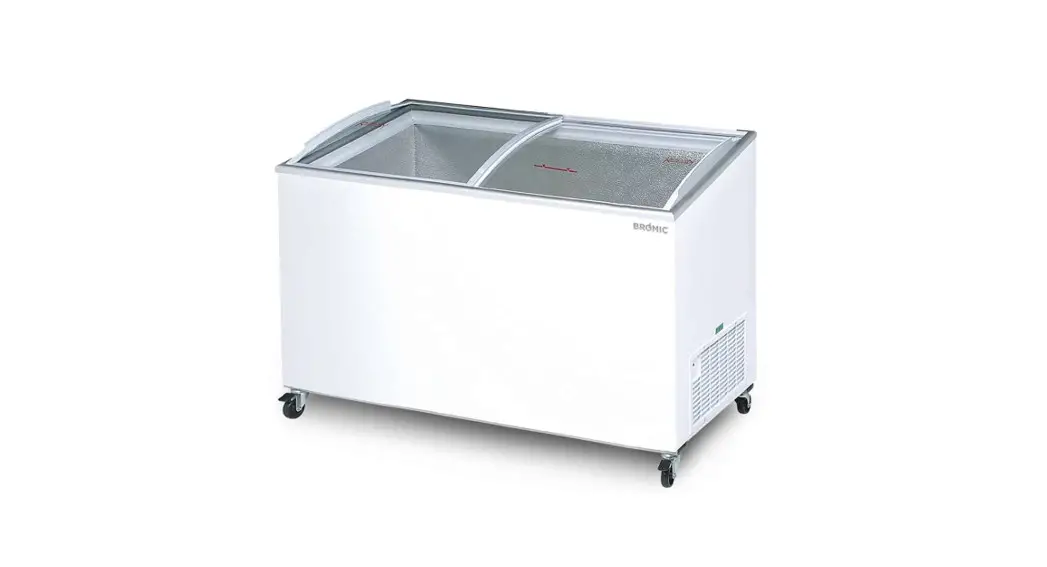
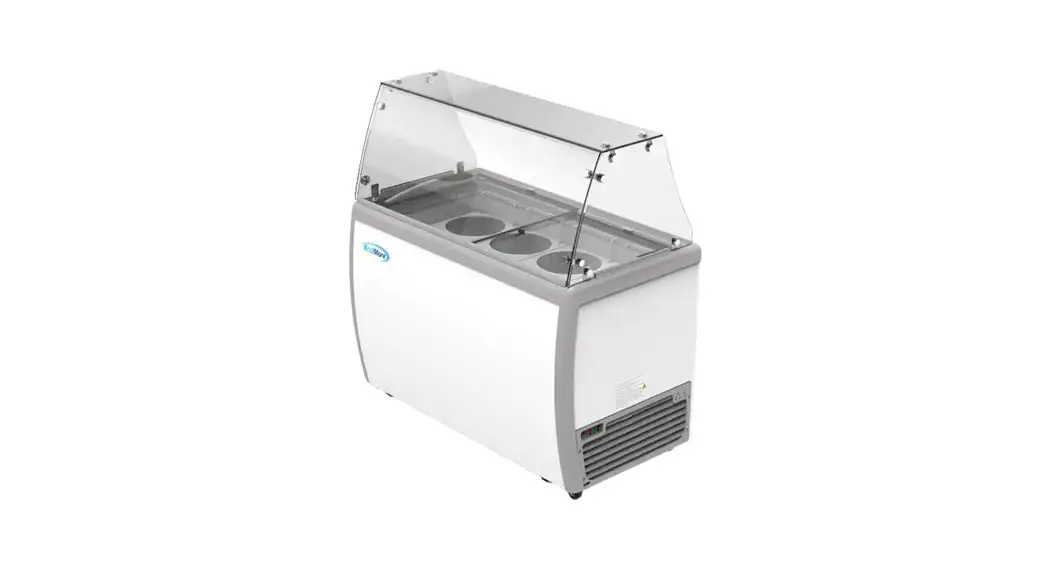
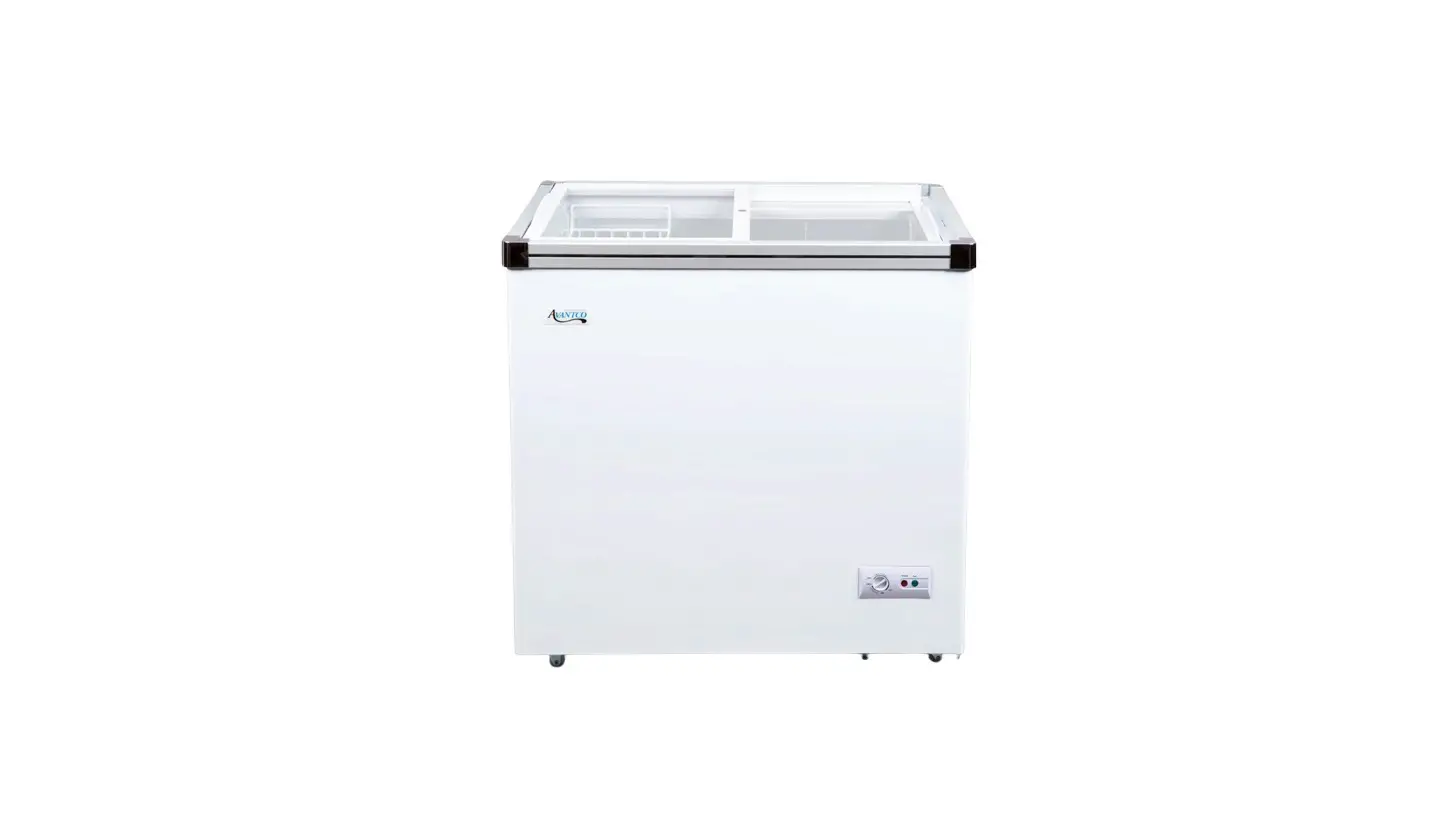
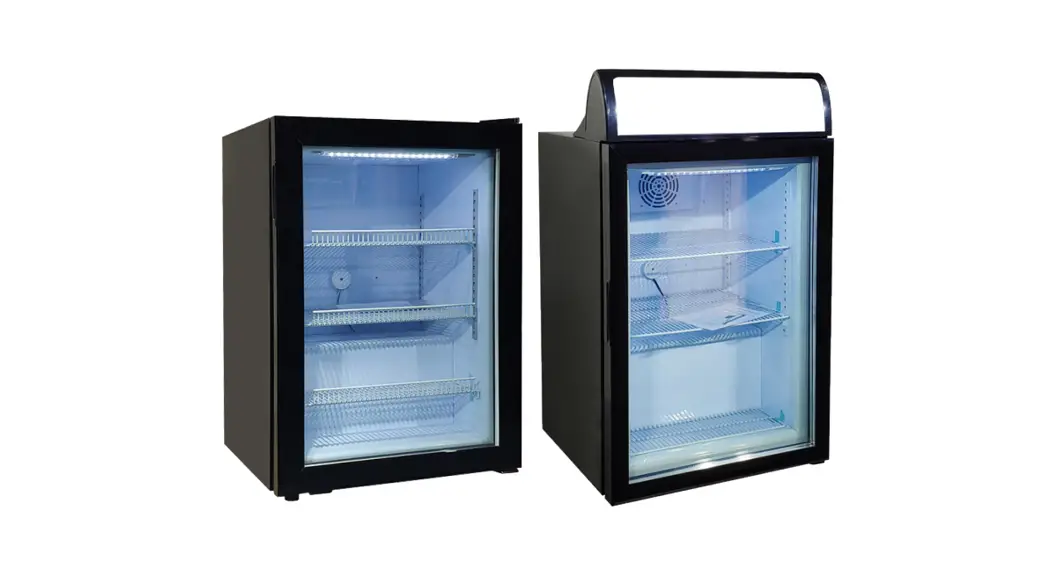
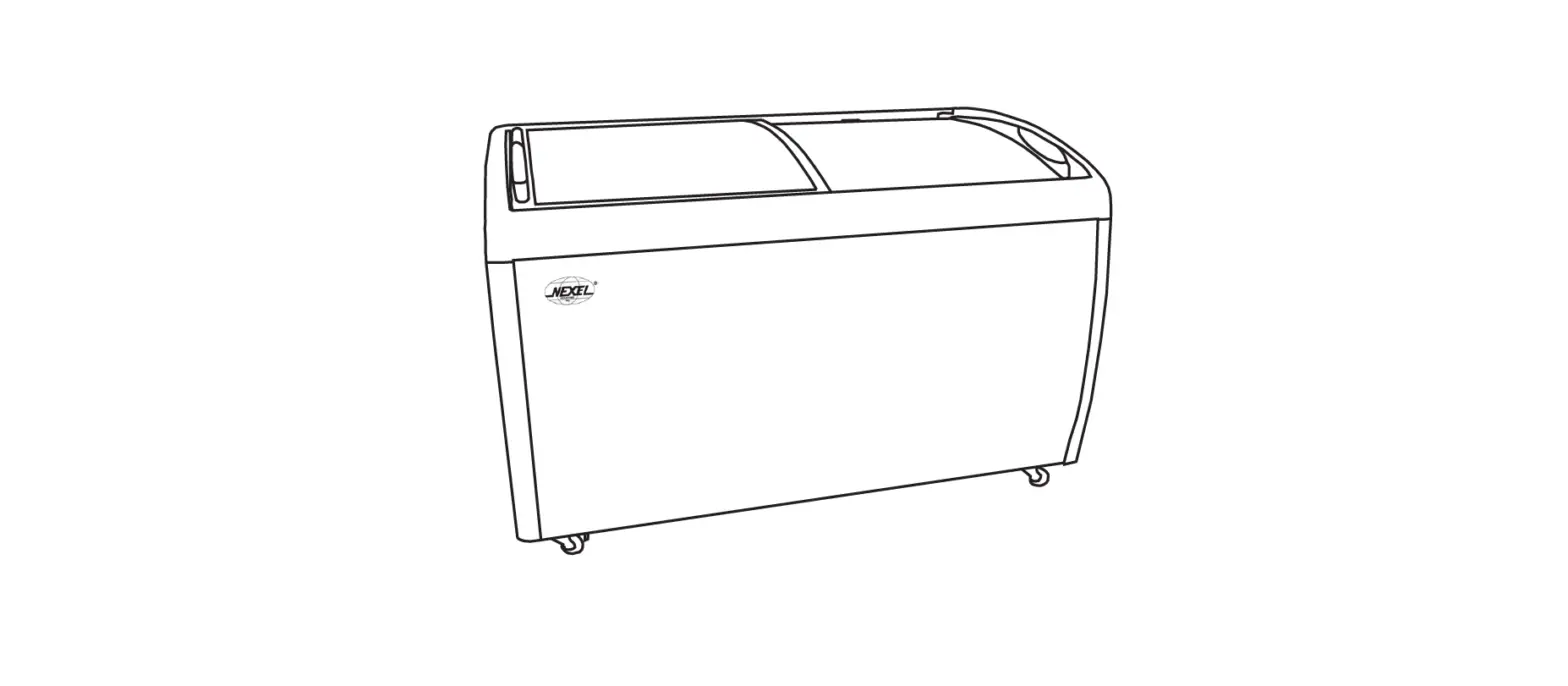
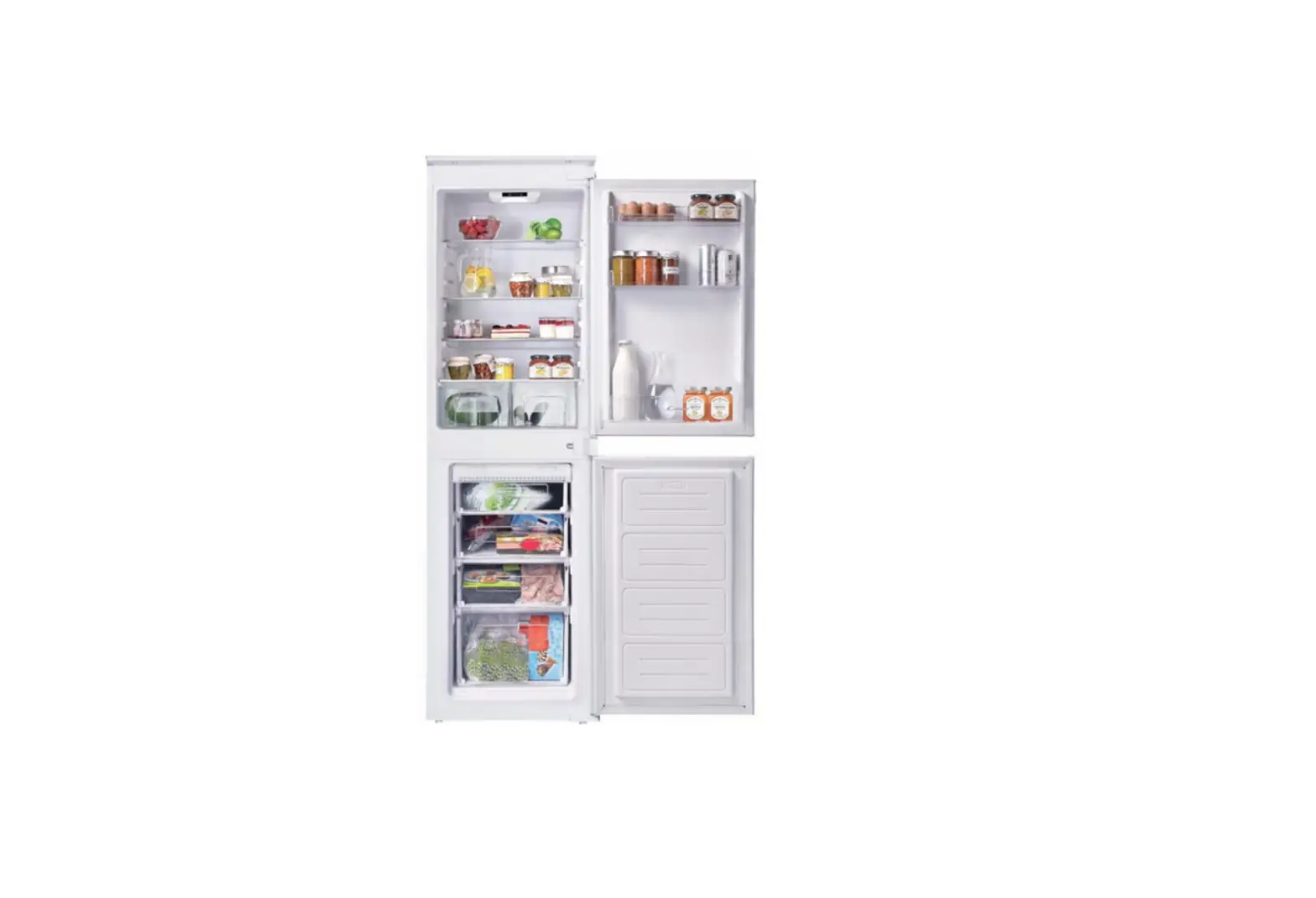
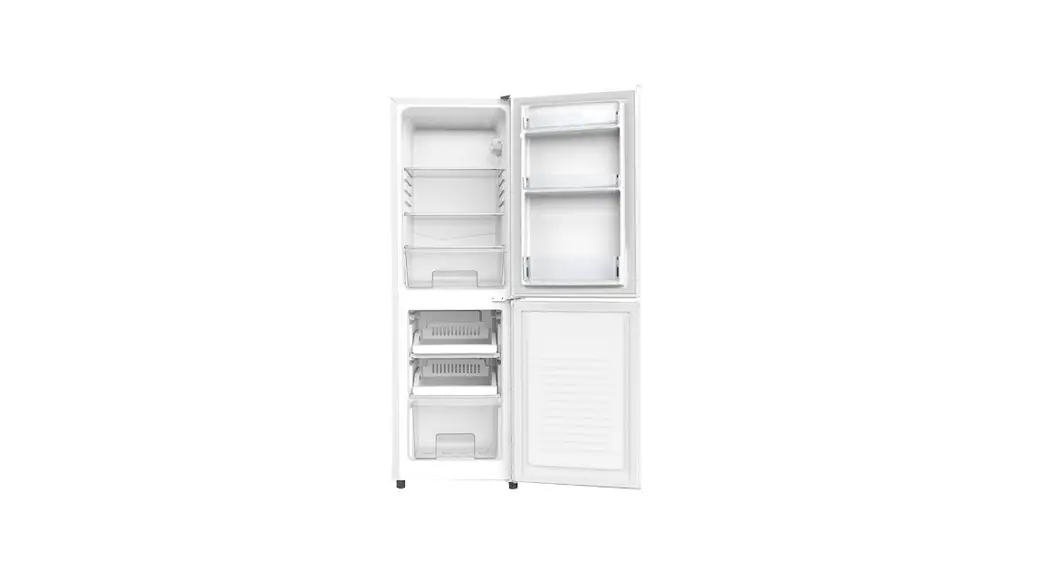
FR-CN-2007 Ice Cream Display Freezer
Product Information
The model number of the product is FR-CN-2007 37815. It consists
of various parts that are listed below:
| Item No. | Description |
|---|---|
| 40164 | Left Glass Door for 37815 |
| 40163 | Right Glass Door for 37815 |
| 76695 | Basket for 37815 |
| AE662 | Compressor for 37815 |
| 76698 | Cooling Fan for 37815 |
| 76699 | Condenser for 37815 |
| 76700 | Filter Support for 37815 |
| 76701 | Filter for 37815 |
| 76702 | Castor Channel Iron A for 37815 |
| 76703 | Castor Channel Iron B for 37815 |
| 76704 | Iron Liner for 37815 |
| 76705 | Shutter for 37815 |
| 76706 | Power Cable for 37815 |
| 76707 | Compressor Support for 37815 |
| 28468 | Thermostat Series for 37815 |
| 76709 | Castor Channel Iron for 37815 |
| 76710 | Castor with Brake for 37815 |
| 28469 | Caster without Brake for 37815 |
Product Usage Instructions
To use the product, follow these instructions:
- Ensure that the left glass door (item no. 40164) and the right
glass door (item no. 40163) are properly attached to the
product. - Place the basket (item no. 76695) inside the product to hold
items. - The compressor (item no. AE662) is responsible for cooling the
product. Make sure it is functioning properly. - The cooling fan (item no. 76698) and condenser (item no. 76699)
help in maintaining the temperature. Check their performance
regularly. - Attach the filter support (item no. 76700) and the filter (item
no. 76701) for efficient air filtration. - Install the castor channel irons A (item no. 76702) and B (item
no. 76703) for stability and mobility. - The iron liner (item no. 76704) provides insulation. Ensure it
is in place. - The shutter (item no. 76705) helps in controlling airflow.
Adjust it as needed. - Connect the power cable (item no. 76706) to a power source to
supply electricity to the product. - Use the compressor support (item no. 76707) to secure the
compressor in position. - The thermostat series (item no. 28468) helps in regulating the
temperature. Set it according to your requirements. - Install the castor channel iron (item no. 76709) for additional
support. - If necessary, use the castor with brake (item no. 76710) or the
caster without brake (item no. 28469) for mobility with or without
locking ability.
For any further assistance or troubleshooting, please refer to
the complete user manual or contact our customer support.
Parts Breakdown
Model FR-CN-2007 37815
Parts Breakdown
Model FR-CN-2007 37815
Item No. Description
40164
Left Glass Door for 37815
40163
Right Glass Door for 37815
76695
Basket for 37815
AE662
Compressor for 37815
76698
Cooling Fan for 37815
76699
Condenser for 37815
Position 1 2 3 5 6 7
Item No. Description
76700
Filter Support for 37815
76701
Filter for 37815
76702
Castor Channel Iron A for 37815
76703
Castor Channel Iron B for 37815
76704
Iron Liner for 37815
76705
Shutter for 37815
Position 8 9 10 11 12 13
Item No. Description
76706
Power Cable for 37815
76707
Compressor Support for 37815
28468
Thermostat Series for 37815
76709
Castor Channel Iron for 37815
76710
Castor with Brake for 37815
28469
Caster without Brake for 37815
Position 14 15 16 17 18 19