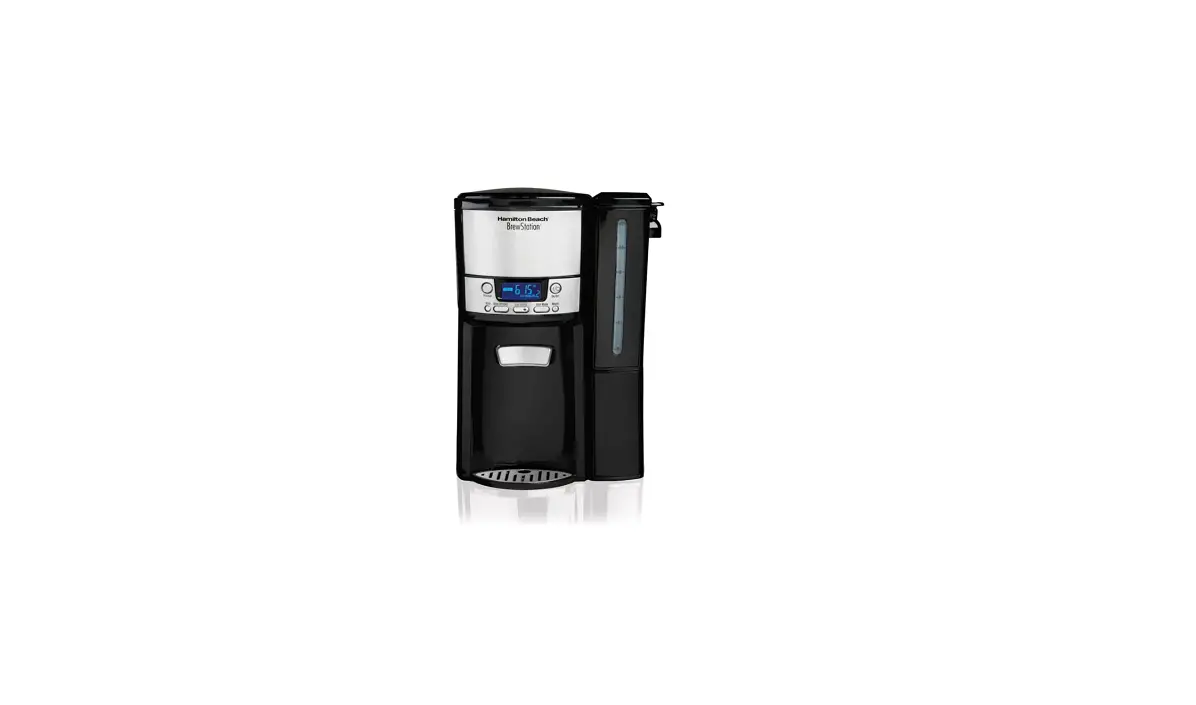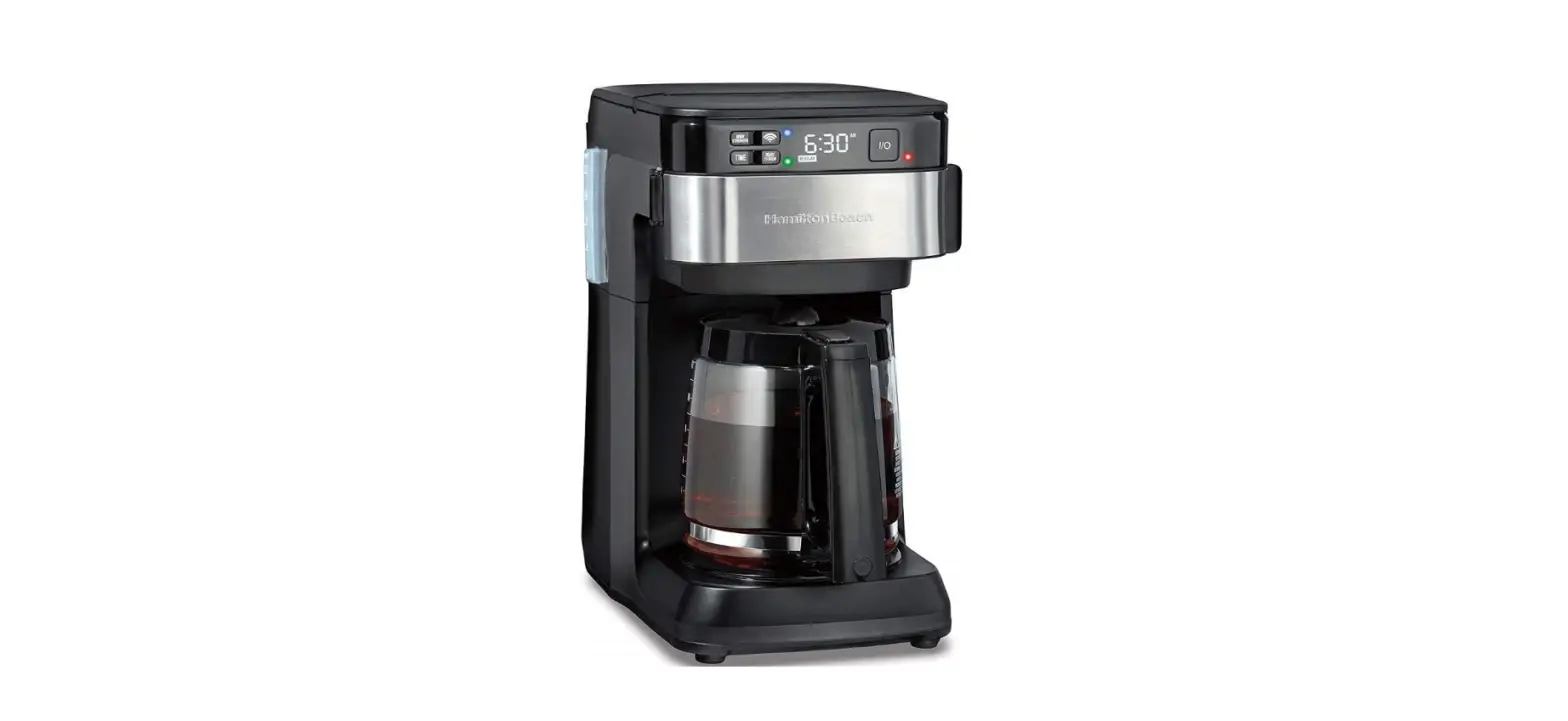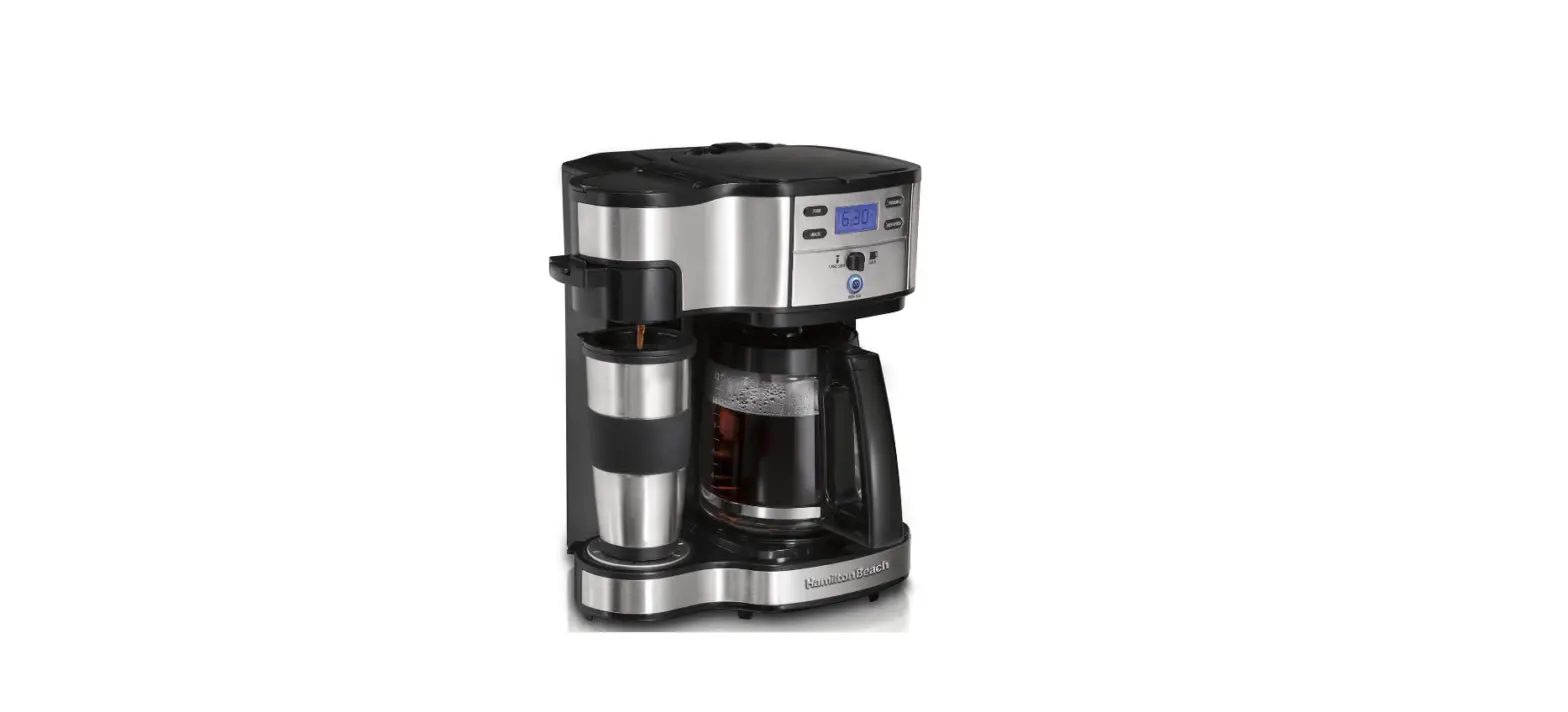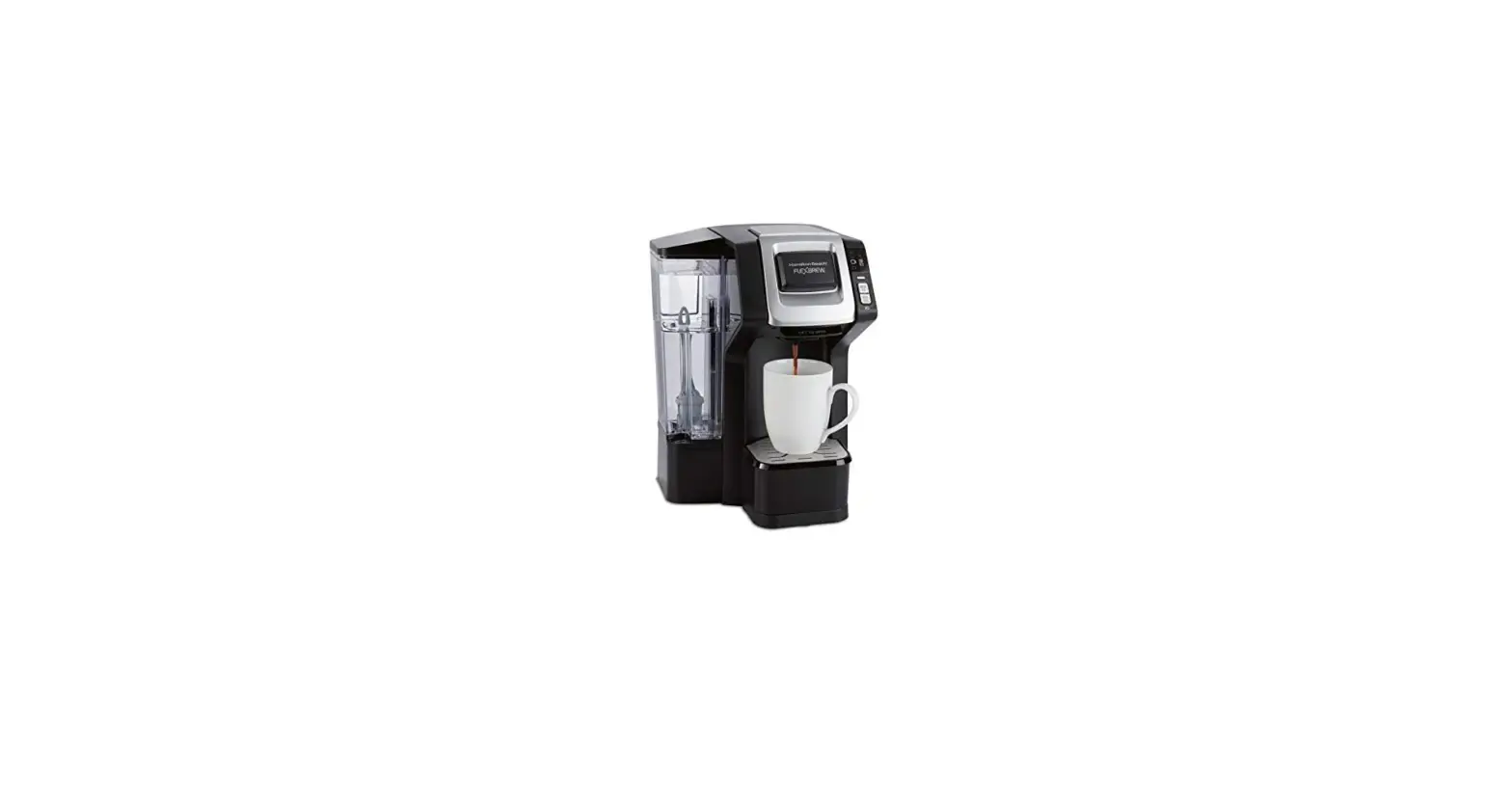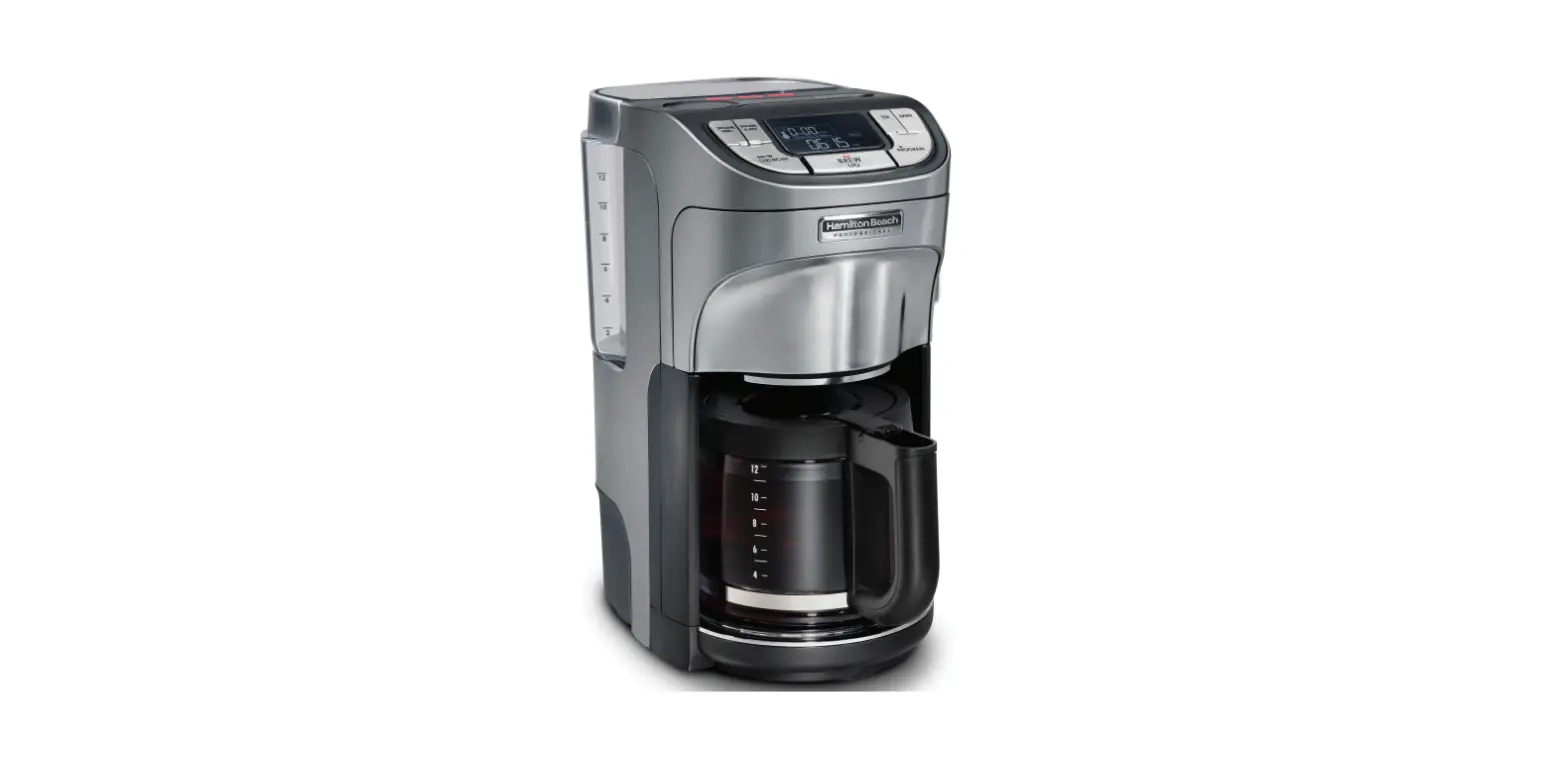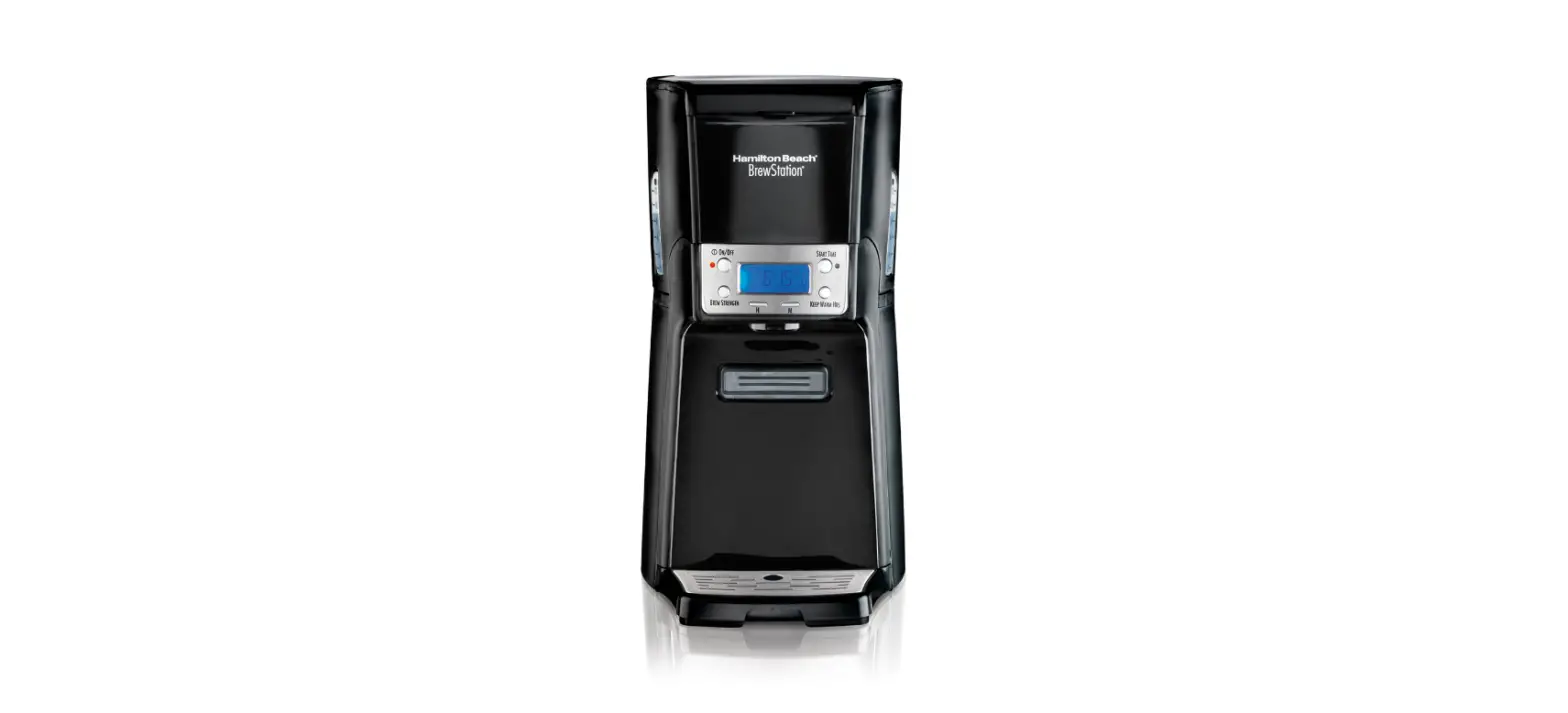
 Hamilton Beach 48463 BrewStation User Manual
 Hamilton Beach 48463 BrewStation User Manual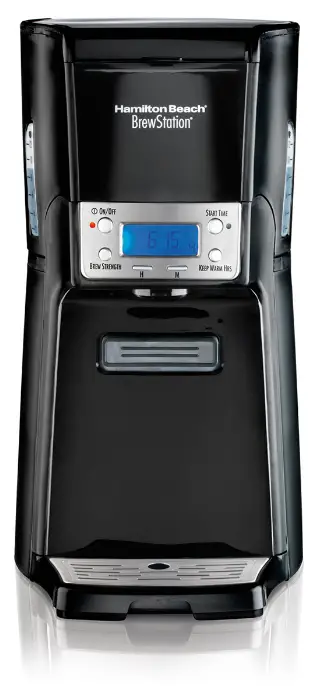
Read before use
In an effort to reduce paper waste, Hamilton Beach Brands, Inc. has reduced the size of this Use and Care Guide and made it available online. We believe strongly in doing our part to help care for the environment. To view Use and Care guides, recipes, and tips, please visit: USA: hamiltonbeach.com | 1.800.851.8900
IMPORTANT SAFEGUARDS
When using electrical appliances, basic safety precautions should always be followed to reduce the risk of fire, electric shock, and/or injury to persons, including the following:
- Read all instructions.
- This appliance is not intended for use by persons (including children) with reduced physical, sensory, or mental capabilities, or lack of experience and knowledge unless they are closely supervised and instructed concerning use of the appliance by a person responsible for their safety.
- Close supervision is necessary when any appliance is used by or near children. Children should be supervised to ensure that they do not play with the appliance.
- Do not touch hot surfaces. Use handles or knobs. Care must be taken, as burns can occur from touching hot parts or from spilled, hot liquid.
- To protect against electric shock, do not place the cord, plug, or BrewStation® in water or other liquid.
Unplug from the outlet when either the BrewStation® or clock is not in use and before cleaning. Allow cooling before putting on or taking off parts and before cleaning the appliance. - Scalding may occur if the lid is lifted during the brewing cycle. Do not open lid until the coffeemaker has cooled completely.
- BrewStation® must be operated on a flat surface away from the edge of the counter to prevent accidental tipping.
- Do not operate any appliance with a damaged supply cord or plug, or after the appliance malfunctions or has been dropped or damaged in any manner. Supply cord replacement and repairs must be conducted by the manufacturer, its service agent, or similarly qualified persons in order to avoid a hazard. Call the provided customer service number for information on examination, repair, or adjustment.
- The use of accessory attachments not recommended by the appliance manufacturer may cause injuries.
- Do not use outdoors.
- Do not let the cord hang over the edge of the table or counter or touch hot surfaces, including the stove.
- The coffee tank is designed for use with this BrewStation®. It must never be used on a range top or in a microwave oven.
- Do not place BrewStation® on or near a hot gas or electric burner or in a heated oven.
- To disconnect BrewStation®, turn the controls to OFF; then remove plug from the wall outlet.
WARNING! To reduce the risk of fire or electric shock, do not remove the bottom cover. No user-serviceable parts are inside. Repair should be done by authorized service personnel only. - Do not use appliances for other than intended use.
- Do not place the coffeemaker in a cabinet when in use.
SAVE THESE INSTRUCTIONS
Other Consumer Safety Information
This appliance is intended for household use only.
WARNING Shock Hazard
This appliance has a polarized plug (one wide blade) that reduces the risk of electric shock. The plug fits only one way into a polarized outlet. Do not defeat the safety purpose of the plug by modifying the plug in any way or by using an adapter. If the plug does not fit fully into the outlet, reverse the plug. If it still does not fit, have an electrician replace the outlet. The length of the cord used on this appliance was selected to reduce the hazards of becoming tangled in or tripping over a longer cord. If a longer cord is necessary, an approved extension cord may be used. The electrical rating of the extension cord must be equal to or greater than the rating of the appliance. Care must be taken to arrange the extension cord so that it will not drape over the countertop or tabletop where it can be pulled on by children or accidentally tripped over. To avoid an electrical circuit overload, do not use another high-wattage appliance on the same circuit as this appliance.
IMPORTANT
Never use the coffee tank to pour hot coffee or carry hot coffee. Handle the coffee tank when it holds only cold water.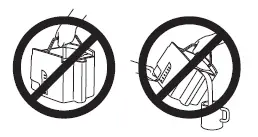
Additional Information
- If overflow occurs: Let the unit, coffee, and grounds cool completely before attempting any cleanup.
- Use only brand-name, high-quality filters.
- Use only 1 Tablespoon of ground coffee for each cup of water.
- Use coffeemaker cleaner to prevent hard water deposits that affect coffeemaker performance. Clean monthly.
- Do not clean the coffee tank in the dishwasher.
- Read instructions before using.
Parts and features
NOTE
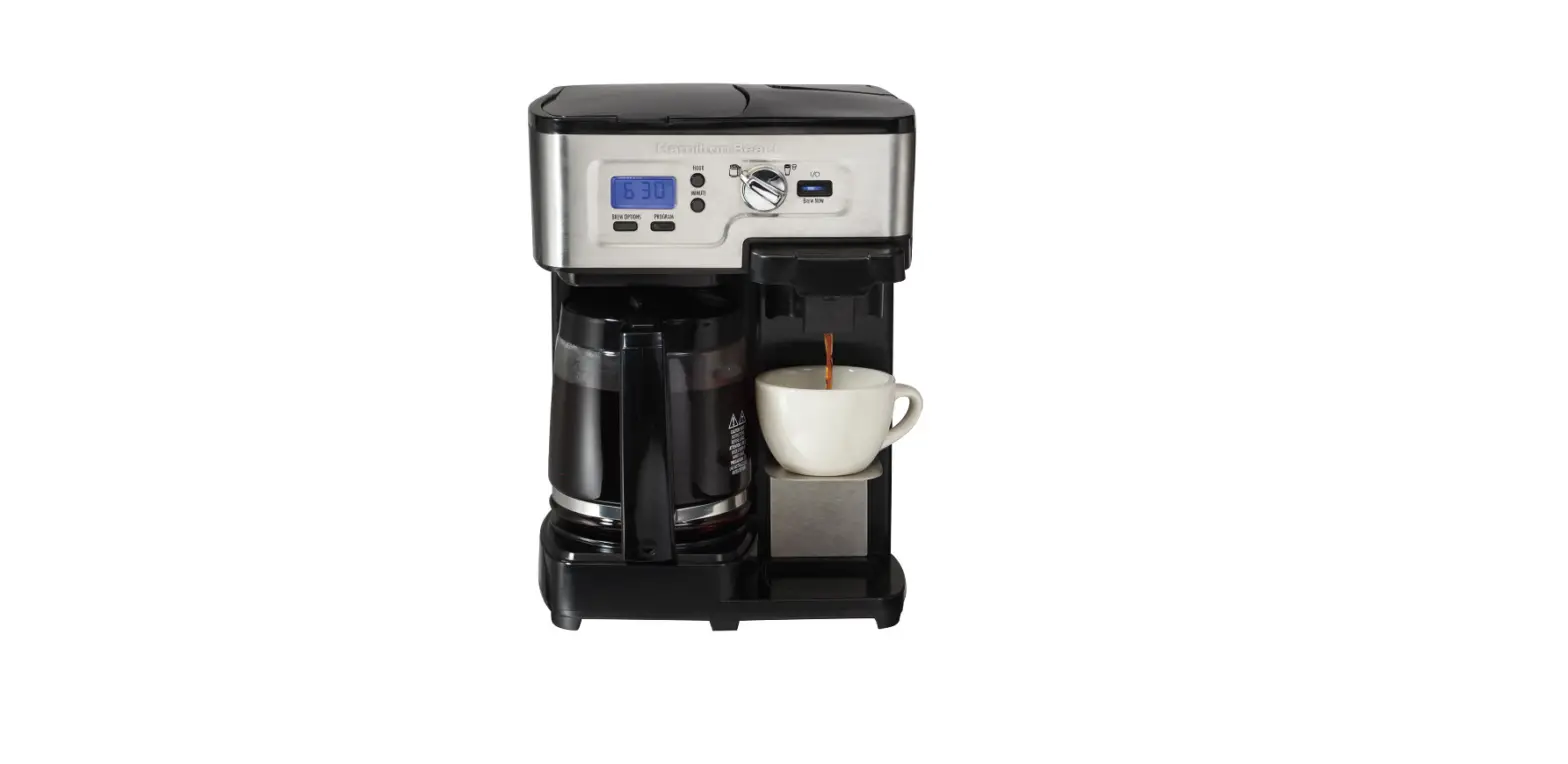
The picture references the major components for all coffeemakers covered by these instructions.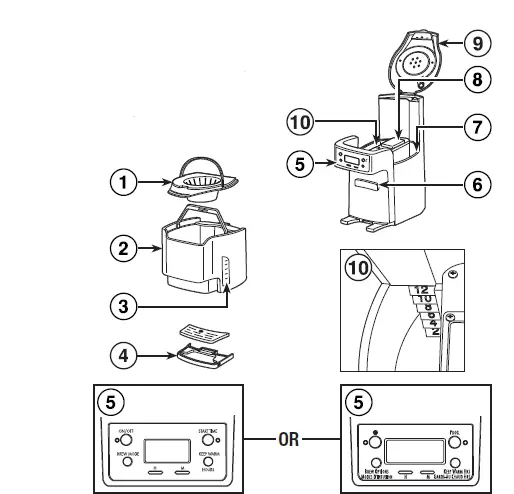
- Filter Basket
- Coffee Tank
- Coffee Level Guide
- Drip Tray
- Control Panel and Display (on select models)
- Coffee Dispenser Bar
- Water Reservoir
- Keep Warm Plate
- Lid
- Water Level Guide
How to make coffee
WARNING Burn Hazard.
- Never use a coffee tank to pour or carry hot coffee.
- Handle the coffee tank only when holding cold water for filling the water reservoir and to clean the tank.
- If BrewStation® overflows, unplug the unit. Allow the unit, coffee, and grounds to cool before cleaning unit, coffee, or grounds.
BEFORE FIRST USE
Wash the coffee tank, filter basket, and drip tray in hot, soapy water. NEVER put the coffee tank in the dishwasher. BrewStation® can be programmed to automatically shut off in 0 (for Iced Coffee), 1, 2, 3, or 4 hours as desired. The default is 4 hours for automatic shutoff.
- Place a cupcake-style paper filter in the filter basket. A permanent filter may also be used.
- For each cup of coffee being made, place one level Tablespoon of coffee into the filter. Avoid getting coffee grounds in any other areas of the BrewStation®.
- Fill the coffee tank with the desired amount of cold tap water.
- Lift lid and pour water from the coffee tank into the water reservoir.
- Set KEEP WARM HOURS to 1, 2, 3, or 4. The 0 setting is for iced coffee.
- Press ON/OFF or the button to start. An illuminated red light on the ON/OFF or button indicates the coffeemaker is on. The coffeemaker will beep one time when brewing is complete. Press the coffee dispensing bar with a mug to dispense coffee.
BOLD
For enhanced full/strong-flavored coffee, press the BREW STRENGTH/BREW OPTIONS button until BOLD is displayed. 1–4 CUPS: When brewing 1–4 cups of coffee, press the BREW STRENGTH/BREW OPTIONS button until 1–4 CUPS is displayed.
NOTE
BOLD and 1–4 CUPS modes will require additional time to complete a brewing cycle. A Brew Option must be selected prior to pressing the ON/OFF or button. The setting cannot be changed during/in brew mode. If a Brew Option is not selected, the coffeemaker will automatically brew on the regular/default setting.
TO REHEAT COFFEE
Press and hold ON/OFF or the button for 3 seconds. This will reset the timer and keep coffee warm for a selected number of hours (1, 2, 3, or 4).
How to make iced coffee
- Follow Steps 1 through 4 in the “How to make coffee” section. Do not fill the coffee tank beyond the 6-cup line when making iced coffee. NOTE: Brew double-strength coffee for iced coffee. Add 2 scoops (optional accessory) or 2 level Tablespoons of ground coffee per cup (up to 12 scoops).
- Fill the coffee tank with ice to the 10 CUP marking line.
- Set KEEP WARM HOURS to 0. Press ON/OFF or .
- Press the coffee dispensing bar with a glass full of ice to dispense coffee.
Programming
- To set clock: Press H and then M. NOTE: Clock time must be set for the programming function to work.
- To program auto brew: Press and hold START TIME or PROG until the clock flashes. START TIME will appear in the display.
- Continue holding START TIME or PROG; then press H and M until the desired brewing start time is reached.
- Press and release START TIME or PROG to activate automatic brewing. A green light will signal that the unit is in program mode.
Care and cleaning
WARNING Burn Hazard.
Do not immerse the cord, plug, or coffeemaker in any liquid. Clean BrewStation® at least once a month (once a week for areas with hard water).
Inside of coffeemaker:
- 1. Remove the optional water filter.
2. Pour 1 pint (2 cups/500 ml) vinegar into the water reservoir. - Press ON or . Turn OFF or after 20 seconds and wait 30 minutes. Press ON or . Turn OFF or when finished. When cool, dispense several cups before emptying and rinsing the reservoir.
NOTE: The coffeemaker will remind you it is time for cleaning in two ways:- Excessive amounts of coffee grounds.
- Coffee is ground too finely. Set the coffee grinder to automatic drip grind.
- More than one paper filter in the filter basket. Poor quality paper filter or wrong size paper filter.
The unit beeps continuously/will not brew and/or POUR WATER appears in the display.
- No water in the reservoir. Transfer water from the coffee tank to the reservoir.
- Selected Keep Warm Hours have elapsed and the coffeemaker has automatically shut off. See “TO REHEAT COFFEE” instructions, or brew a new cycle.
Limited warranty
This warranty applies to products purchased and used in the U.S. and Canada. This is the only express warranty for this product and is in lieu of any other warranty or condition. This product is warranted to be free from defects in material and workmanship for a period of one (1) year from the date of original purchase. During this period, your exclusive remedy is repair or replacement of this product or any component found to be defective, at our option; however, you are responsible for all costs associated with returning the product to us and our returning a product or component under this warranty to you. If the product or component is no longer available, we will replace it with a similar one of equal or greater value.
This warranty does not cover glass, filters, wear from normal use, use not in conformity with the printed directions, or damage to the product resulting from accident, alteration, abuse, or misuse. This warranty extends only to the original consumer purchaser or gift recipient. Keep the original sales receipt, as proof of purchase, is required to make a warranty claim. This warranty is void if the product is used for other than single-family household use or subjected to any voltage and waveform other than as specified on the rating label (e.g., 120V ~ 60 Hz).
We exclude all claims for special, incidental, and consequential damages caused by a breach of express or implied warranty. All liability is limited to the amount of the purchase price. Every implied warranty, including any statutory warranty or condition of merchantability or fitness for a particular purpose, is disclaimed except to the extent prohibited by law, in which case such warranty or condition is limited to the duration of this written warranty. This warranty gives you specific legal rights. You may have other legal rights that vary depending on where you live. Some states or provinces do not allow limitations on implied warranties or special, incidental, or consequential damages, so the foregoing limitations may not apply to you. To make a warranty claim, do not return this appliance to the store. Please call 1.800.851.8900 in the U.S. or 1.800.267.2826 in Canada or visit hamiltonbeach.com in the U.S. or hamiltonbeach.ca in Canada. For faster service, locate the model, type, and serial numbers on your applian