
Rockford Fosgate 1998-2013 Harley-davidson M5-800x4 Tuning Instructions

Rockford Fosgate 1998-2013 Harley-davidson M5-800x4 Tuning Instructions

Rockford-Fosgate-LOGO

Rockford Fosgate 1998-2013 Harley-Davidson M5-800X4 Tuning
Rockford-Fosgate-1998-2013-Harley-Davidson-M5-800X4-Tuning-PRODUCT

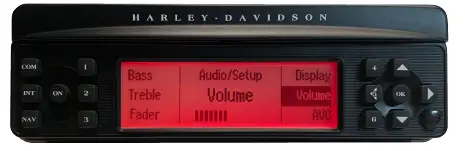
Maximum Radio Volume: Radio clips prematurely. Do not exceed 12 bars.

VOLUME

Rockford-Fosgate-1998-2013-Harley-Davidson-M5-800X4-Tuning-FIG-1

AMPLIFIER TUNING

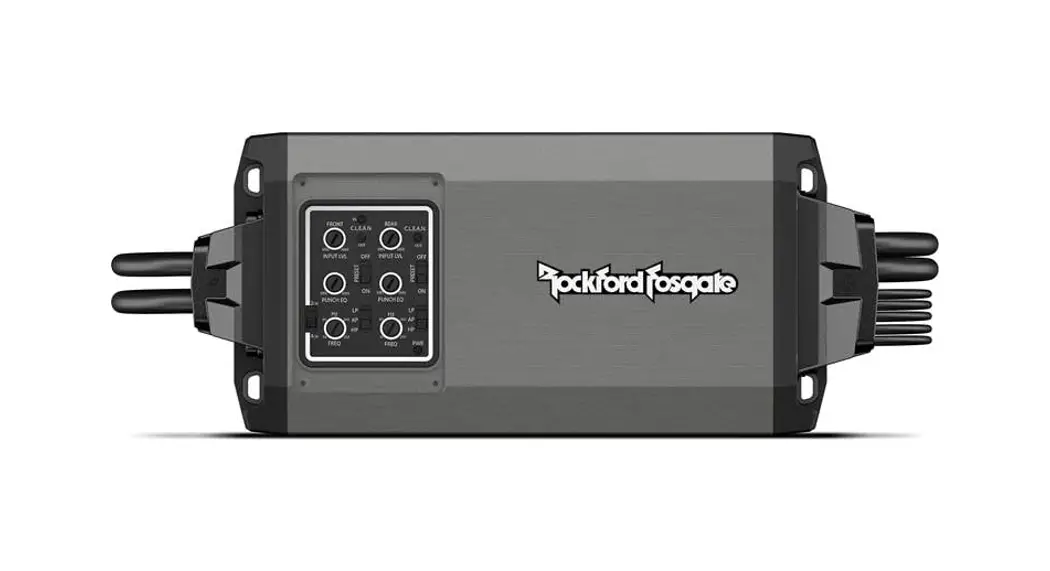
Before installing the amplifier, remove cover and set PRESET to the OFF position. Verify remaining settings are properly configured. Replace the cover for water-tight protection.
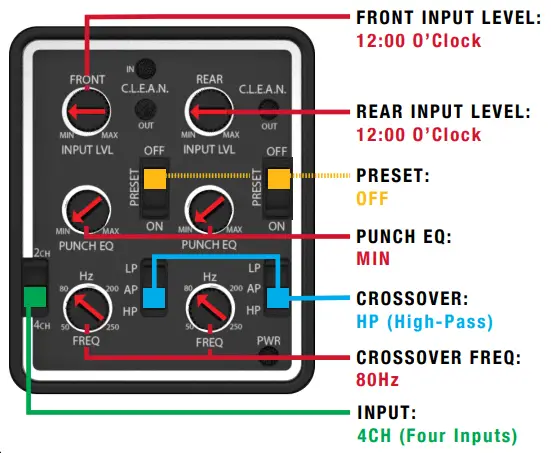
Before installing amplifier, remove cover and set PRESET to OFF position. Verify remaining settings are properly configured. Replace cover for water-tight protection.

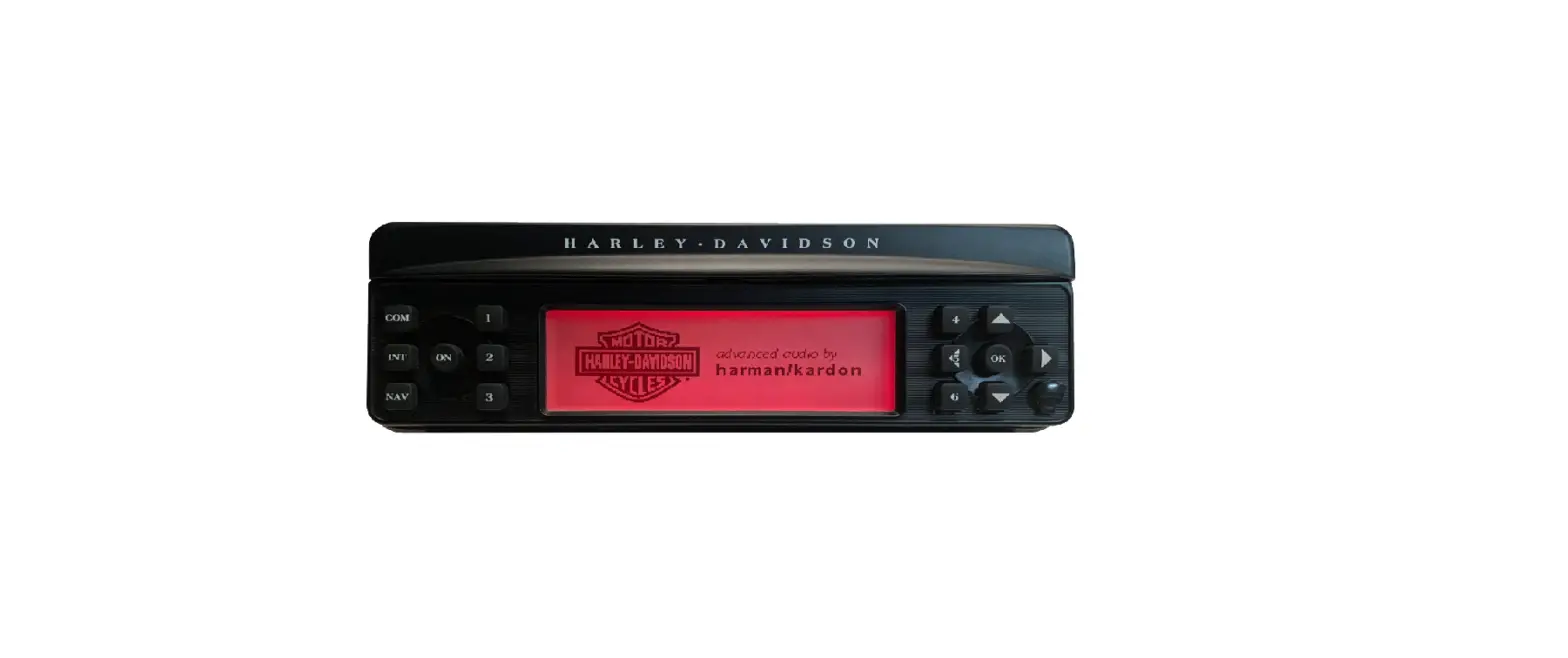
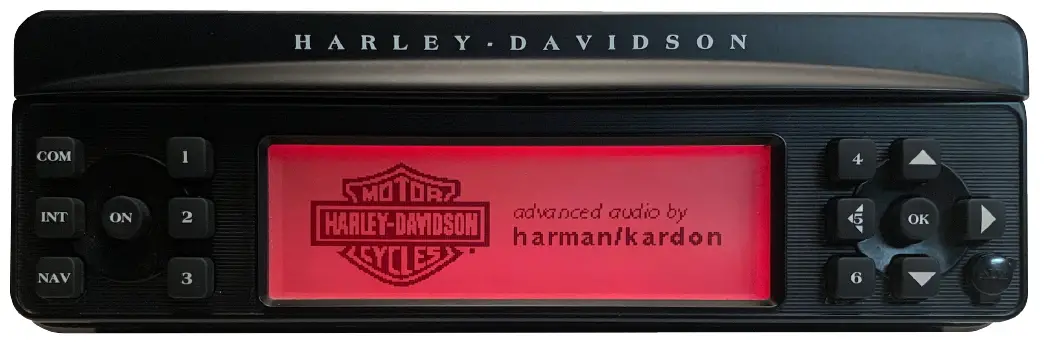
Harmon Kardon Factory Radio
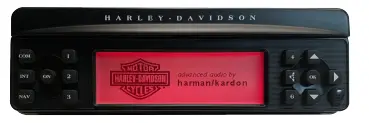
Rockford-Fosgate-1998-2013-Harley-Davidson-M5-800X4-Tuning-FIG-3

  • RADIO EQ O.K.
    • no flash required
  • TURN-ON O.K.
    • blue remote wire not required

SYSTEM TEST

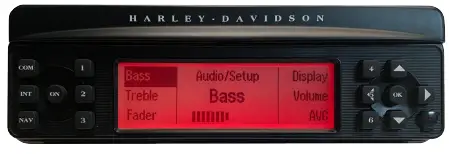
After system is installed, test for proper operation. Press the AUDIO switch to cycle thru and configure these radio options:

BASS

  • Rockford-Fosgate-1998-2013-Harley-Davidson-M5-800X4-Tuning-FIG-4Set to CENTER position.

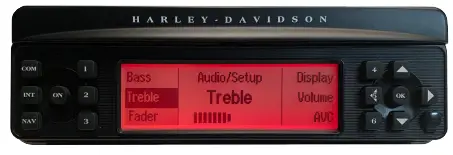
TREBLE

Rockford-Fosgate-1998-2013-Harley-Davidson-M5-800X4-Tuning-FIG-5

  • Set to CENTER position.

FADER (FLHTCU Models)
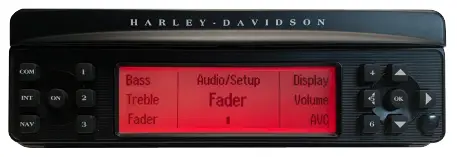
Rockford-Fosgate-1998-2013-Harley-Davidson-M5-800X4-Tuning-FIG-6

  • Test front/back fader control.
  • Set to DESIRED rider position.

DISPLAY
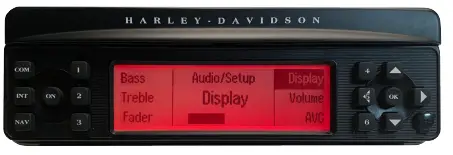
Rockford-Fosgate-1998-2013-Harley-Davidson-M5-800X4-Tuning-FIG-7

  • Set to DESIRED contrast.

VOLUME

Rockford-Fosgate-1998-2013-Harley-Davidson-M5-800X4-Tuning-FIG-8

  • Set to DESIRED setting for each source.

ADV (Automatic Volume Control)
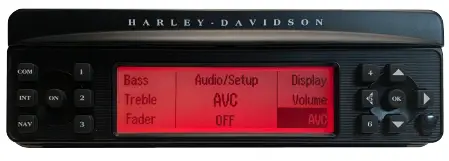
Rockford-Fosgate-1998-2013-Harley-Davidson-M5-800X4-Tuning-FIG-9

  • Turn OFF. The AVC can clip audio output and damage your speakers.
Documents / Resouces

Download manual
Here you can download full pdf version of manual, it may contain additional safety instructions, warranty information, FCC rules, etc.


Related Manuals